
Next Up - Interval Timer
Customizable interval timer
Được thiết kế cho iPhone, iPad, iPod touch
Miễn phí · Mua hàng trong ứng dụng
- Độ tuổi4+
- Danh mụcSức Khỏe & Thể Dục
- Nhà phát triểnAlysha Kwok
- Ngôn ngữTiếng Anh+ 7 ngôn ngữ khác
- Kích thước21,8 MB
Liên kết đến trang App Store chính thức
Download.org không lưu trữ tệp nào của Next Up - Interval Timer. Nút này mở trang ứng dụng trên App Store, nơi Alysha Kwok phát hành ứng dụng. Trang được kiểm tra lần cuối: 18/11/2026.
Ảnh chụp màn hình


Giới thiệu
Nhà phát triển chưa cung cấp nội dung này bằng ngôn ngữ của bạn.
Customize Your Intervals, Your Way
A fully customizable interval timer:
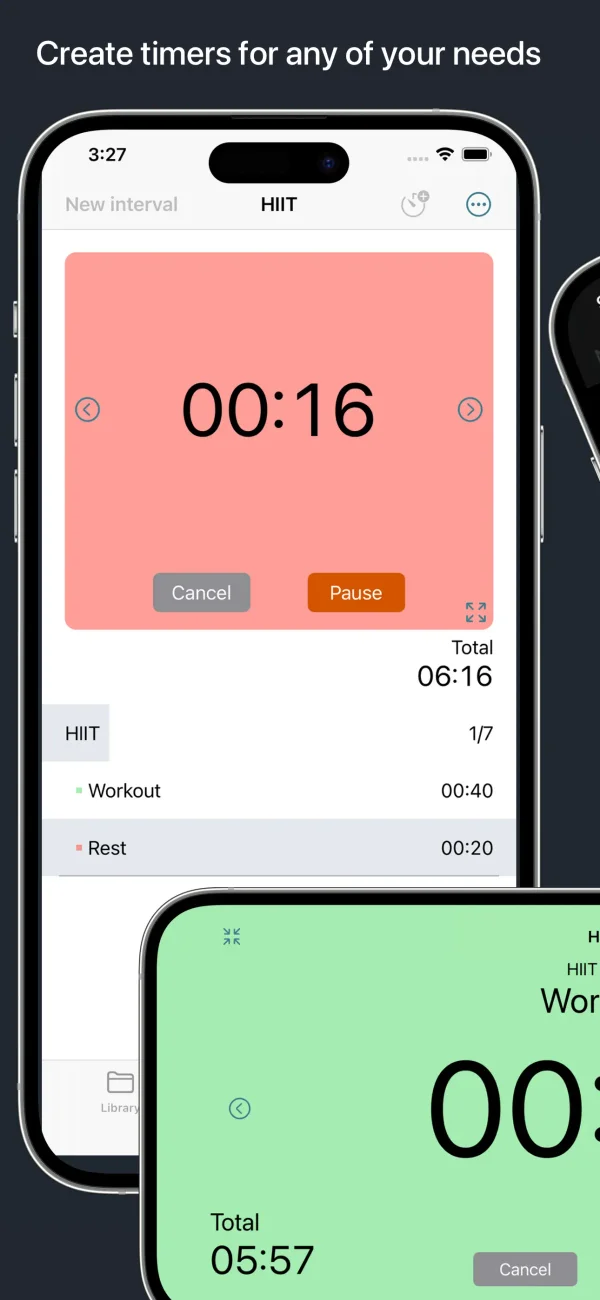
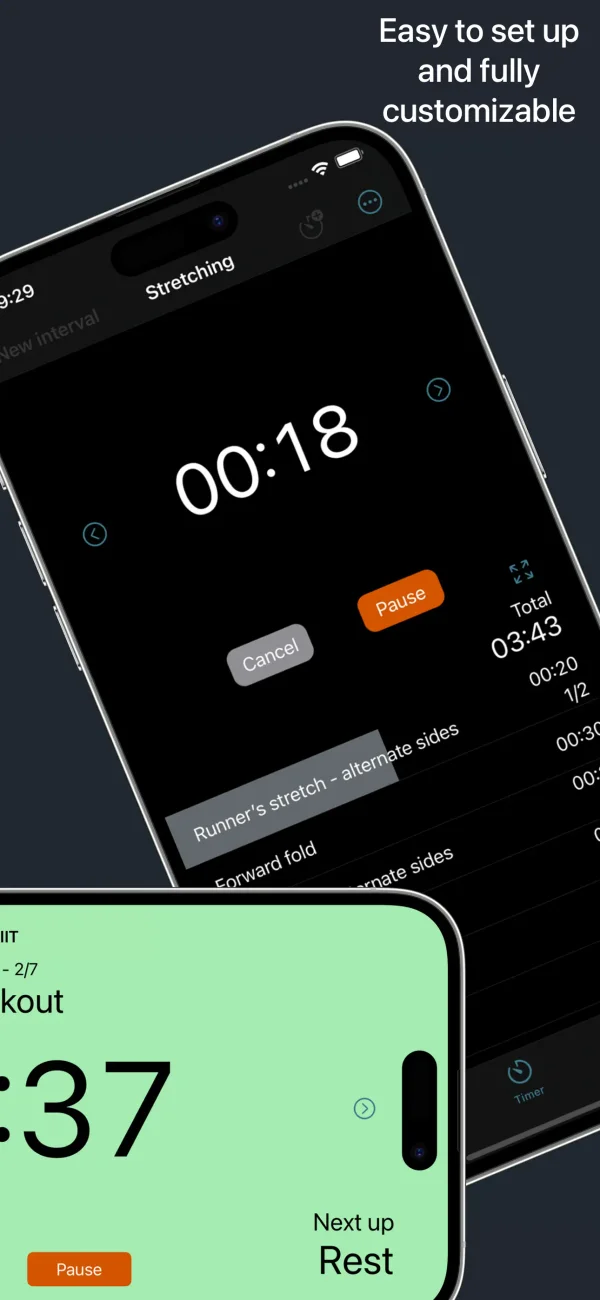
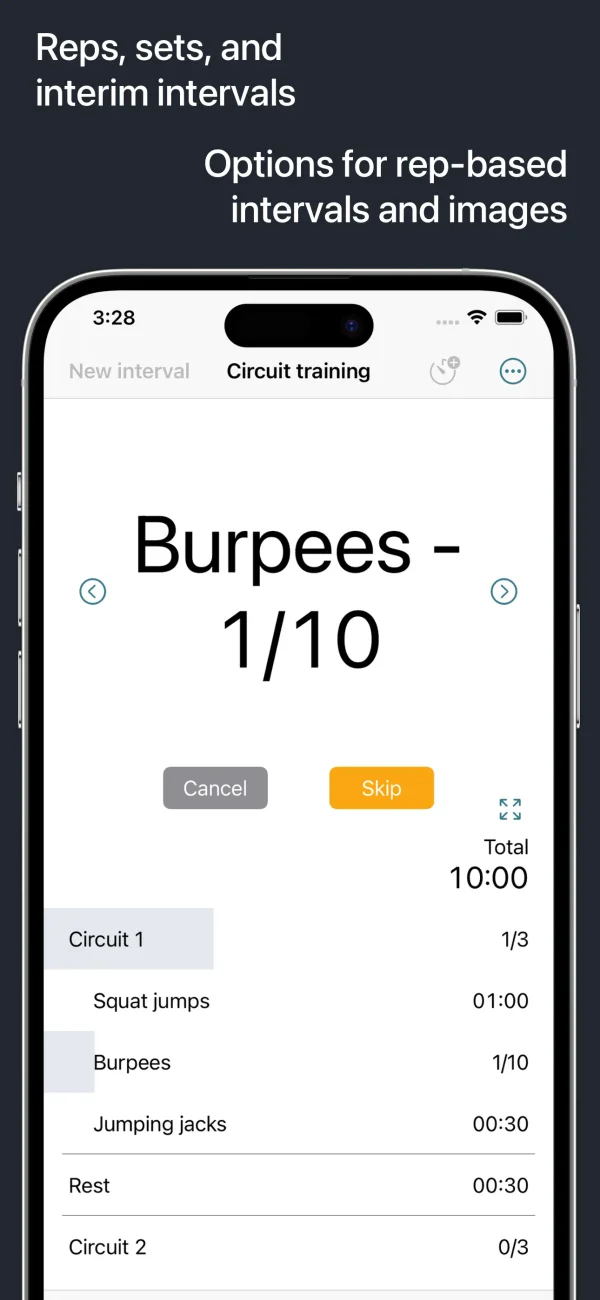
Create your intervals. Specify reps, sets, colours and sounds. Tailor it to your purpose and needs. Minimal design and easy to use. Options for rep-based intervals and images.
Display options:
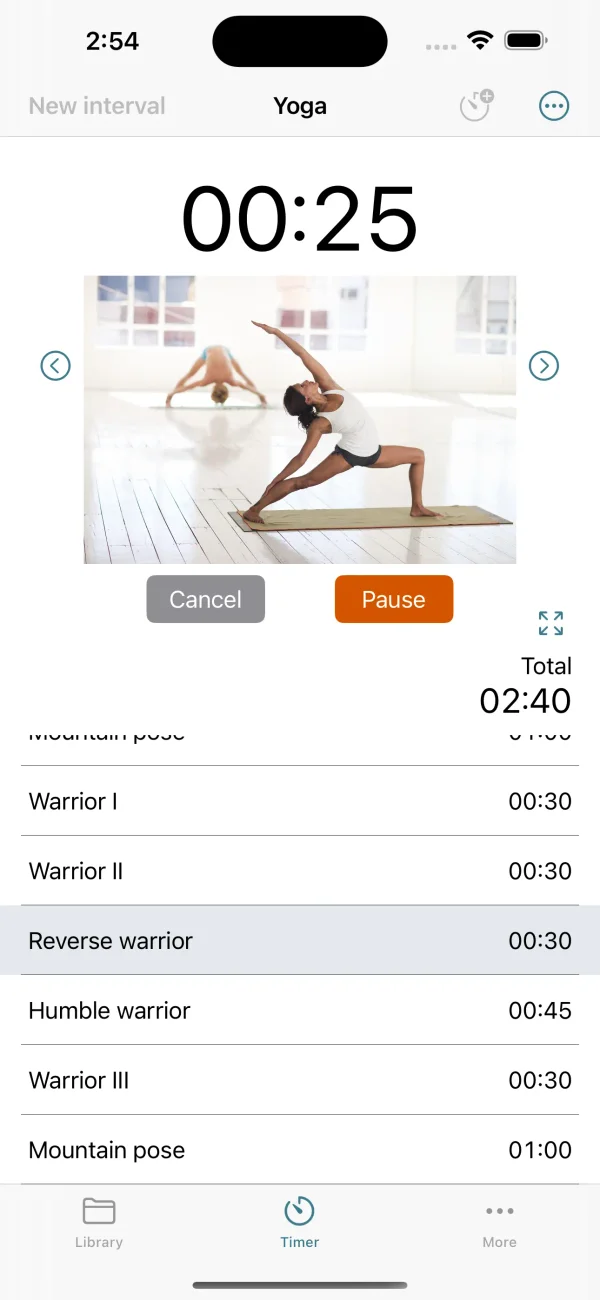
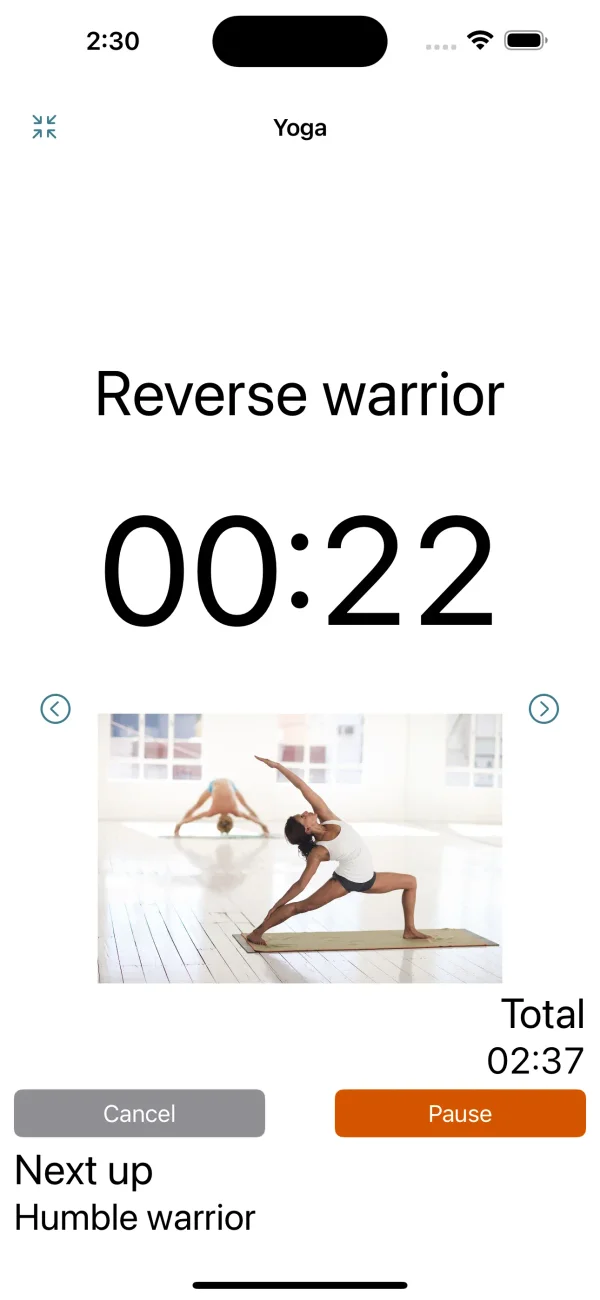
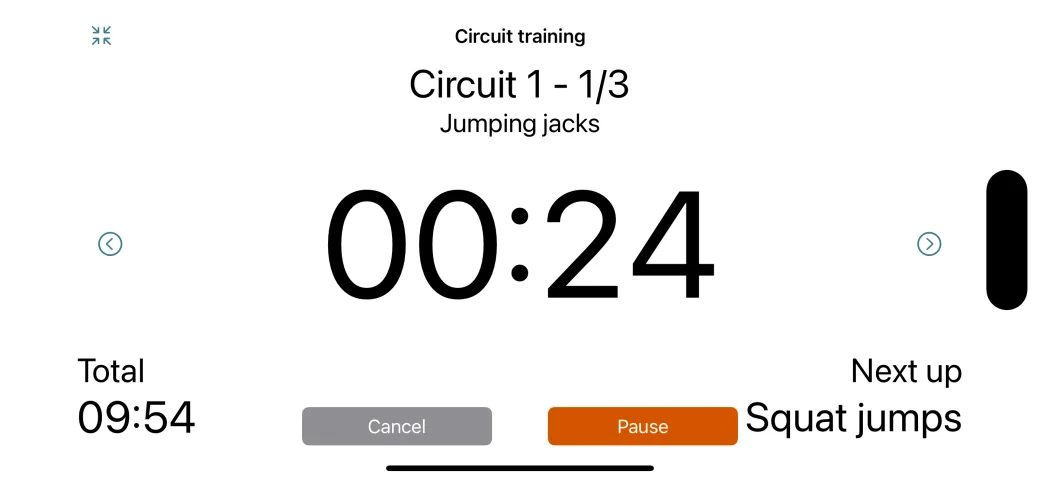
Choose to run your timer in a detailed view that auto-scrolls through intervals or a full-screen mode for a larger, easily visible display. Both modes support portrait and landscape orientations.
Visual details:
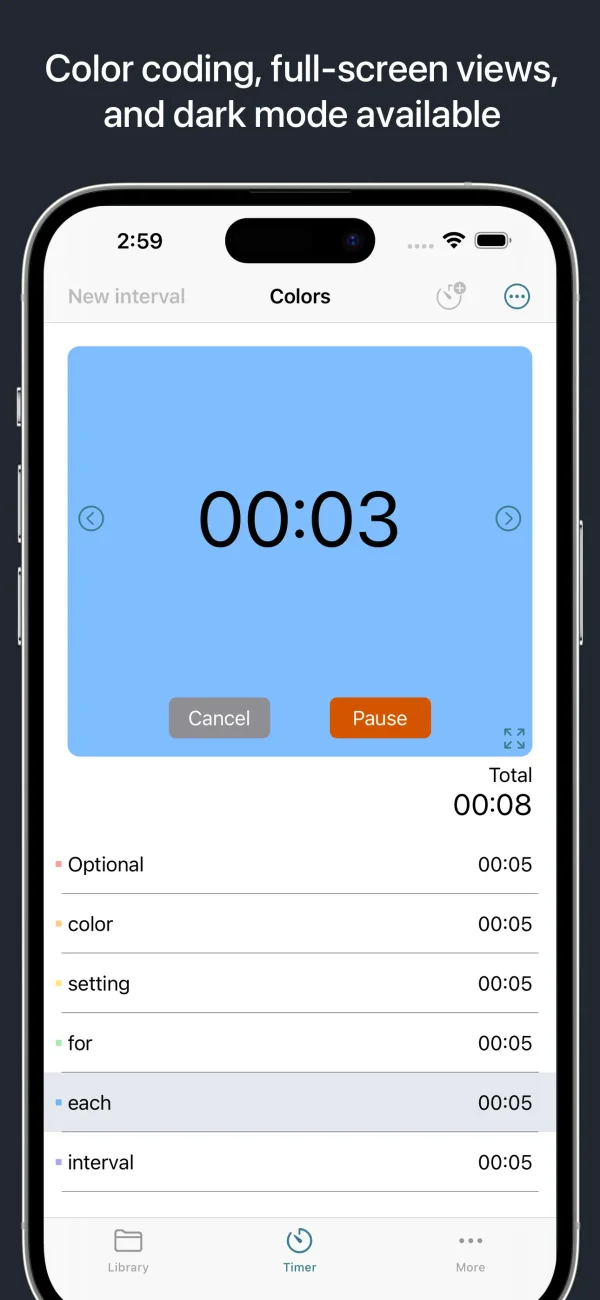
In detailed view, running intervals and sets are highlighted, providing a clear visual cue. For intervals with multiple reps, the highlighted area indicates the percentage completed. Set optional background colours on intervals for a visual cue. Light and dark mode versions are available and will adapt to your preferences set on your device.
Quick actions:
Set an interim interval that will automatically be added between intervals. Optionally, end your timer with the interim interval. Skip or backtrack through intervals using intuitive arrow buttons. Swipe actions allow for easy deletion and duplication of intervals and sets.
---
Interval Timer features:
• Interval timers:
Create timers with unlimited intervals.
• Description, Length, and Reps:
Set the details of each interval, customizing it to your precise requirements.
• Interim Intervals:
Quickly set up timers by adding interim intervals that run between each interval.
• Interval Sets:
Group intervals into sets and specify the desired number of set reps.
• Interval Customization:
Differentiate intervals with background colors.
• Time Display:
View countdown of each interval and total remaining time, with an option to display total elapsed time.
• Progress and Highlighting:
View progress with highlighted current intervals and reps completed.
• Start from Any Interval:
Choose which interval to start the timer from, providing maximum control.
• User-friendly Actions:
Effortlessly manage intervals with swipe actions for deletion and duplication. Duplicate button allows for easy copying of intervals, sets, and timers. Arrow buttons enable smooth navigation between intervals.
• Background Notifications:
Run timers in the background and receive alerts for interval changes and timer completion.
• Organize with Folders:
Create folders to organize and easily access your timers.
• Orientation and Display:
Enjoy portrait and landscape orientations, and full-screen mode for a larger timer display.
• Light and Dark Mode:
Seamlessly switch between light and dark mode to suit your preference.
Upgrade features include:
• Unlimited timers:
Create as many timers as you like.
• Sound Options:
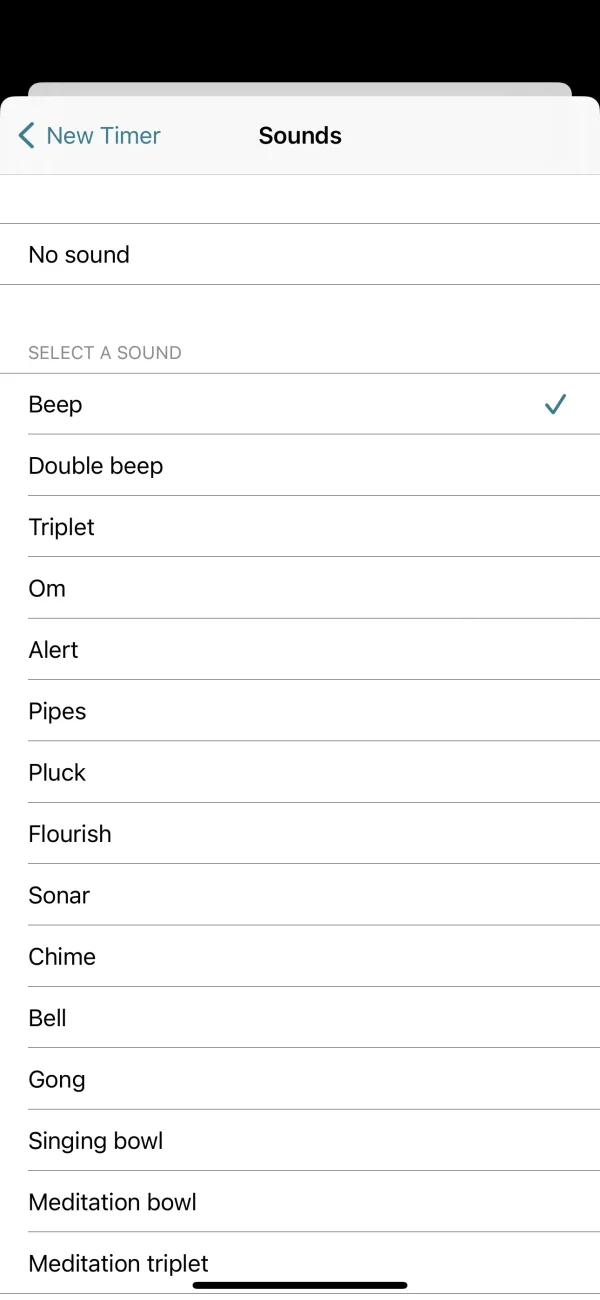
Enable countdown beeps, set interval/timer sounds, and/or enable text to speech.
• Rep-based Intervals:
Option to create intervals based on reps instead of time to offer maximum flexibility.
• More Interval Customization:
Differentiate intervals with images/photos and sounds.
• Edit received timers:
Flexibility to modify all timers.
Subscription - syncing and sharing timers:
• Sync and Share:
Sync timers across devices and choose to share timers and folders with other users. Sharing via email includes a direct download link and instructions.
---
Privacy Policy: https://alysha.dev/interval-timer-privacy-policy
Terms of Use: https://alysha.dev/interval-timer-terms-of-use
Có gì mới
Phiên bản 9.1.1 · 15/02/2026
Quick fix.
Additional fixes to the recently launched features.
Quyền riêng tư của ứng dụng
Những gì Alysha Kwok khai báo trên App Store về cách ứng dụng này xử lý dữ liệu.
-
Dữ liệu không liên kết với bạn
Có thể được thu thập nhưng không liên kết với danh tính của bạn.
- Mục mua
Phương thức đảm bảo quyền riêng tư có thể khác nhau, chẳng hạn như tuỳ theo các tính năng bạn sử dụng hoặc độ tuổi của bạn.
Thông tin
- Người bán
- Alysha Kwok
- Danh mục
- Sức Khỏe & Thể Dục
- Phiên bản
- 9.1.1
- Cập nhật
- 15/02/2026
- Phát hành
- 02/05/2018
- Kích thước
- 21,8 MB
- Yêu cầu
- iOS 13.0 trở lên
- Độ tuổi
- 4+
- Giá
- Miễn phí
- Mua hàng trong ứng dụng
- Có
- Ngôn ngữ
- Tiếng Anh, Tiếng Hà Lan, Tiếng Pháp, Tiếng Đức, Tiếng Nhật, Tiếng Trung Giản thể, Tiếng Tây Ban Nha, Tiếng Thổ Nhĩ Kỳ
- Bản quyền
- © Tidal Solutions Inc.
Có thể bạn cũng thích
-
 Interval Timer X Workout TimerSức Khỏe & Thể Dục
-
 Tabata Pro HIIT Interval TimerSức Khỏe & Thể Dục
-
 Exercise Timer: Interval TimerSức Khỏe & Thể Dục
-
 Intervals Pro: HIIT TimerSức Khỏe & Thể Dục
-
 Seconds Interval TimerSức Khỏe & Thể Dục
-
 Interval Timer: Run Walk, HIITSức Khỏe & Thể Dục
-
 Interval Timer - Tabata TimerSức Khỏe & Thể Dục
-
 Interval TimerSức Khỏe & Thể Dục
-
 Seconds Pro Interval TimerSức Khỏe & Thể Dục
-
 Timer Tabata for Workout, HIITSức Khỏe & Thể Dục