NextNote: Notes & AI Writing
Capture ideas. Write with AI.
Được thiết kế cho iPhone, iPad, iPod touch
Miễn phí · Mua hàng trong ứng dụng
- Độ tuổi4+
- Danh mụcHiệu Suất
- Nhà phát triển劲灿 陈
- Ngôn ngữTiếng Anh+ 2 ngôn ngữ khác
- Kích thước80,4 MB
Liên kết đến trang App Store chính thức
Download.org không lưu trữ tệp nào của NextNote: Notes & AI Writing. Nút này mở trang ứng dụng trên App Store, nơi 劲灿 陈 phát hành ứng dụng. Trang được kiểm tra lần cuối: 20/11/2026.
Ảnh chụp màn hình
Giới thiệu
Nhà phát triển chưa cung cấp nội dung này bằng ngôn ngữ của bạn.
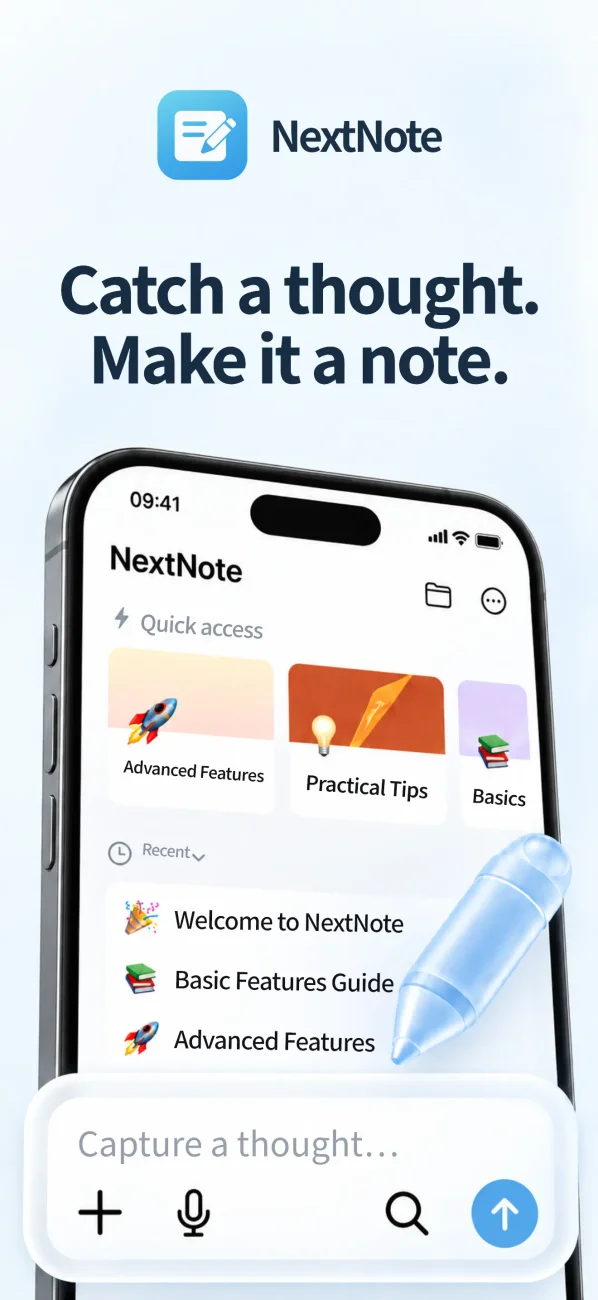
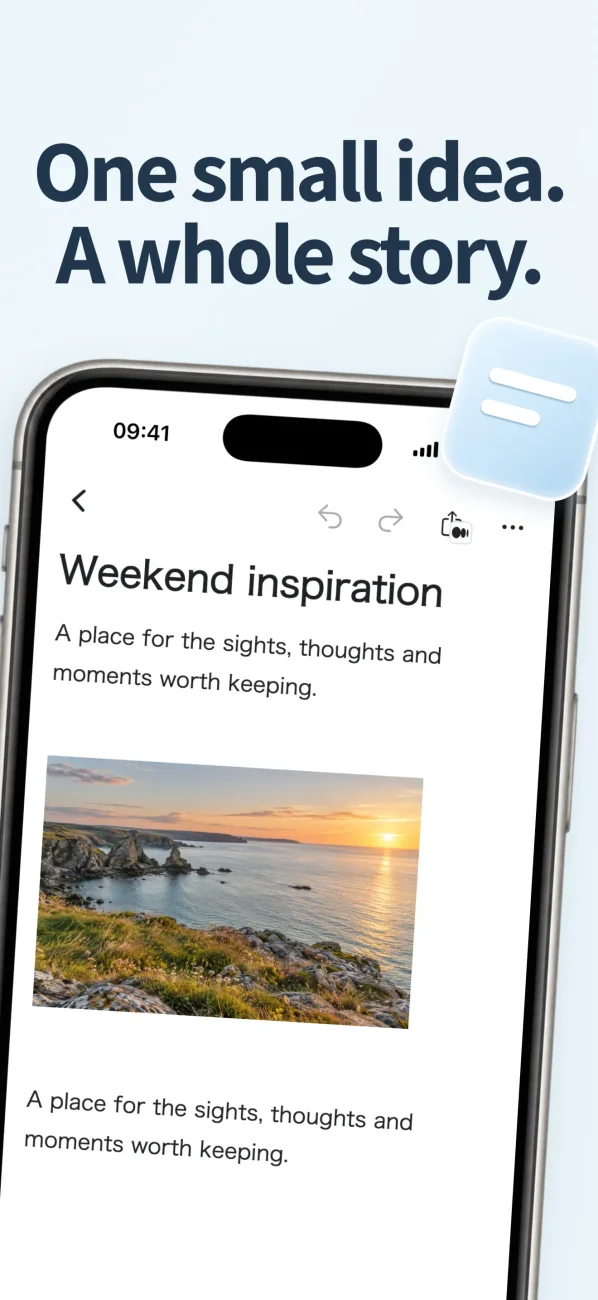
Capture the thought now. Keep shaping it later.
NextNote brings quick capture, rich-text editing, voice input, organization, and AI writing tools into one continuous note-taking workflow. Use it for passing ideas, meeting notes, study material, checklists, journals, project plans, or long-form drafts that need room to grow.
CAPTURE FROM HOME
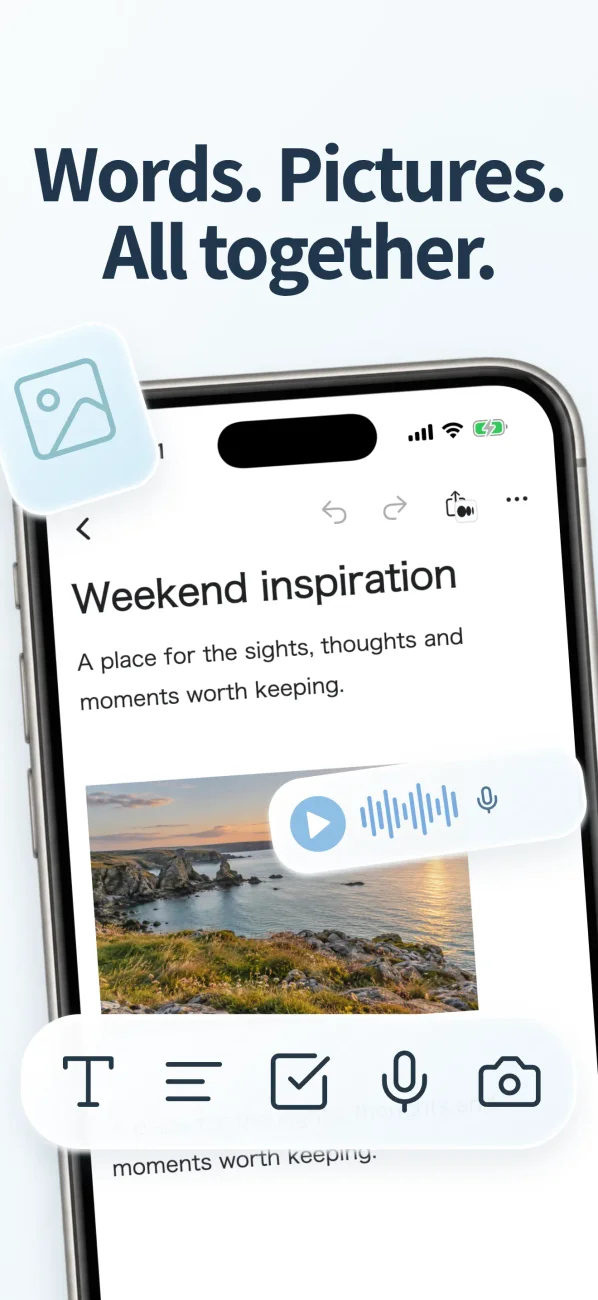
Open NextNote and start typing without choosing a complicated format first. When typing is not convenient, capture the moment with voice, photos, or video.
A quick capture is not a disconnected message or disposable draft. Once saved, it becomes a document you can keep editing, search later, organize, reuse, and share. Move from one sentence to a complete piece of writing without starting over in another tool.
NextNote works well for:
• Quick notes, memos, and everyday ideas
• Meeting notes and work documentation
• Class notes, research material, and study guides
• Journals, reading notes, and writing drafts
• To-do lists, checklists, and project planning
• Voice thoughts, photo references, and video clips
A FLEXIBLE EDITOR FOR REAL WRITING
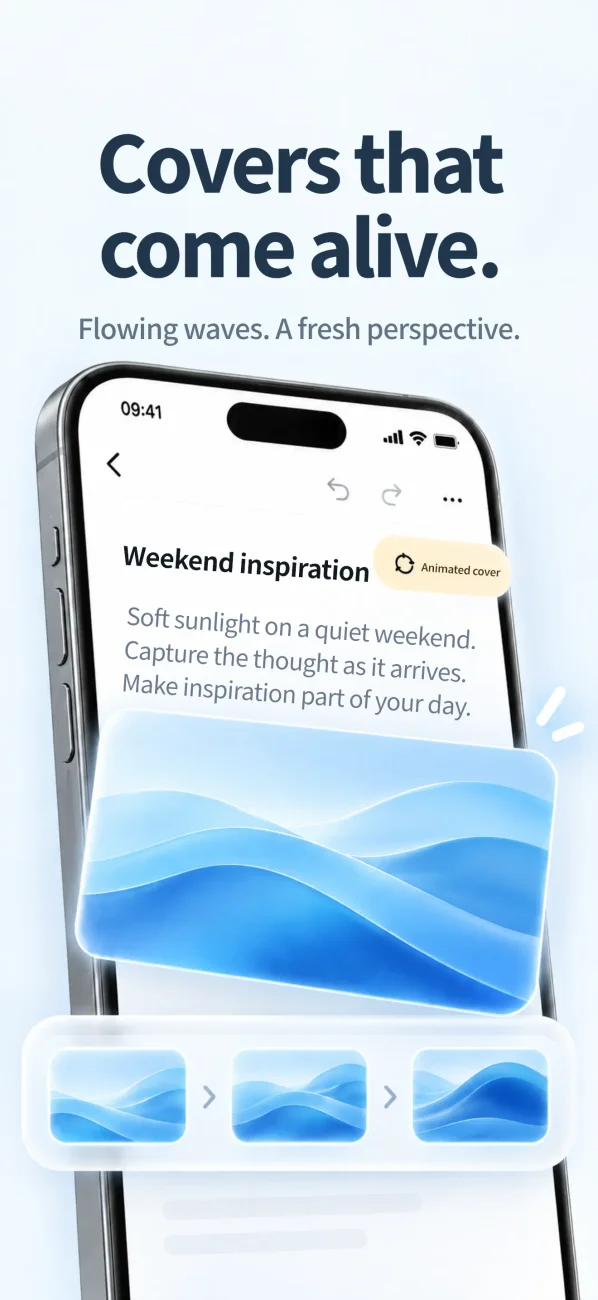
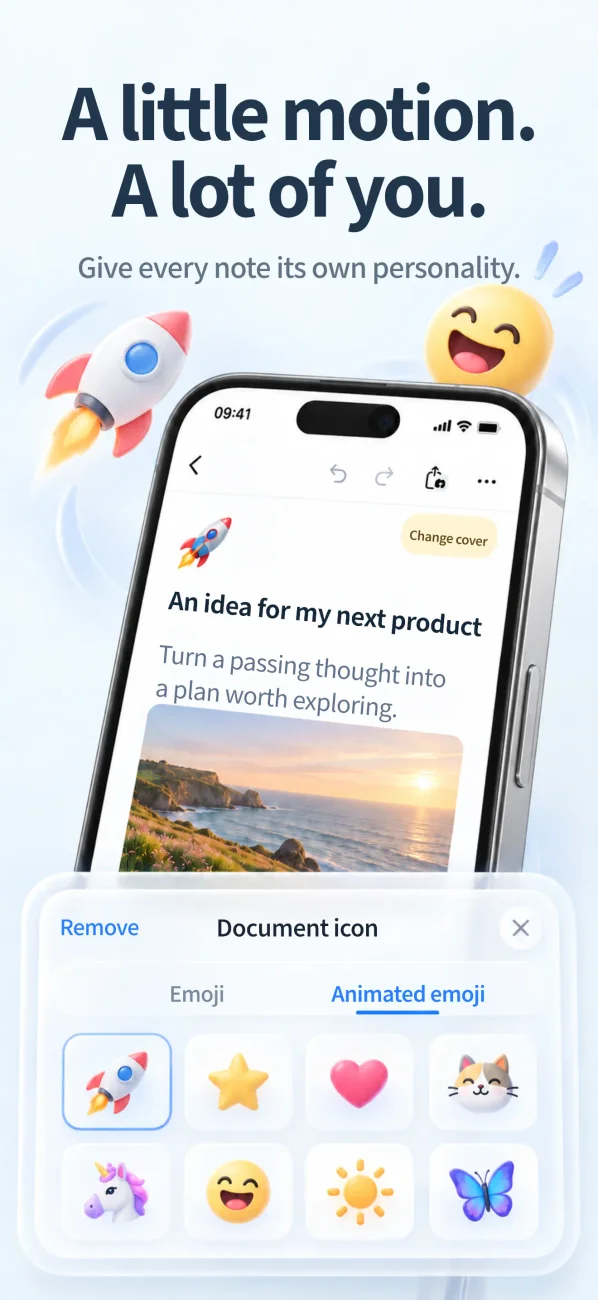
Create a simple note or develop a longer document in the same editor. Structure your work with headings, paragraphs, rich-text formatting, numbered and bulleted lists, checklists, quotes, and links. Add images, audio, video, drawings, and other content blocks when words alone are not enough.
Start rough and refine over time. Save useful structures as templates for recurring meeting notes, weekly plans, study reviews, journals, or content production. Your capture and writing tools stay together, so organizing an idea does not require moving it across several apps.
VOICE AND MULTIMEDIA NOTES
Use voice when you need to record an idea faster than you can type, then continue working with the text. Keep images, recordings, videos, and drawings beside the written context in one document. This makes it easier to preserve source material, visual references, and the process behind your work.
You can also send text, links, images, or files to NextNote from the system share sheet, then place the imported material in a new or existing document.
AI WRITING HELP, ONE SWIPE AWAY
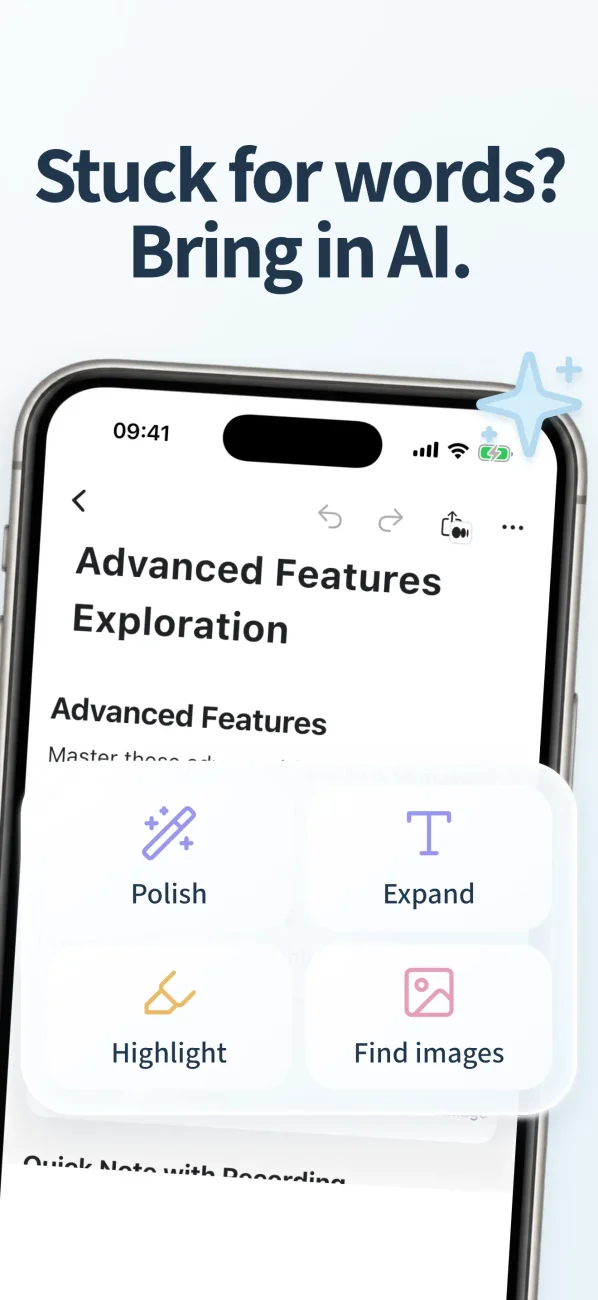
AI tools live inside the writing flow instead of in a separate chat. Select text and swipe left to use focused actions in the current document:
• Polish wording and improve clarity
• Expand a short thought into a fuller passage
• Highlight keywords and important points
• Find and add a relevant visual
Each action starts from text you deliberately select, so you can keep your intent and decide what to change. There is no need to copy a passage into another app or interrupt your writing session.
SEARCH, ARCHIVE, AND REUSE
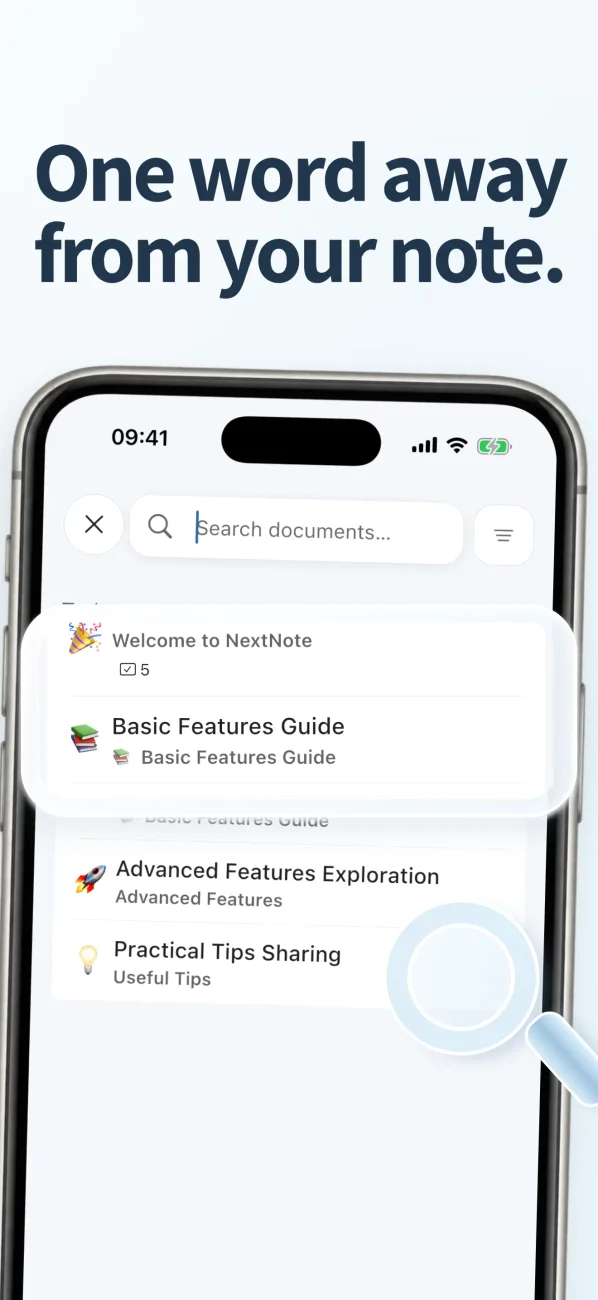
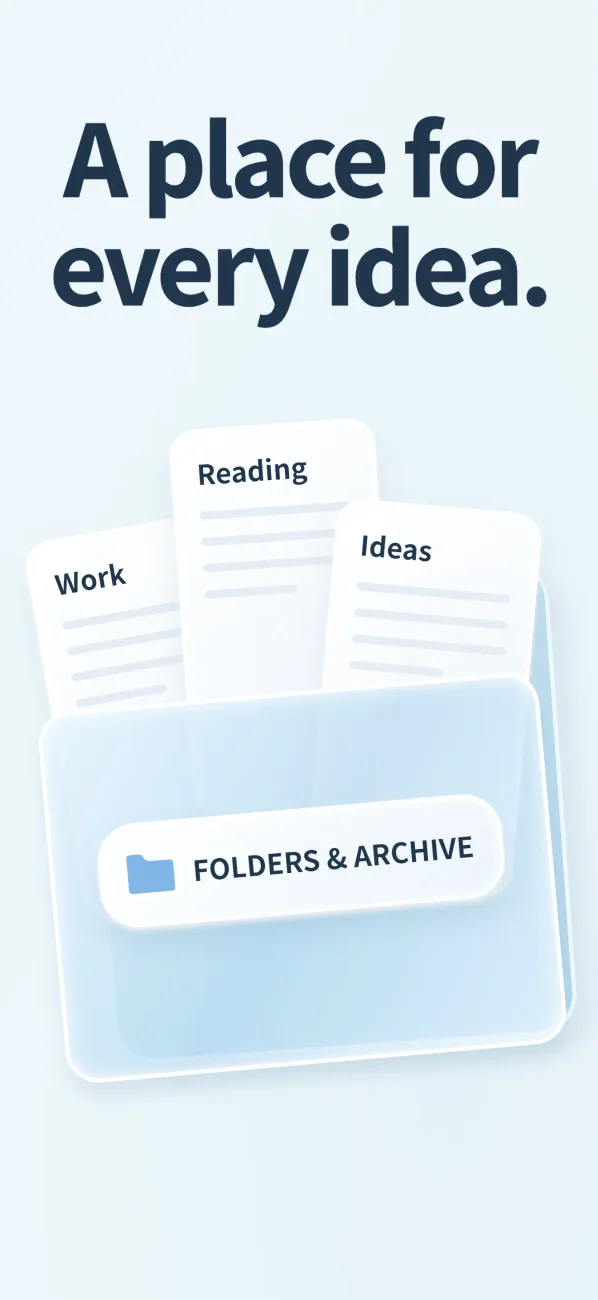
Search document titles and body text to find an earlier note quickly. Move work you do not need right now into archive folders to keep Home focused. Deleted documents go to Trash first and can be recovered during the retention period.
Turn structures you use repeatedly into templates. As your collection grows, search, folders, archives, Trash, and templates give you practical ways to manage personal notes, work records, study material, and creative projects.
LOCAL NOTES AND ICLOUD
Keep using local notes and core editing tools while offline. Online services are used only when a related feature needs them.
On supported Apple devices, you can use iCloud according to your settings to store and sync content, then continue writing across iPhone, iPad, and compatible devices.
SHARE, EXPORT, AND PUBLISH
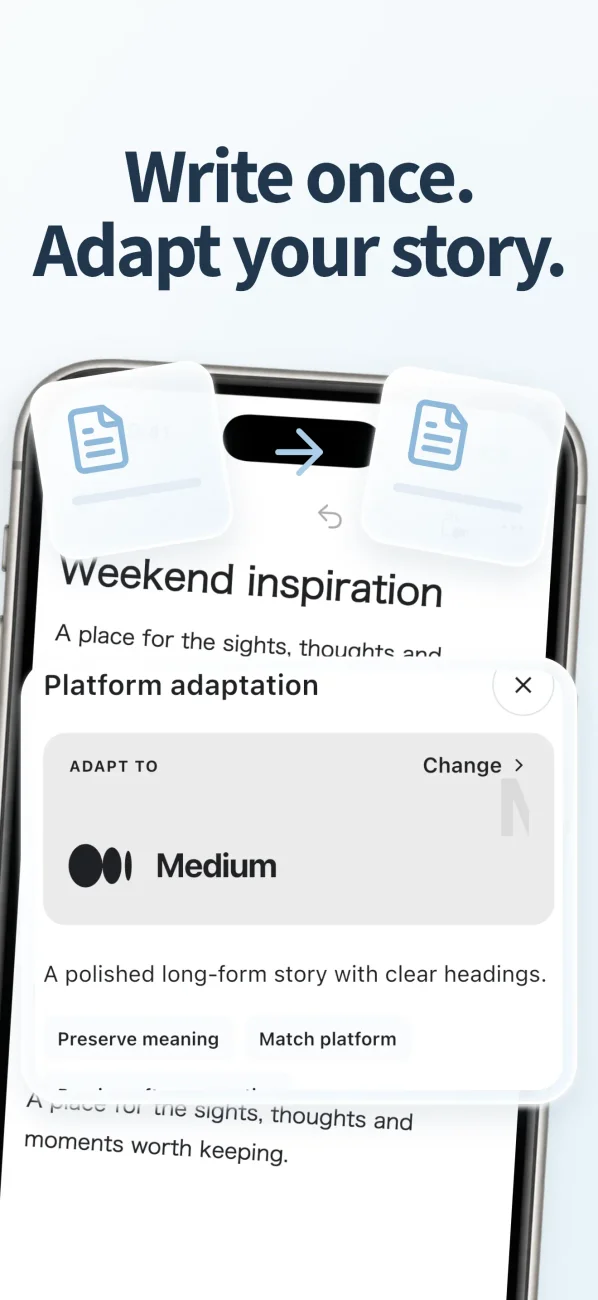
When your work is ready to leave the notebook, share it from the document. Send material to other apps, or deliberately publish a document as a web page. You can also prepare adapted versions for different content platforms when that fits your workflow.
Terms of Use (EULA): https://www.apple.com/legal/internet-services/itunes/dev/stdeula/
Có gì mới
Phiên bản 1.1.14 · 18/11/2026
Open All To-dos from the Home screen to add a task, filter by status, or group tasks by due date or note. You can undo marking a task complete. Tasks in archived notes stay out of the list.
Use Manage links in Account to view or copy shared web links, or turn off sharing.
Quyền riêng tư của ứng dụng
Những gì 劲灿 陈 khai báo trên App Store về cách ứng dụng này xử lý dữ liệu.
-
Dữ liệu liên kết với bạn
Có thể được thu thập và liên kết với danh tính của bạn.
- Mục mua
- Thông tin liên hệ
- Nội dung của người dùng
- Mã định danh
- Dữ liệu sử dụng
-
Dữ liệu không liên kết với bạn
Có thể được thu thập nhưng không liên kết với danh tính của bạn.
- Nội dung của người dùng
- Mã định danh
- Dữ liệu sử dụng
- Chẩn đoán
Phương thức đảm bảo quyền riêng tư có thể khác nhau, chẳng hạn như tuỳ theo các tính năng bạn sử dụng hoặc độ tuổi của bạn.
Thông tin
- Người bán
- 劲灿 陈
- Danh mục
- Hiệu Suất
- Phiên bản
- 1.1.14
- Cập nhật
- 18/11/2026
- Phát hành
- 21/08/2025
- Kích thước
- 80,4 MB
- Yêu cầu
- iOS 15.0 trở lên
- Độ tuổi
- 4+
- Giá
- Miễn phí
- Mua hàng trong ứng dụng
- Có
- Ngôn ngữ
- Tiếng Anh, Tiếng Nhật, Tiếng Trung Giản thể
- Bản quyền
- Copyright © 2025 NextNote
Có thể bạn cũng thích
-
 Tap PiPHiệu Suất
-
 papry – Document OrganizerHiệu Suất
-
 SinceyHiệu Suất
-
 DebtShield: Debt CollectionHiệu Suất
-
 Find that Book - OCR libraryHiệu Suất
-
 TooTask·Checklist&Task ManagerHiệu Suất
-
 MyListen: Create Audio OfflineHiệu Suất
-
 ScanKit: Document & QR ScannerHiệu Suất
-
 Turnos Shift Rotation CalendarHiệu Suất
-
 JianBox - Local Document ToolHiệu Suất