- Độ tuổi17+
- Danh mụcTiện Ích
- Nhà phát triểnTOMOAKI KAGIYAMA
- Ngôn ngữTiếng Nhật+ 4 ngôn ngữ khác
- Kích thước10,7 MB
Liên kết đến trang App Store chính thức
Download.org không lưu trữ tệp nào của Nexus Browser. Nút này mở trang ứng dụng trên App Store, nơi TOMOAKI KAGIYAMA phát hành ứng dụng. Trang được kiểm tra lần cuối: 26/11/2026.
Ảnh chụp màn hình






Giới thiệu
Nhà phát triển chưa cung cấp nội dung này bằng ngôn ngữ của bạn.
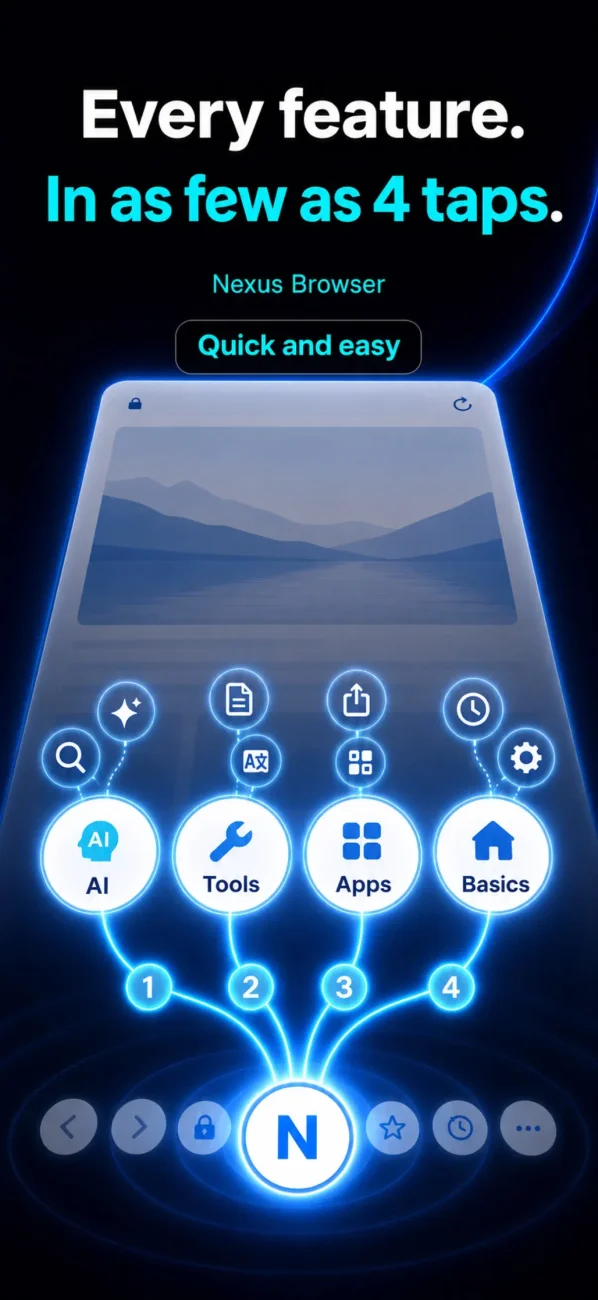
Nexus is a browser for iPhone and iPad that makes it easy to read, search, and save pages with one hand. Tap the Nexus button at the bottom of the screen to search or open the tools you use most. Arrange the controls to suit your dominant hand and the way you browse.
Keep reading while you collect links
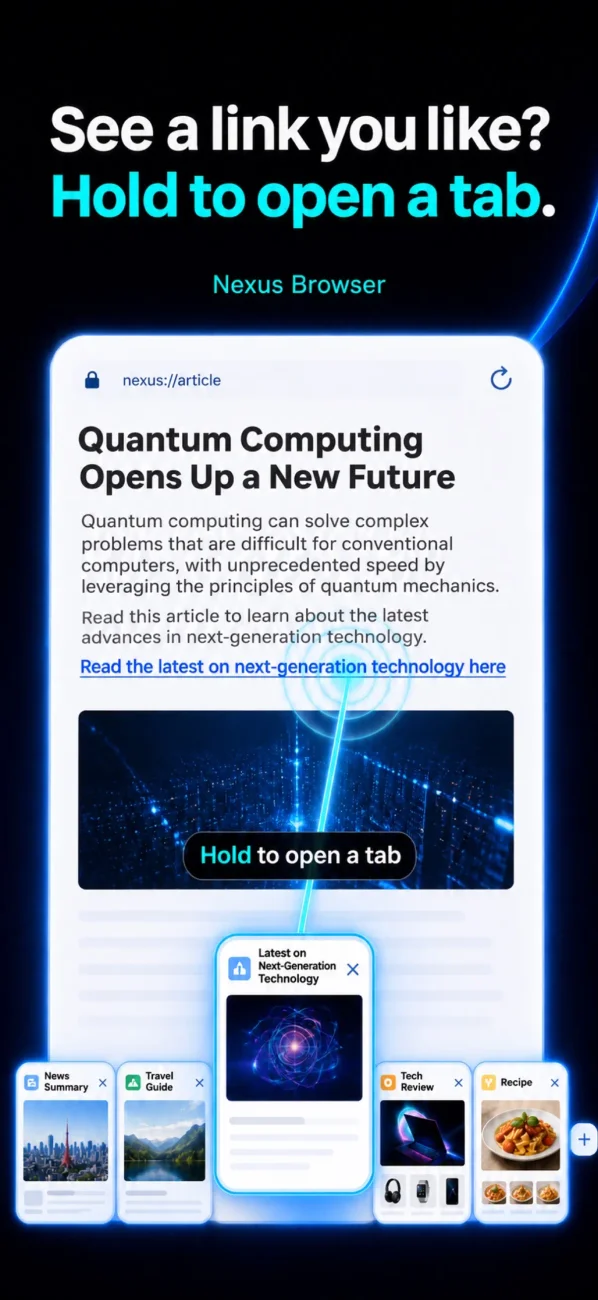
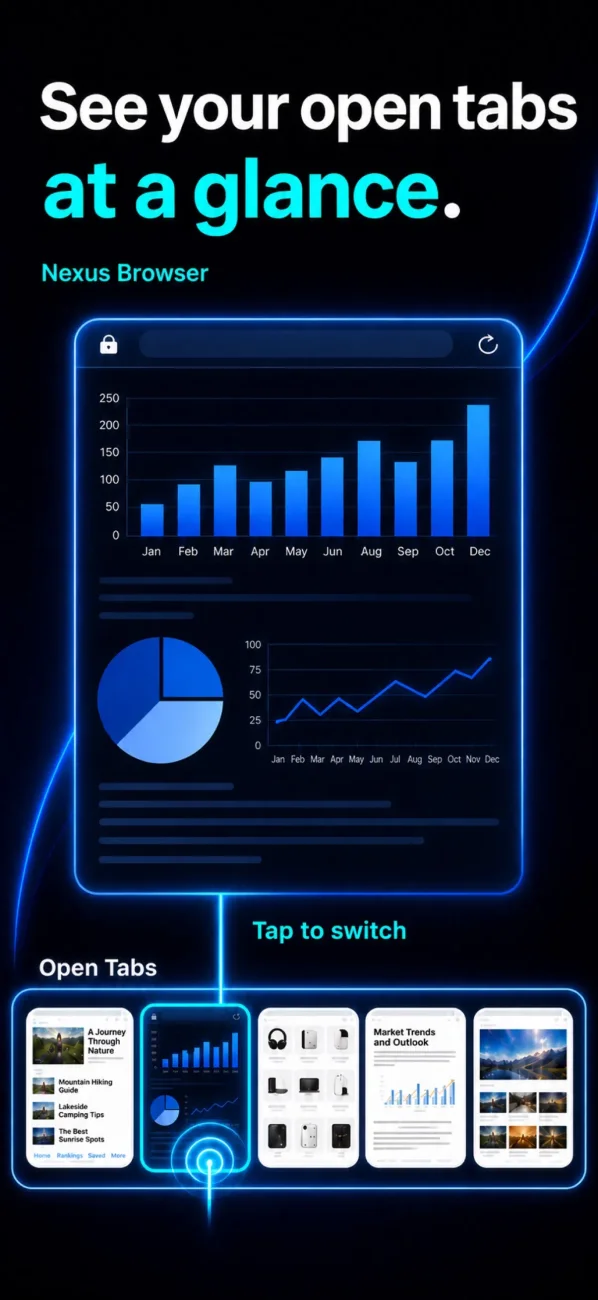
Press and hold a link to open it in a new tab while you stay on the page you’re reading. Swipe left or right to switch tabs, lock a tab you want to keep, or restore one you’ve closed.
Read, organize, and save
Use Reader view to focus on an article. Group favorites by color, filter them by color, and recover deleted favorites from the trash. Find a page in your history, save it for offline reading, take a screenshot, or keep a PDF copy.
Ad and tracker blocking
Ad and tracker blocking is on by default for most sites. You can turn it on or off for individual sites. Your preferences are saved on your device.
Continue in your preferred AI app
Create a prompt to summarize or translate selected text, work with an article, or ask about a page using its URL. After you confirm, Nexus copies the prompt to your clipboard and opens the AI app you choose. You decide whether to paste and send it.
Nexus Plus
A one-time purchase unlocks the Circular Honeycomb menu, Gate 1–3, Portal for Circular Honeycomb, and advanced AI actions.
Privacy
Nexus uses no analytics or advertising SDKs and does not send usage data to the developer. Your tabs, favorites, history, offline pages, and control settings are stored on your device. Websites you visit and external apps or services you use have their own privacy policies.
Có gì mới
Phiên bản 1.03 · 24/11/2026
Added support for French, Spanish, and Simplified Chinese.
Organize your favorites by color and filter them to find what you need. You can also restore favorites you accidentally deleted.
Try the updated tutorial to learn how to open a link in a new tab with a long press and swipe between tabs.
Quyền riêng tư của ứng dụng
Những gì TOMOAKI KAGIYAMA khai báo trên App Store về cách ứng dụng này xử lý dữ liệu.
-
Dữ liệu không được thu thập
Nhà phát triển không thu thập bất kỳ dữ liệu nào từ ứng dụng này.
Phương thức đảm bảo quyền riêng tư có thể khác nhau, chẳng hạn như tuỳ theo các tính năng bạn sử dụng hoặc độ tuổi của bạn.
Thông tin
- Người bán
- TOMOAKI KAGIYAMA
- Danh mục
- Tiện Ích
- Phiên bản
- 1.03
- Cập nhật
- 24/11/2026
- Phát hành
- 16/08/2026
- Kích thước
- 10,7 MB
- Yêu cầu
- iOS 17.0 trở lên
- Độ tuổi
- 17+
- Giá
- Miễn phí
- Mua hàng trong ứng dụng
- Có
- Ngôn ngữ
- Tiếng Nhật, Tiếng Tây Ban Nha, Tiếng Pháp, Tiếng Trung Giản thể, Tiếng Anh
- Bản quyền
- © 2026 Nexus Browser 運営
Có thể bạn cũng thích
-
 GestabloTiện Ích
-
 とれみる|家族の位置共有アプリ 見守り×防災Tiện Ích
-
 Side BrowserLưu liên kết, duyệt gọn
-
 QSMS:Temp Number & Receive SMSTiện Ích
-
 Trình duyệt riêng: AdBlockChặn quảng cáo, duyệt riêng
-
 Split Screen Web BrowserTiện Ích
-
 Simple QR/Barcode ReaderTiện Ích
-
 SplitTabBrowserTiện Ích
-
 Virtual Number – Receive SMSTiện Ích
-
 GMapToolsTiện Ích