
- Độ tuổi4+
- Danh mụcLối Sống
- Nhà phát triểnIntelligence Gear Team
- Ngôn ngữTiếng Anh+ 9 ngôn ngữ khác
- Kích thước5,4 MB
Liên kết đến trang App Store chính thức
Download.org không lưu trữ tệp nào của NightRead. Nút này mở trang ứng dụng trên App Store, nơi Intelligence Gear Team phát hành ứng dụng. Trang được kiểm tra lần cuối: 06/11/2026.
Ảnh chụp màn hình

Giới thiệu
Nhà phát triển chưa cung cấp nội dung này bằng ngôn ngữ của bạn.
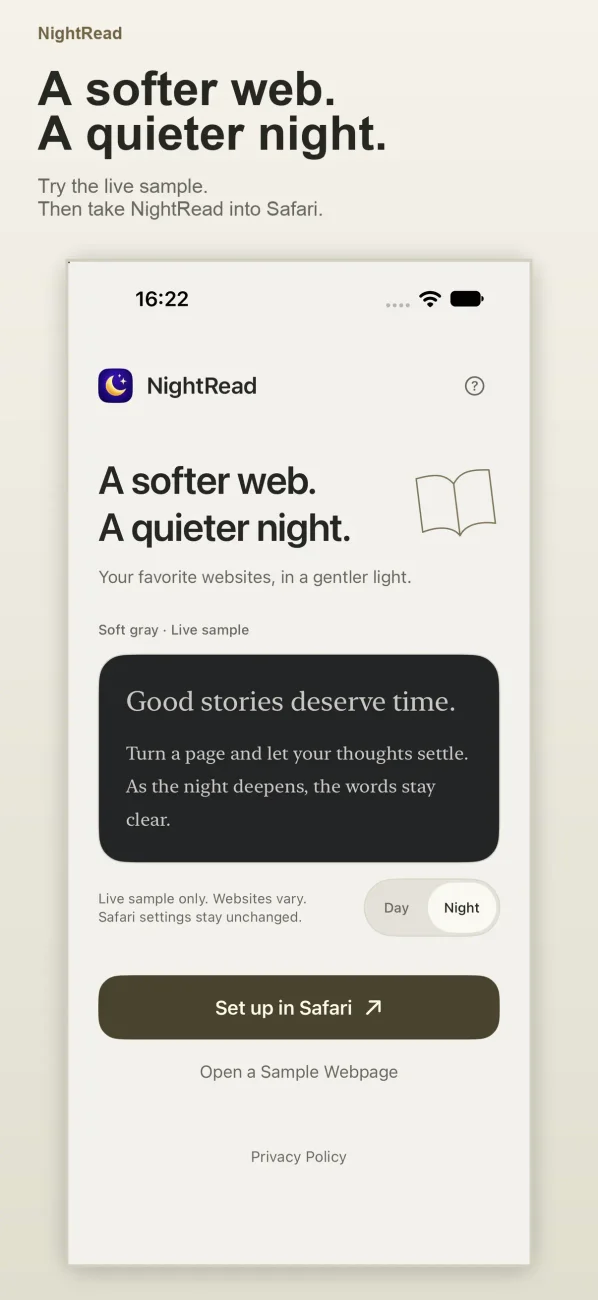
A softer web. A quieter night.
NightRead brings a darker reading appearance to Safari on iPhone and iPad. Give light webpages a different look while you browse articles, reference pages, and the sites you return to every day. Choose an appearance, decide when to use it, and make exceptions for websites you prefer to leave unchanged.
THREE WAYS TO READ
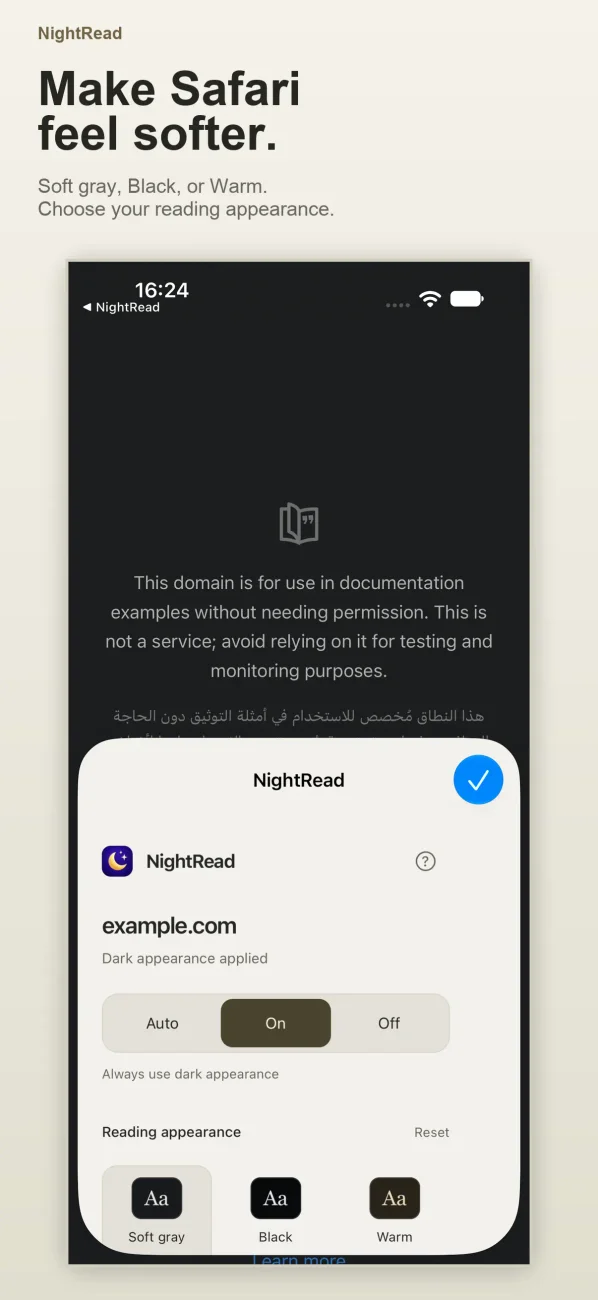
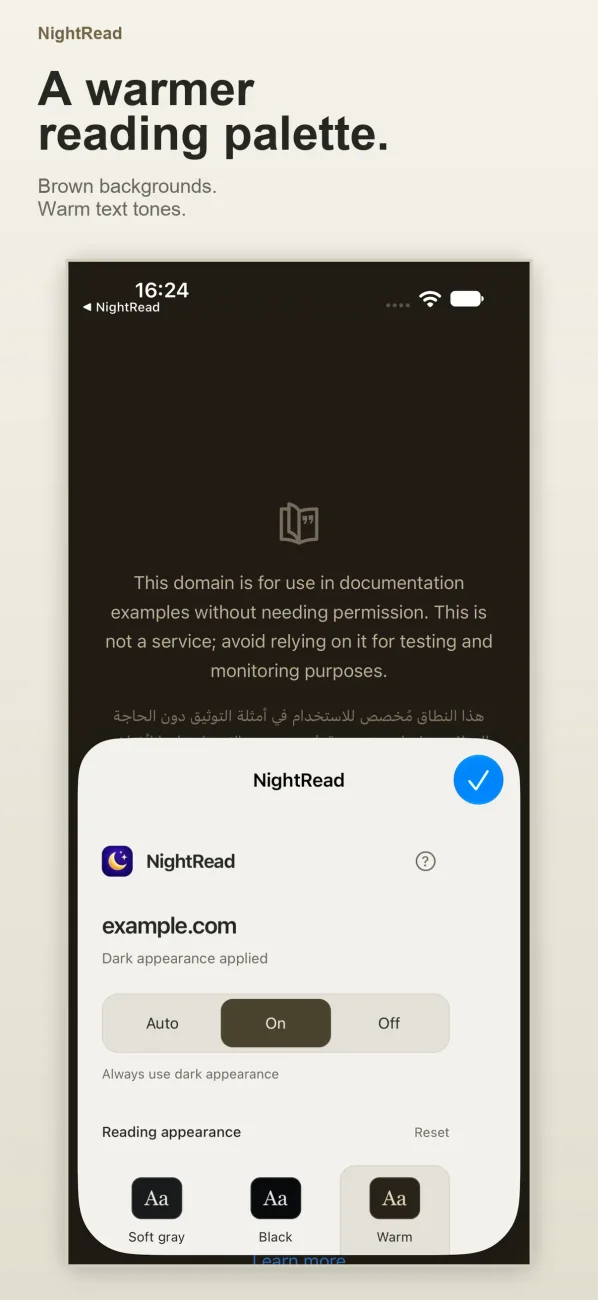
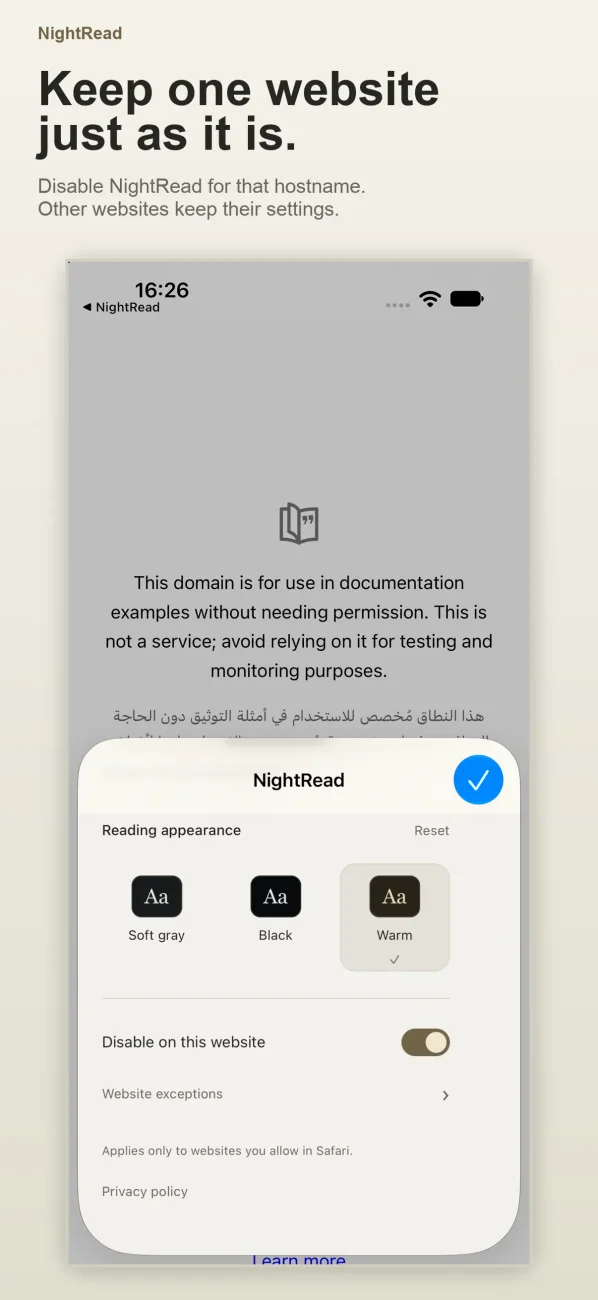
Choose Soft gray for a muted dark palette, Black for a deeper background, or Warm for brown backgrounds and warm text tones. Switch presets from NightRead’s Safari popup and see the result on the webpage itself. Reset returns the reading appearance to Soft gray.
ON, AUTO, OR OFF
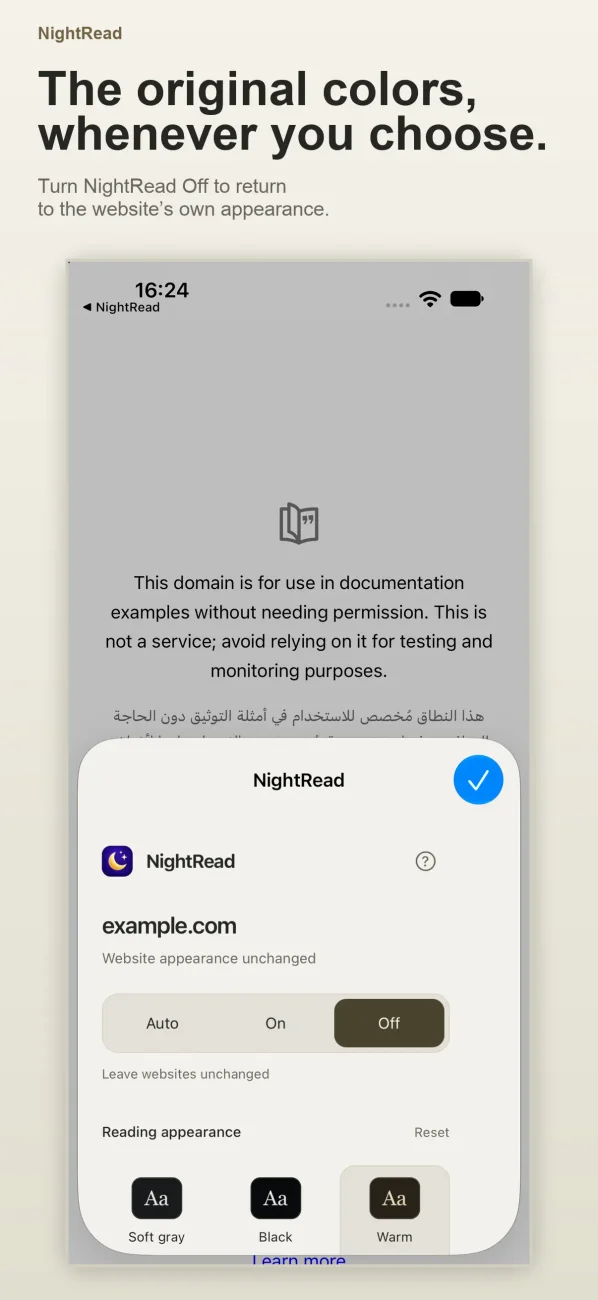
Keep NightRead On when you want dark appearance. Choose Auto to follow your iPhone or iPad’s system appearance: dark when the system is dark, unchanged when it is light. Choose Off to remove NightRead’s appearance and return to the website’s own styling. Auto is a choice you make, so you can decide how NightRead fits your routine.
YOUR WEBSITES, YOUR EXCEPTIONS
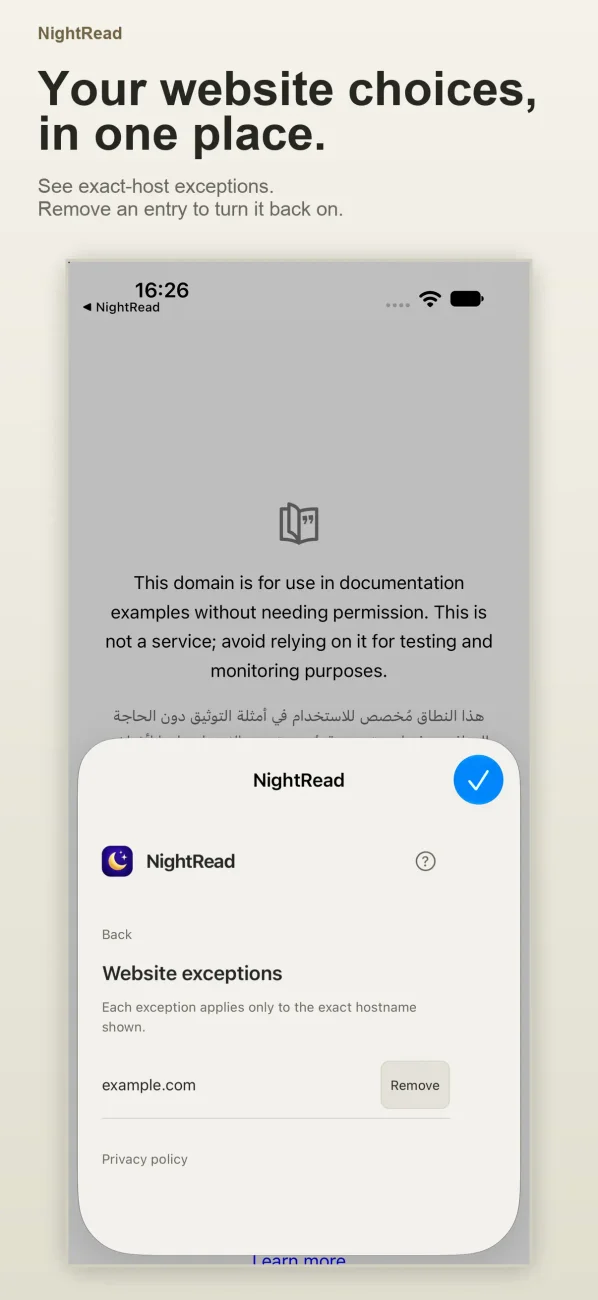
Prefer one website in its original colors? Turn on “Disable on this website” in the Safari popup. NightRead remembers that exact hostname. You can turn the website back on or remove its entry from Website exceptions. An exception for example.com does not automatically include www.example.com or other subdomains.
SEE WHAT IS HAPPENING ON THIS PAGE
The popup shows the current hostname and reports the current webpage’s result separately from your saved mode. It can tell you when dark appearance is applied, when a website is already dark, when Auto is following a light system appearance, or when the website has been excluded. If NightRead cannot confirm the page, it says so and points you toward checking Safari website access and reloading.
A CLEAR START IN SAFARI
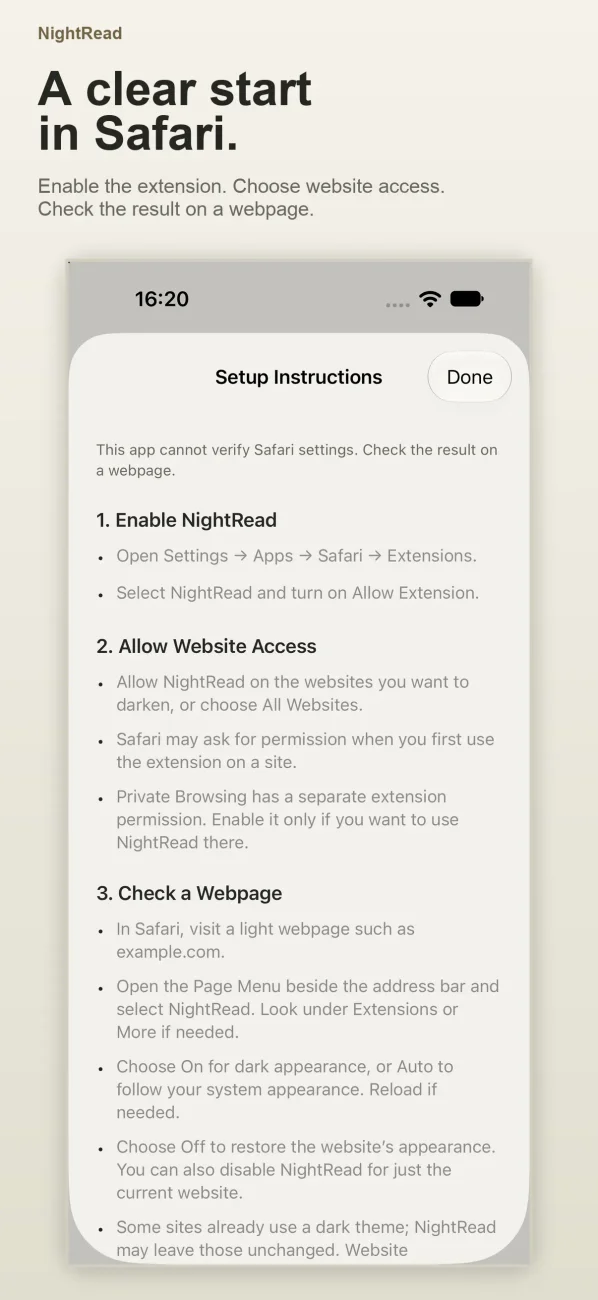
Open the NightRead app for setup instructions and a live Day/Night sample. The sample uses the bundled reading engine with the default Soft gray appearance, so you can try the effect before setting up Safari. It is a local demonstration: it does not change Safari preferences or confirm that the extension is enabled.
Enable NightRead in Safari’s extension settings, then allow access to the websites you want to use. All Websites access is optional. Open NightRead from Safari’s Page Menu to select a mode, change appearance, or manage a website exception. The app and popup include help when you need the steps again.
NightRead requires no account. It works on websites you allow in Safari. Some websites already provide their own dark theme and may be left unchanged. Results vary by website; if a page does not look right, choose Off or disable NightRead for that website.
Có gì mới
Phiên bản 2.0 · 17/10/2026
NightRead 2.0 gives you clearer control over Safari’s reading appearance.
• Choose Soft gray, Black, or Warm from a redesigned Safari popup.
• Use On, Auto, or Off. Auto follows your device’s system appearance.
• Keep selected websites unchanged with exact-host exceptions, and manage those exceptions in one place.
• See the current webpage’s status, including when a site is already dark or Safari access needs checking.
• Get started with a refreshed setup guide and a live Day/Night sample in the app.
• Use localized app and extension controls, including Simplified Chinese.
Quyền riêng tư của ứng dụng
Những gì Intelligence Gear Team khai báo trên App Store về cách ứng dụng này xử lý dữ liệu.
-
Dữ liệu không được thu thập
Nhà phát triển không thu thập bất kỳ dữ liệu nào từ ứng dụng này.
Phương thức đảm bảo quyền riêng tư có thể khác nhau, chẳng hạn như tuỳ theo các tính năng bạn sử dụng hoặc độ tuổi của bạn.
Thông tin
- Người bán
- Kai Sun
- Danh mục
- Lối Sống
- Phiên bản
- 2.0
- Cập nhật
- 17/10/2026
- Phát hành
- 16/10/2026
- Kích thước
- 5,4 MB
- Yêu cầu
- iOS 17.0 trở lên
- Độ tuổi
- 4+
- Giá
- 29.000đ
- Ngôn ngữ
- Tiếng Anh, Tiếng Pháp, Tiếng Đức, Tiếng Ý, Tiếng Nhật, Tiếng Hàn, Tiếng Bồ Đào Nha, Tiếng Trung Giản thể, Tiếng Tây Ban Nha, Tiếng Trung Phồn thể
- Bản quyền
- © 2025 Kai Sun