- Độ tuổi4+
- Danh mụcTiện Ích
- Nhà phát triểnNorsonic AS
- Kích thước124,3 MB
Liên kết đến trang App Store chính thức
Download.org không lưu trữ tệp nào của NorVirtualNew. Nút này mở trang ứng dụng trên App Store, nơi Norsonic AS phát hành ứng dụng. Trang được kiểm tra lần cuối: 12/11/2026.
Ảnh chụp màn hình

Giới thiệu
Nhà phát triển chưa cung cấp nội dung này bằng ngôn ngữ của bạn.
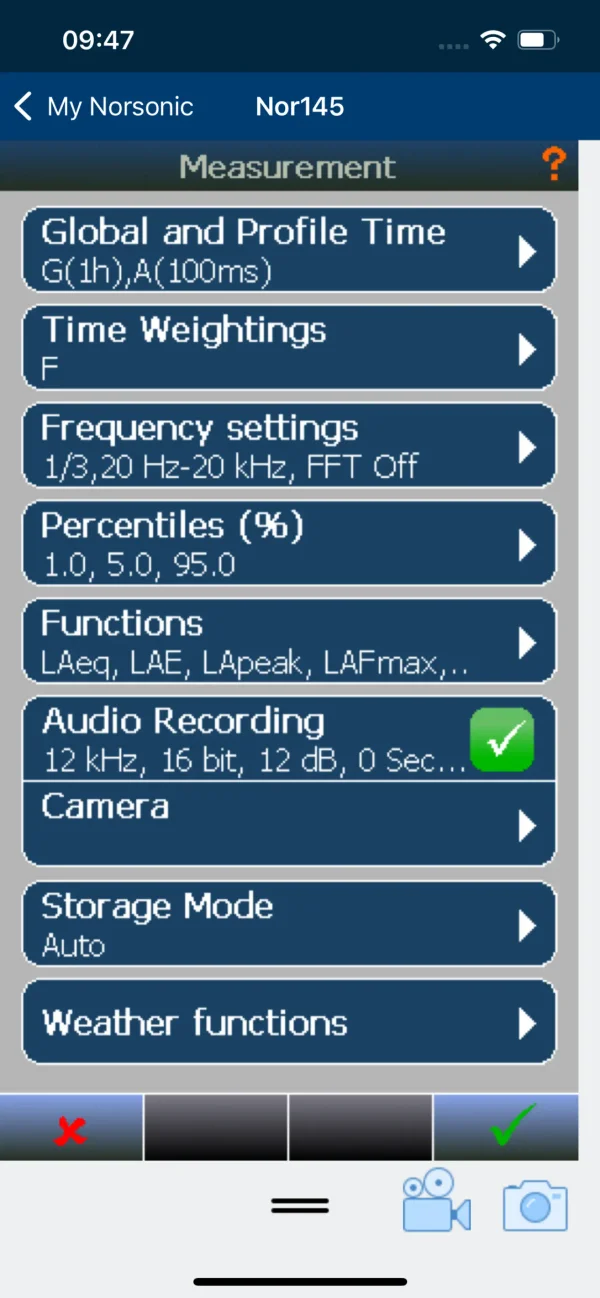
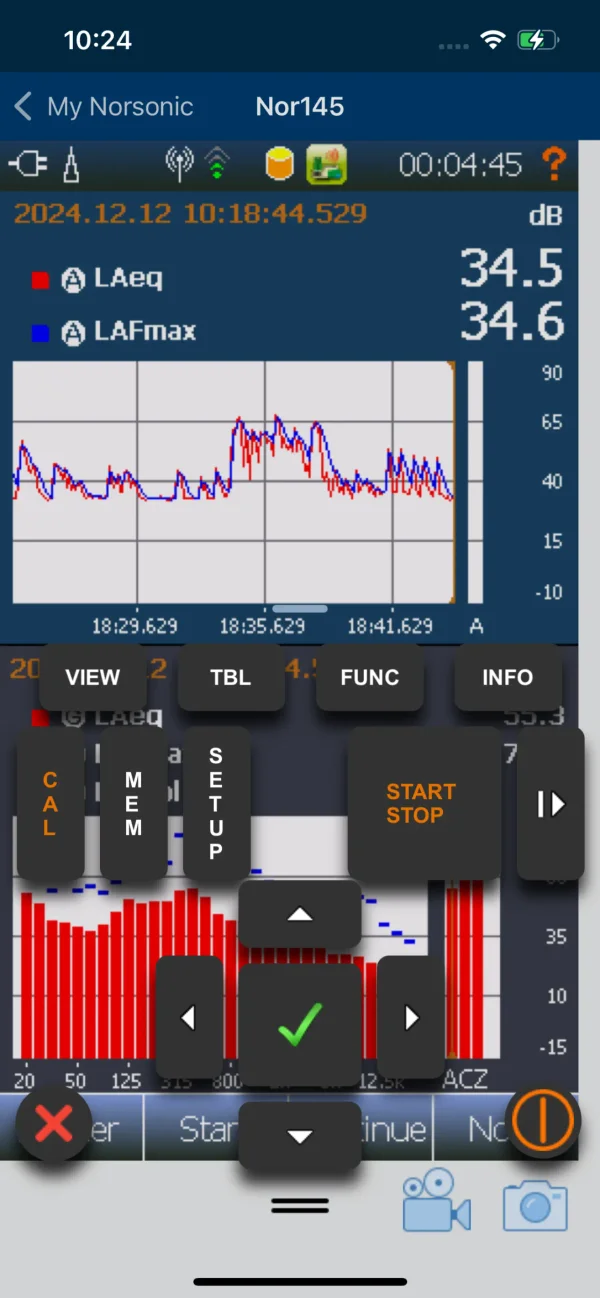
This app is mainly for controlling the Norsonic Nor145/150 and the Rion NL-43/53/63 sound level meters. All functionality in the sound level meter is available from the app, like configuring measurement parameters, controlling different types of measurements and monitoring ongoing measurements. The app can also be used to control some functionality in the Nor282 signal generator and the Nor265A microphone boom.
Connect the mobile device and the Norsonic instrument with Wi-Fi in one of these ways:
- Use Wi-Fi network or router and connect both the mobile device and instrument to this network.
- Activate Hotspot / Access point on the mobile device and connect instrument Wi-Fi to this “network”.
- For Nor145 only: Activate Access point in the instrument and connect your mobile device to this “network”.
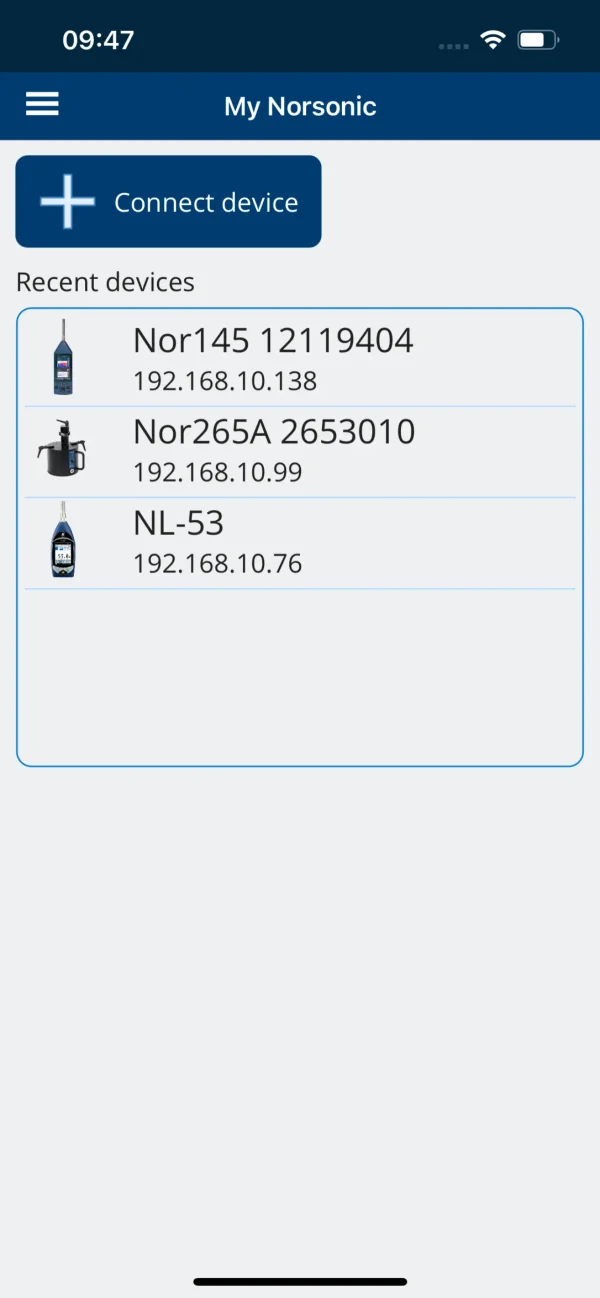
After starting the app, tap “Connect device” and select device type. The available devices will show up in a list. If the device in question does not show up, you may enter the IP address manually. Consult the device manual to find out where to locate the IP address.
If connection is lost, the live instrument display will stop. It can easily be restarted by right-dragging the instrument in question in the list of “Recent devices”.
Sound level meter keyboard:
The keyboard can be opened by tapping the handle at the bottom of the screen.
Camera and Microphone:
When connected to a Nor145/150, it is possible to use the mobile device for taking pictures and making voice comments to attach to the measurements. These can be activated using icons at the bottom of the screen.
Be aware that pictures taken with the mobile device cannot be viewed in the instrument but can be viewed in NorConnect and NorReview.
Limitations:
The response when tapping and scrolling is quite slow compared to using the instrument directly.
Touch scroll/drag does not support “flick” (quick/accelerating drag).
Có gì mới
Phiên bản 2.3.7 · 12/02/2026
Implemented support for controlling the Nor282 equalizer.
Using the Nor282 "Remote" mode. This means that when connecting to a Nor282, NorVirtual when connected, will now read the amplifier settings instead of restoring them to default values.
Quyền riêng tư của ứng dụng
Những gì Norsonic AS khai báo trên App Store về cách ứng dụng này xử lý dữ liệu.
-
Dữ liệu không được thu thập
Nhà phát triển không thu thập bất kỳ dữ liệu nào từ ứng dụng này.
Phương thức đảm bảo quyền riêng tư có thể khác nhau, chẳng hạn như tuỳ theo các tính năng bạn sử dụng hoặc độ tuổi của bạn.
Thông tin
- Người bán
- Norsonic AS
- Danh mục
- Tiện Ích
- Phiên bản
- 2.3.7
- Cập nhật
- 12/02/2026
- Phát hành
- 18/12/2024
- Kích thước
- 124,3 MB
- Yêu cầu
- iOS 12.2 trở lên
- Độ tuổi
- 4+
- Giá
- Miễn phí
- Bản quyền
- © Norsonic AS