
Note Sight — Note Trainer
Sight reading & ear training
Được thiết kế cho iPhone, iPad, iPod touch
Miễn phí
- Độ tuổi4+
- Danh mụcGiáo Dục
- Nhà phát triểnAlexander Chervyakov
- Ngôn ngữTiếng Anh+ 5 ngôn ngữ khác
- Kích thước29,8 MB
Liên kết đến trang App Store chính thức
Download.org không lưu trữ tệp nào của Note Sight — Note Trainer. Nút này mở trang ứng dụng trên App Store, nơi Alexander Chervyakov phát hành ứng dụng. Trang được kiểm tra lần cuối: 17/11/2026.
Ảnh chụp màn hình



Giới thiệu
Nhà phát triển chưa cung cấp nội dung này bằng ngôn ngữ của bạn.
Learn to read sheet music and train your musical ear. Note Sight combines sight-reading, ear training, and piano practice in short daily sessions for beginners, music students, singers, and self-taught musicians.
TRAIN YOUR EAR: MELODY, RHYTHM AND HARMONY
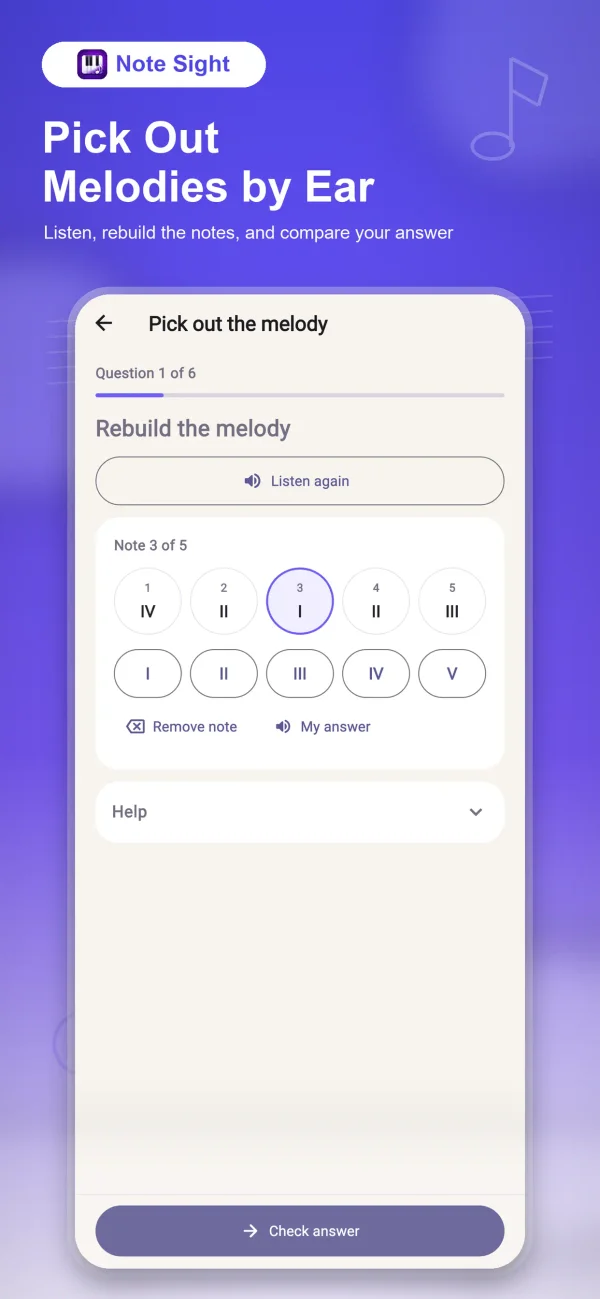
• Pick out melodies by ear: listen to 3, 5 or 7 notes, rebuild the sequence, and compare your answer with the original.
• Feel the rhythm: repeat a pattern by ear or read rhythm notation and tap it. See which taps matched and where you missed the beat.
• Recognize chords, inversions and chord progressions by listening.
• Identify scale degrees after a major-key reference and recognize intervals without clues on the staff.
• Build confidence across three difficulty levels with sound examples, hints and replays. Choose 6, 10 or 20 questions.
• Practice anywhere: these listening exercises need no microphone or instrument. Track listening accuracy separately from reading speed.
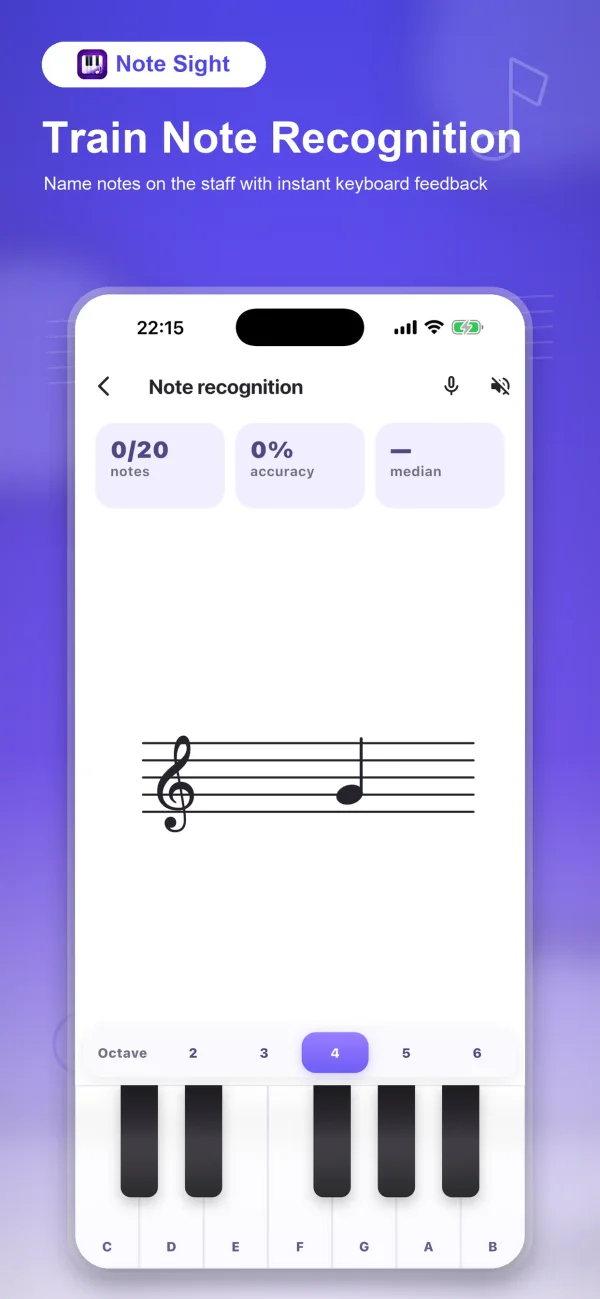
SEE A NOTE, PLAY THE ANSWER
Open a session, see a note, interval, chord, or flowing pattern on the staff, and answer the way that fits your practice:
• Tap the on-screen piano keyboard
• Play a connected MIDI keyboard or digital piano
• Use the microphone — the app hears the notes and chords you play on a real instrument
PRACTICE MODES
• Note naming — see a note on the staff and name it
• Landmark notes — memorize anchor notes, then read nearby notes from them
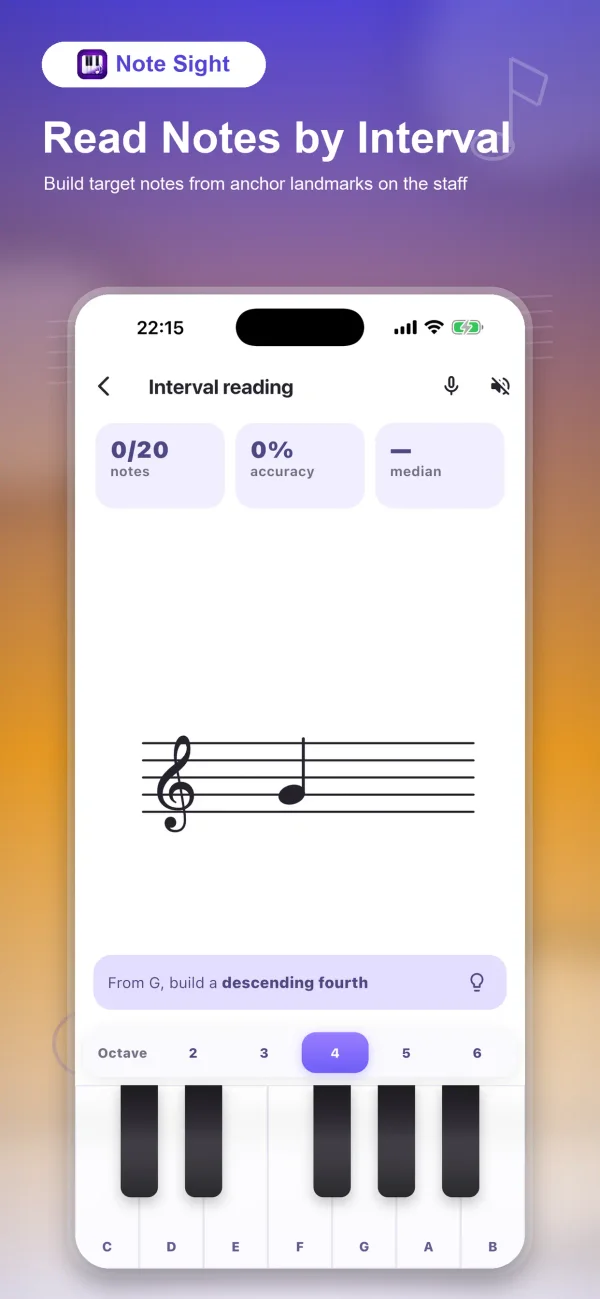
• Interval reading — build the target note by interval from an anchor
• Note Flow — play moving notes when they reach the timing window
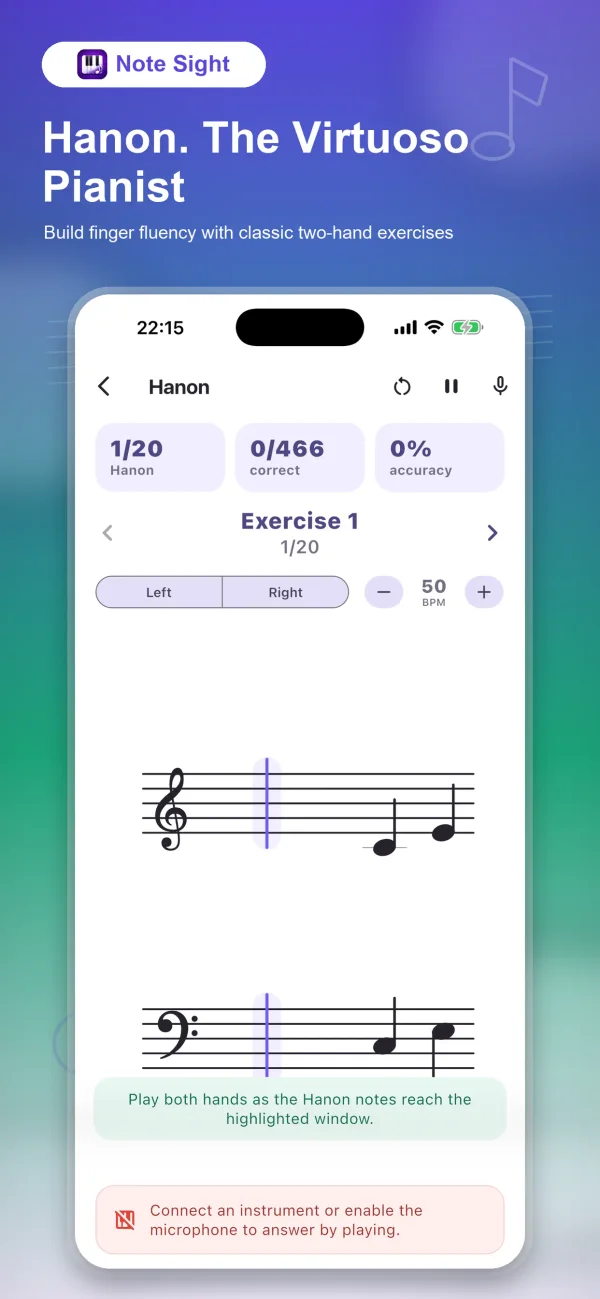
• Hanon — play Hanon exercises 1–20 with both hands at your own tempo
• Speed run — name as many notes as you can before time runs out
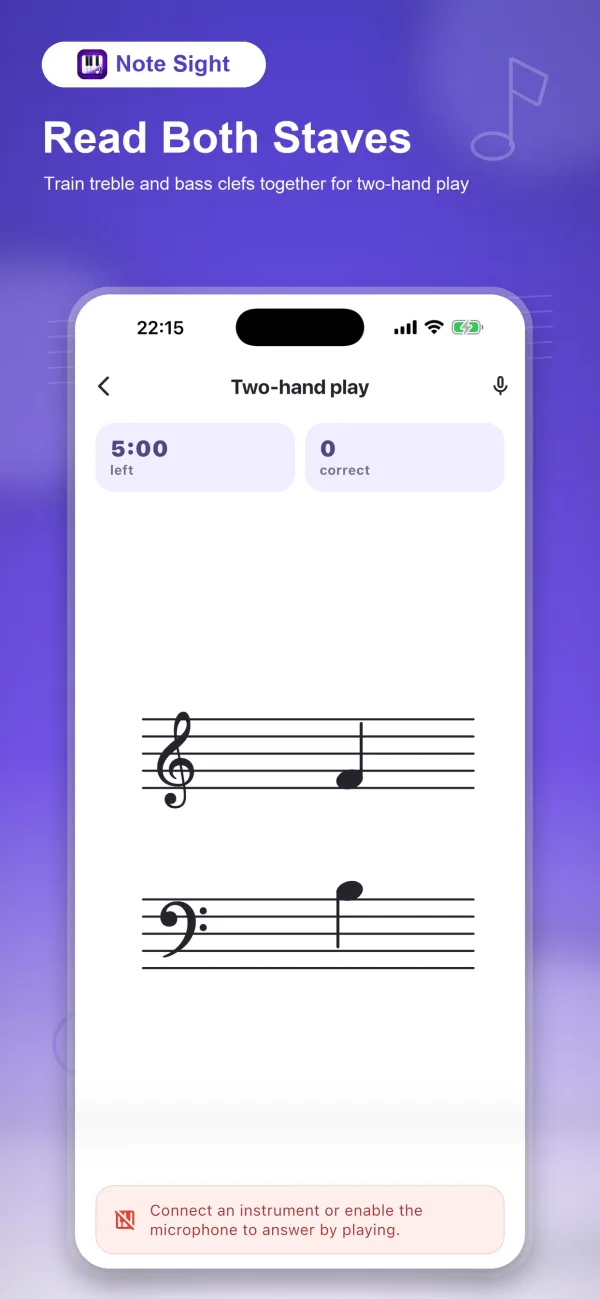
• Two-hand play — read treble and bass staves and play them together
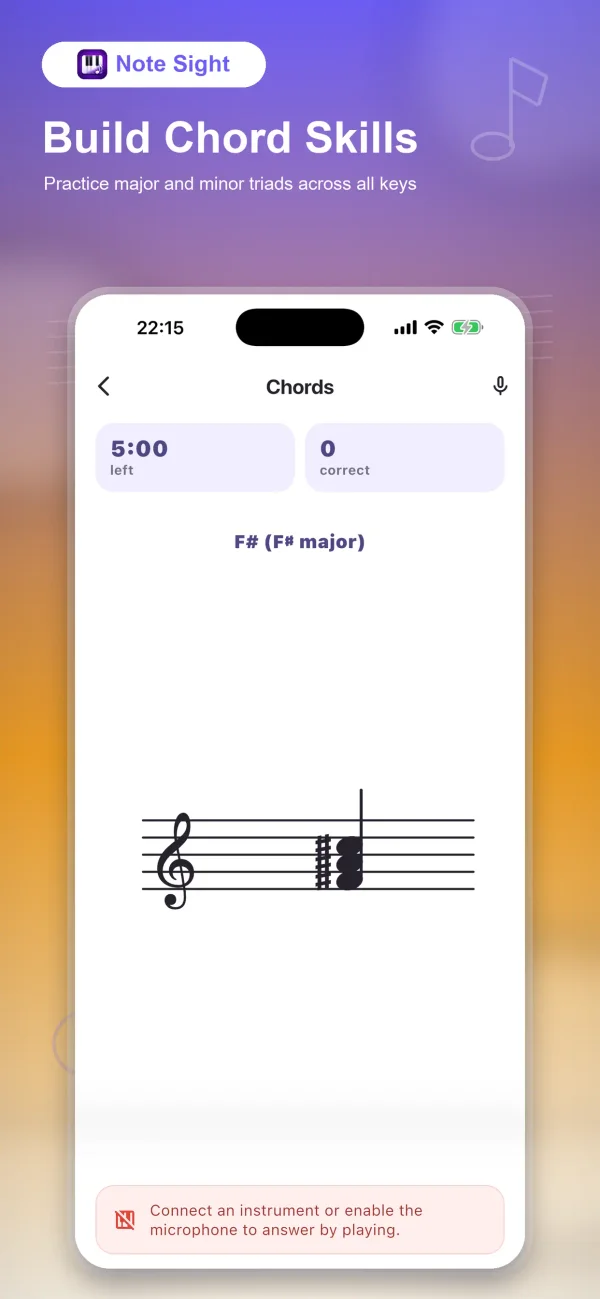
• Chords — triads, seventh chords, inversions, and chord progressions in all 12 keys
• Weak spot review — 5 minutes on the notes you miss most
TRACK REAL PROGRESS
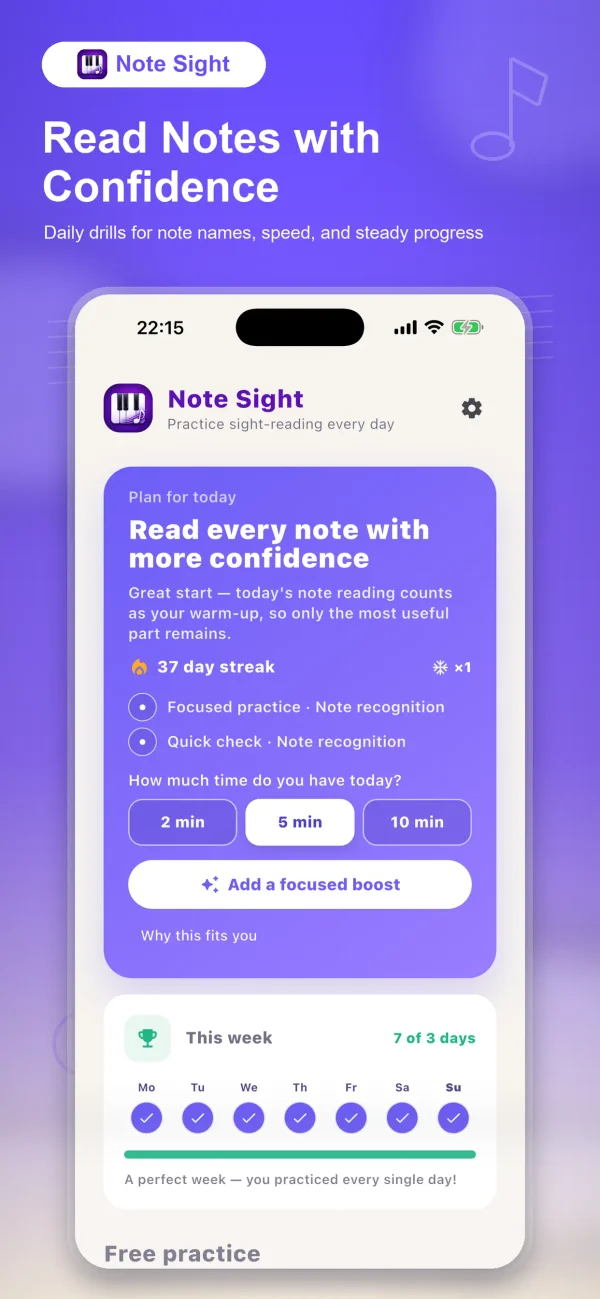
• Streaks, streak freeze, and a weekly practice goal
• Accuracy, reading speed (notes per minute), and reaction time charts
• Note map: a heatmap showing your mastery of every single note
• Chord mastery, interval levels, and Hanon tempo records
• Personal insights and records; share a progress card with friends
MAKE IT A HABIT
• Short sessions designed for daily practice
• Smart reminders on the days you choose
• Cloud backup and sync across your devices
• Light and dark themes
FULLY ADJUSTABLE
• Treble clef, bass clef, or both
• Note range and octaves, sharps and flats
• Interval types and direction, chord qualities and inversions
• Session length, tempo, and difficulty levels that grow with you
Whether you are preparing for music lessons, learning piano, studying music theory, or returning to an instrument after years, Note Sight connects the notes on the staff with real playing — one short session at a time.
Download Note Sight and start reading music with confidence.
Có gì mới
Phiên bản 3.0 · 18/10/2026
Three new ways to train your ear!
• Pick out melodies: listen, rebuild the notes and compare your answer.
• Rhythm: repeat by ear or read notation and tap the pattern.
• Chords and harmony: recognize chord types, inversions and progressions.
We also simplified lesson screens, improved playback and answer feedback, and made it easier to repeat a lesson. Available in all 10 app languages.
Quyền riêng tư của ứng dụng
Những gì Alexander Chervyakov khai báo trên App Store về cách ứng dụng này xử lý dữ liệu.
-
Dữ liệu không được thu thập
Nhà phát triển không thu thập bất kỳ dữ liệu nào từ ứng dụng này.
Phương thức đảm bảo quyền riêng tư có thể khác nhau, chẳng hạn như tuỳ theo các tính năng bạn sử dụng hoặc độ tuổi của bạn.
Thông tin
- Người bán
- Alexander Chervyakov
- Danh mục
- Giáo Dục
- Phiên bản
- 3.0
- Cập nhật
- 18/10/2026
- Phát hành
- 09/06/2026
- Kích thước
- 29,8 MB
- Yêu cầu
- iOS 15.0 trở lên
- Độ tuổi
- 4+
- Giá
- Miễn phí
- Ngôn ngữ
- Tiếng Anh, Tiếng Pháp, Tiếng Đức, Tiếng Nhật, Tiếng Nga, Tiếng Trung Giản thể
- Bản quyền
- © Note Sight
Có thể bạn cũng thích
-
 Musa: Note Reading GameGiáo Dục
-
 SightReader: Read Piano MusicGiáo Dục
-
 Clefs: Note Reading TrainerGiáo Dục
-
 Dreamtold: Bedtime StoriesGiáo Dục
-
 SAT Prep 2026 by EZ Test PrepGiáo Dục
-
 OP TCG Card Value ScannerTham Khảo
-
 Trò chơi đọc nốt nhạcĐọc nốt piano, violin, guitar
-
 SunScore - Học PianoHọc mọi bản nhạc.
-
 Notaforte: Sight Reading TutorGiáo Dục
-
 CDL Test & Field Tools 2026Giáo Dục