
Noteflow+ Digital Notebook
Think Better on Digital Paper.
Được thiết kế cho iPhone, iPad, iPod touch
499.000đ
- Độ tuổi4+
- Danh mụcKinh Doanh
- Nhà phát triểnQrayon, LLC
- Ngôn ngữTiếng Anh
- Kích thước15,9 MB
Liên kết đến trang App Store chính thức
Download.org không lưu trữ tệp nào của Noteflow+ Digital Notebook. Nút này mở trang ứng dụng trên App Store, nơi Qrayon, LLC phát hành ứng dụng. Trang được kiểm tra lần cuối: 12/11/2026.
Ảnh chụp màn hình
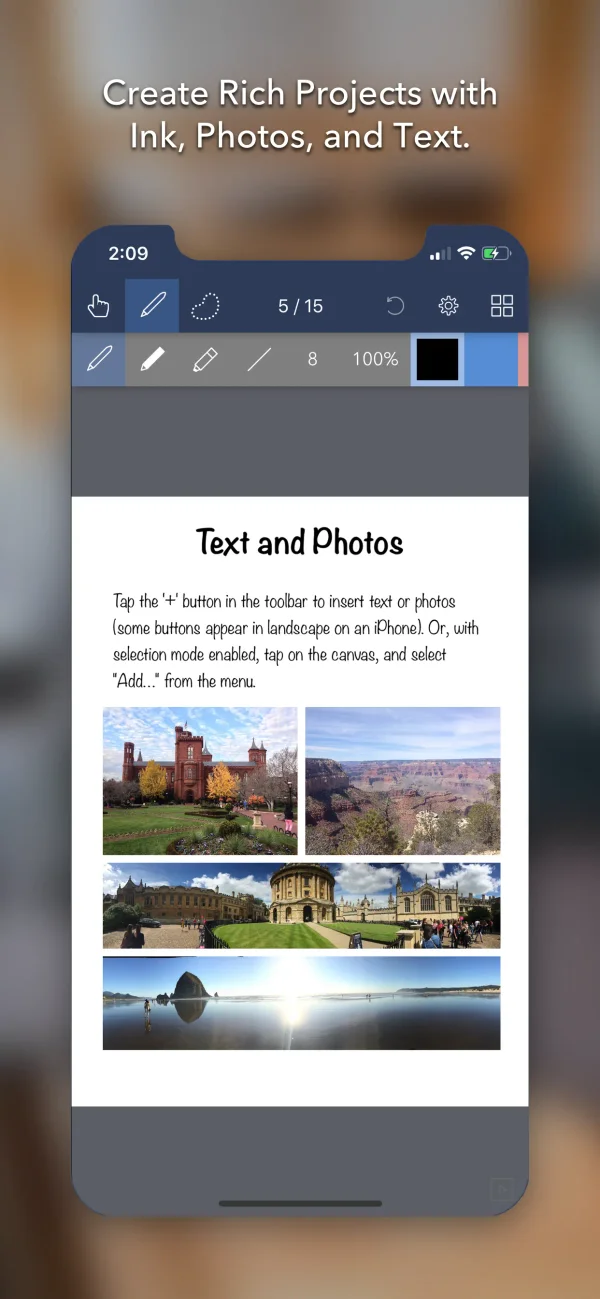
Giới thiệu
Nhà phát triển chưa cung cấp nội dung này bằng ngôn ngữ của bạn.
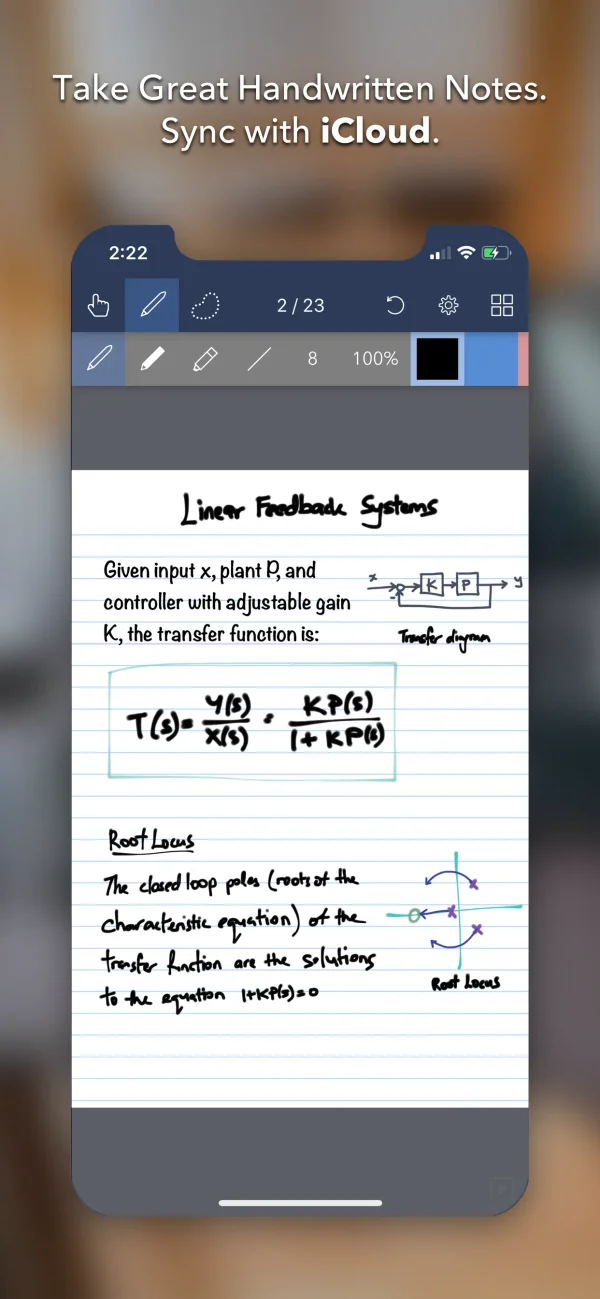
Noteflow is designed to replace pen and paper. It is a modern digital notebook that lets you get the most out of your iPad or iPhone.
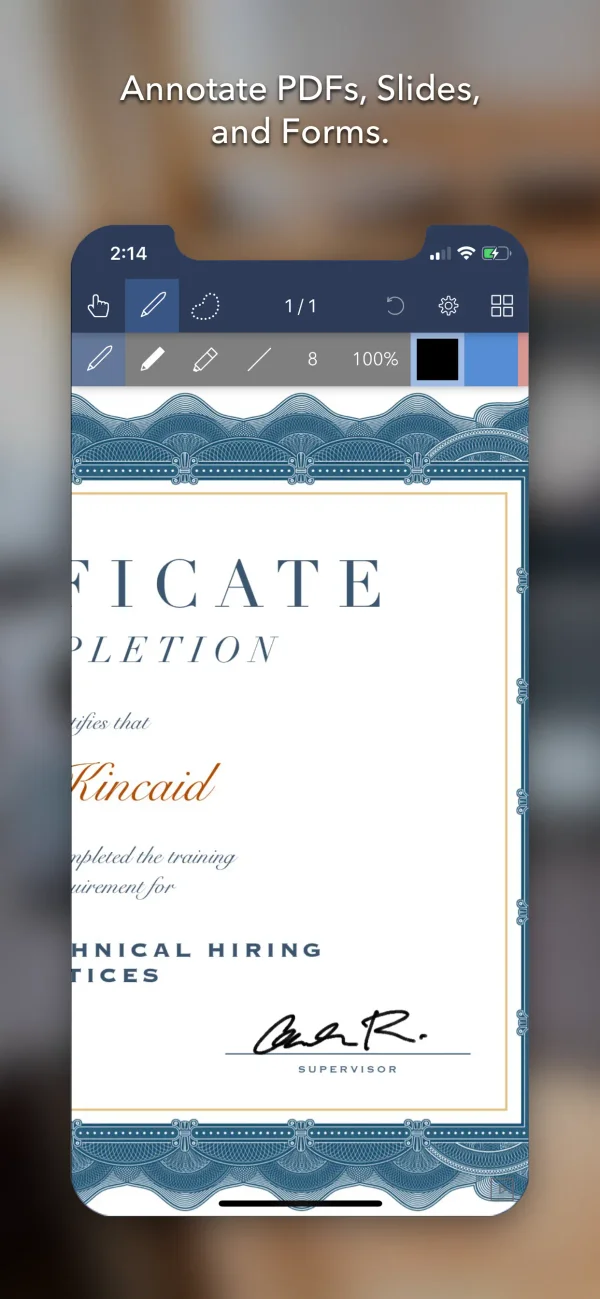
Use it for taking notes, annotating PDFs, sketching and doodling, plus a whole lot more:
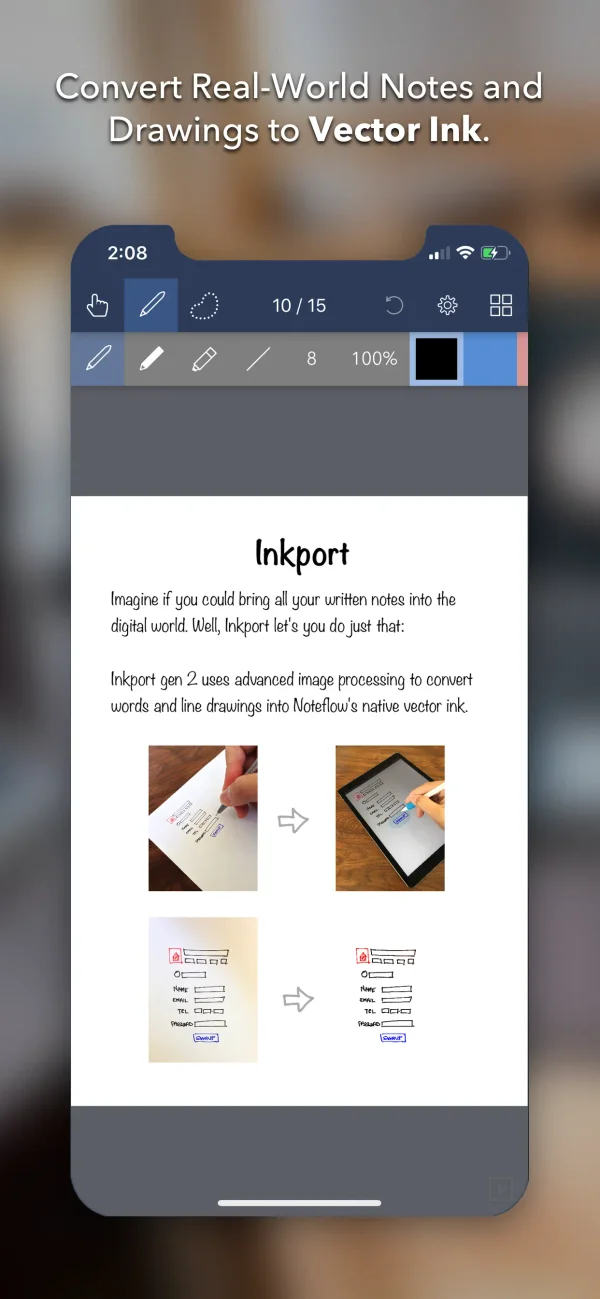
Copy and paste from the real world: Use Inkport gen 2 to snap a picture of a whiteboard or writing and convert it into Noteflow's native vector ink. No special paper needed. Then resize, re-color, or edit as if you wrote it in Noteflow.
Create layered drawings without layers: Use the highlighter tool to color and shade behind existing ink. Use Color-Select to separate and edit individual colors. It's a much more fluid and natural editing experience than with layers. Use the straight-line tool with a grid for fast and intuitive wireframes and drafting.
Drag-and-drop, cloud-storage, and more: Noteflow natively integrates with iOS's file system and drag-and-drop capabilities. Drop photos and text into Noteflow, and drag your drawings into other apps. Store your files locally or sync with the cloud service of your choice. Make Noteflow a seamless part of your workflow, the way you like.
SPACE FOR YOUR IDEAS TO ROAM
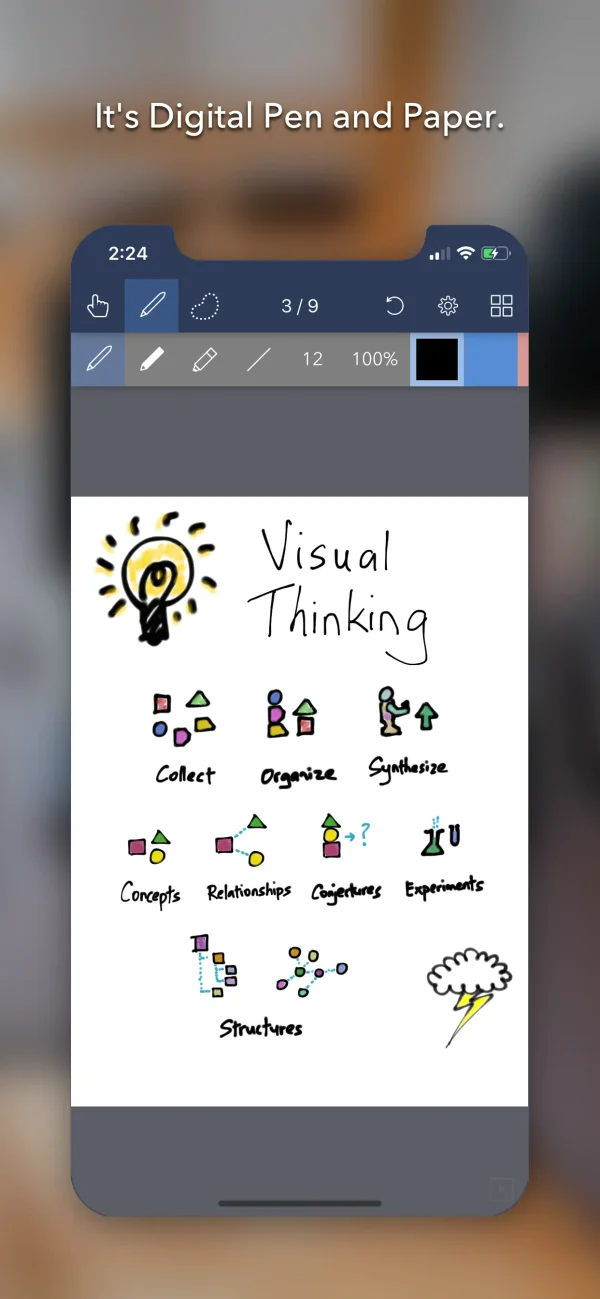
Our vision for Noteflow is simple: to be digital pen and paper.
The magic of pen and paper is in their versatility. They are useful for so many things, but particularly for the freeform capture of ideas. Noteflow expands upon this quality.
You can naturally do all the things you normally do with pen and paper: take notes in meetings or class, and jot down flashes of inspirations on the go. And you can take that to a whole new level:
One of Noteflow’s best uses is for "thinking on digital paper": quickly capture key ideas and concepts, then move and organize them on the screen.
Noteflow's vector ink engine lets you scale and edit your work without any loss of quality. Your words and drawings remain tack sharp when zoomed in, giving you a huge effective working canvas even on a single page.
There are analogues in the physical world, such as sketchnotes or everyday working on a white board, but being able to fluidly edit and move your ideas around the page is something you can only do digitally.
When you represent the ideas in your head with your own personal scribbles on the screen, it effectively becomes an extension of your mind - giving you more room to think.
We've designed every part of Noteflow to let you intuitively capture and work on your ideas the way you like. Whether it's dropping in existing information, quickly sketching concepts, or assembling polished presentations for others.
By resizing ink and zooming in, you have a huge effective canvas to work with, even on a single page.
As your ideas shape up, Noteflow has all the tools you need to tidy them up and format them to share with others.
DIGITAL TOOLS FOR A DIGITAL AGE
I hope you'll find Noteflow a useful part of your workflow, and that you'll discover new ways to do things with it that weren't easy before.
We're very proud of the work we've put into Noteflow, but we're also just seen the beginning of what's possible with powerful new digital platforms like the iPad.
Our goal is to push these platforms to their limits to craft useful tools. Tools that can help us think a little more clearly, communicate a bit more effectively, and connect with other in new and enriching ways.
Thanks for joining us on this journey!
-- The App Makers @ Qrayon.
Có gì mới
Phiên bản 3.4 · 23/02/2025
+ Fix image rendering issue
Quyền riêng tư của ứng dụng
Những gì Qrayon, LLC khai báo trên App Store về cách ứng dụng này xử lý dữ liệu.
-
Dữ liệu không liên kết với bạn
Có thể được thu thập nhưng không liên kết với danh tính của bạn.
- Mã định danh
- Dữ liệu sử dụng
- Chẩn đoán
Phương thức đảm bảo quyền riêng tư có thể khác nhau, chẳng hạn như tuỳ theo các tính năng bạn sử dụng hoặc độ tuổi của bạn.
Thông tin
- Người bán
- Qrayon, LLC
- Danh mục
- Kinh Doanh
- Phiên bản
- 3.4
- Cập nhật
- 23/02/2025
- Phát hành
- 19/09/2017
- Kích thước
- 15,9 MB
- Yêu cầu
- iOS 12.4 trở lên
- Độ tuổi
- 4+
- Giá
- 499.000đ
- Ngôn ngữ
- Tiếng Anh
- Bản quyền
- © 2025 Qrayon, LLC
Có thể bạn cũng thích
-
 iCalclineHiệu Suất
-
 Executive AI PrimerKinh Doanh
-
 Date T CalcHiệu Suất
-
 AureclarKinh Doanh
-
 MathDown - Markdown LaTeX DocsHiệu Suất
-
 Arvo - AI Executive AssistantKinh Doanh
-
 Company AiKinh Doanh
-
 Rika - A 24/7 Life AssistantHiệu Suất
-
 JotSpotHiệu Suất
-
 Notepad: ghi chú danh sách ProNotepad: ghi chú, danh sách