NoteKrypt
Encrypted notes & passwords
Được thiết kế cho iPhone, iPad, iPod touch
Miễn phí
- Độ tuổi4+
- Danh mụcHiệu Suất
- Nhà phát triểnFEMEX Ventures LLC
- Ngôn ngữTiếng Anh+ 7 ngôn ngữ khác
- Kích thước110,2 MB
Liên kết đến trang App Store chính thức
Download.org không lưu trữ tệp nào của NoteKrypt. Nút này mở trang ứng dụng trên App Store, nơi FEMEX Ventures LLC phát hành ứng dụng. Trang được kiểm tra lần cuối: 23/11/2026.
Ảnh chụp màn hình
Giới thiệu
Nhà phát triển chưa cung cấp nội dung này bằng ngôn ngữ của bạn.
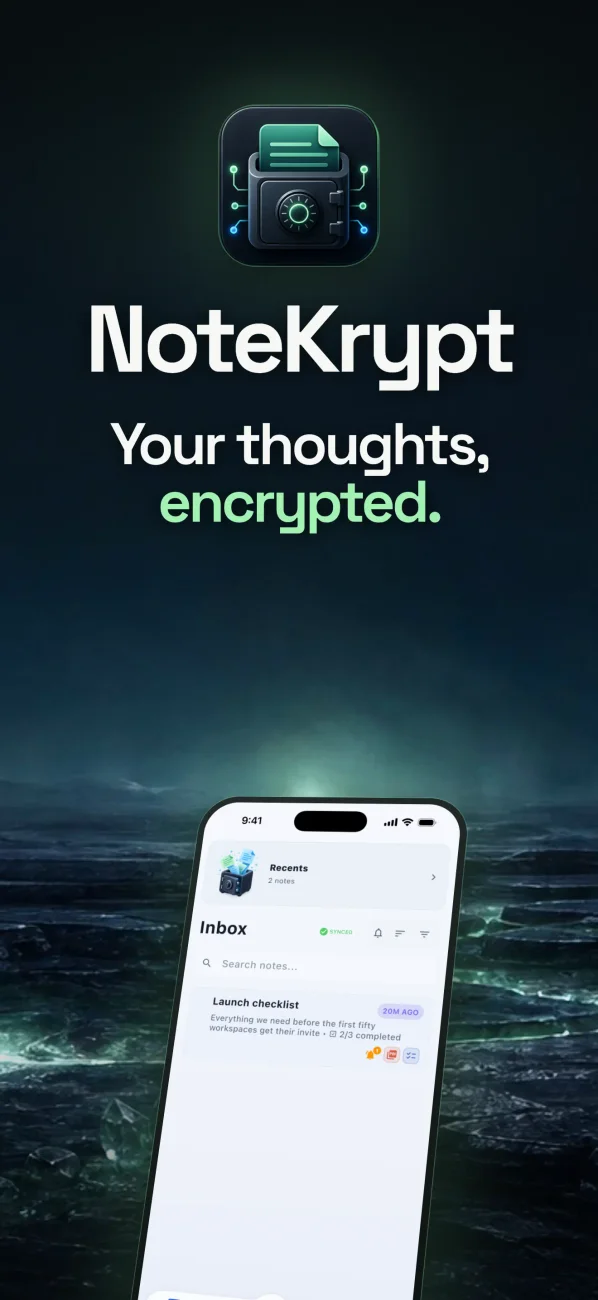
Your thoughts, encrypted.
NoteKrypt keeps your notes, passwords and reminders in one private place. Everything is encrypted on your device before it syncs, so our servers only store ciphertext: we cannot read your notes, and neither can anyone else.
SECURITY BUILT FOR WHAT'S NEXT
• Post-quantum sharing: every share key is sealed with hybrid ML-KEM-768 + X25519, the NIST post-quantum standard paired with a proven classic curve, so what you share today stays protected against the quantum computers of tomorrow
• Your password is stretched with Argon2id, using up to 64 MiB of memory per guess, which makes brute-force attacks slow and expensive even on specialised hardware
• Notes and attachments are encrypted with AES-256-GCM on your device; our servers only ever see ciphertext
NOTES MADE OF BLOCKS, NOT JUST TEXT
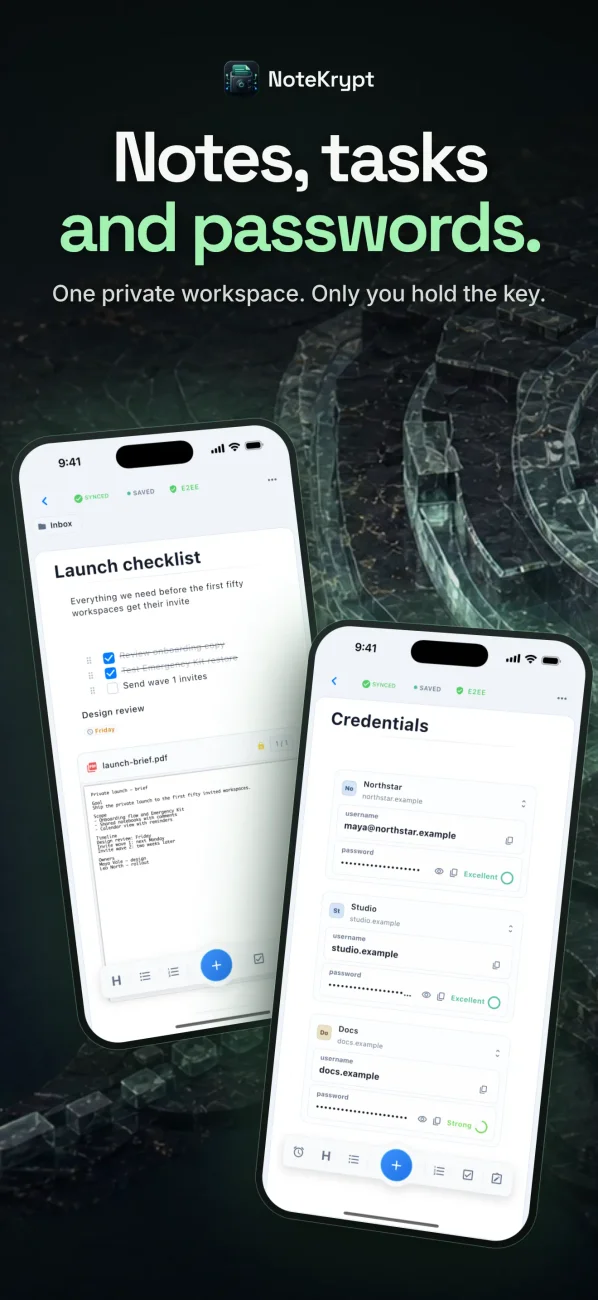
• Build each page from 25 kinds of blocks: text, headings, checklists, tables, images, files, bookmarks, reminders, passwords and more
• Drag blocks to reorder them and shape the page the way you think
• Start from ready-made templates, or save any page as your own template
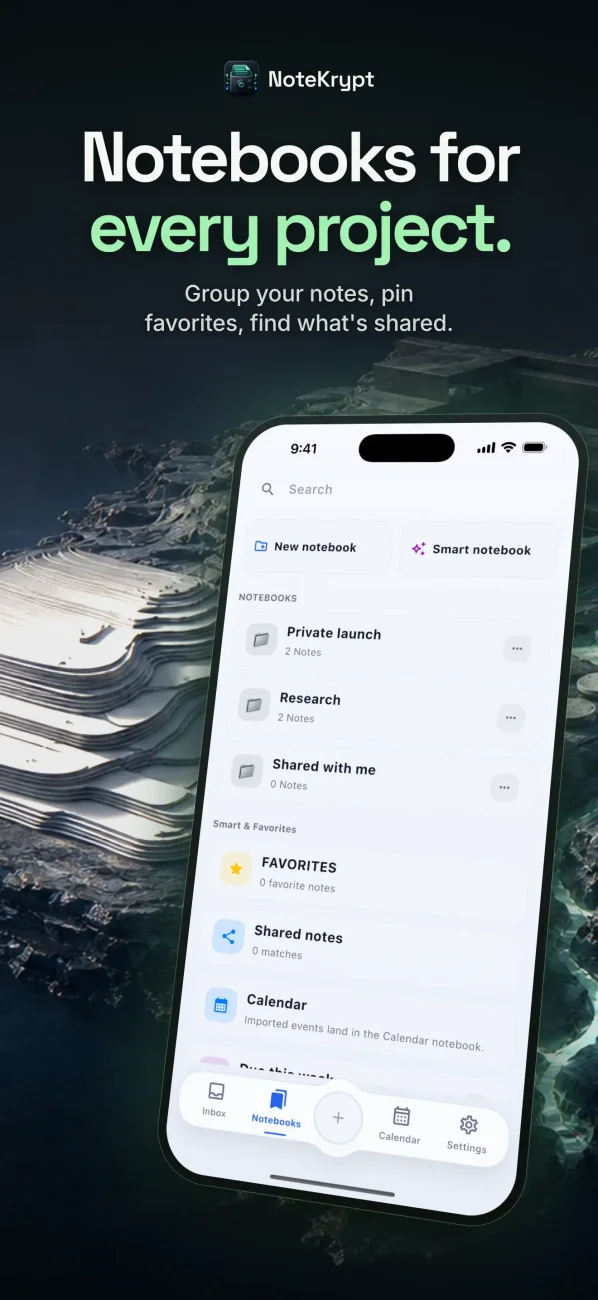
• Notebooks and smart sections keep everything organized
• Works offline; changes sync when you are back online
ENCRYPTED ATTACHMENTS
• Attach images, PDFs and other files to any note; each one is encrypted on your device before it is uploaded
• Photograph a bill and keep it with its note
PASSWORDS THAT FILL THEMSELVES
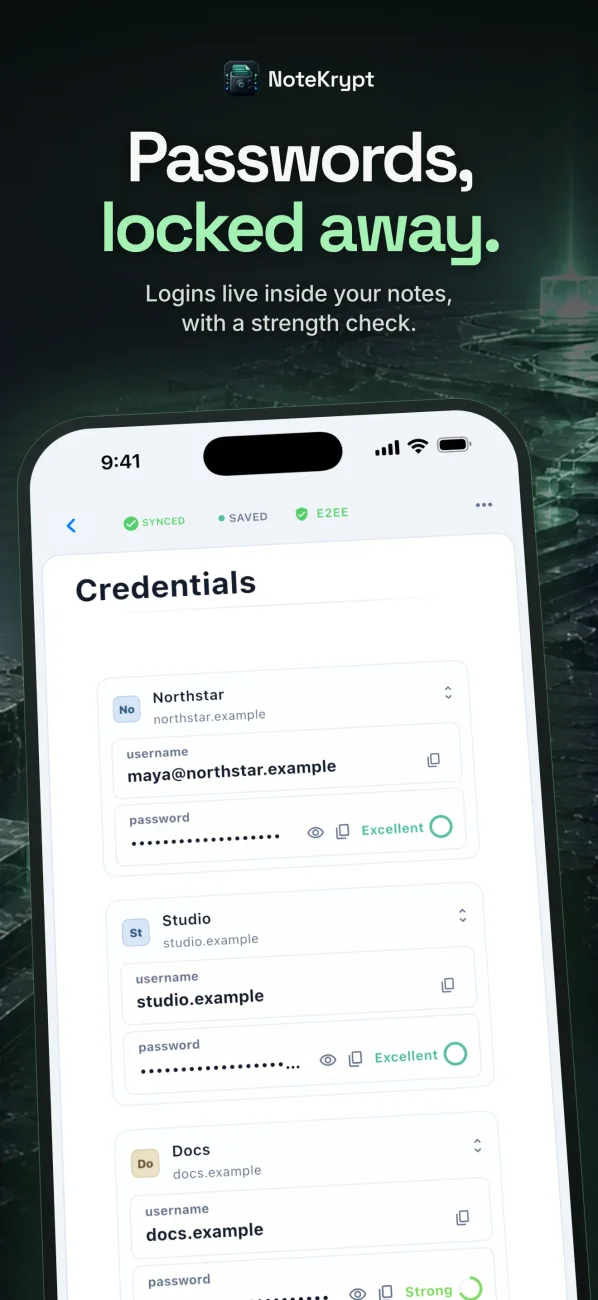
• A full password manager inside your notes: logins, cards and one-time codes (2FA)
• iOS Password AutoFill in Safari and other apps
• Passkeys on iOS 17 and later
• Password and passphrase generator
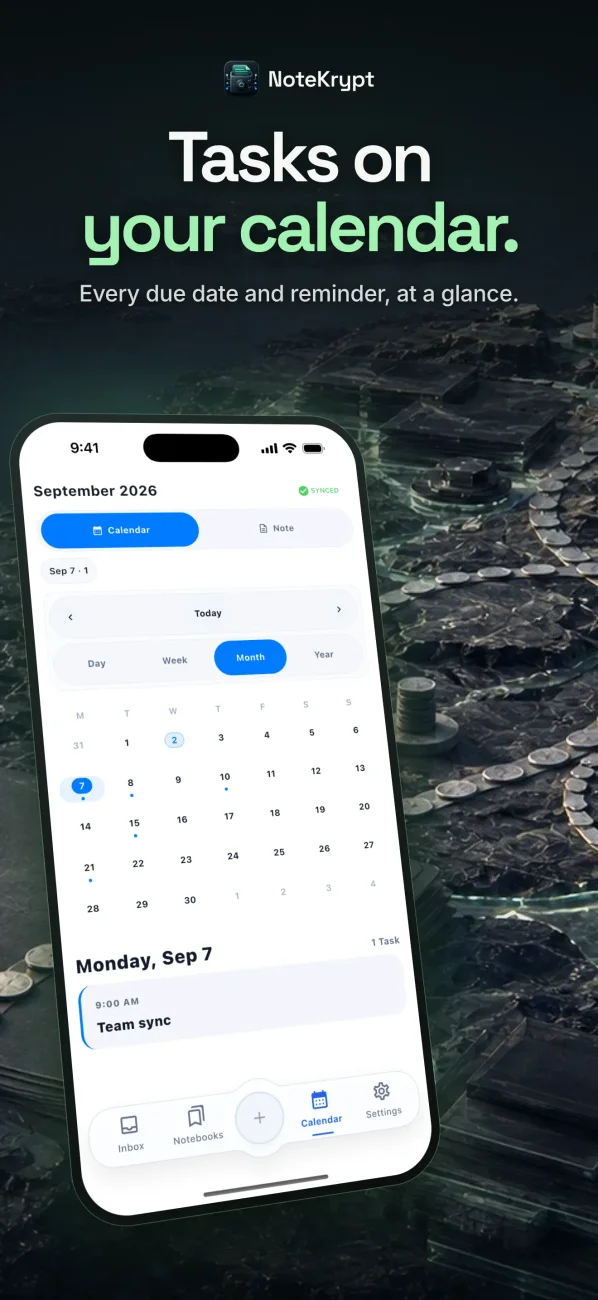
REMINDERS AND CALENDAR
• Reminders on notes and checklist items, with repeating schedules
• Notifications on your devices when something is due
• Month and year calendar views
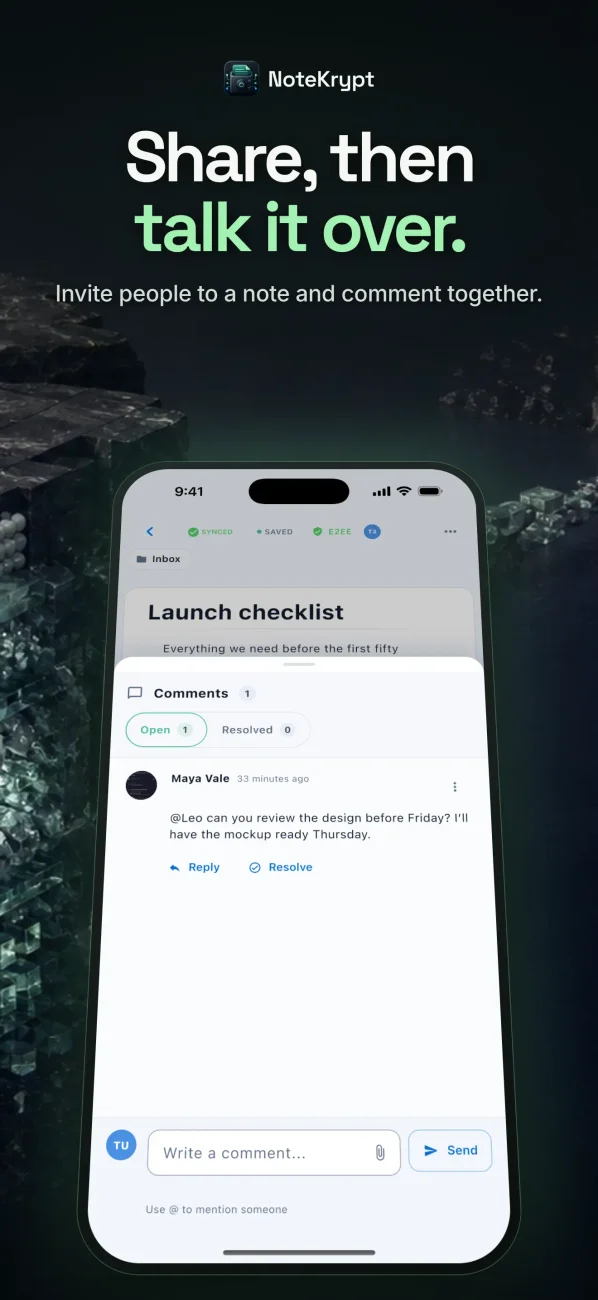
SHARE AND COLLABORATE
• Invite the people you choose to a note and edit it together; the content stays end-to-end encrypted
• Comment on shared notes
• Public links with an optional password, expiry and use limit
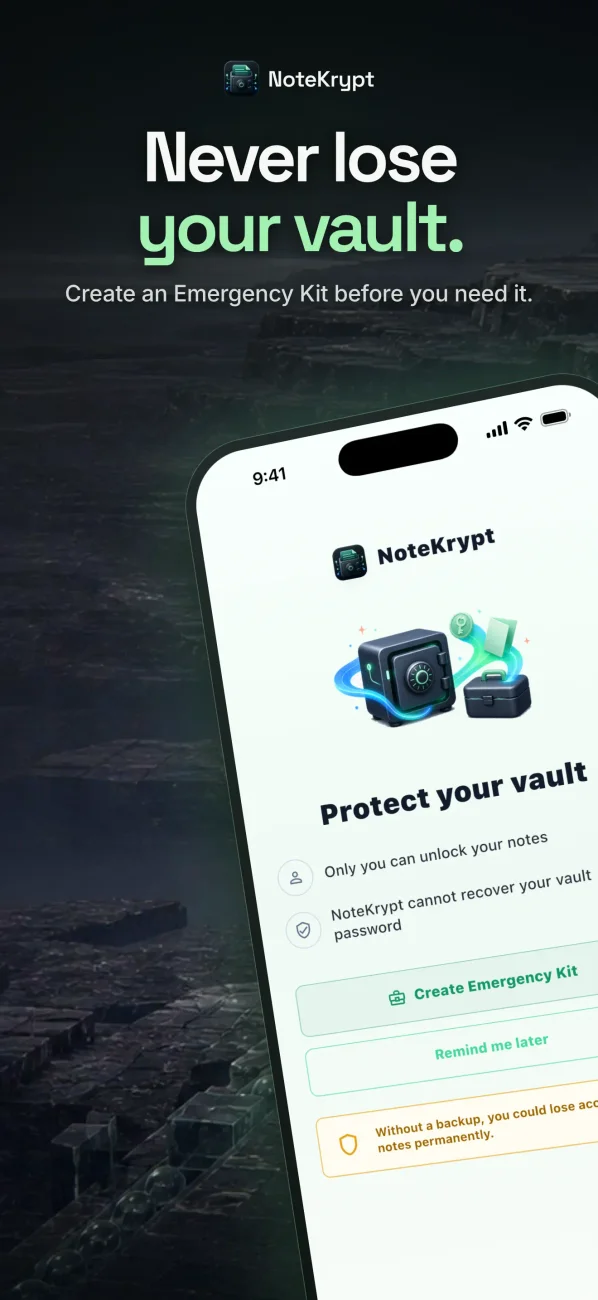
YOUR KEYS, YOUR RECOVERY
• Face ID to unlock your vault
• An Emergency Kit to bring your vault to a new device
• Encrypted backups you control
YOUR DATA, NEVER LOCKED IN
• Import from Notion, Evernote, OneNote, Markdown, Bitwarden, 1Password, TickTick and Todoist
• Export your passwords in Bitwarden and 1Password formats whenever you want
Có gì mới
Phiên bản 1.0.66 · 17/11/2026
NoteKrypt now supports the iPhone Duo, and you can save the people you share with while you invite them and see their faces in the list.
Sharing
When you share a note, the people you shared with recently appear under the address field, with their photo or initials. Tap one to fill it in; nothing is sent until you confirm.
Turn on «Save to my people» while you invite someone, and give them a name if you like. Saved people show with a star and follow you to your other devices, encrypted like your notes.
The list shows four people at a time; «Show all» opens the rest in a box you can scroll, and it catches up with your other devices when you come back to the app.
Settings › Account › Saved people lists them, so you can rename or remove anyone.
Inviting someone or changing their access works again on notes where a block with an attachment was deleted.
iPhone, iPad and foldables
NoteKrypt now supports the iPhone Duo: open it and your notes and the note you are writing sit side by side across the whole screen; fold it and that note stays open.
On an iPhone Duo, NoteKrypt turns to landscape when you open it and back upright when you close it. Phones stay upright; tablets turn either way.
Tapping a line under the floating block toolbar now places the cursor there, and the paragraph scrolls up above the toolbar.
On an iPad or an open iPhone Duo, the text you are typing stays above the floating toolbar and the keyboard.
Tapping a long paragraph no longer jumps the note to its middle.
The keyboard no longer hides the Sign In button, the button that unlocks your vault, or the field you are typing in on a small screen: when there is little room, the buttons move below the field.
Quyền riêng tư của ứng dụng
Những gì FEMEX Ventures LLC khai báo trên App Store về cách ứng dụng này xử lý dữ liệu.
-
Dữ liệu liên kết với bạn
Có thể được thu thập và liên kết với danh tính của bạn.
- Mục mua
- Thông tin liên hệ
- Nội dung của người dùng
- Mã định danh
- Dữ liệu sử dụng
- Chẩn đoán
Phương thức đảm bảo quyền riêng tư có thể khác nhau, chẳng hạn như tuỳ theo các tính năng bạn sử dụng hoặc độ tuổi của bạn.
Thông tin
- Người bán
- FEMEX Ventures LLC
- Danh mục
- Hiệu Suất
- Phiên bản
- 1.0.66
- Cập nhật
- 17/11/2026
- Phát hành
- 03/11/2026
- Kích thước
- 110,2 MB
- Yêu cầu
- iOS 15.5 trở lên
- Độ tuổi
- 4+
- Giá
- Miễn phí
- Ngôn ngữ
- Tiếng Anh, Tiếng Pháp, Tiếng Đức, Tiếng Ý, Tiếng Nhật, Tiếng Bồ Đào Nha, Tiếng Trung Giản thể, Tiếng Tây Ban Nha
- Bản quyền
- © 2026 FEMEX Ventures LLC