NoteWorthy: Smart Notes
Private on-device AI
Được thiết kế cho iPhone, iPad, Mac
Miễn phí
- Độ tuổi4+
- Danh mụcHiệu Suất
- Nhà phát triểnSuman Hansada
- Ngôn ngữTiếng Anh+ 10 ngôn ngữ khác
- Kích thước273,0 MB
Liên kết đến trang App Store chính thức
Download.org không lưu trữ tệp nào của NoteWorthy: Smart Notes. Nút này mở trang ứng dụng trên App Store, nơi Suman Hansada phát hành ứng dụng. Trang được kiểm tra lần cuối: 23/11/2026.
Ảnh chụp màn hình
Giới thiệu
Nhà phát triển chưa cung cấp nội dung này bằng ngôn ngữ của bạn.
Smart notes that never leave your device.
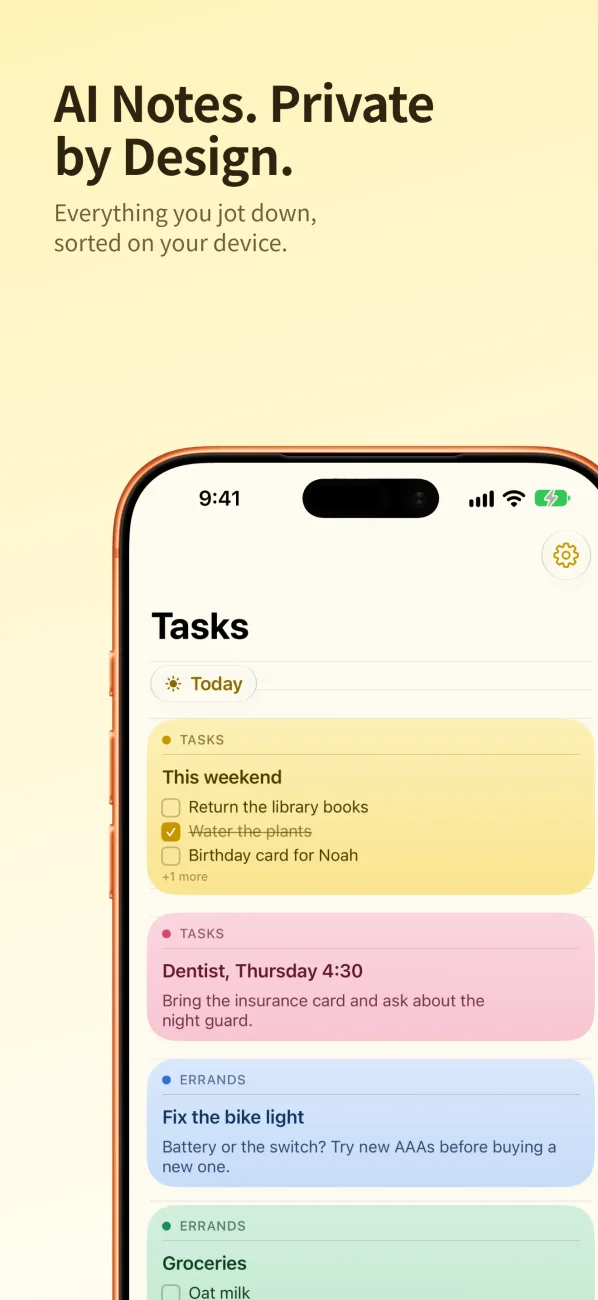
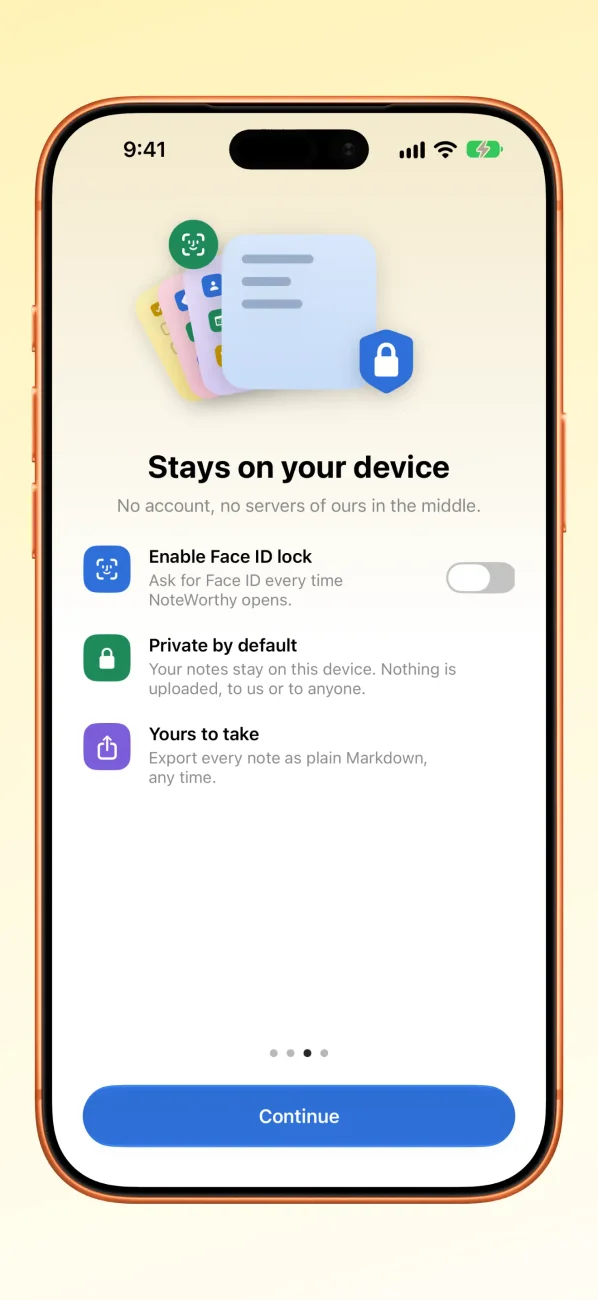
NoteWorthy writes your titles, summarizes your notes, cleans up your formatting and files everything in the right place. All of it runs on your iPhone, iPad or Mac. There is no account to create and no server of ours to trust. Everything works offline, and nothing leaves your device unless you switch on iCloud Sync.
NOW ON THE MAC
NoteWorthy is a native Mac app. It sits on the edge of your screen as a notebook of flaps, one per label: pull a flap and its notes slide out. Capture a note without leaving what you are doing, keep a sticky on the desk beside your work, and reach your recent notes from the menu bar. AI Format and AI Organize run on your Mac, not on a server.
WRITE
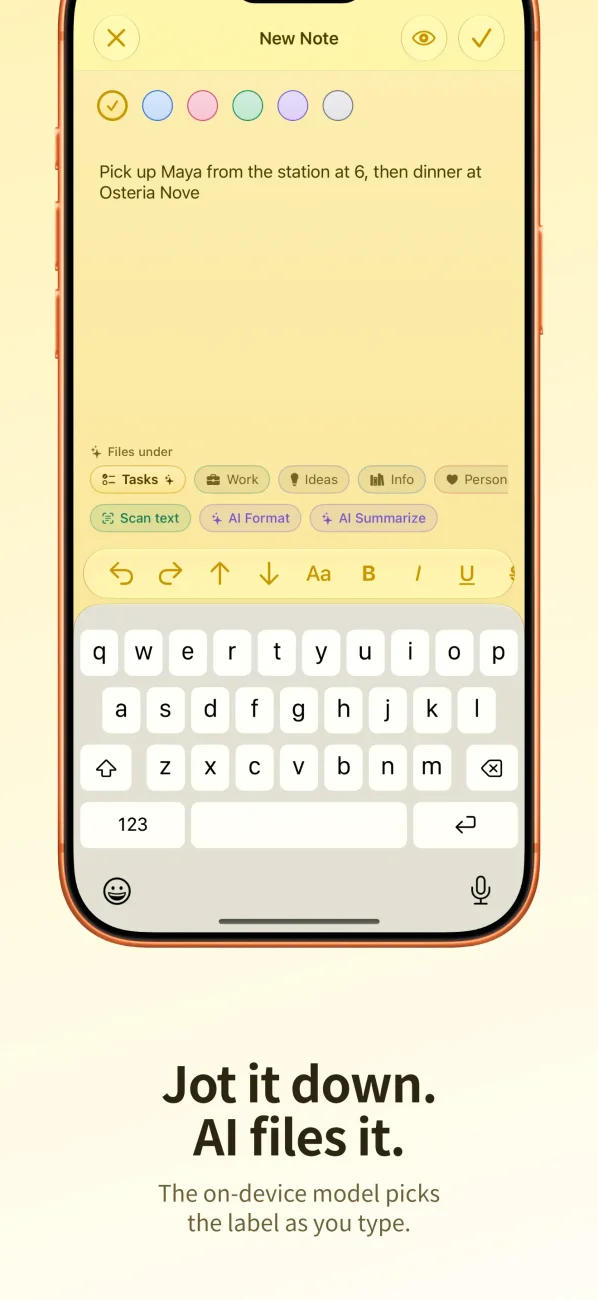
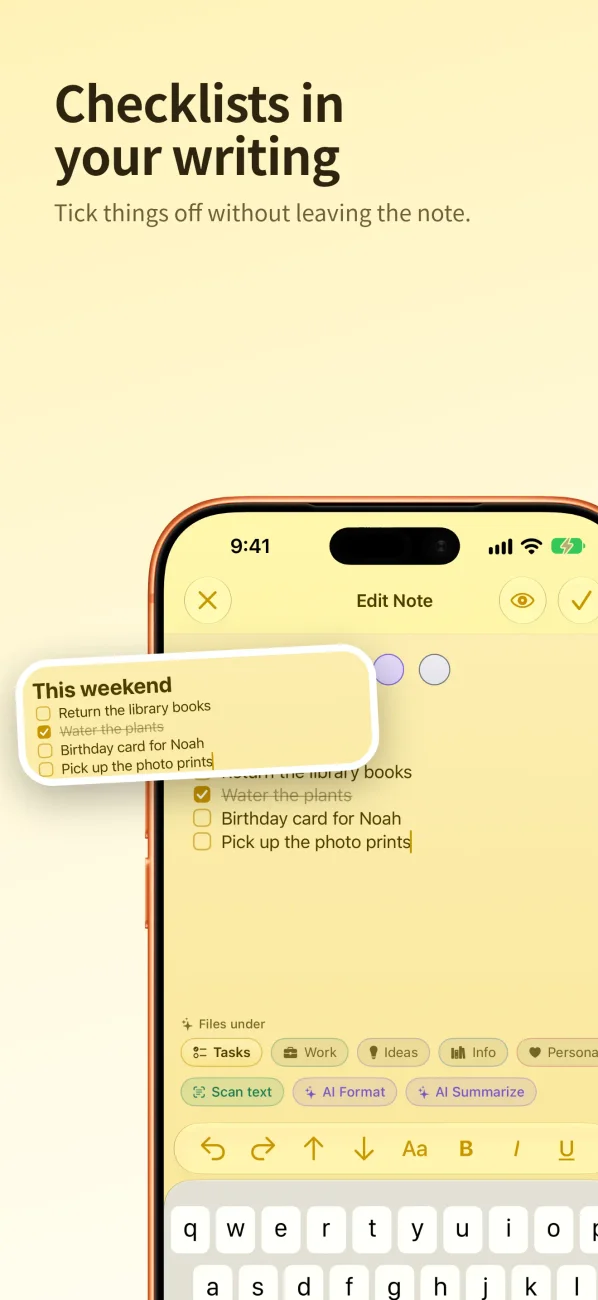
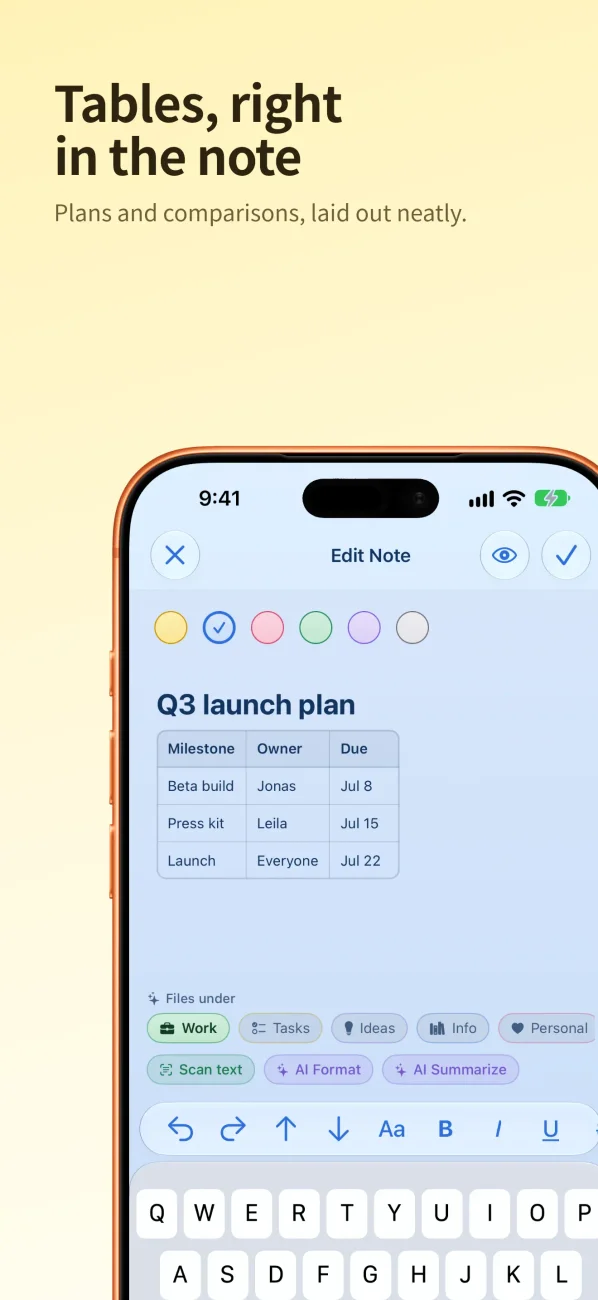
Rich text with real Markdown underneath. Checkboxes, headings, bold and italic, tables and images. Pick from six paper colors. Scan text straight out of a photo.
LET IT ORGANIZE
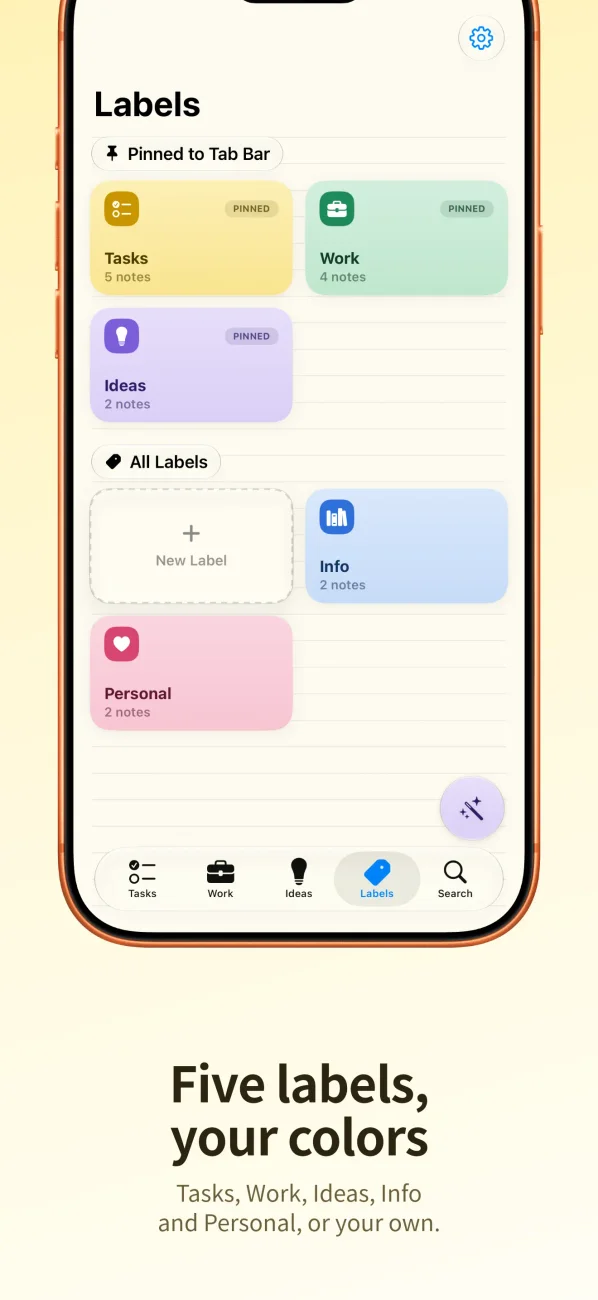
Every note gets a title and lands in Tasks, Work, Ideas, Info or Personal on its own. Make your own labels and pin the ones you use most. One tap on AI Organize tidies the whole library, and running it twice changes nothing, because filing reads what is already stored rather than asking a model to guess again.
AI FORMAT AND AI SUMMARIZE
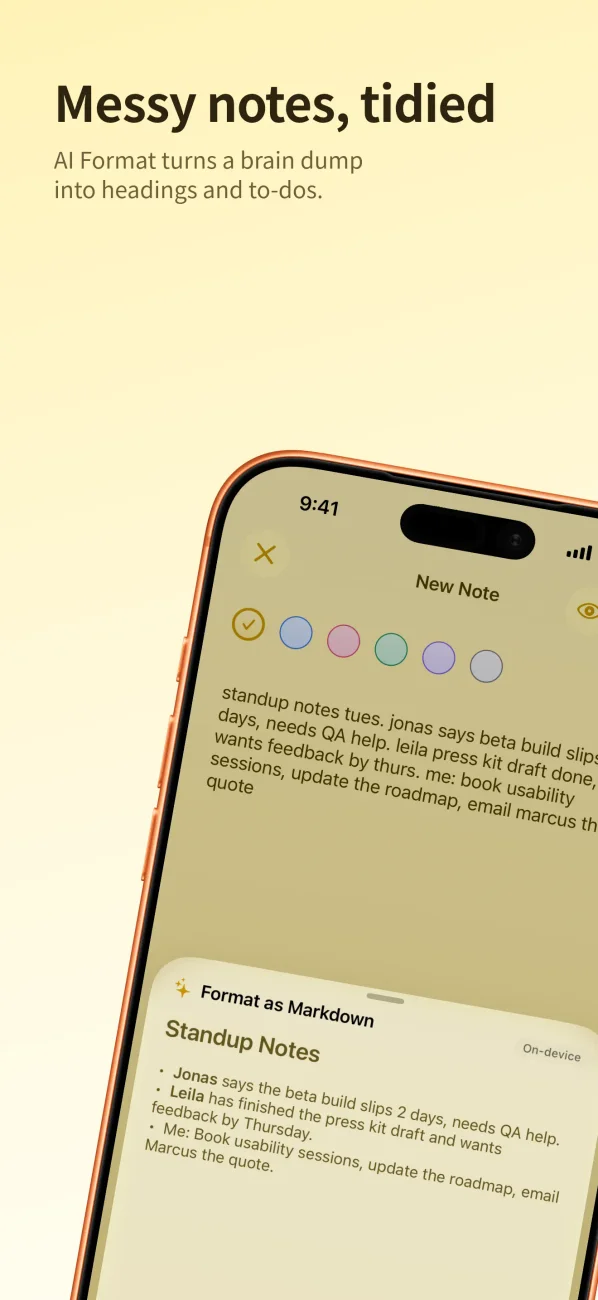
Jot something down messily and let it become a proper structured note, with lists, checkboxes and headings, and your wording untouched. Or pull a long note down to a sentence or two. Preview both before anything is applied.
EVERYWHERE YOU ALREADY ARE
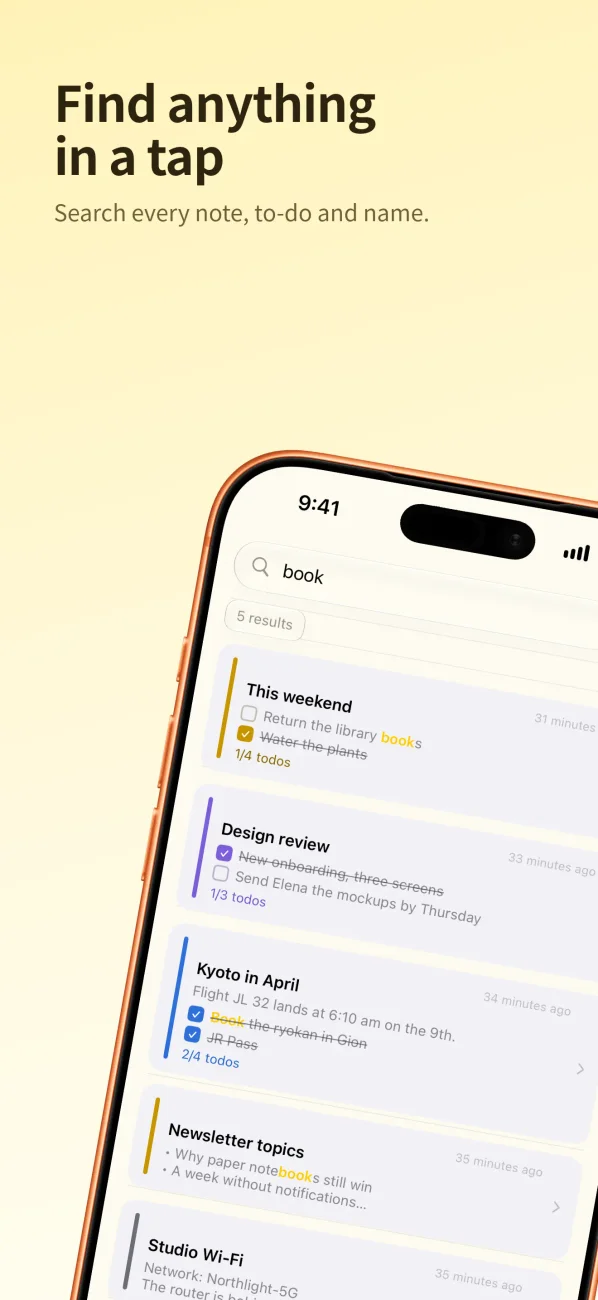
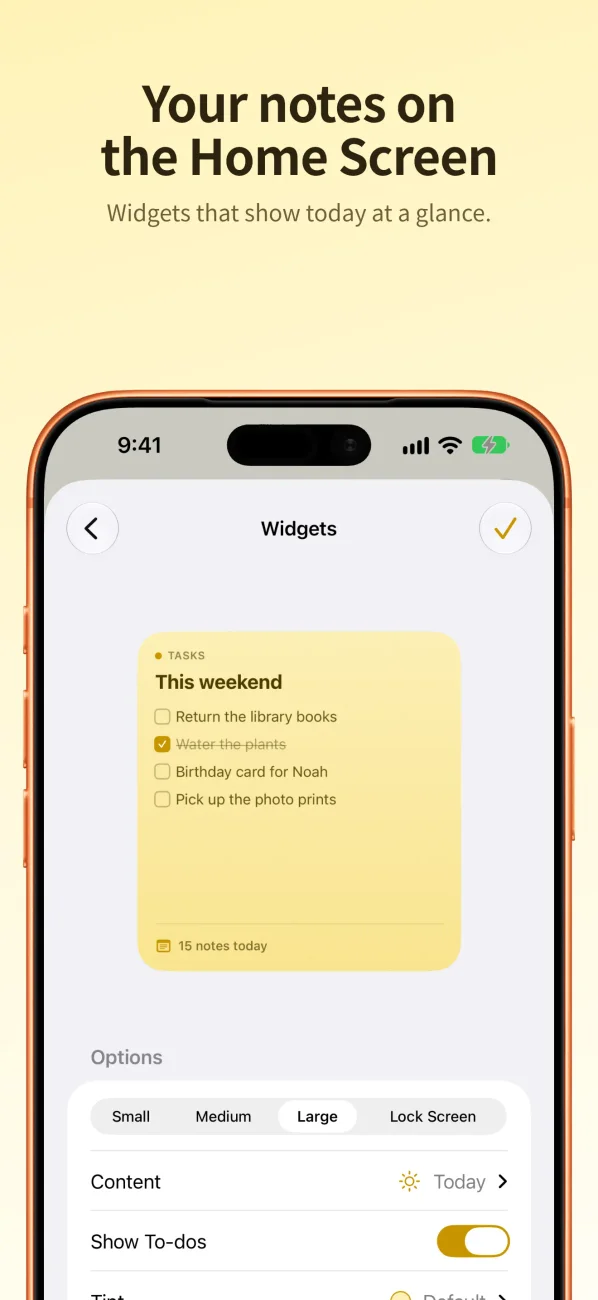
Add to NoteWorthy from any share sheet, including Safari selections. Five Shortcuts actions for Siri, the Action button and automations, including Summarize and Format, which work on text from any app. Widgets for your Home Screen and your Mac desktop, with checkboxes you can tick without opening the app. Spotlight finds your notes.
JOINED UP
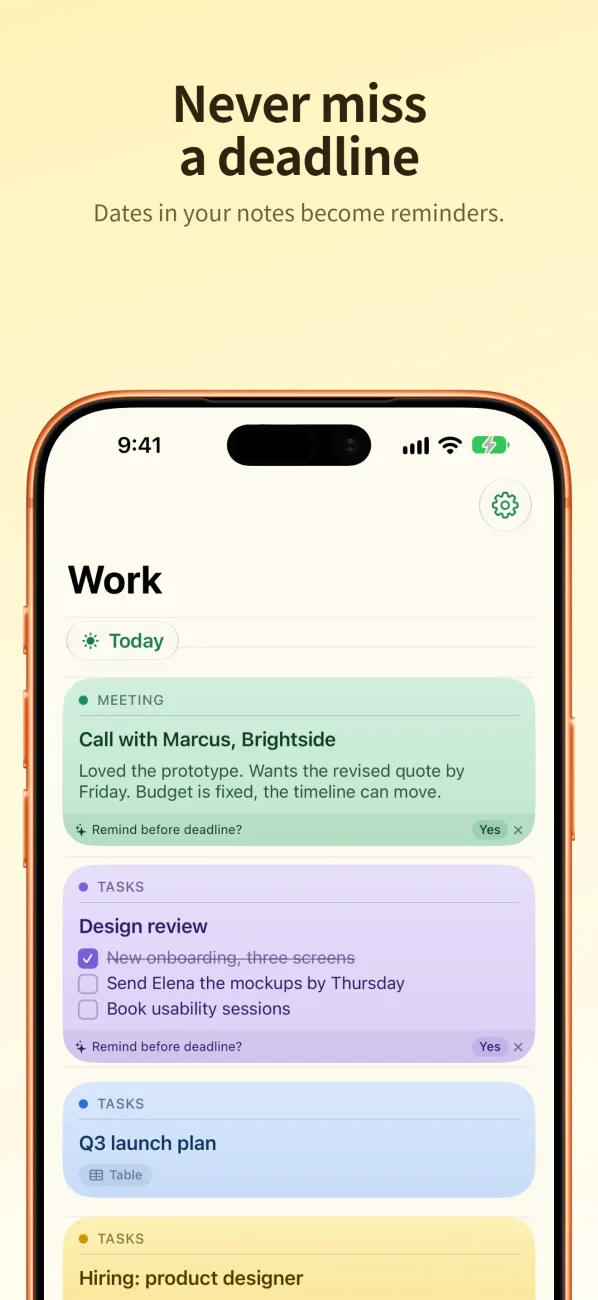
Dates become calendar events. People link to your contacts. Addresses open in Maps. Set a reminder before a deadline.
YOURS ALONE
Lock the app with Face ID or Touch ID. Notes are written to disk with file protection. Export any note as Markdown and take it with you. iCloud Sync is optional, free and off by default. Turn it on and your notes stay up to date across your iPhone, iPad and Mac through your own iCloud account, never through our servers.
One download for iPhone, iPad and Mac, in 11 languages.
Note: on-device intelligence needs an Apple Intelligence-capable device. Elsewhere NoteWorthy falls back to fast built-in heuristics and works just as well for writing, filing and search.
Có gì mới
Phiên bản 2.1 · 20/11/2026
NEW: iCloud Sync (optional)
Turn it on in Settings to keep your notes up to date across your iPhone, iPad and Mac through your own iCloud account. It is free and off by default, and your notes never pass through our servers.
ALSO NEW
• iPhone Duo: a redesigned layout for folded and open use, with index tabs and a side column of controls.
• Widgets: a new Classic note card with handwriting, a header rule and a body excerpt.
• Settings: Widgets, Diary Cover, Binding and Background now have a tick button beside Back.
• Many polish and layout fixes across iPhone, iPad and Mac.
Quyền riêng tư của ứng dụng
Những gì Suman Hansada khai báo trên App Store về cách ứng dụng này xử lý dữ liệu.
-
Dữ liệu không được thu thập
Nhà phát triển không thu thập bất kỳ dữ liệu nào từ ứng dụng này.
Phương thức đảm bảo quyền riêng tư có thể khác nhau, chẳng hạn như tuỳ theo các tính năng bạn sử dụng hoặc độ tuổi của bạn.
Thông tin
- Người bán
- Suman Hansada
- Danh mục
- Hiệu Suất
- Phiên bản
- 2.1
- Cập nhật
- 20/11/2026
- Phát hành
- 20/08/2026
- Kích thước
- 273,0 MB
- Yêu cầu
- iOS 26.0 trở lên
- Độ tuổi
- 4+
- Giá
- Miễn phí
- Ngôn ngữ
- Tiếng Anh, Tiếng Đức, Hindi, Tiếng Indonesia, Tiếng Nhật, Tiếng Hàn, Tiếng Bồ Đào Nha, Tiếng Nga, Tiếng Trung Giản thể, Tiếng Tây Ban Nha, Tiếng Trung Phồn thể
- Bản quyền
- © 2026 Suman Hansada