ObGitSync
Git sync for Obsidian vaults
Được thiết kế cho iPhone, iPad
Mua hàng trong ứng dụng
- Độ tuổi4+
- Danh mụcHiệu Suất
- Nhà phát triển星 王
- Ngôn ngữTiếng Anh+ 1 ngôn ngữ khác
- Kích thước8,2 MB
ObGitSync hiện có thể không có trên App Store
Ở lần kiểm tra gần nhất, chúng tôi không truy cập được trang trên cửa hàng. Liên kết vẫn dẫn đến trang App Store chính thức.
Ảnh chụp màn hình
Giới thiệu
Nhà phát triển chưa cung cấp nội dung này bằng ngôn ngữ của bạn.
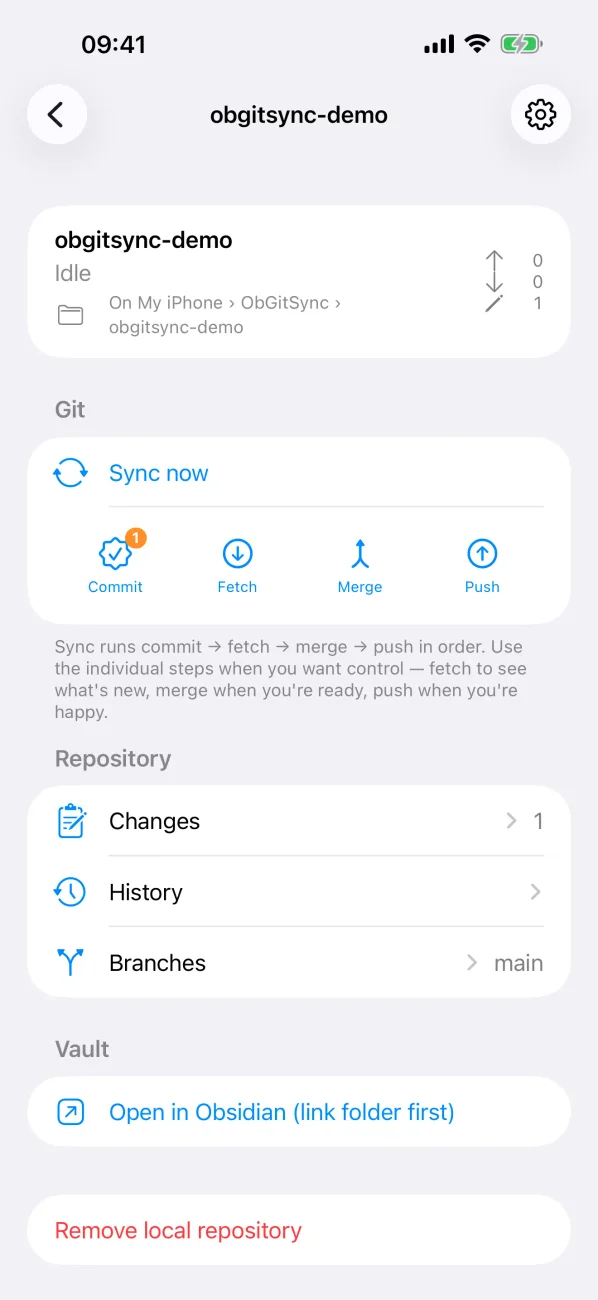
ObGitSync keeps a folder of Markdown notes in step with a Git repository, straight from your iPhone — no desktop, no subscription, no server in the middle.
It is built for people who already keep their notes in git and want the same control on mobile: not one opaque "sync" button, but real git, one step at a time.
SIGN IN AND GO
• Sign in with GitHub — no password typed into the app, and the token stays in the iOS Keychain
• Browse your repositories and clone one with a tap
• Or point it at any Git host over HTTPS with an access token
REAL GIT, NOT AN IMITATION
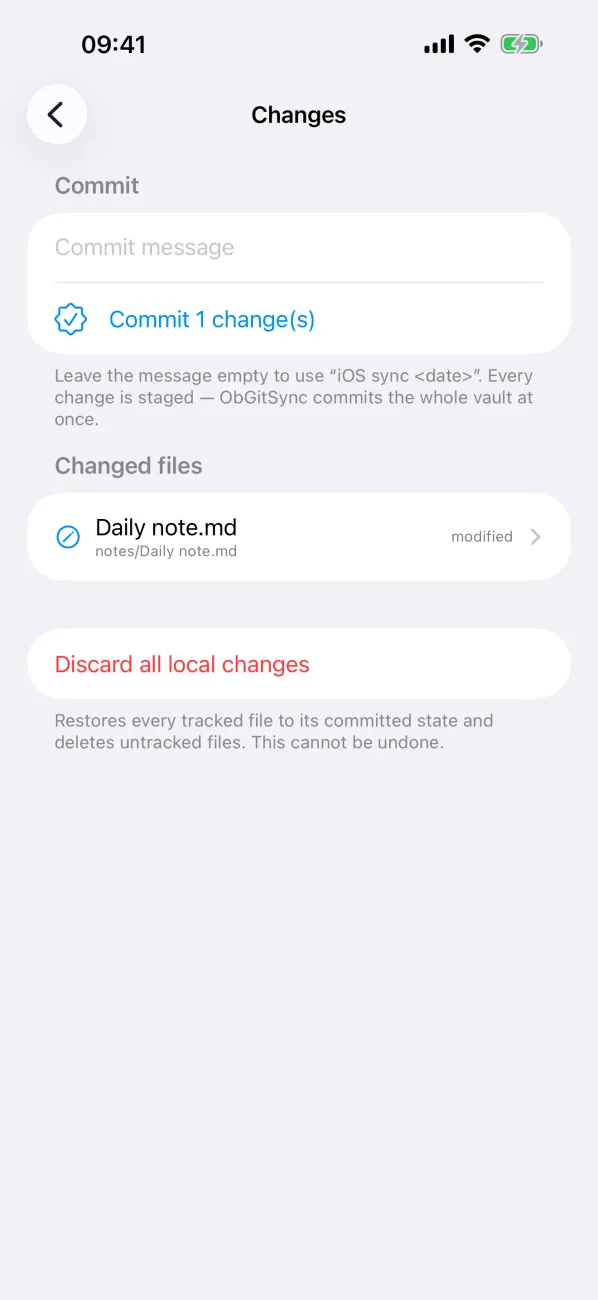
• Commit, Fetch, Merge and Push as separate actions — run one, or run all four in order
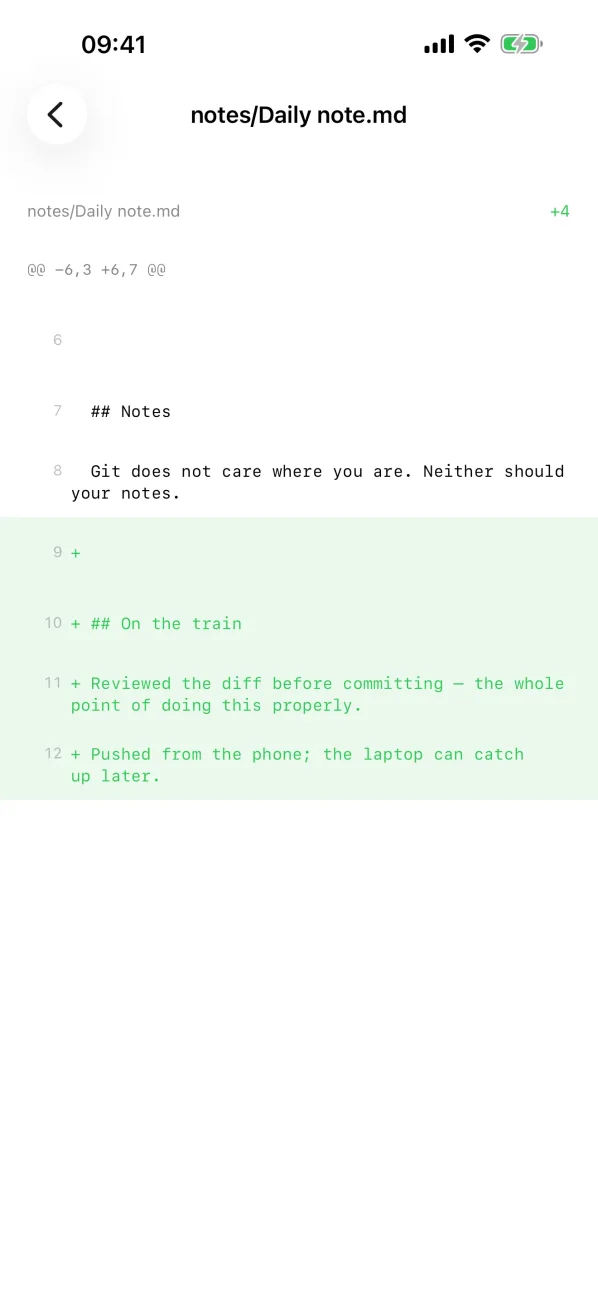
• Read the diff before you commit, and the diff of any past commit
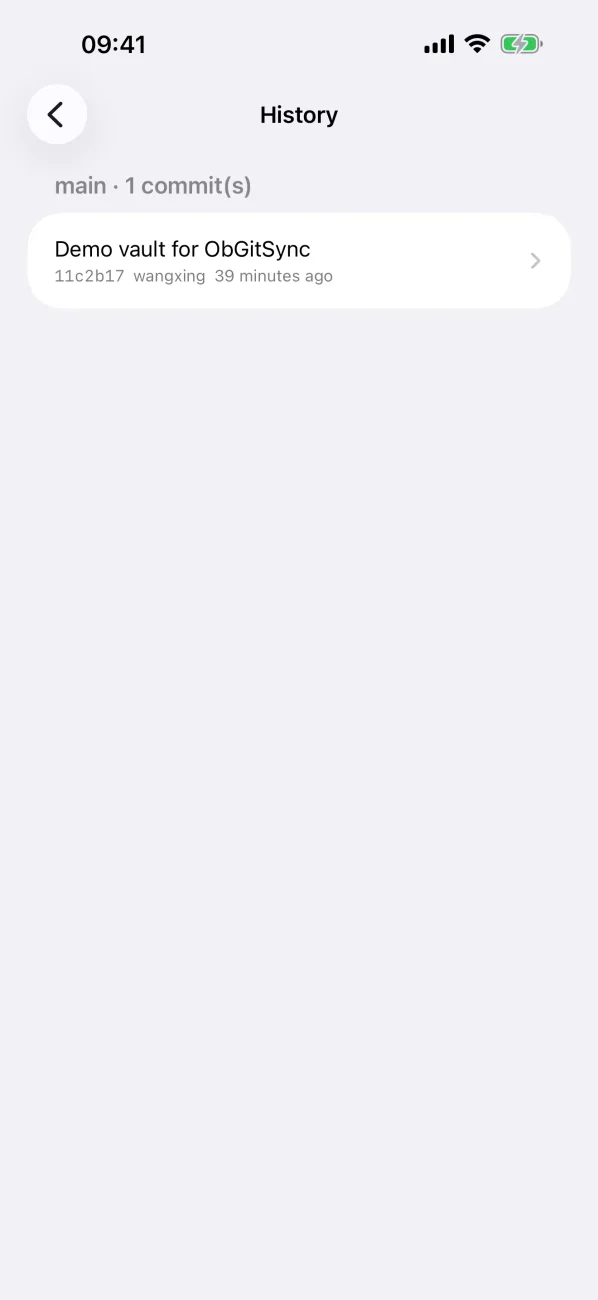
• Browse the commit history, with unpushed commits clearly marked
• Write your own commit message
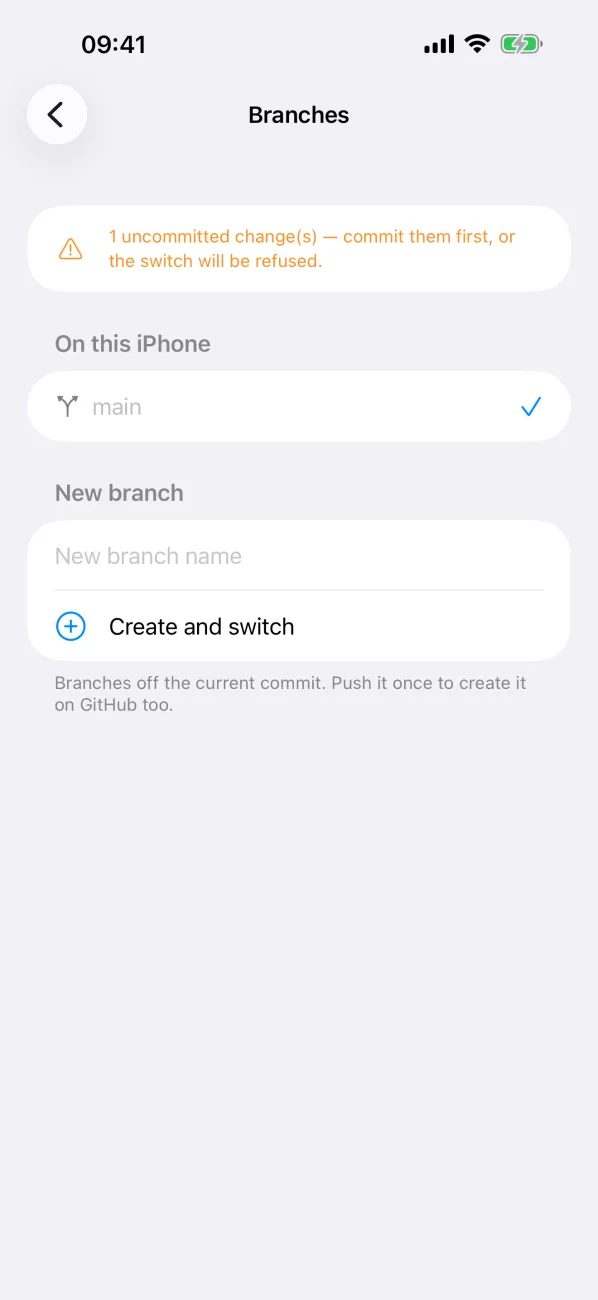
• Switch and create branches
• Choose merge or rebase per vault
• Resolve conflicts in the app: keep yours, keep theirs, or keep both
• Discard a single file, or every local change, back to its committed state
• Built on libgit2 — the same engine desktop git tooling uses
BIG FILES WELCOME
• Full Git LFS support: large files are committed as pointers and their content streamed separately, so a vault with files far past GitHub's 100 MB limit still syncs on a phone
• Transfers never load an object into memory
WORKS THE WAY YOUR NOTES APP DOES
• Point ObGitSync at the folder your notes app already uses, and it writes straight into it
• A conflict never blocks a sync unless you ask it to
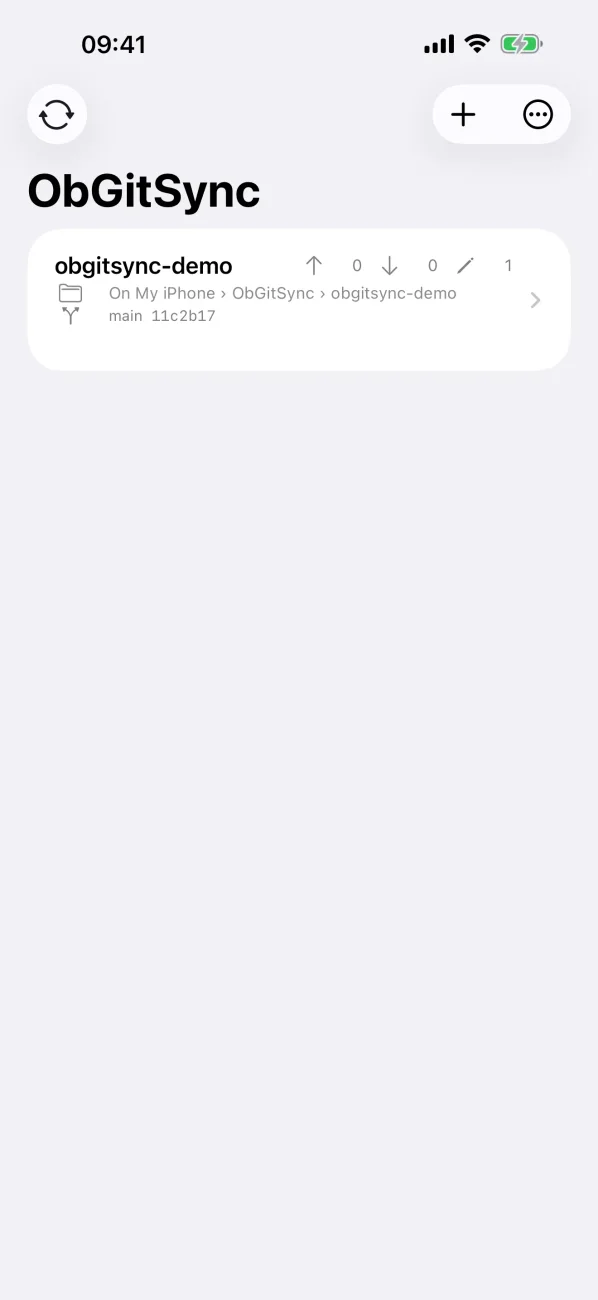
• Several vaults at once, each with its own repository, folder and token
AUTOMATIC WHEN YOU WANT IT
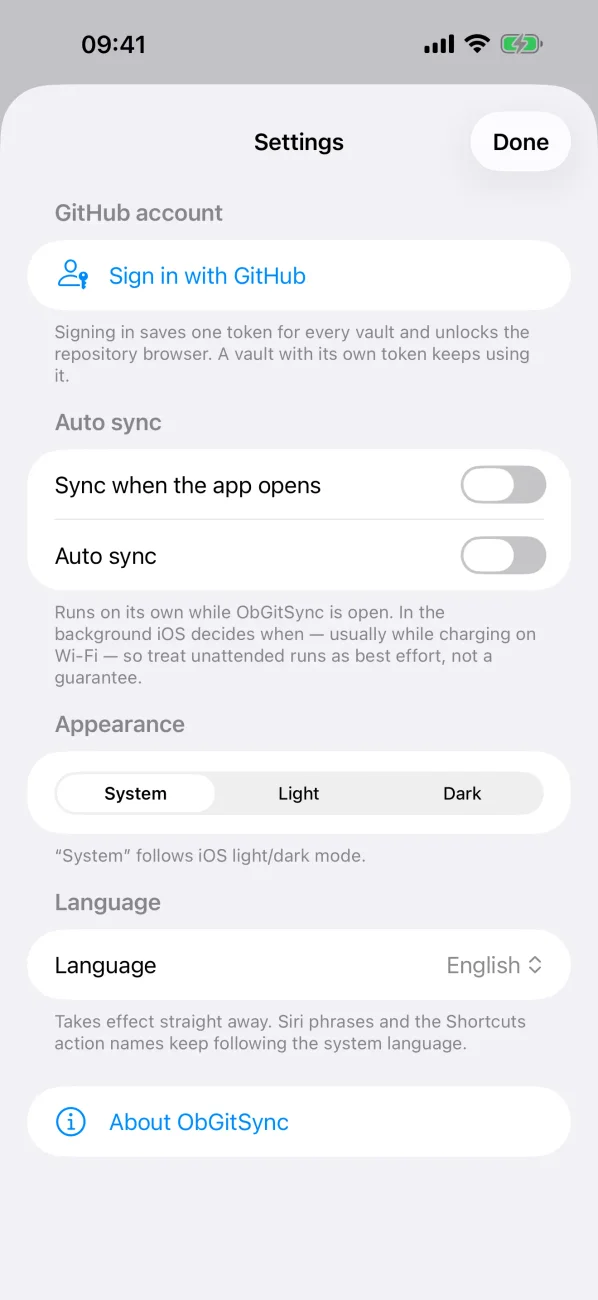
• Sync when the app opens, and on a schedule from every 15 minutes to once a day
• Choose what unattended runs do: fetch only, fetch and merge, or a full two-way sync
• Shortcuts and Siri actions for every step, plus a URL scheme, so you can build your own routine
YOURS ALONE
• Your notes, your token and your vault never leave the device except to talk to your own Git repository over HTTPS
• No account with us, no analytics, no servers, nothing collected
English and 简体中文. Light, dark, or follow the system.
ObGitSync is an independent app. It is not affiliated with, endorsed by, or sponsored by Obsidian (Dynalist Inc.) or GitHub, Inc.
Có gì mới
Phiên bản 1.0.1 · 28/08/2026
Maintenance update.
This release changes how the banner ad is delivered behind the scenes. Nothing about syncing, committing or your notes has changed — everything works exactly as it did in 1.0.
Quyền riêng tư của ứng dụng
Những gì 星 王 khai báo trên App Store về cách ứng dụng này xử lý dữ liệu.
-
Dữ liệu không liên kết với bạn
Có thể được thu thập nhưng không liên kết với danh tính của bạn.
- Mã định danh
- Dữ liệu sử dụng
- Chẩn đoán
Phương thức đảm bảo quyền riêng tư có thể khác nhau, chẳng hạn như tuỳ theo các tính năng bạn sử dụng hoặc độ tuổi của bạn.
Thông tin
- Người bán
- 星 王
- Danh mục
- Hiệu Suất
- Phiên bản
- 1.0.1
- Cập nhật
- 28/08/2026
- Phát hành
- 27/08/2026
- Kích thước
- 8,2 MB
- Yêu cầu
- iOS 26.0 trở lên
- Độ tuổi
- 4+
- Mua hàng trong ứng dụng
- Có
- Ngôn ngữ
- Tiếng Anh, Tiếng Trung Giản thể
- Bản quyền
- © 2026 Xing Wang