Offhand Typewriter
Stories, scripts & journals
Được thiết kế cho iPhone, iPad, Mac, iPod touch
Miễn phí · Mua hàng trong ứng dụng
- Độ tuổi4+
- Danh mụcHiệu Suất
- Nhà phát triển浩 赵
- Ngôn ngữTiếng Anh+ 5 ngôn ngữ khác
- Kích thước30,0 MB
Liên kết đến trang App Store chính thức
Download.org không lưu trữ tệp nào của Offhand Typewriter. Nút này mở trang ứng dụng trên App Store, nơi 浩 赵 phát hành ứng dụng. Trang được kiểm tra lần cuối: 13/11/2026.
Ảnh chụp màn hình


Giới thiệu
Nhà phát triển chưa cung cấp nội dung này bằng ngôn ngữ của bạn.
Every time you open Offhand, a blank page is waiting.
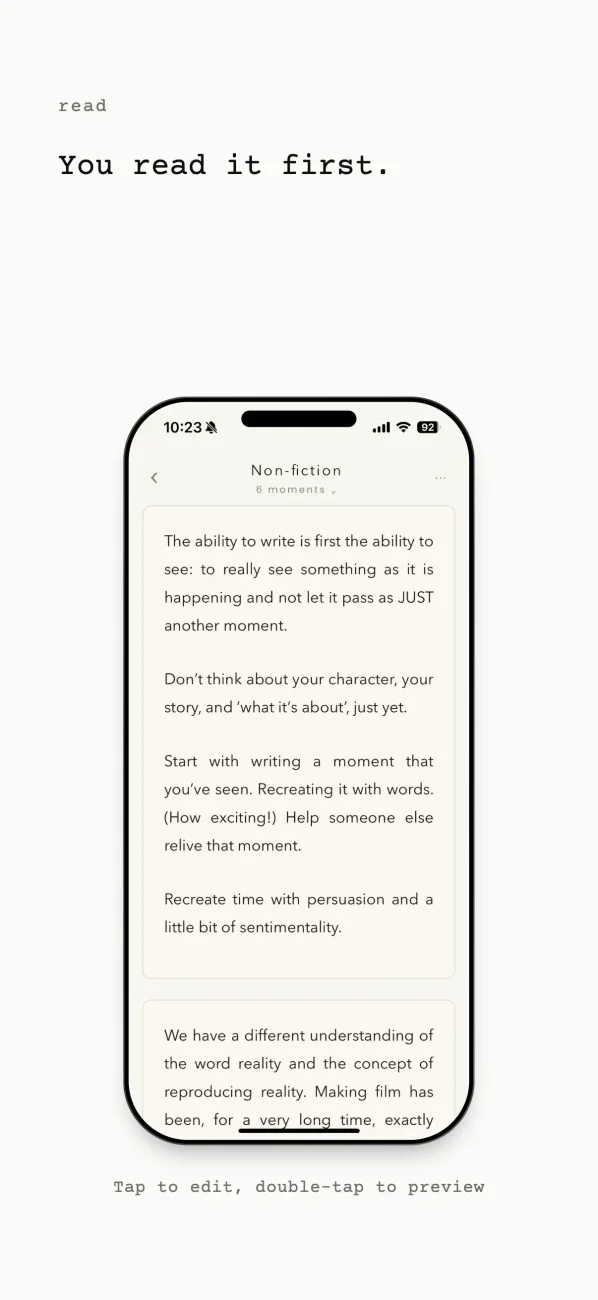
Write down a moment. Compose your work. Be your first reader.
Here, words become Moments.
Each one begins on its own, then finds its place.
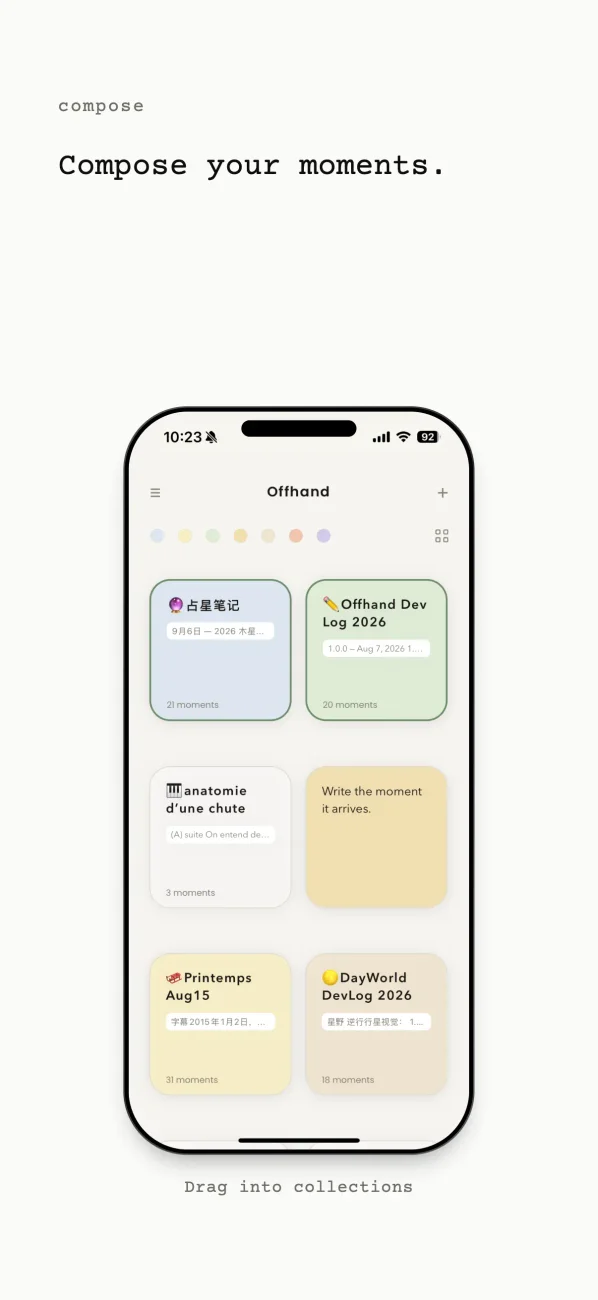
Move them. Reorder them. Return to them.
As you keep writing, Moments grow into pages, chapters, acts, and stories.
You compose with your words, and Offhand stays out of the way.
Writing begins with the relationship between you and your words.
Your words stay yours
Everything stays on your device. Export a full backup anytime, in a single tap. Import and export Markdown, Final Draft (.fdx) and Fountain, so you can bring in work you've already started and keep going. You can also open these files with Offhand straight from the Files app.
Fiction and non-fiction
Write dialogue. Add scene headings. Give your screenplay a cover.
The same structure becomes headings and secondary text for essays, journals, and everything in between.
Arrange and read
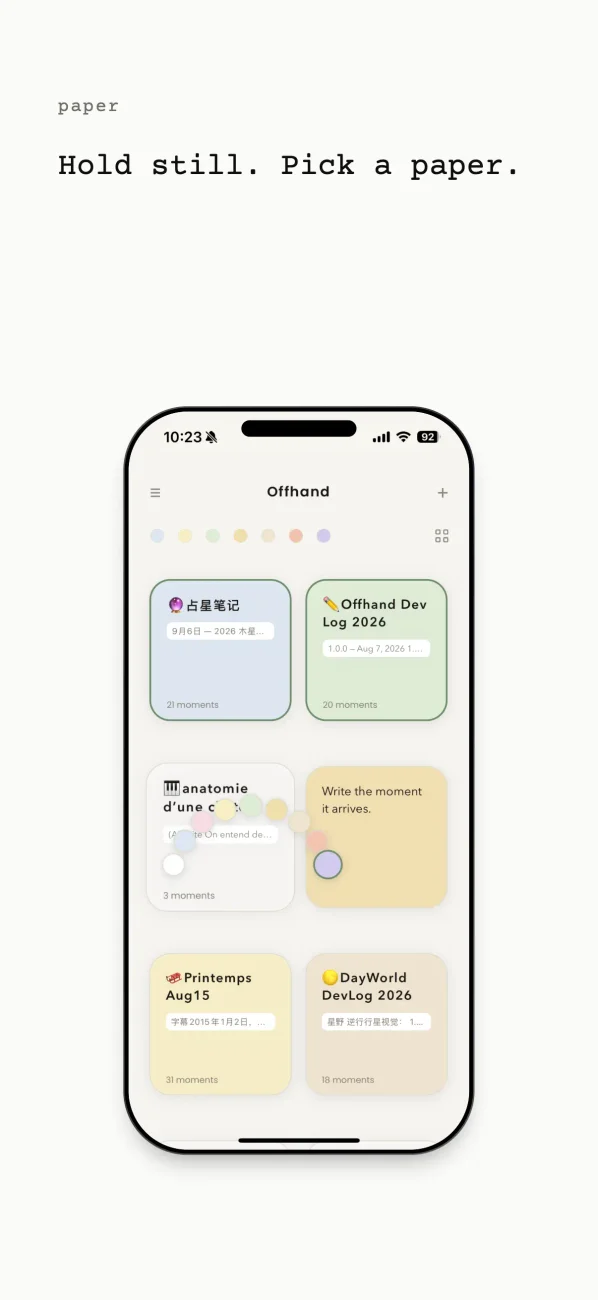
• Paper colors: hold a card still to give a collection or a moment a different paper. Tap a color dot at the top of the Collection Page to filter by paper.
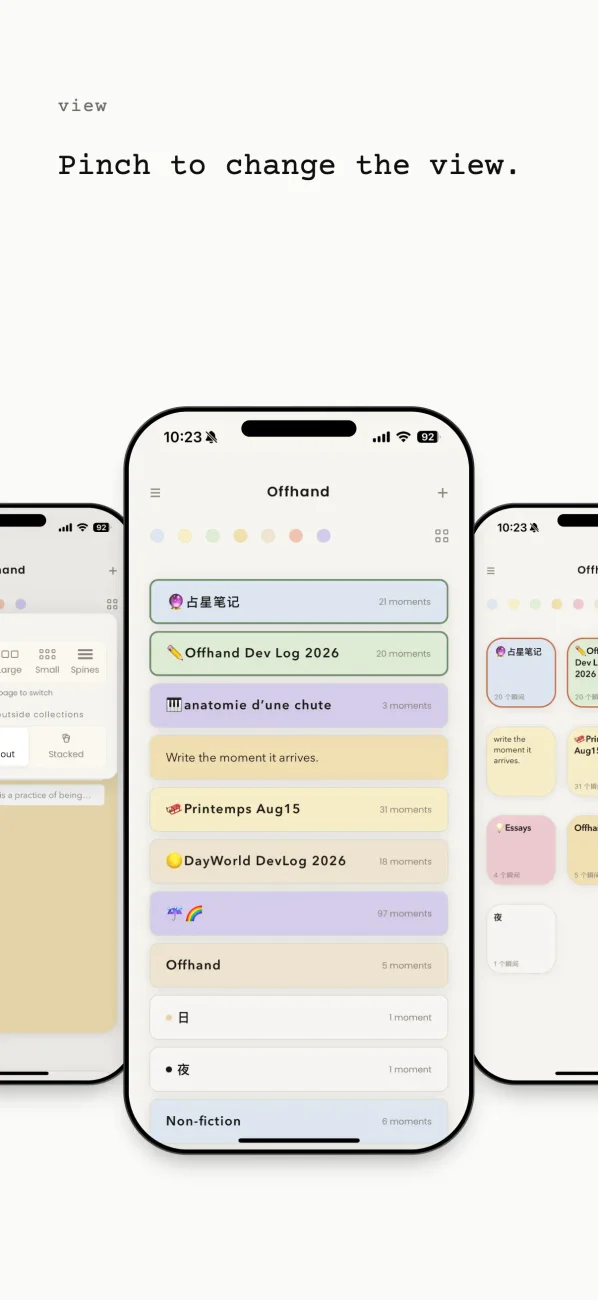
• Views: pinch to switch between Single, Large, Small and Spines.
• Search: tap Offhand at the top of the Collection Page to search your moments and collections.
• Appearance: follow the system, or keep it Light or Dark.
• Five languages: English, 中文, Français, Español, 日本語.
On iPad and Mac
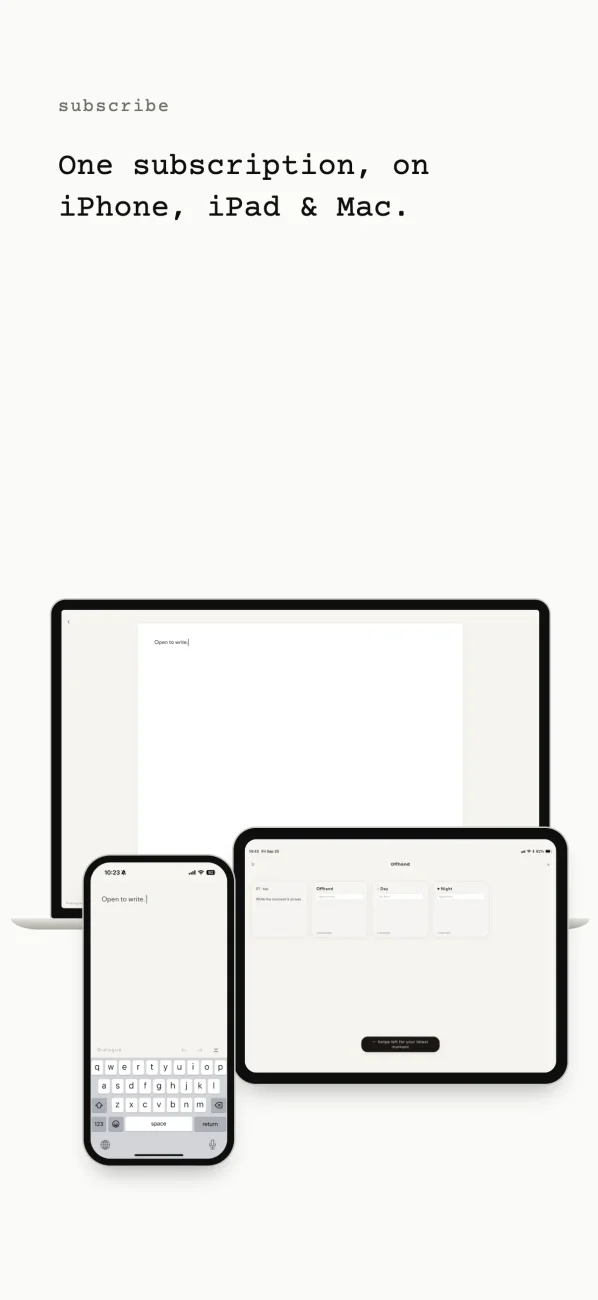
• iPad: write in portrait or landscape, with Split View and Stage Manager. Collections lay out to fit your window.
• Keyboard shortcuts (iPad with a keyboard, and Mac): ⌘[ goes back, ⌘] goes one level deeper. ⌘F to search, ⌘+ / ⌘− to change text size on the Writing Page, ⌘0 to reset it.
• Set your page: six text sizes on iPhone and iPad, and on wider screens a narrow, medium or wide line width. On the Mac: 15 text sizes from 13 to 40, an extra-wide line width, and a choice of font (sans or serif) and line spacing (compact, standard or relaxed).
• Only on the Mac: a live word count at the bottom of the Writing Page, and every shortcut in the View and Go menus.
Membership
Offhand Membership is a yearly subscription that unlocks the full writing experience on iPhone, iPad and Mac:
• An Offhand First Edition · 2026 badge
• Unlimited Moments (the free plan includes 50)
• iCloud Backup: every collection and moment is saved to iCloud Drive as a plain Markdown file
• Export to PDF, EPUB, Markdown, Final Draft and Fountain
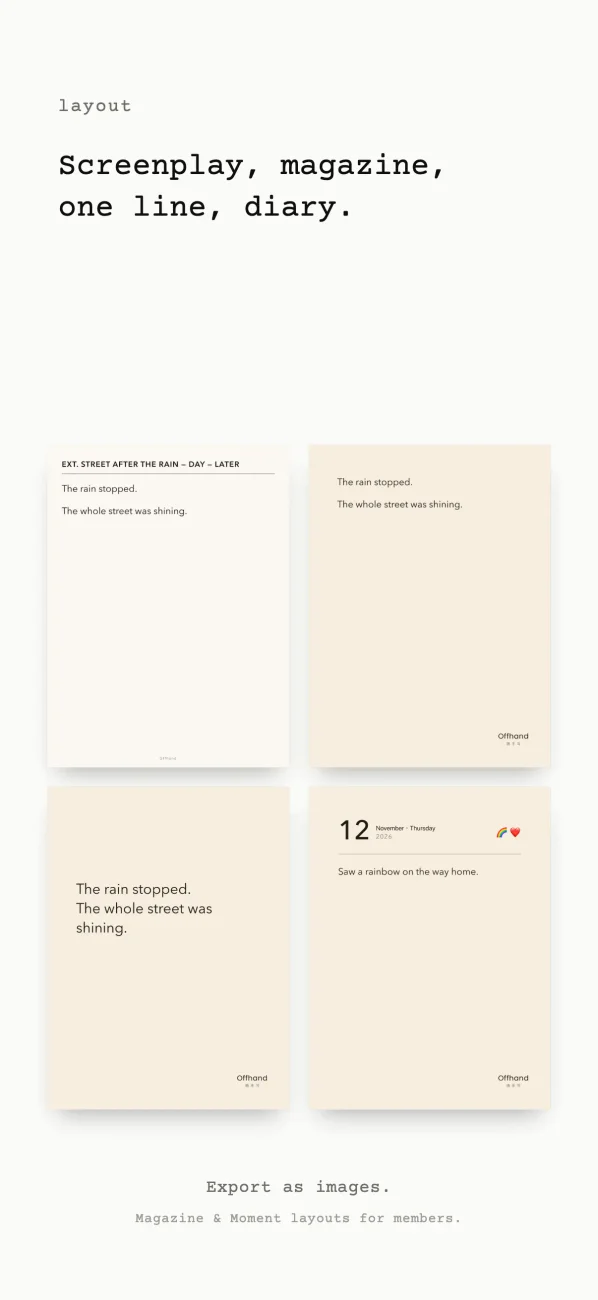
• PNG layouts: Magazine, Moment and White on black, with no watermark
• More cursor colors
Offhand. Put a moment into words.
Terms of Use: https://offhand.ink/terms
Privacy Policy: https://offhand.ink/privacy
Support: https://offhand.ink
Có gì mới
Phiên bản 1.4.0 · 12/11/2026
• Shelf: too many collection cards? You can now put them away on the Shelf, at the bottom of the collections page. Your desk stays clear, and search still finds them.
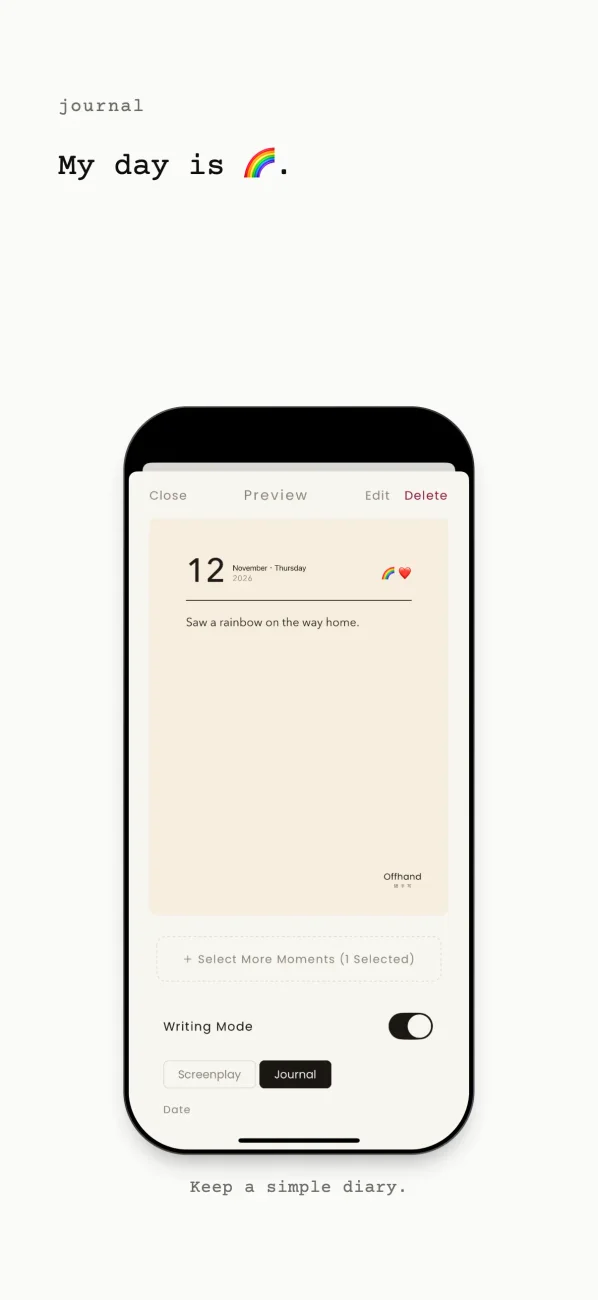
• Journal mode: a new Journal mode, switched on from Writing Mode on the Preview page. Keep a simple diary by summing up “My day is…” with an emoji, and give the days you love a heart emoji.
• New Journal layout for image export.
Quyền riêng tư của ứng dụng
Những gì 浩 赵 khai báo trên App Store về cách ứng dụng này xử lý dữ liệu.
-
Dữ liệu không được thu thập
Nhà phát triển không thu thập bất kỳ dữ liệu nào từ ứng dụng này.
Phương thức đảm bảo quyền riêng tư có thể khác nhau, chẳng hạn như tuỳ theo các tính năng bạn sử dụng hoặc độ tuổi của bạn.
Thông tin
- Người bán
- 浩 赵
- Danh mục
- Hiệu Suất
- Phiên bản
- 1.4.0
- Cập nhật
- 12/11/2026
- Phát hành
- 07/08/2026
- Kích thước
- 30,0 MB
- Yêu cầu
- iOS 15.1 trở lên
- Độ tuổi
- 4+
- Giá
- Miễn phí
- Mua hàng trong ứng dụng
- Có
- Ngôn ngữ
- Tiếng Anh, Tiếng Pháp, Tiếng Nhật, Tiếng Trung Giản thể, Tiếng Tây Ban Nha, Tiếng Trung Phồn thể
- Bản quyền
- © 2026 Zhao Hao