On-Axis
Discover your audience area
Được thiết kế cho iPhone, iPad
Miễn phí · Mua hàng trong ứng dụng
- Độ tuổi4+
- Danh mụcTiện Ích
- Nhà phát triểnOK-Sound
- Ngôn ngữTiếng Anh
- Kích thước20,3 MB
Liên kết đến trang App Store chính thức
Download.org không lưu trữ tệp nào của On-Axis. Nút này mở trang ứng dụng trên App Store, nơi OK-Sound phát hành ứng dụng. Trang được kiểm tra lần cuối: 12/11/2026.
Ảnh chụp màn hình
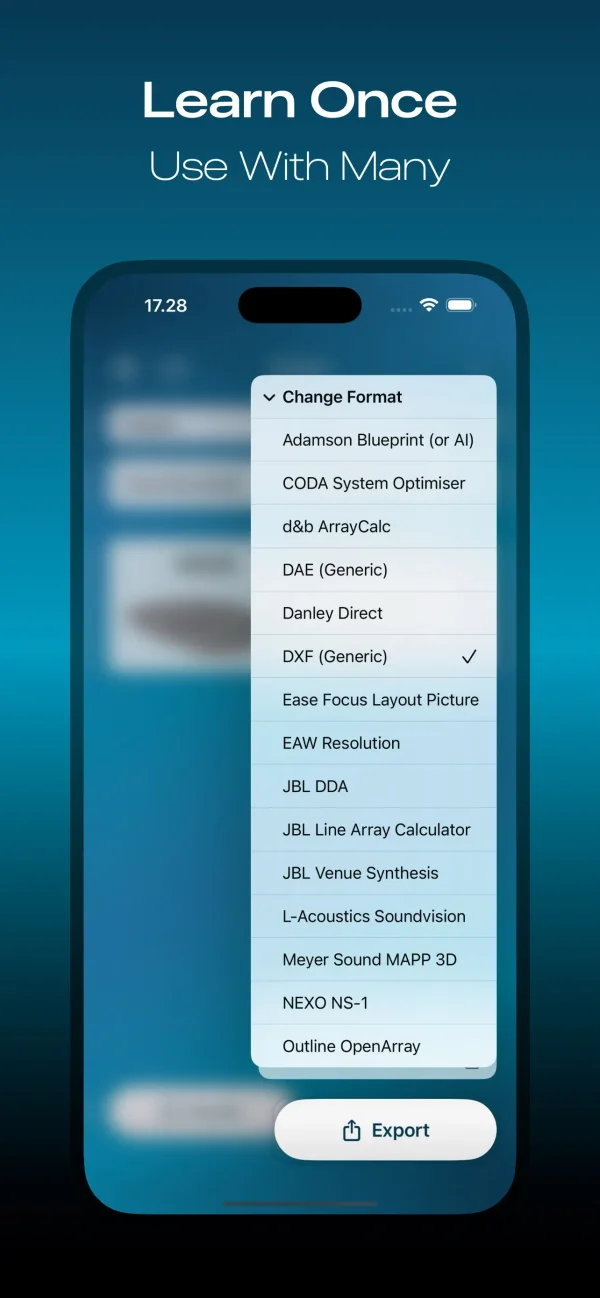
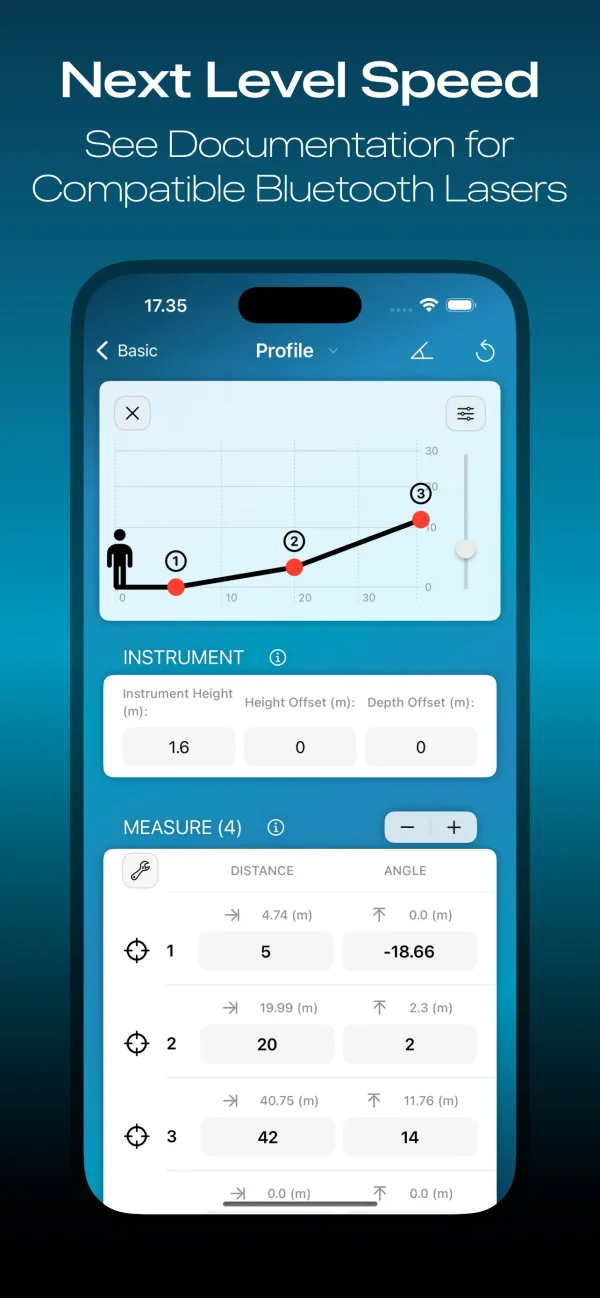
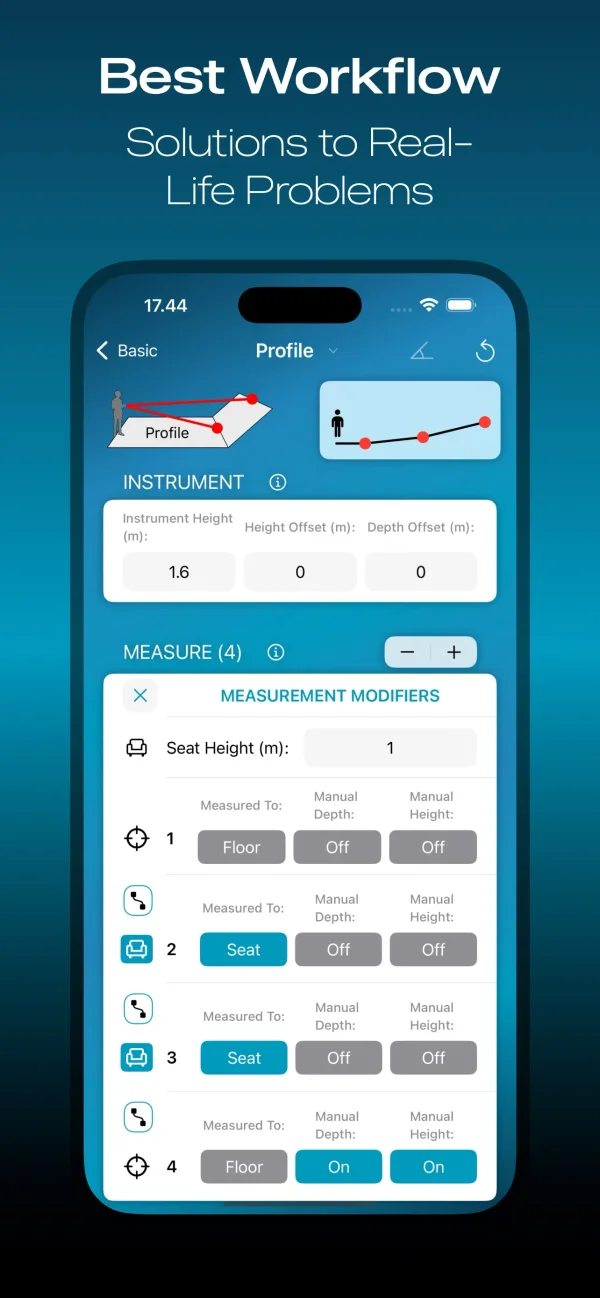
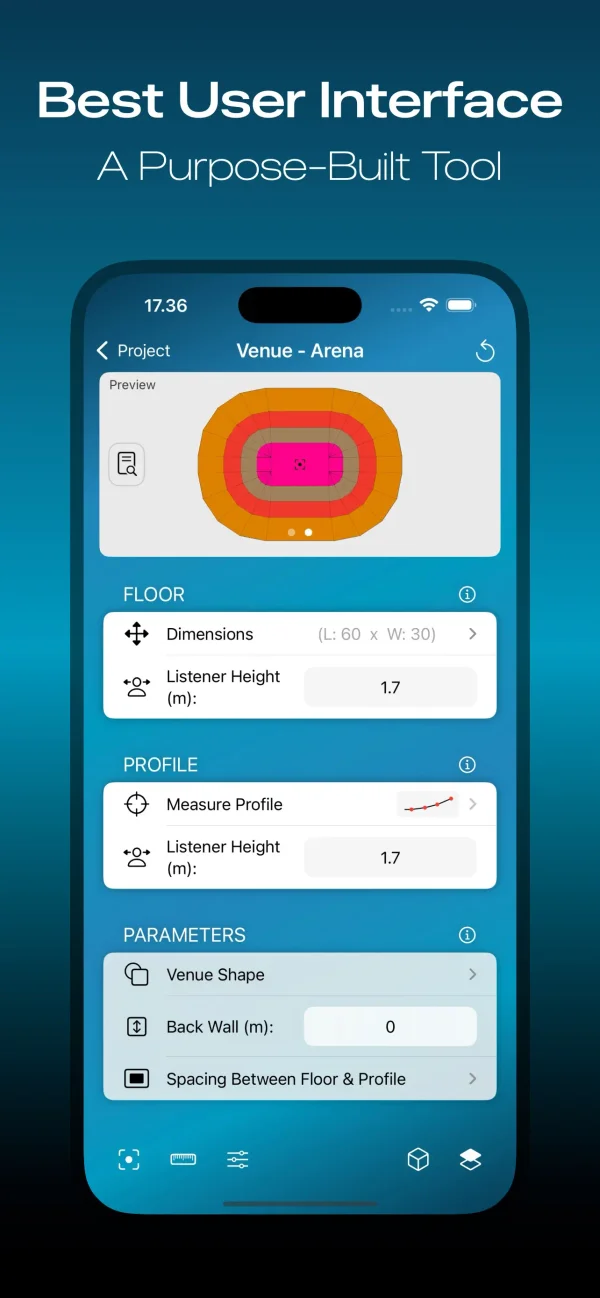

Giới thiệu
Nhà phát triển chưa cung cấp nội dung này bằng ngôn ngữ của bạn.
THE APP
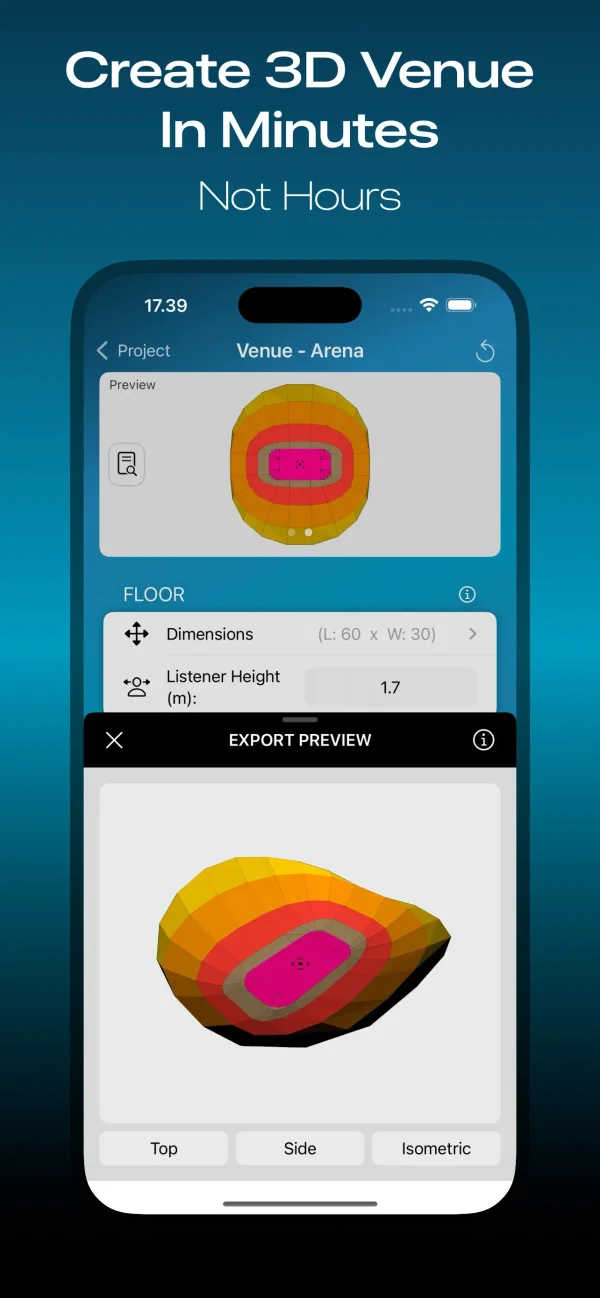
Introducing On-Axis: The must-have app for audio professionals in the event and touring industry! Measure and model your audience area with a completely new method compatible with many popular loudspeaker simulation programs. The On-Axis method significantly speeds up the measurement of the audience area, allowing you to focus on the most important thing, making the actual speaker design.
WORKFLOW
The On-Axis workflow begins by taking measurements of the audience area with the app. The On-Axis exports a file that can be imported into the selected loudspeaker simulation software. The On-Axis does not replace traditional methods such as CAD drawings or other precise models. It is a new addition to your existing toolbox.
MODES
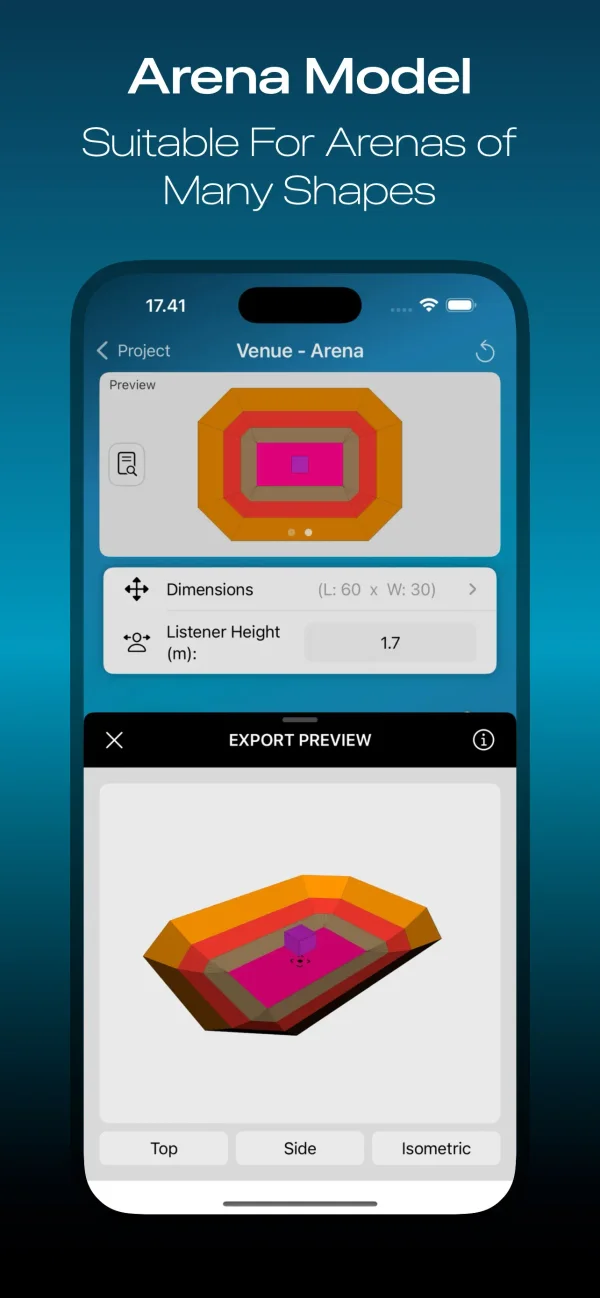
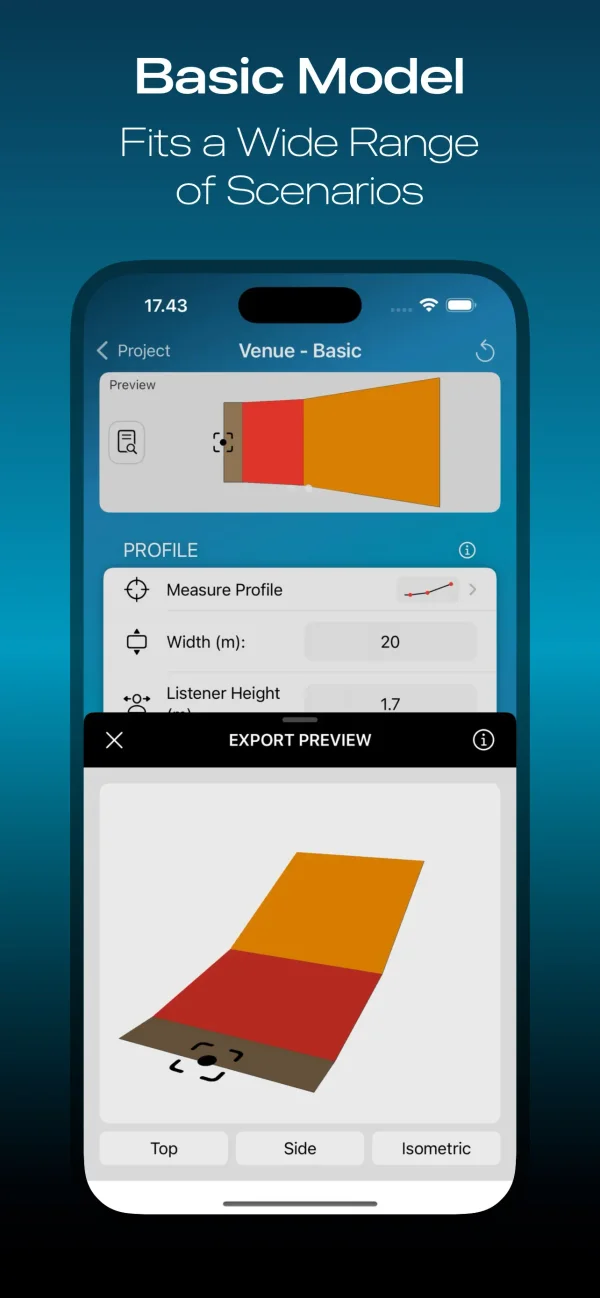
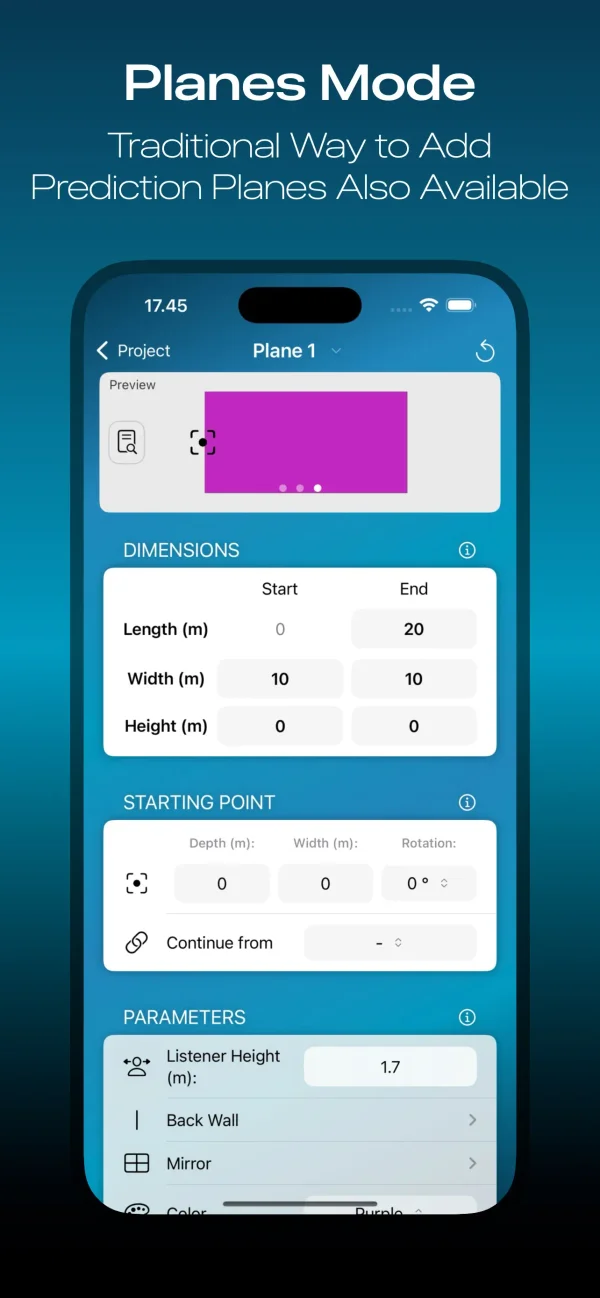
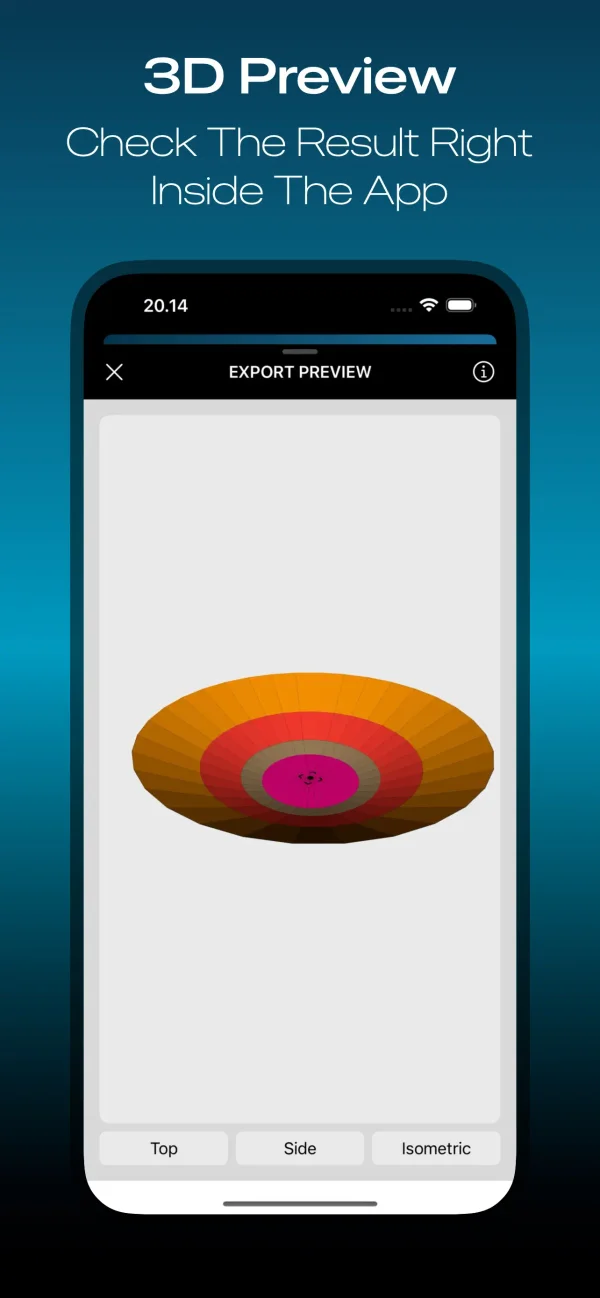
The app consists of three different operating modes. Venue and Planes mode can be used to draw a 3D model of the listening area. The On-Axis Profile mode can be used to draw a uniform plane to the speaker’s axis, starting from the speaker’s rigging point and ending at the farthest point of the audience area.
BLUETOOTH SUPPORT
The app can be paired with a compatible laser distance finder via Bluetooth. This enables the measured distance and angle to be transferred wirelessly. See the compatibility chart for more info on supported devices.
TO GET STARTED
Watch the tutorial videos to get started: http://link.oksound.fi/playlist
The app is free to download but requires an In-App-Purchase to unlock the export, save and open functions. A 14-day free full trial is also available to see if this tool fits your workflow.
This is a 3rd party solution and compatibility with simulation software is guaranteed only with tested versions. Check the website for more information and compatibility: https://onaxisapp.com or https://oksound.fi
Có gì mới
Phiên bản 1.4.3 · 08/03/2026
- New mode "Sensors" added. Now you can utilize the device's internal sensors (iOS only). Free for all users regardless of license.
- The application will no longer remind you every time you open it that a new version is available. From now on, the reminder will be given less frequently.
- MAPP 3D export related bug fixed.
- Preview related bug fixed.
- Keyboard related bug fixed.
- Bug fixed where app crashed in certain devices when trying to access profile measurement page.
Quyền riêng tư của ứng dụng
Những gì OK-Sound khai báo trên App Store về cách ứng dụng này xử lý dữ liệu.
-
Dữ liệu không liên kết với bạn
Có thể được thu thập nhưng không liên kết với danh tính của bạn.
- Mục mua
- Dữ liệu sử dụng
Phương thức đảm bảo quyền riêng tư có thể khác nhau, chẳng hạn như tuỳ theo các tính năng bạn sử dụng hoặc độ tuổi của bạn.
Thông tin
- Người bán
- Olavi Koykka Sound Engineering
- Danh mục
- Tiện Ích
- Phiên bản
- 1.4.3
- Cập nhật
- 08/03/2026
- Phát hành
- 10/09/2023
- Kích thước
- 20,3 MB
- Yêu cầu
- iOS 17 trở lên
- Độ tuổi
- 4+
- Giá
- Miễn phí
- Mua hàng trong ứng dụng
- Có
- Ngôn ngữ
- Tiếng Anh
- Bản quyền
- © OK-Sound 2025