One Touch Paste Keyboard
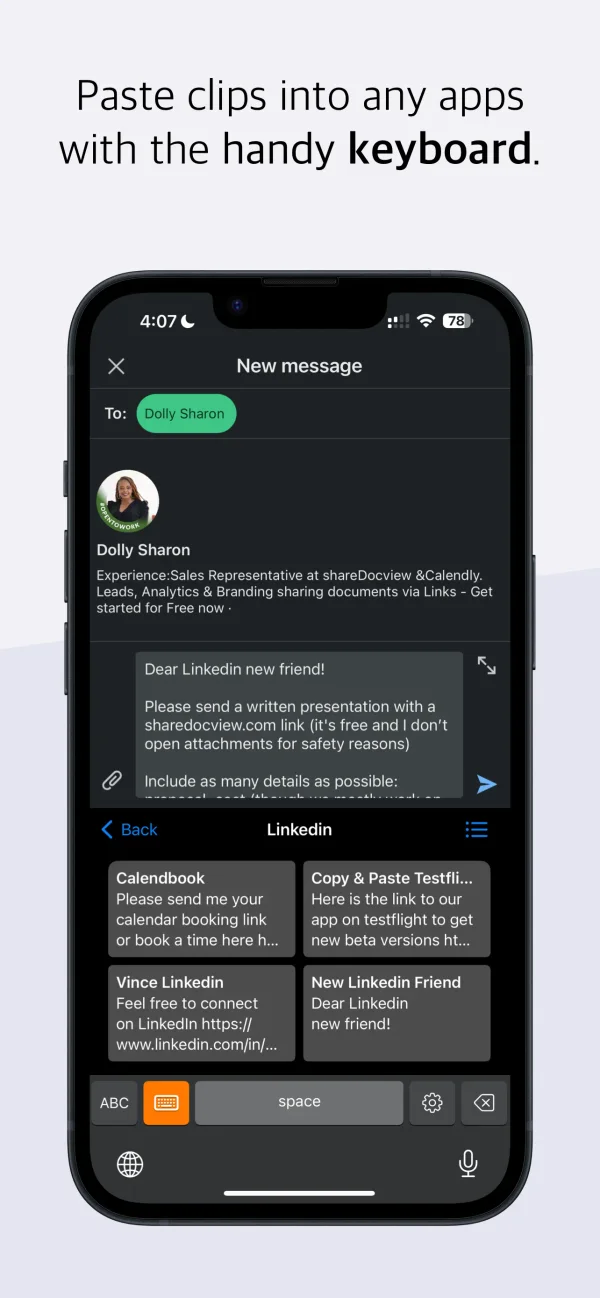
Paste text from your keyboard
Được thiết kế cho iPhone, iPad
Miễn phí · Mua hàng trong ứng dụng
- Độ tuổi4+
- Danh mụcTiện Ích
- Nhà phát triểnKankoda Sweden AB
- Ngôn ngữTiếng Anh
- Kích thước39,8 MB
Liên kết đến trang App Store chính thức
Download.org không lưu trữ tệp nào của One Touch Paste Keyboard. Nút này mở trang ứng dụng trên App Store, nơi Kankoda Sweden AB phát hành ứng dụng. Trang được kiểm tra lần cuối: 17/11/2026.
Ảnh chụp màn hình

Giới thiệu
Nhà phát triển chưa cung cấp nội dung này bằng ngôn ngữ của bạn.
Say hi to One Touch Paste!
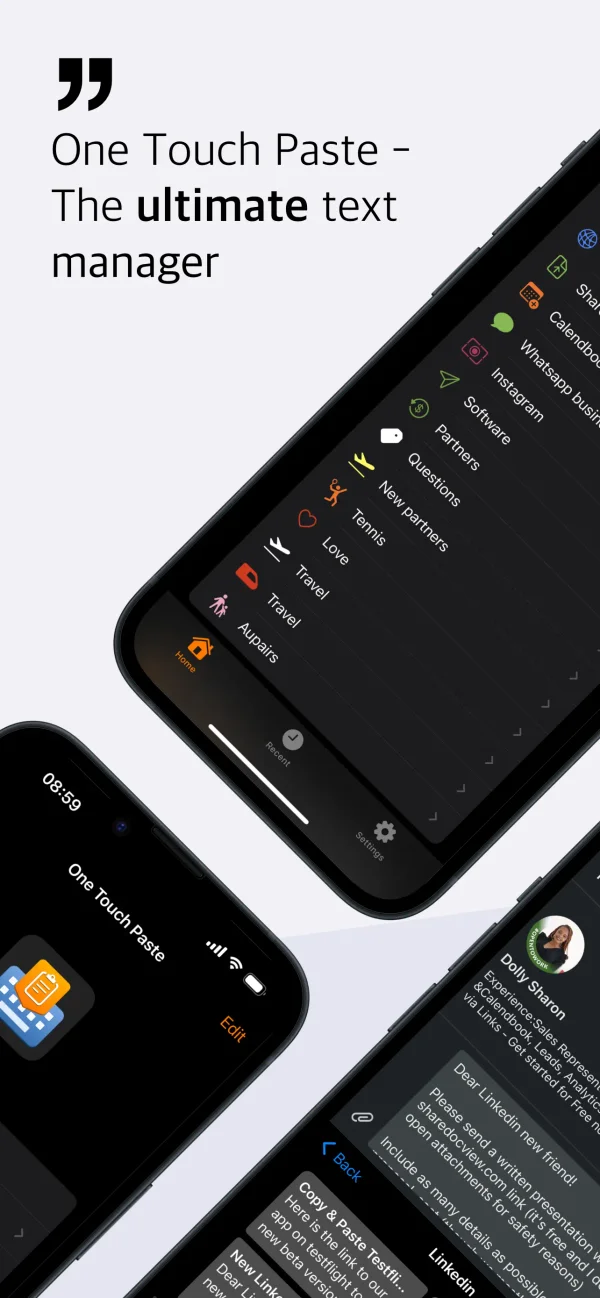
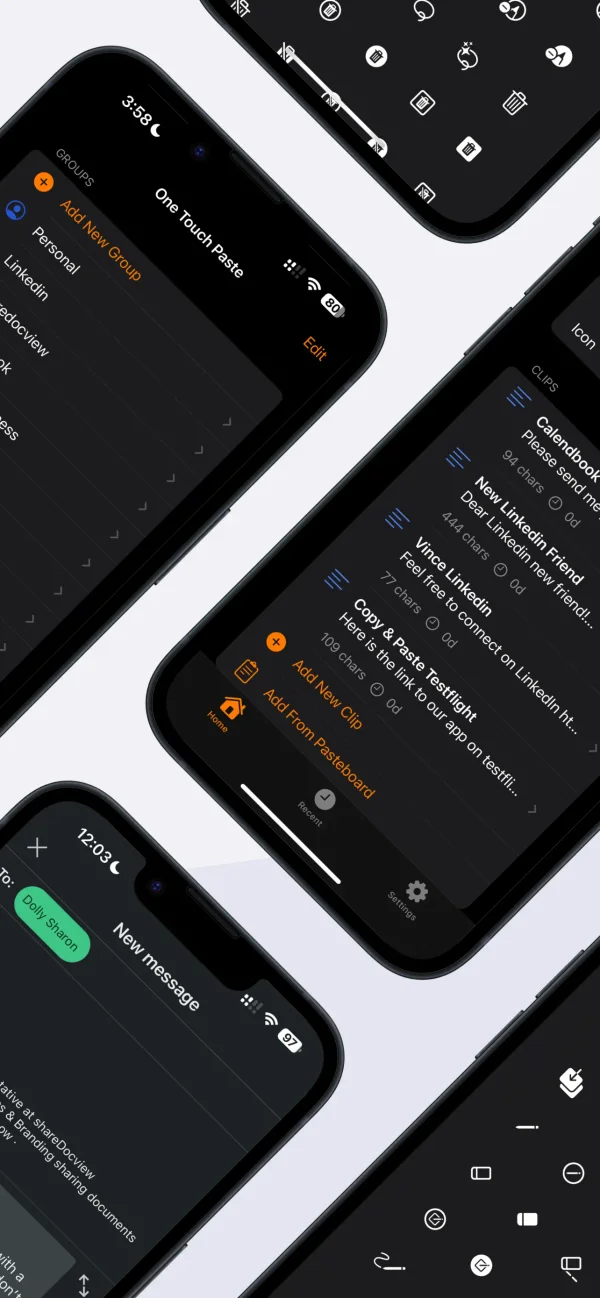
The One Touch Paste keyboard lets you paste text clips and snippets into any app, at any time.
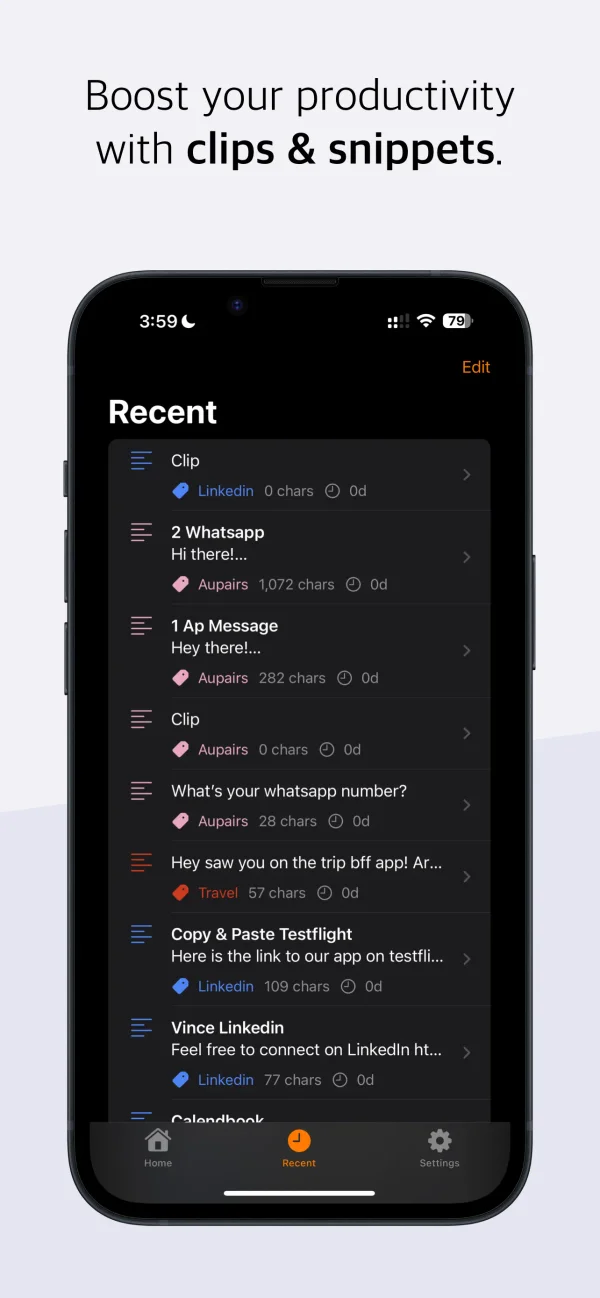
Boost your productivity with reusable text clips, that you can easily paste into any app, chat, or e-mail.
This keyboard is perfect for quickly replying to emails, re-sending the same message through multiple channels like Whatsapp, Telegram, Linkedin, Instagram, YouTube, etc.
You can also create different groups for different apps and use cases:
- Personal: addresses, bank account details to get paid and not mess up a digit
- Work: web links
- Linkedin: text to connect or standard replies (ex. Ask people to send written info before calling)
- Instagram: send texts to brands to ask them for collaborations
- YouTube: Thank your viewers and followers for their comments on your video.
- Gmail: snippets of typical responses (ex. Thank you I’m interested please book a time on calendbook.com)
- Facebook: write typical replies to your followers and connections
- Indeed Job Search: thank you notes to HR managers before and after interviews, snippets that summarize your
- Reddit: save texts of typical replies that you often add on specific topics
- Messenger: save texts that can help you answer questions you often get
- Zoom: save the sentence “are you joining the Zoom meeting?”
- Paypal: save your payment link and a sentence like “please make a payment at paypal.com/yourusername”
- Microsoft Outlook: texts and replies that would help you get to inbox zero faster
- X (formerly Twitter): replies that would help you answer tweets and mentions in a faster way
- TikTok: reply to messages faster as well as add comments on videos that could help you gain more followers
- Telegram: send messages work or fun messages with one click depending on what you use this powerful messaging app for.
- Cash app: save a text with your link and details to get paid
- Doordash: save a text asking “When is the food coming?”
- Discord: create messages for different communities you are part of, for example save texts like “Anyone wants to play?” for gaming communities
- Zelle: save payment information and send it with one simple touch.
- Airbnb: create text that you often use both as a traveler or host for instance “Hi, can I check it earlier?” or instructions on how to check out, leave keys when the guest is about to leave.
- Duolingo: save new phrases in a new language as you are talking to new friends
- Venmo: save your payment link and send it with one touch
- Microsoft Teams: reply to your colleagues when you are OOO (out of the office) that you will get back to them on Monday and that you will focus on enjoying the weekend
- Google Docs: you could save links to useful google docs that you are often sharing with colleagues and partners
- Google Translate: after you learn a new phrases in another language save it in a group dedicated to that language so that you can more easily apply it
- Eventbrite: if you tend to create events that could have a similar description save that text in a dedicated group so that you could save time and effort even compared to find the text in the notes
- TextNow: save snippets for SMS that you want for work or personal purposes
- Google Sheets: save some formulas that you’ve learned so that you can apply them more easily
- Ebay: save text snippets that you can send as a buyer or seller, for instance “Sorry no discounts” or “Could I have a discount code?”
- Tinder: save text ideas for your dates such as “where are you from originally?” which is supposedly one of the questions that is most likely to be answered by most people
- Snapchat: texts for secret convos
One Touch Paste keyboard supports 73 locales, and other features like autocomplete, keyboard adjustments, etc.
Terms and conditions:
https://www.apple.com/legal/internet-services/itunes/dev/stdeula/
Có gì mới
Phiên bản 2.4 · 13/11/2026
One Touch Paste 2.4 has more reliable typing, improved iPhone Duo support, and new settings.
- New Settings - New settings, like randomized number pad, and keyboard placements.
- Improved Typing - The keyboard has been adjusted to reduce the risk of lost key presses.
- iPhone Duo - When the iPhone Duo is unfolded in landscape, the toolbar has a new button for changing the keyboard placement.
Thank you for using One Touch Paste! If you like the app, please consider leaving a review. It helps a lot.
Quyền riêng tư của ứng dụng
Những gì Kankoda Sweden AB khai báo trên App Store về cách ứng dụng này xử lý dữ liệu.
-
Dữ liệu không được thu thập
Nhà phát triển không thu thập bất kỳ dữ liệu nào từ ứng dụng này.
Phương thức đảm bảo quyền riêng tư có thể khác nhau, chẳng hạn như tuỳ theo các tính năng bạn sử dụng hoặc độ tuổi của bạn.
Thông tin
- Người bán
- Kankoda Sweden AB
- Danh mục
- Tiện Ích
- Phiên bản
- 2.4
- Cập nhật
- 13/11/2026
- Phát hành
- 03/05/2024
- Kích thước
- 39,8 MB
- Yêu cầu
- iOS 26.0 trở lên
- Độ tuổi
- 4+
- Giá
- Miễn phí
- Mua hàng trong ứng dụng
- Có
- Ngôn ngữ
- Tiếng Anh
- Bản quyền
- © 2024-2026 Kankoda Sweden AB
Có thể bạn cũng thích
-
 PasteKey: Auto Paste KeyboardTiện Ích
-
 Multi Copy and Paste KeyboardTiện Ích
-
 Keyboard Extension - SnipKeyTiện Ích
-
 Clipboard Manager - PycopasteTiện Ích
-
 Clipboard - ClipboxClipboard helper
-
 Clipboard PRO: Paste AnywhereTiện Ích
-
 Clipboard Manager - PastePalTiện Ích
-
 Mister KeyboardTiện Ích
-
 LazyBoard: Text ExpanderTiện Ích
-
 Paste Keyboard : Text ShortcutTiện Ích