Outerline
Think it. Write it. Keep it.
Được thiết kế cho iPhone, Mac
299.000đ · Mua hàng trong ứng dụng
- Độ tuổi12+
- Danh mụcHiệu Suất
- Nhà phát triểnAdam Goehrig-Bawany
- Ngôn ngữTiếng Anh
- Kích thước35,6 MB
Liên kết đến trang App Store chính thức
Download.org không lưu trữ tệp nào của Outerline. Nút này mở trang ứng dụng trên App Store, nơi Adam Goehrig-Bawany phát hành ứng dụng. Trang được kiểm tra lần cuối: 20/11/2026.
Ảnh chụp màn hình


Giới thiệu
Nhà phát triển chưa cung cấp nội dung này bằng ngôn ngữ của bạn.
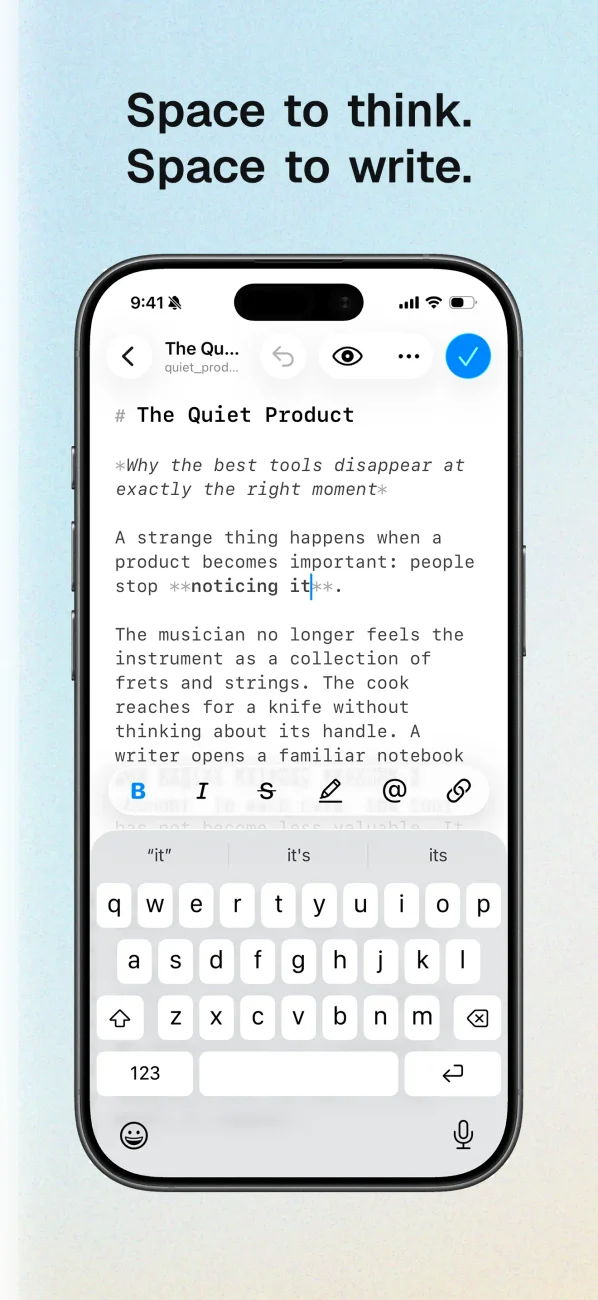
Outerline gives you space to think and space to write. A fast, fluid Markdown editor with no server, no database, and no clutter. Truly native on macOS and iOS. It works offline, opens instantly, and stays out of your way so you can just write.
YOUR FILES STAY YOURS
Every note is an ordinary .md file in a folder you choose, on your iPhone, in iCloud Drive, or anywhere in Files. No proprietary format and no account required to write. Open the same folder in any other Markdown app whenever you like, and take your work with you if you ever leave.
A WRITING SURFACE, NOT A DASHBOARD
• Live syntax highlighting, with each heading level at its own size
• A keyboard toolbar with the formatting you actually reach for
• Smart lists that continue, indent, and break out the way you expect
• Auto-pairing brackets, quotes, and backticks
• In-document search, word count, and reading time
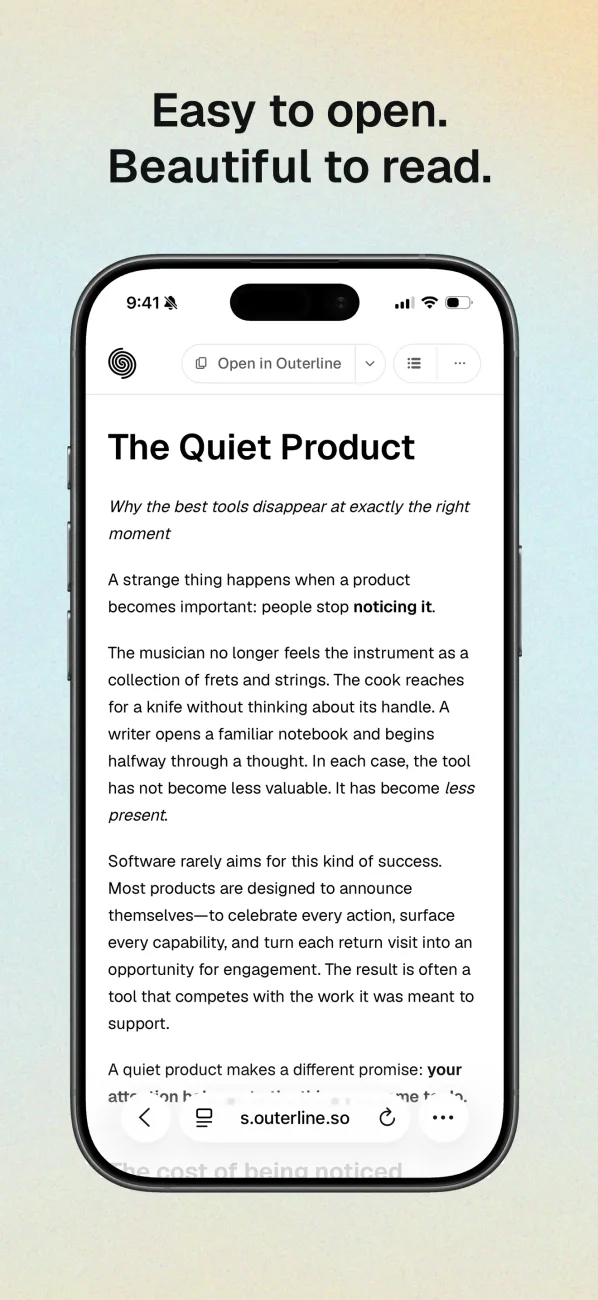
• Editor and preview, a tap apart
• Choose your typeface, size, line height, and preview theme
• Autosave, so a draft is never waiting on you to remember
FIND ANYTHING FAST
Full-text search across your whole library. Nested folders, Starred and All Documents views, and colored #tags you write inline and filter by later. Swipe to star, move, or delete.
CONNECT YOUR IDEAS
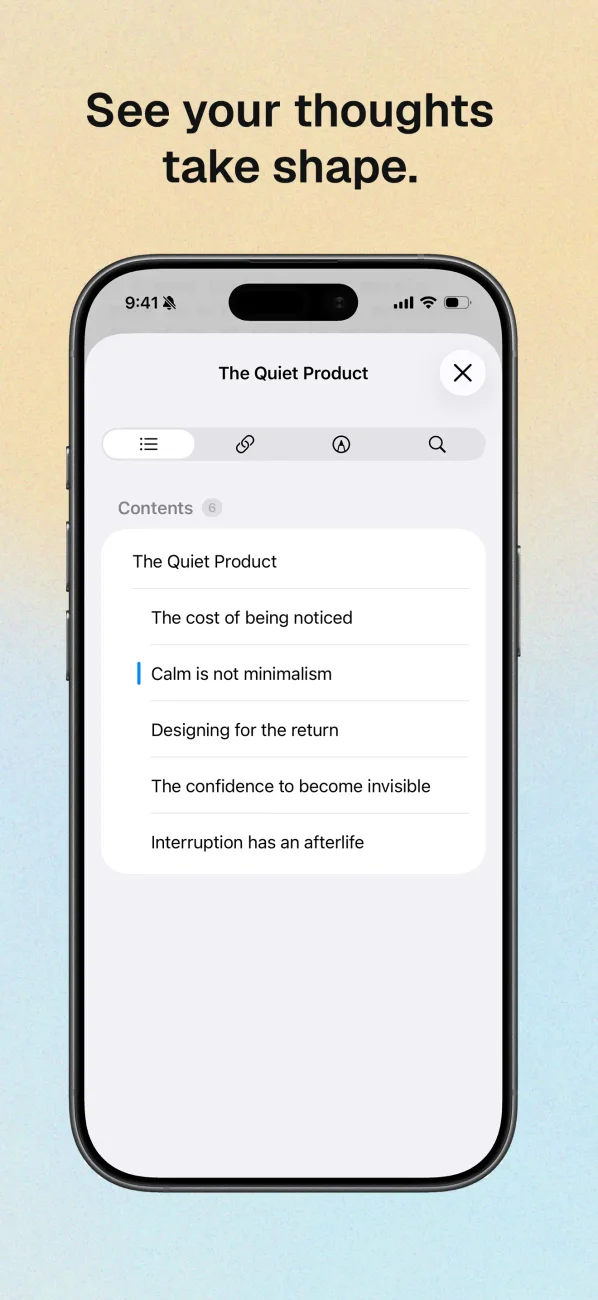
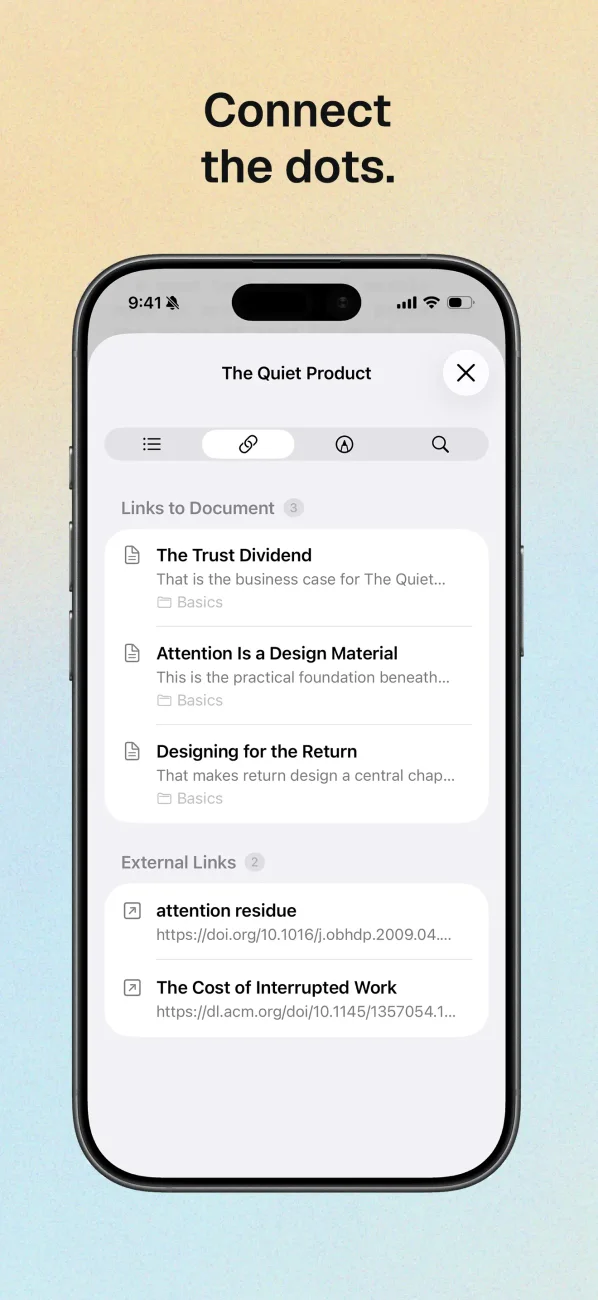
Link notes with [[wiki links]] and an autocomplete palette. The inspector shows what points here, each with a line of context and the folder it came from, keeps every external link in one place, and jumps you to any heading in the document.
ANNOTATE WITHOUT TOUCHING THE MARKDOWN
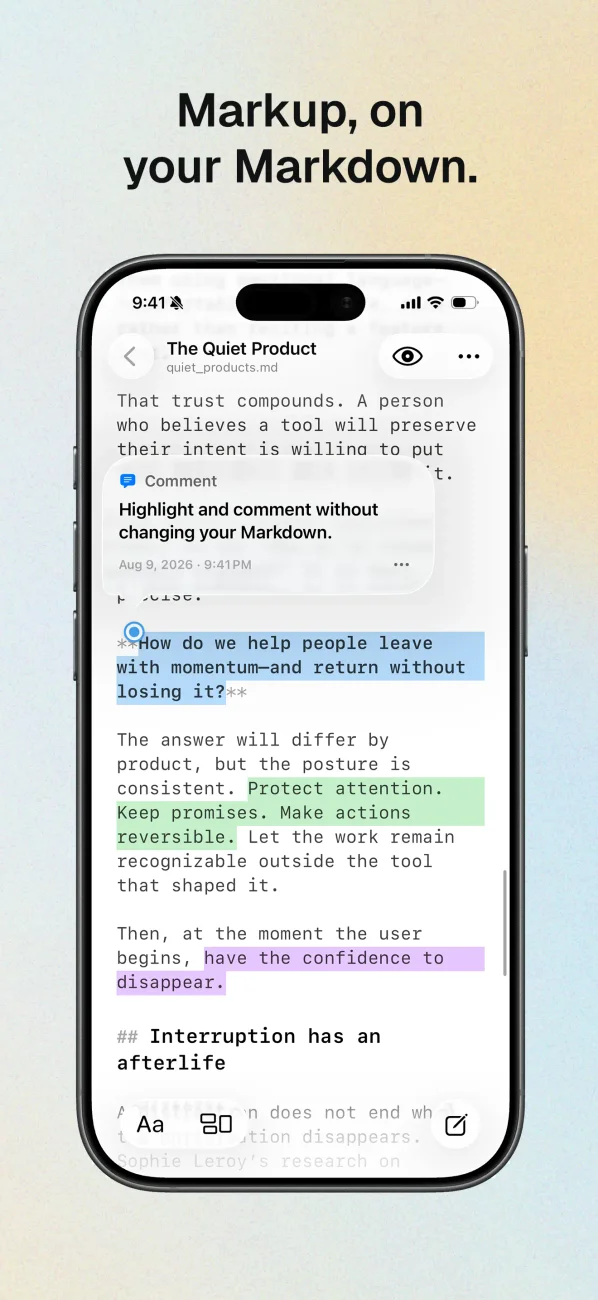
Highlight passages in five colors, attach notes to them, and leave anchored comments on any selection. Annotations live beside your files, so your Markdown stays clean and portable.
NEVER LOSE A DRAFT
Automatic timestamped snapshots, a diff viewer, and one-tap restore. Deleted notes move to Recently Deleted, where you can bring them back.
WORK WITH SIRI AND SHORTCUTS
Ask Siri to create or find a note, and use Shortcuts to open or append to one. On iOS 27, Siri and Apple Intelligence can use the open document as context on supported devices. Availability depends on language, region, and system settings. No Outerline account or subscription required.
EXPORT, DIAGRAM, AND BACK UP
Export any note as Markdown, HTML, or PDF. Write Mermaid diagrams in fenced code blocks and see them render in preview and in exports, entirely offline. Zip your whole library, metadata included, whenever you want a backup.
THE SAME NOTES ON YOUR MAC
This is the whole app, not a companion. Outerline for macOS syncs the same library as iOS, while adding split view, Quick Look, and an optional local Model Context Protocol server for AI assistants. Buy Outerline once on either platform and use it on both. Your Outerline account and Publish subscription carry across seamlessly.
OUTERLINE PUBLISH (OPTIONAL)
Publish a note to a link anyone can open, then keep it current as you save. Publishing needs a free Outerline account and an Outerline Publish subscription. Everything else in Outerline works without either.
Outerline Publish is an auto-renewing monthly subscription. Payment is charged to your Apple Account at confirmation of purchase, and renews automatically unless you turn it off at least 24 hours before the end of the current period. Manage or cancel in your Apple Account settings.
Terms of Use: https://outerline.so/support/terms/
Privacy Policy: https://outerline.so/support/privacy/
Có gì mới
Phiên bản 1.2.14 · 11/11/2026
1.2.14
- Keep writing smoothly as new notes receive their filenames, with more reliable saving through renames, moves, and temporary library interruptions.
- Temporary filenames stay hidden until your note's name is ready. Typing, selection, and undo history remain intact as naming finishes.
- Cloud-only notes now download automatically when you reopen your library, updating titles, previews, and tags without a tap.
- Deleted published notes now stop sharing, with automatic retry for unfinished cleanup. Restoring a note no longer republishes it automatically.
- Publish settings now show all your live shares, including deleted notes and notes outside the current library, with Copy Link and Stop Sharing available even without an active Publish subscription.
- Fixed copy and publishing actions in notes opened from library lists, delayed publishing dialogs, and text insertion from system actions. Improved Starred reliability and protection for your latest sharing choices.
Quyền riêng tư của ứng dụng
Những gì Adam Goehrig-Bawany khai báo trên App Store về cách ứng dụng này xử lý dữ liệu.
-
Dữ liệu liên kết với bạn
Có thể được thu thập và liên kết với danh tính của bạn.
- Mục mua
- Thông tin liên hệ
- Nội dung của người dùng
- Mã định danh
Phương thức đảm bảo quyền riêng tư có thể khác nhau, chẳng hạn như tuỳ theo các tính năng bạn sử dụng hoặc độ tuổi của bạn.
Thông tin
- Người bán
- Adam Goehrig-Bawany
- Danh mục
- Hiệu Suất
- Phiên bản
- 1.2.14
- Cập nhật
- 11/11/2026
- Phát hành
- 26/08/2026
- Kích thước
- 35,6 MB
- Yêu cầu
- iOS 26.0 trở lên
- Độ tuổi
- 12+
- Giá
- 299.000đ
- Mua hàng trong ứng dụng
- Có
- Ngôn ngữ
- Tiếng Anh
- Bản quyền
- © 2026 Outerline
Có thể bạn cũng thích
-
 em — Markdown Writer & EditorHiệu Suất
-
 Views by HypercodeHiệu Suất
-
 Today - Focused Task ManagerHiệu Suất
-
 Auer Sleek NotesHiệu Suất
-
 Diddit: Shareable LogbookHiệu Suất
-
 Slate - Notes & CanvasHiệu Suất
-
 RIFT NOTES + Voice MemosHiệu Suất
-
 Neuron AI: Private & SecureHiệu Suất
-
 Ivy: Plan. Do. Reflect.Hiệu Suất
-
 Strata for Micro.blogHiệu Suất