Pay & Connect
UCT payments and food vouchers
Được thiết kế cho iPhone, iPad, iPod touch
- Độ tuổi4+
- Danh mụcTài Chính
- Nhà phát triểnSlide Financial
- Ngôn ngữTiếng Anh
- Kích thước56,1 MB
Pay & Connect hiện có thể không có trên App Store
Ở lần kiểm tra gần nhất, chúng tôi không truy cập được trang trên cửa hàng. Liên kết vẫn dẫn đến trang App Store chính thức.
Ảnh chụp màn hình


Giới thiệu
Nhà phát triển chưa cung cấp nội dung này bằng ngôn ngữ của bạn.
The Pay & Connect app is a payments app for the University of Cape Town (UCT), that facilitates the issuing and using of food vouchers.
The app can be used by students (currently only those in residences); scanners (at residences) and merchants.
Students can use the Pay & Connect app to scan in to receive meals in UCT residences; request food vouchers; and make purchases from merchants (food suppliers) on campus.
Scanners can use the Pay & Connect app to scan students into university residence dining halls; issue vouchers to students; and cancel student vouchers.
Merchants can use the Pay & Connect app to receive voucher payments from students and redeem vouchers by withdrawing the voucher funds to their bank accounts.
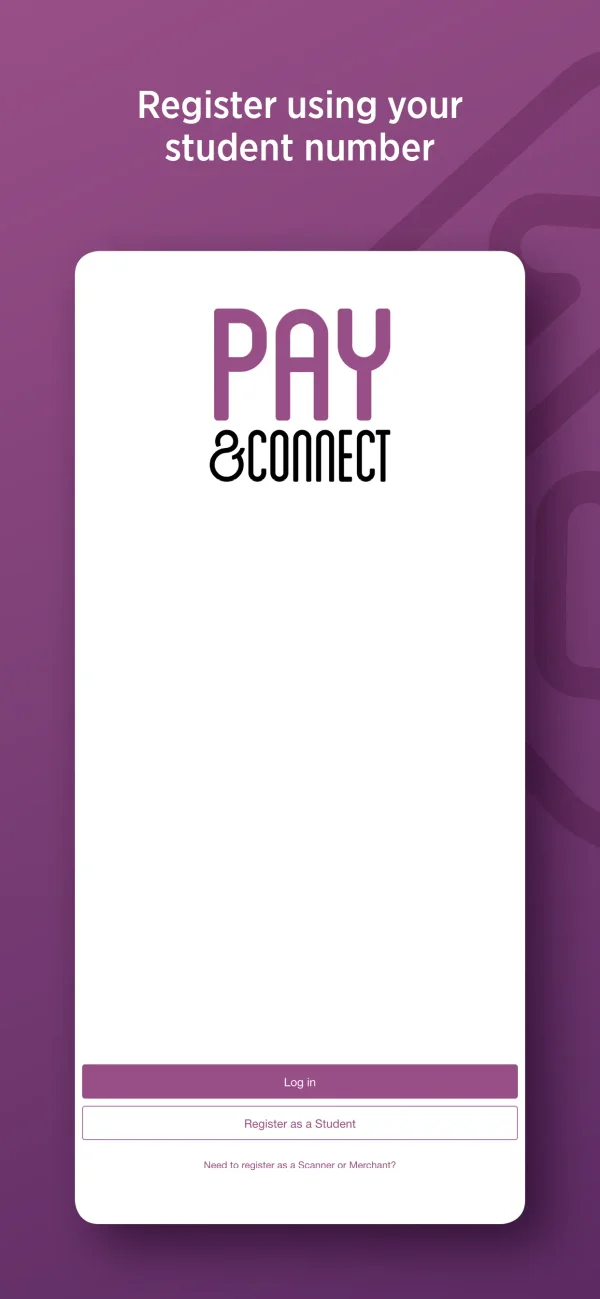
Registrations: After downloading the app, users will need to register their UCT student number or their email address. Users will also be asked whether they are a student, scanner or merchant.
Verification: Users will only be able to use the Pay & Connect app once their email is verified. This is done by clicking the link that is sent to the user’s email. Scanners and merchants will need to have their accounts manually activated by UCT staff.
QR Code: Students registered on the app will have a QR code which is visible on the app. Students can use this QR code to be scanned into a university residence.
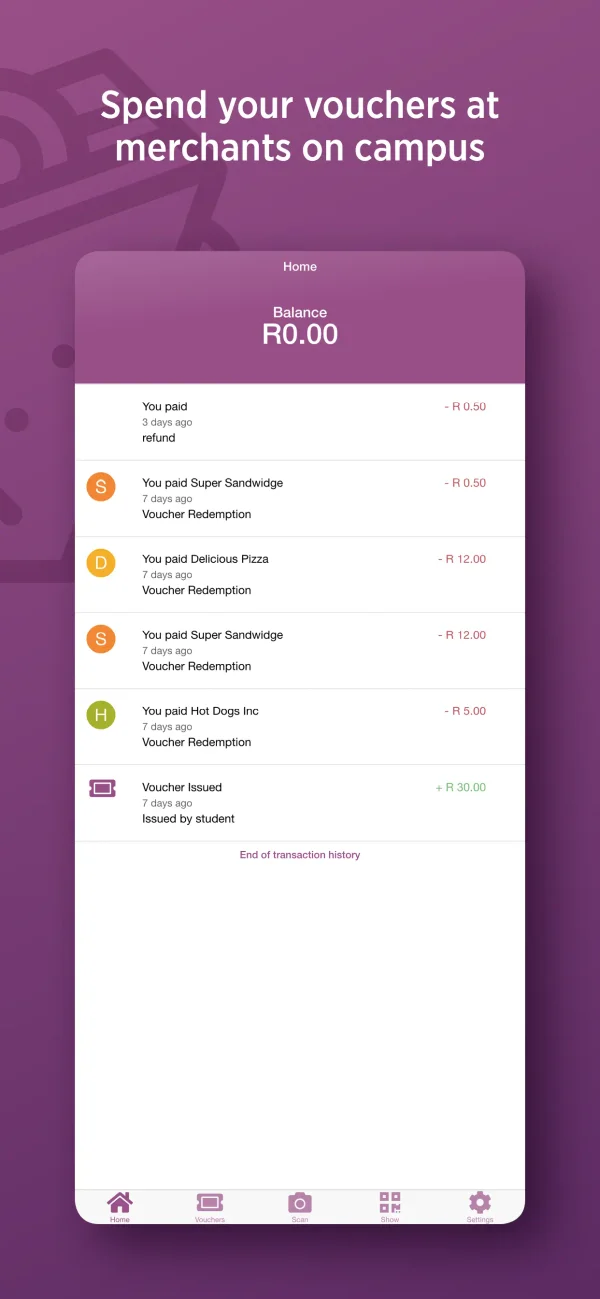
Digital Wallets: Each student and merchant using the app will have a digital wallet associated with their account. Students and merchants can see their wallet balance directly in the app.
Scanning into residence:
Students can use the Pay & Connect app to gain entry into residence dining halls by having the scanner scan their QR code. Students will only be permitted into meals that they are eligible to eat under their specific university dining plan.
Lunch vouchers:
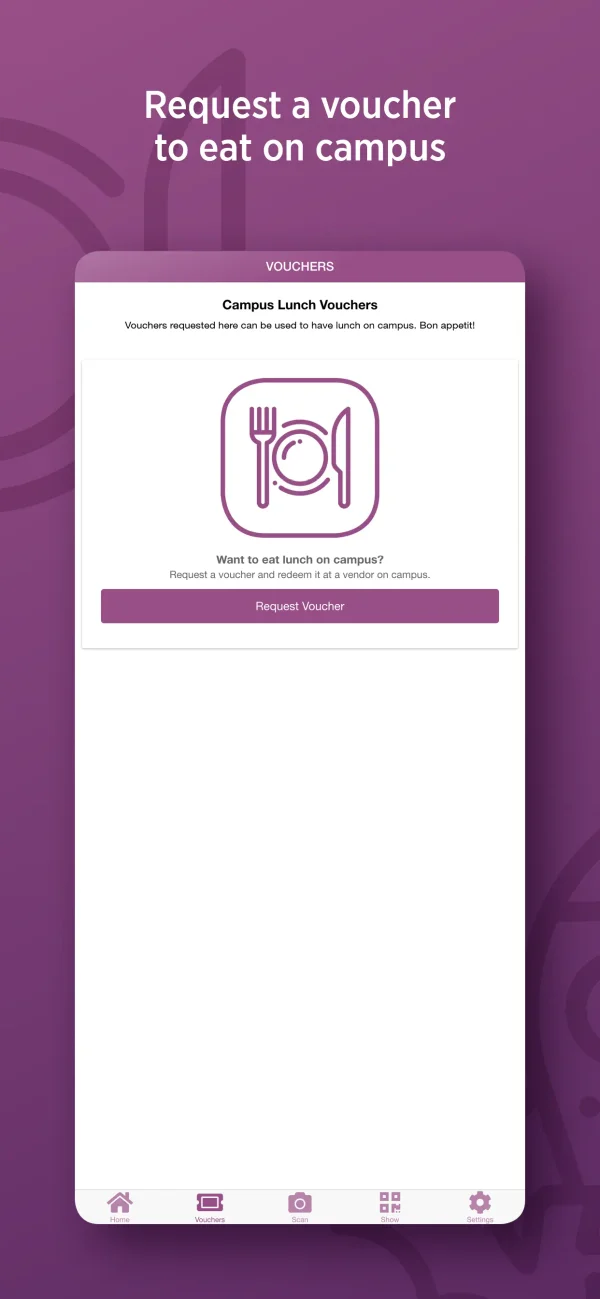
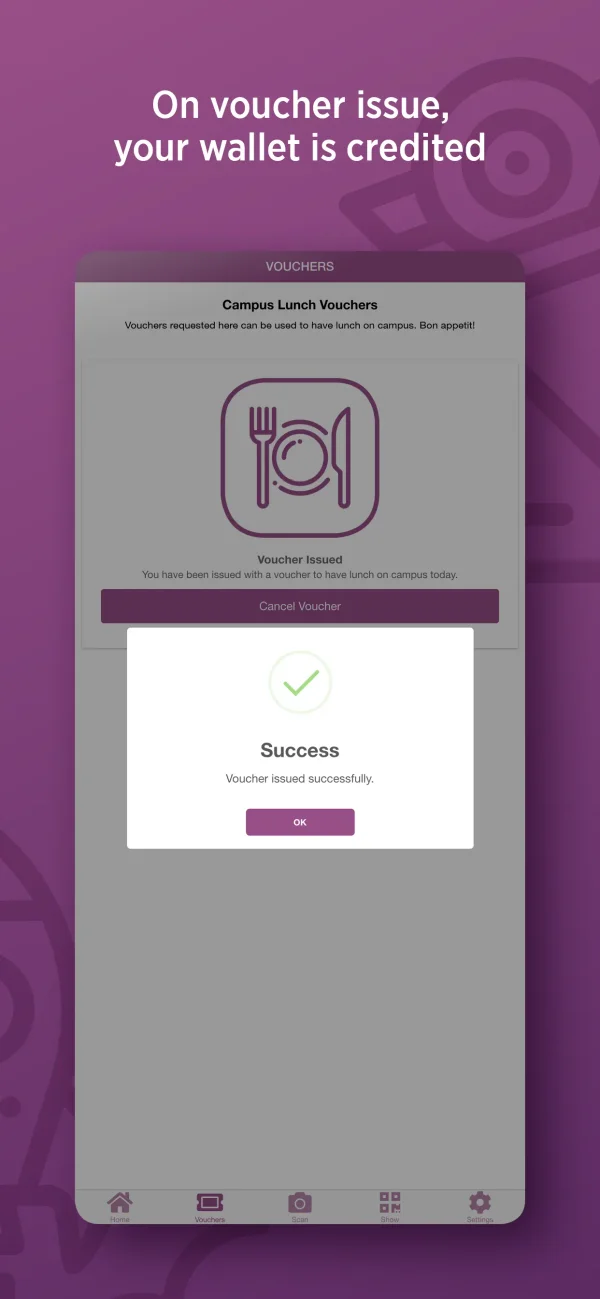
Students who are eligible for lunch time meals under their university dining plan will have the option to request a lunch voucher to eat lunch on campus. When a student is issued a lunch voucher, the value of the lunch voucher will be credited to their digital wallet.
Issuing vouchers:
Students can request a voucher directly through the Pay & Connect app, provided that this is done before the cut off time, which is set up the university. Alternatively, scanners can issue students a lunch voucher by scanning the student’s student card.
Cancelling vouchers:
After requesting a lunch voucher, a student will have the option to cancel that voucher. When a student cancels their voucher, the student’s account is debited the voucher value. Vouchers can only be cancelled before the cut off time (which is set up the university), and cannot be cancelled if the student has already spent part of the voucher. A scanner can also cancel a student’s voucher by scanning the student’s student card.
Spending vouchers:
Students can spend their lunch vouchers on campus by using their app to scan the merchant’s QR code. When spending their vouchers, students will be required to enter the amount that they would like to spend.
Merchants can also initiate payments from students by scanning the student’s QR code on their app, or scanning the student’s student card.
Withdrawing funds:
Merchants will have the option of withdrawing funds from their voucher wallet into their banks accounts. This is done by adding their bank details into the app.
Có gì mới
Phiên bản 17.3.0 · 20/08/2026
- Meal plan refresh
- General Improvements
- Bug Fixes
We release updates regularly and are always looking for ways to make the app better. If you have any feedback or run into issues, please reach out to us. We're happy to help!
Quyền riêng tư của ứng dụng
Những gì Slide Financial khai báo trên App Store về cách ứng dụng này xử lý dữ liệu.
-
Dữ liệu liên kết với bạn
Có thể được thu thập và liên kết với danh tính của bạn.
- Thông tin liên hệ
- Mã định danh
Phương thức đảm bảo quyền riêng tư có thể khác nhau, chẳng hạn như tuỳ theo các tính năng bạn sử dụng hoặc độ tuổi của bạn.
Thông tin
- Người bán
- Slide Financial
- Danh mục
- Tài Chính
- Phiên bản
- 17.3.0
- Cập nhật
- 20/08/2026
- Phát hành
- 27/02/2019
- Kích thước
- 56,1 MB
- Yêu cầu
- iOS 15.1 trở lên
- Độ tuổi
- 4+
- Ngôn ngữ
- Tiếng Anh
- Bản quyền
- © 2026 Slide Financial