PDF Editor, Edit PDF Documents
Convert to PDF, Reader, Viewer
Được thiết kế cho iPhone, iPad, Mac, iPod touch
Miễn phí · Mua hàng trong ứng dụng
- Độ tuổi4+
- Danh mụcKinh Doanh
- Nhà phát triểnDzine Media
- Ngôn ngữTiếng Anh+ 15 ngôn ngữ khác
- Kích thước37,2 MB
Liên kết đến trang App Store chính thức
Download.org không lưu trữ tệp nào của PDF Editor, Edit PDF Documents. Nút này mở trang ứng dụng trên App Store, nơi Dzine Media phát hành ứng dụng. Trang được kiểm tra lần cuối: 22/11/2026.
Ảnh chụp màn hình
Giới thiệu
Nhà phát triển chưa cung cấp nội dung này bằng ngôn ngữ của bạn.
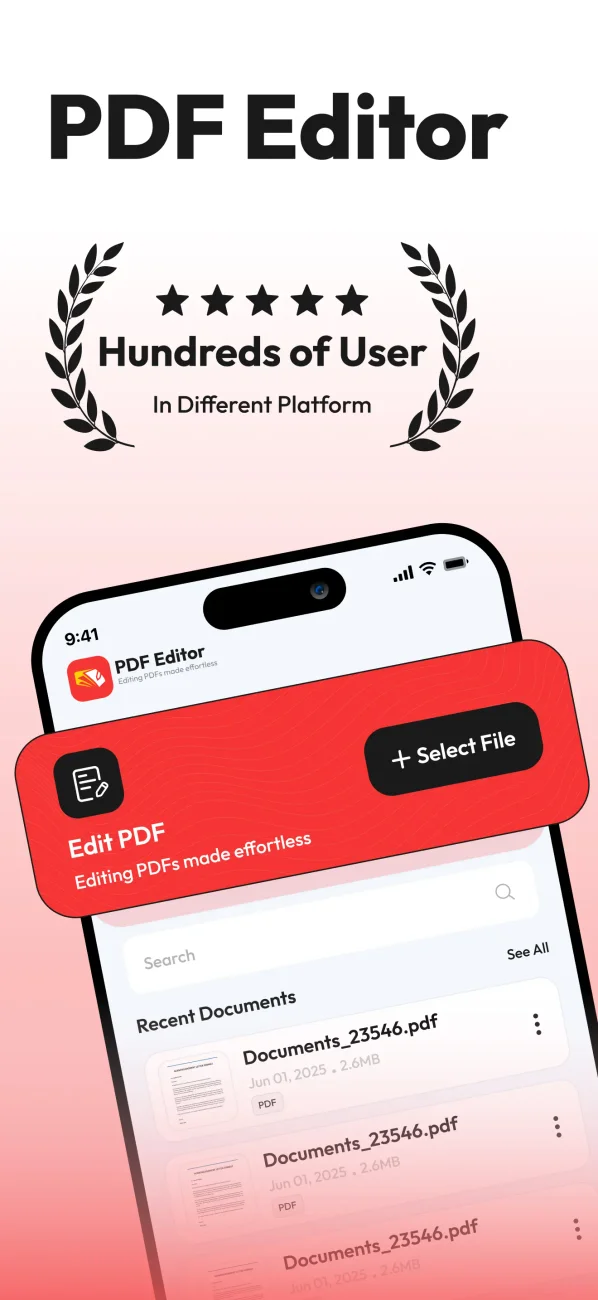
Change the way you manage your PDFs on your iPhone and iPad with our PDF Editor.
This is a powerful and innovative application designed and programmed to handle all your PDF management needs.
Whether you’re a student handling academic notes, a business professional viewing posters/brochures, or a casual user having tons of PDF photos, our editor app provides plenty of features that’ll help you view, edit, sign, annotate, and even share your PDFs without putting much effort.
USPs of PDF Editor and Reader
View and Read PDF Docs
Our app allows you to open and read PDF files no matter what the size. You can customize your viewing experience by changing the layout or you can simply zoom in or out for better readability.
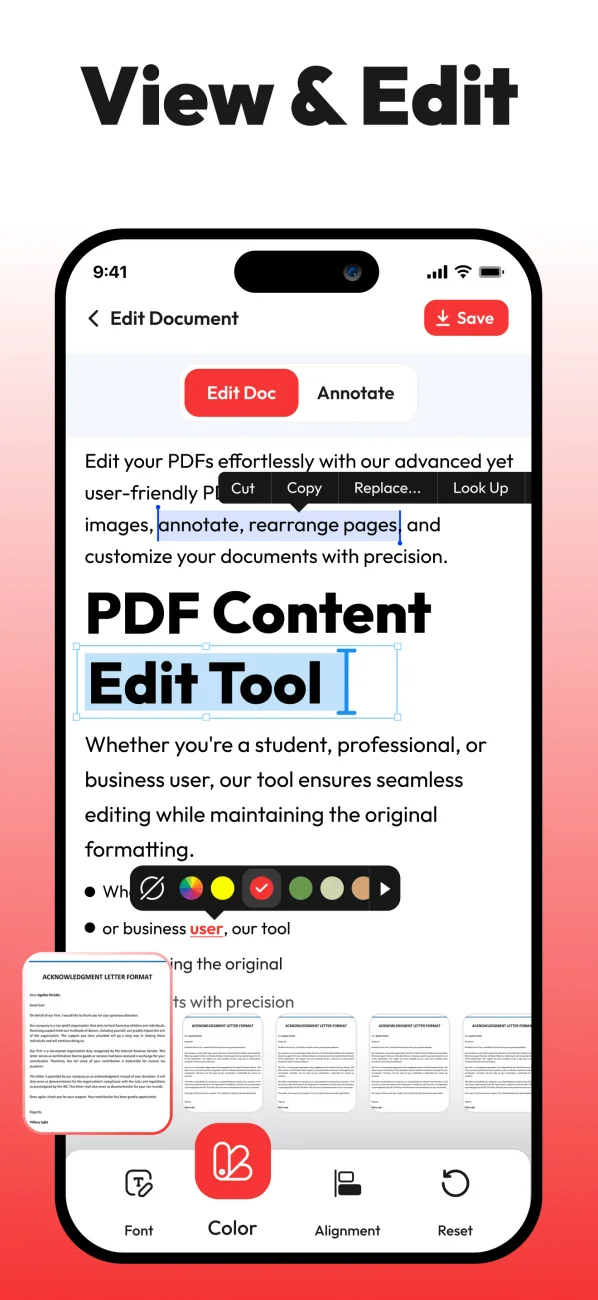
Edit PDF Text
Users can easily modify text in the PDF document. Our app allows you to change font size, style, colors, and alignment, and make other amends. You can make quick corrections on your iPhone without requiring premium software or a desktop.
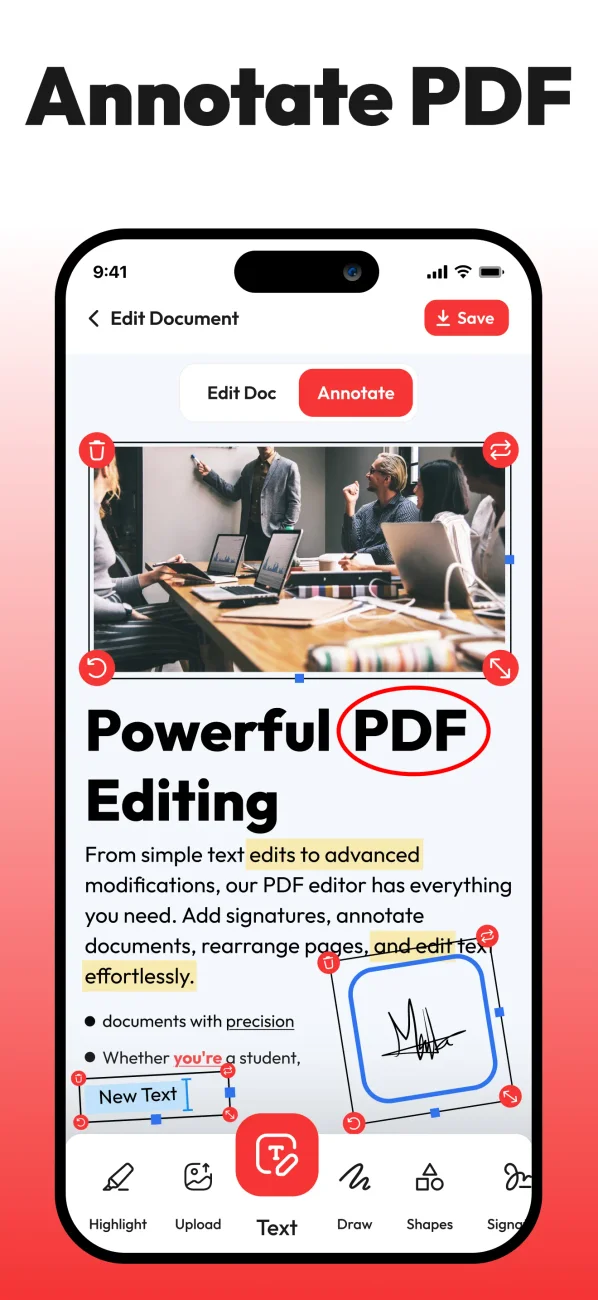
Annotate PDFs
With this PDF editor, you can easily add comments to the document, highlight text, underline sentences, and even add notes to your PDFs. The drawing tool allows users to add annotations and customize colors for markups.
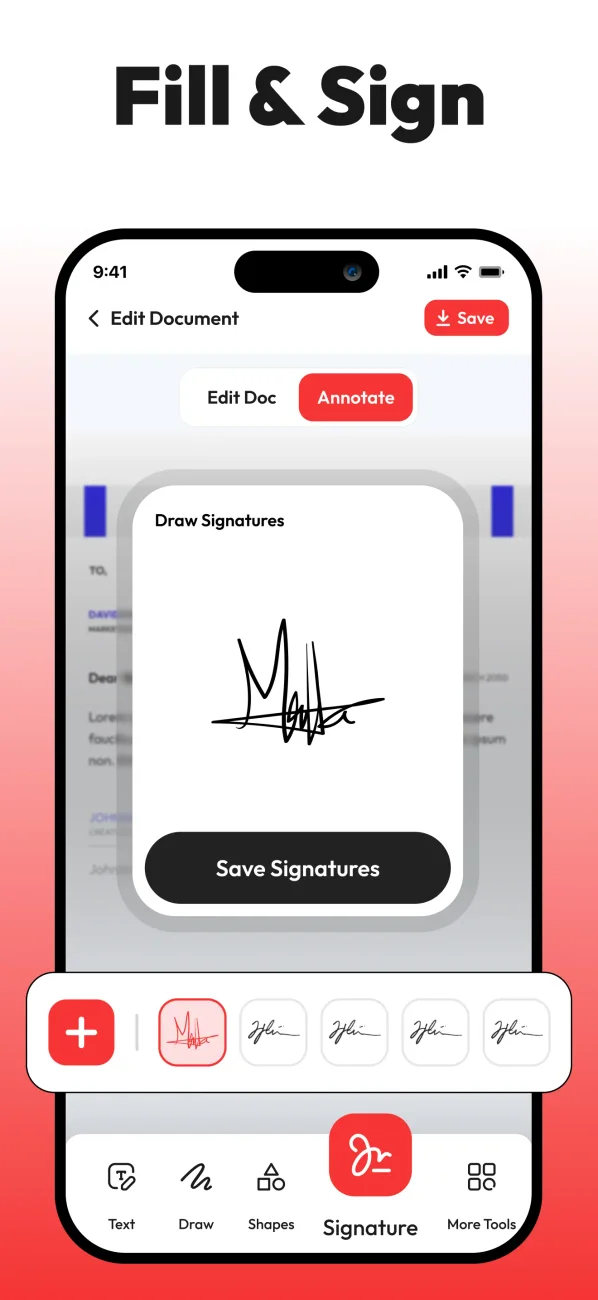
E-Signatures
You can also fill out PDF forms quickly without changing the format or use the signature feature to add your e-signature to documents. You can create, save, and reuse your signature without any hassle.
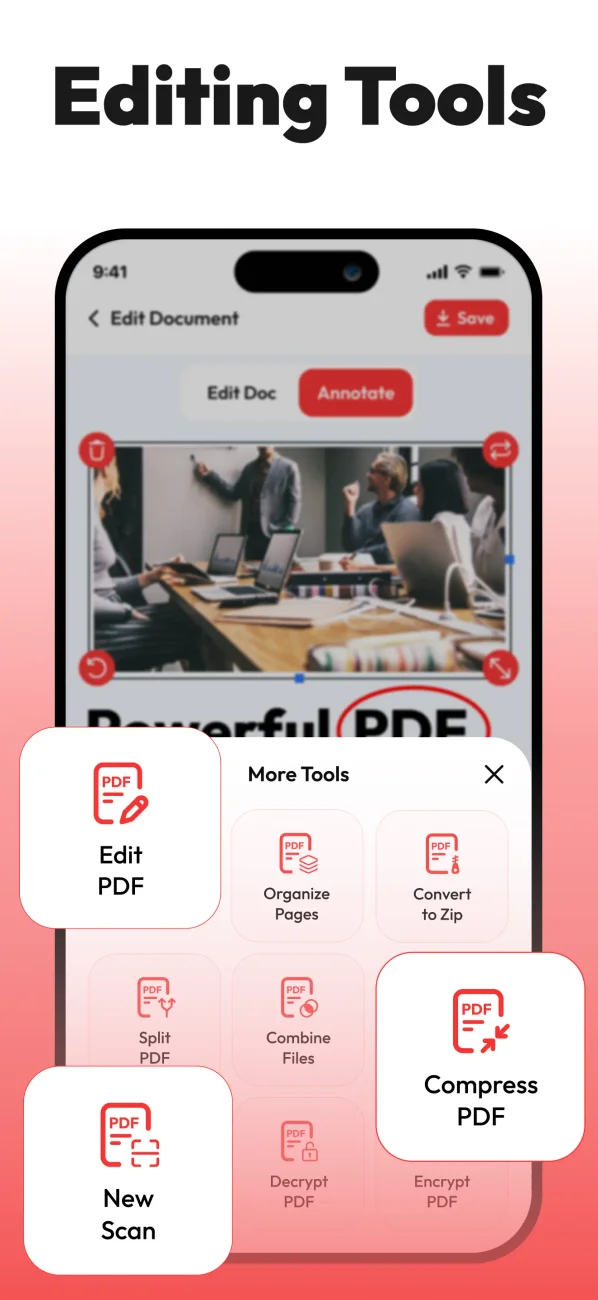
Organize Pages
The PDF editor app allows you to rearrange, delete, rotate, or extract pages from your documents in a matter of seconds. You can also merge multiple PDFs into one, or split a large file into smaller, more manageable parts.
Document Security
Users can keep documents safe and secure by setting passwords or applying other encryption options. You can control who can access your PDF content and can restrict unauthorized editing or copying of content.
Cloud Integration
Sync in the PDF editor with popular cloud services such as iCloud, Dropbox, Google Drive, and OneDrive to access your PDFs across all your devices. Edit and save directly to your preferred storage space.
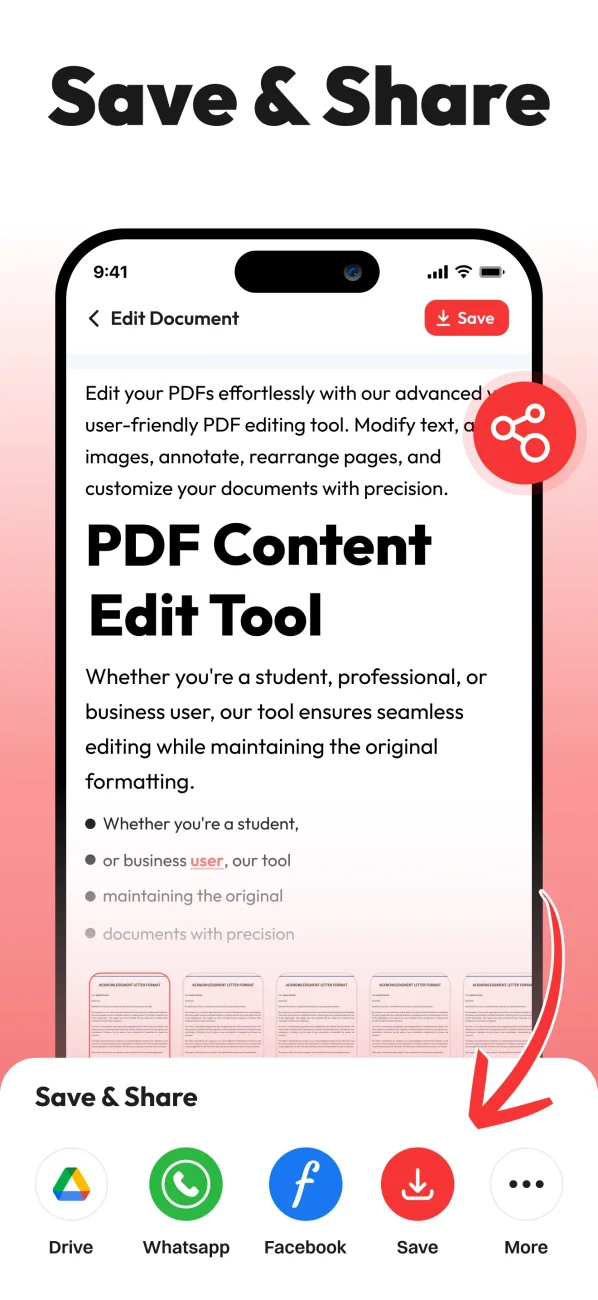
Export and Share
You can save your edited PDFs in various formats, including PDF, JPG/PNG, and Word documents. The app also allows you to share your documents via email, messaging apps, or directly to iCloud storage.
Why Choose this PDF Editor?
• PDF editor and reader comes with a simple and clean interface which makes it easy to use even for new and non-technical users just getting started.
• The app is optimized for speed and responsiveness, providing a smooth experience even with large or complex documents.
• PDF editor combines all the tools you need in one app; this way you don’t need to juggle multiple apps to get your work done. Everything you need is under one dashboard.
• Our team always listens to user feedback and continuously improves the app with new features, bug fixes, and enhancements to make PDF editing easier and more efficient.
This PDF editor has been programmed and designed for all kinds of users who need to edit, sign, and share documents, contracts, reports, etc. which makes it an ideal utility for anyone who needs a reliable editing solution.
Download our PDF Editor today and take full control over your PDFs on your iPhone or iPad. Say goodbye to premium PDF managers and get an all-in-one solution for your iOS devices!
Support URL:https://www.trostun.com/contact-us/
Terms of Use: https://www.trostun.com/terms-of-use/
Có gì mới
Phiên bản 1.1.9 · 08/01/2026
This update brings powerful new editing tools, smoother performance, and improved annotation features to help you work with PDFs faster and more efficiently.
ENHANCED PDF EDITING
Edit text, adjust layouts, and modify pages with improved accuracy. Cleaner rendering and better font handling make editing more precise than ever.
ADVANCED ANNOTATION TOOLS
New annotation options include improved highlighting, underlining, strike-through, shapes, and freehand drawing. Mark up documents with smoother strokes and better color control.
E-SIGN IMPROVEMENTS
Faster, cleaner signing experience with better signature placement, resizing, and multi-signature support. Perfect for agreements, forms, and approvals.
PAGE MANAGEMENT UPDATES
Easily reorder, delete, rotate, and duplicate pages with updated controls for quicker document editing.
IMPORT & EXPORT ENHANCEMENTS
Improved file compatibility and higher-quality exports ensure your edited PDFs look sharp and professional across all devices.
NEW COMMENT SYSTEM
Add comments and notes with improved formatting, better visibility, and cleaner organization.
PERFORMANCE BOOST
Faster loading of large PDFs, reduced lag while editing, and overall smoother navigation throughout the app.
BUG FIXES AND UI REFINEMENTS
Resolved minor issues, polished interface details, and improved tool responsiveness for a more seamless editing workflow.
Quyền riêng tư của ứng dụng
Những gì Dzine Media khai báo trên App Store về cách ứng dụng này xử lý dữ liệu.
-
Dữ liệu không được thu thập
Nhà phát triển không thu thập bất kỳ dữ liệu nào từ ứng dụng này.
Phương thức đảm bảo quyền riêng tư có thể khác nhau, chẳng hạn như tuỳ theo các tính năng bạn sử dụng hoặc độ tuổi của bạn.
Thông tin
- Người bán
- TROSTUN LTD
- Danh mục
- Kinh Doanh
- Phiên bản
- 1.1.9
- Cập nhật
- 08/01/2026
- Phát hành
- 03/02/2025
- Kích thước
- 37,2 MB
- Yêu cầu
- iOS 14.0 trở lên
- Độ tuổi
- 4+
- Giá
- Miễn phí
- Mua hàng trong ứng dụng
- Có
- Ngôn ngữ
- Tiếng Anh, Tiếng Ả Rập, Tiếng Pháp, Tiếng Đức, Tiếng Ý, Tiếng Nhật, Tiếng Hàn, Tiếng Mã Lai, Tiếng Bồ Đào Nha, Tiếng Nga, Tiếng Trung Giản thể, Tiếng Tây Ban Nha + 4 ngôn ngữ khác
- Bản quyền
- © PDF Editor
Có thể bạn cũng thích
-
 PDF Editor: Fill, Edit & eSignForms Filler, Convert & Reader
-
 PDF Editor Expert: Fill & SignKinh Doanh
-
 PDF Editor: Sửa & Ký Tài LiệuQuét, Chuyển đổi và Đọc PDF
-
 PDF Editor : PDF Reader,SignerHiệu Suất
-
 PDF Max - Edit, Sign PDFsHiệu Suất
-
 PDF Editor ‧ Fill, Edit, eSignPDF Form Filler Fill & Sign
-
 PDF・Read, Scan, Convert & Sign PDF
-
 FreePDF - PDF Editor & ReaderChuyển đổi, quét và ký PDF
-
 PDF Export: Editor & ConverterHiệu Suất