- Độ tuổi4+
- Danh mụcGiáo Dục
- Nhà phát triểnPyramid Global Communication Technology LLC
- Ngôn ngữTiếng Anh
- Kích thước121,3 MB
Liên kết đến trang App Store chính thức
Download.org không lưu trữ tệp nào của PECSTalk™. Nút này mở trang ứng dụng trên App Store, nơi Pyramid Global Communication Technology LLC phát hành ứng dụng. Trang được kiểm tra lần cuối: 17/11/2026.
Ảnh chụp màn hình
Giới thiệu
Nhà phát triển chưa cung cấp nội dung này bằng ngôn ngữ của bạn.
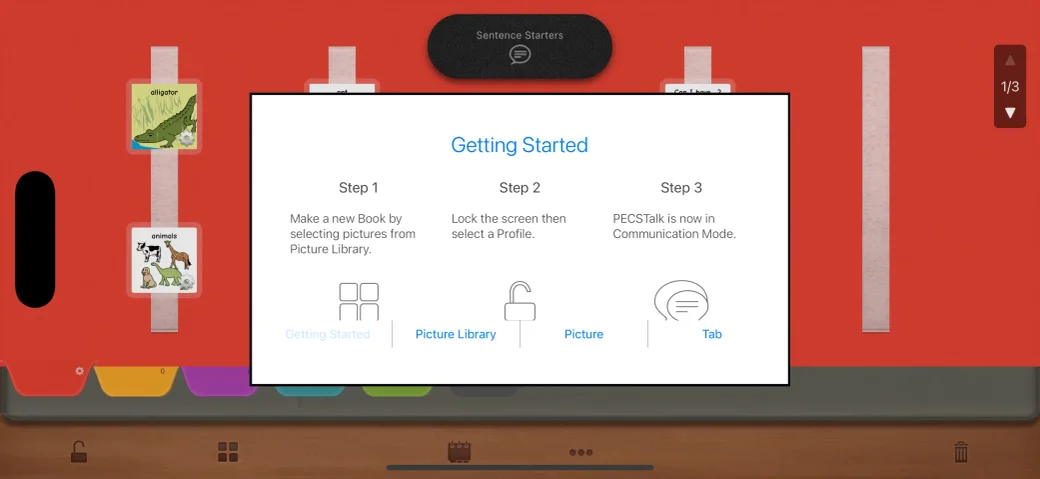
PECSTalk™ is an AAC (Augmentative and Alternative Communication) app used by individuals with complex communication needs, including those on the autism spectrum. Designed by the developers of the evidence-based Picture Exchange Communication System® (PECS®), this high-tech option is customizable and easy to use! With access to the full Pics for PECS library, multiple voice output options, and multiple languages, the PECSTalk™ app can be individualized for your learner’s needs.
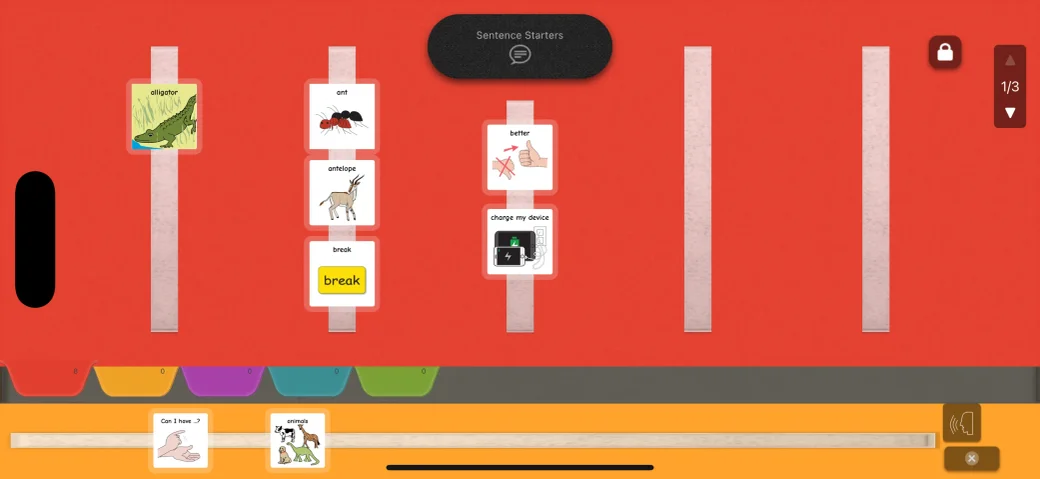
With PECSTalk™, users can construct a multi-picture Sentence Strip™ via a dedicated Sentence Starter™ page and create up to 30 digital PECS book pages for the in-app voice to speak. The digital display is similar in layout to a traditional PECS Communication Book while accommodating the more robust vocabulary of a Speech Generating Device (SGD).
The PECSTalk™ app can be used to make requests, respond to questions, comment and ask questions. By converting pictures and text into spoken language, the PECSTalk™ app empowers non-speaking learners to fully participate in their school, home, vocational, and community settings.
Languages Available: English, Arabic, Brazilian Portuguese, French, German, Greek, Italian, Japanese, Korean, Mandarin Chinese, Polish, Portuguese, Romanian, Russian, Simplified Chinese, and Spanish
Features of PECSTalk™:
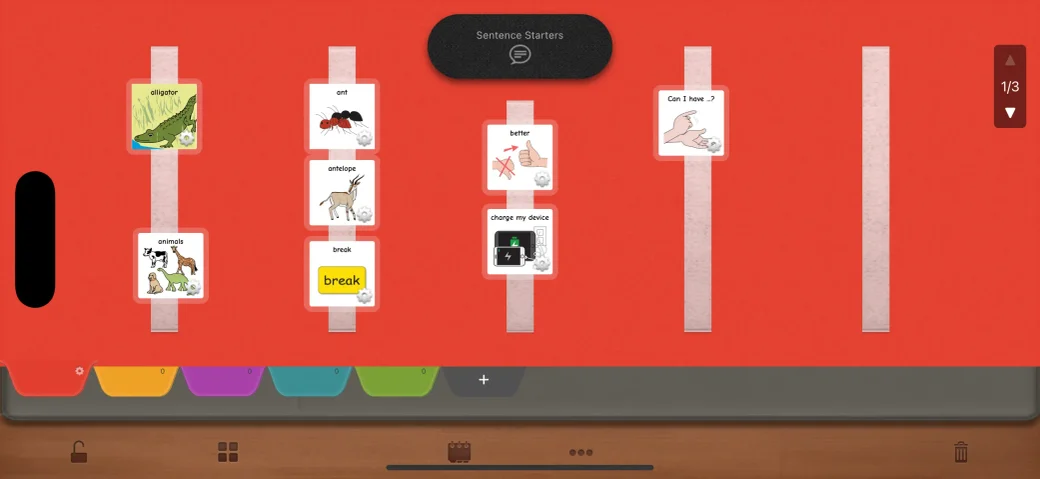
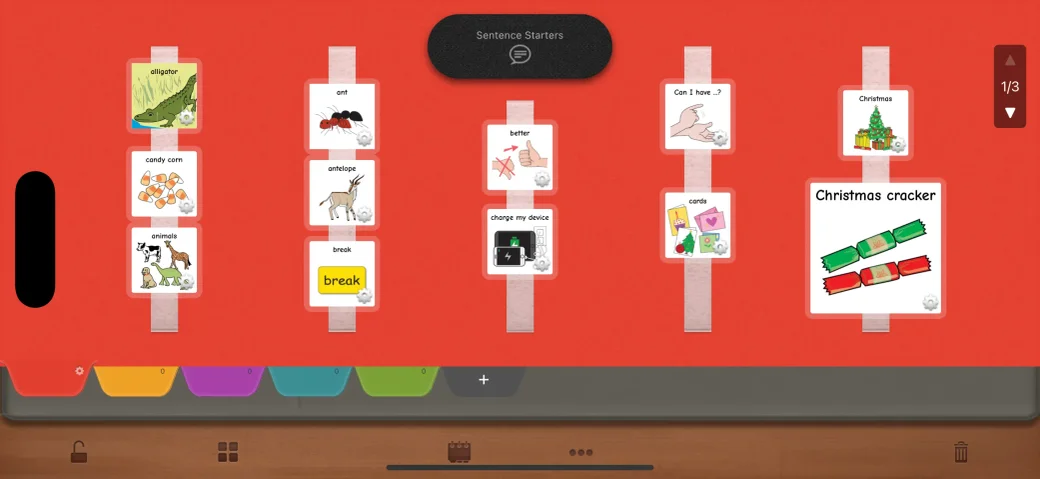
Looks like a traditional PECS book with colored, tabbed pages with VELCRO® strips and a Sentence Strip so you can create a digital PECS book that looks identical to your learner’s book, accommodates vocabulary growth and grammatical expansion
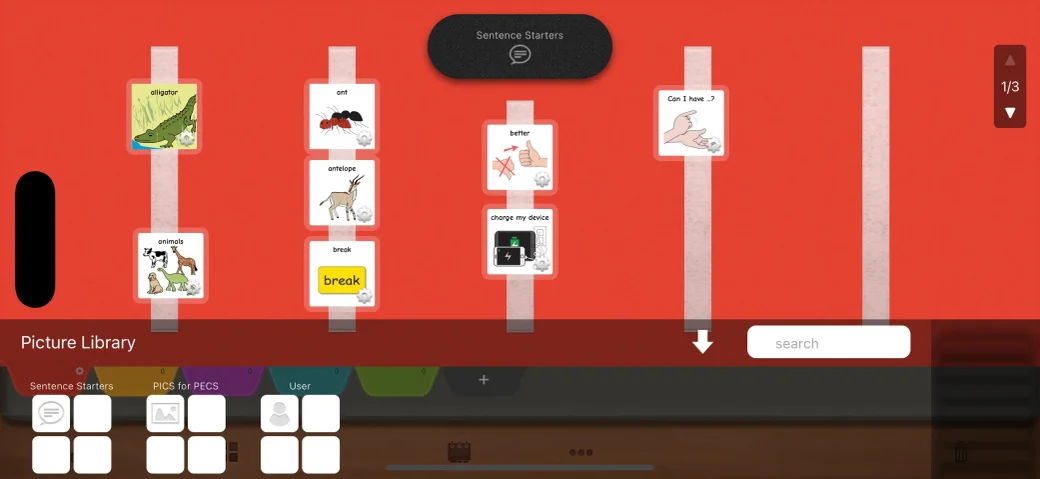
Access to the full Pics for PECS image library
Create customized user defined images
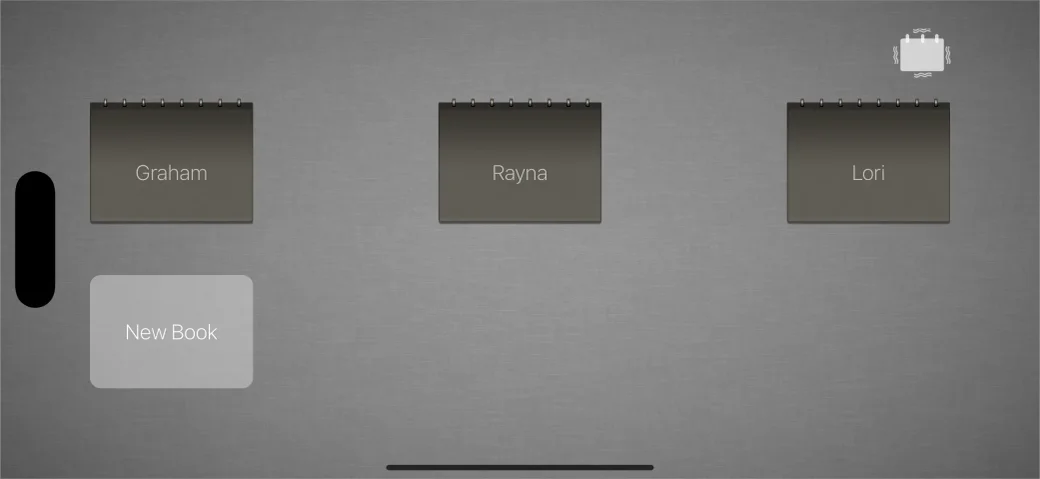
Backup & Restore- backup your books locally or to the cloud AND share across multiple platforms and devices
Scrollable pages
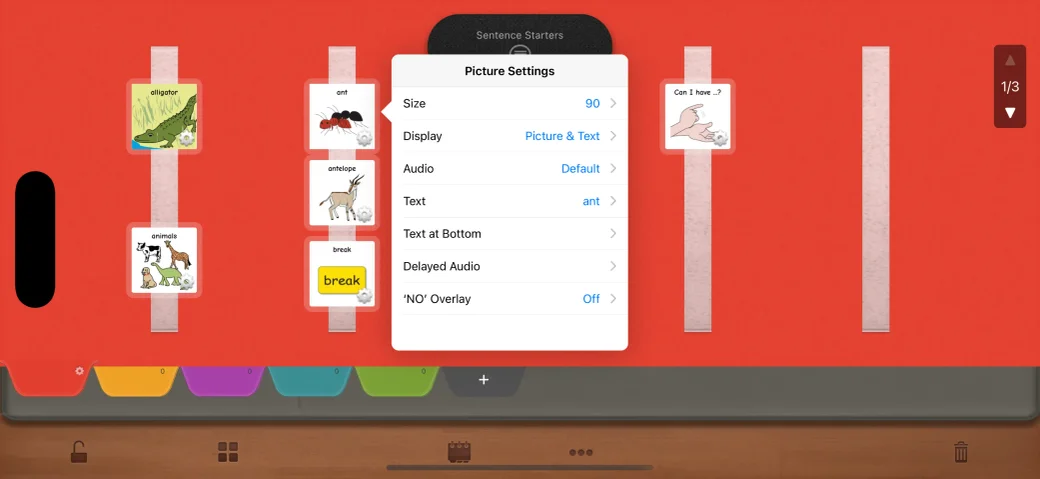
Universal No capabilities- rather than hiding or eliminating an image, a universal No symbol can be overlaid on an image indicating the item is not currently available.
Capability to build bilingual books
Drag and drop pictures from the tabbed pages to the Sentence Strip just like with a traditional PECS book
Switch between pages by scrolling between and tapping on different tabs
Rearrange pictures on the Sentence Strip without having to delete pictures
Clear Sentence Strips with a single button push or clear individual pictures by swiping them back to the book
Integrated features from the PECS protocol such as constant time delay for the in-app voice
Customize each book:
Open or close the dedicated Sentence Starter page with a single touch
Create 1-30 tabbed pages (with up to 28 pictures per page), each with 3 scrollable pages
Each book can hold up to 2,500 images
Customize each tab by number of VELCRO® strips, color, category icon, and/or number of pictures on each page
Customize pictures:
Use Pics for PECS images (full picture set included) or add images from your photo library and the web
Change text on pictures as well as size
Put text on top or bottom of pictures, or remove text
Search function for the Pics for PECS library included
Speech:
Use included synthesized speech or record your own speech
Incorporate the research-based constant time delay for ‘reading’ the Sentence Strip to create opportunities for the student to speak
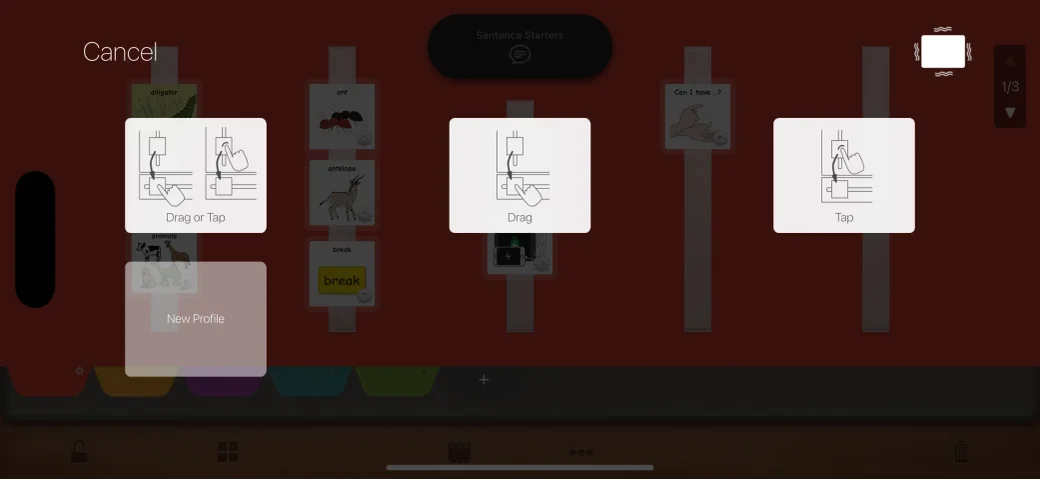
Select from included profiles or create new profiles to customize:
How pictures are moved: tap, drag or both
How to clear (reset) the Sentence Strip
Visibility of Sentence Starter page
Reading Sentence Strip left to right or right to left
When to read the Sentence Strip: as each picture is selected or with a single tap of the “Speak” button after the Sentence Strip is completed
Track Learner Usage:
Day by day list of Sentence Strips constructed by the student
Weekly and monthly analysis of most frequently used pictures
Có gì mới
Phiên bản 1.6.4 · 19/10/2026
Fixed an issue where cards could disappear or end up in the wrong place when returned from the sentence strip by tapping the clear/reset button on the communication strip while in communication mode.
Quyền riêng tư của ứng dụng
Những gì Pyramid Global Communication Technology LLC khai báo trên App Store về cách ứng dụng này xử lý dữ liệu.
-
Dữ liệu không liên kết với bạn
Có thể được thu thập nhưng không liên kết với danh tính của bạn.
- Thông tin liên hệ
- Mã định danh
- Dữ liệu sử dụng
- Chẩn đoán
Phương thức đảm bảo quyền riêng tư có thể khác nhau, chẳng hạn như tuỳ theo các tính năng bạn sử dụng hoặc độ tuổi của bạn.
Thông tin
- Người bán
- Pyramid Global Communication Technology LLC
- Danh mục
- Giáo Dục
- Phiên bản
- 1.6.4
- Cập nhật
- 19/10/2026
- Phát hành
- 30/09/2024
- Kích thước
- 121,3 MB
- Yêu cầu
- iOS 15.6 trở lên
- Độ tuổi
- 4+
- Giá
- 3.999.000đ
- Ngôn ngữ
- Tiếng Anh
- Bản quyền
- © Pyramid Global Communication Technology, LLC