Phrase Manager
Passwords, passkeys & codes
Được thiết kế cho iPhone, iPad, Mac
Miễn phí
- Độ tuổi4+
- Danh mụcTiện Ích
- Nhà phát triểnEduardo Garcia-Ruiz
- Ngôn ngữTiếng Anh+ 1 ngôn ngữ khác
- Kích thước3,8 MB
Liên kết đến trang App Store chính thức
Download.org không lưu trữ tệp nào của Phrase Manager. Nút này mở trang ứng dụng trên App Store, nơi Eduardo Garcia-Ruiz phát hành ứng dụng. Trang được kiểm tra lần cuối: 14/11/2026.
Ảnh chụp màn hình



Giới thiệu
Nhà phát triển chưa cung cấp nội dung này bằng ngôn ngữ của bạn.
Phrase Manager keeps your passwords, passkeys, verification codes and confidential records encrypted on your iPhone, iPad and Mac, behind Face ID or Touch ID.
No account. No servers of our own. No ads or tracking. Sync is optional, travels through your own iCloud and is encrypted on your device, so only you can read it.
YOUR MAIN PASSWORD MANAGER
Turn it on in Settings › General › AutoFill & Passwords and your passwords appear above the keyboard in Safari and in apps. You can also save new passwords from Safari and let Phrase Manager generate the strong password each site asks for.
NOW ON THE MAC
The same vault in a native Mac app, with a sidebar, menu commands and keyboard shortcuts. Fill passwords, passkeys and codes in Safari and unlock with Touch ID. One app for iPhone, iPad and Mac.
SYNC THAT ONLY YOU CAN READ
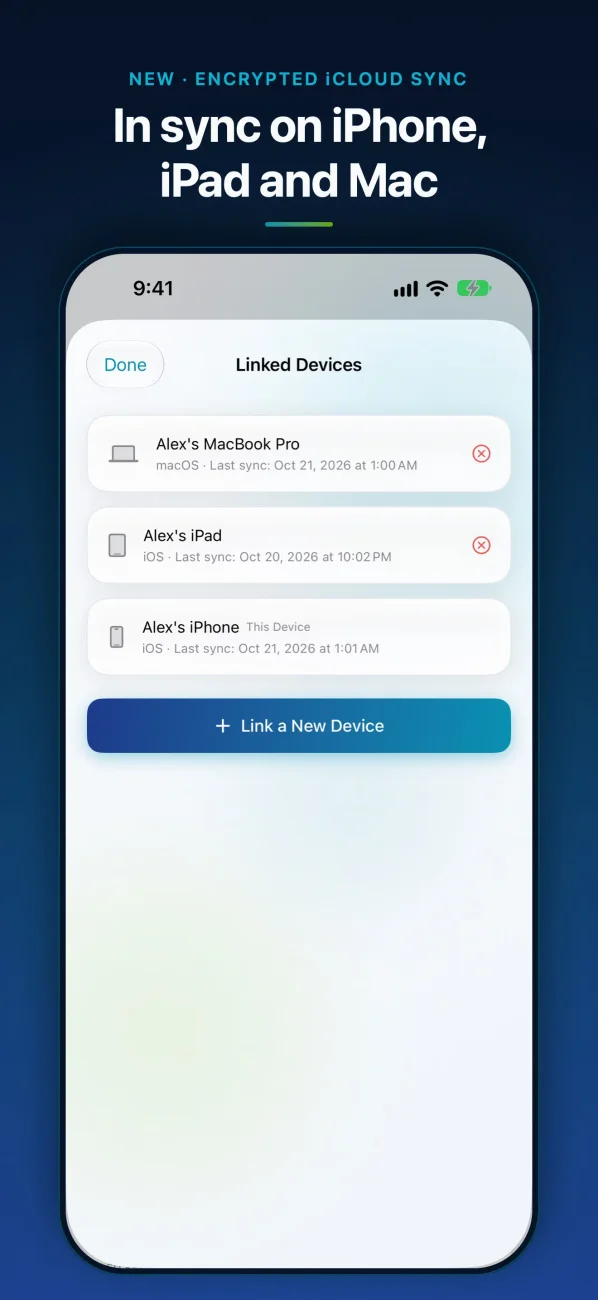
Turn on iCloud Sync and every record is encrypted on your device before it travels through your own iCloud. The vault key never goes to iCloud: you link each device once by scanning a QR code and comparing a 6-digit code. Sync stays off until you turn it on.
PASSKEYS
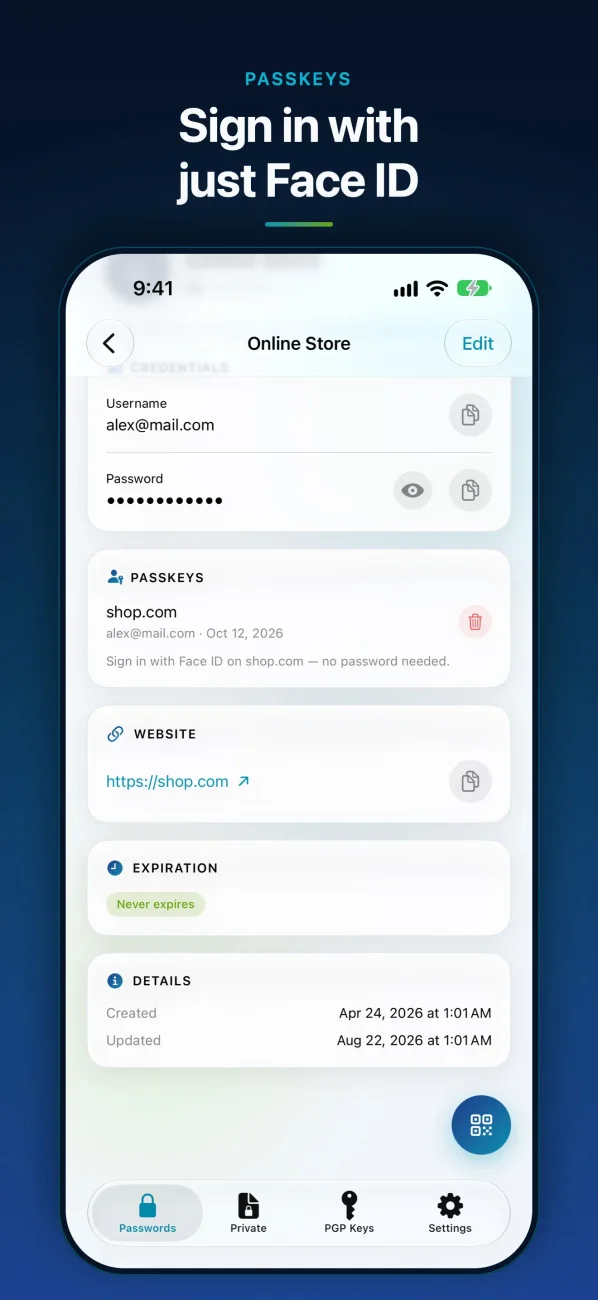
Create passkeys on sites that already accept them and sign in with Face ID alone. They are stored encrypted in your vault.
TWO-STEP VERIFICATION CODES
Scan the site's QR code and your codes live next to the password, with a countdown and AutoFill.
MUCH MORE THAN PASSWORDS
Private notes, bank accounts, cards, social security, ID documents, Wi-Fi networks, licenses and security questions. Sensitive numbers stay masked and ask for Face ID before they are revealed.
CAPTURE WITH THE CAMERA
Photograph a router label or a letter from the bank: the app reads the text and lets you check it character by character, highlighting the ones that get confused (0 and O, 1 and l).
SMART IMPORT
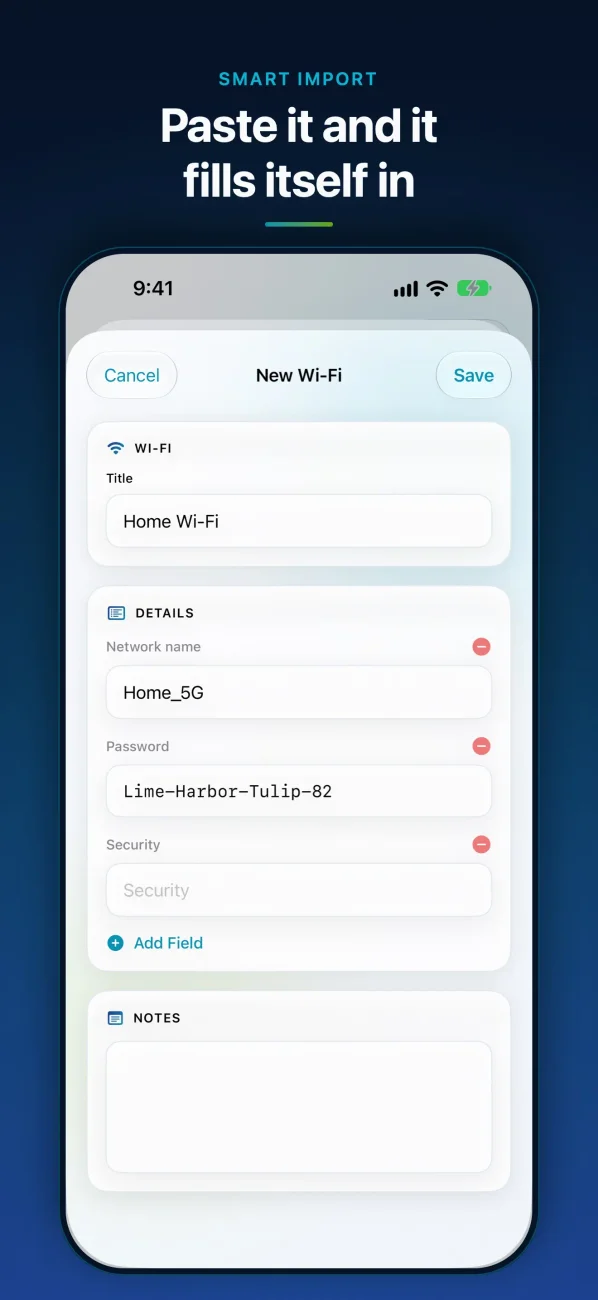
Paste an email or pick a photo and the app fills in a record for you to review. The analysis happens on your device, using the on-device language model when your device supports it.
GENERATOR
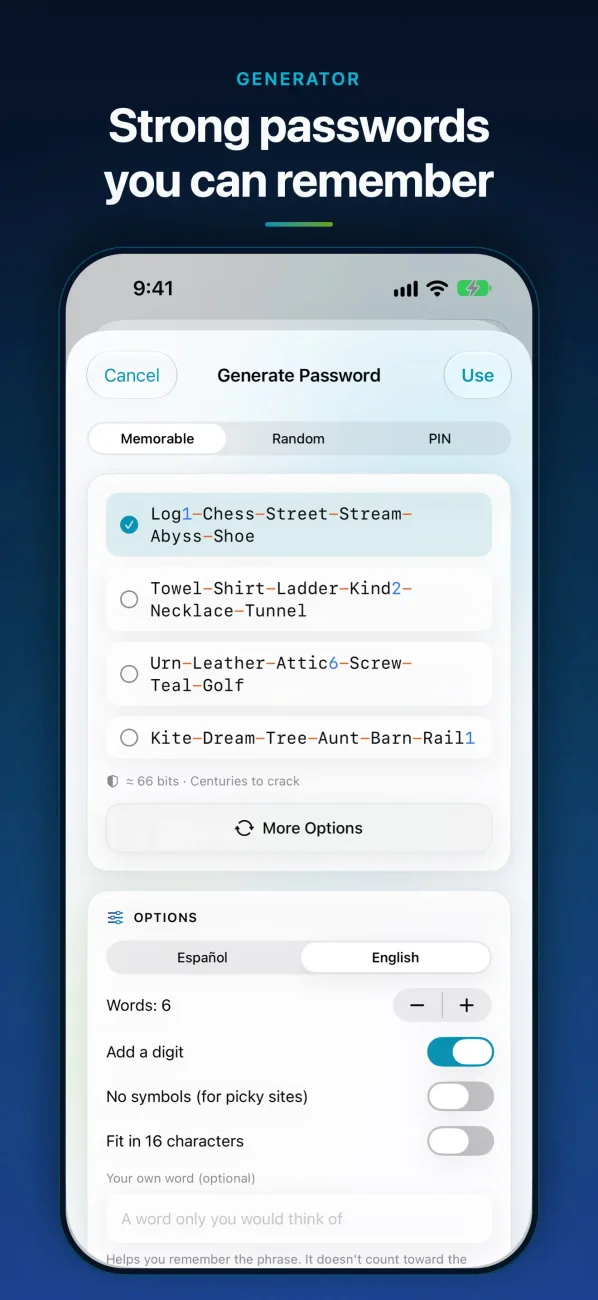
Memorable phrases in Spanish or English, random passwords or PINs, always with the real strength of each option.
VAULT HEALTH
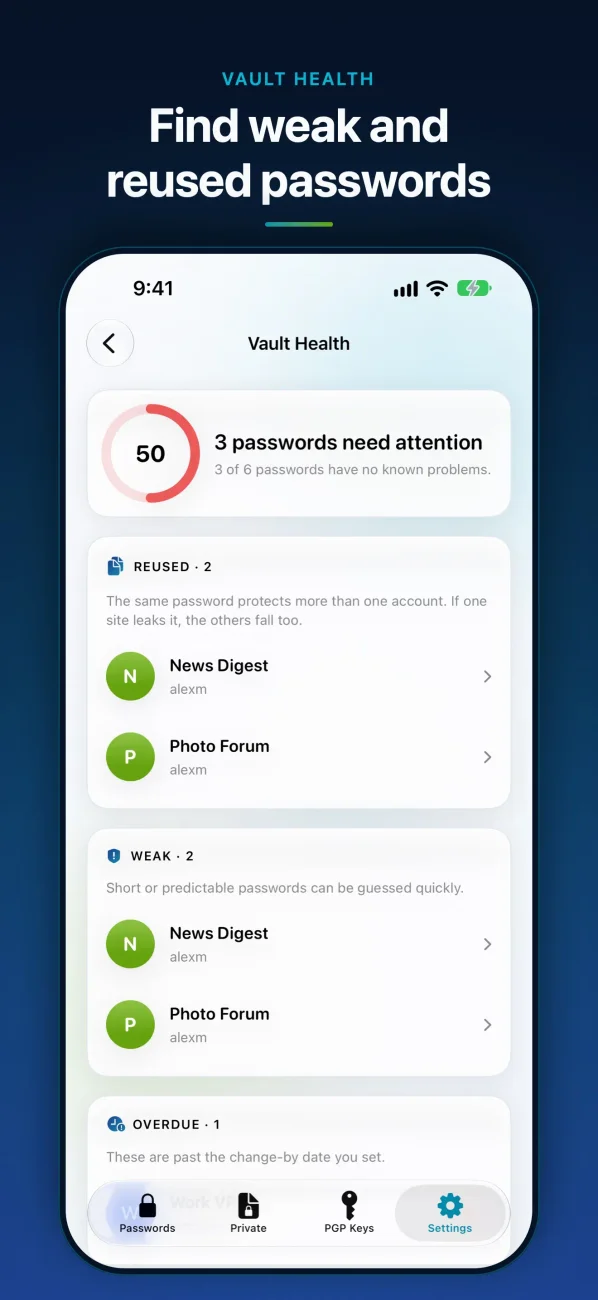
See at a glance which passwords are weak, reused, overdue or saved twice.
A BACKUP YOU CAN ACTUALLY KEEP
Create an encrypted backup file with a passphrase you choose and store it wherever you like.
PRIVACY
Everything is encrypted with AES-256 and the key lives in the keychain behind Face ID, Touch ID or your passcode. The developer cannot see or recover your information.
Có gì mới
Phiên bản 2.1 · 26/10/2026
Phrase Manager 2.1 comes to the Mac and can keep all your devices in sync.
NOW ON THE MAC
• A native Mac app with your whole vault, a sidebar, menu commands and keyboard shortcuts.
• Fill passwords, passkeys and verification codes in Safari, and unlock with Touch ID.
• One app for iPhone, iPad and Mac.
OPTIONAL iCLOUD SYNC
• Keep iPhone, iPad and Mac up to date through your own iCloud. It stays off until you turn it on.
• Every record is encrypted on your device before it leaves, so only you can read it. The vault key never goes to iCloud.
• Link a new device by scanning a QR code and comparing a 6-digit code.
• See your linked devices and unlink any of them; the devices that remain switch to a new key.
• If two devices change the same password, the newest change wins and the other one is kept in the password history.
• Erase My iCloud Data removes the synced copy at any time without touching the vault on your device.
IMPROVEMENTS
• Vault Health now points out possible duplicates: the same site and username saved twice.
• New Delete All Data option in Settings, protected by Face ID.
Quyền riêng tư của ứng dụng
Những gì Eduardo Garcia-Ruiz khai báo trên App Store về cách ứng dụng này xử lý dữ liệu.
-
Dữ liệu không được thu thập
Nhà phát triển không thu thập bất kỳ dữ liệu nào từ ứng dụng này.
Phương thức đảm bảo quyền riêng tư có thể khác nhau, chẳng hạn như tuỳ theo các tính năng bạn sử dụng hoặc độ tuổi của bạn.
Thông tin
- Người bán
- Eduardo Garcia-Ruiz
- Danh mục
- Tiện Ích
- Phiên bản
- 2.1
- Cập nhật
- 26/10/2026
- Phát hành
- 13/01/2026
- Kích thước
- 3,8 MB
- Yêu cầu
- iOS 17.0 trở lên
- Độ tuổi
- 4+
- Giá
- Miễn phí
- Ngôn ngữ
- Tiếng Anh, Tiếng Tây Ban Nha
- Bản quyền
- © 2026 Chimera Labs