Planbound: Time Block Planner
Daily schedule & weekly agenda
Được thiết kế cho iPhone
Miễn phí · Mua hàng trong ứng dụng
- Độ tuổi4+
- Danh mụcHiệu Suất
- Nhà phát triểnUmit Caglayan Kirkoc
- Ngôn ngữTiếng Anh+ 1 ngôn ngữ khác
- Kích thước12,6 MB
Liên kết đến trang App Store chính thức
Download.org không lưu trữ tệp nào của Planbound: Time Block Planner. Nút này mở trang ứng dụng trên App Store, nơi Umit Caglayan Kirkoc phát hành ứng dụng. Trang được kiểm tra lần cuối: 15/11/2026.
Ảnh chụp màn hình

Giới thiệu
Nhà phát triển chưa cung cấp nội dung này bằng ngôn ngữ của bạn.
Planbound is a simple daily planner and agenda where you time-block your day minute by minute on a timeline. Balance your week on one screen, reschedule slipped tasks instead of losing them, and see one number at night: how much you stuck to your plan.
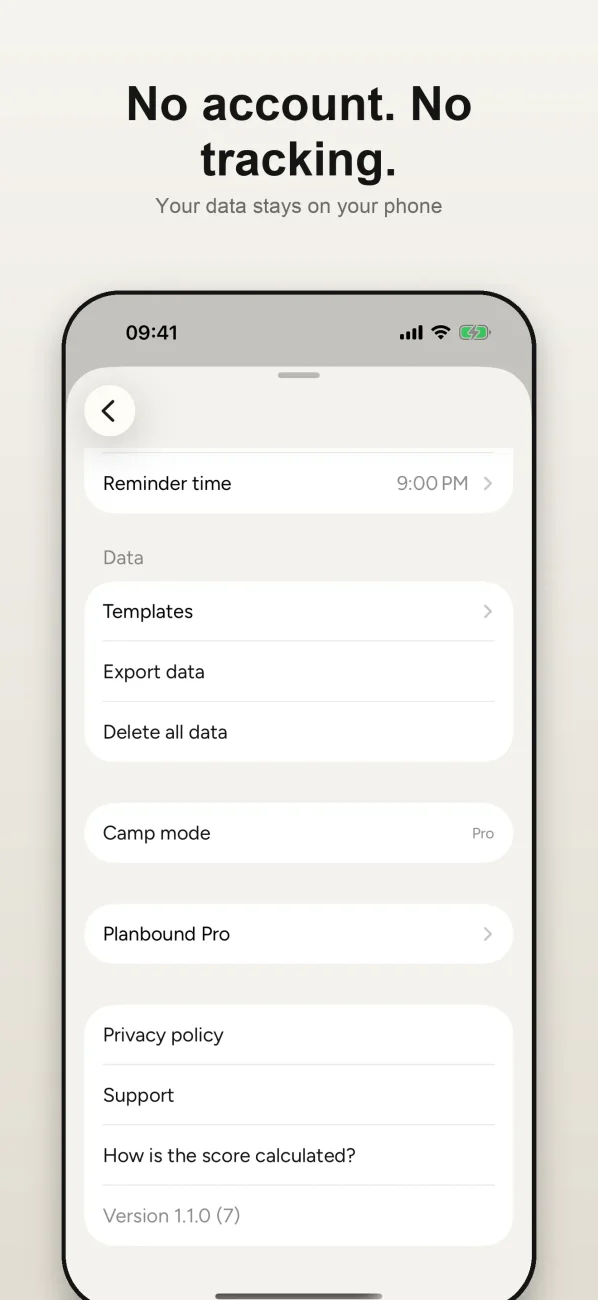
No account, no ads, no tracking. Your data stays on your phone.
TIME VIEW
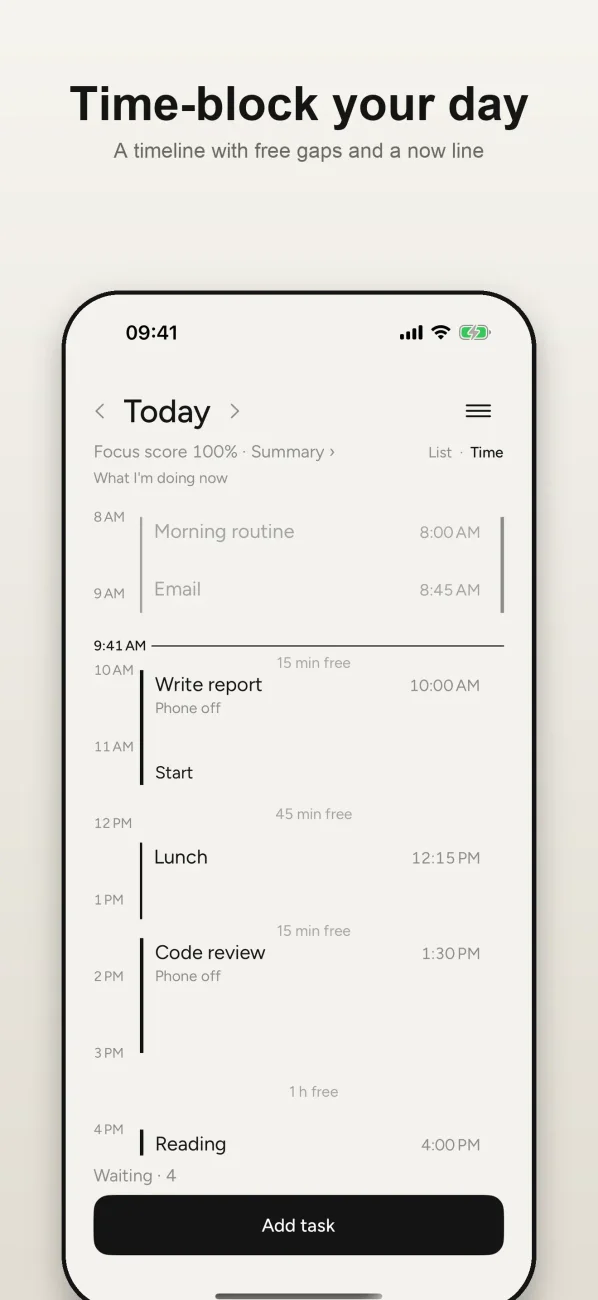
- See your day on a timeline: a now line, the free gaps between tasks, and what you planned next to what actually happened
- Tap a gap to add a task right there
- Switch between List and Time on the Today screen with one tap
NOTHING GETS LOST
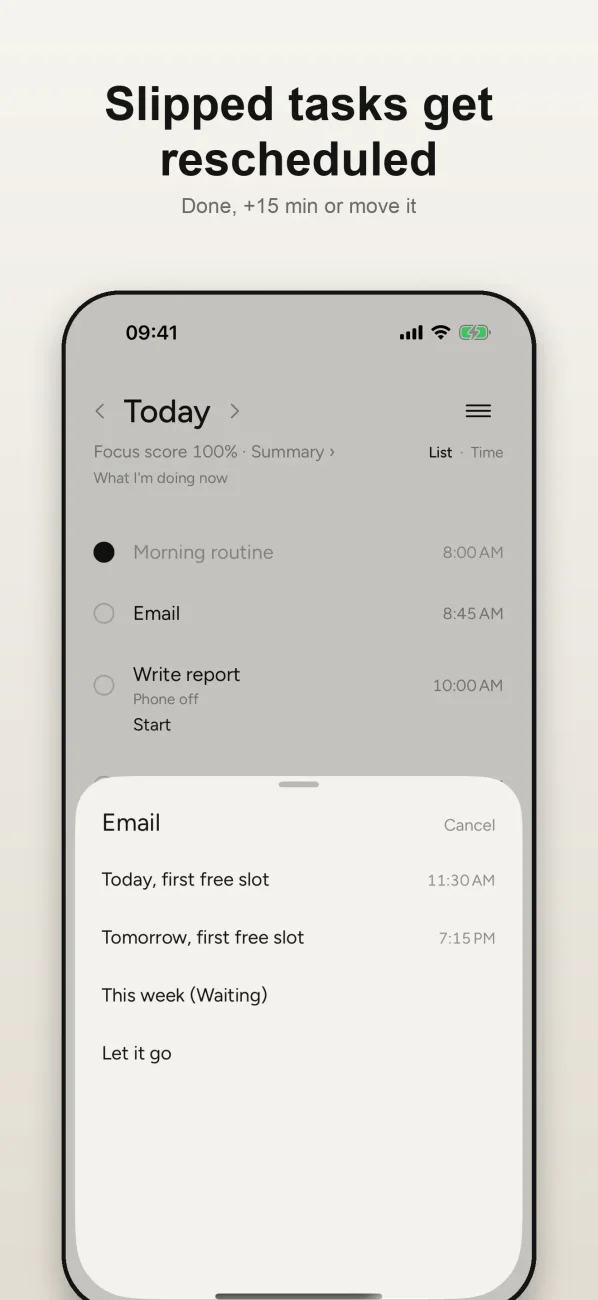
- When a task ends, one question: Done, +15 min or Move it
- Move slipped work to the first free slot today or tomorrow, to the Waiting box, or let it go on purpose
- A conscious decision costs fewer points than quietly skipping
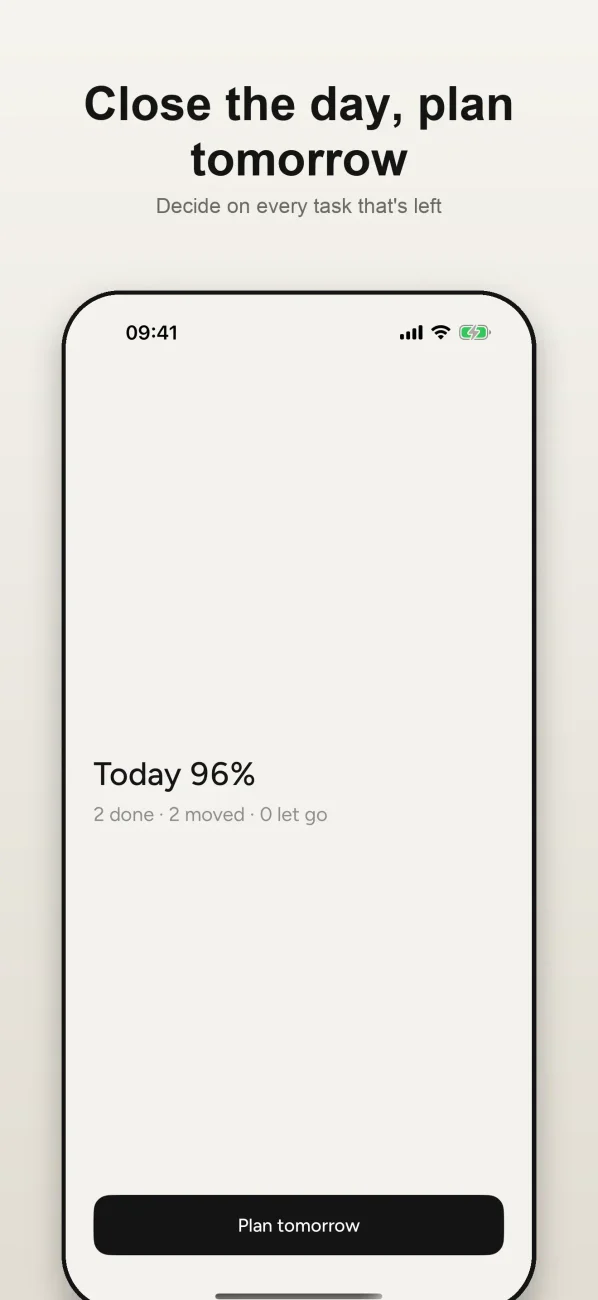
- In the evening, "Close today" walks you through what's left, then you plan tomorrow
- Log unplanned time with "What are you doing now"
WEEK
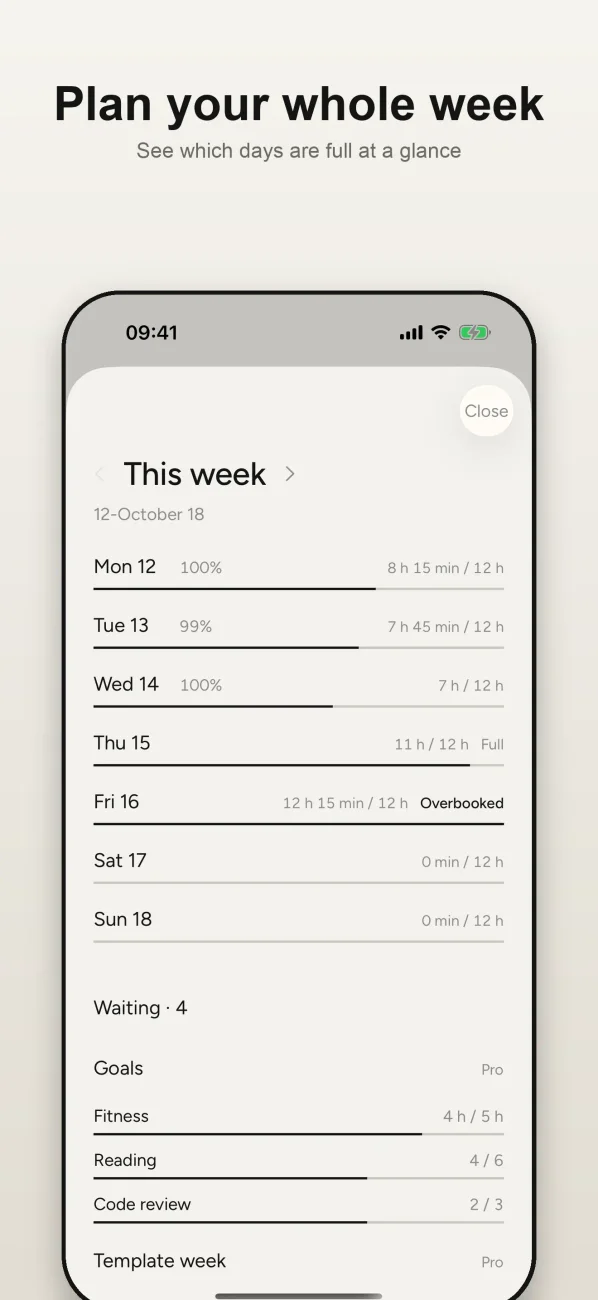
- See this week and next on one screen: which days are full, which are overbooked
- Tasks without a day or time wait in the Waiting box
DAILY PLAN AND SCORE
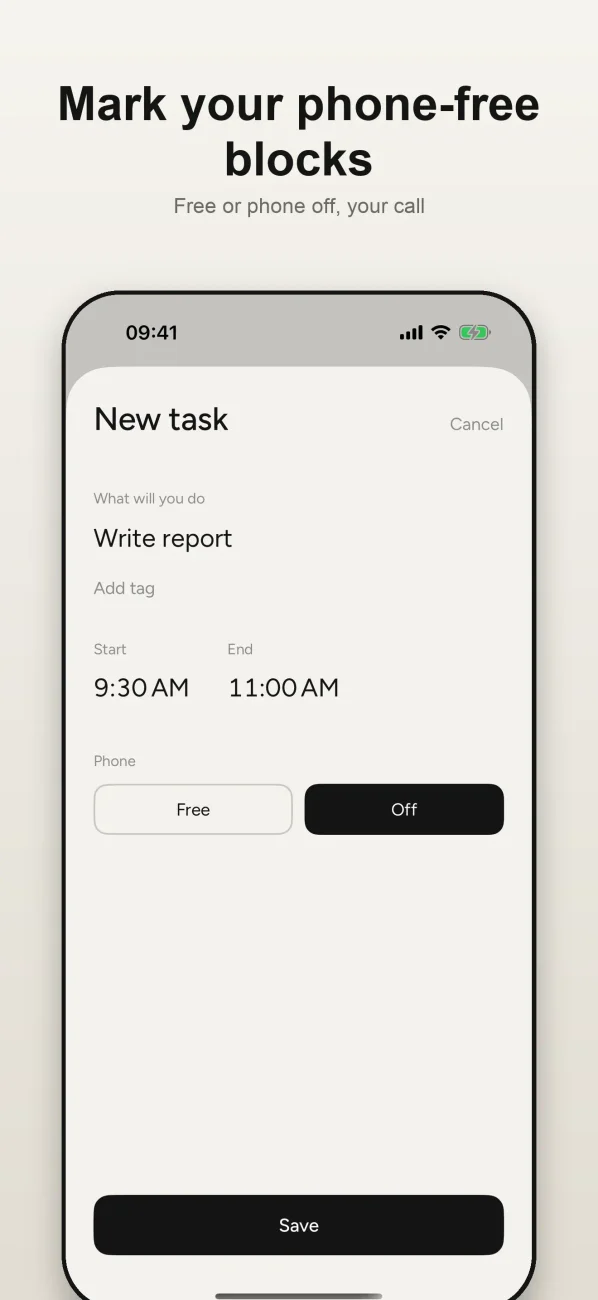
- Add tasks with a start and end time and build your daily routine
- Mark each one Free or Phone off
- Phone-off tasks open a full-screen countdown; leaving the app marks the task broken
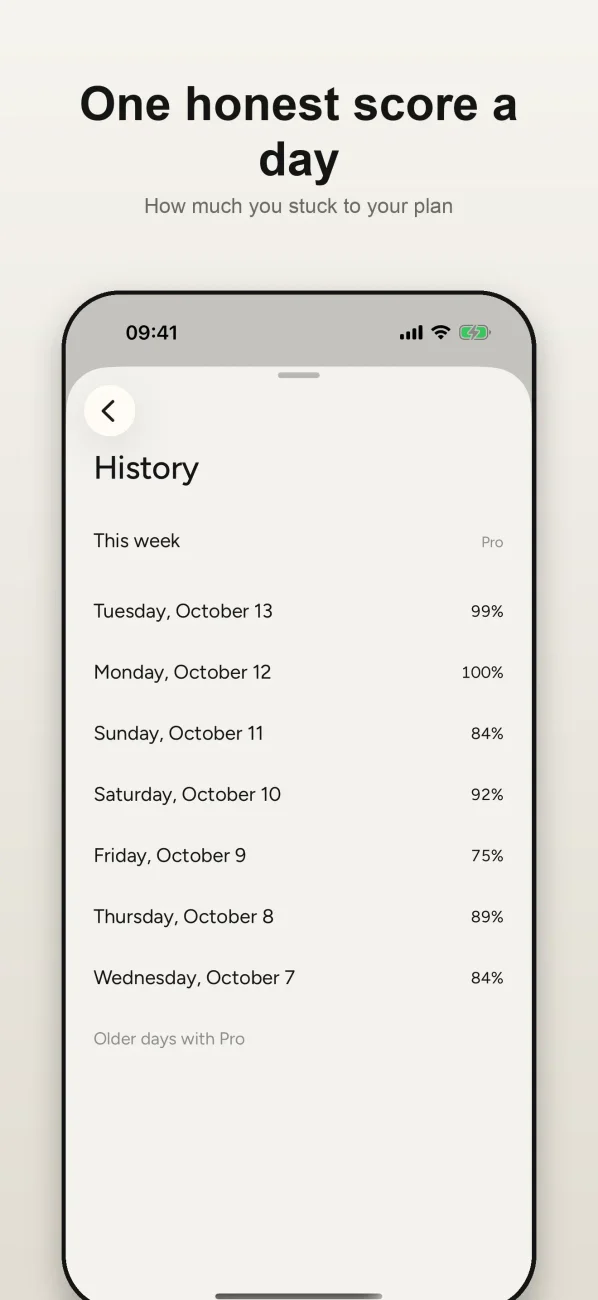
- Your day gets a fidelity score from 0 to 100
- On your off days (weekends, holidays) nothing is scored and your streak keeps its place
USE IT YOUR WAY
- List only: a plain to-do list, no scores, no reminders
- Plan + Track: reminders and scoring, nothing is blocked
BUILT TO STAY OUT OF YOUR WAY
- Simple screens, one main button. No dashboards.
- Light, quiet, monochrome design
- Works fully offline
- No account, no sign-up
- No analytics, no ads, no tracking
- Your data stays on your phone
PLANBOUND PRO (optional)
- Weekly planning flow and reminder
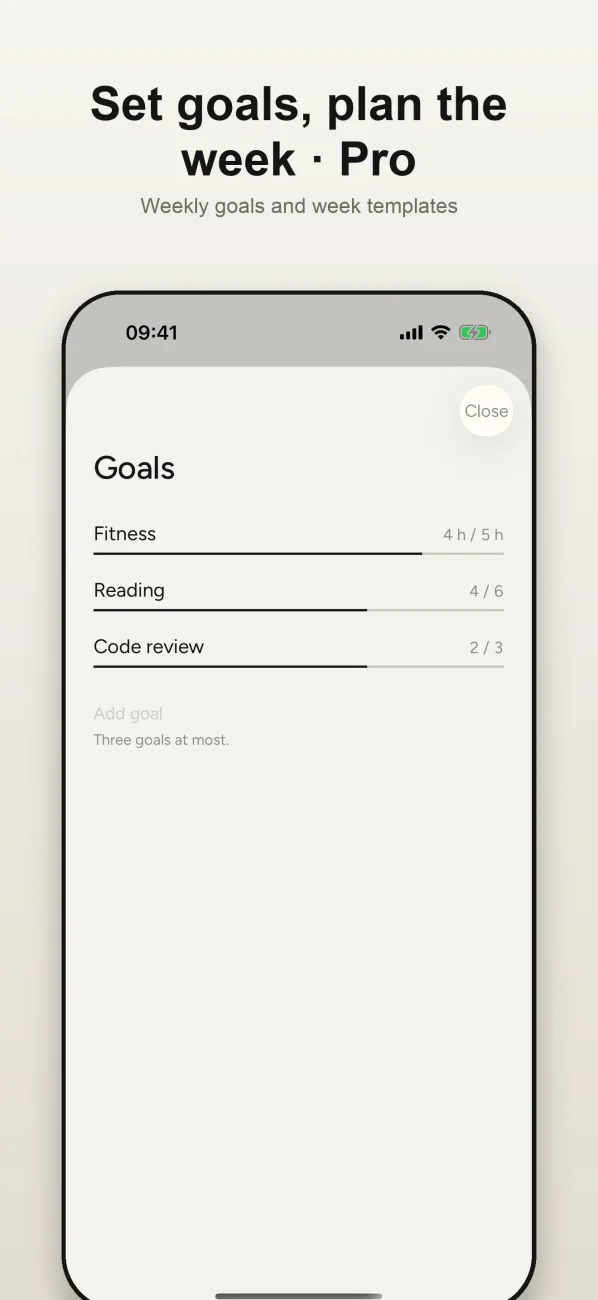
- Weekly goals
- Week templates
- Calendar import (read-only, stays on your device)
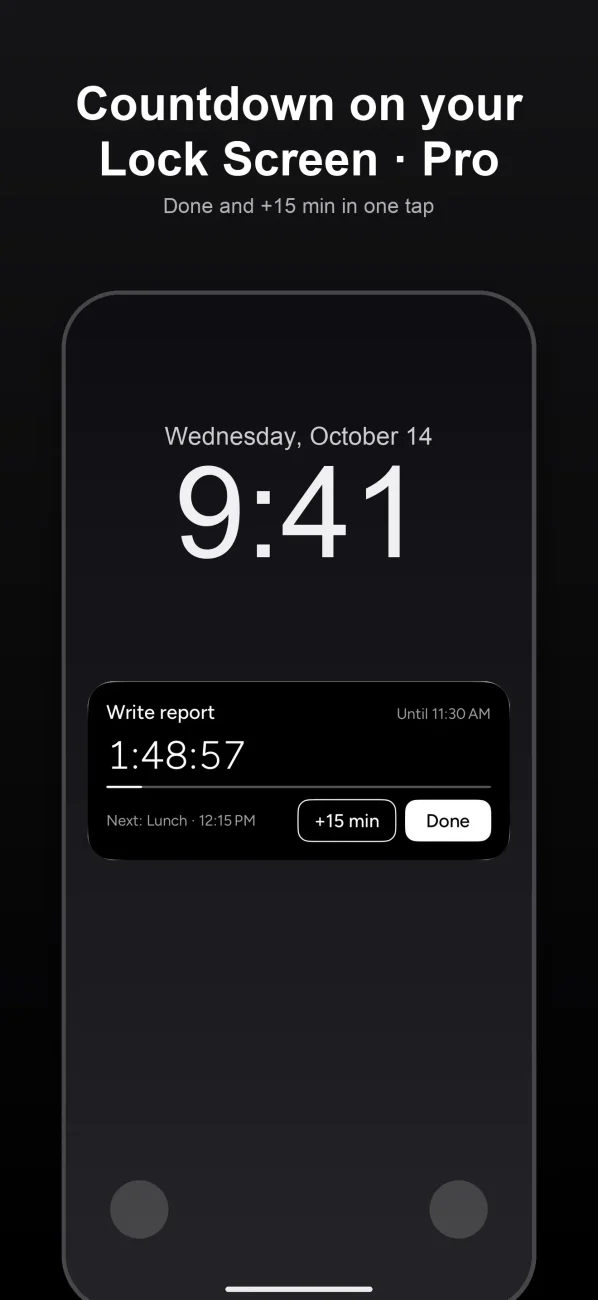
- Lock Screen countdown
- Duration suggestions
- Repeating tasks
- Unlimited day templates
- Unlimited history
- Weekly summary
- All widgets
- Camp mode: pick a date range and your template is applied to every day in it
Monthly, yearly (3-day free trial) or a one-time lifetime purchase.
Planbound is made by one developer who wanted a planner that keeps its promises.
Subscriptions renew automatically at the end of each period. You can turn off renewal at least 24 hours before the current period ends from your App Store account settings. The lifetime purchase is a one-time payment and does not renew.
Privacy policy: https://planbound.kirkoc.com/gizlilik.html
Terms of use: https://planbound.kirkoc.com/kosullar.html
Có gì mới
Phiên bản 1.1.0 · 12/10/2026
Planbound 1.1: your day minute by minute, your week end to end.
• New: Time view. See your day on a timeline with a now line, the free gaps between tasks, and what you planned next to what actually happened. Switch between List and Time on the Today screen.
• New: Nothing gets lost. When a task ends you're asked "Done / +15 min / Move it". Move slipped work to the first free slot today or tomorrow, to Waiting, or let it go on purpose. A conscious decision costs fewer points than quietly skipping. In the evening, "Close today" walks you through what's left.
• New: Week view (this week and next, with how full each day is), a Waiting box, and "What are you doing now" to log unplanned time.
• New: Start in one tap on the Today screen. A task you start early moves to now; finishing early is never penalized, and you can start the next one right away. Countdown screens are now dark to save battery.
• Added to Pro: weekly planning flow and reminder, weekly goals, week templates, calendar import (read-only), Lock Screen countdown with Done and +15 min buttons, and duration suggestions.
• Your plans, scores and history are all kept. A close-the-day reminder now arrives in the evening; you can turn it off or change its time in Settings.
Quyền riêng tư của ứng dụng
Những gì Umit Caglayan Kirkoc khai báo trên App Store về cách ứng dụng này xử lý dữ liệu.
-
Dữ liệu không liên kết với bạn
Có thể được thu thập nhưng không liên kết với danh tính của bạn.
- Mục mua
Phương thức đảm bảo quyền riêng tư có thể khác nhau, chẳng hạn như tuỳ theo các tính năng bạn sử dụng hoặc độ tuổi của bạn.
Thông tin
- Người bán
- Umit Caglayan Kirkoc
- Danh mục
- Hiệu Suất
- Phiên bản
- 1.1.0
- Cập nhật
- 12/10/2026
- Phát hành
- 22/09/2026
- Kích thước
- 12,6 MB
- Yêu cầu
- iOS 17.0 trở lên
- Độ tuổi
- 4+
- Giá
- Miễn phí
- Mua hàng trong ứng dụng
- Có
- Ngôn ngữ
- Tiếng Anh, Tiếng Thổ Nhĩ Kỳ
- Bản quyền
- © 2026 Ümit Çağlayan Kırkoç
Có thể bạn cũng thích
-
 Trellis: Day Planner & HabitsHiệu Suất
-
 Eyle: App Blocker & FocusHiệu Suất
-
 Cio: To-Do List, Daily PlannerHiệu Suất
-
 Orin: Life AdminHiệu Suất
-
 Quint - Cleaning ScheduleHiệu Suất
-
 Free Time Finder: CalendarHiệu Suất
-
 Soleaa.Hiệu Suất
-
 StackAHabit: Habit StackingHiệu Suất
-
 Lịch khối đơn giản: TimeToneLên lịch theo khối & ADHD
-
 CallyList: Calendar & TasksHiệu Suất