- Độ tuổi4+
- Danh mụcNhạc
- Nhà phát triểnFabio Antonucci
- Ngôn ngữTiếng Anh
- Kích thước9,7 MB
Liên kết đến trang App Store chính thức
Download.org không lưu trữ tệp nào của PocketChop. Nút này mở trang ứng dụng trên App Store, nơi Fabio Antonucci phát hành ứng dụng. Trang được kiểm tra lần cuối: 14/11/2026.
Ảnh chụp màn hình

Giới thiệu
Nhà phát triển chưa cung cấp nội dung này bằng ngôn ngữ của bạn.
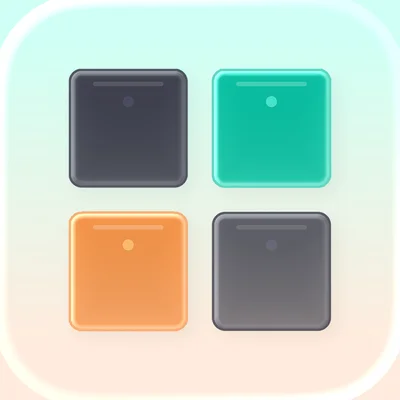
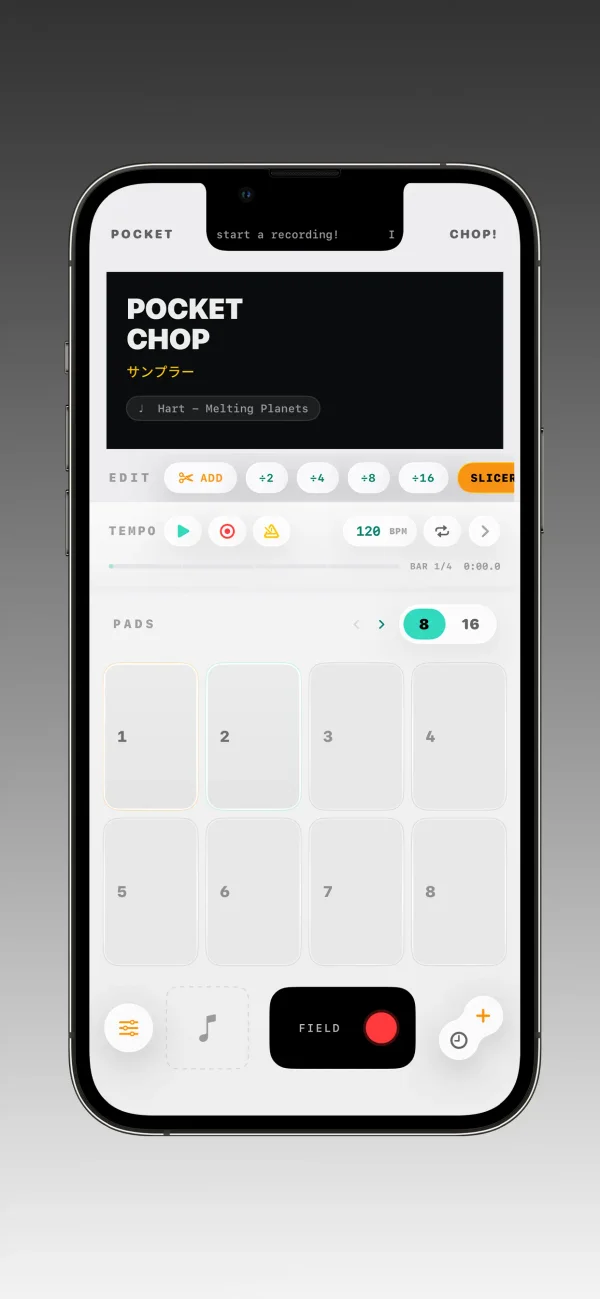
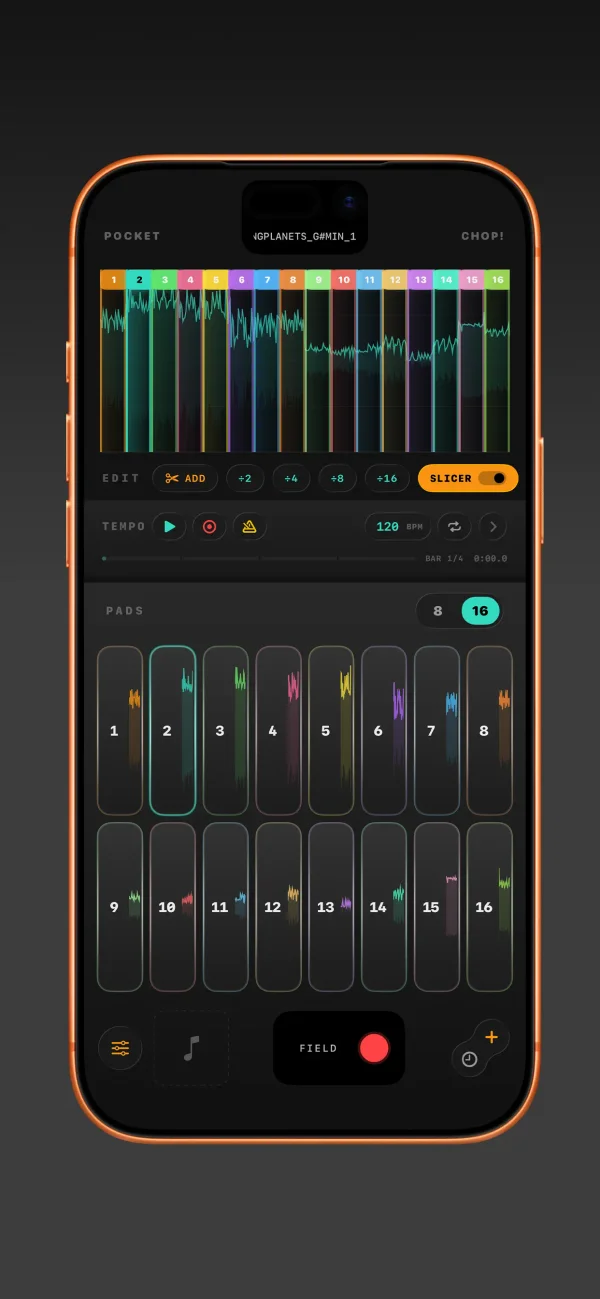
PocketChop allows you to catch sounds and turn them into loops.
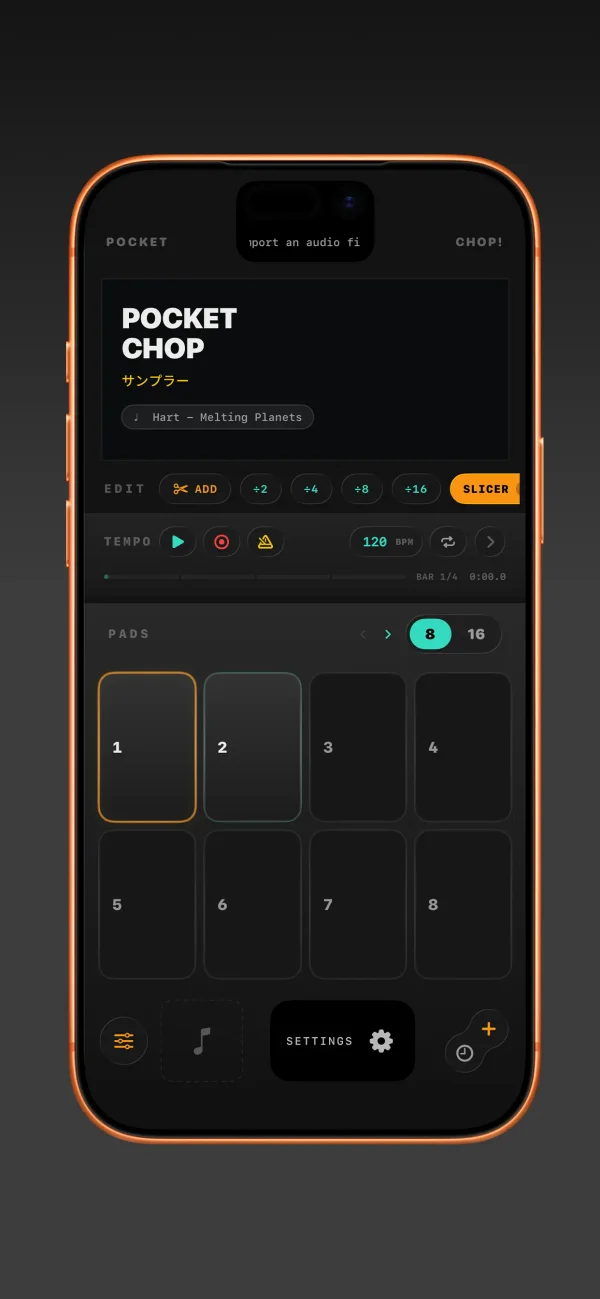
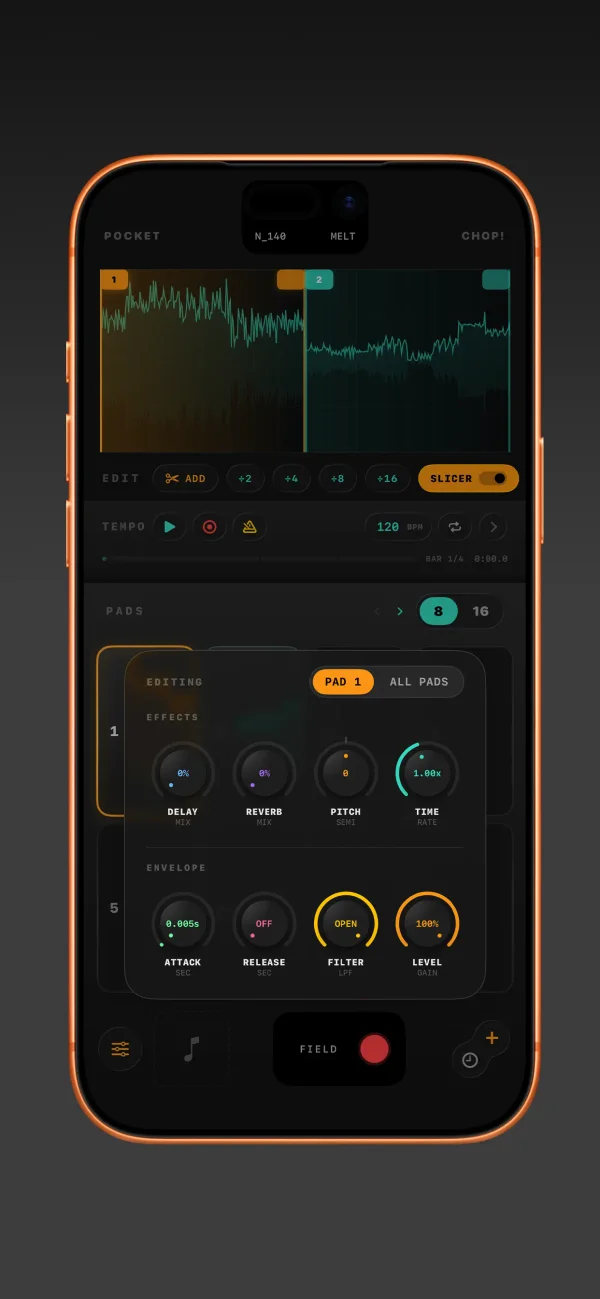
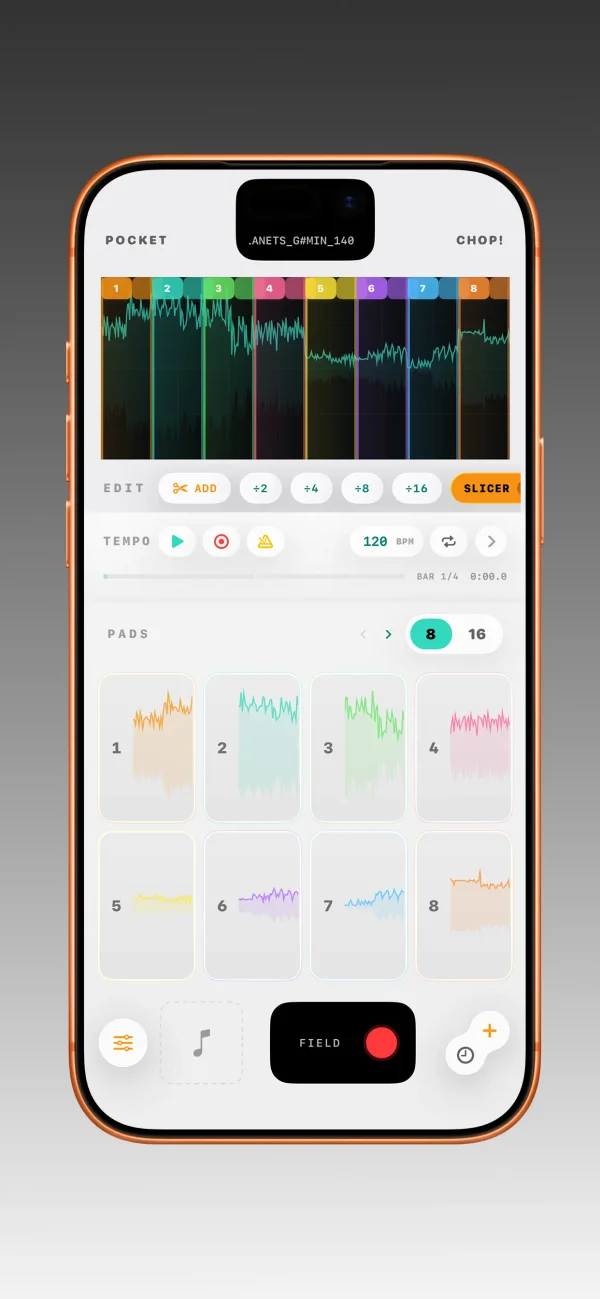
Load a song (or record a sound), slice it into chops, and play them instantly on a 16-pad grid. Record patterns with a built-in sequencer, shape every pad with attack, release, filter and level, and add delay, reverb and pitch — all in a fast, focused interface designed for the way you actually make beats.
Features:
• Waveform chopping — drag to slice, pinch to zoom, up to 16 chops per sample
• 24 velocity-fast pads with per-pad ADSR, low-pass filter, level, delay, reverb and pitch
• Record your full mix to M4A, or capture raw audio with the built-in field recorder
• Sessions — save your chops, patterns and settings and pick up where you left off
• MIDI & Bluetooth connectivity: use your physical MIDI device to play
• Scenes: save multiple sequences and chops from the same sample, choose the best
• Export individual chops as audio files
• Dark and light themes
• Built natively for iPhone and iPad
No account. No subscription. Audio stays on device.
Có gì mới
Phiên bản 1.0.1 · 25/07/2026
1.0.1 — What's New
24 pads. The grid grows from 16 to 24 pads — see all of them at once in the new 6×4 full view, or play 8 big pads across three swipeable banks. Auto-slice now goes up to ÷24, and every scene holds up to 24 chops. Hardware keyboards play the new banks too (5–8 / T–Y–U–I).
Page lock. A padlock next to the bank chevrons freezes swiping in 8-pad mode, so a wild performance can't accidentally flip the page mid-take.
Scenes. Capture up to 8 pattern + chop-layout snapshots per session and switch between them live. A NEW button (or a tap on any empty slot) creates a fresh scene and selects it; record always overwrites the selected scene. The transport shows the active scene by name, tinted in that scene's own color.
Export your scenes. Every recorded scene has an export button — PocketChop plays the scene through the full engine (FX tails included) and hands you an M4A ready for Files, AirDrop, or your DAW. The metronome is never in the bounce.
Free-length recording. The loop menu gains an ∞ option: record as long as the idea lasts, and the take is trimmed to its final bar when you stop. Finite takes end themselves exactly at the last bar — press play to hear the take from the top.
Tighter recording. The count-in runs on the sequencer's own clock — the downbeat lands exactly on the fifth click, and recording arms from the fourth, so the first note of a take is never swallowed. Notes are captured to the nearest step, so slightly-late downbeat hits land where you meant them.
Snappier pads. Touch latency dropped dramatically — pad hits fire the instant your finger lands, even inside the swipeable banks. Chops with untouched pitch/time knobs now play through a clean signal path with no processing overhead, and Bluetooth audio prefers the high-quality A2DP route.
Reduce Animations. A new accessibility setting strips the pads' press, glow, and tilt animations for a calmer, leaner display.
Owner's Manual. A full hardware-style reference manual in Settings → Help.
Fixes. Metronome no longer goes silent after loading a new sample. Mono recordings and imports no longer crash on Mac. The waveform screen no longer stretches past its frame when zooming in, and the scrolling title no longer stutters after importing a second sample. Redesigned onboarding.
Quyền riêng tư của ứng dụng
Những gì Fabio Antonucci khai báo trên App Store về cách ứng dụng này xử lý dữ liệu.
-
Dữ liệu không được thu thập
Nhà phát triển không thu thập bất kỳ dữ liệu nào từ ứng dụng này.
Phương thức đảm bảo quyền riêng tư có thể khác nhau, chẳng hạn như tuỳ theo các tính năng bạn sử dụng hoặc độ tuổi của bạn.
Thông tin
- Người bán
- Fabio Antonucci
- Danh mục
- Nhạc
- Phiên bản
- 1.0.1
- Cập nhật
- 25/07/2026
- Phát hành
- 15/07/2026
- Kích thước
- 9,7 MB
- Yêu cầu
- iOS 26.0 trở lên
- Độ tuổi
- 4+
- Giá
- Miễn phí
- Ngôn ngữ
- Tiếng Anh
- Bản quyền
- © 2026 Fabio Antonucci