- Độ tuổi4+
- Danh mụcĐồ Họa & Thiết Kế
- Nhà phát triểnSavage Interactive Pty Ltd
- Ngôn ngữTiếng Anh+ 17 ngôn ngữ khác
- Kích thước1,1 GB
Liên kết đến trang App Store chính thức
Download.org không lưu trữ tệp nào của Procreate. Nút này mở trang ứng dụng trên App Store, nơi Savage Interactive Pty Ltd phát hành ứng dụng. Trang được kiểm tra lần cuối: 26/11/2026.
Ảnh chụp màn hình



Giới thiệu
Nhà phát triển chưa cung cấp nội dung này bằng ngôn ngữ của bạn.
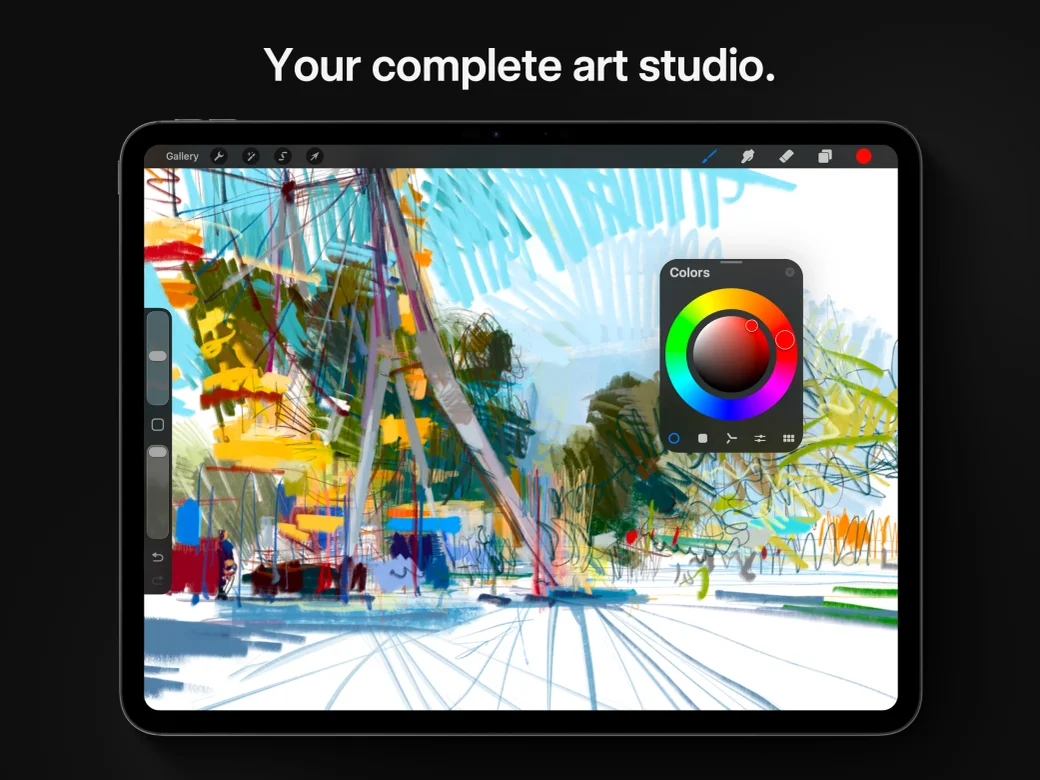
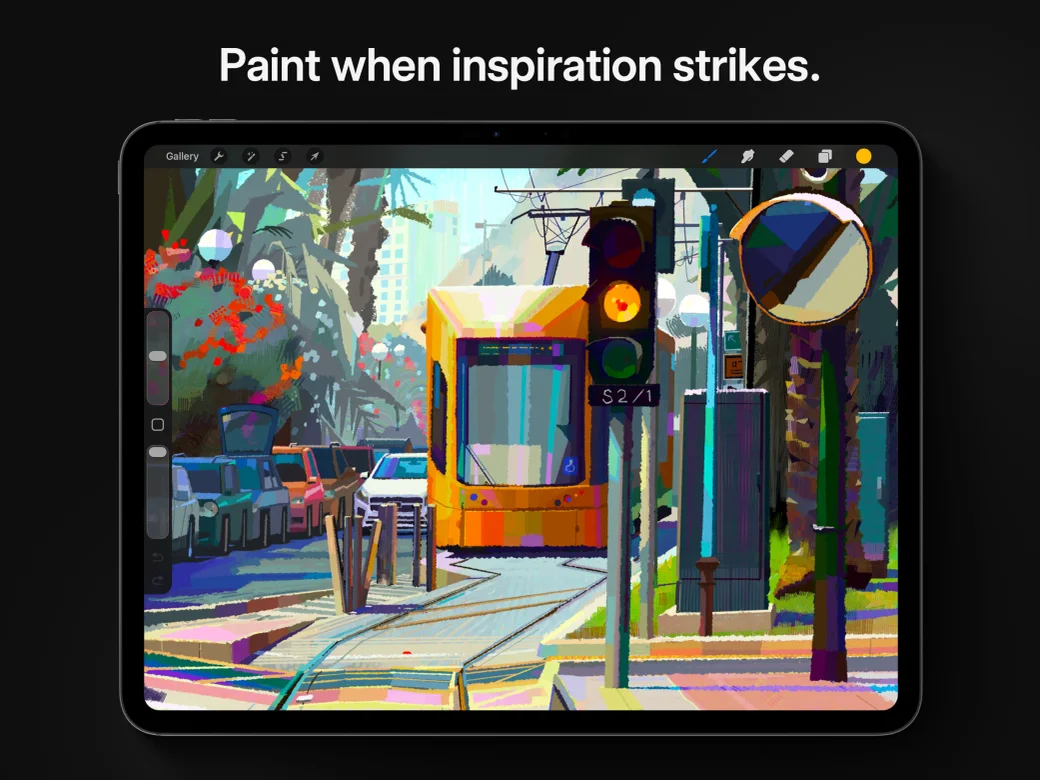
Loved by creative professionals and aspiring artists alike, Procreate is the leading creative application made for iPad.
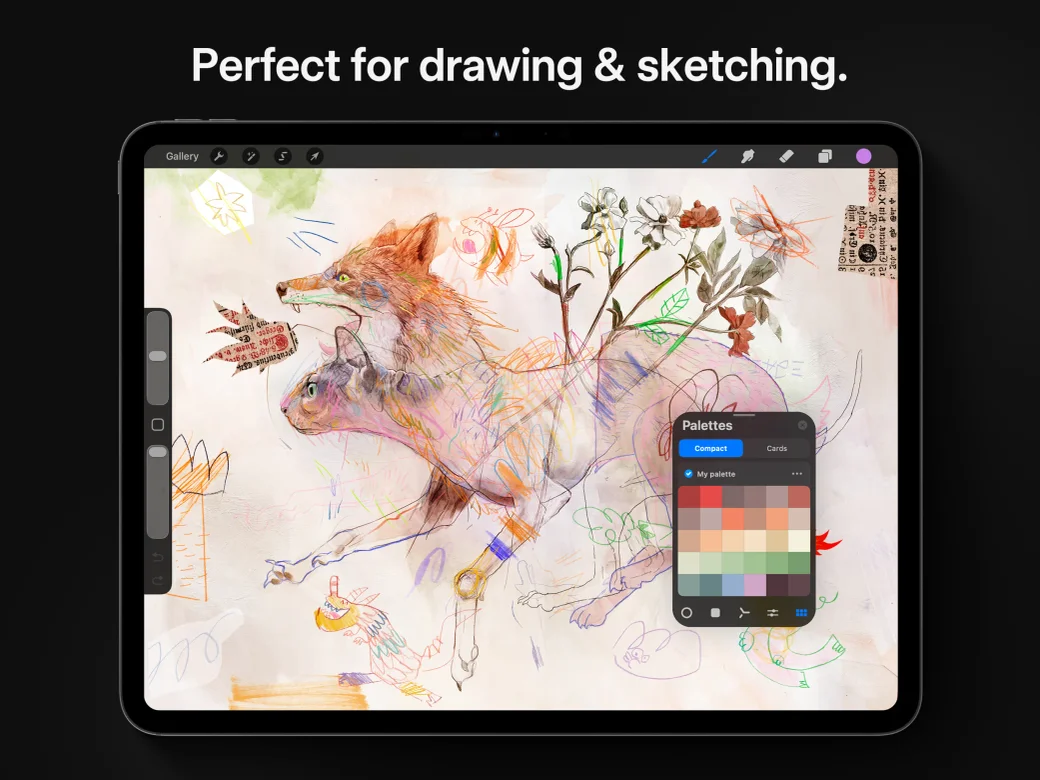
Procreate has everything you need to create expressive sketches, rich paintings, gorgeous illustrations, and beautiful animations. Offering 100s of handmade brushes, a suite of industry-leading artistic tools, an advanced layer system, and the powerful Valkyrie graphics engine.
It’s a complete art studio you can take anywhere.
Highlights:
- High resolution canvases — up to 16k by 8k on compatible iPad Pros
- Beautifully intuitive interface made for iPad and Apple Pencil
- Revolutionary QuickShape feature for perfect shapes
- Smooth and responsive smudge sampling
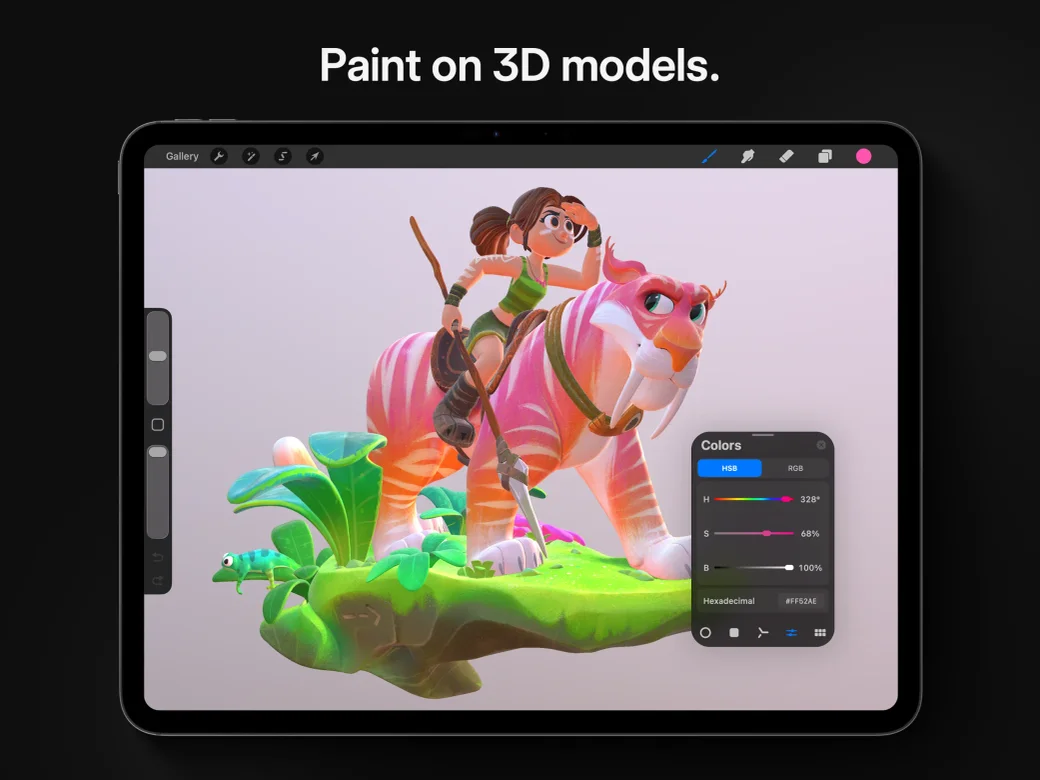
- 3D Painting with Lighting Studio, exportable as models, images, or animations
- Powered by Valkyrie, the lightning-fast 64-bit painting engine
- Speed up your workflow with keyboard shortcuts
- Create art in stunning 64-bit color
- Continuous auto-save — never lose work again
Breakthrough brushes:
- Packed with hundreds of beautifully crafted brushes
- Organize your brushes into sets and libraries
- Add Metallic and Roughness for painting in 3D
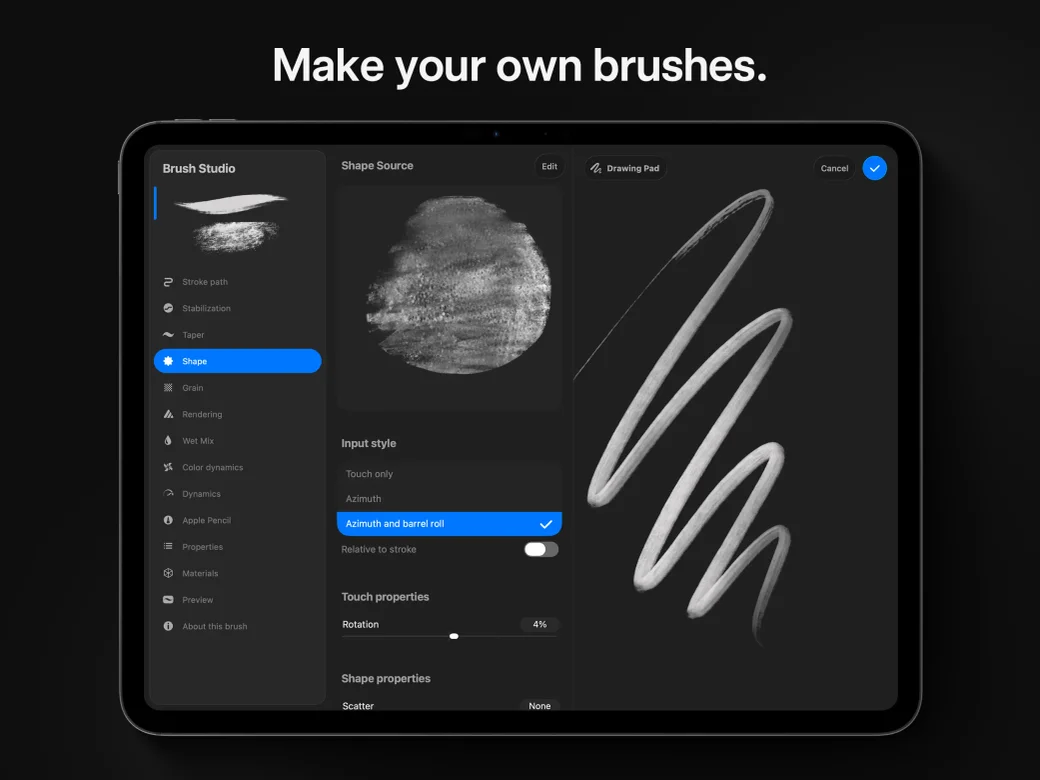
- Brush Studio — with over 100 customizable settings
- Import and export custom Procreate brushes
- Import Adobe® Photoshop® brushes, and run them faster than Photoshop®
Full-featured layering system:
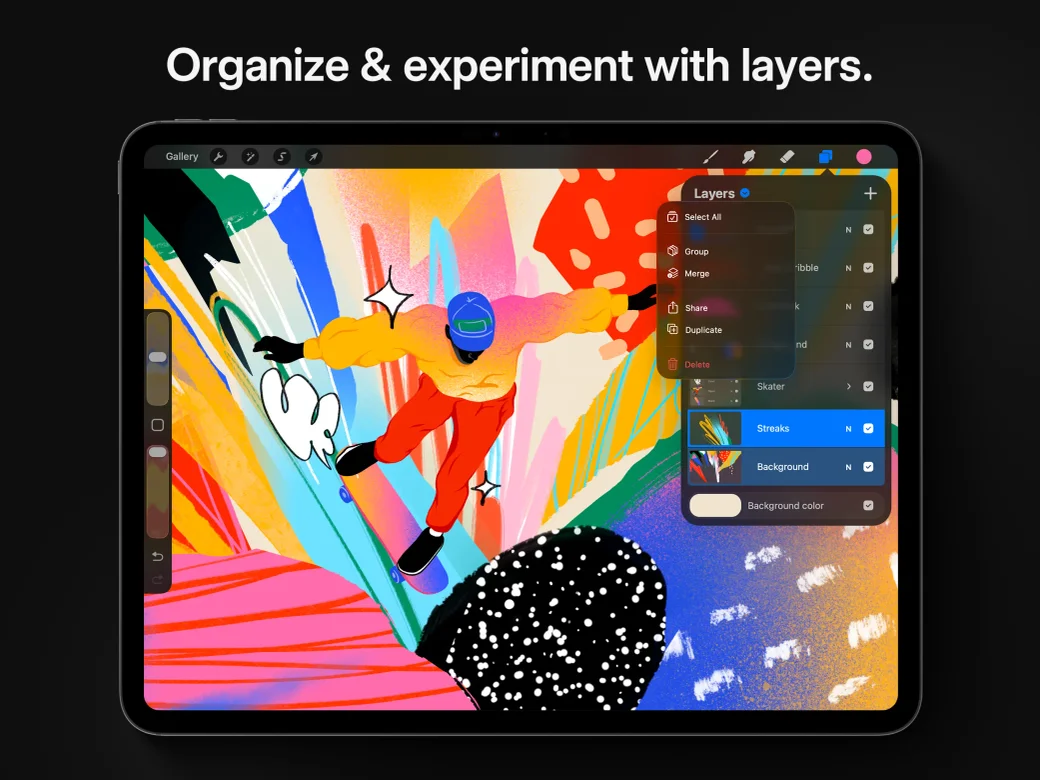
- Layer your art for precise control over details and composition
- Create Layer Masks and Clipping Masks for non-destructive editing
- Stay organized by combining layers into Groups
- Select multiple layers to move or Transform objects simultaneously
- Access over 25 layer blend modes for industry-grade compositing
Color without compromise:
- Fill your line work with ColorDrop and SwatchDrop
- Disc, Classic, Harmony, Value, and Palette color panels
- Import color profiles for color matching
- Assign Color Dynamics to any brush
Precision design tools:
- Add vector text to your illustrations
- Easily import all your favorite fonts
- Crop and resize your canvas for perfect composition
- Perspective, Isometric, 2D, and Symmetry visual guides
- Drawing Assist perfects your strokes in real time
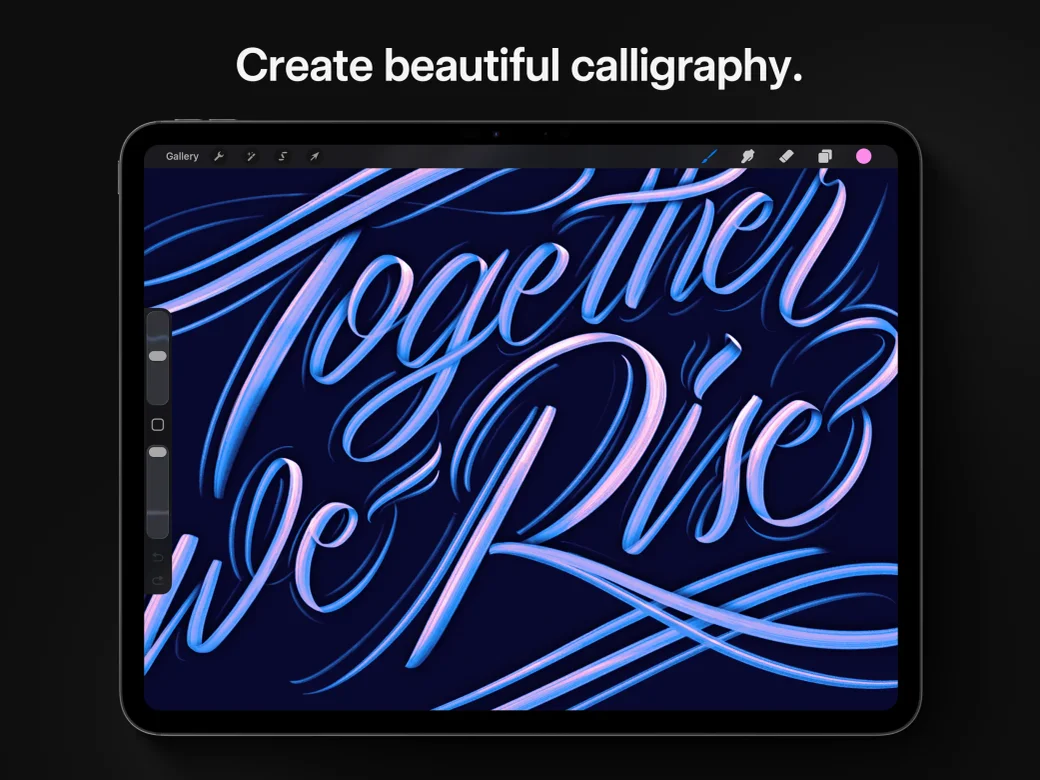
- StreamLine and stabilization smooths strokes for beautiful calligraphy and expert inking
- Use Scribble to name layers, change settings, and create text
Accessibility features:
- Advanced stroke stabilization
- Dynamic Type, VoiceOver, and Feedback Sounds
- Assignable single-touch gestures
- Color naming
Animation and Page Assist
- Easy frame-by-frame animation with customizable onion skinning
- Create storyboards, GIFs, animatics, and simple animations
- Sketch page-by-page concepts or begin a comic with Page Assist
- Import, edit, and share PDFs
Dramatic finishing effects:
- Brush in image adjustments and effects with Apple Pencil
- Glitch, Chromatic Aberration, Bloom, Noise, and Halftone add new dimensions to your work
- Gaussian, Motion, and Perspective Blur filters create depth and movement
- Powerful image adjustments including Color Balance, Curves, HSB, and Gradient Map
- Bring your art to life with the fun, intuitive, and creative Warp, Symmetry, and Liquify Dynamics
Time-lapse replay
- Relive your creative journey with Procreate’s Time-lapse Replay
- Export your Time-lapse recording in 4K for high-quality video production
- Share a shorter 30-second Time-lapse on your socials
Import assets and share your creations:
- Import or export your art as Adobe® Photoshop® PSD files
- Import Adobe® ASE and ACO Color Palettes
- Import image files such as JPG, PNG, and TIFF
- Export your working files in layered .procreate or PSD file formats
- Share your art as TIFF, transparent PNG, multi-page PDF, web-ready JPEG, OBJ, USDZ, and animated GIFs, PNGs, and MP4s
Có gì mới
Phiên bản 5.4.15 · 09/11/2026
This compatibility update helps you get the best out of Procreate on every supported device and operating system version.
Quyền riêng tư của ứng dụng
Những gì Savage Interactive Pty Ltd khai báo trên App Store về cách ứng dụng này xử lý dữ liệu.
-
Dữ liệu không được thu thập
Nhà phát triển không thu thập bất kỳ dữ liệu nào từ ứng dụng này.
Phương thức đảm bảo quyền riêng tư có thể khác nhau, chẳng hạn như tuỳ theo các tính năng bạn sử dụng hoặc độ tuổi của bạn.
Thông tin
- Người bán
- Savage Interactive Pty Ltd
- Danh mục
- Đồ Họa & Thiết Kế
- Phiên bản
- 5.4.15
- Cập nhật
- 09/11/2026
- Phát hành
- 16/03/2011
- Kích thước
- 1,1 GB
- Yêu cầu
- iOS 16.3 trở lên
- Độ tuổi
- 4+
- Giá
- 399.000đ
- Ngôn ngữ
- Tiếng Anh, Tiếng Ả Rập, Tiếng Pháp, Tiếng Đức, Hindi, Tiếng Indonesia, Tiếng Ý, Tiếng Nhật, Tiếng Hàn, Tiếng Mã Lai, Tiếng Ba Lan, Tiếng Bồ Đào Nha + 6 ngôn ngữ khác
- Bản quyền
- © Savage Interactive Pty Ltd
Có thể bạn cũng thích
-
 Brushes for Procreate3726+ bàn chải chuyên nghiệp
-
 Adobe Illustrator: Graphic ArtĐồ Họa & Thiết Kế
-
 Tools for ProcreateĐồ Họa & Thiết Kế
-
 Clip Studio PaintĐồ Họa & Thiết Kế
-
 Adobe Fresco: Draw & Paint AppĐồ Họa & Thiết Kế
-
 MediBang Paint – Drawing & ArtĐồ Họa & Thiết Kế
-
 Affinity Designer 2 for iPadĐồ Họa & Thiết Kế
-
 Artist Brushes for ProcreateĐồ Họa & Thiết Kế
-
 ConceptsĐồ Họa & Thiết Kế
-
 Magic Poser - Art Pose ToolĐồ Họa & Thiết Kế