
ProShotCase
Underwater Camera for Diving
Được thiết kế cho iPhone, iPod touch
Miễn phí
- Độ tuổi4+
- Danh mụcẢnh & Video
- Nhà phát triểnLASO Technologies LLC
- Ngôn ngữTiếng Anh
- Kích thước225,4 MB
Liên kết đến trang App Store chính thức
Download.org không lưu trữ tệp nào của ProShotCase. Nút này mở trang ứng dụng trên App Store, nơi LASO Technologies LLC phát hành ứng dụng. Trang được kiểm tra lần cuối: 16/11/2026.
Ảnh chụp màn hình

Giới thiệu
Nhà phát triển chưa cung cấp nội dung này bằng ngôn ngữ của bạn.
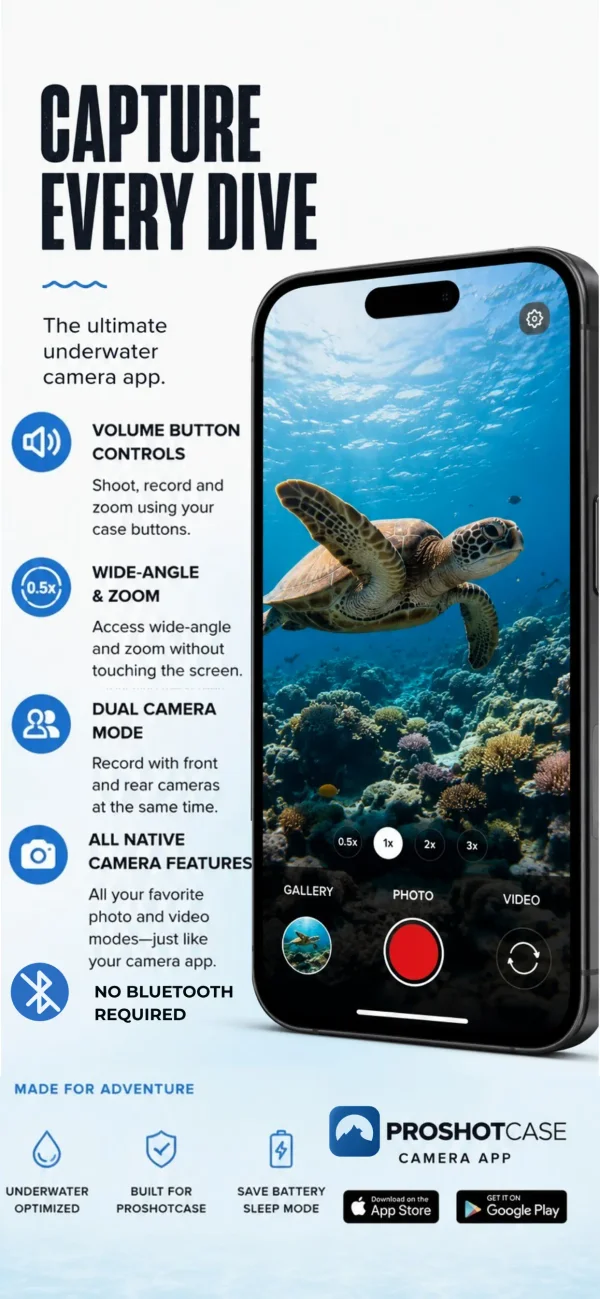
Turn your iPhone into a professional underwater camera. ProShotCase is the camera app for the ProShot Dive Case, the ProShot Touch Case and every ProShotCase waterproof iPhone housing. It turns your volume buttons into full camera controls, so you can shoot photos and video while snorkeling, scuba diving, surfing, kayaking or out in the rain, without touching the screen.
HOW IT WORKS
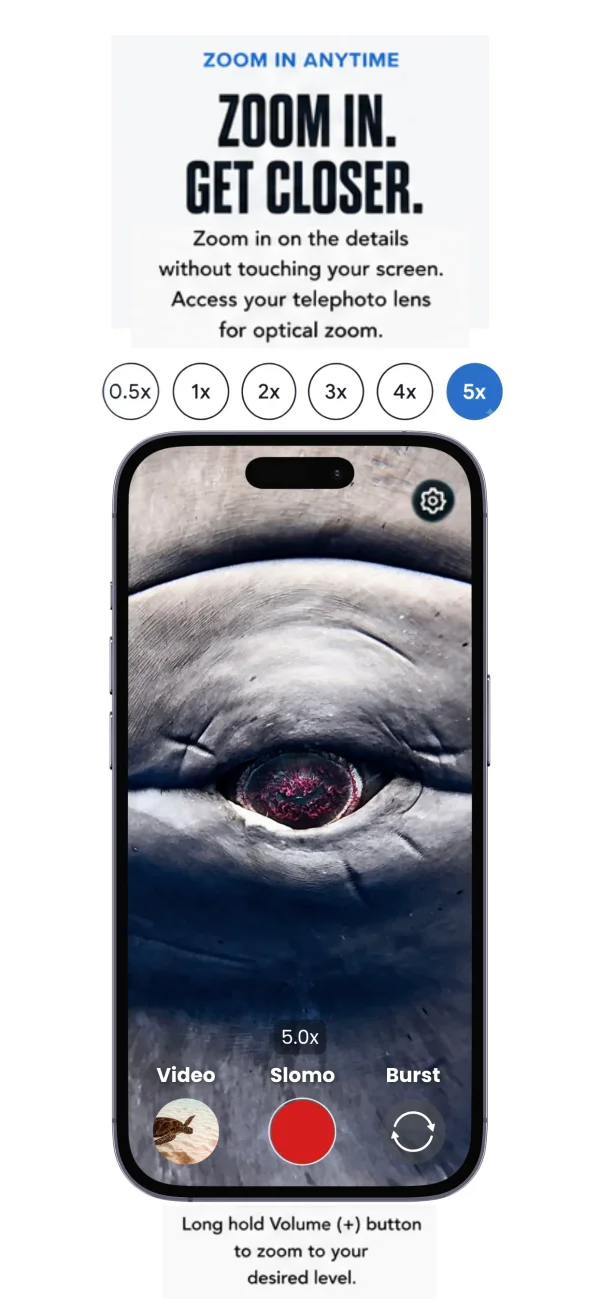
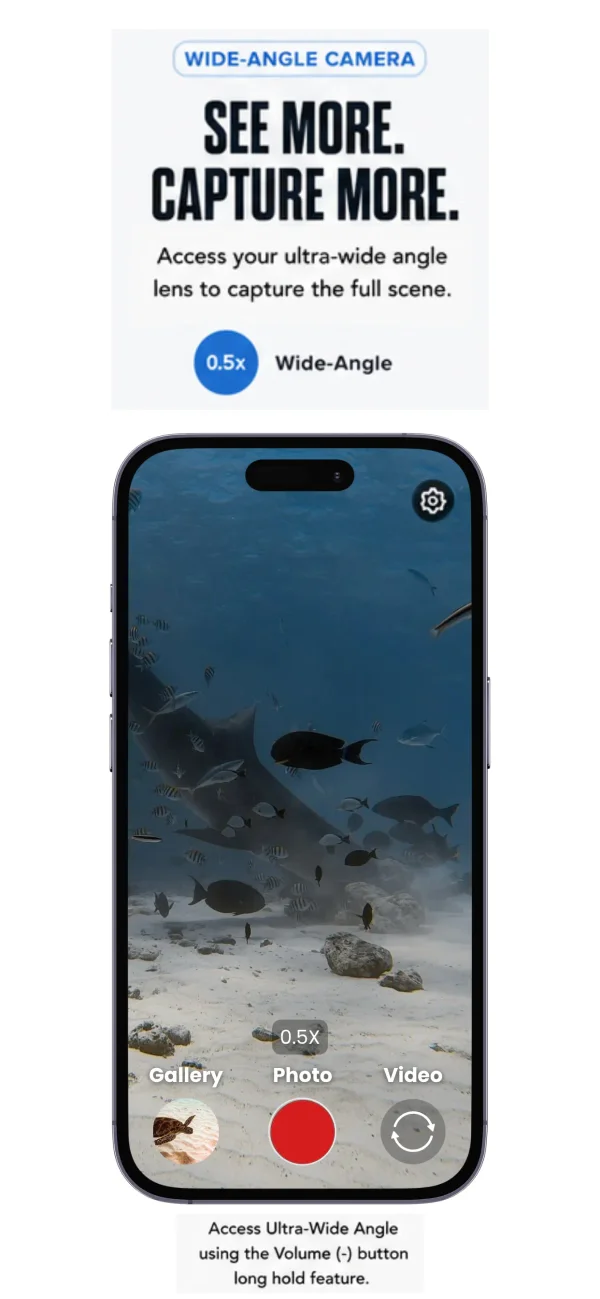
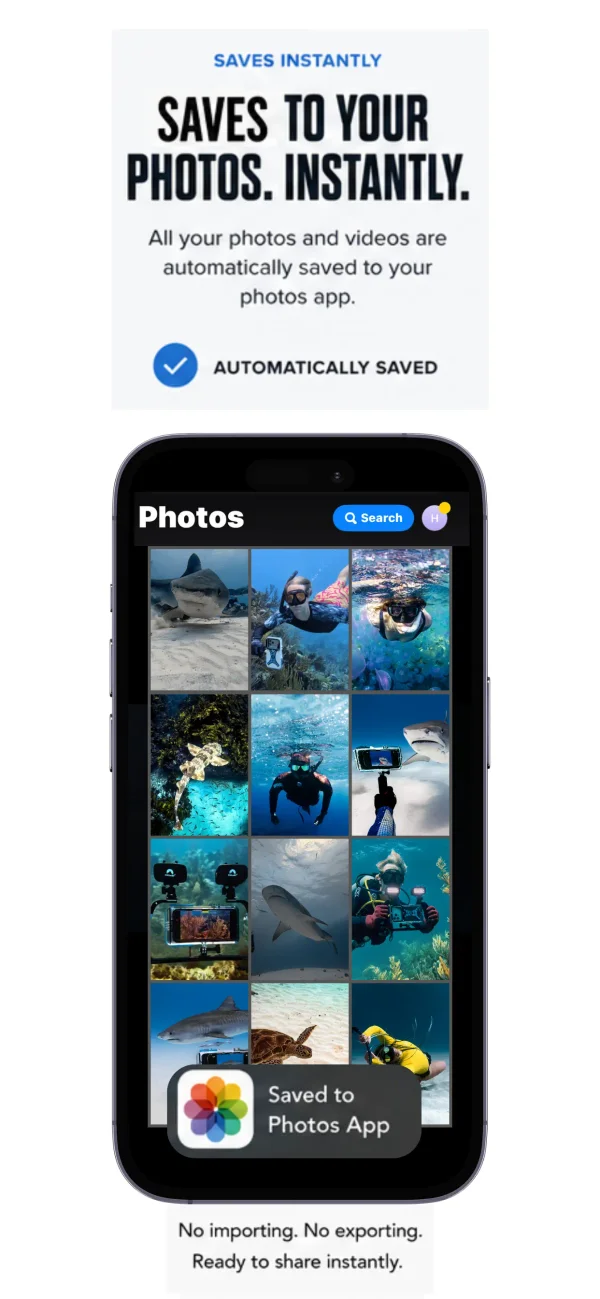
Press Volume (−) to move through your camera modes. Press Volume (+) to take the shot, start or stop recording. Hold either volume button to zoom smoothly, from 0.7× Ultra Wide to 5× on supported iPhones. Everything you capture saves directly to your iPhone's Photos app, ready to edit and share.
CAMERA MODES
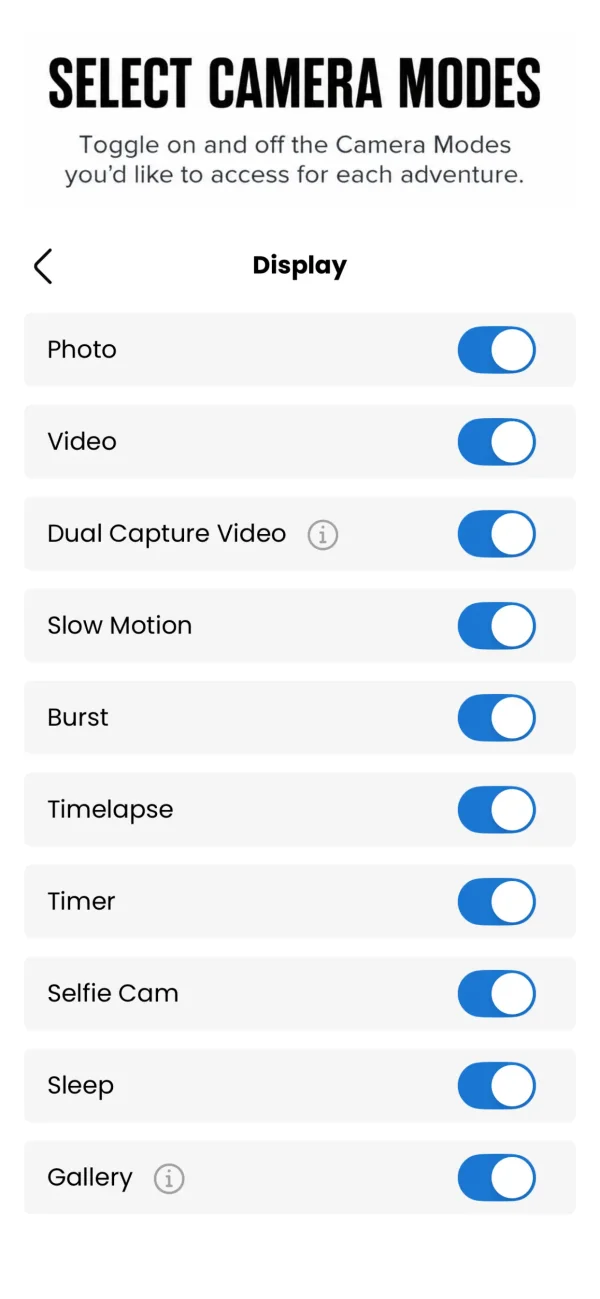
Choose which modes appear on your mode wheel in Settings → Select Camera Modes.
PHOTO
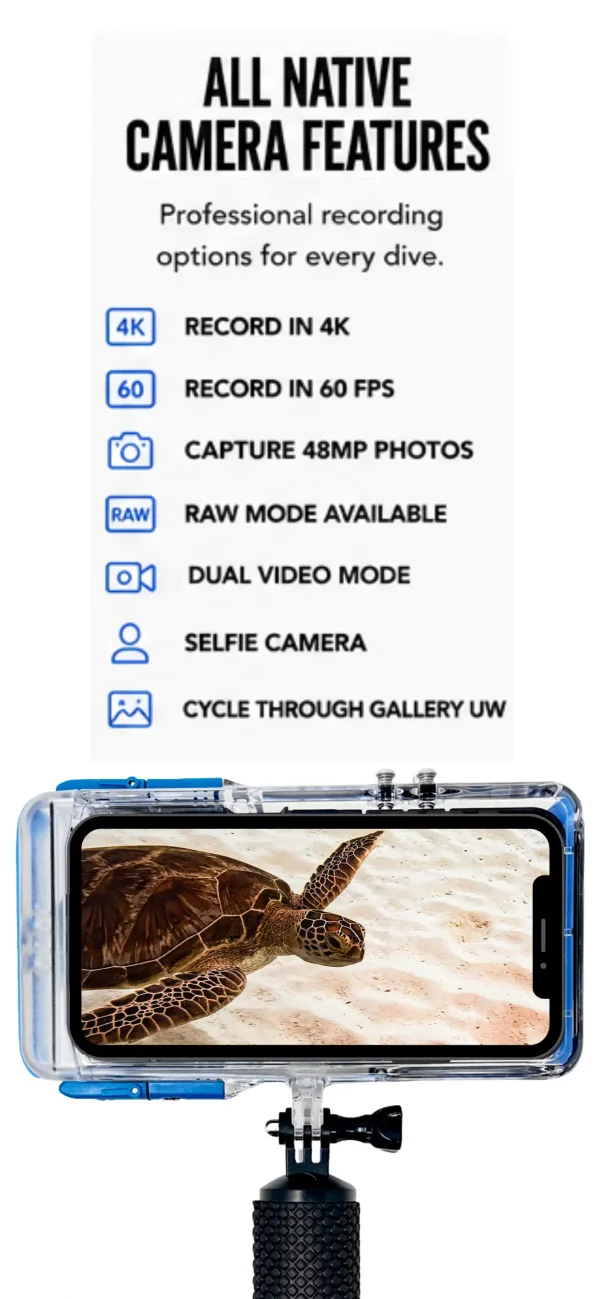
Press Volume (+) to take a picture. Hold Volume (+) or (−) to zoom before your shot. Capture up to 48MP on supported iPhones, and shoot Apple ProRAW on iPhones that support it.
VIDEO
Press Volume (+) to start recording and again to stop. Zoom while framing or while recording. Record in 4K and 60 fps on supported iPhones, with sound or with Record Audio turned off.
SLO-MOTION
Record high-speed video that plays back in smooth slow motion. Press Volume (+) to start and again to stop.
TIMELAPSE
Turn a long recording into a short, sped-up video. Press Volume (+) to start and again to stop. A counter shows how long you have been recording.
TIMER
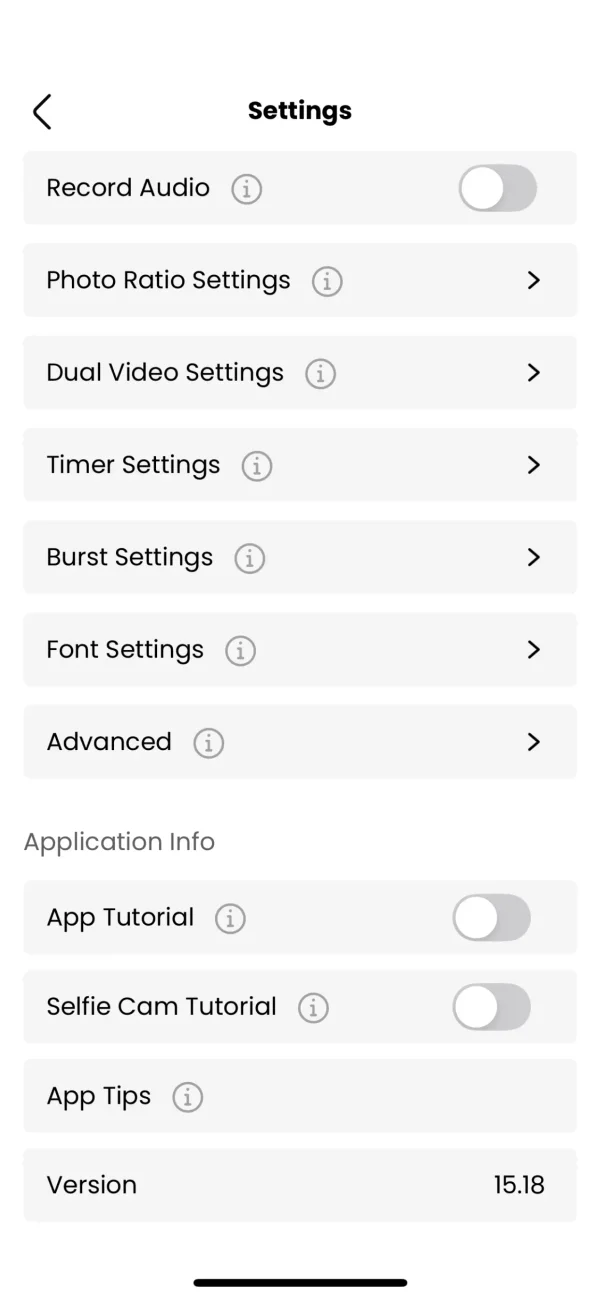
Press Volume (+) and the app counts down, then captures hands-free. Set the countdown length and the number of photos in Timer Settings.
BURST
One press of Volume (+) takes a rapid series of photos. Choose 3 to 30 photos per burst in Burst Settings.
SELFIE CAM
Press Volume (+) to flip between your rear and selfie cameras, then capture in any mode with the camera you chose.
DUAL VIDEO
Record with your rear and selfie cameras at the same time. Choose picture-in-picture, split screen, or two separate full-screen clips.
GALLERY
Review your recent photos and videos with the volume buttons, even underwater. Captures cycle automatically. Hold Volume (−) to skip ahead and Volume (+) to pause.
SLEEP
Save battery between shots. Press Volume (+) to darken the screen, and press any volume button to wake the camera.
MORE TOOLS
• Ultra Wide and telephoto lens support in supported modes, with a one-second pause at 1× so you can stop exactly where you want
• Grid, Level and photo ratio guides for composing shots, never added to your saved photos or videos
• Underwater Mode turns off the touchscreen so water cannot trigger accidental taps (for ProShot Touch cases)
• Bright Sun Mode keeps on-screen text readable in direct sunlight
• Listen to music through Bluetooth headphones or speakers while the app is open
• Font Settings for larger, easier-to-read labels
• A hands-on App Tutorial that teaches the controls over your live camera
• Pending saves recover interrupted photo and video saves
WORKS WITH PROSHOTCASE HOUSINGS
The ProShot Dive Case is a hardshell underwater housing rated to 130 ft / 40 m. The ProShot Touch 2.0 Case is a touchscreen-compatible housing rated to 50 ft / 15 m. Both have easy-to-press volume buttons that control the app. With a ProShot Touch case, you can also use the normal touchscreen controls above the water.
Learn more at www.proshotcase.com.
The ProShot Dive Case is a hardshell underwater housing, rated to 130ft/40m, and the ProShot Touch 2.0 Case is a touchscreen-compatible underwater housing, rated to 50ft/15m. Both cases have easy-to-press volume buttons used to control the app. When using this app with a ProShot Touch case, you can interact with it through traditional touchscreen UI when above the water. For more information about ProShotCases, please visit www.proshotcase.com.
Có gì mới
Phiên bản 15.21 · 14/10/2026
• App Tutorial: practice the volume-button controls over your live camera, then tour camera modes, Dual Video, fonts and Underwater Mode. Replay it anytime in Settings → App Tutorial.
• Pending saves: interrupted or unsuccessful photo and video saves can be reviewed and retried in Settings → Pending saves.
• Smooth zoom: hold Volume (+) or Volume (−) to zoom continuously in Photo, Video, Slow Motion, Timelapse, Timer, Burst and Dual Video. Zoom pauses for one second at 1× between Ultra Wide and the main camera. Release to stay at 1×, or keep holding to continue.
• Expanded Ultra Wide support, including 0.8× and 0.9× Photo framing on supported phones, and Photo zoom below 1× with Capture up to 48MP enabled.
• Faster, smoother mode changes, with your zoom remembered between modes.
• Camera Display Settings: photo ratio, Grid and Level in one place. Composition guides appear on the preview and are never added to saved media.
• RAW is available on iPhones that support Apple ProRAW. Each shot saves as one photo with the RAW and processed images together.
• Dual Video: more reliable orientation for separate clips and lighter-weight exports. Timelapse gains a recording counter.
• Major stability and responsiveness improvements, including crash fixes.
Quyền riêng tư của ứng dụng
Những gì LASO Technologies LLC khai báo trên App Store về cách ứng dụng này xử lý dữ liệu.
-
Dữ liệu không được thu thập
Nhà phát triển không thu thập bất kỳ dữ liệu nào từ ứng dụng này.
Phương thức đảm bảo quyền riêng tư có thể khác nhau, chẳng hạn như tuỳ theo các tính năng bạn sử dụng hoặc độ tuổi của bạn.
Thông tin
- Người bán
- LASO Technologies LLC
- Danh mục
- Ảnh & Video
- Phiên bản
- 15.21
- Cập nhật
- 14/10/2026
- Phát hành
- 09/07/2015
- Kích thước
- 225,4 MB
- Yêu cầu
- iOS 15.2 trở lên
- Độ tuổi
- 4+
- Giá
- Miễn phí
- Ngôn ngữ
- Tiếng Anh
- Bản quyền
- © 2026 LASO TECHNOLOGIES LLC.