
QuickNotes X: Notes, AI & PDF
Note-Taking, Made Easy.
Được thiết kế cho iPhone, iPad, Mac
Mua hàng trong ứng dụng
- Độ tuổi4+
- Danh mụcHiệu Suất
- Nhà phát triểnAlessandro Sassi
- Ngôn ngữTiếng Anh+ 8 ngôn ngữ khác
- Kích thước354,1 MB
QuickNotes X: Notes, AI & PDF hiện có thể không có trên App Store
Ở lần kiểm tra gần nhất, chúng tôi không truy cập được trang trên cửa hàng. Liên kết vẫn dẫn đến trang App Store chính thức.
Ảnh chụp màn hình

Giới thiệu
Nhà phát triển chưa cung cấp nội dung này bằng ngôn ngữ của bạn.
ESCAPE THE LIMITS OF PHYSICAL PAPER
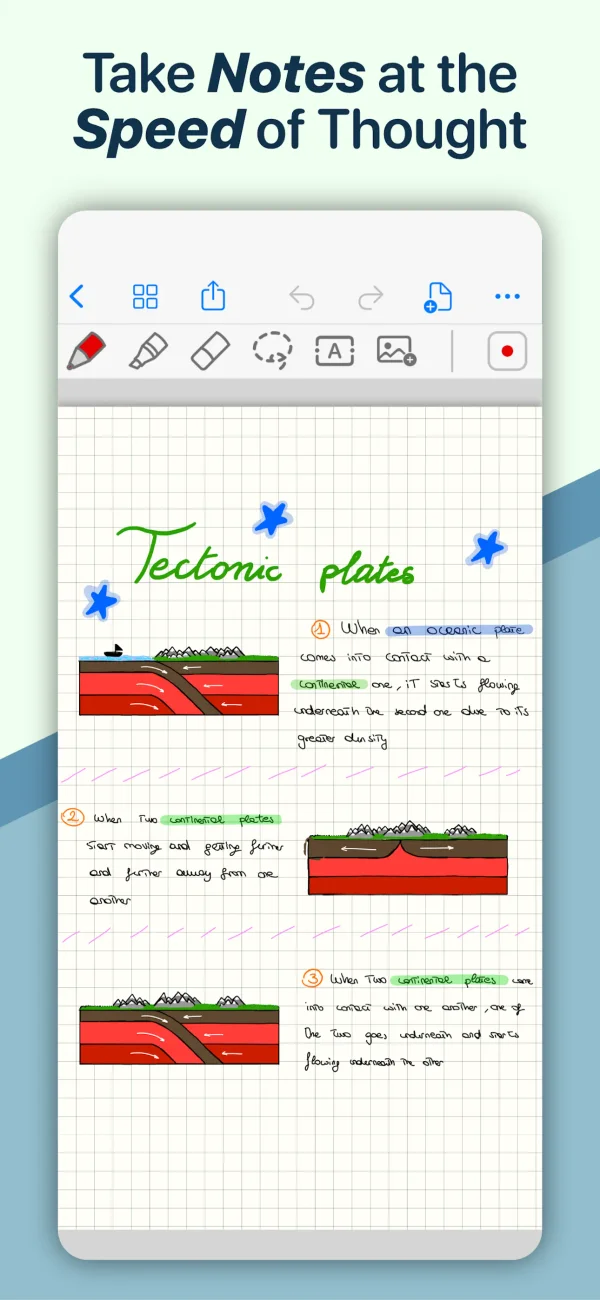
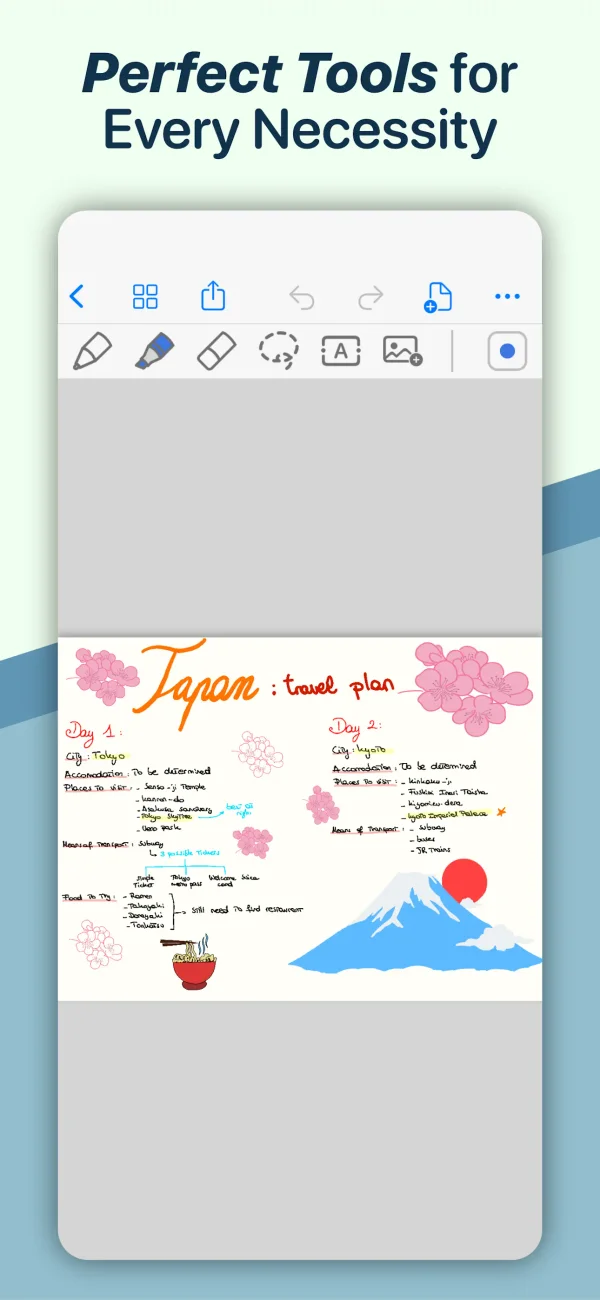
• Experience a fluid, precise and natural note taking experience powered by the unparalleled performance of QuickNotes X custom vector ink engine;
• Choose your drawing style with numerous included tools, such as fountain and ballpoint pen;
• Freely customize your stroke color as well as line thickness and pressure sensitivity;
• Record and play back lectures with Voice Recording: your writing will be synced to the audio!
• Draw perfect shapes and straight lines thanks to automatic, ML-powered shape recognition;
• Move, resize, rotate and zoom your handwriting to take notes like a pro;
• Never run out of paper: swipe to the next page and a new page will be created if needed!
• Take perfect notes with your Apple Pencil, Logitech Crayon or other capacitive styluses.
ORGANIZE & PROTECT YOUR THOUGHTS
• Never lose your notes again thanks to the powerful organization provided by QuickNotes X;
• Create Notebooks to organize your notes;
• Add unlimited Folders & Subfolders to group your Notebooks;
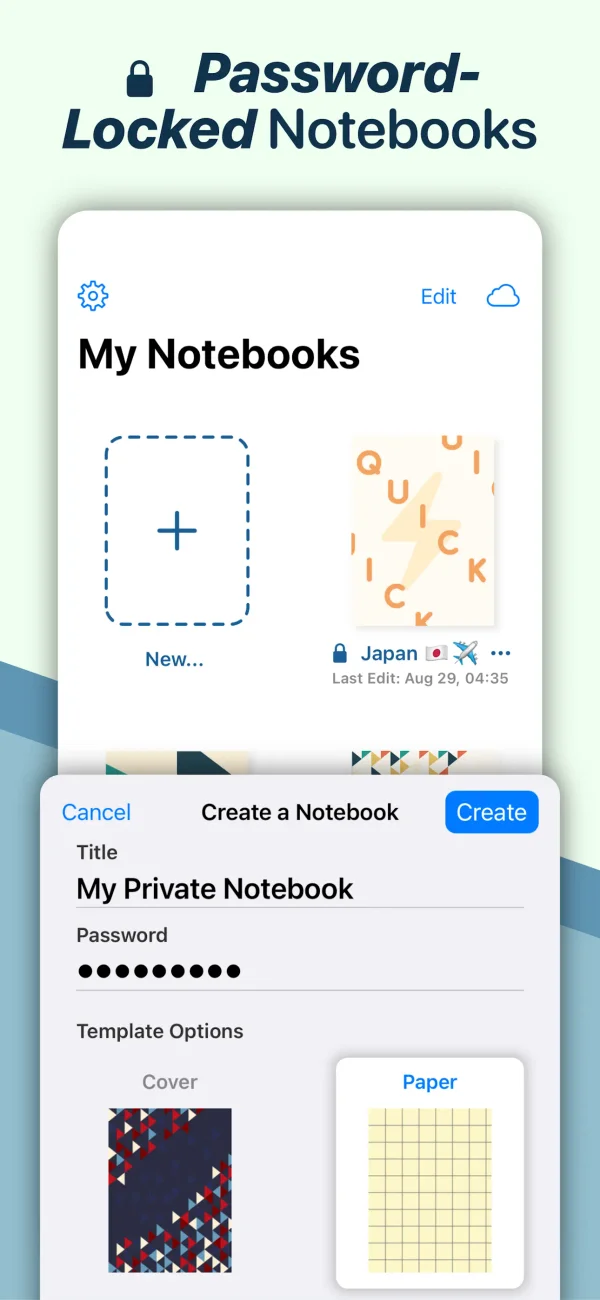
• Lock individual Notebooks and Folders with a Password to protect your thoughts from prying eyes;
• Unlock protected notebooks using Face ID, Touch ID or by entering your Password;
• Rearrange your Notebooks and Folders however you like to make sure they are always in the correct order.
SEAMLESSLY SYNC TO ALL YOUR DEVICES
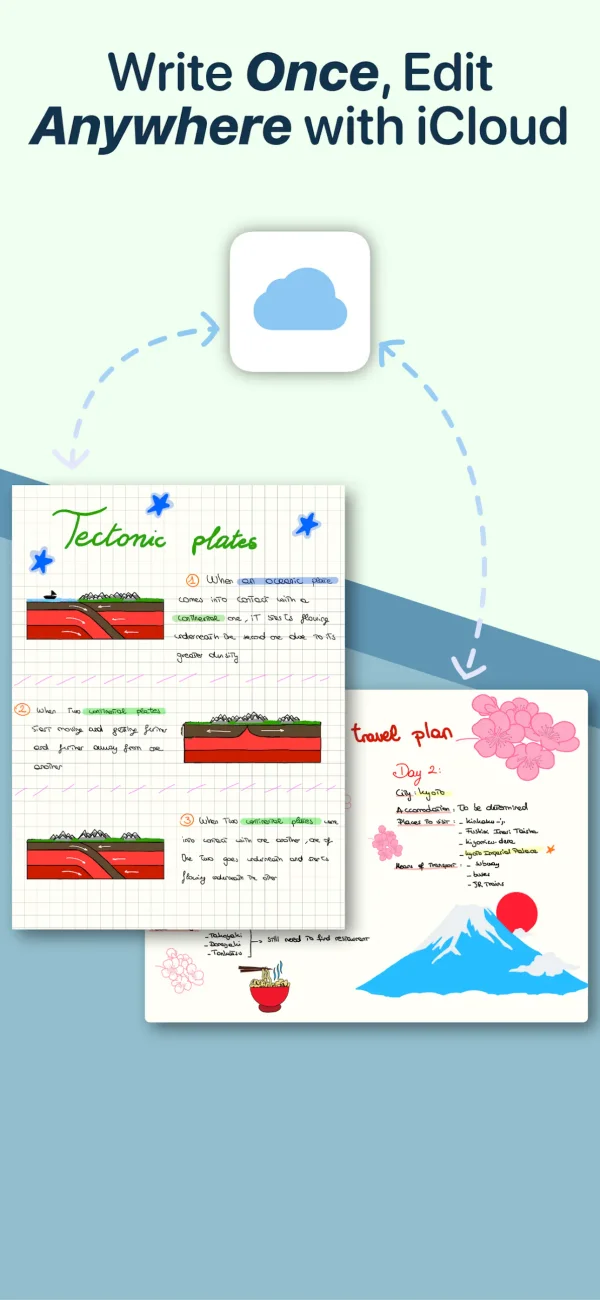
• Seamlessly back up & sync your notebooks and folders to all your devices thanks to iCloud;
• Write once, edit anywhere: when iCloud Sync is active all your content is automatically available on all your devices;
• Use the native Mac app to view your notes on the bigger screen and edit them right on your computer.
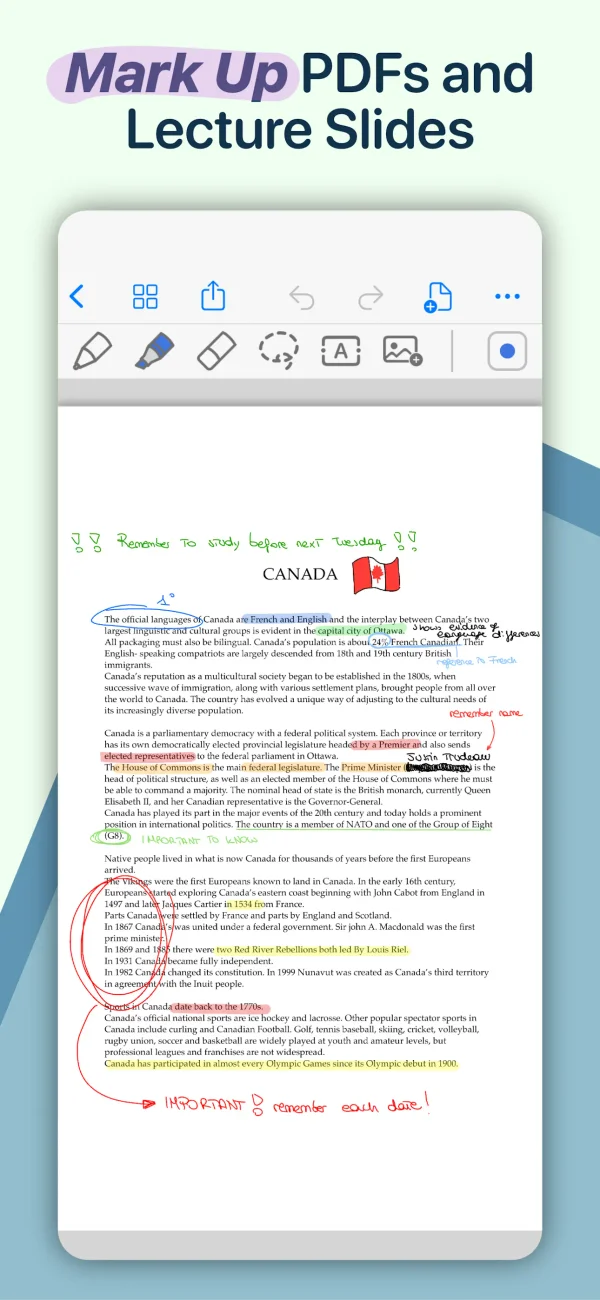
MARK UP & WRITE ON PDFs, SLIDES AND MORE
• Import and edit PDFs, PowerPoint presentations more;
• Annotate documents on your device with all the tools available, including fountain & ballpoint pen, highlighter and shape recognition;
• Open notes and documents side-by-side on your iPad for maximum flexibility;
• Quickly export your notes as images, PDF or QuickNotes X Documents for easy sharing
ENDLESS CUSTOMIZATION FOR YOUR CREATIVITY
• Create an unlimited number of presets for stroke color and line thickness to always have the right one ready at your fingertips;
• Choose between Dual or Single Bar Mode to take notes with the maximum level of flexibility and customizability;
• Choose to erase entire strokes on only some parts thanks to the new Precision and Whole Stroke Erasers;
• Use the Lasso tool to cut, copy, paste or delete groups of strokes or entire pages;
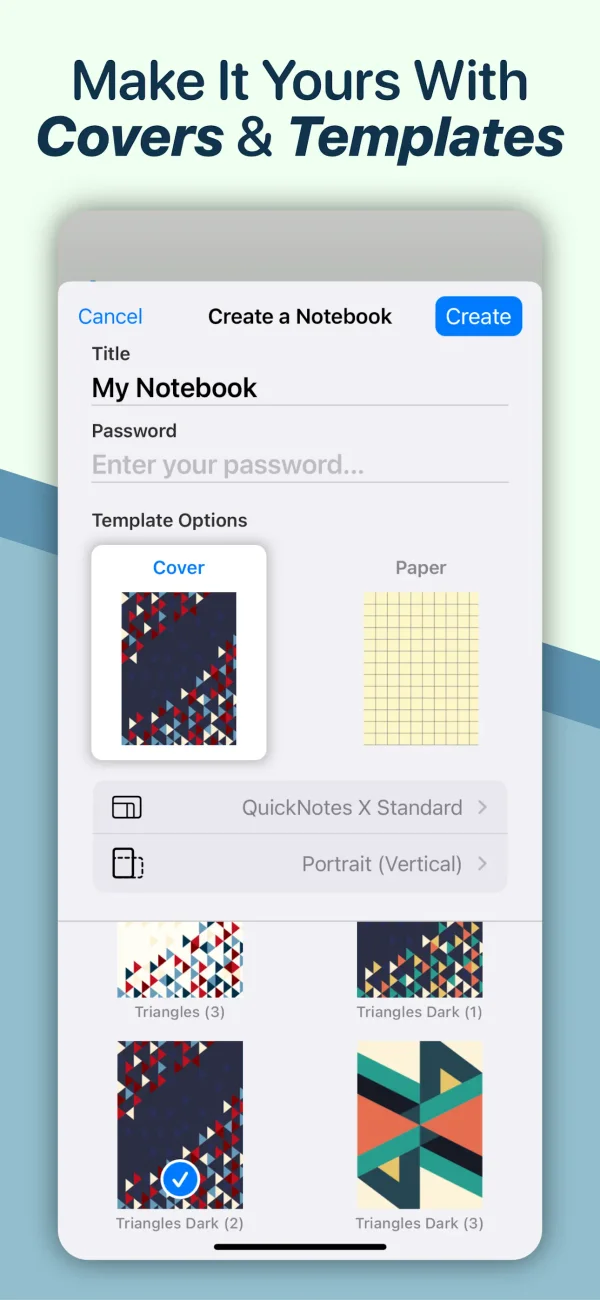
• Customize the look of your Notebooks and Folders by choosing from more than 80 options;
• Make each notebook cover yours: the Notebook cover is now fully editable so you can draw on it!
• Choose the right paper template for your Notebooks, such as Blank Paper, Cornell Paper, Chemistry Paper, Engineering Grid Paper, Music Paper and more!
TYPE AND WRITE ANYWHERE
• Add Text Boxes anywhere in a page to start typing, with plenty of customization options for color, font style and size, available right at your fingertips in the new Tool Bar;
• Move, rotate and scale text boxes to never run out of space;
• Combine handwritten notes with typed content and annotate or highlight key words in your Text Boxes;
AND THERE IS EVEN MORE!
• Swipe left or right to quickly move to the previous or next page in the notebook;
• Quickly jump to any page in the Notebook by using the Notes List menu in the Note Editor;
• Customize any new page you create thanks to the new "New Page" menu in the Editor;
• Create a QuickNotebook to always have a fresh new page when you open the app;
• Changing the paper template for a single page or the entire Notebook is only one tap away;
QuickNotes X: Note-Taking, Made Easy.
Website: https://www.quicknotesx.com
Twitter: @QuickNotesX
Instagram: @quicknotesx
-----------
Privacy Policy: https://www.quicknotesx.com/privacy
Terms of Use: https://www.apple.com/legal/internet-services/itunes/dev/stdeula
Có gì mới
Phiên bản 5.5.4 · 09/09/2026
INTRODUCING THE TRASH
• Ever felt like you needed to recover notebooks which you have previously deleted? Introducing the Trash: your deleted notes, notebooks and folders are now all recoverable after you delete them!
• You can open the Trash from any notebook or folder, and from there you will be able to recover notes, notebooks and even entire folders or delete them forever.
• When you choose to delete an item, it will be moved to the Trash for you to optionally recover it later on. If you want to remove it permanently, open the Trash and delete them.
• You can even choose to recover individual items from the Trash. Did you delete a notebook but wanted to keep a few pages? Simply open the Trash, select pages you want to recover, and pick a new Notebook to host them.
• For every item you recover, you have the option to choose where to place it back for maximum flexibility.
OTHER FEATURES AND IMPROVEMENTS
• Introducing a revamped, new file management system, which improves upon the previous system while bringing more flexibility for organizing and interacting with your notes. All notes will be migrated to use the new system after opening the updated app for the first time.
• Fixed a bug which made the "Small Square Grid" page template not available
• Added a settings option to manually restart document format migration
• Other minor bug fixes and performance improvements
Quyền riêng tư của ứng dụng
Những gì Alessandro Sassi khai báo trên App Store về cách ứng dụng này xử lý dữ liệu.
-
Dữ liệu không được thu thập
Nhà phát triển không thu thập bất kỳ dữ liệu nào từ ứng dụng này.
Phương thức đảm bảo quyền riêng tư có thể khác nhau, chẳng hạn như tuỳ theo các tính năng bạn sử dụng hoặc độ tuổi của bạn.
Thông tin
- Người bán
- Alessandro Sassi
- Danh mục
- Hiệu Suất
- Phiên bản
- 5.5.4
- Cập nhật
- 09/09/2026
- Phát hành
- 25/07/2015
- Kích thước
- 354,1 MB
- Yêu cầu
- iOS 16.0 trở lên
- Độ tuổi
- 4+
- Mua hàng trong ứng dụng
- Có
- Ngôn ngữ
- Tiếng Anh, Tiếng Hà Lan, Tiếng Pháp, Tiếng Đức, Tiếng Ý, Tiếng Nhật, Tiếng Trung Giản thể, Tiếng Tây Ban Nha, Tiếng Thổ Nhĩ Kỳ
- Bản quyền
- © 2015-2026 Alessandro Sassi
Có thể bạn cũng thích
-
 Notes Writer: PDF,Đố vui,DocsThẻ ghi nhớ, ghi âm, AI
-
 Meeting Notes & Work PlannerHiệu Suất
-
 Element Note: Digital NotebookHiệu Suất
-
 SuperNotesViết ghi chú - Take Note
-
 OrigNotesHiệu Suất
-
 MyScript Notes: AI HandwritingHiệu Suất
-
 Prodrafts - Ghi chú AIKhung vẽ vô hạn, viết tay, PDF
-
 Sticky Notes + Widget MemoHiệu Suất
-
 Feenote - Notes and listsHiệu Suất
-
 Flexcil Note & Good PDF ReaderNote-taking & markup for study