Quittin' Time: Work Timer
Beat burnout, clock off at 8h
Được thiết kế cho iPhone
Miễn phí · Mua hàng trong ứng dụng
- Độ tuổi4+
- Danh mụcSức Khỏe & Thể Dục
- Nhà phát triểnTimothy Schindler
- Ngôn ngữTiếng Anh
- Kích thước11,7 MB
Liên kết đến trang App Store chính thức
Download.org không lưu trữ tệp nào của Quittin' Time: Work Timer. Nút này mở trang ứng dụng trên App Store, nơi Timothy Schindler phát hành ứng dụng. Trang được kiểm tra lần cuối: 12/11/2026.
Ảnh chụp màn hình

Giới thiệu
Nhà phát triển chưa cung cấp nội dung này bằng ngôn ngữ của bạn.
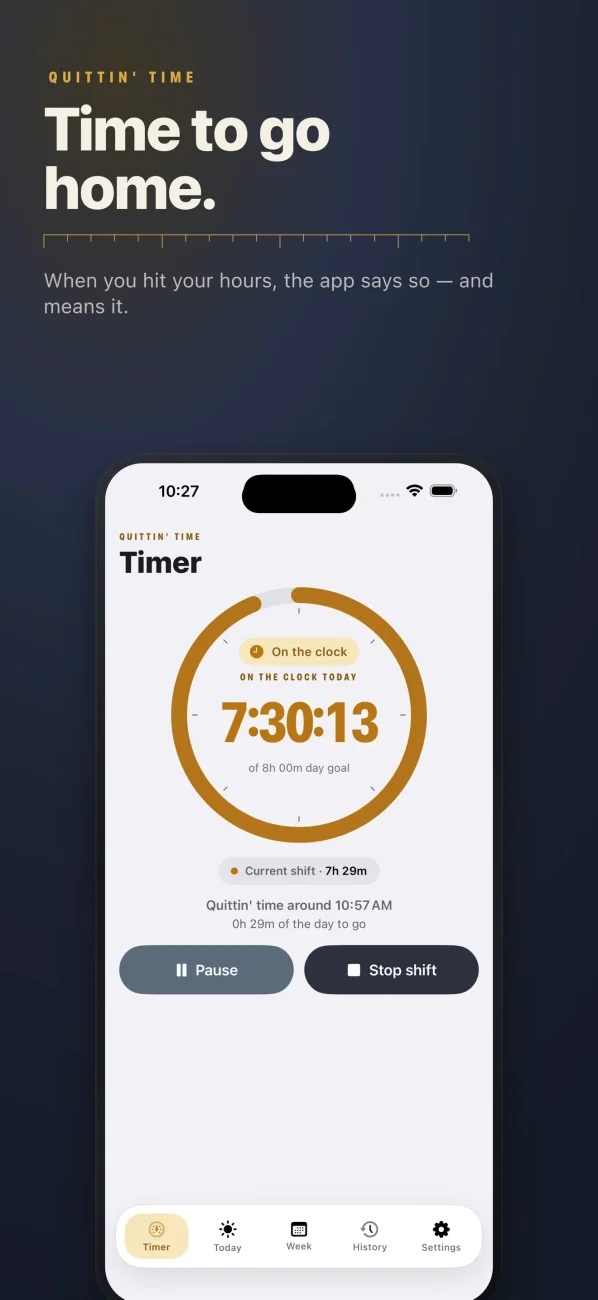
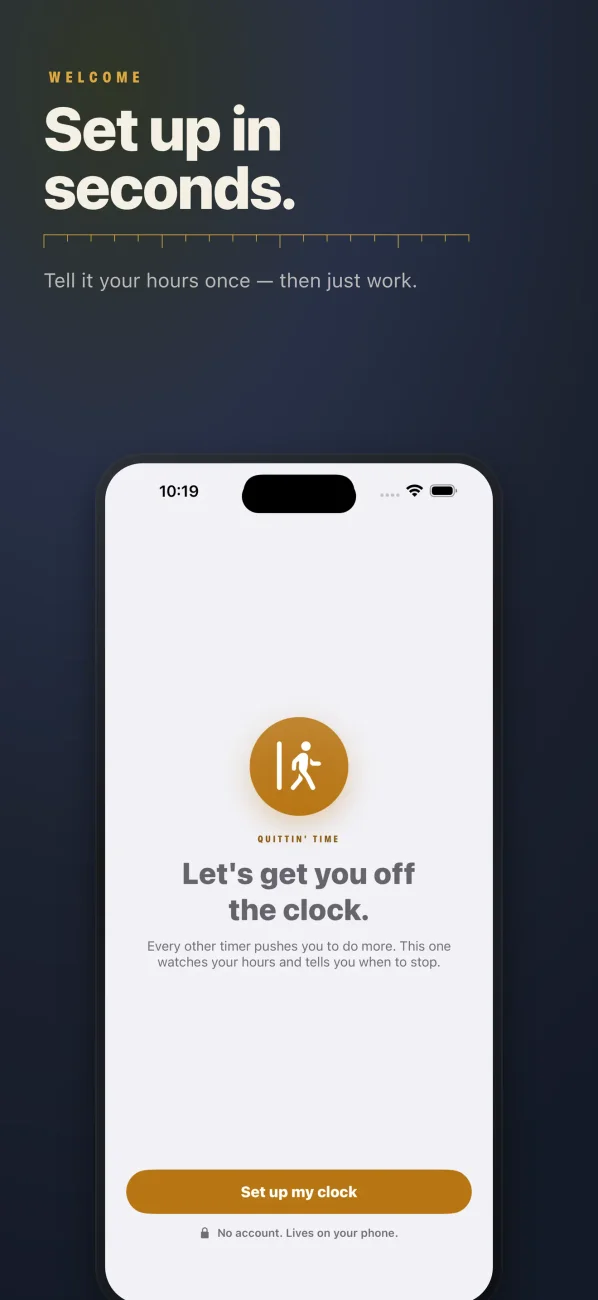
Work too much? Quittin' Time is the work timer that nags you to STOP — not to clock
in. It tracks your real active work time and tells you when the day is done at 8
hours, so you actually close the laptop and go home.
Every other work timer pushes you to log MORE hours. Quittin' Time does the
opposite. It is built for people who lose track of time and overwork: a gentle,
escalating reminder ladder that says it is quittin' time and means it.
Start the timer when you begin. Pause it for lunch and breaks — Quittin' Time counts
only the time you are truly working, never the wall clock. As you approach 8 hours,
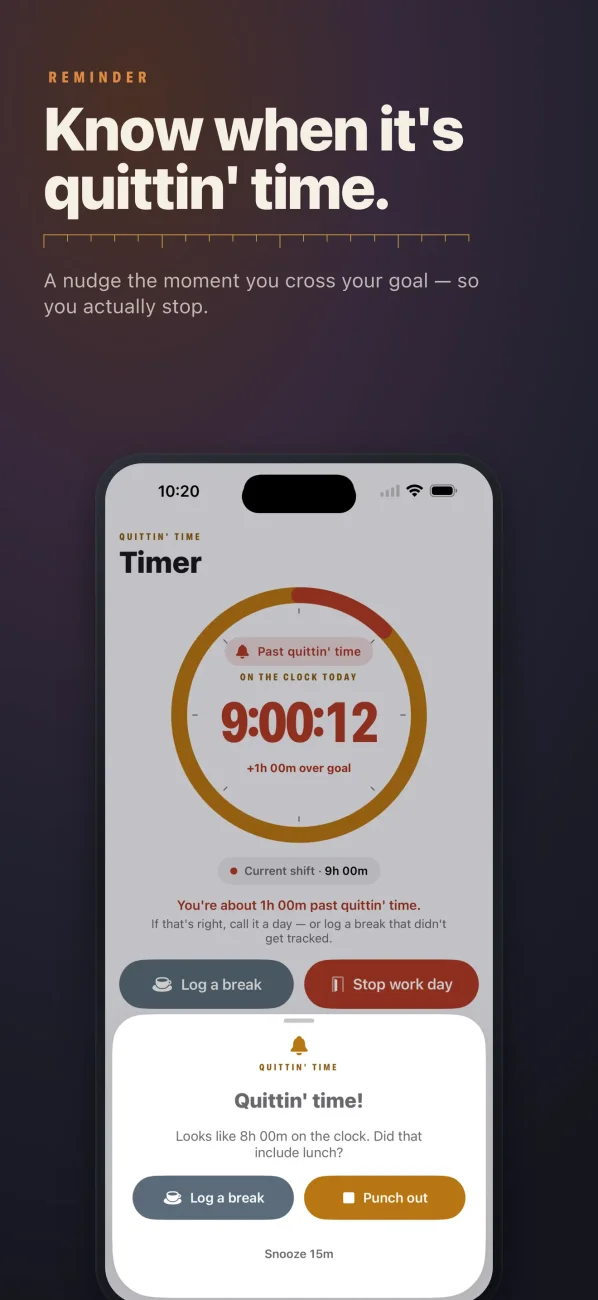
the nudges begin. Snooze once if you must, log a break, or just stop and go home.
• Stop, don't start — a reminder ladder that escalates as you go past 8 hours, with
a snooze cap so it never nags forever.
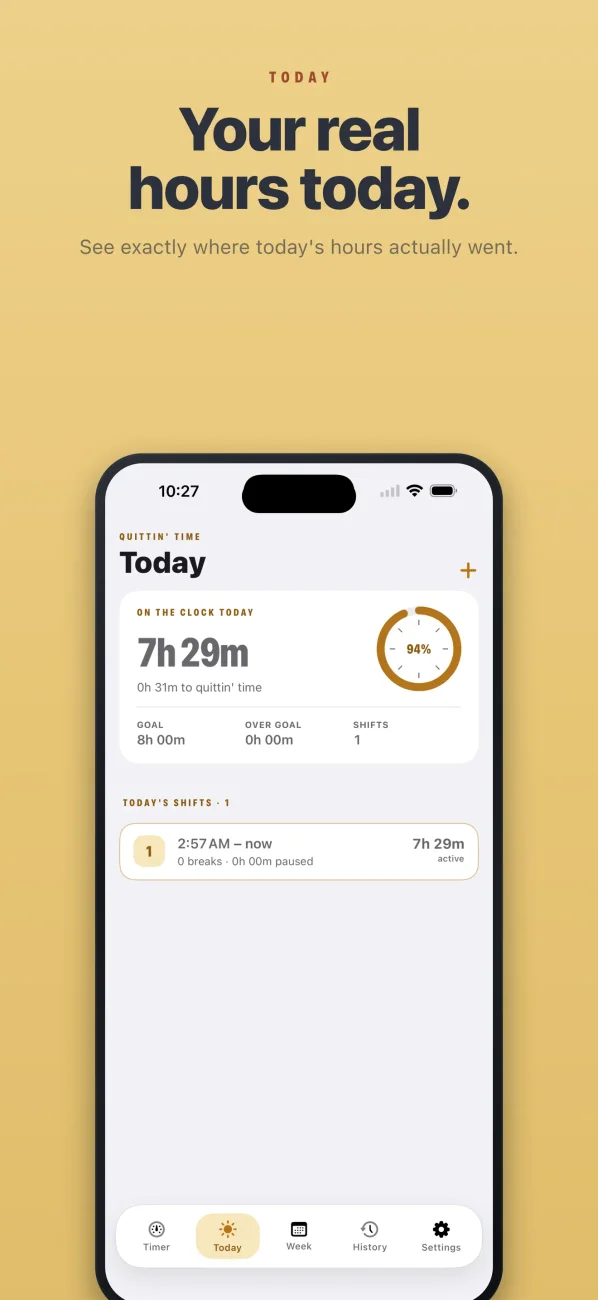
• Active time only — pauses and breaks are excluded, so the total reflects real
work, not time at your desk.
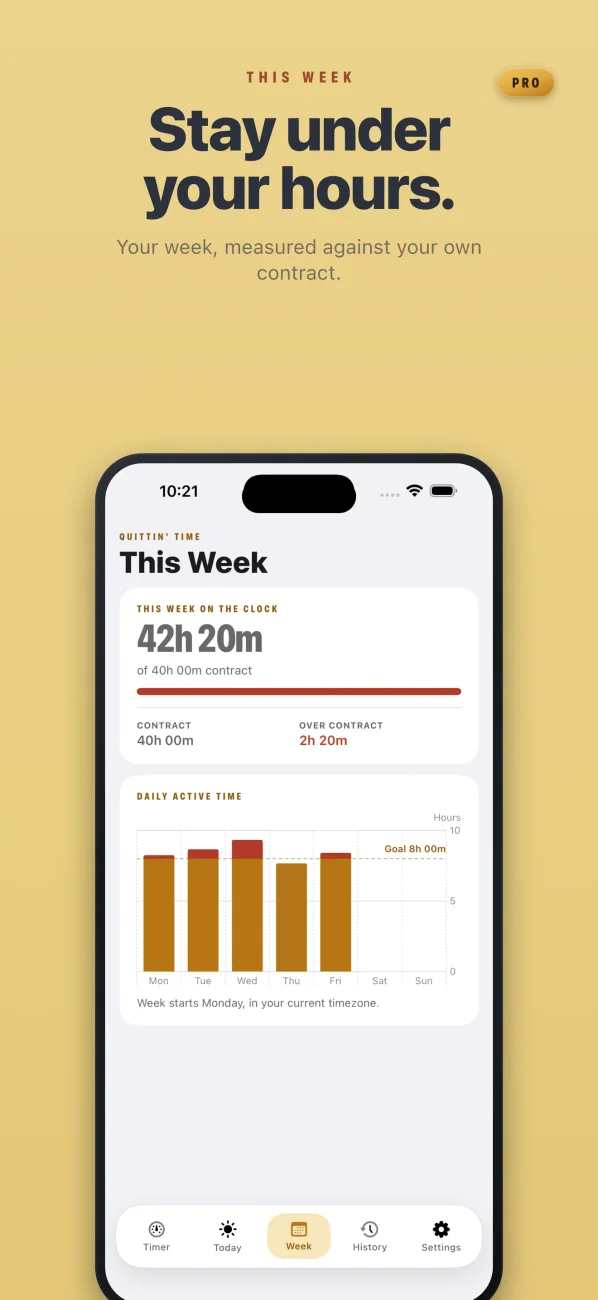
• See where you stand — Today and This Week views track the day and the week against
your goal.
• Always one glance away — Home Screen and Lock Screen widgets plus a Live Activity
keep your progress visible at a glance.
• On your wrist — an Apple Watch glance and complications tell you how the day is
going, with Snooze and Stop right there when you need them.
• Just ask — Siri and Shortcuts answer "Am I done?", time worked today, time left,
and when quittin' time lands, or log a break hands-free.
• Fix the record — edit a start or end time, add a shift you forgot to start, or
mark a day off for holidays and PTO.
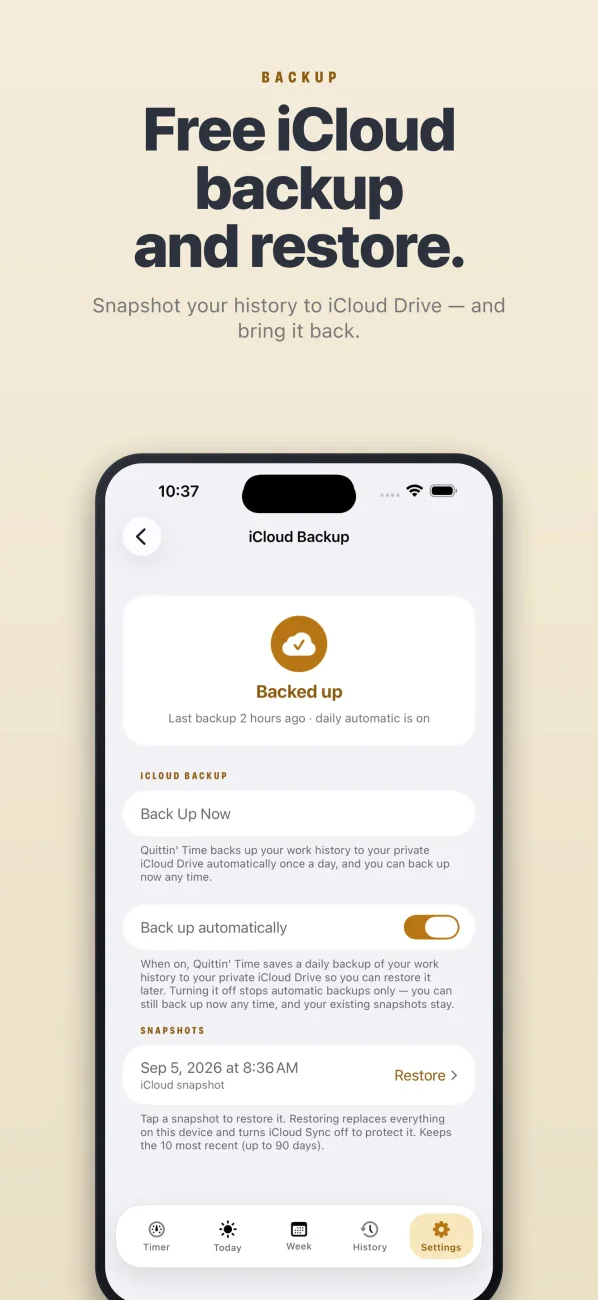
• Backups, free for everyone — save a point-in-time snapshot of your history to your
own iCloud Drive and restore it whenever you need it, manually or automatically.
On by default, and yours to turn off.
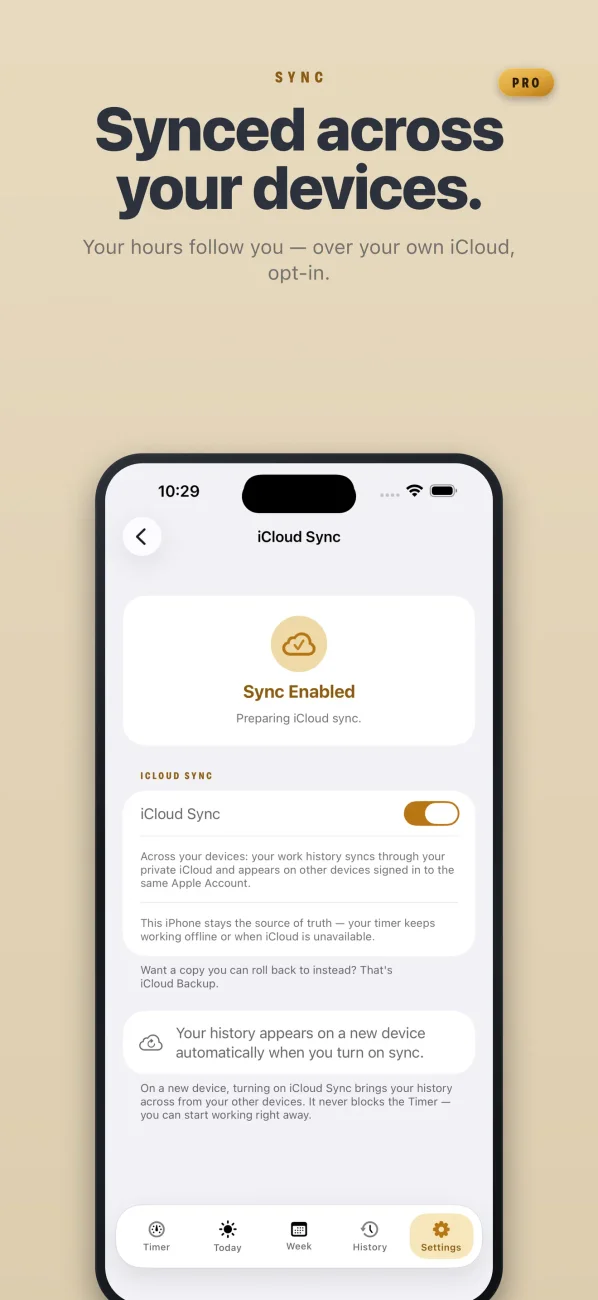
• Sync if you want it — optional iCloud Sync keeps your history current across your
devices, using your own iCloud. Off until you switch it on.
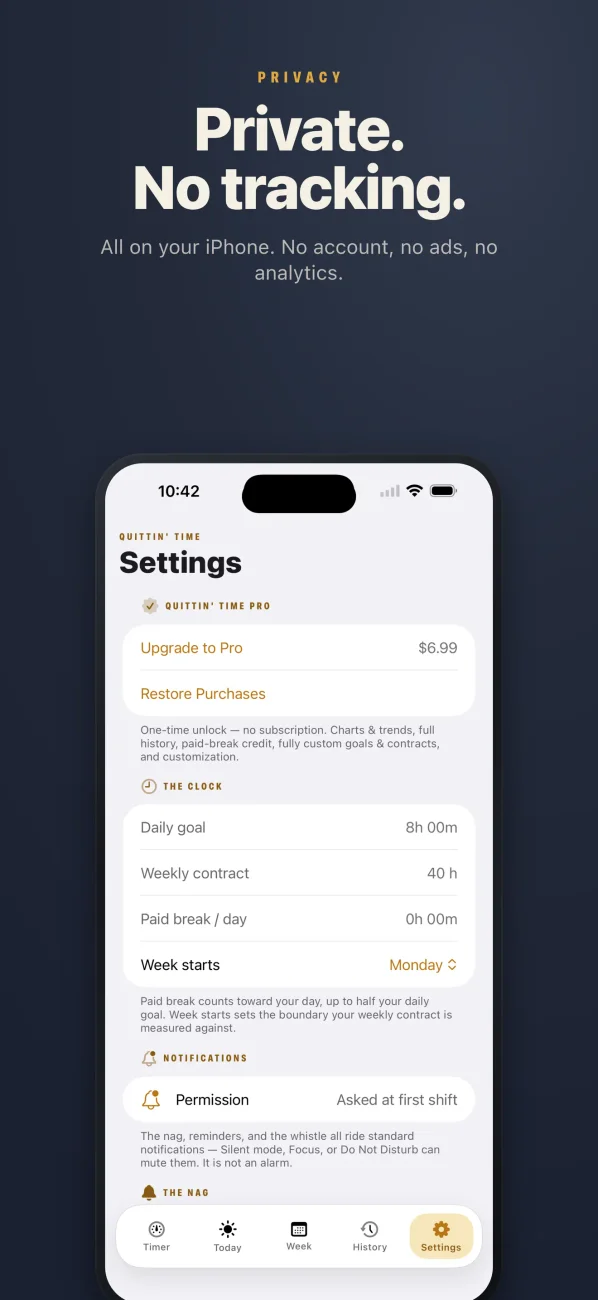
Private by design. No account, no sign-up, no ads, no tracking, and no data
collected by the developer. Your history lives on your iPhone, and the optional
Backup and Sync features use your own iCloud and nobody else's. A calm app that
respects your time should respect your data too.
Stop working at quittin' time. Download Quittin' Time and take your evenings back.
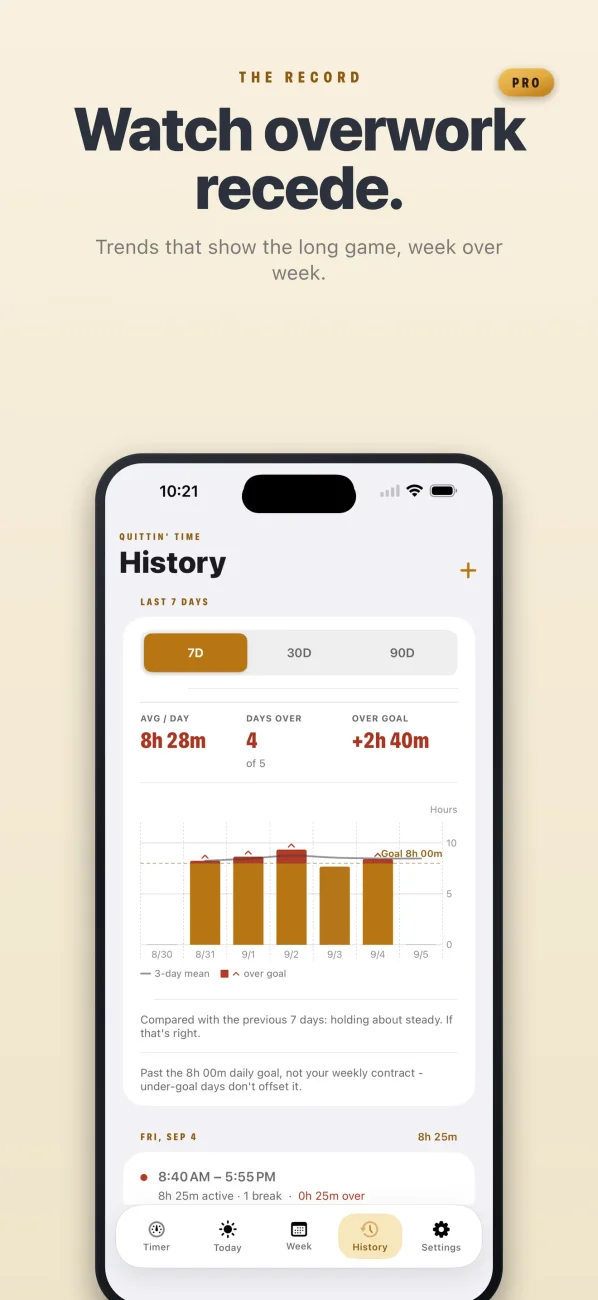
Free to use. An optional one-time unlock adds deeper history, charts, fully custom
goals and contracts, iCloud Sync, and the Apple Watch glance and complications — a
single purchase, never a subscription.
Có gì mới
Phiên bản 1.3.0 · 09/11/2026
Quittin' Time 1.3 makes the quitting-time nudge more dependable, your history safer to edit and restore, and logging a shift faster.
• A more dependable nag — the quitting-time alert now shows up in the app on any tab, tells you if notifications are switched off for it, clears itself when you stop, and keeps nudging for up to three hours past your goal.
• Control it hands-free — Start, Pause, Resume and Stop from Siri, Shortcuts or the Action button, plus an iOS 18 Control Center toggle. Pause and Resume also work right from the Lock Screen Live Activity.
• Forgot to stop? — a "Still working?" card appears when a shift has run past 12 hours or past midnight, and you can set the stop time to when you actually finished.
• Paid breaks to the minute — set your paid-break allowance in one-minute steps. Changing it only affects days from now on, so past days keep the allowance they were counted with.
• "Still on break?" reminder — an optional nudge when you have been paused for a while.
• Safer restore and edits — restoring a backup now survives an interruption, asks when a shift that was running at backup time ended, and editing a running shift can no longer overlap another one.
• Steadier Pro unlock — Pro stays unlocked while the App Store catches up after a purchase, and onboarding shows the real price with Restore Purchases.
• Accurate widgets, Live Activity and watch — correct across midnight and daylight saving changes, with the right goal on days off.
• Easier to read and use — better contrast, VoiceOver descriptions on the charts, larger tap targets, reduced-motion support, and layouts that hold up at the largest text sizes.
• Clearer wording — going past your goal now reads "Over goal" everywhere.
• Lunch check now fires 4.5 hours into your shift, only if you have not logged a break. The old lunch-time setting is gone.
Private by design — your data stays on your device, and your own iCloud for backup (on by default, yours to turn off) or sync if you turn it on. One-time Pro unlock, never a subscription.
Quyền riêng tư của ứng dụng
Những gì Timothy Schindler khai báo trên App Store về cách ứng dụng này xử lý dữ liệu.
-
Dữ liệu không liên kết với bạn
Có thể được thu thập nhưng không liên kết với danh tính của bạn.
- Chẩn đoán
Phương thức đảm bảo quyền riêng tư có thể khác nhau, chẳng hạn như tuỳ theo các tính năng bạn sử dụng hoặc độ tuổi của bạn.
Thông tin
- Người bán
- Timothy Schindler
- Danh mục
- Sức Khỏe & Thể Dục
- Phiên bản
- 1.3.0
- Cập nhật
- 09/11/2026
- Phát hành
- 03/06/2026
- Kích thước
- 11,7 MB
- Yêu cầu
- iOS 17.0 trở lên
- Độ tuổi
- 4+
- Giá
- Miễn phí
- Mua hàng trong ứng dụng
- Có
- Ngôn ngữ
- Tiếng Anh
- Bản quyền
- © 2026 Tim Schindler
Có thể bạn cũng thích
-
 Red Fit Panda: Calorie TrackerSức Khỏe & Thể Dục
-
 Deskdew: Desk Breaks & StretchSức Khỏe & Thể Dục
-
 ZenCal: Calorie CounterSức Khỏe & Thể Dục
-
 Shutdown - Sleep & App BlockerSức Khỏe & Thể Dục
-
 Night Routine: Wind DownSức Khỏe & Thể Dục
-
 Frontload: Peptide TRT TrackerSức Khỏe & Thể Dục
-
 AwesoTimerSức Khỏe & Thể Dục
-
 NRLCSức Khỏe & Thể Dục
-
 Marion Family YMCA ConnectSức Khỏe & Thể Dục