Reachbeam
Remote Desktop: RDP, VNC, SSH
Được thiết kế cho iPhone, iPad
Miễn phí · Mua hàng trong ứng dụng
- Độ tuổi4+
- Danh mụcHiệu Suất
- Nhà phát triểnSelim Saygi
- Ngôn ngữTiếng Anh
- Kích thước28,9 MB
Liên kết đến trang App Store chính thức
Download.org không lưu trữ tệp nào của Reachbeam. Nút này mở trang ứng dụng trên App Store, nơi Selim Saygi phát hành ứng dụng. Trang được kiểm tra lần cuối: 13/11/2026.
Ảnh chụp màn hình


Giới thiệu
Nhà phát triển chưa cung cấp nội dung này bằng ngôn ngữ của bạn.
Reachbeam puts your computers within reach.
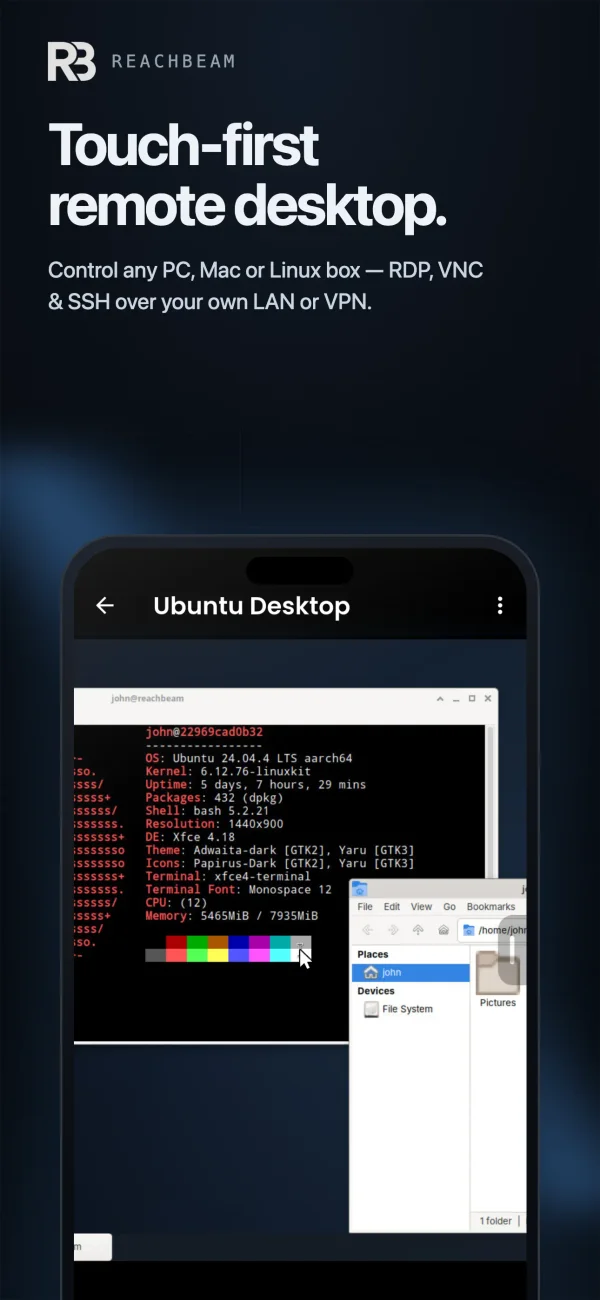
Most remote-desktop apps just shrink a mouse-and-keyboard screen onto glass. Reachbeam is built for touch from the ground up — a purpose-built gesture engine turns natural taps, drags, and pinches into precise remote control.
Reach any machine
• RDP — control a Windows PC's full desktop, with Network Level Authentication (NLA)
• VNC / RFB — connect to TigerVNC, x11vnc, RealVNC, UltraVNC, and more
• macOS Screen Sharing — connects to any Mac out of the box (Apple Remote Desktop auth)
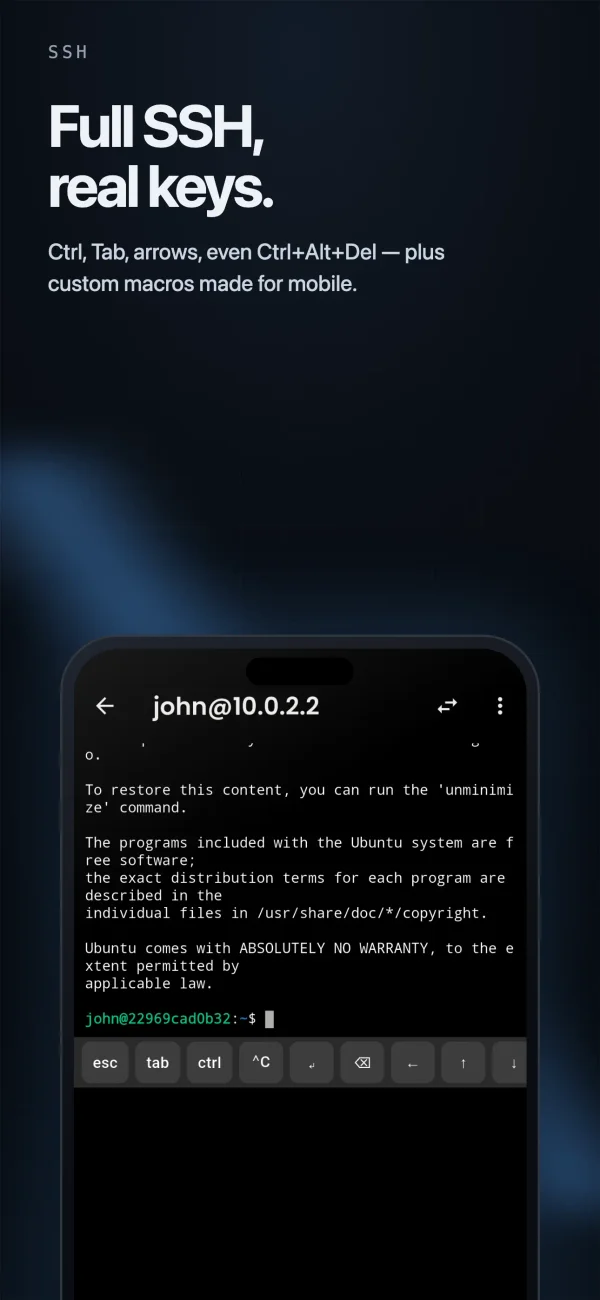
• SSH terminal — a real shell with the native keyboard, password or private-key login, TOFU host-key verification, and local port-forwarding
• VNC-over-SSH — route a VNC session through an SSH host in one tap
Touch that feels right
• Three input modes: Trackpad (relative cursor), Touchscreen (tap where you touch), Stylus
• Pinch-to-zoom anchored to your fingers, two-finger pan, edge auto-pan
• Scroll anywhere with iOS-style flick momentum
• Quick-actions menu from the screen edge: Copy, Paste, Esc, Tab, Ctrl+Alt+Del, and more
• Tap = click, long-press = right-click — no fumbling
A keyboard that actually works
• Your native iOS keyboard, plus a special-keys bar: Esc, Tab, Ctrl/Alt/Cmd/AltGr, arrows, F1–F12, Home/End/PgUp/PgDn, one-tap Ctrl+Alt+Del and Alt+Tab
• Real X11 keysyms — the modifiers and function keys other clients get wrong
Live Text on the remote screen (Pro)
• Copy any text on the remote screen — error dialogs, images, locked pages
• Tap a link, number, or address to open it; translate the screen in place
• "Type on PC" sends text back where clipboard sync is blocked — all on-device
Draw on your PC (Pro)
• iPad and Apple Pencil become a pressure-sensitive drawing tablet over RDP — nothing to install on the PC
• Photoshop & Krita shortcut keys, two-finger undo, three-finger redo, Pencil double-tap eraser
Apple Pencil
• Hover support for true remote mouse-hover — tooltips and menus without clicking
• Squeeze to open the edge quick-actions menu (Pro)
• Auto-switches to stylus mode the moment you touch with a Pencil
Built for real use
• Saved connections with folders, per-connection quality and input settings
• Credentials stored in the device Keychain/Keystore, optional Face ID / Touch ID unlock
• Auto-reconnect, clipboard sync, adaptive quality
• LAN device discovery — scans your network and fills the connection form in one tap
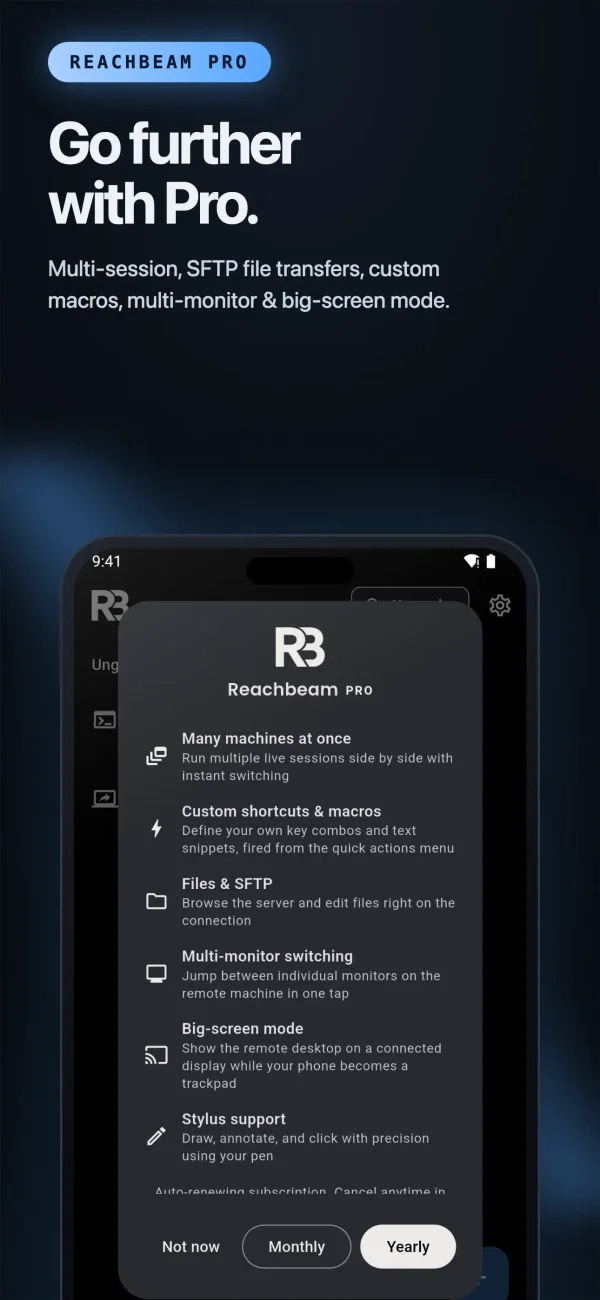
Reachbeam Pro
• Open several remote machines at once and switch between live tabs — sessions stay connected in the background
• Jump between individual monitors on the remote machine in one tap
• Custom keyboard shortcuts and macros — define your own key combos and text snippets, fired from the quick-actions menu
• Apple Pencil Pro squeeze → edge quick-actions menu (Pro only)
$4.99/month or $49.99/year — cancel any time.
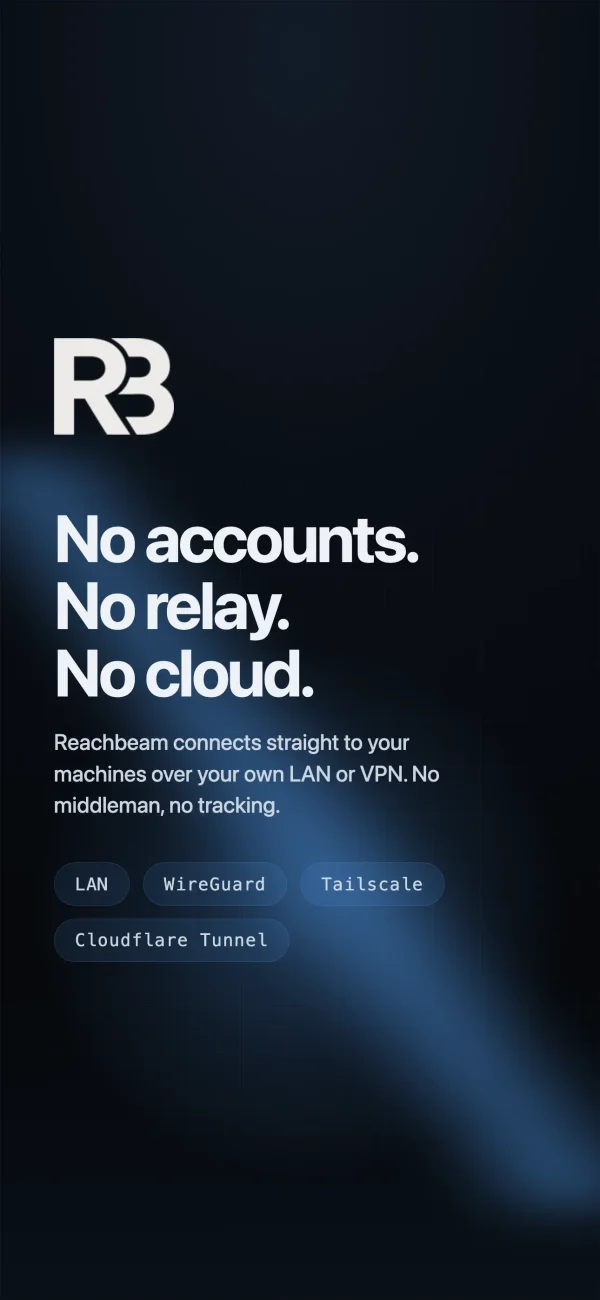
No accounts. No tracking. Your credentials stay on your device.
Not affiliated with or endorsed by Microsoft, Apple, or RealVNC. RDP, Windows, VNC, and Screen Sharing are trademarks of their respective owners.
Reachbeam Pro is an auto-renewable subscription that renews unless cancelled at least 24 hours before the current period ends. Manage or cancel any time in your Apple Account settings.
Terms of Use (EULA): https://www.apple.com/legal/internet-services/itunes/dev/stdeula/
Privacy Policy: https://dividedbits.com/apps/reachbeam/privacy
Có gì mới
Phiên bản 1.7.4 · 10/11/2026
Security improvements for Reachbeam Host connections: your saved computer password is only ever offered to the computer it belongs to, and pairings stay put when another device on the network claims to be your computer. Plus stability fixes for video on Android.
Quyền riêng tư của ứng dụng
Những gì Selim Saygi khai báo trên App Store về cách ứng dụng này xử lý dữ liệu.
-
Dữ liệu không được thu thập
Nhà phát triển không thu thập bất kỳ dữ liệu nào từ ứng dụng này.
Phương thức đảm bảo quyền riêng tư có thể khác nhau, chẳng hạn như tuỳ theo các tính năng bạn sử dụng hoặc độ tuổi của bạn.
Thông tin
- Người bán
- Selim Saygi
- Danh mục
- Hiệu Suất
- Phiên bản
- 1.7.4
- Cập nhật
- 10/11/2026
- Phát hành
- 06/09/2026
- Kích thước
- 28,9 MB
- Yêu cầu
- iOS 16.0 trở lên
- Độ tuổi
- 4+
- Giá
- Miễn phí
- Mua hàng trong ứng dụng
- Có
- Ngôn ngữ
- Tiếng Anh
- Bản quyền
- © 2026 Divided Bits