ReadMe - Novel & Comic Reader
cbz, txt & epub viewer for NAS
Được thiết kế cho iPhone, iPad
Miễn phí · Mua hàng trong ứng dụng
- Độ tuổi12+
- Danh mụcSách
- Nhà phát triểnGwangBeom Park
- Ngôn ngữTiếng Anh+ 4 ngôn ngữ khác
- Kích thước75,2 MB
Liên kết đến trang App Store chính thức
Download.org không lưu trữ tệp nào của ReadMe - Novel & Comic Reader. Nút này mở trang ứng dụng trên App Store, nơi GwangBeom Park phát hành ứng dụng. Trang được kiểm tra lần cuối: 27/11/2026.
Ảnh chụp màn hình
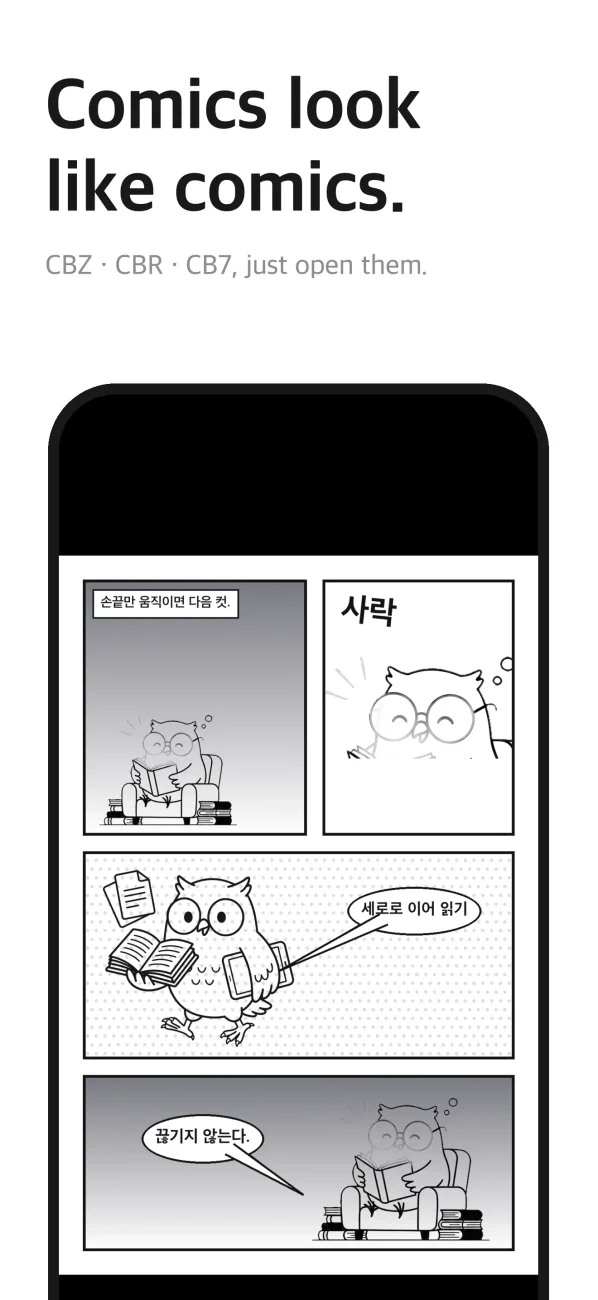
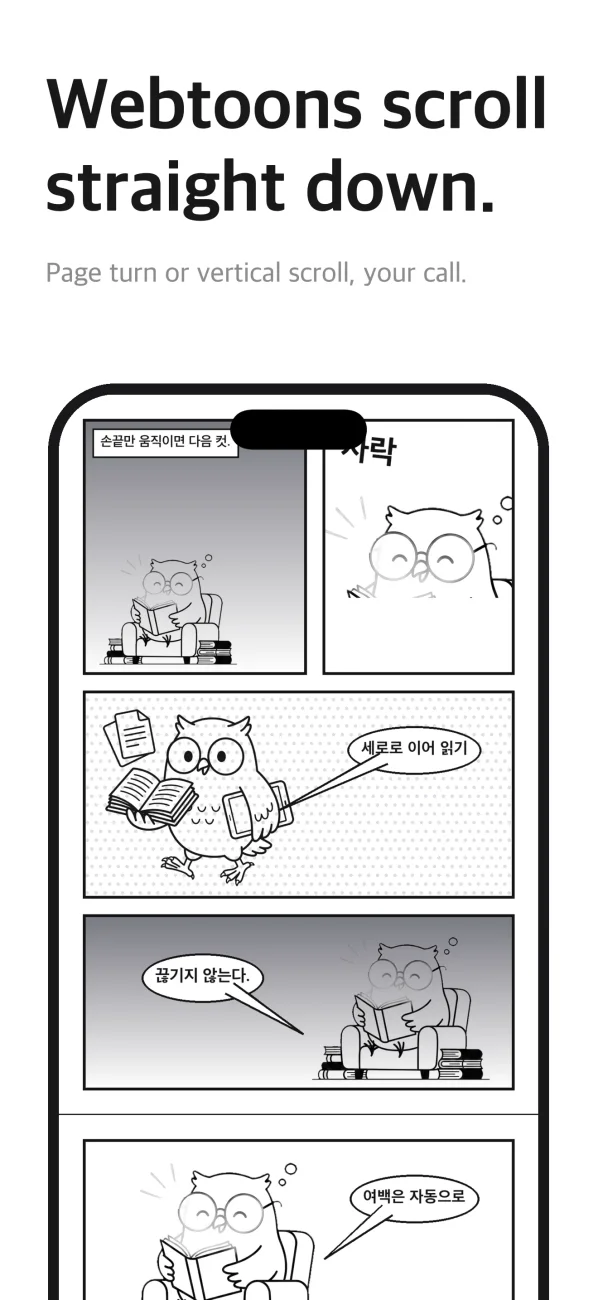
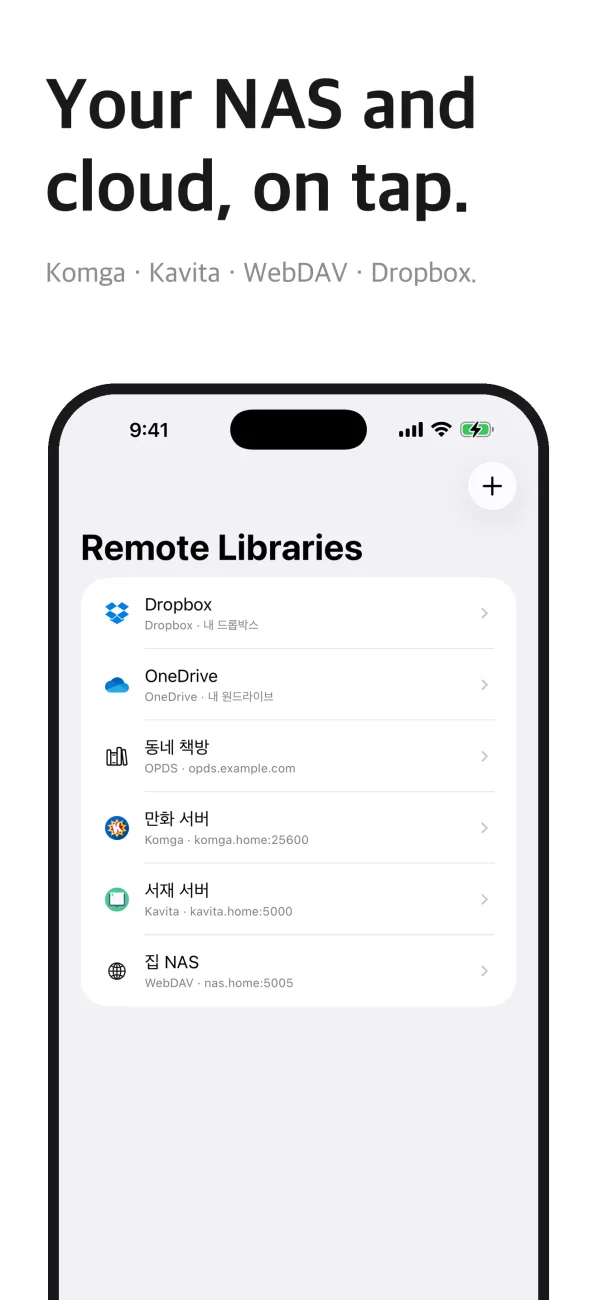
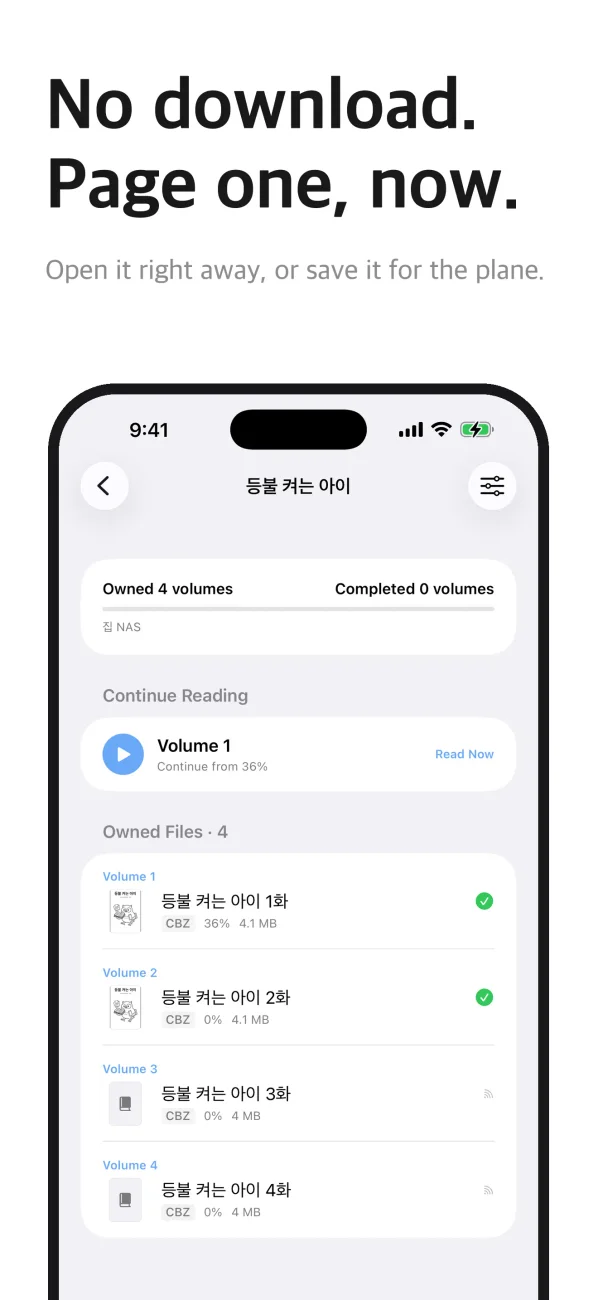
Giới thiệu
Nhà phát triển chưa cung cấp nội dung này bằng ngôn ngữ của bạn.
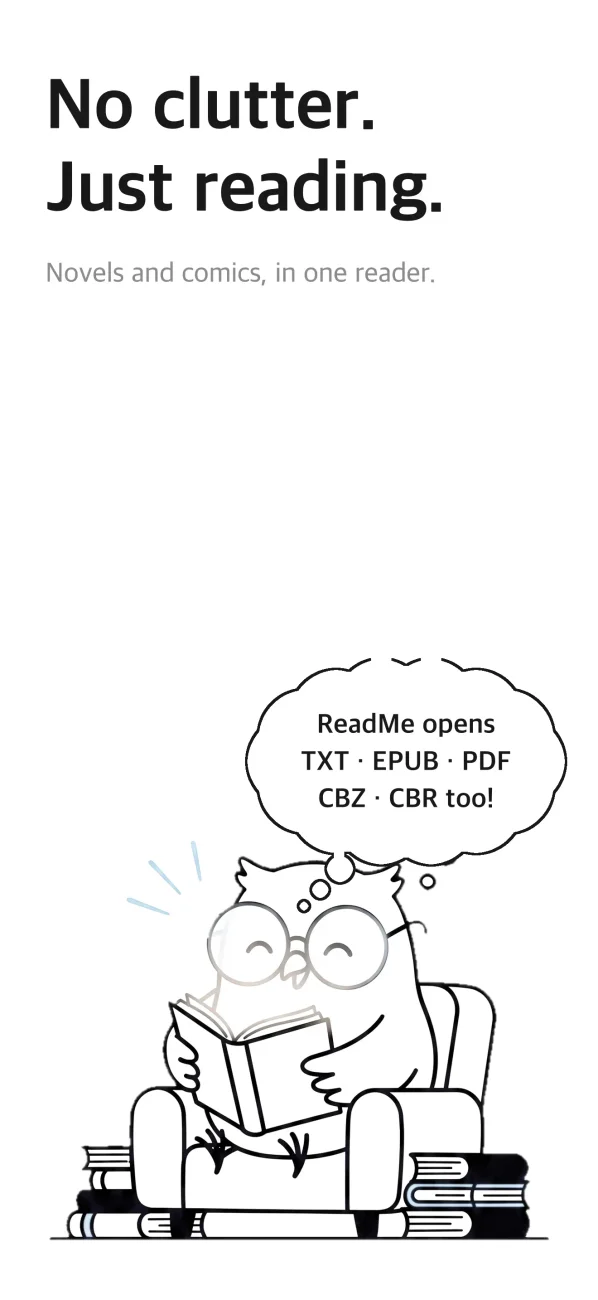
A viewer focused on one thing: reading.
Enjoy novels and comics in one app with Readme.
Less clutter. Just what you need to enjoy your next page.
[Supported Formats]
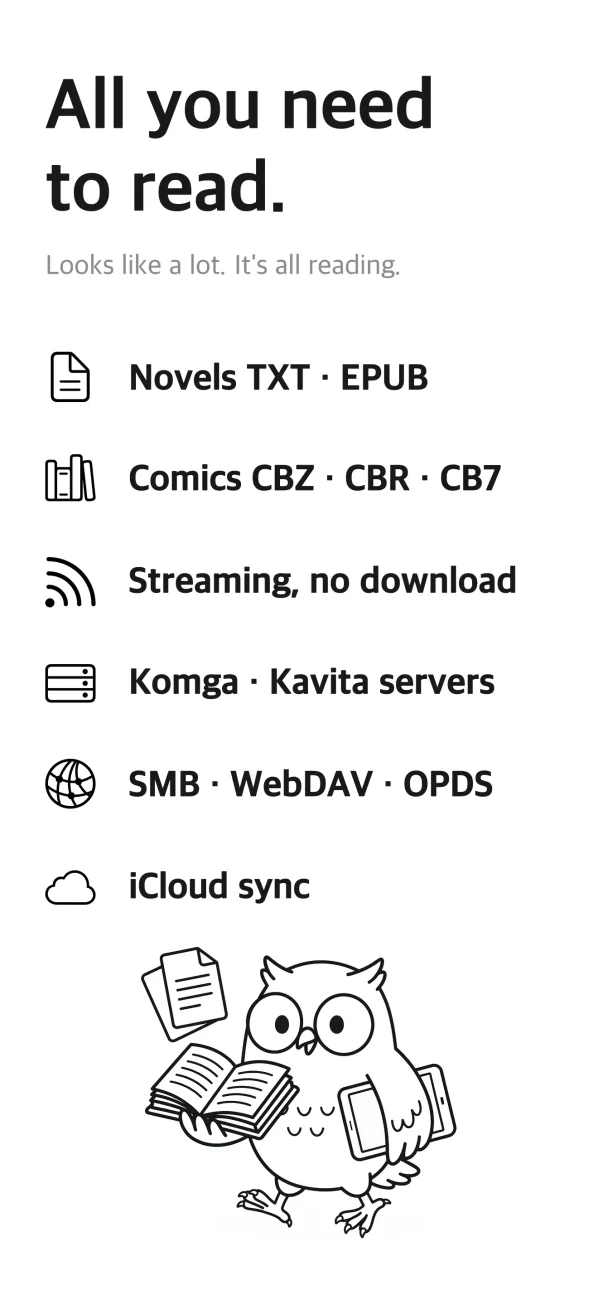
Novels — TXT, EPUB, SMI
Comics — CBZ, CBR, CB7, PDF, TIF, JPG and PNG images
Have your files in a ZIP archive? Add it to Readme, and the app will extract it for you.
[An Expanded Remote Library]
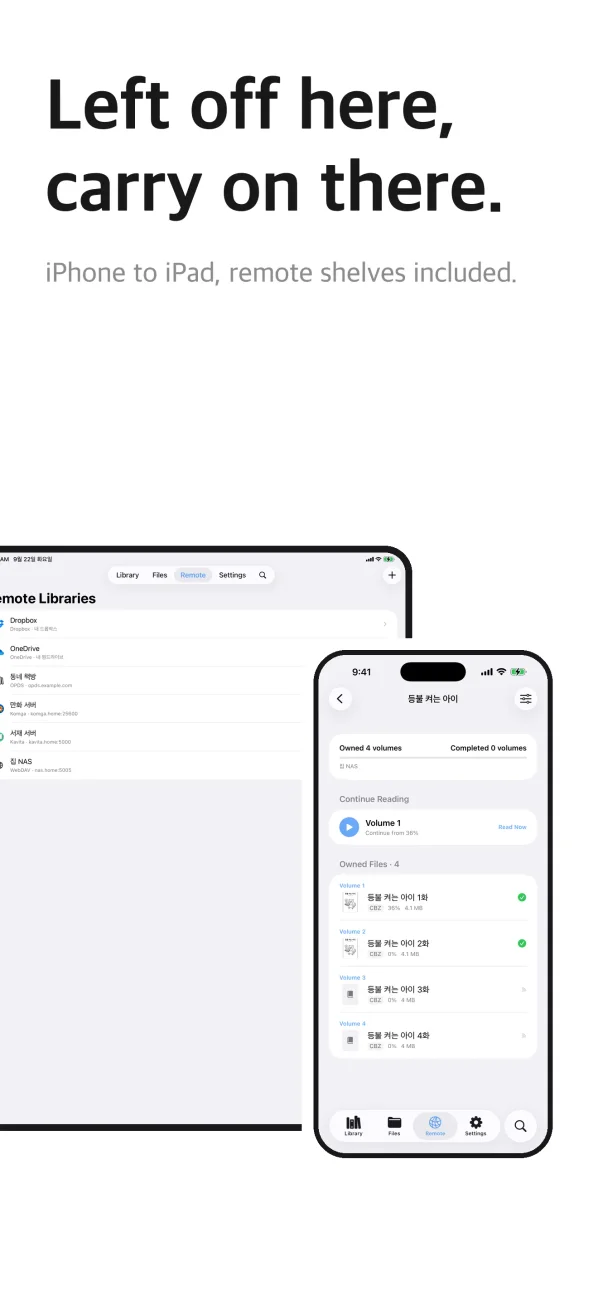
From NAS to the cloud — Connect to SMB, WebDAV, and OPDS servers, as well as Dropbox, OneDrive, Komga, and Kavita.
Start reading while it loads — With supported comic files, you can start reading before the entire download finishes. Readme loads the content you need as you go.
Choose a volume inside an archive — If a ZIP contains multiple comic archives, browse the volumes and open the one you want.
Save for offline reading — Download books in advance and enjoy them without an internet connection. Downloaded books remain readable even after your Pro access ends.
Pick up where you left off — Books you read remotely stay in your library, so you can open them again without searching through folders.
Opening books from remote libraries and saving them offline require Pro. Depending on the file format and server, a file may need to be downloaded before it opens.
[Comfortable Reading for Novels and Comics]
Comic viewer — Scroll vertically, view two pages side by side, automatically trim margins, and enhance image clarity.
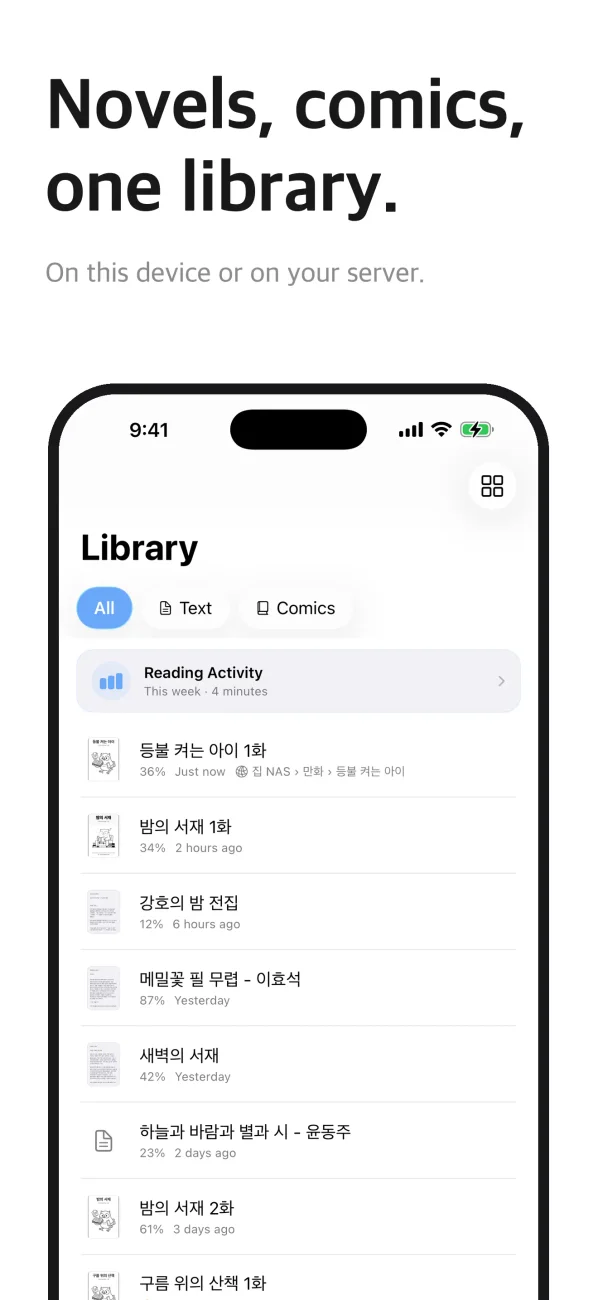
Cover grid — See your library at a glance, with your reading progress displayed below each cover.
Automatic series organization (Pro) — Readme identifies titles and volume numbers in filenames and groups books into series.
Reading statistics (Pro) — View daily, weekly, and monthly reading time, along with records for individual books.
Face ID lock — Lock the entire app. With Pro, you can also lock individual files and folders.
[The Essentials, Refined]
Continue reading — Your library remembers your reading position and progress.
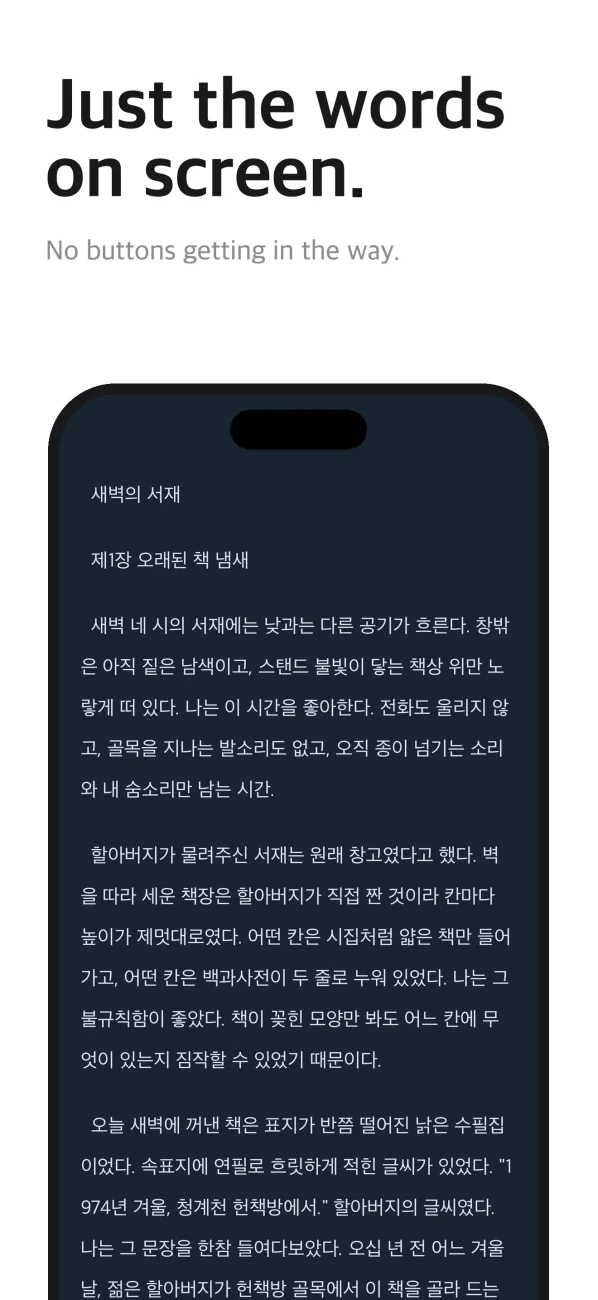
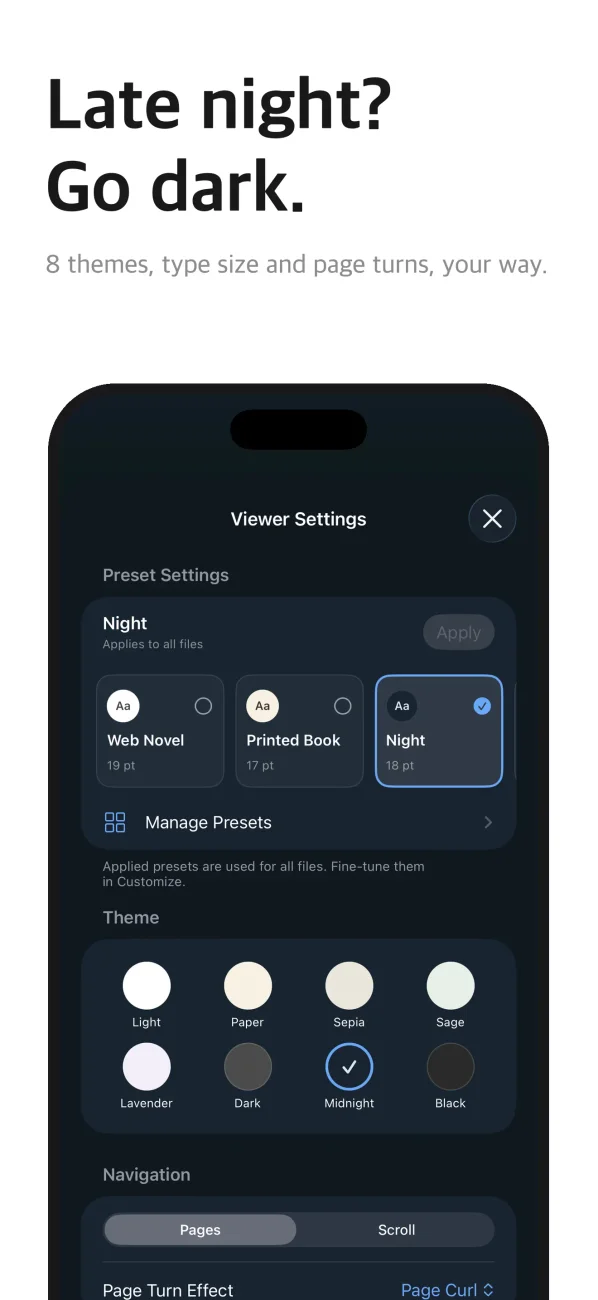
Make it yours — Choose from eight themes: Light, Paper, Sepia, Sage, Lavender, Dark, Midnight, and Black. Adjust fonts, text size, line spacing, margins, and page-turning or scrolling modes.
Large files welcome — Open collections spanning tens of megabytes. For long text files, start reading the first pages while Readme prepares the rest.
Automatic encoding detection — Readme recognizes a variety of text encodings, including UTF-8 and EUC-KR.
Filename recovery — Recover garbled Korean filenames when extracting archives.
iCloud sync — Continue on your iPad from where you stopped on your iPhone. Available with a separate in-app purchase or Pro.
Import from the cloud — Bring in files from iCloud Drive, Google Drive, Dropbox, OneDrive, and more.
Transfer from your computer — Add files using Finder file sharing and other supported transfer methods.
[Readme Pro]
Get remote libraries, streaming, offline saving, automatic series organization, reading statistics, and individual file and folder locks.
Pro also removes ads and includes iCloud sync while your access is active.
Choose a monthly, annual, or lifetime plan.
[iCloud Sync]
Start a novel on your iPhone and continue from the same place on your iPad.
Keep files, reading positions, and bookmarks in sync across your devices.
Available as a one-time purchase or included with Readme Pro.
[Importing Cloud Files]
To import files from a cloud service, install its app on your iPhone and sign in. Supported options include Google Drive, Dropbox, and OneDrive.
For NAVER MYBOX, use Send → Open in Another App to copy files to Readme.
You can also connect Dropbox and OneDrive directly through Readme’s remote library.
Something getting in the way of your reading? Let us know through Settings > Contact Us. We’re listening!
Terms of Use:
https://www.apple.com/legal/internet-services/itunes/dev/stdeula/
Privacy Policy:
https://parkgwangbeom.github.io/privacy/
Có gì mới
Phiên bản 2.13.0 · 10/11/2026
- Fixed an issue where the keyboard disappeared during in-book search on iPhone Duo. When folded, you can now swipe in the right margin to turn pages or scroll. File filters are easier to switch, too.
- Fixed an issue where some comic pages still showed enhanced images after AI enhancement was turned off.
- Fixed a crash when opening certain text files.
Quyền riêng tư của ứng dụng
Những gì GwangBeom Park khai báo trên App Store về cách ứng dụng này xử lý dữ liệu.
-
Dữ liệu được sử dụng để theo dõi bạn
Có thể được sử dụng để theo dõi bạn trên các ứng dụng và trang web do công ty khác sở hữu.
- Mã định danh
-
Dữ liệu không liên kết với bạn
Có thể được thu thập nhưng không liên kết với danh tính của bạn.
- Vị trí
- Mã định danh
- Dữ liệu sử dụng
- Chẩn đoán
Phương thức đảm bảo quyền riêng tư có thể khác nhau, chẳng hạn như tuỳ theo các tính năng bạn sử dụng hoặc độ tuổi của bạn.
Thông tin
- Người bán
- GwangBeom Park
- Danh mục
- Sách
- Phiên bản
- 2.13.0
- Cập nhật
- 10/11/2026
- Phát hành
- 23/11/2018
- Kích thước
- 75,2 MB
- Yêu cầu
- iOS 18.0 trở lên
- Độ tuổi
- 12+
- Giá
- Miễn phí
- Mua hàng trong ứng dụng
- Có
- Ngôn ngữ
- Tiếng Anh, Tiếng Nhật, Tiếng Hàn, Tiếng Trung Giản thể, Tiếng Trung Phồn thể
- Bản quyền
- © @ Park Gwang Beom