
SC Class Assistant Pro
Class Management/Seating Chart
Được thiết kế cho iPhone, iPad
799.000đ
- Độ tuổi4+
- Danh mụcGiáo Dục
- Nhà phát triểnRobert Wilkens
- Ngôn ngữTiếng Anh+ 13 ngôn ngữ khác
- Kích thước57,5 MB
Liên kết đến trang App Store chính thức
Download.org không lưu trữ tệp nào của SC Class Assistant Pro. Nút này mở trang ứng dụng trên App Store, nơi Robert Wilkens phát hành ứng dụng. Trang được kiểm tra lần cuối: 26/11/2026.
Ảnh chụp màn hình
Giới thiệu
Nhà phát triển chưa cung cấp nội dung này bằng ngôn ngữ của bạn.
Student Centered Classroom Assistant** Pro
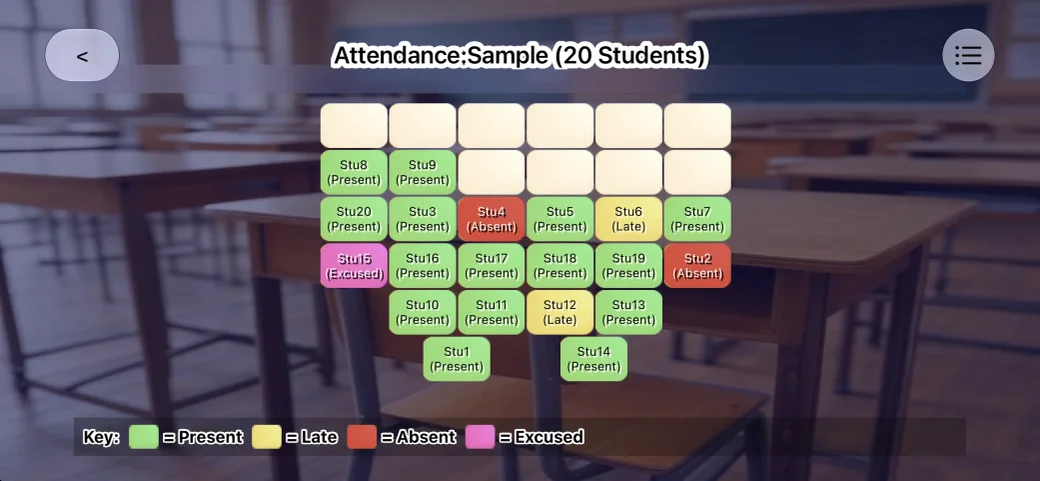
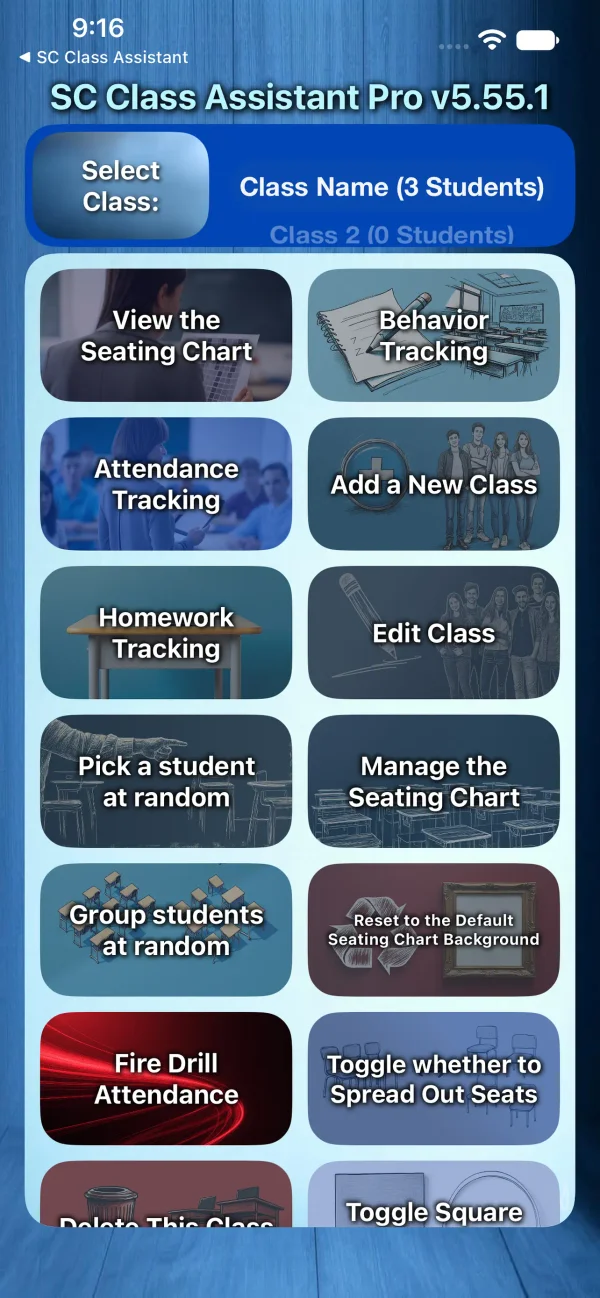
Empower your teaching with the classroom management tool designed by an educator* for educators. Take attendance, track homework, and manage behavior with a single tap on your custom seating chart.
• Effortless Roster Import
Stop manual typing! Import your student list in seconds from any CSV (headers supported) or plain text file. Compatible with exports from almost all major Student Information Systems.
Detailed import templates and instructions are available at: https://www.SCClassAssistant.com/support.
• Seating Chart-Based Tracking
Manage your classroom visually. Record attendance, track homework, or conduct fire drill checks directly on your layout. Use Pinch-to-Zoom to see the whole room or Pinch-to-Adjust Text Size for perfect visibility.
• Truly Fair Random Student Picker
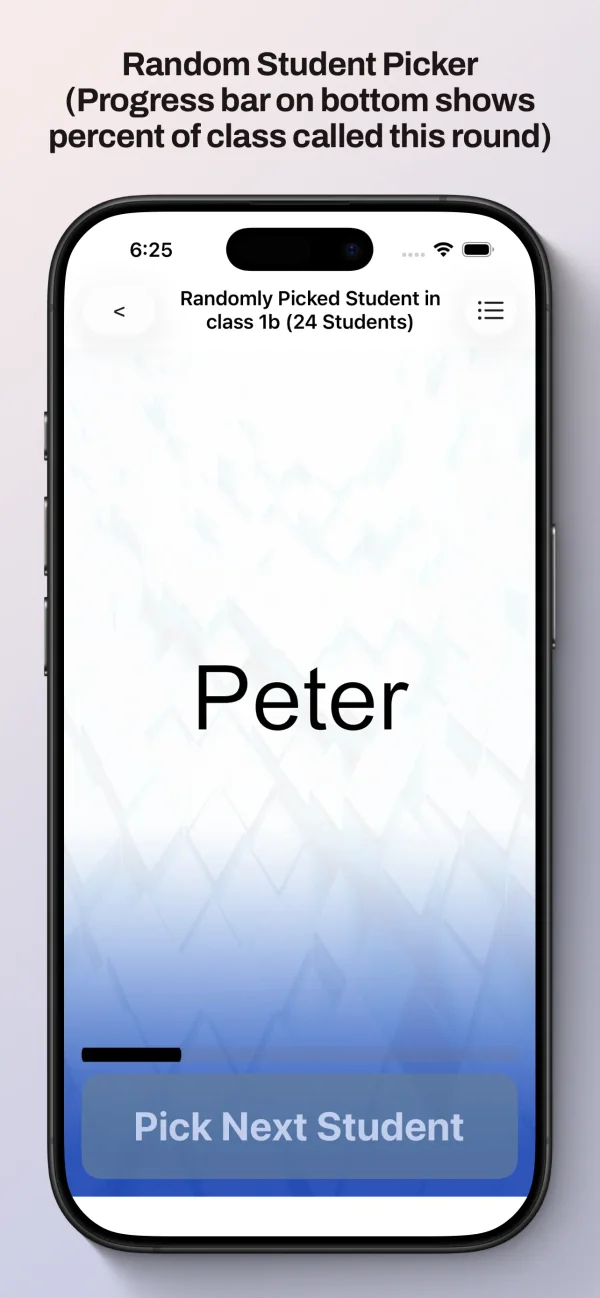
Boost engagement without bias. Our algorithm ensures every present student is called on exactly once per cycle before anyone repeats. The picker automatically skips absent students.
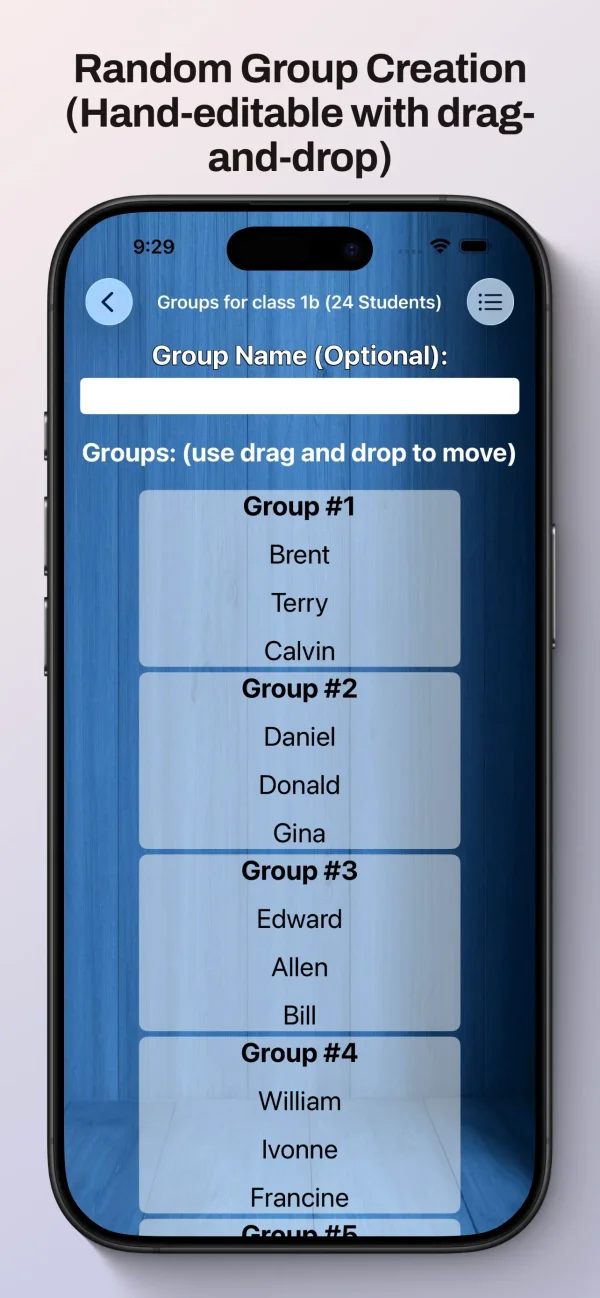
• Dynamic Group Generator
Create random groups instantly by group size or count. Fine-tune results with easy drag-and-drop and save multiple configurations for different activities.
• Advanced Behavior Management
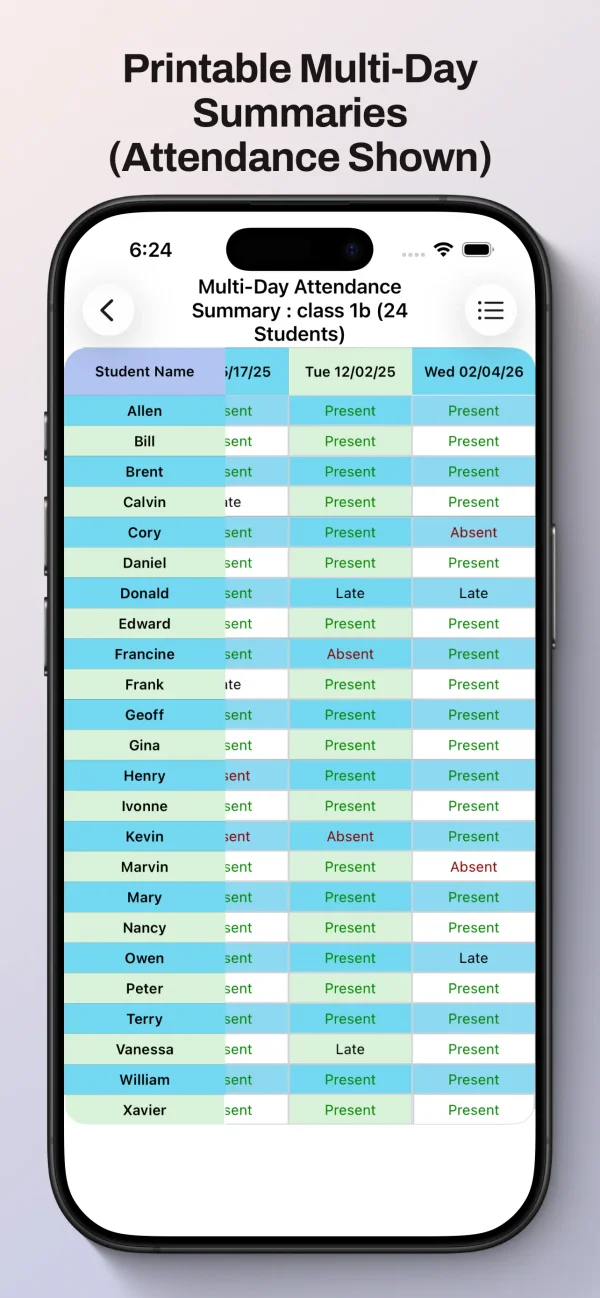
Log participation or disruptions with a tap. Generate and print individual or multi-day summaries to share with parents or administration.
• Fully Customizable Layouts
Recreate your exact room. Add student photos, drag-and-drop seats, snap-to-grid, or hide empty desks. Supports landscape mode for a wider classroom view.
• Teacher Tools Included
Exam Grade Calculator: Quickly convert "number of incorrect answers" into percentages.
Multi-Day Reporting: View and print attendance and behavior history.
Privacy First: Your student data stays on your device: no cloud tracking, no data harvesting.
Note: On macOS, pinch gestures require a trackpad.
Terms of Use (EULA):
https://www.apple.com/legal/internet-services/itunes/dev/stdeula/
*"Designed by an educator" does not mean the developer is an educator, but the person who initially requested the App and specified what it should include was an educator. Subsequently, many online educators who use the App have requested (and received) feature updates.
**The word "Assistant" in the name meant the app is a good tool to assist in managing classes and pre-dates the idea/availability of "AI/SI Assistants" and this is NOT an AI Assistant.
Có gì mới
Phiên bản 5.55 · 25/11/2026
-First, finally noticed when I combined "Edit Students" and "Edit Class" recently, I never updated the background images for the menu options, so "Edit Behavior" and "Edit Class" had the same background, and the "Edit Students" background didn't make sense directly.
-Next, updated the user interface code with more modern "SwiftUI" code for the following screens: Move Student to new class prompt, Photo management menu, Saeting charts Menu, Assign Seats Randomly confirmation prompt, and one additional screen whcih may no longer be used but could be re-enabled in the future (that is, assign student to empty seat, but now we auto-seat students.)
-Made sure any newly localizable strings for this update were properly translated to supported languages at time of update
Quyền riêng tư của ứng dụng
Những gì Robert Wilkens khai báo trên App Store về cách ứng dụng này xử lý dữ liệu.
-
Dữ liệu không được thu thập
Nhà phát triển không thu thập bất kỳ dữ liệu nào từ ứng dụng này.
Phương thức đảm bảo quyền riêng tư có thể khác nhau, chẳng hạn như tuỳ theo các tính năng bạn sử dụng hoặc độ tuổi của bạn.
Thông tin
- Người bán
- Robert Wilkens
- Danh mục
- Giáo Dục
- Phiên bản
- 5.55
- Cập nhật
- 25/11/2026
- Phát hành
- 20/10/2017
- Kích thước
- 57,5 MB
- Yêu cầu
- iOS 18.6 trở lên
- Độ tuổi
- 4+
- Giá
- 799.000đ
- Ngôn ngữ
- Tiếng Anh, Tiếng Pháp, Tiếng Đức, Tiếng Do Thái, Hindi, Irish, Tiếng Ý, Tiếng Nhật, Tiếng Hàn, Tiếng Bồ Đào Nha, Tiếng Trung Giản thể, Tiếng Tây Ban Nha + 2 ngôn ngữ khác
- Bản quyền
- ©️2017-2026 Robert D. Wilkens