- Độ tuổi4+
- Danh mụcNhạc
- Nhà phát triểnGestrument AB
- Ngôn ngữTiếng Anh
- Kích thước14,3 MB
Liên kết đến trang App Store chính thức
Download.org không lưu trữ tệp nào của ScaleGen. Nút này mở trang ứng dụng trên App Store, nơi Gestrument AB phát hành ứng dụng. Trang được kiểm tra lần cuối: 16/11/2026.
Ảnh chụp màn hình


Giới thiệu
Nhà phát triển chưa cung cấp nội dung này bằng ngôn ngữ của bạn.
ScaleGen - the ultimate scale generator and editor!
Generate and manipulate musical scales in any way you can imagine.
You think you know what a scale is - think again. In ScaleGen you can do all that you would traditionally imagine when it comes to scales and pitch organisation, and then much, much more.
Define or change scales in the most detailed and intricate way. Audition the scales you make from within the app or export it as a MIDI file or to our app Gestrument - the revolutionary gesture-instrument.
This is the tool for anyone who wants to go beyond the traditional tonalities in whichever genre. ScaleGen comes with predefined scales of all kinds - from the traditional western scales and early music (Baroque/Renaissance) scales to asian scales from India, Indonesia and elsewhere as well as more conceptual scales based in the classical contemporary music.
This is the ultimate tool for experimental composers in any genre as well as for musicians who want to explore new ways of thinking about music.
The educational aspects of how pitches can be organised makes ScaleGen a must have for serious music students. But the directness of the app makes the learning both fun and artistically developing.
What is a scale?
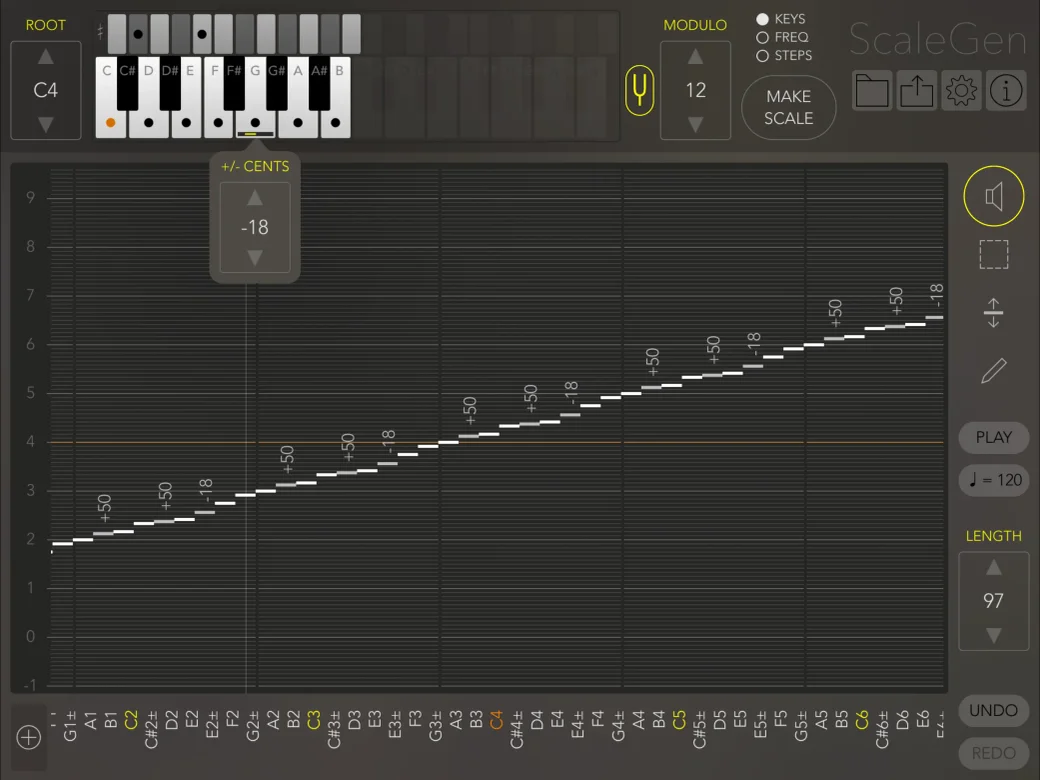
For most people it is a collection of pitches within one octave, with equal temperament (all half tone steps equally long) or with microtonal intonation. That kind of scales are of course possible to make and edit in ScaleGen which gives you a keyboard with complete control of up to 24 pitches within one octave.
But the most interesting things with ScaleGen is when you start to think of a scale as something more open. Consider these questions:
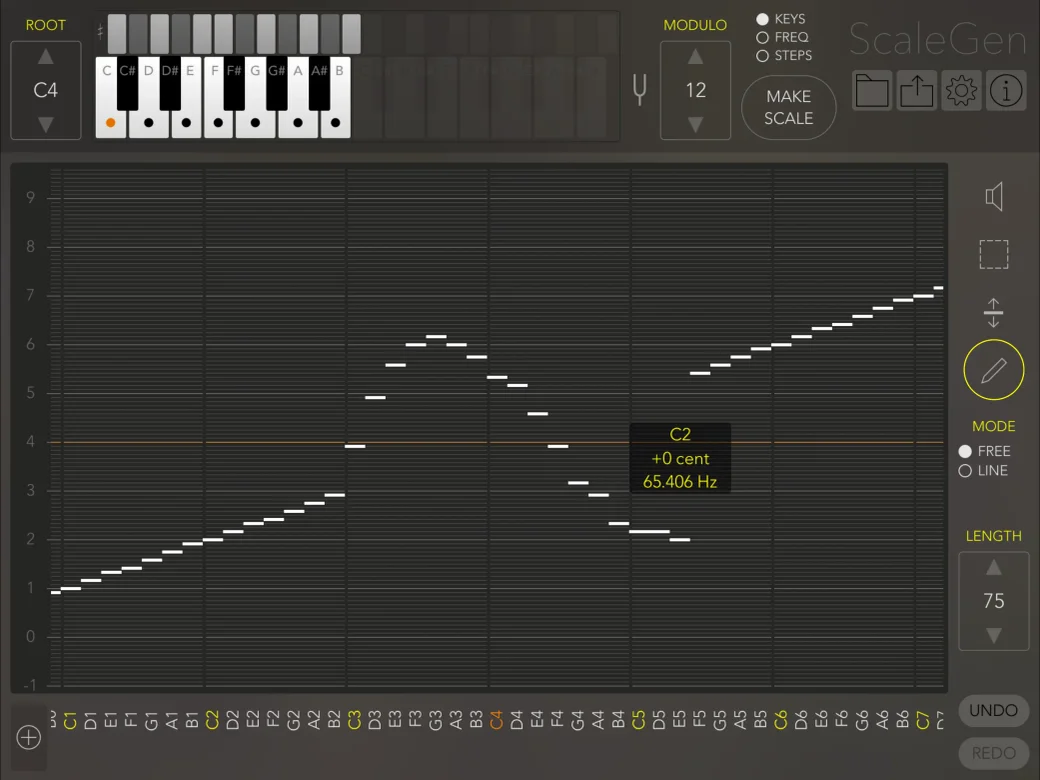
What if your scale was different in every octave?
Why must a scale always go from down to up?
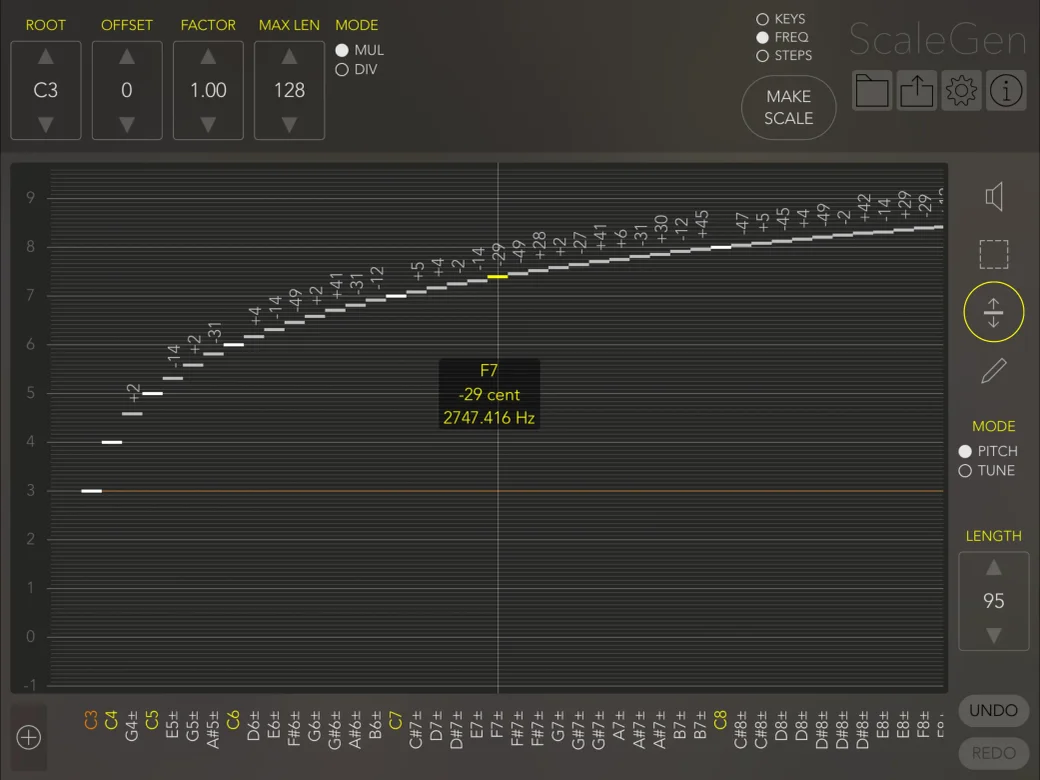
What if you could use a variation of the overtone series as a scale?
How does it sound if you divide the octave in five steps instead of twelve?
In ScaleGen we define a scale as any list of MIDI pitches that you can manipulate in many ways. You can start with a keyboard to input pitches, you can use the concept of the overtone series with multiplication of frequencies, you can define the number and size of the steps in the scale or you can import MIDI files and use them as scales. Then you can fine-tune your scale in a matrix with a number of tools.
You can then try and play your scale directly in the app, using built-in sounds or control your favorite external synthesizer/app through MIDI. If you want to try and play on your newly created scales in another way we recommend you open them in the app Gestrument - the revolutionary gesture-instrument. But you can also save the scales as text, Scala, or MIDI files and open them in another program.
Có gì mới
Phiên bản 1.2.2 · 17/12/2025
New build
Quyền riêng tư của ứng dụng
Những gì Gestrument AB khai báo trên App Store về cách ứng dụng này xử lý dữ liệu.
-
Dữ liệu không được thu thập
Nhà phát triển không thu thập bất kỳ dữ liệu nào từ ứng dụng này.
Phương thức đảm bảo quyền riêng tư có thể khác nhau, chẳng hạn như tuỳ theo các tính năng bạn sử dụng hoặc độ tuổi của bạn.
Thông tin
- Người bán
- Gestrument AB
- Danh mục
- Nhạc
- Phiên bản
- 1.2.2
- Cập nhật
- 17/12/2025
- Phát hành
- 23/09/2014
- Kích thước
- 14,3 MB
- Yêu cầu
- iOS 10.0 trở lên
- Độ tuổi
- 4+
- Giá
- 119.000đ
- Ngôn ngữ
- Tiếng Anh
- Bản quyền
- © Jesper Nordin