Scanmora: PDF Scanner Reader
Scan, edit, sign & secure PDFs
Được thiết kế cho iPhone, iPad
Miễn phí
- Độ tuổi4+
- Danh mụcKinh Doanh
- Nhà phát triểnNileshKumar Rathod
- Kích thước9,5 MB
Liên kết đến trang App Store chính thức
Download.org không lưu trữ tệp nào của Scanmora: PDF Scanner Reader. Nút này mở trang ứng dụng trên App Store, nơi NileshKumar Rathod phát hành ứng dụng. Trang được kiểm tra lần cuối: 24/11/2026.
Ảnh chụp màn hình

Giới thiệu
Nhà phát triển chưa cung cấp nội dung này bằng ngôn ngữ của bạn.
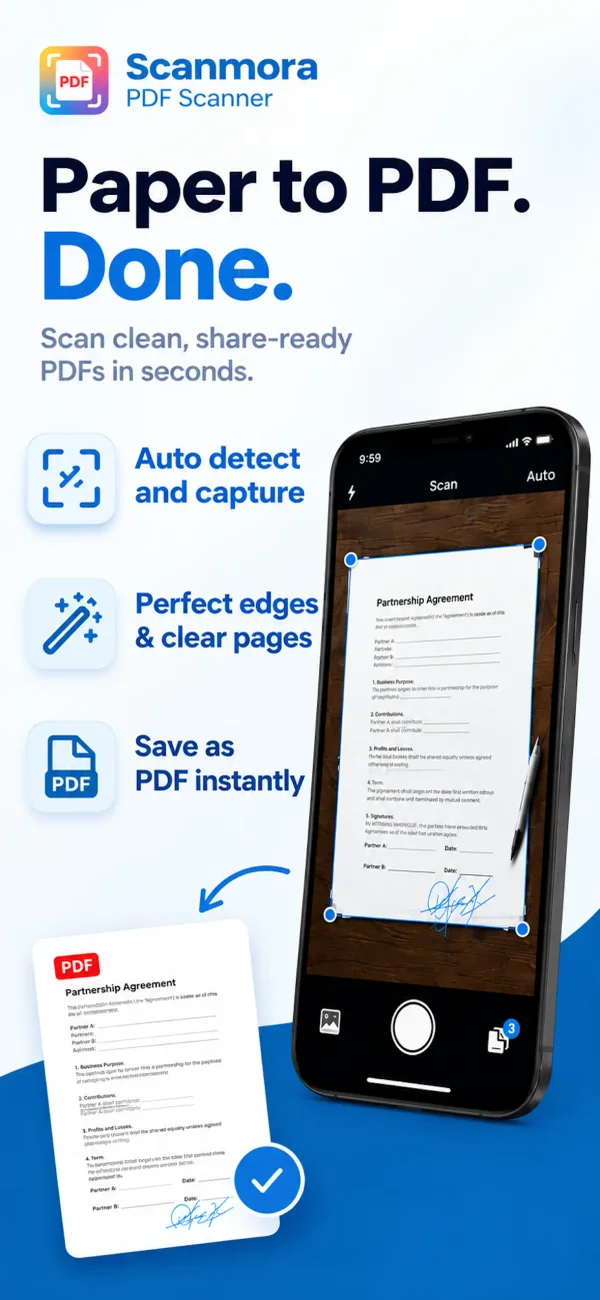
Paper to PDF. Done.
Scanmora turns receipts, notes, forms, and important papers into clean, shareable PDFs in moments. Scan with your camera or import images from Photos and Files, then review every page before you save.
Everything you need. Nothing you don't.
• Scan one page or many with Advanced document scanner
• Import images from Photos or Files
• Rotate, reorder, replace, add, or remove pages before export
• Make pages clearer with Original, Colour, Grayscale, and Black & White filters
• Choose the PDF quality and page size that fit your needs
• Name, preview, search, sort, share, print, and manage your PDFs in one private library
• Save a draft and pick up where you left off
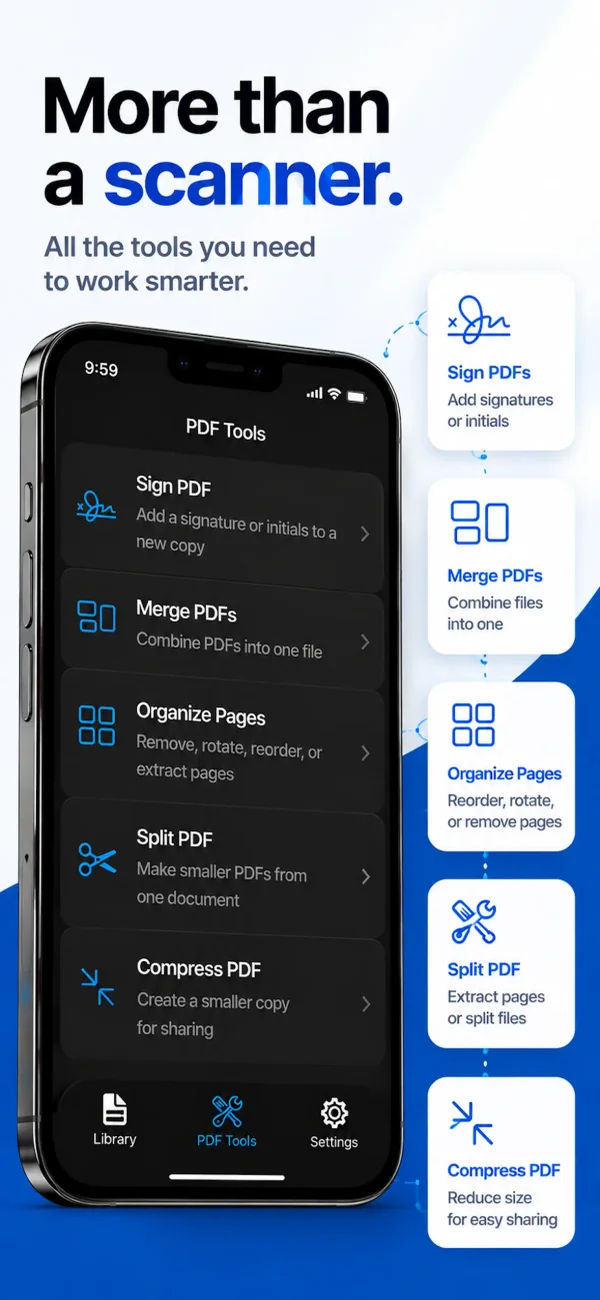
More than a scanner — your everyday PDF toolkit.
Create a new PDF copy when you need to:
• Merge PDFs
• Organize or split pages
• Compress PDFs for easier sharing
• Add a visual signature with typed, drawn, or imported artwork
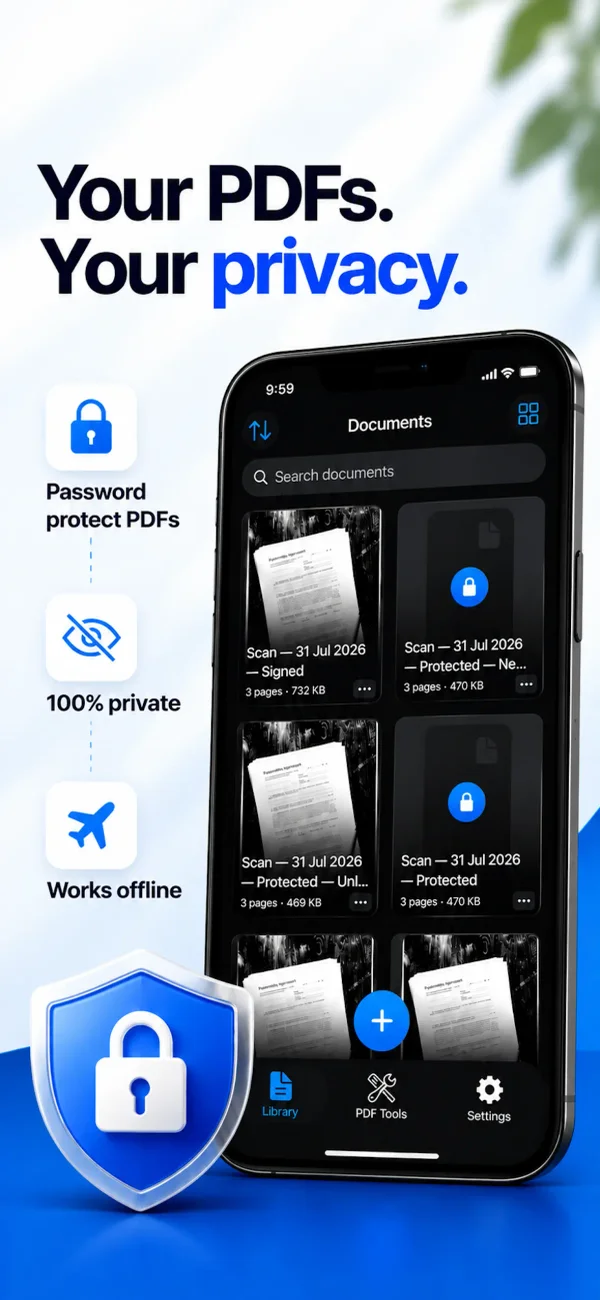
• Add, remove, or change a PDF open password
• Remove standard PDF document metadata
OPEN FILES FROM OTHER APPS
Send PDFs and supported images to Scanmora through the iOS Share Sheet or Open With options. Review incoming files before saving them to your Library.
Your documents stay yours.
Scanning, enhancement, PDF creation, storage, and PDF tools run on your device. Scanmora does not require an account, and your documents are shared only when you choose to use the system share sheet. Core scanning and PDF features work without a network connection.
Made for the documents life throws at you: receipts, school notes, forms, contracts, travel papers, and more. Scanmora is designed for iPhone and iPad, with support for accessibility features including Dynamic Type, VoiceOver, reduced motion, and high contrast.
All core features are available to everyone. An optional one-time Scanmora Pro purchase removes ads and can be restored through Apple.
The scanner you keep.
Có gì mới
Phiên bản 1.0.2 · 23/11/2026
• Open supported PDFs and images in Scanmora from other apps.
• Find files faster with search and sorting across PDF tools.
• Split PDFs with clearer page selection and output options.
• Place, resize and rotate signatures directly on PDF pages, with improved controls and signature colors.
• Additional stability and usability fixes.
Quyền riêng tư của ứng dụng
Những gì NileshKumar Rathod khai báo trên App Store về cách ứng dụng này xử lý dữ liệu.
-
Dữ liệu được sử dụng để theo dõi bạn
Có thể được sử dụng để theo dõi bạn trên các ứng dụng và trang web do công ty khác sở hữu.
- Mã định danh
-
Dữ liệu liên kết với bạn
Có thể được thu thập và liên kết với danh tính của bạn.
- Vị trí
- Mã định danh
- Dữ liệu sử dụng
-
Dữ liệu không liên kết với bạn
Có thể được thu thập nhưng không liên kết với danh tính của bạn.
- Chẩn đoán
Phương thức đảm bảo quyền riêng tư có thể khác nhau, chẳng hạn như tuỳ theo các tính năng bạn sử dụng hoặc độ tuổi của bạn.
Thông tin
- Người bán
- NileshKumar Rathod
- Danh mục
- Kinh Doanh
- Phiên bản
- 1.0.2
- Cập nhật
- 23/11/2026
- Phát hành
- 02/11/2026
- Kích thước
- 9,5 MB
- Yêu cầu
- iOS 17.0 trở lên
- Độ tuổi
- 4+
- Giá
- Miễn phí
- Bản quyền
- © 2026 NilApps Software Solutions