Scanner PDF – scan document
Stamp, docscan & convert pdf
Được thiết kế cho iPhone, iPod touch
Miễn phí · Mua hàng trong ứng dụng
- Độ tuổi4+
- Danh mụcKinh Doanh
- Nhà phát triểnNeosus
- Ngôn ngữTiếng Anh+ 3 ngôn ngữ khác
- Kích thước124,9 MB
Liên kết đến trang App Store chính thức
Download.org không lưu trữ tệp nào của Scanner PDF – scan document. Nút này mở trang ứng dụng trên App Store, nơi Neosus phát hành ứng dụng. Trang được kiểm tra lần cuối: 27/11/2026.
Ảnh chụp màn hình
Giới thiệu
Nhà phát triển chưa cung cấp nội dung này bằng ngôn ngữ của bạn.
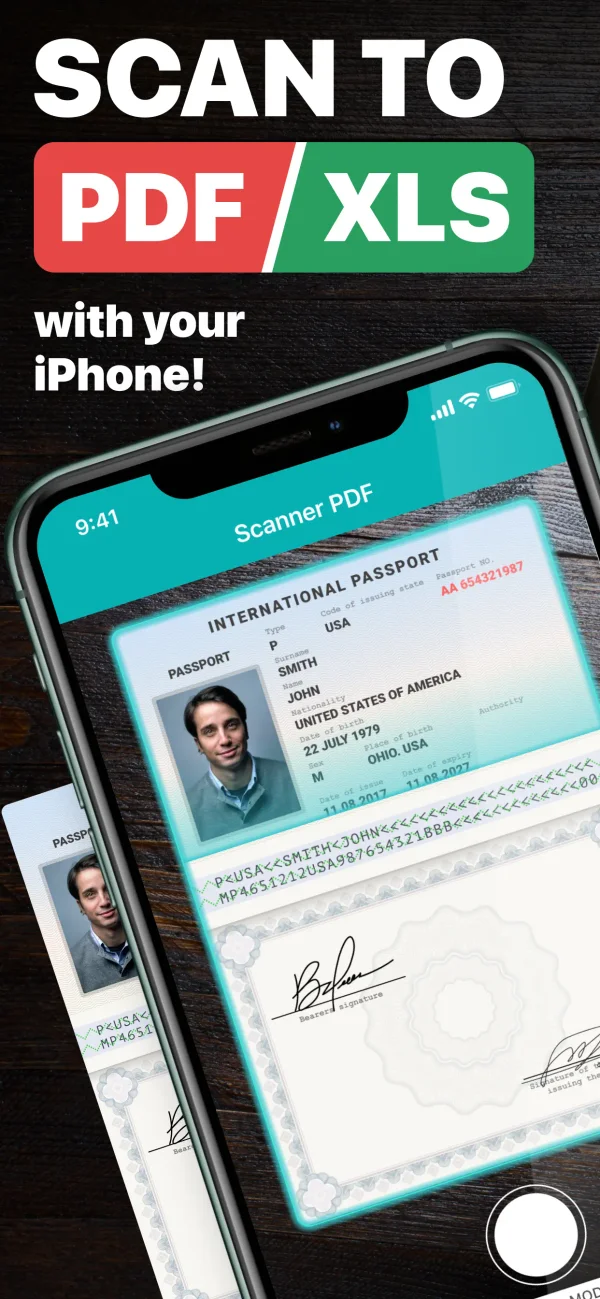
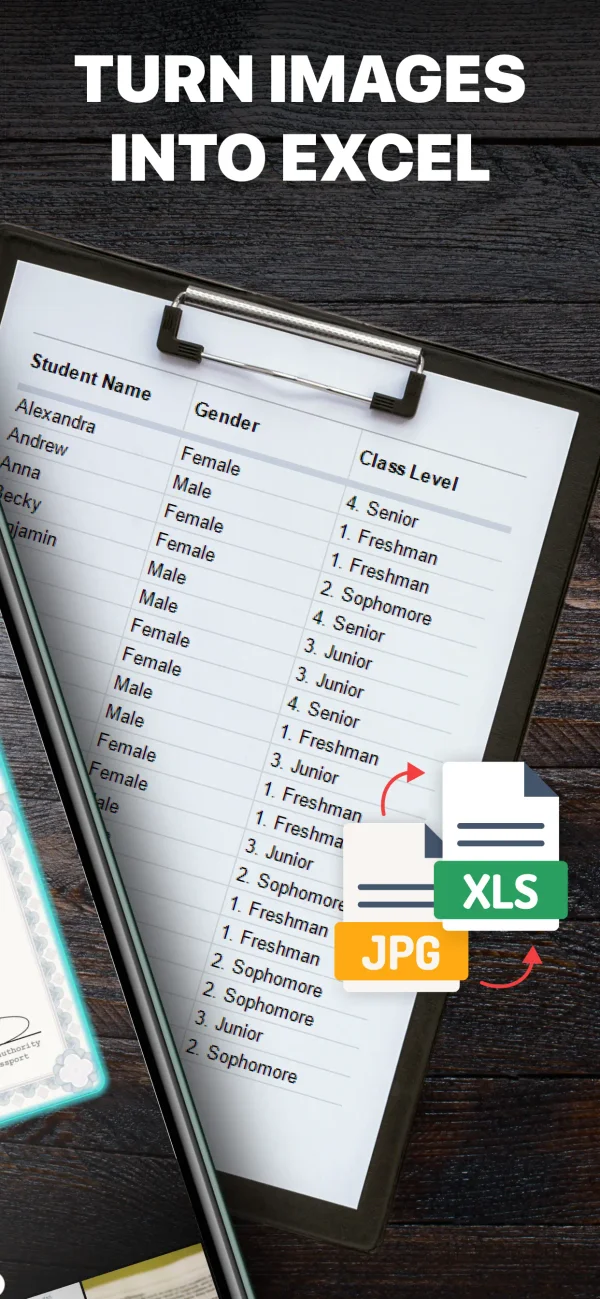
PDF Scanner App is a powerful scanner that fits in your pocket! Discover a universal tool to scan any paper document and save its digital version in a wink. Scan, sign, affix and share multipage documents in high quality PDFs or JPEGs easier than ever.
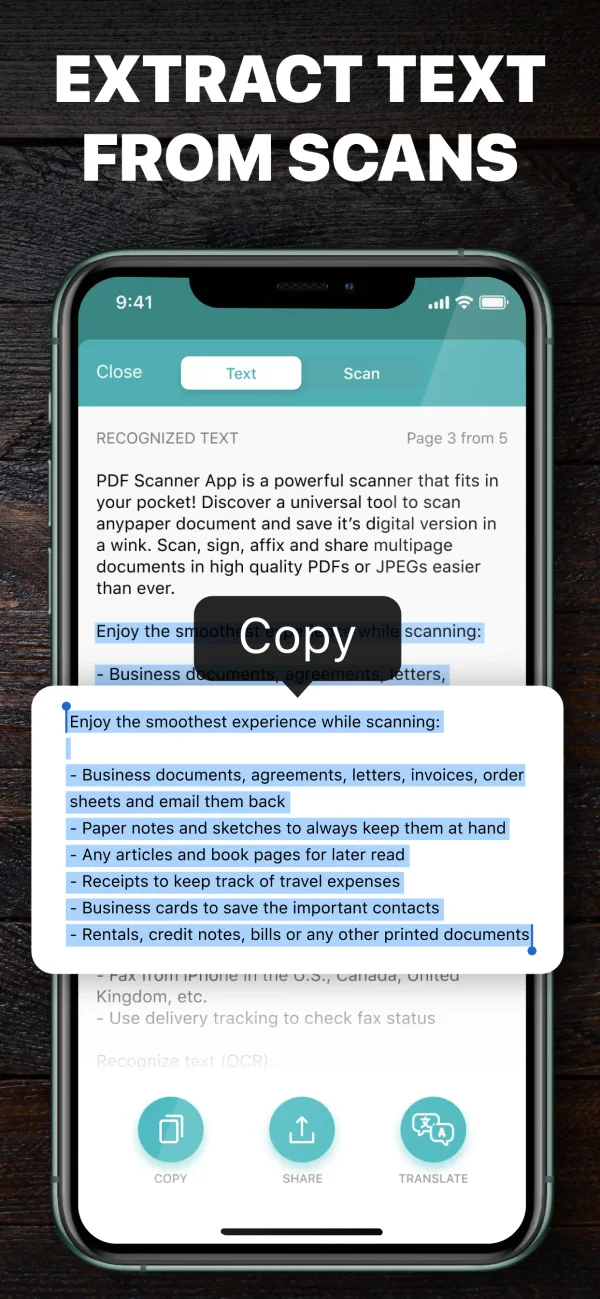
Enjoy the smoothest experience while scanning:
- Business documents, agreements, letters, invoices, order sheets and email them back
- Paper notes and sketches to always keep them at hand
- Any articles and book pages for later read
- Receipts to keep track of travel expenses
- Business cards to save the important contacts
- Rentals, credit notes, bills or any other printed documents
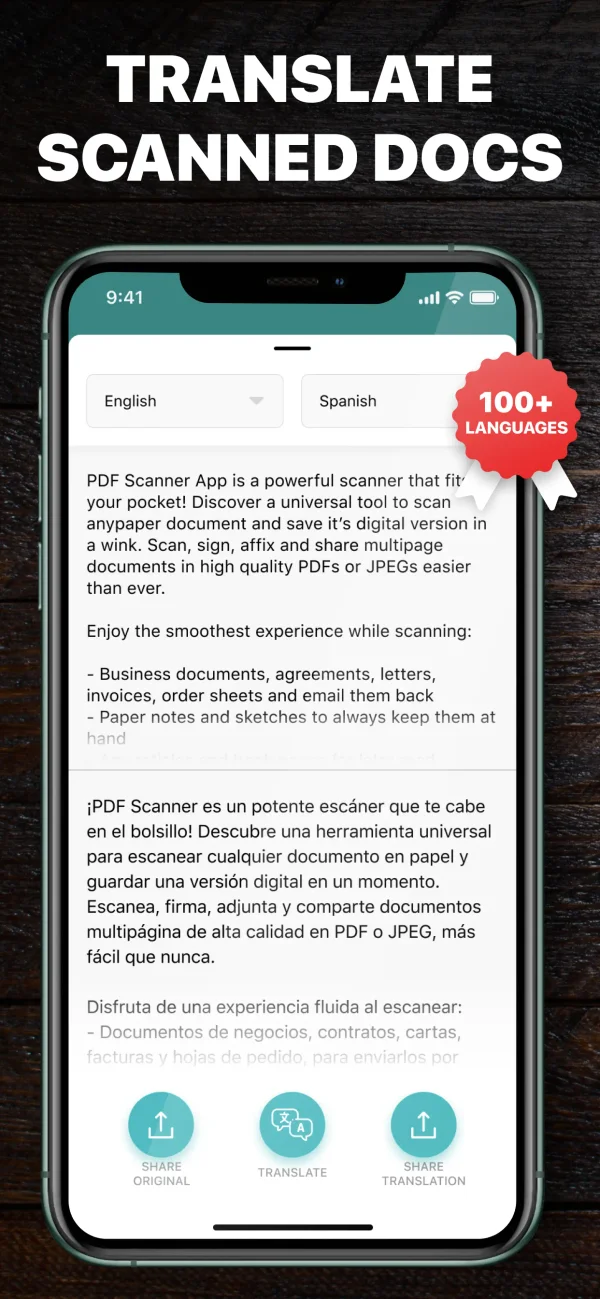
Recognize text on your scans with OCR:
- Extract and edit text from books, bills, scans, etc.
- Printed and handwritten text will be automatically recognized
- Translate recognized text into 100+ languages
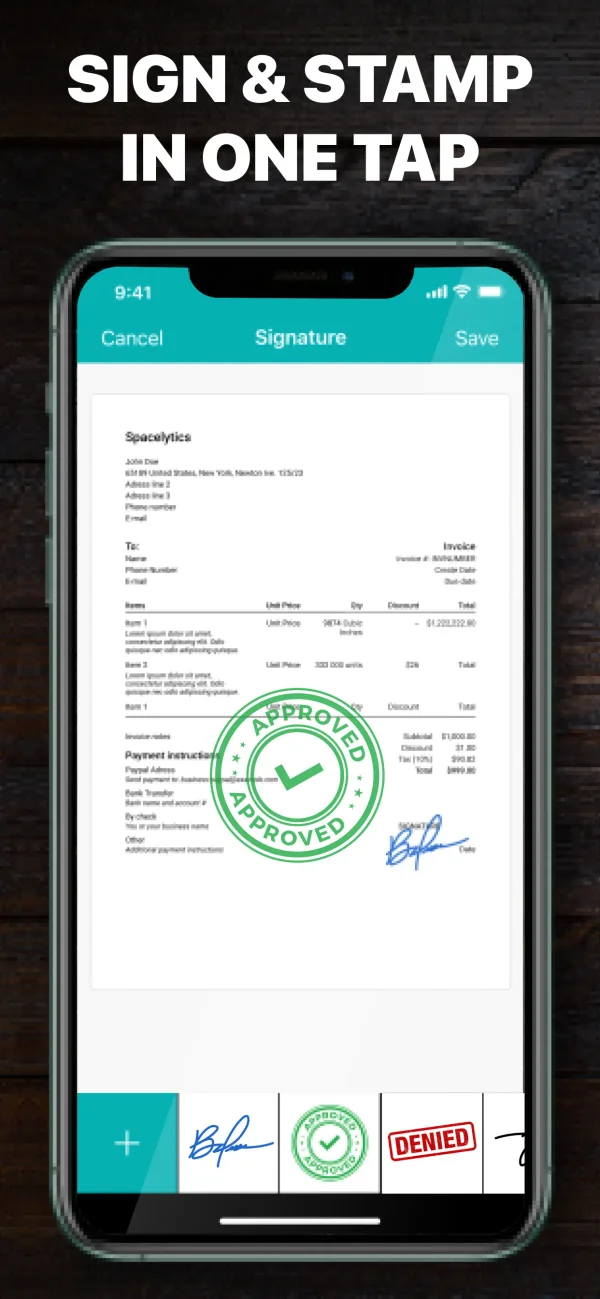
E-sign and stamp documents right on your device:
- Put one or several signatures and stamps into the app
- Add them to any scanned pages in a tap
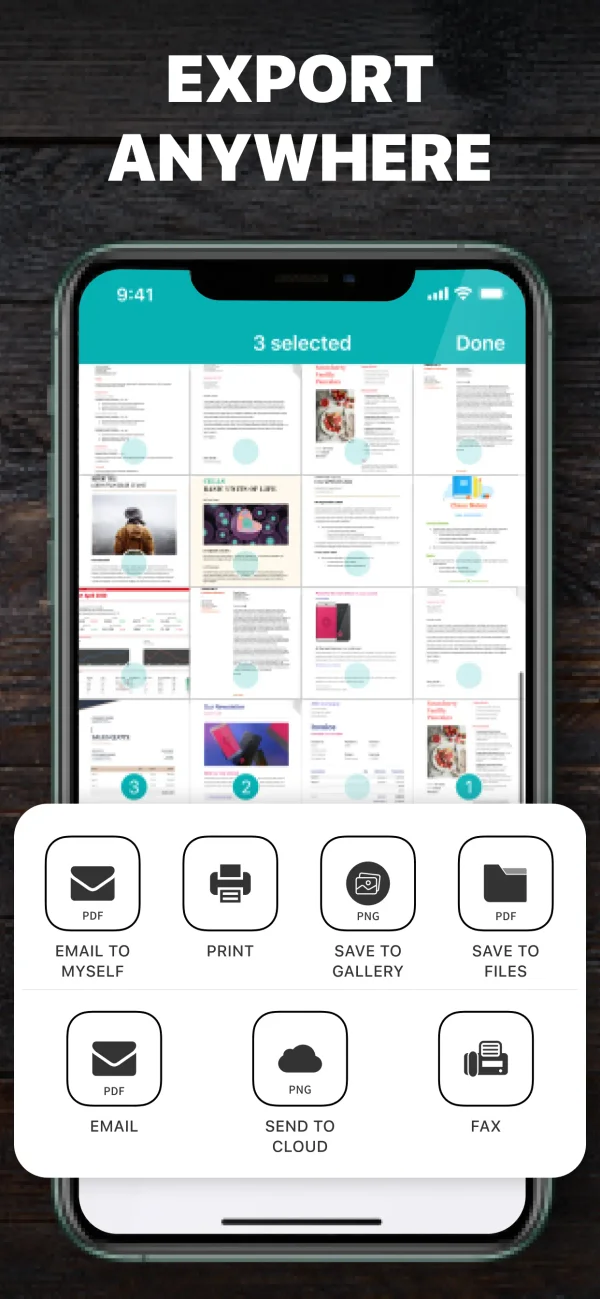
Share your scans via:
- Email or message documents as PDF, JPEG, or PNG, or save to Photos
- Export to Dropbox, Evernote, Google Drive or open in any 3rd party application
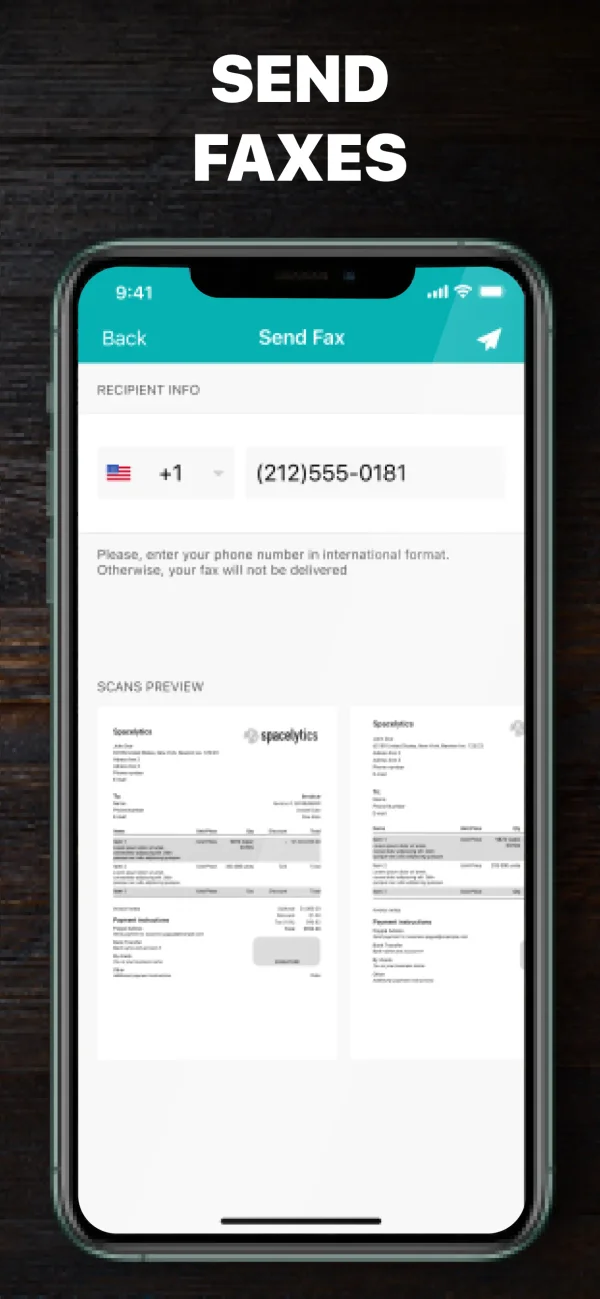
Fax directly from the Scanner App:
- Take photos of documents with your camera
- E-sign or stamp your faxes
- Fax from iPhone in the U.S., Canada, United Kingdom, etc.
- Use delivery tracking to check fax status
Have all your files within Cloud Storage:
- All your Scanner App files in Cloud Storage are backed up safely so you don’t lose them
Keep all the important docs at your fingertips and beat back the paper clutter easy breezy!
We offer a great feature for our users called Business Pack! Now you can use one subscription to access both “Scanner PDF – Scan Documents”, "Call Recorder for Me", "Second Phone Number for Me" and "Invoice Maker app" apps simultaneously. Our “Second Phone Number for Me” app gives users the ability to have one more number without an additional sim card. One phone, two numbers! "Call Recorder" helps you to record phone calls. "Invoice Maker app" is an amazing tool for invoice creating. Great for small business!
Business Pack subscription gives access to "Scanner PDF - Scan Documents", "Call Recorder for Me", "Second Phone Number for Me" and "Invoice Maker app" apps simultaneously. Basic premium subscription gives access to "Scanner PDF - Scan Documents" app only.
Choose from different subscription options!
Business Pack subscriptions:
- 1 Week Business Pack
- 1 Month Business Pack
- 6 Months Business Pack
- 1 Year Business Pack
Basic premium Scanner subscriptions:
- 1 Month Subscription
- 6 Months Subscription
- 1 Year Subscription
* Subscription with a free trial period will automatically renew to a paid subscription.
* Please note: any unused portion of a free trial period (if offered) will be forfeited when you purchase a premium subscription during the free trial period.
* You can cancel a free trial or subscription anytime by canceling your subscription through your iTunes account settings. This must be done 24 hours before the end of a free trial or subscription period to avoid being charged. The cancellation will take effect the day after the last day of the current subscription period, and you will be downgraded to the free service.
Help
Additional Subscription Information
– Payment will be charged to your iTunes Account at confirmation of purchase
– Your subscription will automatically renew unless auto-renew is turned off at least 24-hours before the end of the current period
– Your account will be charged for renewal within 24-hours prior to the end of the current period and the cost will be identified.
– Subscriptions may be managed by the user and auto-renewal may be turned off by going to the user’s Account Settings after purchase
Privacy Policy: https://neosus.net/privacy-policy-page/
Terms of Use: https://neosus.net/terms-of-use/
Có gì mới
Phiên bản 2.33 · 30/07/2026
- Performance and stability improvements
Quyền riêng tư của ứng dụng
Những gì Neosus khai báo trên App Store về cách ứng dụng này xử lý dữ liệu.
-
Dữ liệu được sử dụng để theo dõi bạn
Có thể được sử dụng để theo dõi bạn trên các ứng dụng và trang web do công ty khác sở hữu.
- Mã định danh
-
Dữ liệu không liên kết với bạn
Có thể được thu thập nhưng không liên kết với danh tính của bạn.
- Mã định danh
- Dữ liệu sử dụng
- Chẩn đoán
Phương thức đảm bảo quyền riêng tư có thể khác nhau, chẳng hạn như tuỳ theo các tính năng bạn sử dụng hoặc độ tuổi của bạn.
Thông tin
- Người bán
- Neosus UAB
- Danh mục
- Kinh Doanh
- Phiên bản
- 2.33
- Cập nhật
- 30/07/2026
- Phát hành
- 16/12/2017
- Kích thước
- 124,9 MB
- Yêu cầu
- iOS 12.0 trở lên
- Độ tuổi
- 4+
- Giá
- Miễn phí
- Mua hàng trong ứng dụng
- Có
- Ngôn ngữ
- Tiếng Anh, Tiếng Đức, Tiếng Trung Giản thể, Tiếng Tây Ban Nha
- Bản quyền
- © 2026 Neosus UAB
Có thể bạn cũng thích
-
 Scan Hero: Máy quét PDFQuét tài liệu
-
 Scanner Mini – Scan PDF & FaxHiệu Suất
-
 Scanner HD - PDF Scanner AppHiệu Suất
-
 Document Scanner · Scan to PDFKinh Doanh
-
 FineReader: PDF Scanner & OCRKinh Doanh
-
 One Scan: PDF Doc ScannerKinh Doanh
-
 ID, Card Scan: Maker, EditorQR Code, AI Copy, Hand Scanner
-
 Quét tài liệu・Máy quét PDFQuét hình ảnh sang PDF
-
 SuperScan - PDF Scanner AppKinh Doanh