
- Độ tuổi17+
- Danh mụcTiện Ích
- Nhà phát triểnJames Lack
- Ngôn ngữTiếng Anh
- Kích thước3,4 MB
Scrib Notes hiện có thể không có trên App Store
Ở lần kiểm tra gần nhất, chúng tôi không truy cập được trang trên cửa hàng. Liên kết vẫn dẫn đến trang App Store chính thức.
Ảnh chụp màn hình

Giới thiệu
Nhà phát triển chưa cung cấp nội dung này bằng ngôn ngữ của bạn.
Scrib Notes
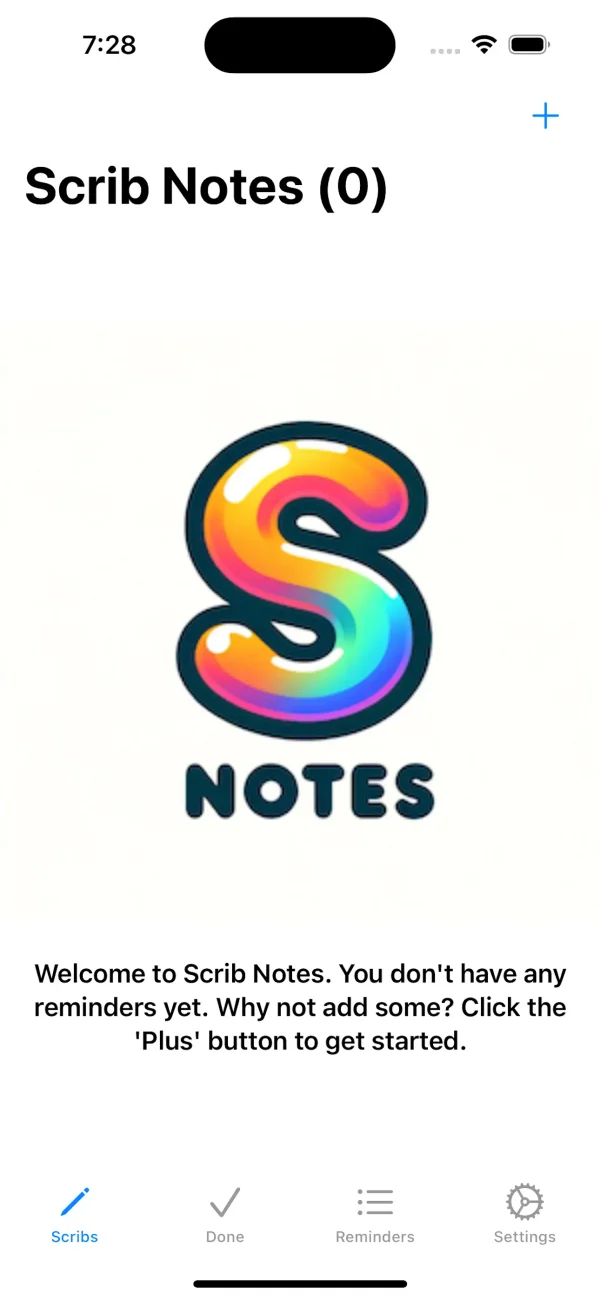
Scrib Notes is your on-device home for quick notes, timed reminders, finished work, and articles you want to come back to. No account. No clutter. Just the tools you use every day, working together.
Scrib — your notepad
Capture anything fast: ideas, lists, errands, half-formed thoughts. Create groups to keep related notes together, drag scribs in or out (including several at once in Edit), reorder groups, collapse them when you want a quieter list, and sort by newest or oldest. Mark a whole group Done when it’s finished — or tap Done on a single scrib so nothing hangs on your main list.
Reminders — say when, we’ll nudge you
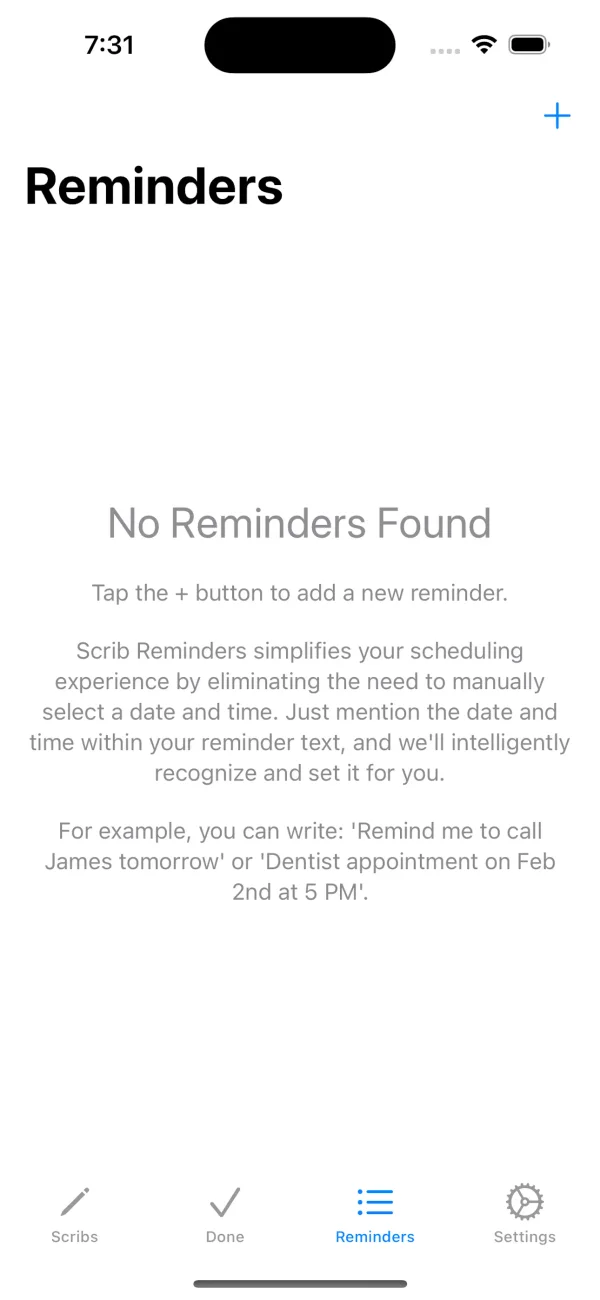
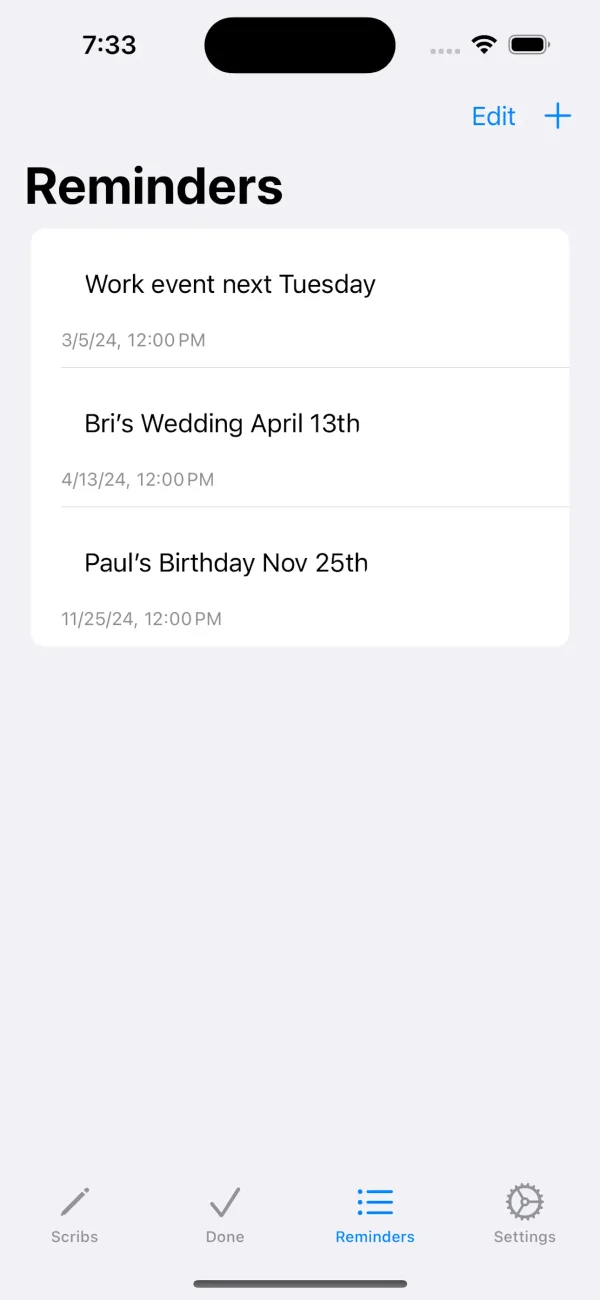
Write the reminder the way you’d say it. Scrib Notes picks up phrases like “in 30 minutes,” “tomorrow at 9 AM,” or “next Friday at 3,” shows you the time it found, and lets you adjust it. Turn on Remind me until done for daily local alerts until you finish, or add an earlier reminder for a heads-up before the main time. See how many days are left, edit the schedule later, mark it Done when it’s handled, or delete it if plans change. Notifications stay local on your device.
Done — proof you finished
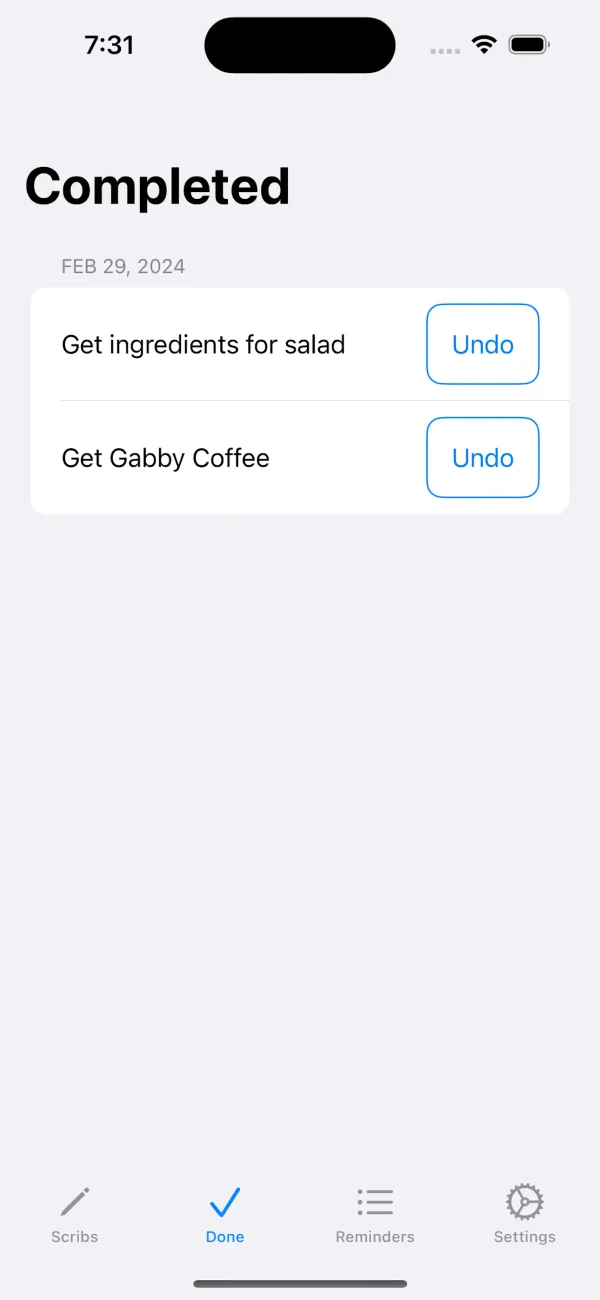
Completed scribs, reminders, and feed articles all land here, grouped by day. Undo puts each item back where it belongs: notes to Scrib, timed items to Reminders, articles to Feed. Clear completed history anytime from Settings when you want a clean slate.
Feed — save now, read later
Share a link or article from Safari and other apps straight into Scrib Notes. Open it in the in-app reader with your chosen page theme, keep reading offline when it’s cached (scroll position included), and mark it Read when you’re done. Prefer a digest instead of a pile of tabs? Tap AI Generate for a short, interest-based news summary. Use Claude or ChatGPT with your own API keys, pick the model, choose topics (including custom ones), optionally tune the prompt template, and keep keys locked in the Keychain.
Settings that stay out of the way
Show or hide Scrib, Reminders, and Feed in the tab bar. Choose which screen opens first after a cold start. Manage AI models and keys, customize the AI prompt template, update your feed interests, set the article reader theme, check simple statistics, and read Terms and Privacy in-app. Delete completed items, clear active notes and reminders, or wipe all local app data when you need a full reset.
Private by design
Your notes, reminders, feed, and settings live on your device (with an App Group only where the share extension and article cache need it). Scrib Notes doesn’t require an account and isn’t built around ads or analytics dashboards. You stay in control of what’s stored and what gets deleted.
In short, Scrib Notes helps you:
Write and organize notes in groups
Set smart, editable reminders — including daily-until-done and an optional earlier alert
Feel finished with a clear Done list and real undo
Save articles from other apps and read them later offline
Generate AI digests from your interests with your own keys
Shape the app around how you work, without giving up your data
Download Scrib Notes and keep thinking, remembering, finishing, and reading in one place.
Có gì mới
Phiên bản 3.0.0 · 11/09/2026
This update brings Scrib Notes’ full toolkit into one clearer, more useful release.
• Groups for Scrib — Organize related notes, drag scribs in or out (including multi-select), reorder groups, collapse sections, and mark a group Done
• Smarter reminders — Natural-language times, optional earlier alerts, Remind me until done for daily nudges, and a days-until countdown
• Done with real undo — Completed scribs, reminders, and articles grouped by day; undo restores each to the right tab
• Feed & reader — Share links from other apps, read offline with page themes and saved scroll position, then mark Read
• AI Generate — Claude or ChatGPT with your own keys, model picker, custom interests, and an editable prompt template
• Settings that fit you — Show or hide tabs, choose your main screen, manage AI keys, statistics, and local data tools
Also includes reliability improvements and design polish across Scrib, Reminders, Feed, and Done.
Quyền riêng tư của ứng dụng
Những gì James Lack khai báo trên App Store về cách ứng dụng này xử lý dữ liệu.
-
Dữ liệu không được thu thập
Nhà phát triển không thu thập bất kỳ dữ liệu nào từ ứng dụng này.
Phương thức đảm bảo quyền riêng tư có thể khác nhau, chẳng hạn như tuỳ theo các tính năng bạn sử dụng hoặc độ tuổi của bạn.
Thông tin
- Người bán
- James Lack
- Danh mục
- Tiện Ích
- Phiên bản
- 3.0.0
- Cập nhật
- 11/09/2026
- Phát hành
- 07/02/2024
- Kích thước
- 3,4 MB
- Yêu cầu
- iOS 16.0 trở lên
- Độ tuổi
- 17+
- Ngôn ngữ
- Tiếng Anh
- Bản quyền
- © Scrib
Có thể bạn cũng thích
-
 Wozoyo PyurifyTiện Ích
-
 Client Work ManagerTiện Ích
-
 Notepad Notes Memo ChecklistTiện Ích
-
 Ghi chú - Sổ tay đơn giảnNote đơn giản, dễ nhớ, dễ dùng
-
 CZI SoundTiện Ích
-
 EEU Mobile AppTiện Ích
-
 Blue Thunder BrowserTiện Ích
-
 Private LLM: PalisadeTiện Ích
-
 Allflex Smart ListTiện Ích
-
 Chart Maker - Dynamic Rank BarTiện Ích