
ShardCast
Live Studio for Creators
Được thiết kế cho iPhone, iPad
Miễn phí · Mua hàng trong ứng dụng
- Độ tuổi4+
- Danh mụcẢnh & Video
- Nhà phát triểnPritam Mukherjee
- Ngôn ngữTiếng Anh
- Kích thước21,4 MB
Liên kết đến trang App Store chính thức
Download.org không lưu trữ tệp nào của ShardCast. Nút này mở trang ứng dụng trên App Store, nơi Pritam Mukherjee phát hành ứng dụng. Trang được kiểm tra lần cuối: 17/11/2026.
Ảnh chụp màn hình
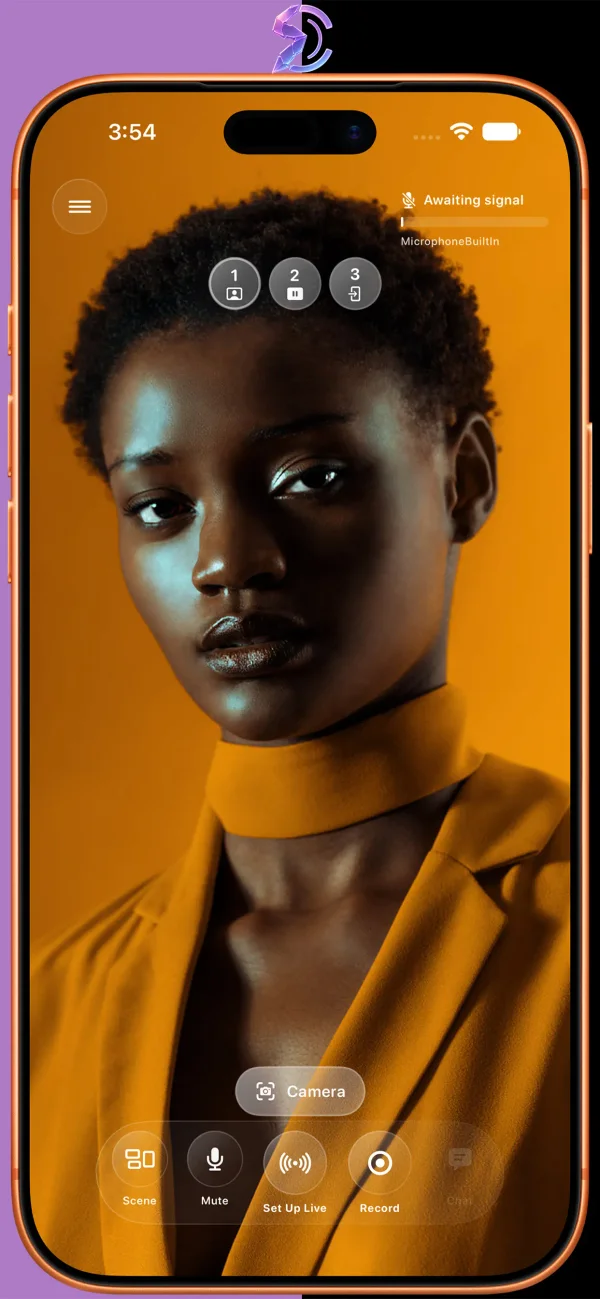
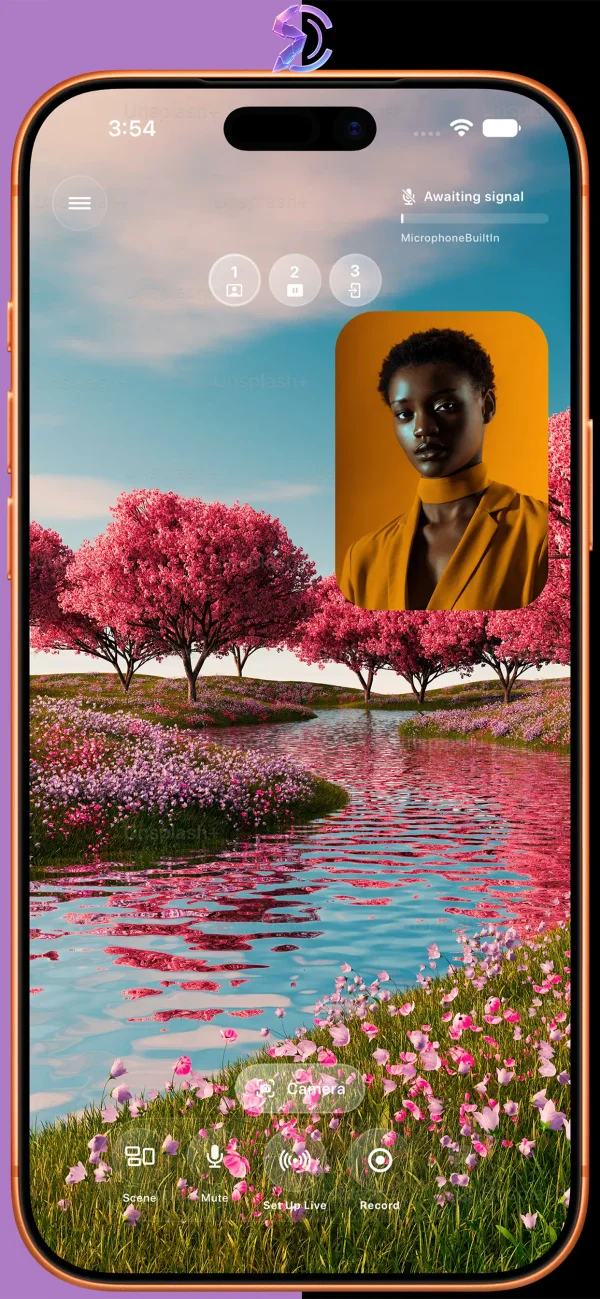

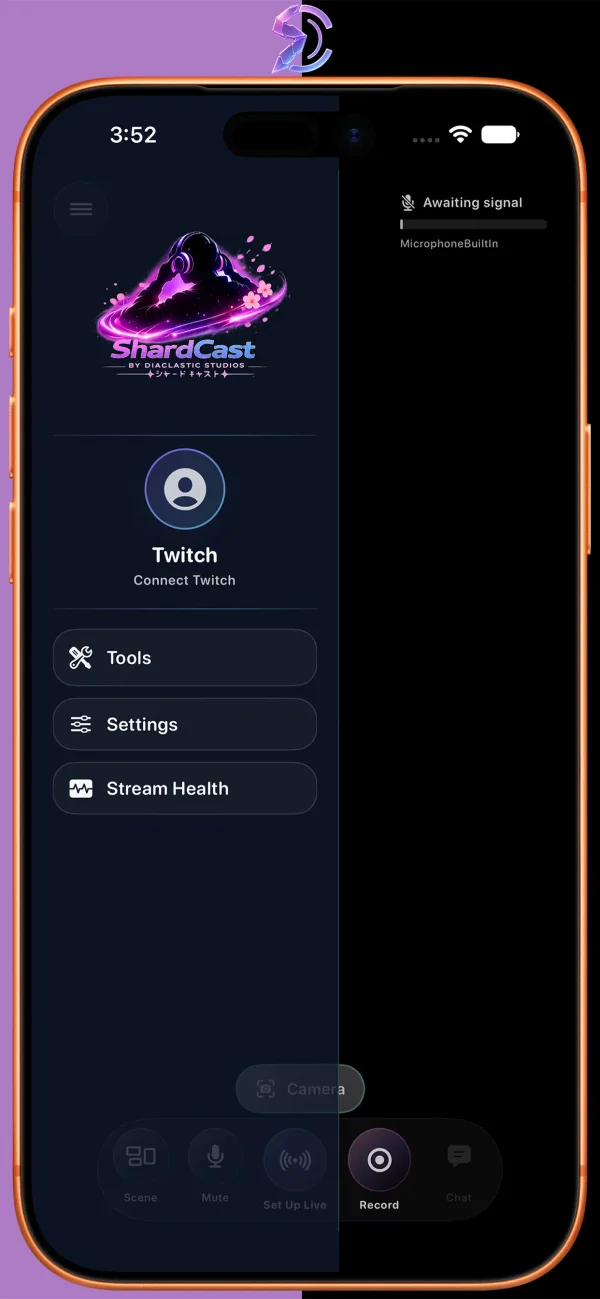
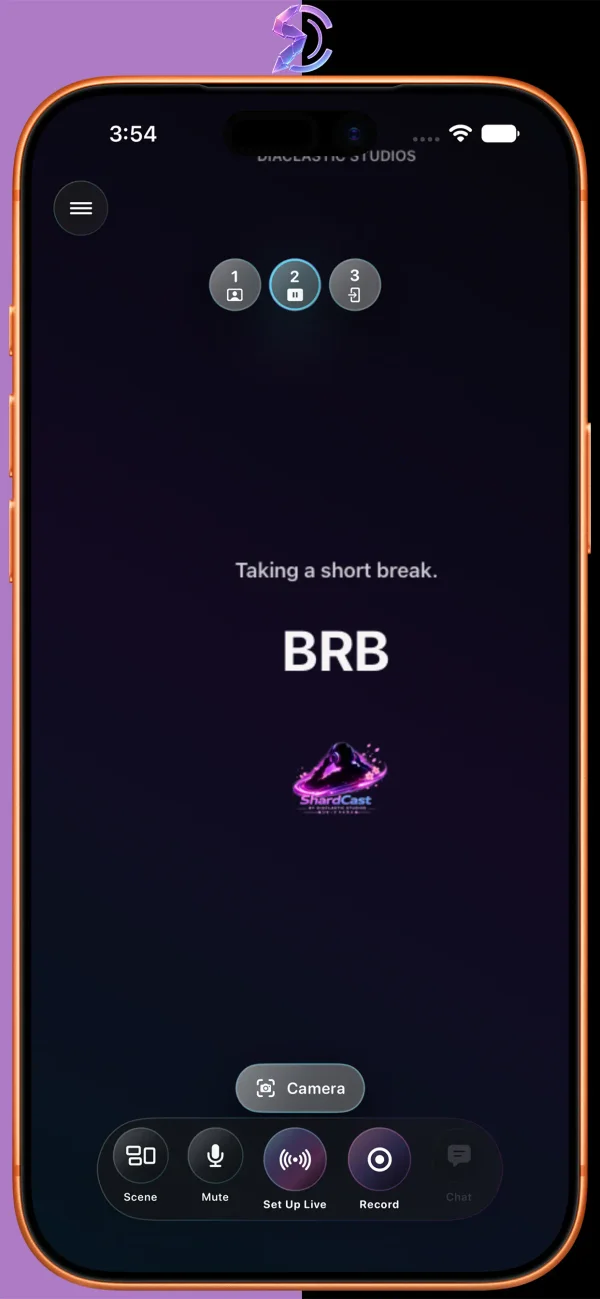

Giới thiệu
Nhà phát triển chưa cung cấp nội dung này bằng ngôn ngữ của bạn.
Stream. Record. Screen share. Keep going when you leave the app.
ShardCast turns your iPhone or iPad into a mobile live studio for creators who want a real production workflow without carrying a laptop everywhere.
STREAM AND RECORD
• Go live to Twitch or compatible RTMP destinations
• Record locally without going live
• Stream and record at the same time
• Keep a separate high-quality local copy while broadcasting
• Stream up to 2K and record camera video up to 4K on supported devices and setups
• Save recordings to Photos, Files, or compatible external storage such as an SSD
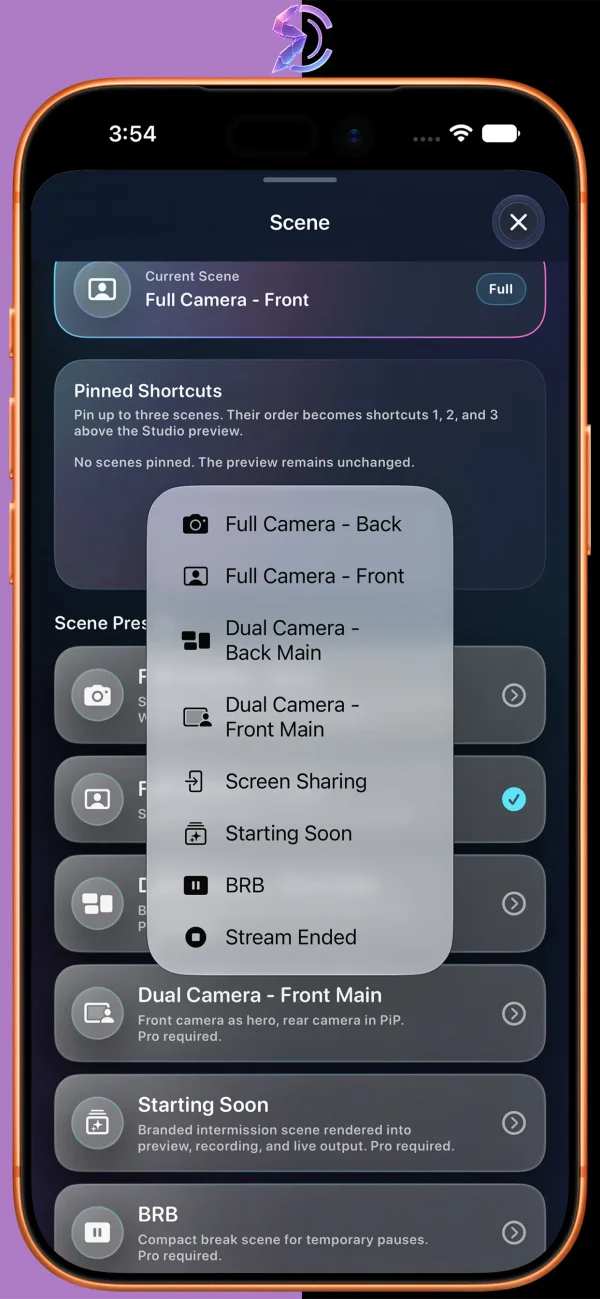
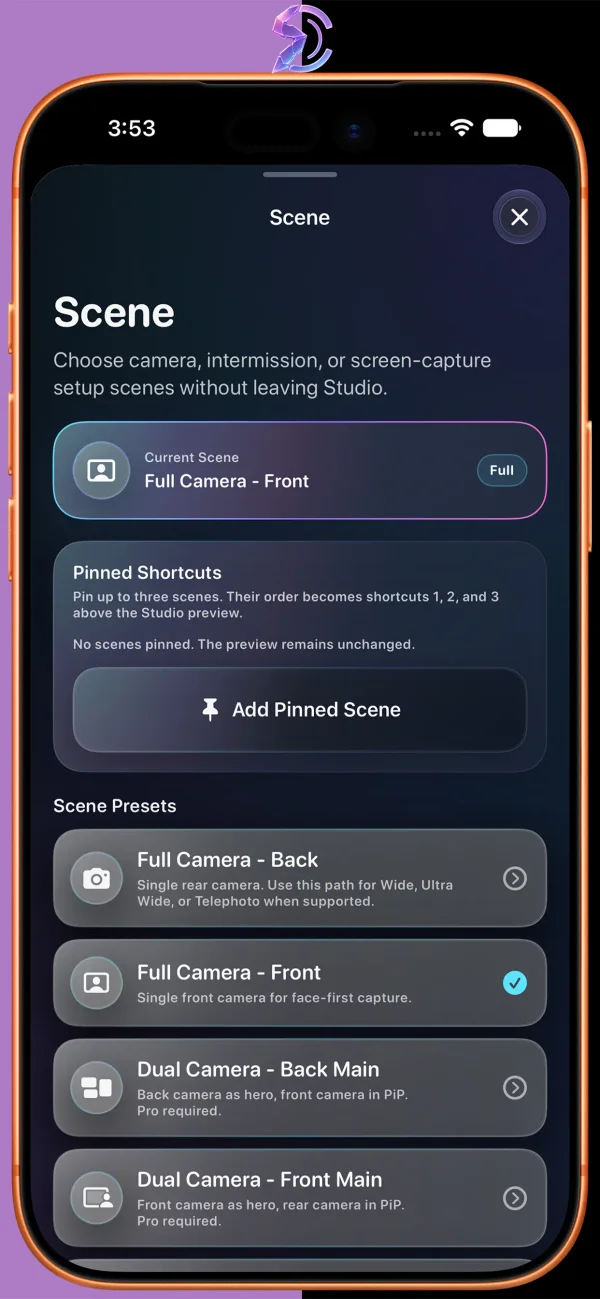
SINGLE CAMERA OR TRUE DUAL CAMERA
• Use the front or rear camera
• Switch between available rear lenses
• Adjust front-camera zoom where supported
• Use simultaneous front-and-rear cameras on supported devices
• Choose front-main or rear-main Dual Camera layouts
• Move and resize your Facecam / Picture in Picture directly on screen
Dual Camera is available free with ShardCast-branded output.
SCREEN SHARING WITH FACECAM
• Share mobile gameplay, apps, walkthroughs, presentations, and other screen content
• Keep your facecam visible while sharing
• Record screen-based sessions locally
• Stream your screen live with your camera included
• Capture supported system audio and microphone audio
Screen Sharing is available free with ShardCast-branded output.
BUILT FOR REAL MOBILE MULTITASKING
Check Maps. Open Safari. Use Files.
In supported workflows, ShardCast can keep an active session going while you use another app, then let you return to your studio controls without rebuilding your setup.
SCENES AND STREAM CHECK
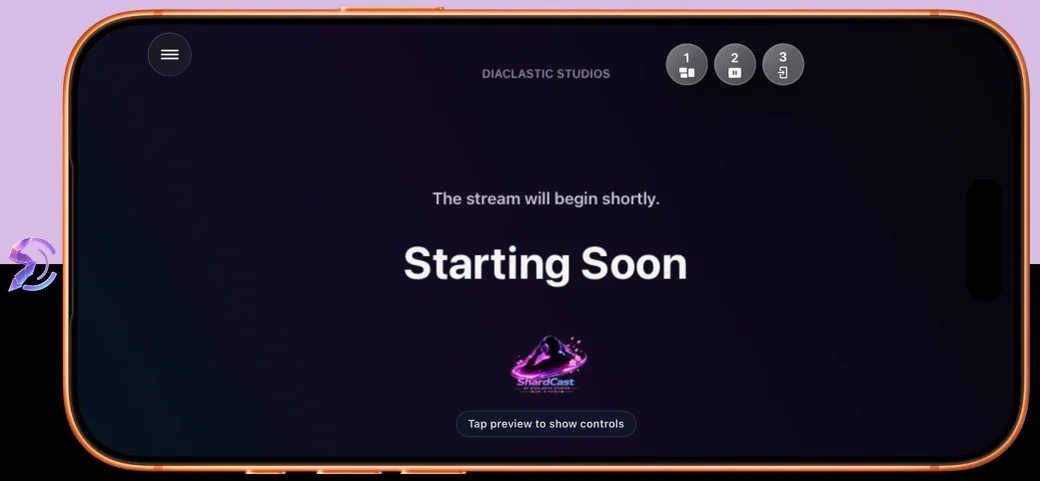
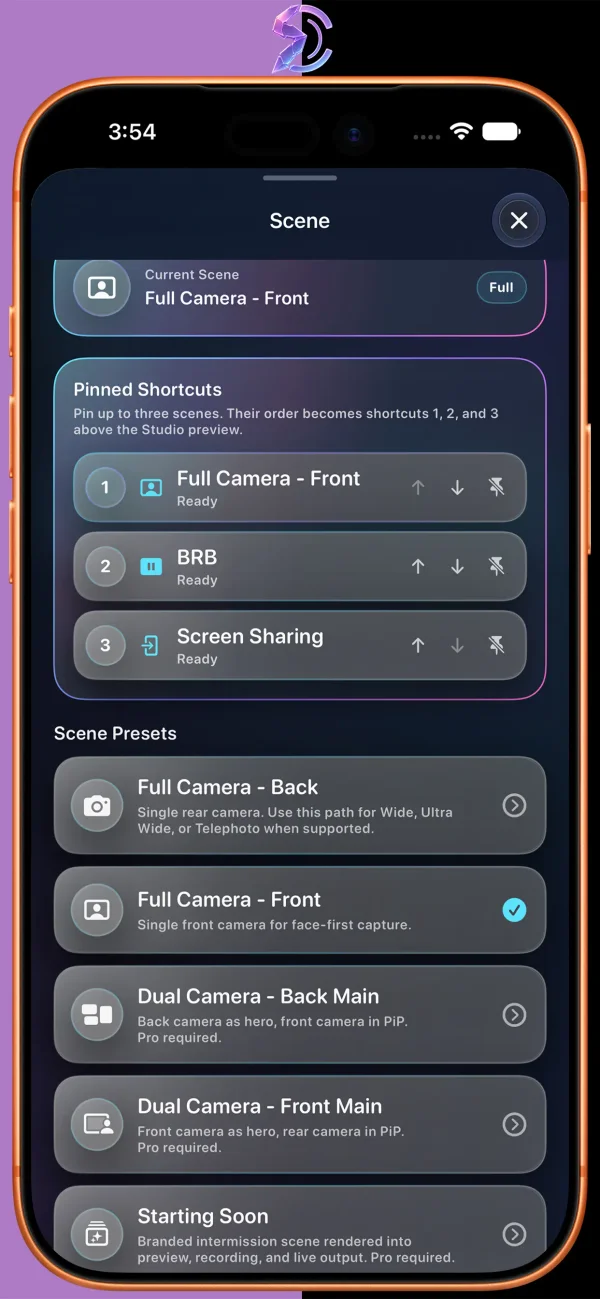
• Use Starting Soon, BRB, and Stream Ended scenes
• Built-in scenes are available to everyone
• Pin your most-used scenes for quick access
• Prepare destination, quality, camera, audio, and scenes with Stream Check
• Monitor essential stream status and health information
• Add supported lightweight alert sources
TWITCH AND CUSTOM RTMP
• Connect your Twitch account
• Read Twitch chat inside ShardCast
• Send and reply to Twitch chat with ShardCast Pro
• Create Twitch clips from supported controls
• Stream manually to compatible Custom RTMP destinations
• Record locally without connecting Twitch
APPLE WATCH AND WIDGETS
• Use ShardCast Deck controls from Apple Watch
• Access live, recording, scene, clip, and creator actions from your wrist where available
• Use ShardCast Home Screen widgets on iPhone and iPad
• Jump quickly into Single Camera, Screen Sharing, Scenes, and Stream Check
• View ready, recording, live, and live-plus-recording status at a glance
SHARDCAST PRO
Try ShardCast Pro free for 7 days if eligible.
Pro includes:
• Clean output without ShardCast branding on Dual Camera and Screen Sharing
• Custom image and GIF artwork for stream scenes
• Higher recording and streaming quality options where supported
• 1440p and 4K recording options where supported
• Up to 2K streaming where supported
• 60 FPS options where supported
• Higher bitrate headroom and Low Latency Mode
• Twitch chat send and reply
• Advanced overlay and alert-source controls
MADE FOR CREATORS AWAY FROM THE DESK
ShardCast is useful for mobile gameplay, IRL streaming, outdoor streams, talking-head videos, reactions, walkthroughs, event coverage, behind-the-scenes content, and screen sharing with facecam.
Feature availability and performance depend on your device, storage, destination, account connection, selected quality settings, and network conditions. Test important sessions before relying on a new setup.
Privacy Policy:
https://diaclasticstudios.com/shardcast/privacy
Terms of Use:
https://diaclasticstudios.com/shardcast/eula
Có gì mới
Phiên bản 1.6.8 · 26/08/2026
ShardCast 1.6.8 improves Screen Sharing quality, reliability, and flexibility.
• Added 1440p Screen Sharing support on supported devices with ShardCast Pro.
• Added Fit / Original and Fill 16:9 Screen Sharing options.
• Improved Screen Sharing video, app audio, microphone, and facecam reliability.
• Improved background streaming and quality selection.
• Added privacy, security, and general reliability improvements.
Quyền riêng tư của ứng dụng
Những gì Pritam Mukherjee khai báo trên App Store về cách ứng dụng này xử lý dữ liệu.
-
Dữ liệu liên kết với bạn
Có thể được thu thập và liên kết với danh tính của bạn.
- Nội dung của người dùng
- Mã định danh
Phương thức đảm bảo quyền riêng tư có thể khác nhau, chẳng hạn như tuỳ theo các tính năng bạn sử dụng hoặc độ tuổi của bạn.
Thông tin
- Người bán
- Pritam Mukherjee
- Danh mục
- Ảnh & Video
- Phiên bản
- 1.6.8
- Cập nhật
- 26/08/2026
- Phát hành
- 21/05/2026
- Kích thước
- 21,4 MB
- Yêu cầu
- iOS 26.0 trở lên
- Độ tuổi
- 4+
- Giá
- Miễn phí
- Mua hàng trong ứng dụng
- Có
- Ngôn ngữ
- Tiếng Anh
- Bản quyền
- © 2026 Diaclastic Studios & Pritam Mukherjee
Có thể bạn cũng thích
-
 StreamNow: Live Stream StudioẢnh & Video
-
 ClickAndLive!Ảnh & Video
-
 LivestreamToolkitẢnh & Video
-
 MoyStream MobileẢnh & Video
-
 TwinCam: Dual Video RecorderẢnh & Video
-
 Taylormade CameraẢnh & Video
-
 StreamVeil Live + RecordẢnh & Video
-
 TubeistẢnh & Video
-
 Dashward: Camera hành trìnhĐường, cabin & xem từ xa
-
 Camkite Camera for OBSẢnh & Video