
Slideshow Maker: Video Editor
Photo Slide Show with Music
Được thiết kế cho iPhone, iPad
Miễn phí · Mua hàng trong ứng dụng
- Độ tuổi4+
- Danh mụcẢnh & Video
- Nhà phát triểnpixel force private limited
- Ngôn ngữTiếng Anh
- Kích thước47,1 MB
Liên kết đến trang App Store chính thức
Download.org không lưu trữ tệp nào của Slideshow Maker: Video Editor. Nút này mở trang ứng dụng trên App Store, nơi pixel force private limited phát hành ứng dụng. Trang được kiểm tra lần cuối: 25/11/2026.
Ảnh chụp màn hình
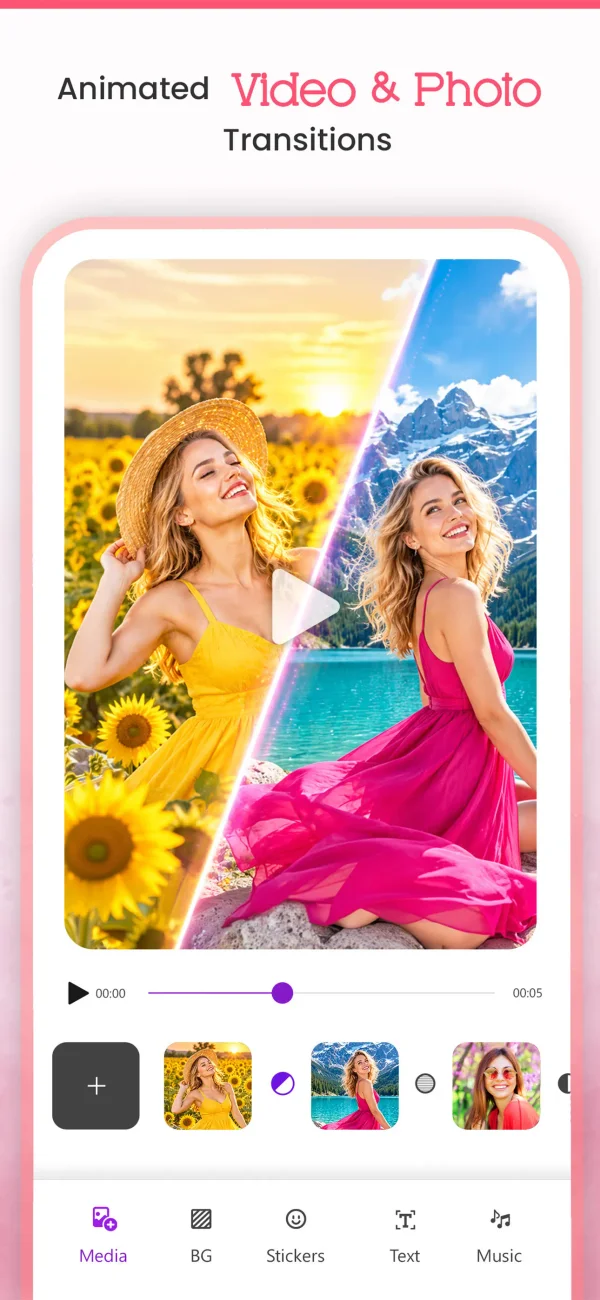
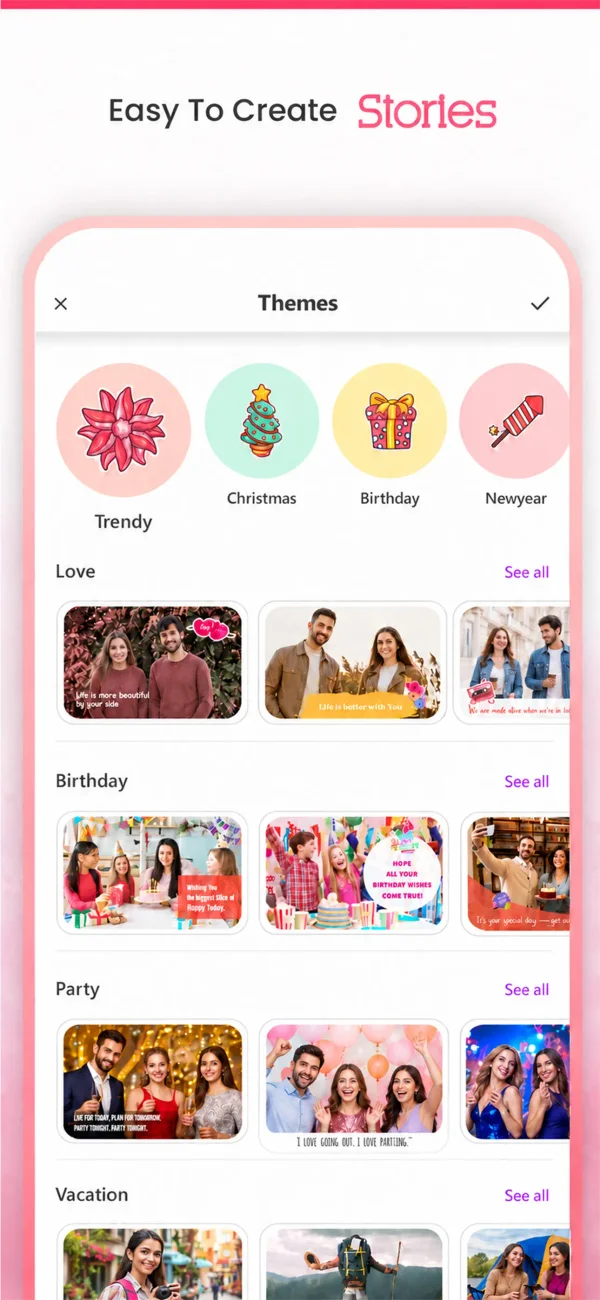
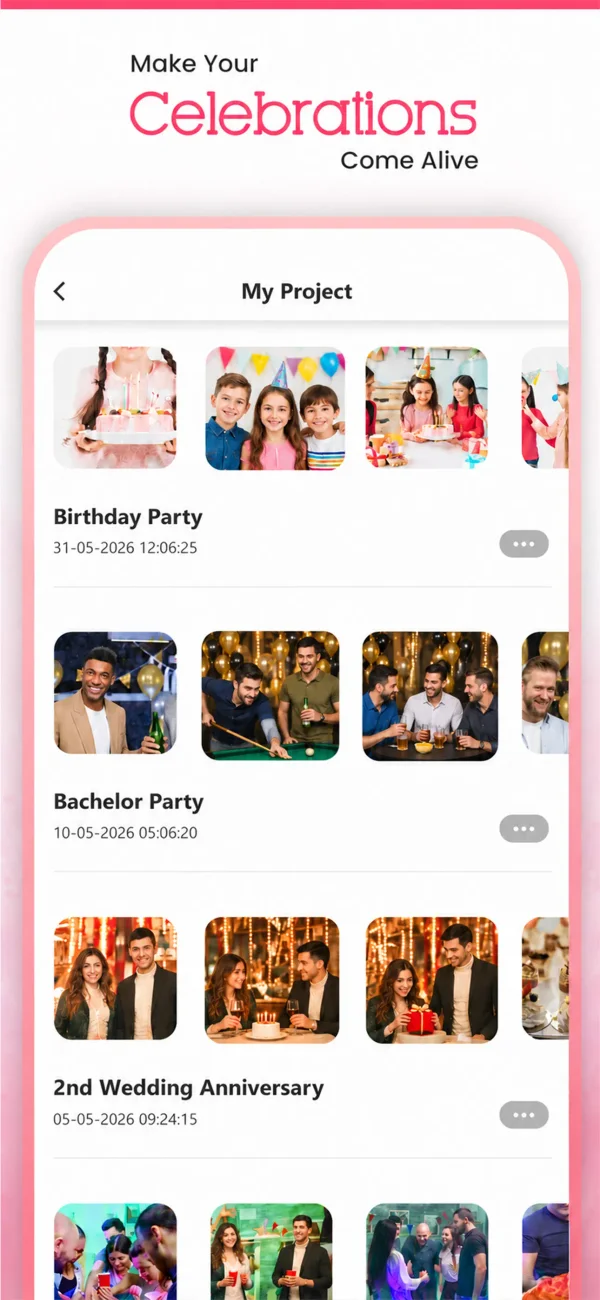
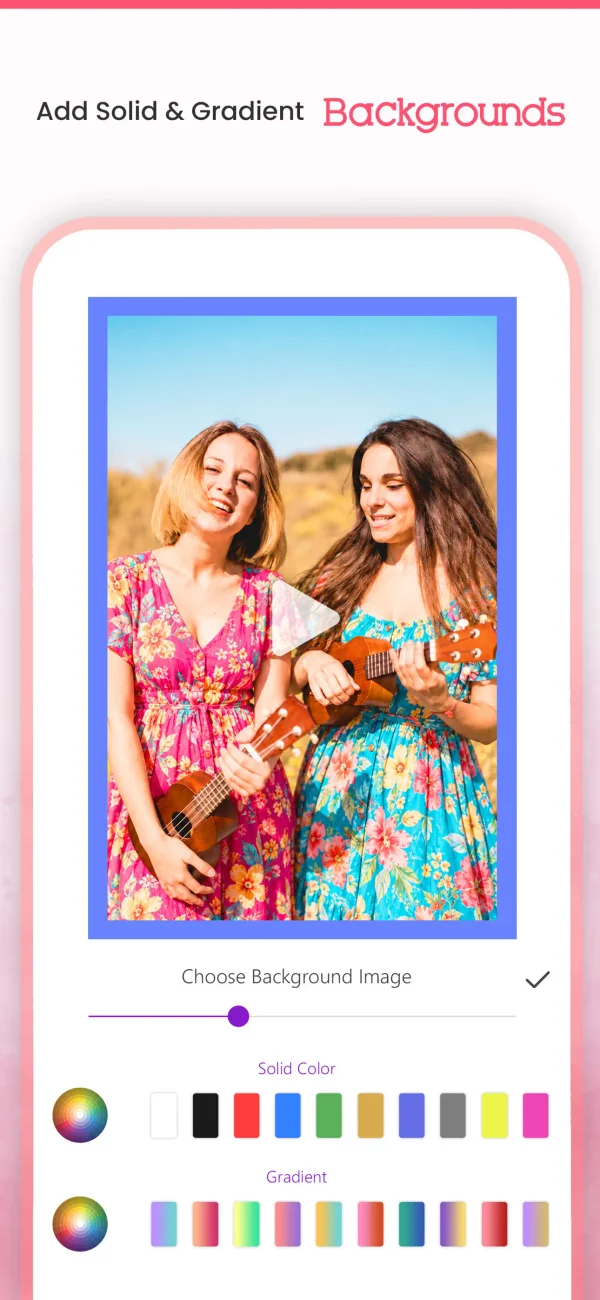
Giới thiệu
Nhà phát triển chưa cung cấp nội dung này bằng ngôn ngữ của bạn.
Video Maker – Slideshow Editor is an iPhone and iPad app that turns your photos into a movie. Pick photos from your camera roll, add animated themes, transitions, effects and music, then save the video or share it to Instagram, Facebook, YouTube or email. It is free to download, and no video editing experience is needed.
WHAT IS VIDEO MAKER – SLIDESHOW EDITOR?
It is a photo video maker and slideshow maker. It builds a finished movie from your pictures: choose a theme, add background music from the built-in library or your own songs, add a title, and export. The app automatically analyzes your photos and keeps people in focus, so the result looks professionally edited.
KEY FEATURES
• Make a video from photos: create a movie or slideshow from images in your camera roll
• Movie themes: ready-made themes to build photo albums and photo-and-video movies
• Animated backgrounds: add moving backgrounds behind your photos
• Transitions and effects: photo and video transitions, animation transitions and effects on each photo
• Music: add music from the built-in library, or choose your own song or music
• Arrange photos: put the images in the order you want
• Titles: add a title to your video or photo
• Aspect ratio: pick the format when you start a project
• Share: post to Instagram, Facebook, YouTube or email directly from the app
HOW TO MAKE A VIDEO FROM PHOTOS
1. Tap Create Project, choose your aspect ratio, and select photos from your album.
2. Add your favourite transition.
3. Select a background.
4. Select an animation transition.
5. Choose music from the music library or from your own songs.
6. Add effects to your photos.
7. Enter your movie title.
8. Tap Done to create your movie.
9. Share it with friends on Instagram, Facebook, YouTube or email.
Or pick one of the themes and make a movie with photos and videos.
FREQUENTLY ASKED QUESTIONS
How do I make a video from photos on iPhone? Open Video Maker – Slideshow Editor, tap Create Project, select your photos, add music and effects, then tap Done.
Can I add my own music to a photo slideshow? Yes. Choose a song from the in-app library or use your own music.
Do I need editing skills? No. Choose a theme and the app does the editing, with music and effects to match your mood.
Is it free? The app is free to download. The Premium subscription unlocks all themes and tools and removes ads and the watermark.
How do I restore my purchases? Open the app, tap the top right corner to open the Premium window, tap RESTORE, and your in-app purchases are re-activated without paying again.
PREMIUM SUBSCRIPTION
1. Professional video maker and slideshow tools with pro-level features and members-only benefits.
2. Unlimited access to all premium slideshow maker themes.
3. Unlimited access to all premium filters and tools.
4. Patterns, colors, stickers and fonts.
5. No ads and no watermark.
6. All movie-style photo and video transitions.
Subscription plans:
1. USD $20.99 / 6 months
2. USD $3.99 / week
3. USD $30.99 / year with a 3-day free trial
• Subscriptions renew automatically unless turned off at least 24 hours before the end of the current period in your account settings.
• Renewals are charged within 24 hours before the end of the current period.
• Payment is charged to your iTunes Account at confirmation of purchase.
• You can manage your subscription and turn off auto-renewal in your Account Settings after purchase.
• Any unused portion of a free trial period is forfeited when you purchase a subscription.
Terms of Service: https://pixelforce.in/ps_tc.html
Privacy: https://pixelforce.in/ps_privacy.html
Có gì mới
Phiên bản 3.0.4 · 14/11/2026
Hey Makers!
We've rebuilt Video Maker from the ground up to make your slideshows faster and more fun to create than ever.
- Added Awesome New Templates
- Exports now finish in seconds instead of minutes, with much smaller files
- Cancel a render anytime, or leave the app and we'll ping you when it's ready
- Added video clips alongside your photos, trimmed right on the timeline
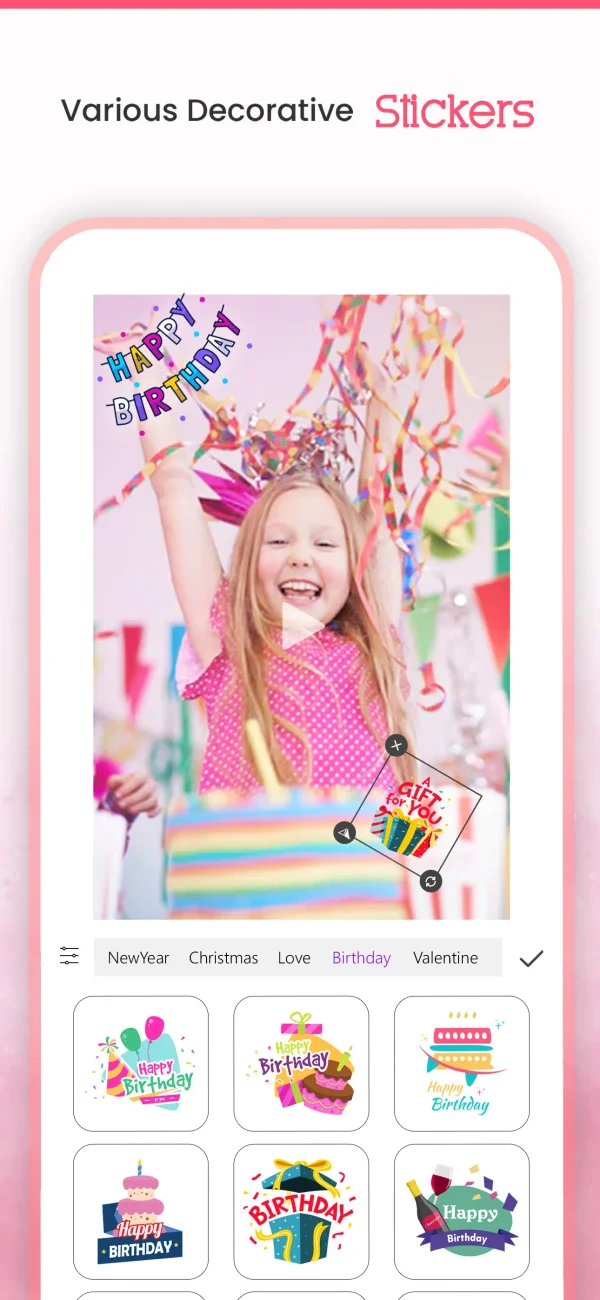
- Added stickers, GIFs and text overlays with real fonts and colours
- Added a music library and voice-over recording
- Fixed pesky bugs and reduced crashes for improved stability
Thank you for using Video Maker! We're constantly working behind the scenes to make your creative journey better.
Happy Creating!
Quyền riêng tư của ứng dụng
Những gì pixel force private limited khai báo trên App Store về cách ứng dụng này xử lý dữ liệu.
-
Dữ liệu được sử dụng để theo dõi bạn
Có thể được sử dụng để theo dõi bạn trên các ứng dụng và trang web do công ty khác sở hữu.
- Chẩn đoán
-
Dữ liệu không liên kết với bạn
Có thể được thu thập nhưng không liên kết với danh tính của bạn.
- Nội dung của người dùng
- Dữ liệu sử dụng
- Chẩn đoán
Phương thức đảm bảo quyền riêng tư có thể khác nhau, chẳng hạn như tuỳ theo các tính năng bạn sử dụng hoặc độ tuổi của bạn.
Thông tin
- Người bán
- pixel force private limited
- Danh mục
- Ảnh & Video
- Phiên bản
- 3.0.4
- Cập nhật
- 14/11/2026
- Phát hành
- 23/06/2014
- Kích thước
- 47,1 MB
- Yêu cầu
- iOS 16.0 trở lên
- Độ tuổi
- 4+
- Giá
- Miễn phí
- Mua hàng trong ứng dụng
- Có
- Ngôn ngữ
- Tiếng Anh
- Bản quyền
- © vijaya kumar reddy
Có thể bạn cũng thích
-
 MakeMyMovie-Movie makerẢnh & Video
-
 Video Maker Photo With SongẢnh & Video
-
 SlideShow Maker Photo Video ·Video Movie Edit.or with music
-
 Slideshow Add Music To VideoẢnh & Video
-
 Slideshow Maker & CreatorẢnh & Video
-
 Photo slideshow with musicVideo Cut & reels maker
-
 Slideshow Magic- With MusicẢnh & Video
-
 Slideshow Maker & Music VideoẢnh & Video
-
 Tạo video từ ảnh - MovieStudioLồng nhạc vào video theo mẫu
-
 Slide Show Maker ⁺Ảnh & Video