
Slideshow Maker・SlideFlow
Photos, Videos & Music + TV
Được thiết kế cho iPhone, iPad, Mac
Miễn phí · Mua hàng trong ứng dụng
- Độ tuổi4+
- Danh mụcẢnh & Video
- Nhà phát triểnVeprIT
- Ngôn ngữTiếng Anh+ 10 ngôn ngữ khác
- Kích thước166,1 MB
Liên kết đến trang App Store chính thức
Download.org không lưu trữ tệp nào của Slideshow Maker・SlideFlow. Nút này mở trang ứng dụng trên App Store, nơi VeprIT phát hành ứng dụng. Trang được kiểm tra lần cuối: 23/11/2026.
Ảnh chụp màn hình



Giới thiệu
Nhà phát triển chưa cung cấp nội dung này bằng ngôn ngữ của bạn.
Enjoy Your Photos and Videos Like Never Before!
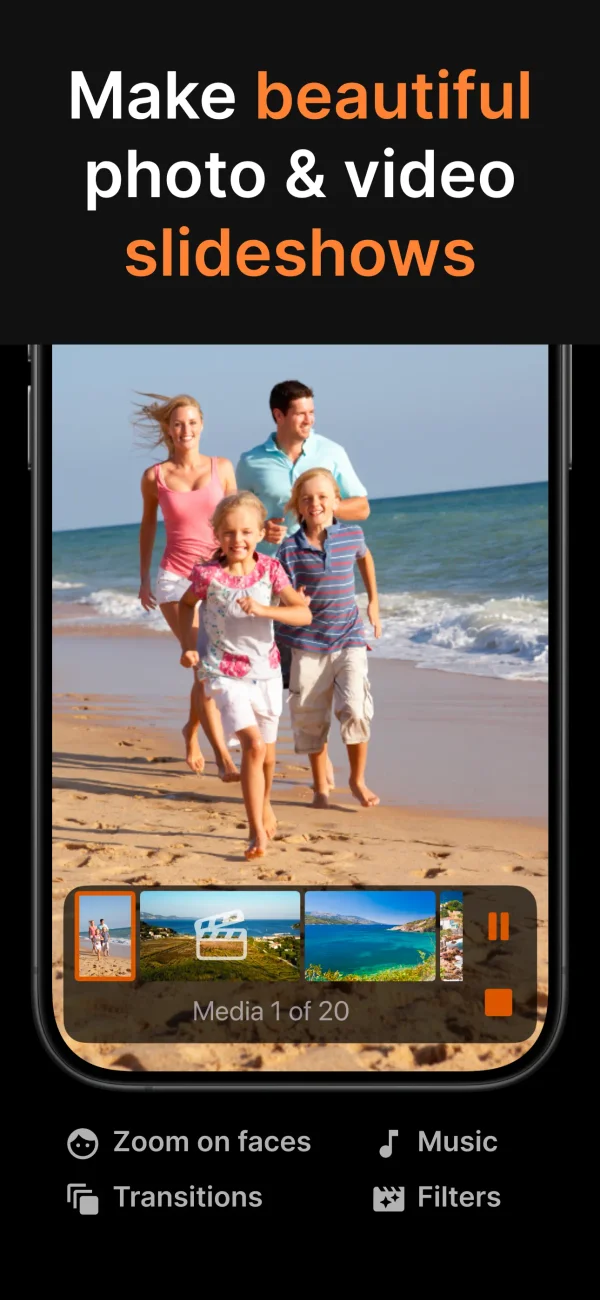
With SlideFlow, turn your favorite moments into beautiful, animated slideshows — on your iPhone, iPad, Mac, or TV. Create and play slideshows in seconds, customize them if you wish, and share them as videos with family and friends.
Instant Slideshow Playback
No rendering, no waiting: SlideFlow generates slideshows on the fly, so playback starts almost immediately.
A Different Slideshow Every Time
Turn on shuffle to vary the order, transitions, filters, and music every time you press play — and again with every loop. Leave a slideshow running on your TV at a family gathering, and it keeps changing. SlideFlow can apply a different filter on every playback, so you enjoy your photos and videos in a new way every time — without creating multiple versions in different styles.
Customize Your Slideshow
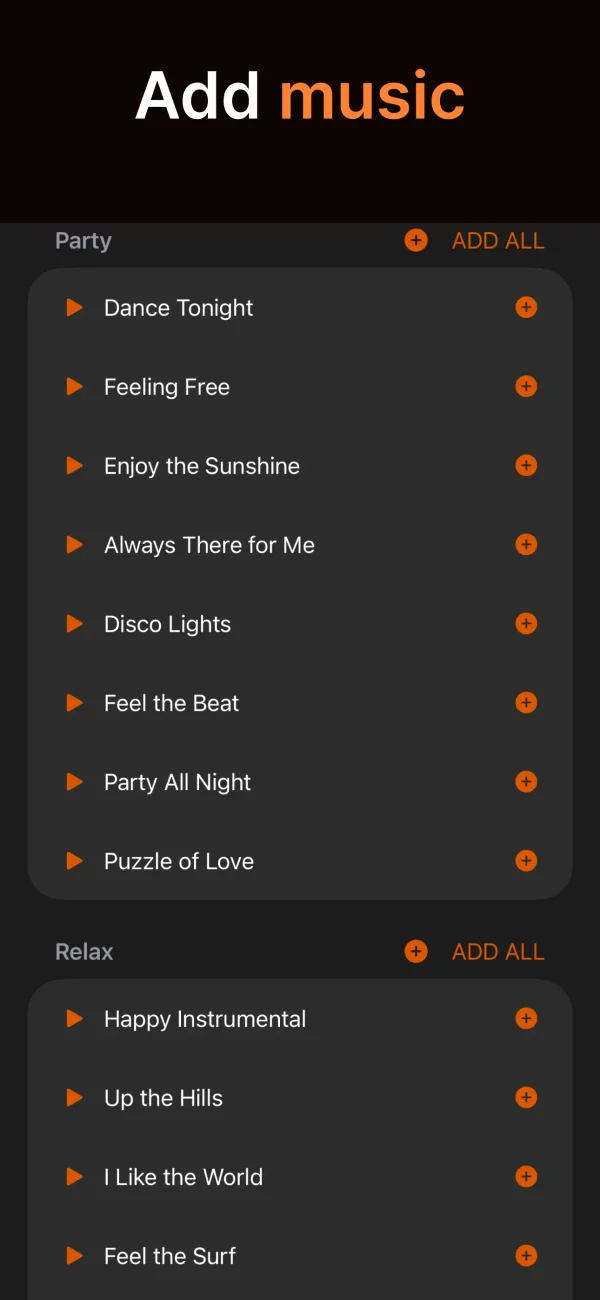
• Add music from a wide selection of built-in tracks across various genres, or add your own. Your tracks join your personal music library, synced via iCloud and ready for any slideshow. Music fades smoothly and steps aside while videos play their own sound.
• Choose from 33 transitions — dissolves, wipes, slides, whip pans, glitches, and more — plus an ending transition for a graceful finish.
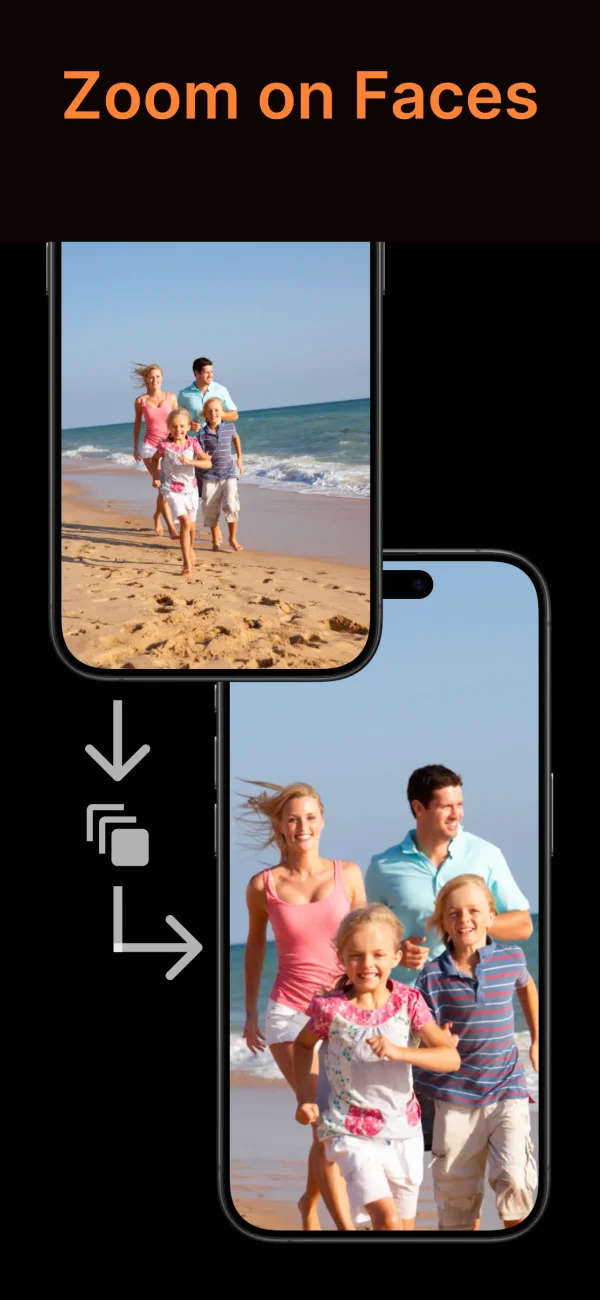
• Bring photos to life with smart animations: zoom in on faces or subjects, or start close and zoom out to reveal the full scene.
• Apply stylish filters such as Monochrome, Sepia, Chrome, and Noir.
• Add text or image overlays for titles, captions, logos, and more.
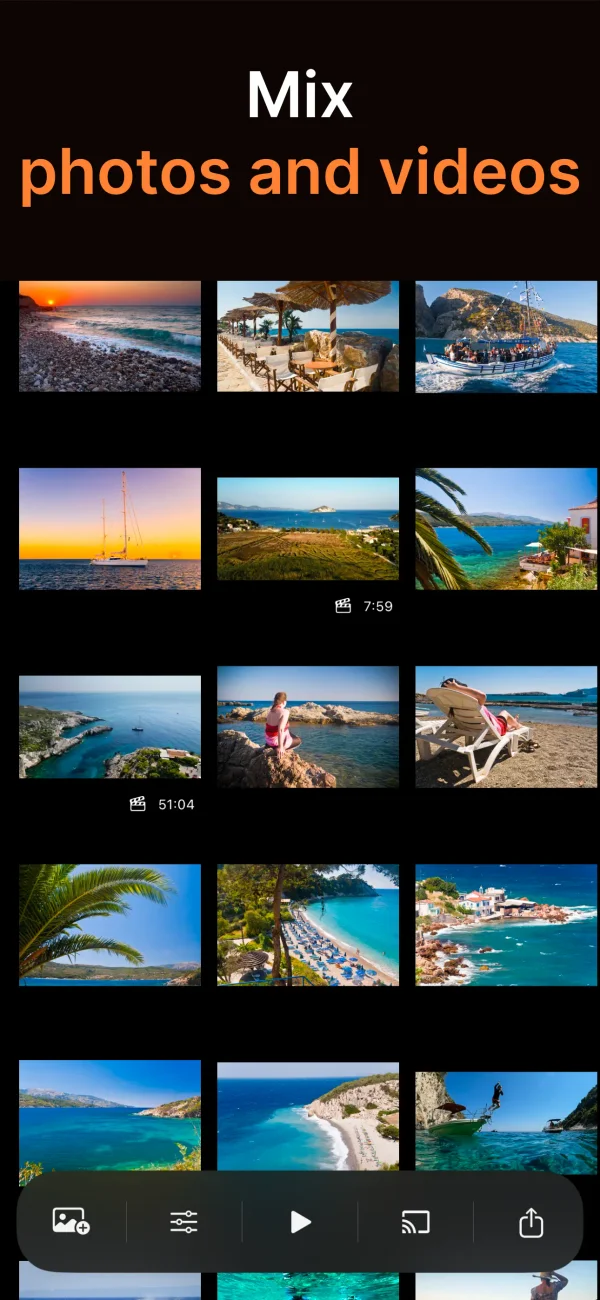
• Mix photos and videos freely in the same slideshow.
• Shuffle, loop, and fine-tune settings for the whole slideshow or individual photos and videos. Set your favorite defaults once, and every new slideshow uses them.
Watch on Your TV
Cast slideshows or individual photos and videos to your TV. Connect your iPhone, iPad, or Mac to the same Wi-Fi or Ethernet network — nothing to install on the TV. Works with Apple TV, many AirPlay-compatible TVs, and DLNA-compatible TVs.
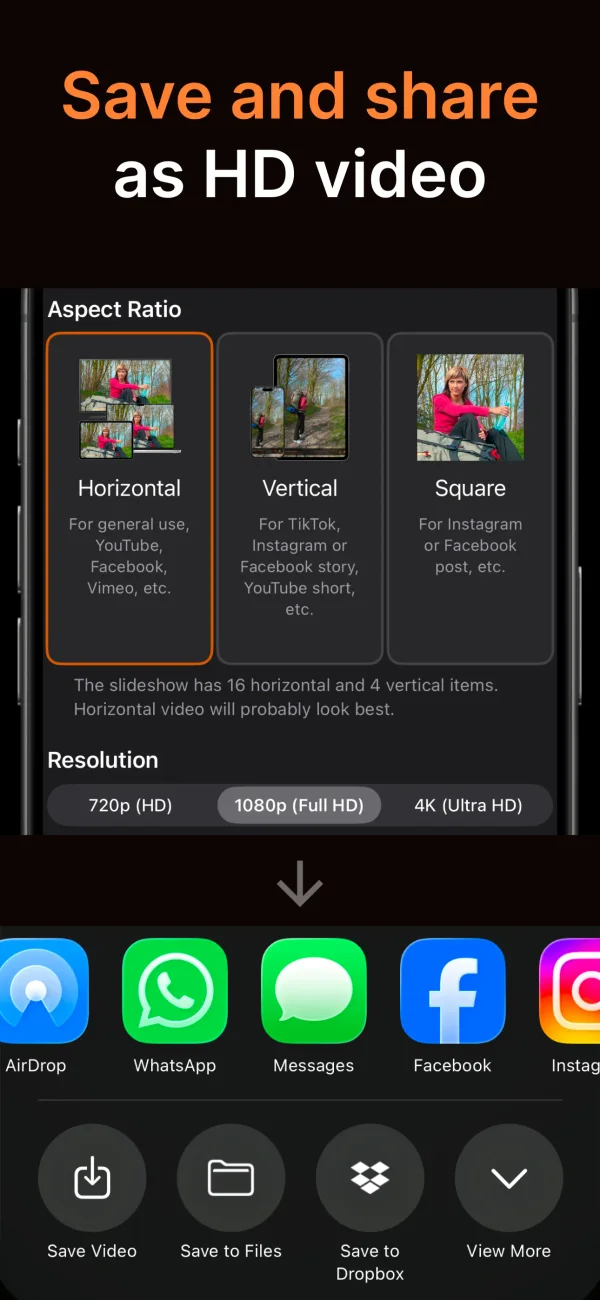
Export and Share as Video
Export your slideshows in horizontal, vertical, or square format for YouTube, Instagram, TikTok, and more. Choose 720p, 1080p, or 4K resolution, with H.264 or HEVC encoding to balance quality and file size.
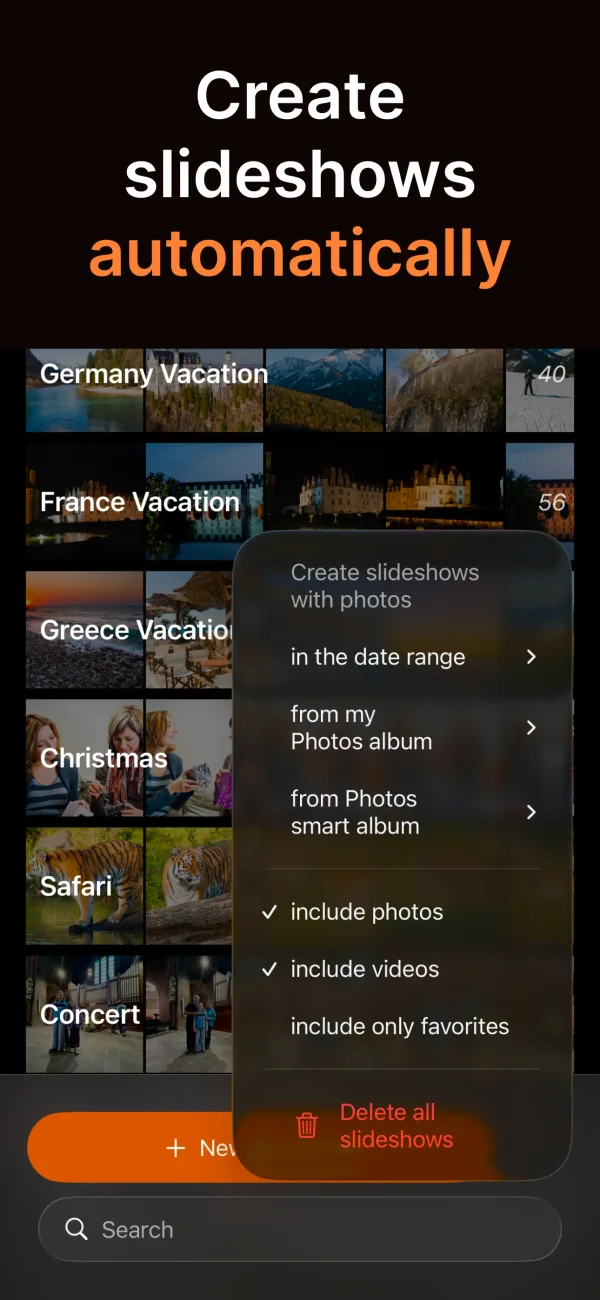
Create Slideshows Automatically
Pick a date range, and SlideFlow groups your photos and videos into Moments — temporary slideshows named after their dates and places, made for exploring your memories. Save the ones worth keeping with a single tap.
You can also create saved slideshows directly from a date range, a Photos album, or a smart album, with filters such as favorites only, photos only, and skip screenshots.
Photos, Files, and Folders
Build slideshows from your Photos library, individual image and video files, or whole folders. Drop in a folder containing photos, videos, and music, and get a finished slideshow.
Choose whether files are copied into SlideFlow or referenced in place to save space — ideal for large collections stored on external drives.
Sync Across Devices
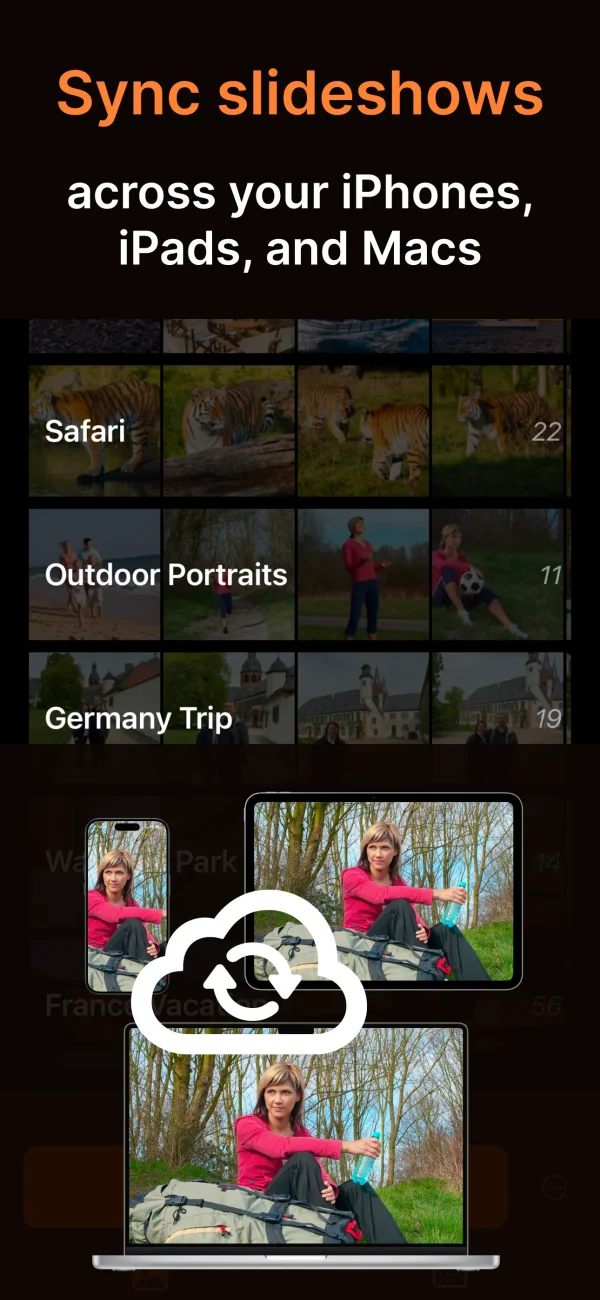
With iCloud sync enabled, your slideshows are synced across your iPhones, iPads, and Macs. Photos and videos from your Photos library must be synced with iCloud Photos.
Free to Download
Try SlideFlow for as long as you like. In unlimited free trial mode, generated slideshows include app promotions. Full access is available through subscriptions or a one-time lifetime purchase. Your purchase unlocks all features on iPhone, iPad, and Mac, and can be shared with your family through Apple Family Sharing.
Terms of Use: https://veprit.com/eula.html
Privacy Policy: https://veprit.com/VeprIT-PrivacyPolicy.pdf
Có gì mới
Phiên bản 4.2.1 · 20/11/2026
This update fixes potential iCloud sync issues with slideshows that include photos from your photo library on devices running versions earlier than iOS 27.
Quyền riêng tư của ứng dụng
Những gì VeprIT khai báo trên App Store về cách ứng dụng này xử lý dữ liệu.
-
Dữ liệu không liên kết với bạn
Có thể được thu thập nhưng không liên kết với danh tính của bạn.
- Dữ liệu sử dụng
- Chẩn đoán
Phương thức đảm bảo quyền riêng tư có thể khác nhau, chẳng hạn như tuỳ theo các tính năng bạn sử dụng hoặc độ tuổi của bạn.
Thông tin
- Người bán
- VeprIT
- Danh mục
- Ảnh & Video
- Phiên bản
- 4.2.1
- Cập nhật
- 20/11/2026
- Phát hành
- 09/01/2018
- Kích thước
- 166,1 MB
- Yêu cầu
- iOS 17.0 trở lên
- Độ tuổi
- 4+
- Giá
- Miễn phí
- Mua hàng trong ứng dụng
- Có
- Ngôn ngữ
- Tiếng Anh, Tiếng Pháp, Tiếng Đức, Tiếng Ý, Tiếng Nhật, Tiếng Hàn, Tiếng Bồ Đào Nha, Tiếng Nga, Tiếng Trung Giản thể, Tiếng Tây Ban Nha, Tiếng Trung Phồn thể
- Bản quyền
- © VeprIT
Có thể bạn cũng thích
-
 Face Swap AI: Head SwapẢnh & Video
-
 Passport Photo ID Visa MakerẢnh & Video
-
 Body Progress Pics: MetamorphẢnh & Video
-
 Lock: Private Photo Vault SPVẢnh & Video
-
 Text Behind Image - TebiẢnh & Video
-
 Phot AI: Chỉnh Sửa ẢnhXóa Vật Thể, Ghép Ảnh, Làm Nét
-
 Colorize Old Photos: PholorizeẢnh & Video
-
 Job AI: Ảnh CV Chuyên NghiệpChân Dung LinkedIn & Xin Việc
-
 AI Video Generator - iVideoẢnh & Video
-
 FaceSwap AI Headshot MakerẢnh & Video