SoloSnap Studio
Interval Photo Capture & Timer
Được thiết kế cho iPhone, iPad, iPod touch
Miễn phí · Mua hàng trong ứng dụng
- Độ tuổi4+
- Danh mụcẢnh & Video
- Nhà phát triểnstuart sinclair
- Ngôn ngữTiếng Anh
- Kích thước62,0 MB
Liên kết đến trang App Store chính thức
Download.org không lưu trữ tệp nào của SoloSnap Studio. Nút này mở trang ứng dụng trên App Store, nơi stuart sinclair phát hành ứng dụng. Trang được kiểm tra lần cuối: 14/11/2026.
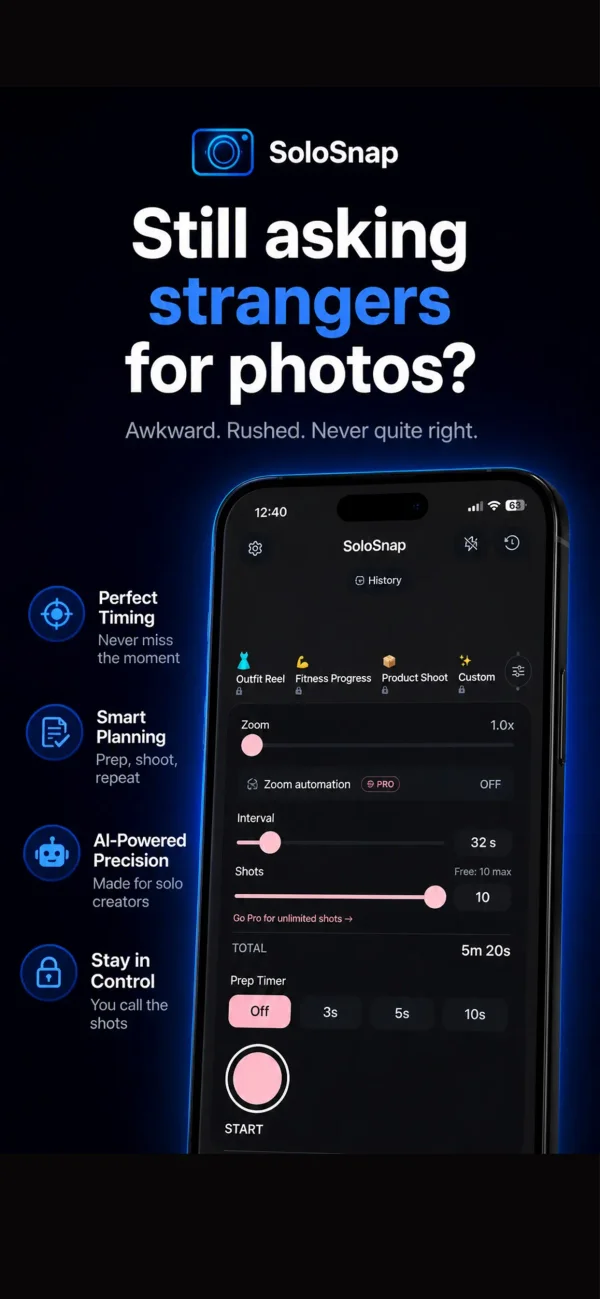
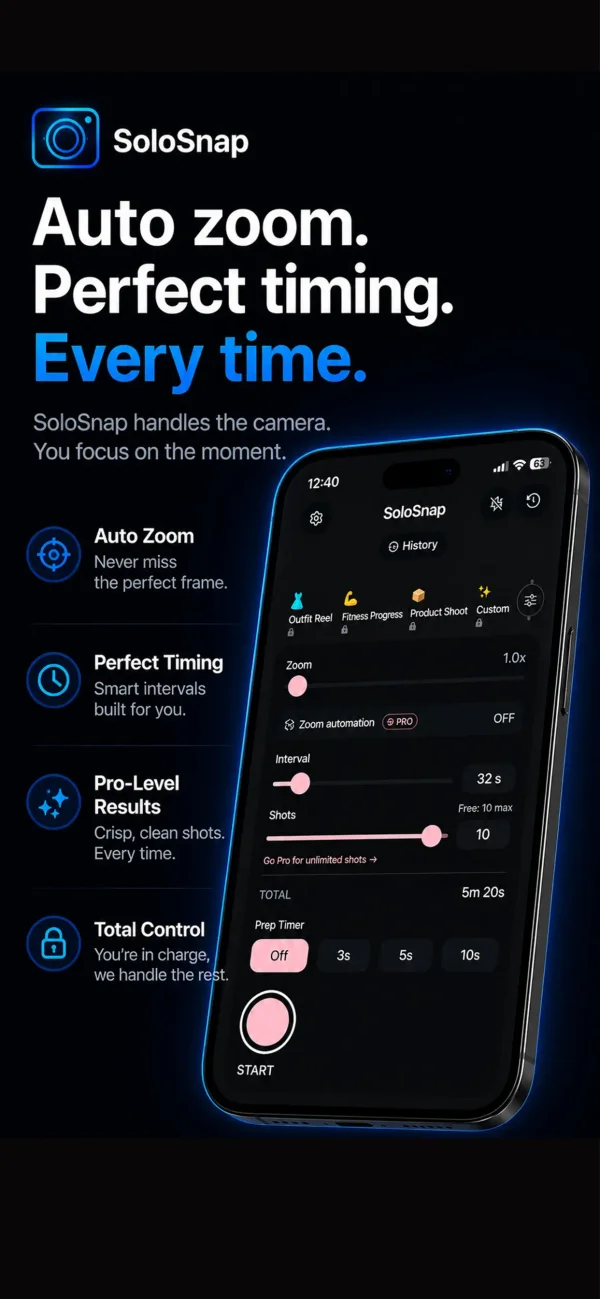
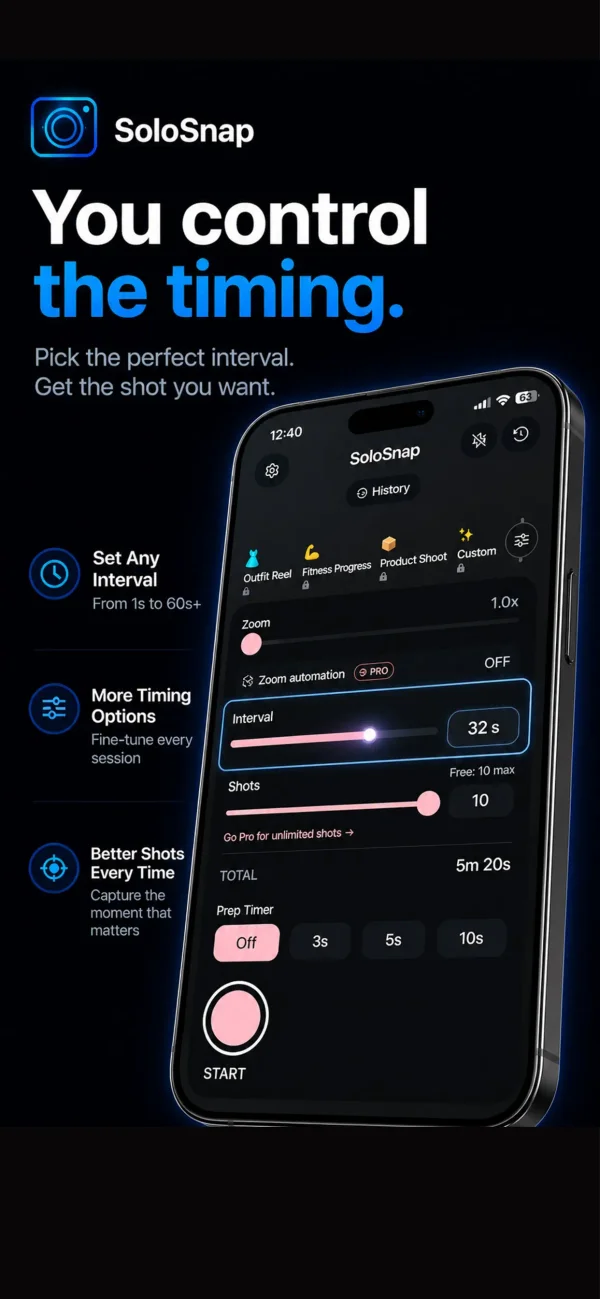
Ảnh chụp màn hình


Giới thiệu
Nhà phát triển chưa cung cấp nội dung này bằng ngôn ngữ của bạn.
SoloSnap Studio is the interval camera built for solo creators.
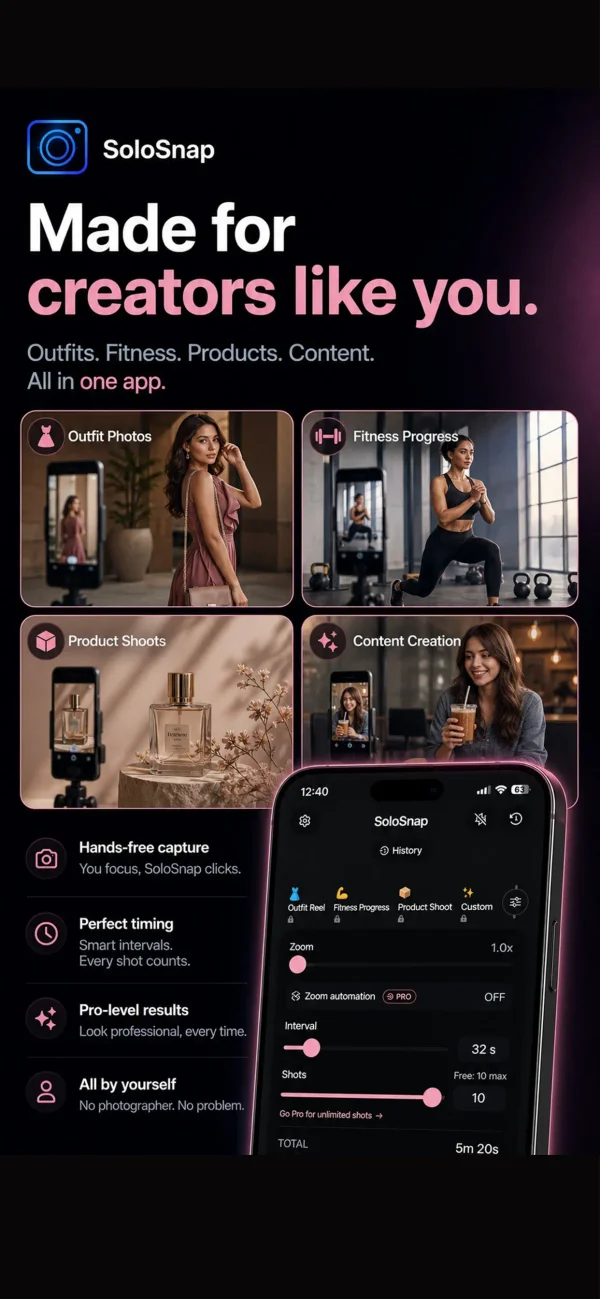
Stop asking strangers to hold your phone. SoloSnap helps you capture professional-looking content while you work out, pose, train, create, or film completely on your own.
Set your interval, press Start, and step into frame. SoloSnap automatically captures photos at your chosen timing and turns them into smooth timelapse videos saved directly to your camera roll.
Perfect for fitness creators, transformation videos, outfit reels, product shoots, dance content, progress tracking, and solo filming.
FEATURES
AUTO MODE
Hands-free recording that can automatically begin when you step into frame.
AI SCAN
Analyse your lighting and framing before recording to improve your setup and create cleaner content.
AI POSE COACH
Receive pose and positioning suggestions during your session to help improve your shots naturally.
CUSTOM PRESETS
Save your favourite interval, shot count, and zoom settings for quick access anytime.
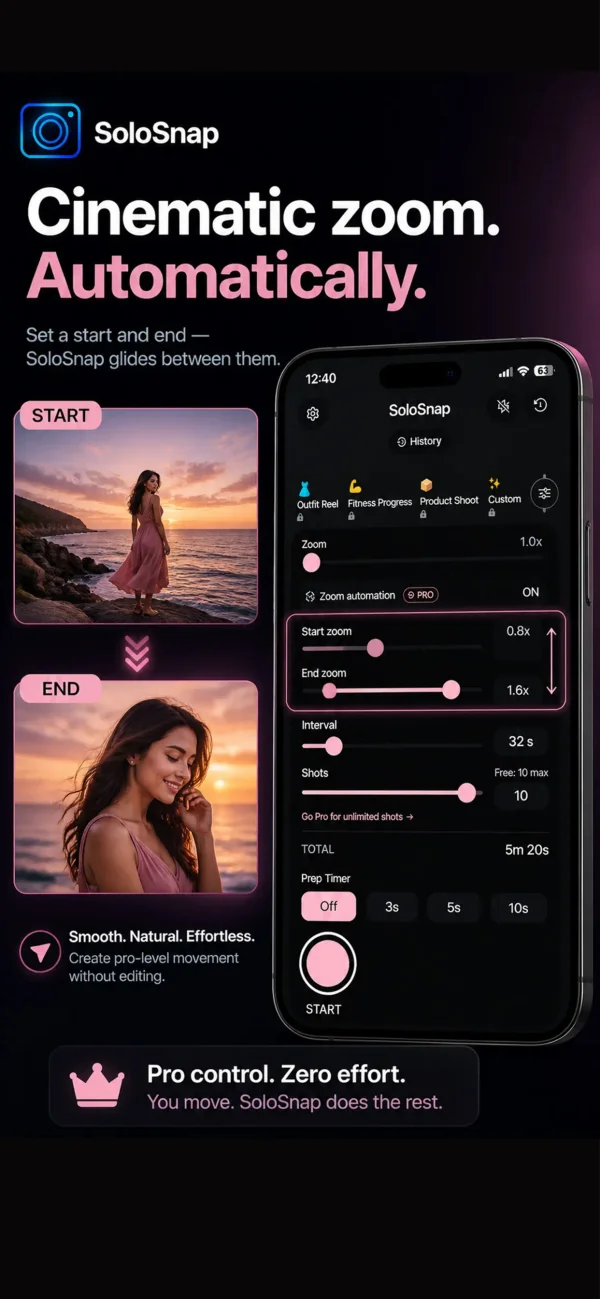
ZOOM AUTOMATION (PRO)
Create smooth automatic push-in and pull-out zoom effects during your session for cinematic-looking content.
30/60/90 DAY CHALLENGES
Track daily progress photos and turn them into transformation reels over time.
GHOST FRAME
Overlay your previous session frame to match angles and positioning perfectly between shoots.
SAFE ZONE GUIDES
Built-in framing overlays for TikTok, 1:1, 4:5, and 16:9 formats help keep your content platform-ready.
APPLE WATCH SUPPORT
Start and stop sessions remotely from your Apple Watch while keeping your phone completely still.
SESSION HISTORY
View previous sessions with saved details including shot count, duration, interval, and export status.
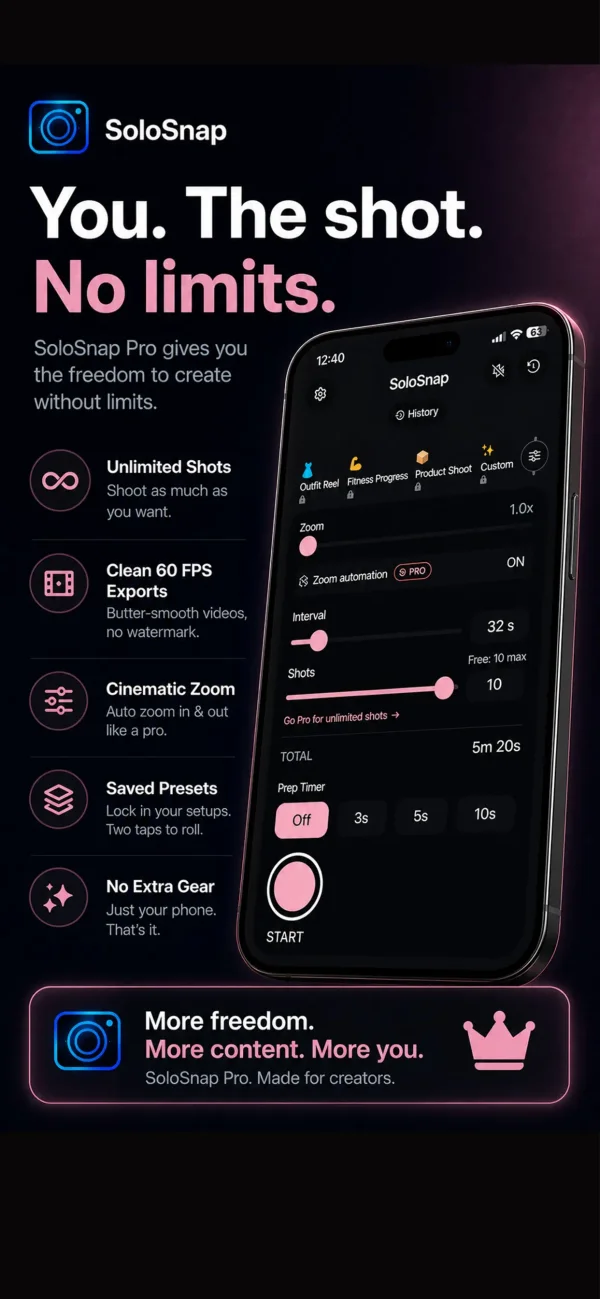
SOLOSNAP PRO
Unlock unlimited shots, watermark-free exports, 60 FPS timelapse export, custom presets, zoom automation, cinematic filters, and challenge mode.
PRIVACY
All photos remain on your device. SoloSnap does not upload your content to external servers. Camera and photo library access are only used for capturing and saving your sessions.
HOW TO USE SOLOSNAP
BASIC SESSION
1. Open SoloSnap and stay on the camera screen.
2. Set your interval using the slider.
3. Choose how many photos to capture.
4. Tap Start and step into frame.
5. SoloSnap automatically captures your session and creates a timelapse.
AUTO MODE
1. Set your interval and shot count.
2. Enable Auto Mode.
3. Place your phone on a tripod and walk into frame.
4. SoloSnap automatically begins when you are detected.
AI SCAN
1. Tap AI Scan on the camera screen.
2. Hold still briefly while SoloSnap analyses your scene.
3. Adjust lighting or framing based on the suggestions.
PRESETS
1. Configure your ideal setup.
2. Save it as a preset.
3. Reload it instantly anytime from the preset bar.
ZOOM AUTOMATION
1. Turn Zoom Automation on.
2. Set a start and end zoom level.
3. SoloSnap automatically animates the zoom during your session.
GHOST FRAME
1. Enable Ghost Frame in settings.
2. Match your current position to the transparent overlay from your previous session.
CHALLENGES
1. Create a 30, 60, or 90-day challenge.
2. Complete one session daily.
3. Export your transformation reel when complete.
EXPORTING
1. Tap Export after your session.
2. Choose your frame rate.
3. Save your timelapse directly to Photos.
https://saintclairappl.com/terms-of-service
Có gì mới
Phiên bản 1.4.3 · 19/10/2026
What's New in SoloSnap Studio
Your solo photography experience just got smarter!
NEW AI-Powered Photography Tools
AI Photo Scan – Get intelligent feedback to improve your photos.
AI Top Picks – Discover your best shots with AI assistance.
AI Pose Coach – Get personalised posing suggestions.
AI Captions – Create engaging captions for your favourite photos.
AI Stories – Turn your photos into creative stories.
Smarter Solo Photography
Capture hands-free with automatic interval shooting.
Perfect your framing with Ghost Overlay.
Enjoy improved performance and a smoother photography experience.
Privacy & Reliability
Added consent controls for AI photo analysis.
Improved app security and reliability.
Enhanced subscription management.
Create, capture and share your best moments with SoloSnap Studio!
Quyền riêng tư của ứng dụng
Những gì stuart sinclair khai báo trên App Store về cách ứng dụng này xử lý dữ liệu.
-
Dữ liệu không được thu thập
Nhà phát triển không thu thập bất kỳ dữ liệu nào từ ứng dụng này.
Phương thức đảm bảo quyền riêng tư có thể khác nhau, chẳng hạn như tuỳ theo các tính năng bạn sử dụng hoặc độ tuổi của bạn.
Thông tin
- Người bán
- STUART GRAEME SINCLAIR
- Danh mục
- Ảnh & Video
- Phiên bản
- 1.4.3
- Cập nhật
- 19/10/2026
- Phát hành
- 25/02/2026
- Kích thước
- 62,0 MB
- Yêu cầu
- iOS 15.1 trở lên
- Độ tuổi
- 4+
- Giá
- Miễn phí
- Mua hàng trong ứng dụng
- Có
- Ngôn ngữ
- Tiếng Anh
- Bản quyền
- © 2026 stuart sinclair
Có thể bạn cũng thích
-
 Geopix - GPS Photo TaggerẢnh & Video
-
 OneRoll Dual RecorderẢnh & Video
-
 AspectPhoto ProẢnh & Video
-
 KondoboxẢnh & Video
-
 OneShot Record · Studio · ShipẢnh & Video
-
 Photolys:Photo Editor & FilterẢnh & Video
-
 Endless Lens: Dual RecorderẢnh & Video
-
 SnapTwin: Video Camera KépQuay Trước & Sau Cùng Lúc
-
 LiveColor - Live PaletteẢnh & Video
-
 Before After Photo Compare AppẢnh & Video