
Solve: Study Notes
Your files, explained with AI
Được thiết kế cho iPhone, iPad
Miễn phí
- Độ tuổi12+
- Danh mụcGiáo Dục
- Nhà phát triểnTestbank Inc.
- Ngôn ngữTiếng Anh+ 32 ngôn ngữ khác
- Kích thước240,1 MB
Liên kết đến trang App Store chính thức
Download.org không lưu trữ tệp nào của Solve: Study Notes. Nút này mở trang ứng dụng trên App Store, nơi Testbank Inc. phát hành ứng dụng. Trang được kiểm tra lần cuối: 25/11/2026.
Ảnh chụp màn hình
Giới thiệu
Nhà phát triển chưa cung cấp nội dung này bằng ngôn ngữ của bạn.
Study the materials you already have with Solve. Read a summary, ask AI about your uploads, and write on the pages as you learn.
ADD YOUR MATERIALS
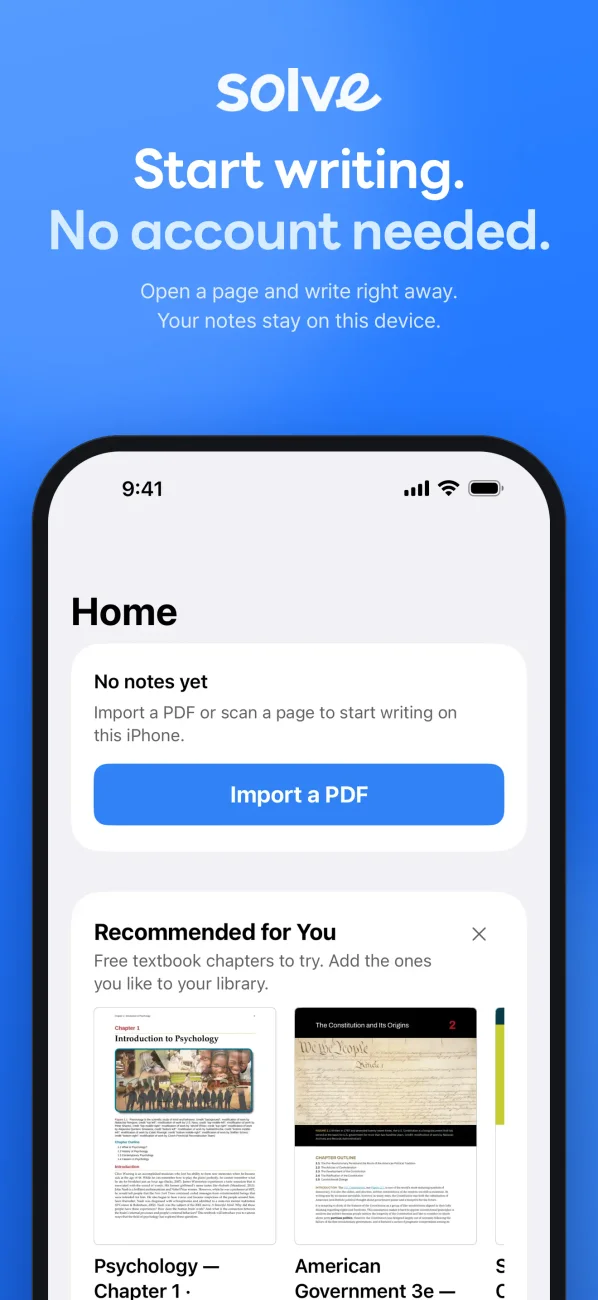
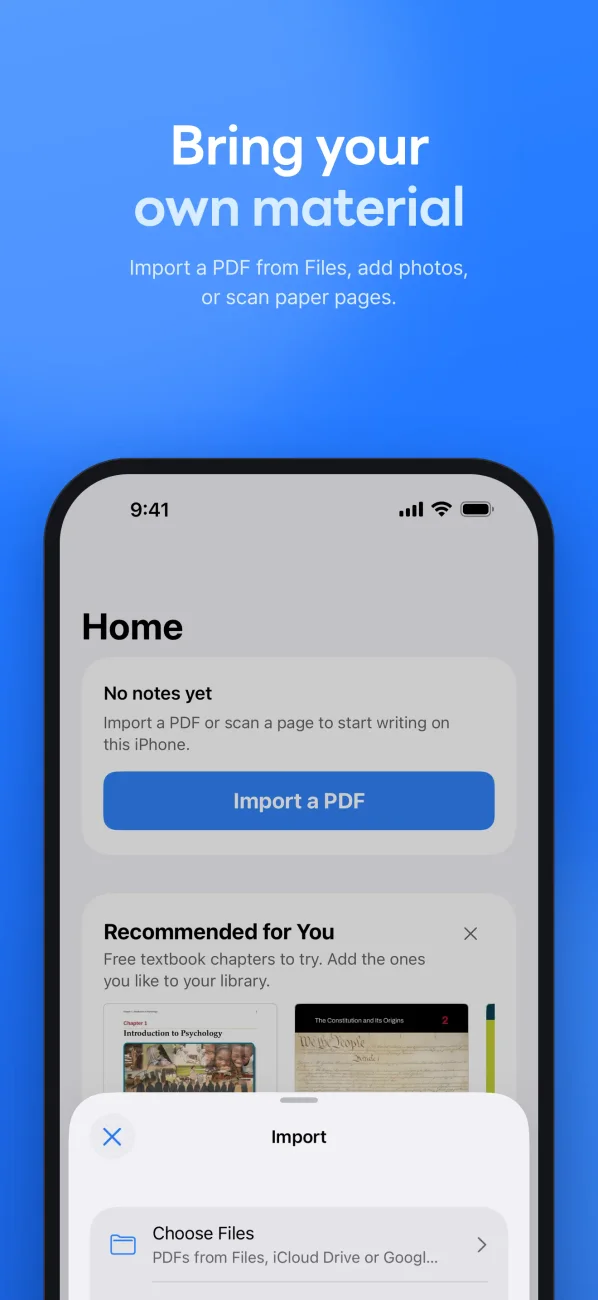
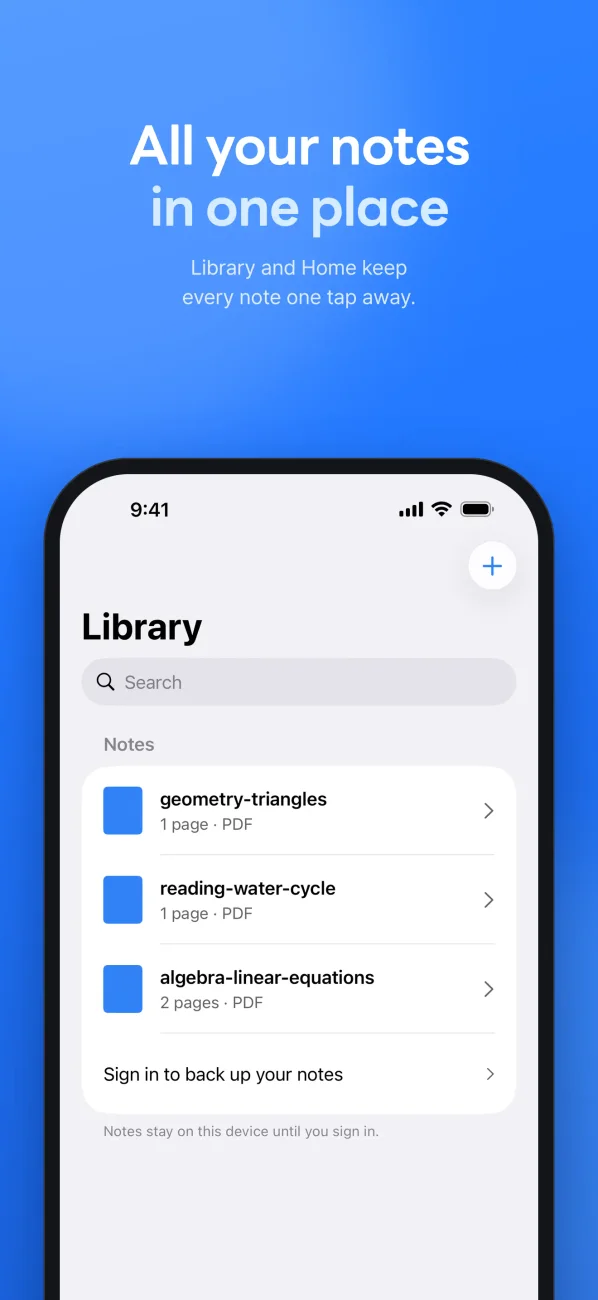
Add PDFs and web links, take photos of pages, or scan paper documents with your camera. You can also upload .pptx, .docx, .xlsx, .md, .txt and .csv files. AI can read the text in your photos and scans. Follow the processing status as your material gets ready.
ASK AND CHECK THE SOURCE
Ask AI about the materials you upload. Tap a source reference to go to the page when a page reference is available. Select an area on a page and ask about just that part. If the material does not support an answer, Solve lets you know.
STUDY THIS PAGE
Get an explanation, practice questions and key terms for the page you are reading. Find problems on a page and view their solutions. Write your answer by hand and have AI check it.
WRITE AS YOU LEARN
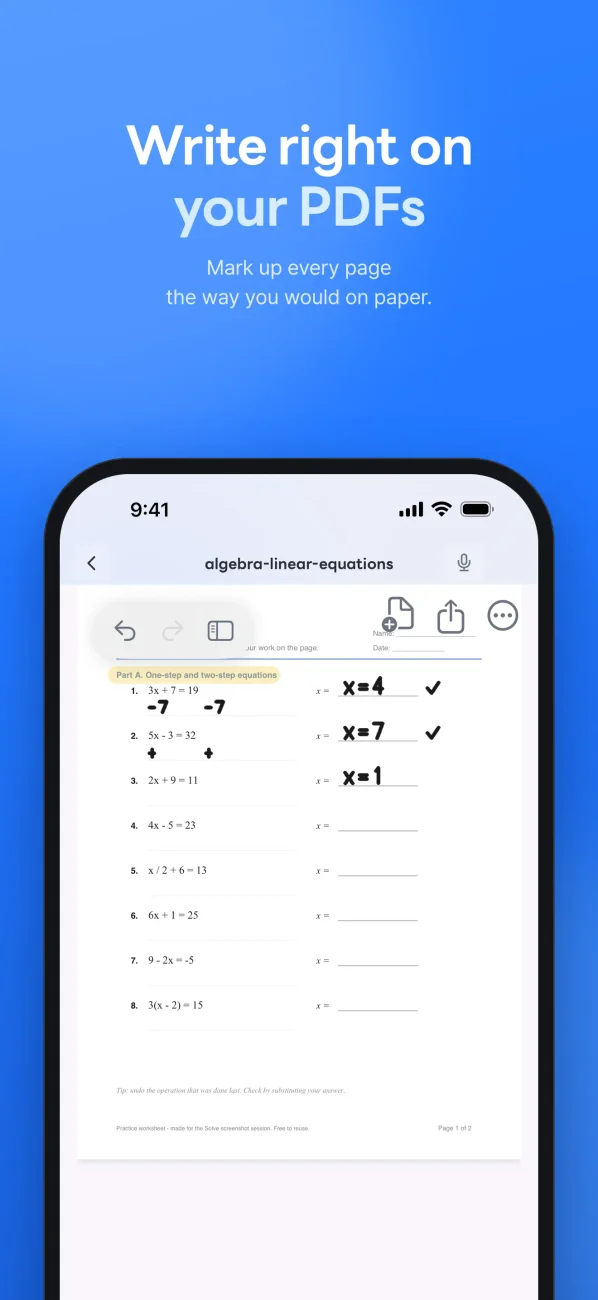
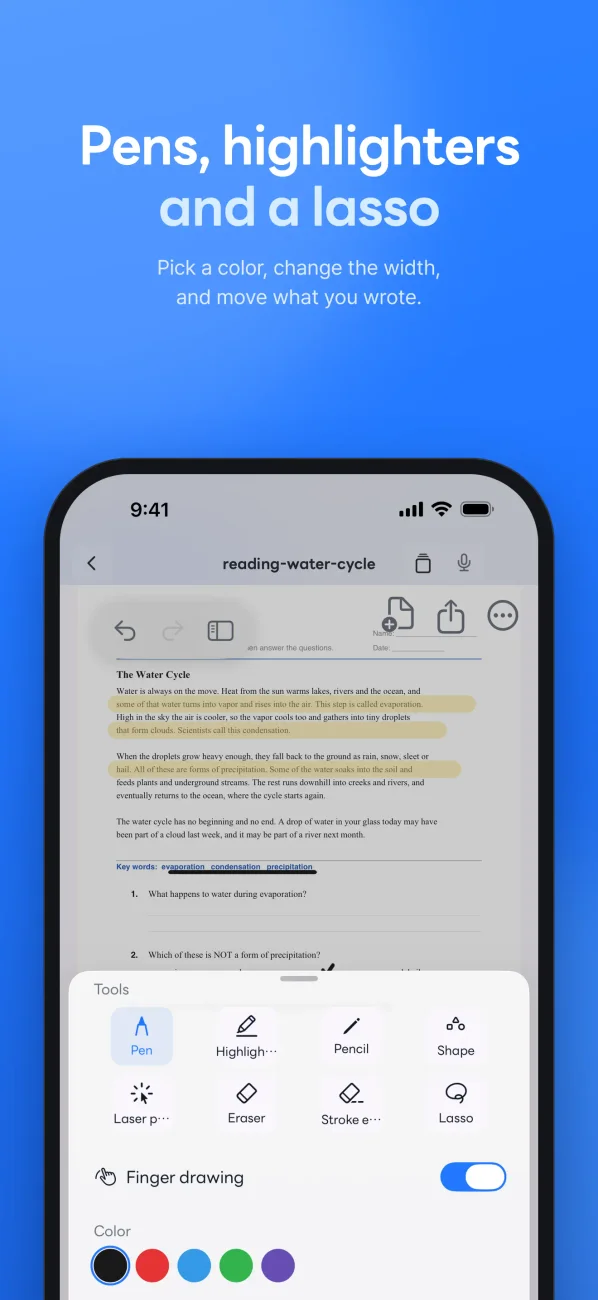
Write on your PDFs, photos and scans, and on the text of saved web links with the pen tools. You can also freeze a web page and write on it. Summarize or organize your handwritten notes with AI. Your handwriting syncs to your account. Study on iPhone and iPad.
YOU CHOOSE AI PROCESSING
Before using AI, review what will be sent for processing and choose whether to allow it. You can turn off future AI processing in Settings. AI features have a daily free limit. AI responses can be wrong. Check them against your source material.
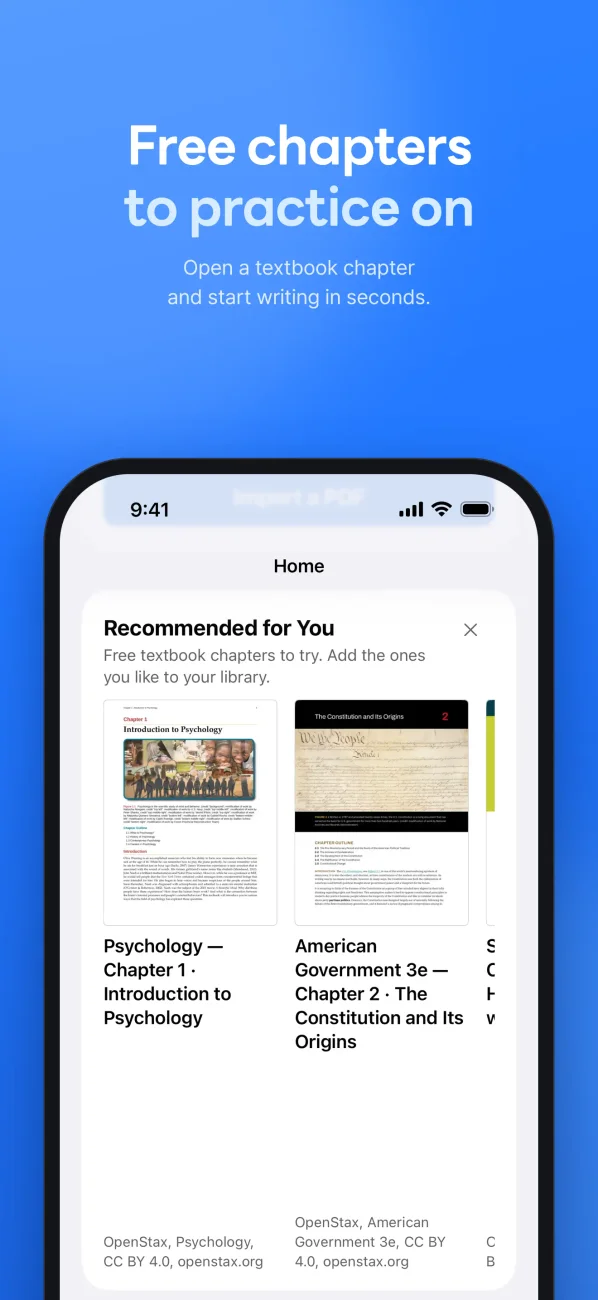
Sign in to add and study your materials, or start with a sample.
Questions: contact@testbank.ai
Privacy Policy: https://policy.solve.im/privacy/en
Terms of Service: https://policy.solve.im/terms/en
Có gì mới
Phiên bản 3.11.16 · 24/11/2026
What's new in 3.11.16
• Improved privacy protection.
• Rebuilt Incorrect questions in the side panel of the question screen. See the questions you still get wrong, sorted by Most missed or Page number, and tap Try again right away.
• In writing questions of some English books, tapping an answer box now opens an input window next to the question, so you can write your answer with Apple Pencil or the keyboard while reading the question.
• AI writing grading now marks where your answer went wrong.
• Unified the design and wording across many screens to make them easier to read, and fixed places where text was cut off or overlapped with large text sizes.
• Fixed an issue on iPad where Apple Pencil stopped writing after switching books or tabs with Finger drawing turned on.
• Fixed an issue where, when using several devices, pages created on another device disappeared or erased handwriting wasn't reflected on other devices.
• Fixed an issue where older handwriting in Notes didn't appear on other devices.
• Fixed an issue where the app quit when you long-pressed the page list to edit My order.
• Fixed an issue where the screen briefly froze when viewing folders in My Library.
• Fixed an issue where syncing looked finished even though some records hadn't been sent yet.
• Fixed an issue where tab names at the bottom of the screen were cut off in English and other languages.
• Fixed an issue where some Cancel, Close, and Done buttons at the top of the screen were cut off in English.
• Fixed an issue where the lock icon on paid clips didn't appear in the side panel and the clip preview.
• Fixed an issue where, after switching accounts on the same device, answer records could be sent to the other account.
• Fixed an issue where interpreted conversations saved in English helper didn't appear in the history.
• Other stability improvements.
Quyền riêng tư của ứng dụng
Những gì Testbank Inc. khai báo trên App Store về cách ứng dụng này xử lý dữ liệu.
-
Dữ liệu được sử dụng để theo dõi bạn
Có thể được sử dụng để theo dõi bạn trên các ứng dụng và trang web do công ty khác sở hữu.
- Mã định danh
- Dữ liệu sử dụng
-
Dữ liệu liên kết với bạn
Có thể được thu thập và liên kết với danh tính của bạn.
- Vị trí
- Thông tin liên hệ
- Nội dung của người dùng
- Lịch sử tìm kiếm
- Mã định danh
- Dữ liệu sử dụng
- Chẩn đoán
- Dữ liệu khác
Phương thức đảm bảo quyền riêng tư có thể khác nhau, chẳng hạn như tuỳ theo các tính năng bạn sử dụng hoặc độ tuổi của bạn.
Thông tin
- Người bán
- Testbank Inc.
- Danh mục
- Giáo Dục
- Phiên bản
- 3.11.16
- Cập nhật
- 24/11/2026
- Phát hành
- 23/10/2022
- Kích thước
- 240,1 MB
- Yêu cầu
- iOS 17.6 trở lên
- Độ tuổi
- 12+
- Giá
- Miễn phí
- Ngôn ngữ
- Tiếng Anh, Tiếng Ả Rập, Tiếng Catalan, Tiếng Croatia, Tiếng Séc, Tiếng Đan Mạch, Tiếng Hà Lan, Tiếng Phần Lan, Tiếng Pháp, Tiếng Đức, Tiếng Hy Lạp, Tiếng Do Thái + 21 ngôn ngữ khác
- Bản quyền
- © 2026 Testbank Inc.
Có thể bạn cũng thích
-
 풀다 - 중고등 AI 내신·수능 기출 학습앱Giáo Dục
-
 기출탭탭-AI 맞춤 문제, 내신, 수능, 고등 전 과목Giáo Dục
-
 풀리수학 - 무제한 수학문제, 수학공부 필수앱Giáo Dục
-
 수학대왕 - AI디지털문제집Giáo Dục
-
 개념원리ai - 중고등 수학, 기출, 내신, 모의평가Giáo Dục
-
 디지털교과서 2018Giáo Dục
-
 TestGenie: Digital SAT PrepGiáo Dục
-
 파트타임 스터디 - AI기반 공부 챌린지 앱Giáo Dục
-
 올클-공부타이머, 할일, 챌린지, 영단어, 일기, 명언Giáo Dục
-
 체리(Chery) - 내신이 쉬워진다!Giáo Dục