Sonarpad
Leggi, ascolta, organizza
Được thiết kế cho iPhone, iPad, iPod touch
Miễn phí
- Độ tuổi17+
- Danh mụcHiệu Suất
- Nhà phát triểnAmbrogio Riili
- Ngôn ngữTiếng Hà Lan+ 7 ngôn ngữ khác
- Kích thước261,4 MB
Liên kết đến trang App Store chính thức
Download.org không lưu trữ tệp nào của Sonarpad. Nút này mở trang ứng dụng trên App Store, nơi Ambrogio Riili phát hành ứng dụng. Trang được kiểm tra lần cuối: 20/11/2026.
Ảnh chụp màn hình

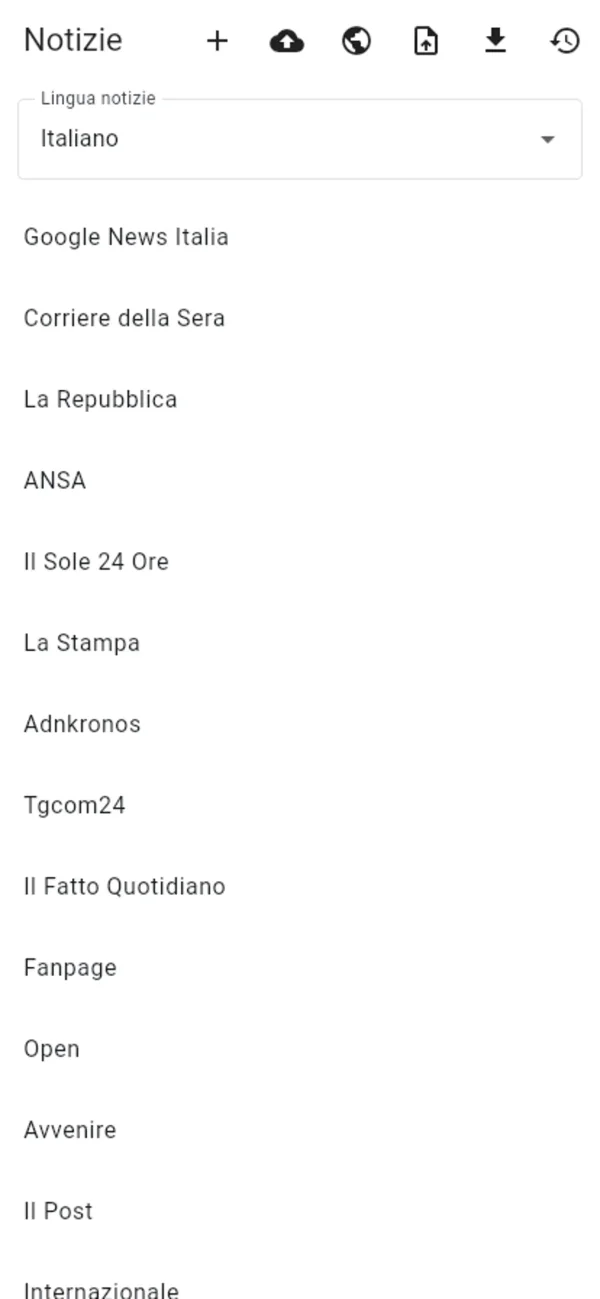
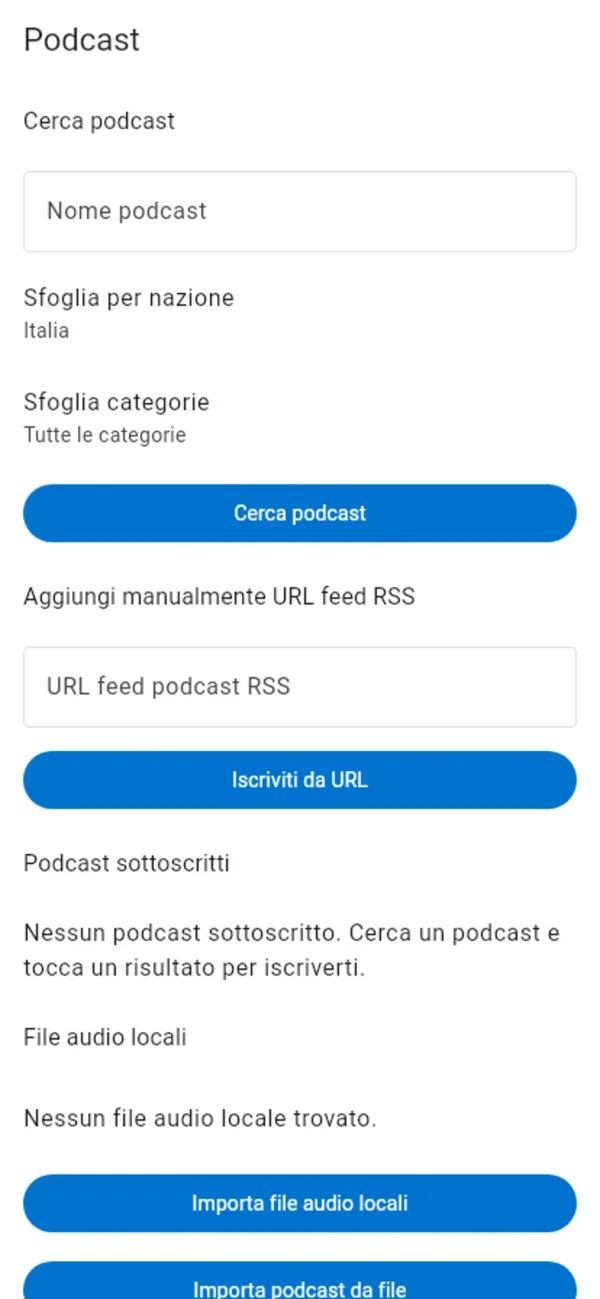
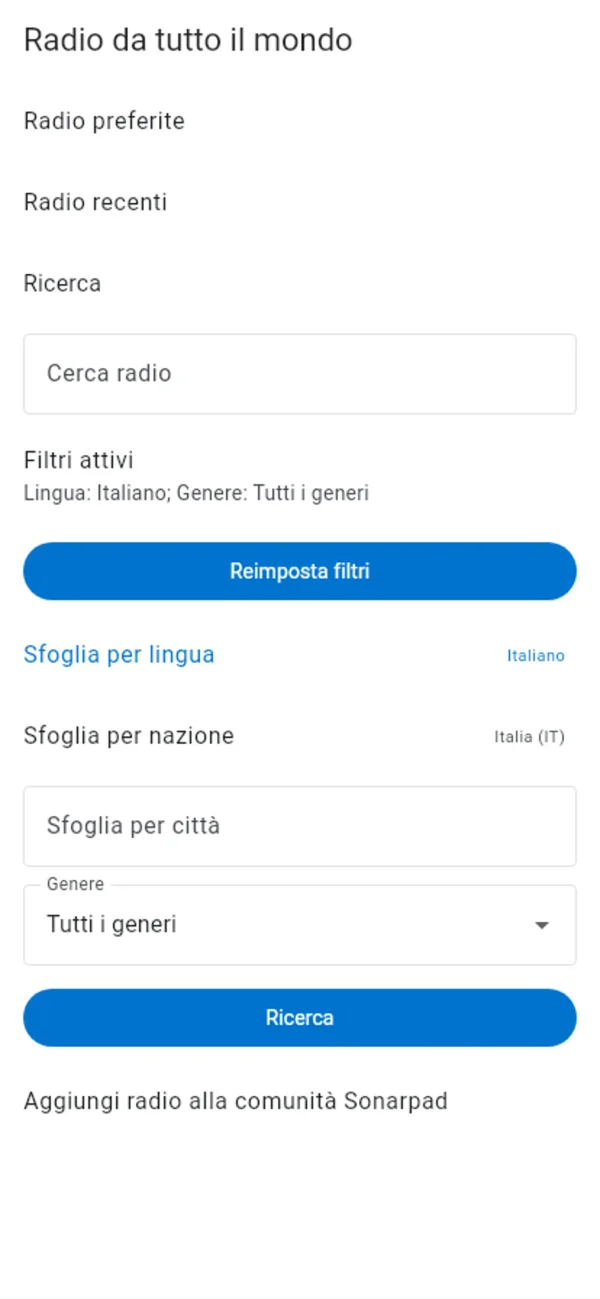
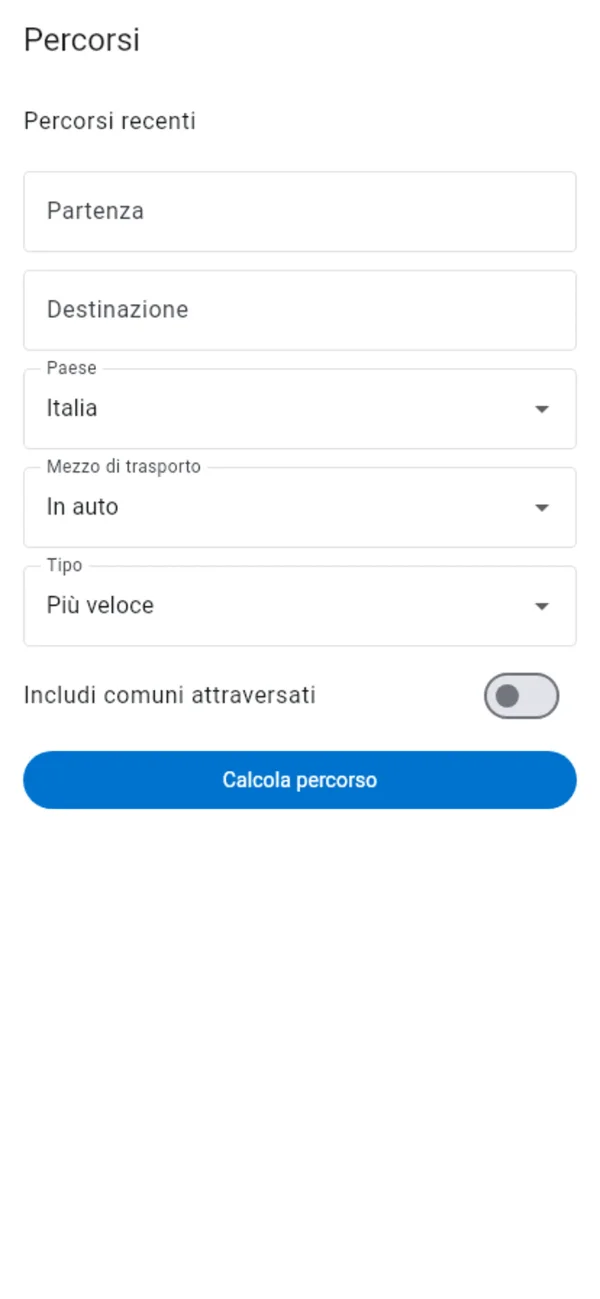
Giới thiệu
Nhà phát triển chưa cung cấp nội dung này bằng ngôn ngữ của bạn.
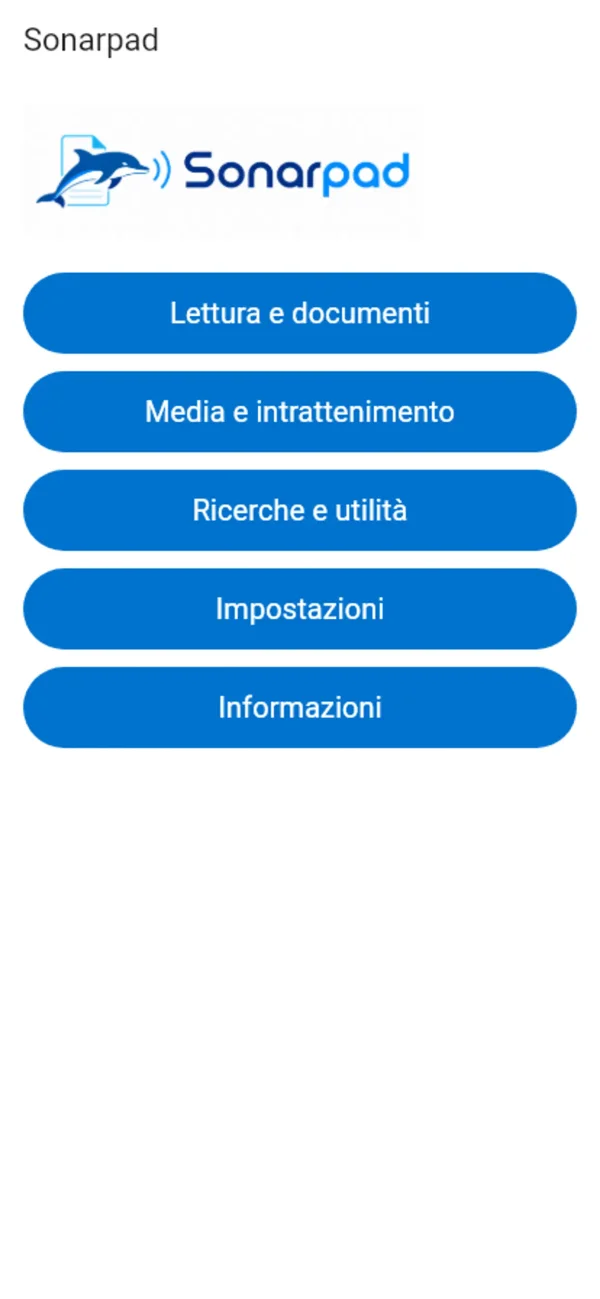
Sonarpad Mobile is an app designed to read, listen with text-to-speech, search and organise content in a simple and accessible way.
With Sonarpad, you can manage documents, follow news and podcasts, search for radio stations, check routes, weather, calendar information and other useful everyday tools.
Main features:
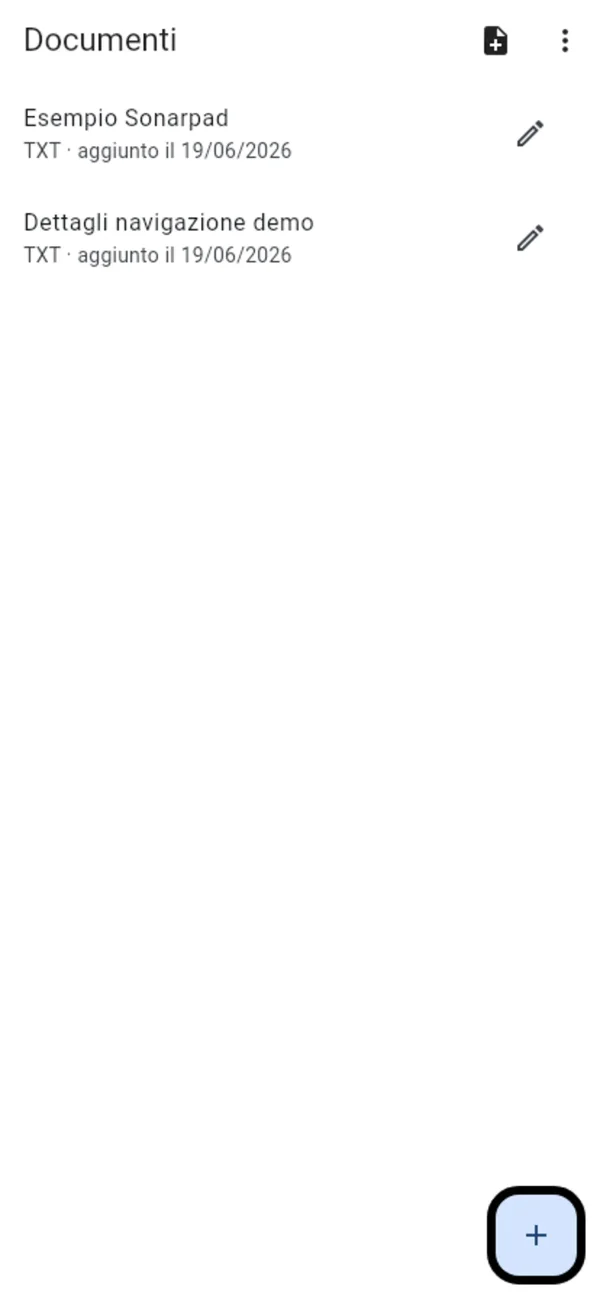
• Documents: import and read text files, documents, books and content organised in folders.
• Imports: import personal documents and search for text content from supported public sources.
• Exports: export documents to DOCX, EPUB and PDF.
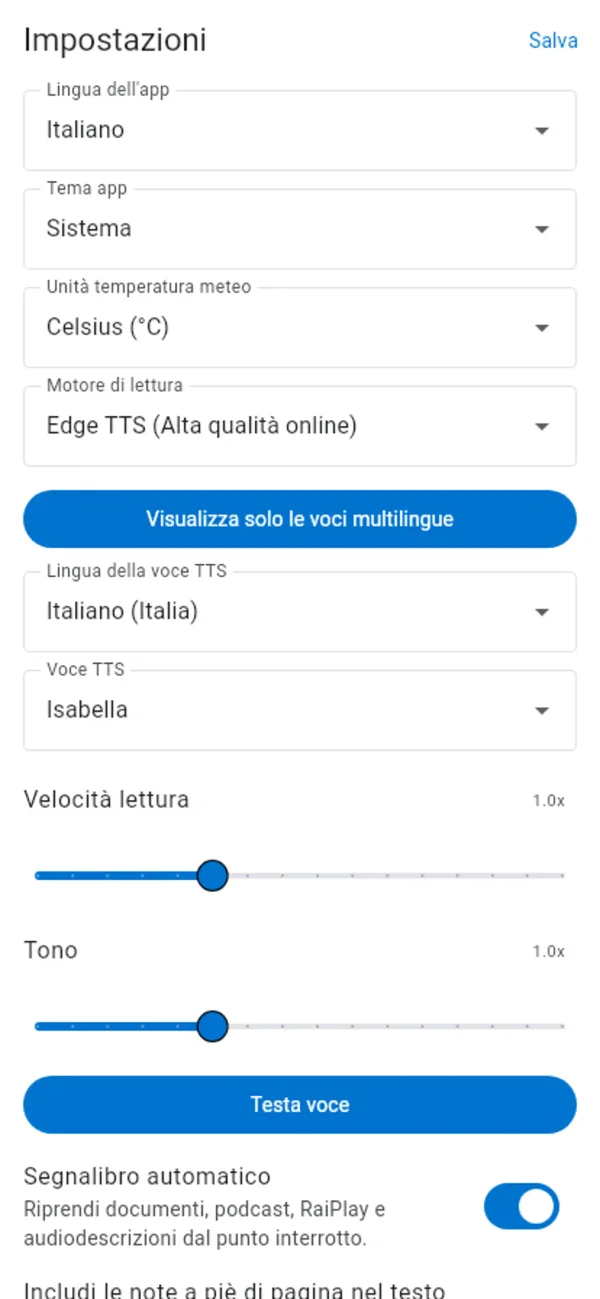
• Voice reading: use text-to-speech with the settings chosen by the user.
• News: follow RSS sources, import and export OPML files and organise sources into folders.
• Podcasts: search, listen to and manage podcasts.
• Radio: search for stations by language, country, city and genre and listen to live broadcasts.
• Routes: search for directions, store routes in Documents and listen to instructions with text-to-speech.
• Weather and recent cities: check the weather and quickly switch between cities.
• Calendar: check days, holidays, quotes and reminders.
• App theme: choose between automatic, light or dark mode.
Sonarpad was created with special attention to accessibility, VoiceOver support and simple screens.
Some features require an Internet connection and may depend on the availability of the external services used.
Có gì mới
Phiên bản 0.5.4 · 16/11/2026
Audio descriptions with TMDB cast and photos: enter a film or series title and an optional year, then choose the production, season and episode. Gemini receives cast names and actor photos as supporting evidence, never as confirmed identities. Saved catalogs retain image links for reuse.
Media cutter: simple audio cuts preserve the original format without re-encoding when possible, avoiding unnecessary file size increases. Added a Precise cutting with re-encoding option. Effects and other processing still use re-encoding; video cutting is unchanged.
Gemini voices throughout Sonarpad! Natural, expressive voices with a human-like sound for creating audiobooks and audio descriptions, reading news, books and documents, and using text-to-speech across the application. Choose Sonarpad AI with your access code or your personal Gemini API key: you do not need both.
SonarMusic: videos opened via URL are now saved to favorites with their actual title instead of a generic name.
Dictionary on iOS: disabled automatic capitalization in the search field to prevent words such as “gabbia” from not being found. Uppercase letters can still be entered manually.
Translator: improved VoiceOver focus stability when changing languages with the sliders. Source and target languages are independent and remembered when reopening the screen.
News: added Translate into the interface language to article lists, including read articles, as a VoiceOver rotor action and a visible button excluded from VoiceOver. It opens the article normally and starts translation automatically once the text is ready.
Added Clear favorites to radio, TV, SonarTube, SonarMusic and Sonarpad audio descriptions: a VoiceOver-accessible button with confirmation that removes only the current section’s favorites. Podcasts now offer Remove all subscriptions, also with confirmation, without deleting downloaded files.
Record podcast: added mono/stereo selection and an option to keep recording in the background or with the screen locked on iOS and Android. Both preferences are remembered. Stereo depends on the microphone and device; recording does not continue if the app is force-closed.
SonarTube: fixed an issue where Shorts-only playlists opened from a channel’s playlists could show “No videos” even though they contained videos.
Added Sort alphabetically to documents, radio favorites and podcast subscriptions, available as a VoiceOver rotor action and a visible button excluded from VoiceOver. The order is saved; in documents, only the open folder is sorted.
Record podcast: added a choice between MP3 and M4A, with MP3 as the default, and adjustable quality using bitrates from 64 to 320 kbps. Format and bitrate use independent sliders and are remembered.
Weather: added a description of forecast conditions for today and subsequent days, separate from current conditions. Precipitation probability is now also available in the accessible view.
Audio description projects: fixed text export from Documents to the available formats. Added a Share action for saved projects; project files edited externally can be reimported, recognized in the project list and opened in the audio description editor.
Cloud sync: added SonarMusic favorites across Windows, Mac and mobile, including songs, albums, artists and playlists. Existing lists are merged and explicit removals are synchronized.
Podcasts: automatic bookmarks and listening positions now sync between Windows, Mac and mobile, including episodes played from the Windows cache. Older positions cannot overwrite newer ones; completion and bookmark removal also sync.
Documents: added RAR archive support on Android and iOS, including files opened or shared from other apps. Supports RAR4, RAR5 and solid archives, with a password prompt when needed. Files are extracted into the library, preserving folders. Limit: 512 MB per extracted file.
Quyền riêng tư của ứng dụng
Những gì Ambrogio Riili khai báo trên App Store về cách ứng dụng này xử lý dữ liệu.
-
Dữ liệu không liên kết với bạn
Có thể được thu thập nhưng không liên kết với danh tính của bạn.
- Vị trí
- Nội dung của người dùng
- Lịch sử tìm kiếm
- Mã định danh
- Dữ liệu sử dụng
Phương thức đảm bảo quyền riêng tư có thể khác nhau, chẳng hạn như tuỳ theo các tính năng bạn sử dụng hoặc độ tuổi của bạn.
Thông tin
- Người bán
- Ambrogio Riili
- Danh mục
- Hiệu Suất
- Phiên bản
- 0.5.4
- Cập nhật
- 16/11/2026
- Phát hành
- 23/06/2026
- Kích thước
- 261,4 MB
- Yêu cầu
- iOS 15.5 trở lên
- Độ tuổi
- 17+
- Giá
- Miễn phí
- Ngôn ngữ
- Tiếng Hà Lan, Tiếng Đức, Tiếng Ý, Tiếng Bồ Đào Nha, Tiếng Rumani, Tiếng Trung Giản thể, Tiếng Thổ Nhĩ Kỳ, Tiếng Ukraina
- Bản quyền
- © 2026 Ambrogio Riili
Có thể bạn cũng thích
-
 TagFit, organize your thingsHiệu Suất
-
 ScribeMeHiệu Suất
-
 Privacy AI: Agent & ChatbotHiệu Suất
-
 Folio: Sổ Theo Dõi Mọi ThứThuốc, Hóa Đơn, Sách Đọc
-
 Benito - Agente IAHiệu Suất
-
 RuthVisionHiệu Suất
-
 Chữ kí số: Quét PDF tài liệuScan văn bản - Chuyển ảnh sang
-
 koedeskVoice keyboard for AI agents
-
 Supersense - AI for BlindHiệu Suất
-
 Envision AIread text, docs & find objects