SpectrumView
Được thiết kế cho iPhone, iPad, iPod touch
Miễn phí · Mua hàng trong ứng dụng
- Độ tuổi4+
- Danh mụcGiáo Dục
- Nhà phát triểnOxford Wave Research Ltd.
- Ngôn ngữTiếng Anh
- Kích thước17,4 MB
Liên kết đến trang App Store chính thức
Download.org không lưu trữ tệp nào của SpectrumView. Nút này mở trang ứng dụng trên App Store, nơi Oxford Wave Research Ltd. phát hành ứng dụng. Trang được kiểm tra lần cuối: 17/11/2026.
Ảnh chụp màn hình



Giới thiệu
Nhà phát triển chưa cung cấp nội dung này bằng ngôn ngữ của bạn.
SPECTRUMVIEW
Visualise, in real time, the frequencies that you can hear around you and even those you cannot with SpectrumView, your dynamic audio companion for iPhone, iPad, and iPod Touch.
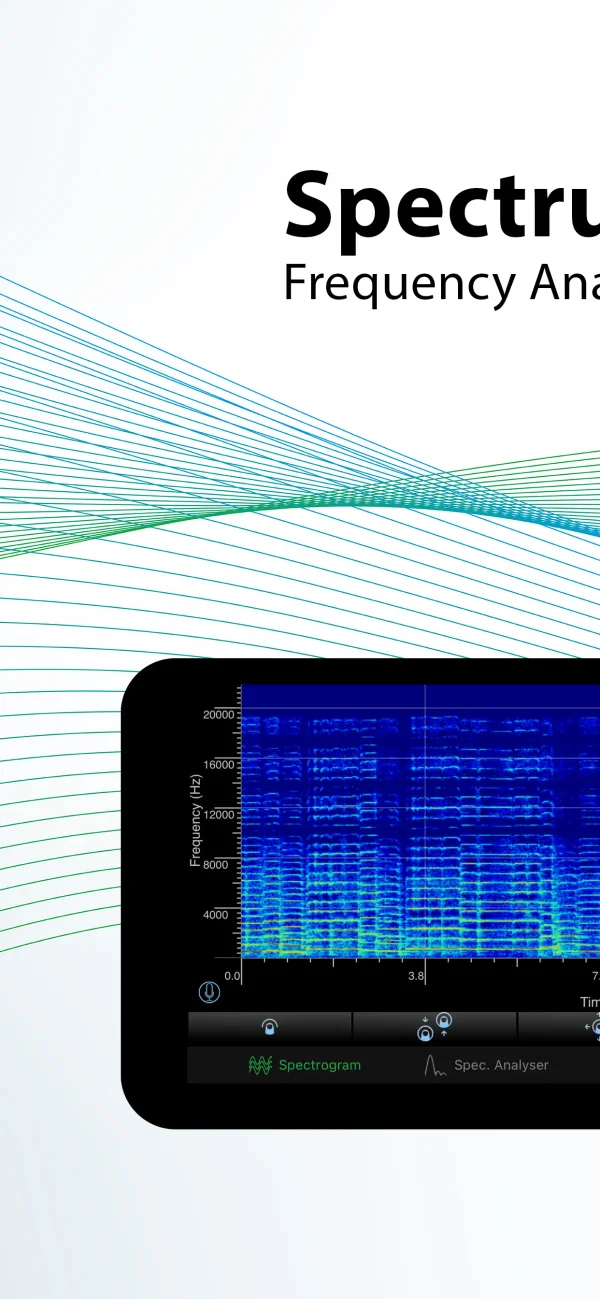
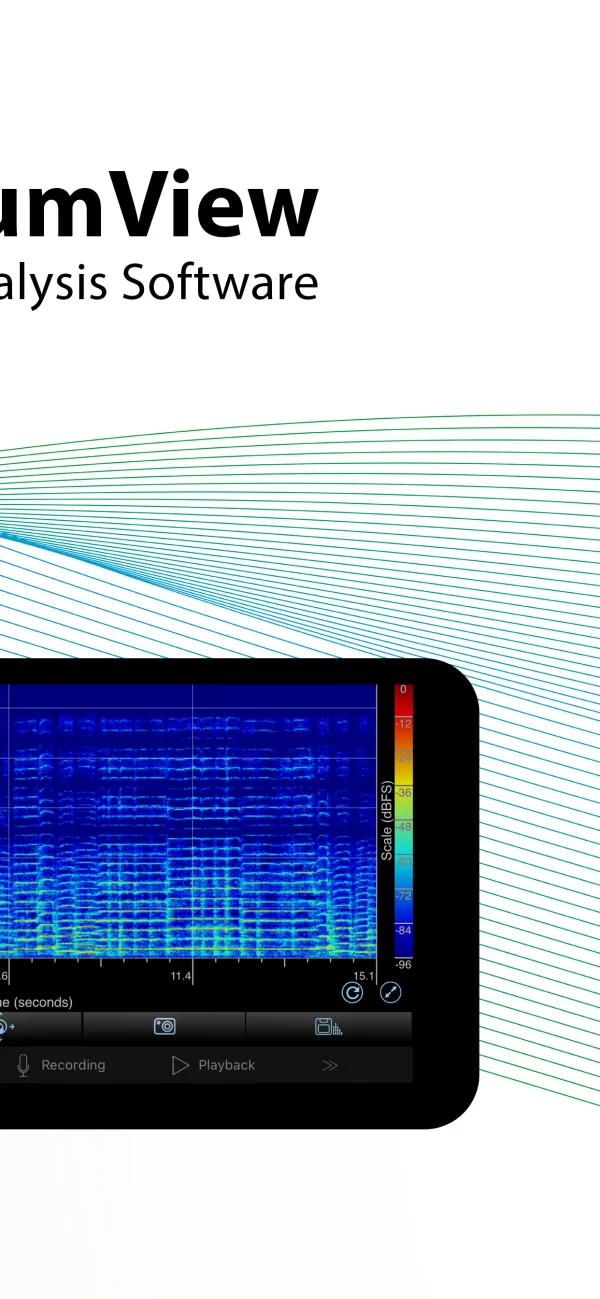
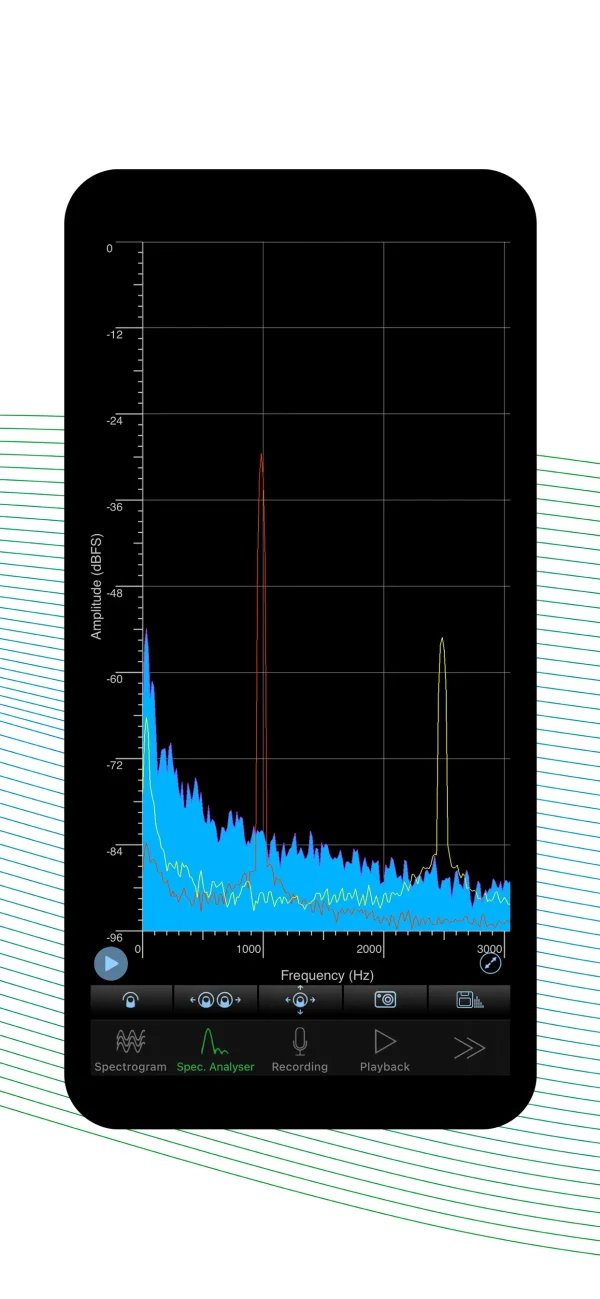
SpectrumView provides a high-quality, real-time spectrogram and spectrum analyser display, with a configurable sample rate and frequency resolution. You can use this application to measure the highest tones you can sing, obtain visual feedback of the frequencies in your speech, identify an annoying sound, calibrate musical instruments and all sorts of acoustic analysis.
Here's what it can do for you:
· Refresh Spectrogram. Allows users to refresh the spectrogram so that it clears the spectrogram that had already been displayed.
· Change min and max scale. Allows users to set their own minimum and maximum scale value on the spectrogram and spectrum analyser view, in both linear and log scale.
· Set Recording filename. Recording filenames are editable and the suffix can be set to have an incremental value or date/time.
· Generate snapshot of the spectrum data from playback and live recordings. [IAP]
· Access recordings and snapshots using the "Files" app. All the data can be easily accessible using the "Files" app that is available from iOS 11.
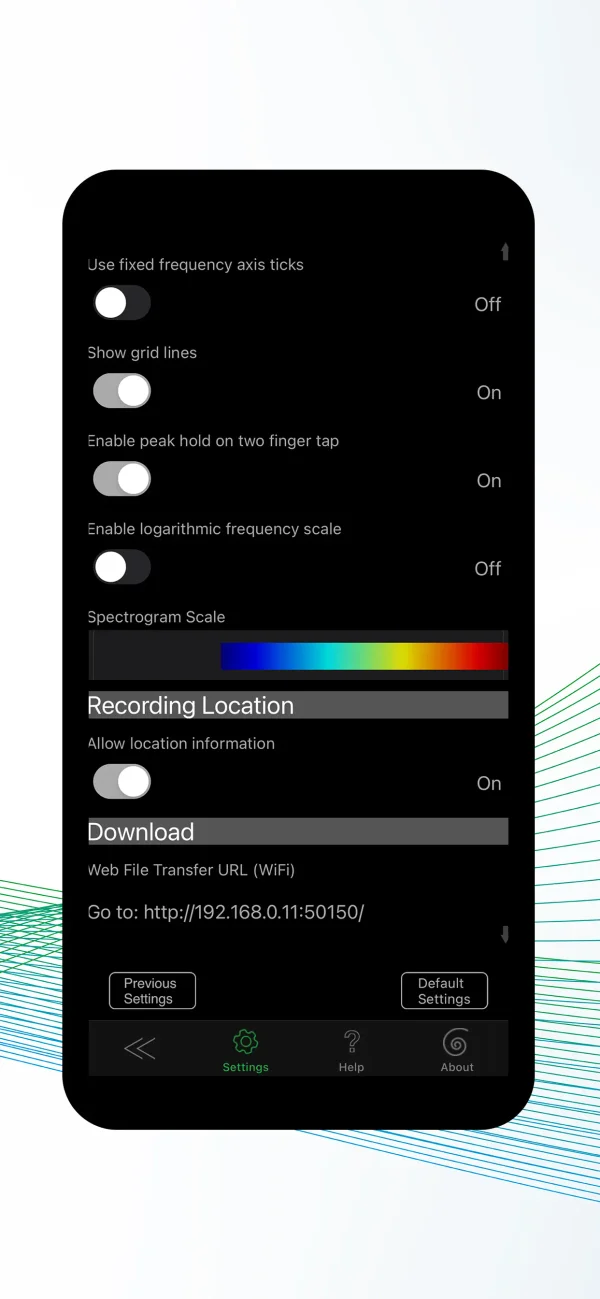
· Web File Transfer. Allows you to access your files from another device using a web browser. [IAP]
· Logarithmic scale. Allows you to set either linear or logarithmic frequency scales in the Spectrogram and Spectrum Analyser views. [IAP]
· Peak hold. Allows you to freeze and hold the peaks of the frequency envelope (three holds in three distinct colours) in Spectrum Analyser mode. [IAP]
· Save location. Never forget where a clip was recorded – uses the devices location services.
· Auto lock disabled. During playback and recordings auto lock is disabled to prevent the device from automatically locking (if enabled), for uninterrupted recording/playback
· Multiple selectable sample rates from 8,000 Hz to 48,000 Hz
· High-frequency resolution with configurable signal analysis window lengths or Fast Fourier Transform (FFT) orders.
· Sound intensity represented using a colour spectrum scale from -96 dBFS to 0 dBFS.
· Frequency Pinch-to-Zoom. Allows you to zoom into the frequency space to look at a specific tone or frequency. [IAP]
· Recording and Playback of Audio Files. Provides a fully functional audio recorder that allows you to record, pause and play back files in high-quality, uncompressed, wave format.
· Tap Data Cursor. Allows taps on any part of the Spectrogram or Spectrum Analyser display to obtain the exact frequency in Hertz (Hz) and level in decibels (dB) at that point.
· Musical Notes or Frequency Display on Tap. Selectable frequency or musical pitch notation to obtain the cent-accurate musical note e.g. A4 (22), when the display is tapped.
· Live Spectrogram and Spectrum Analyser Views of Recorded Files. Files recorded can be played back and the Spectrogram and Spectrum Analyser modes can be used to review the audio.
· Sharing Recorded Files by Email or iTunes File-sharing.
· High Quality Screenshots.
· *Improved* Soundcloud support. Audio files can be uploaded to or downloaded from Soundcloud as well as being able to post audio to Facebook. [IAP]
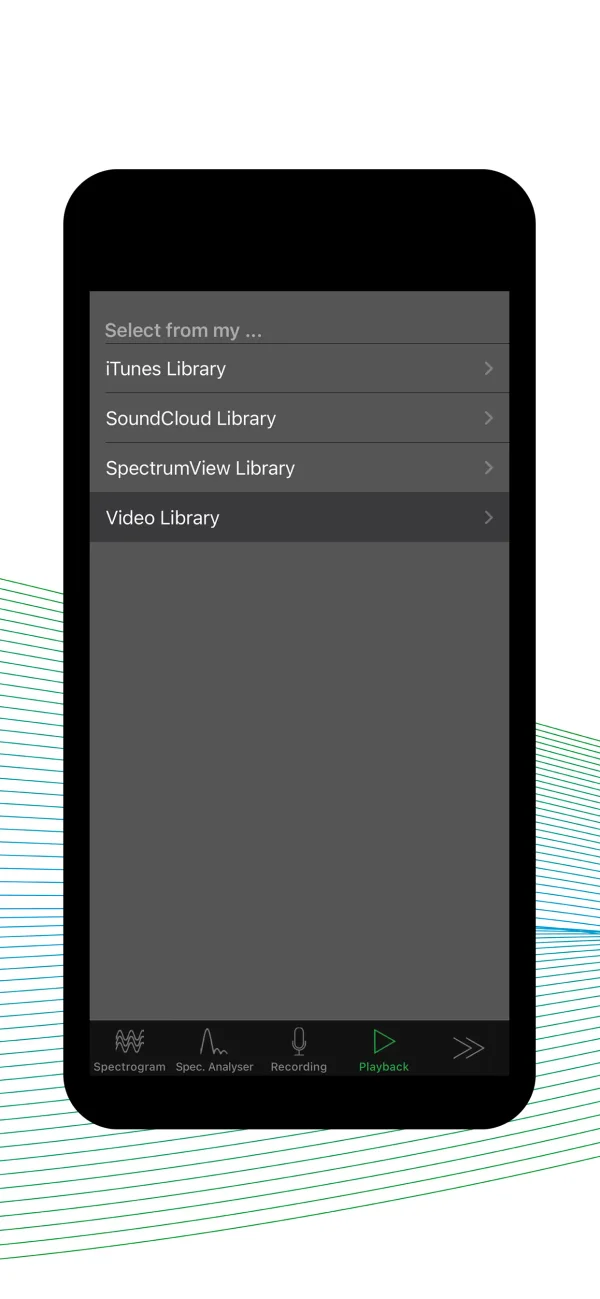
· Playback from iTunes library. Files can now be analysed directly form the iTunes library.
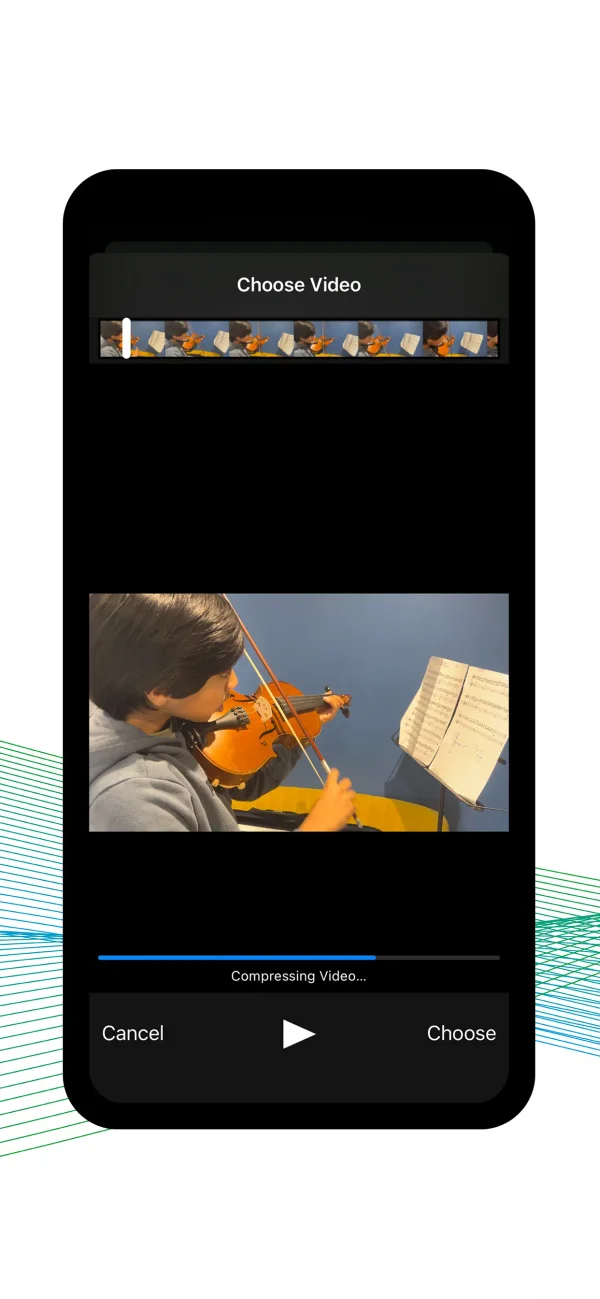
· *NEW* Import audio from videos in your device library.
· Fullscreen mode. Hide the menu at the bottom of the screen to get even more of the screen dedicated to frequency analysis.
· Selectable spectrogram colour scales. You can now select one of 7 colour scales for your spectrogram.
· Selectable window functions. You can now see the window function options provided.
· Apply gain. A maximum of 24dB gain can be applied to make ‘hard to see’ details easier to view.
· Open In. Audio files can be directly opened in SpectrumView. View files sent by email directly in SpectrumView.
Có gì mới
Phiên bản 2.4.2 · 25/01/2024
SpectrumView 2.4.2 (2.4.35) Update:
- Import audio from videos in your device library
- Improved SoundCloud compatibility
- Improved sharing with other apps like Whatsapp
- Various bug fixes
Quyền riêng tư của ứng dụng
Những gì Oxford Wave Research Ltd. khai báo trên App Store về cách ứng dụng này xử lý dữ liệu.
-
Dữ liệu không liên kết với bạn
Có thể được thu thập nhưng không liên kết với danh tính của bạn.
- Dữ liệu sử dụng
- Chẩn đoán
Phương thức đảm bảo quyền riêng tư có thể khác nhau, chẳng hạn như tuỳ theo các tính năng bạn sử dụng hoặc độ tuổi của bạn.
Thông tin
- Người bán
- Oxford Wave Research Ltd.
- Danh mục
- Giáo Dục
- Phiên bản
- 2.4.2
- Cập nhật
- 25/01/2024
- Phát hành
- 18/10/2011
- Kích thước
- 17,4 MB
- Yêu cầu
- iOS 9.0 trở lên
- Độ tuổi
- 4+
- Giá
- Miễn phí
- Mua hàng trong ứng dụng
- Có
- Ngôn ngữ
- Tiếng Anh
- Bản quyền
- © (C) 2024 Oxford Wave Research Ltd.