
Spherualizer
360 Viewer & Editor
Được thiết kế cho iPhone, iPad, iPod touch
299.000đ
- Độ tuổi12+
- Danh mụcẢnh & Video
- Nhà phát triểnGiovanni Murru
- Ngôn ngữTiếng Anh+ 11 ngôn ngữ khác
- Kích thước10,0 MB
Liên kết đến trang App Store chính thức
Download.org không lưu trữ tệp nào của Spherualizer. Nút này mở trang ứng dụng trên App Store, nơi Giovanni Murru phát hành ứng dụng. Trang được kiểm tra lần cuối: 18/11/2026.
Ảnh chụp màn hình
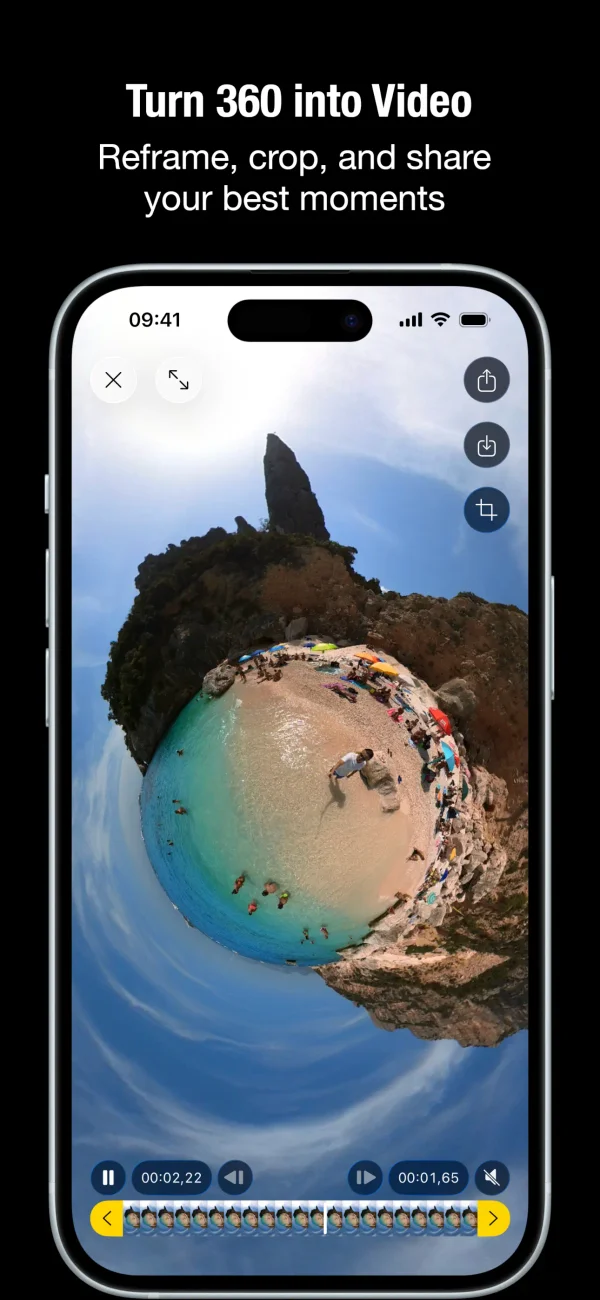

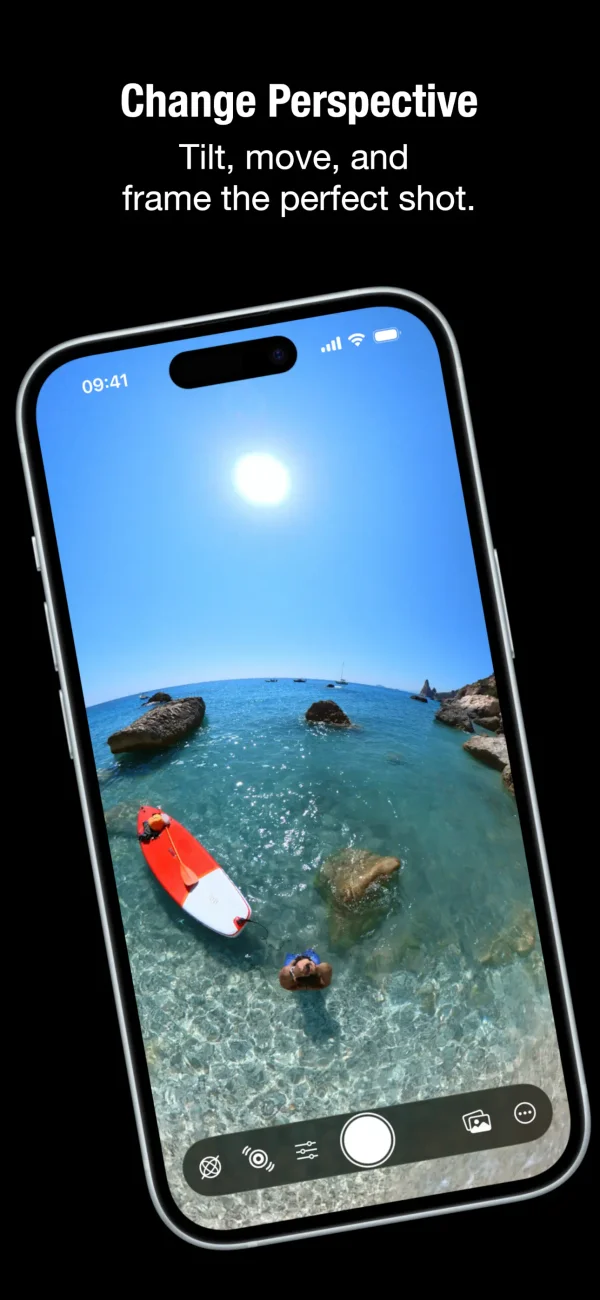

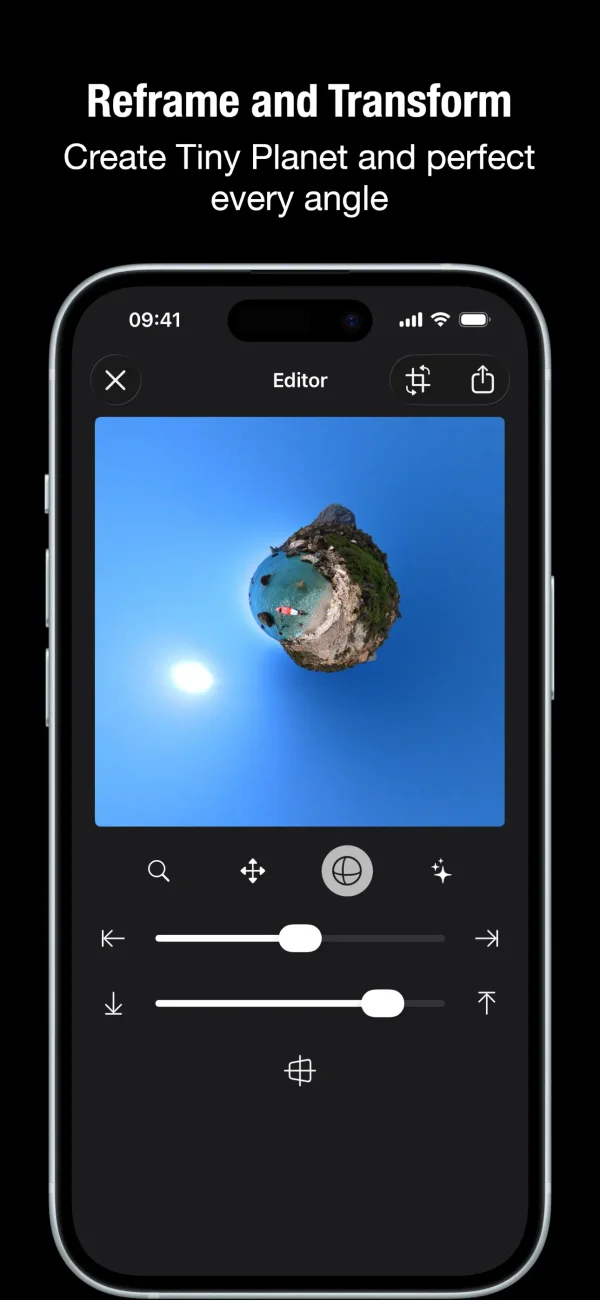
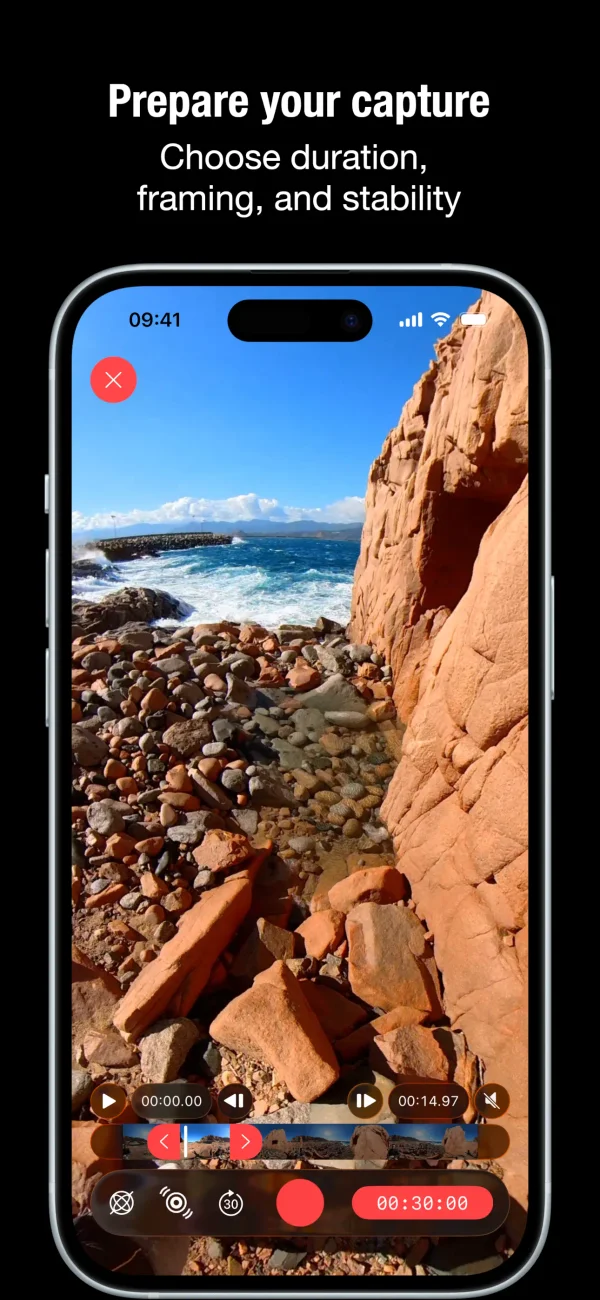

Giới thiệu
Nhà phát triển chưa cung cấp nội dung này bằng ngôn ngữ của bạn.
Transform any 360° photo or video into a story you can play, edit, and share.
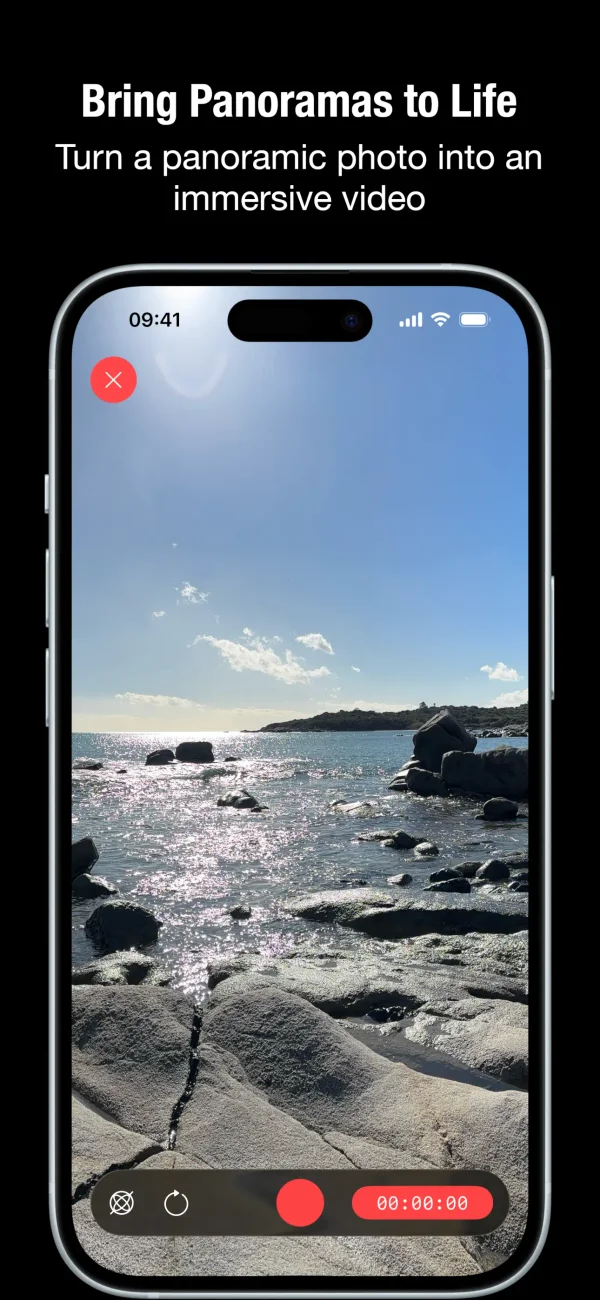
Spherualizer natively opens 2 : 1 equirectangular files from any 360 camera—including GoPro, Insta360, DJI, Ricoh Theta, and beyond—and panoramas stitched from multiple DSLR shots or even iPhone panos for a creative twist.
Create on iPhone, iPad, or Mac, and enjoy your full 360 library on Apple TV. Spherualizer is the viewer‑editor that makes spherical moments shine on every screen.
360 SPHERICAL VIEWER
- Gyroscope and touch — tilt, rotate, or swipe to look around any spherical photo or video
- Gamepad support — move smoothly with PlayStation or Xbox controllers, or use the on‑screen joystick
- Full‑screen — view your 360 photos and videos in full‑screen
INFO SHEET
- View details such as resolution, frame rate, codec, and more
- Photos also show EXIF data
CAPTURE AND REFRAME
- Quick snapshots — tap the shutter button to capture a frame from any angle
- Full‑frame save — pause a 360 video and archive the complete spherical frame in the Gallery
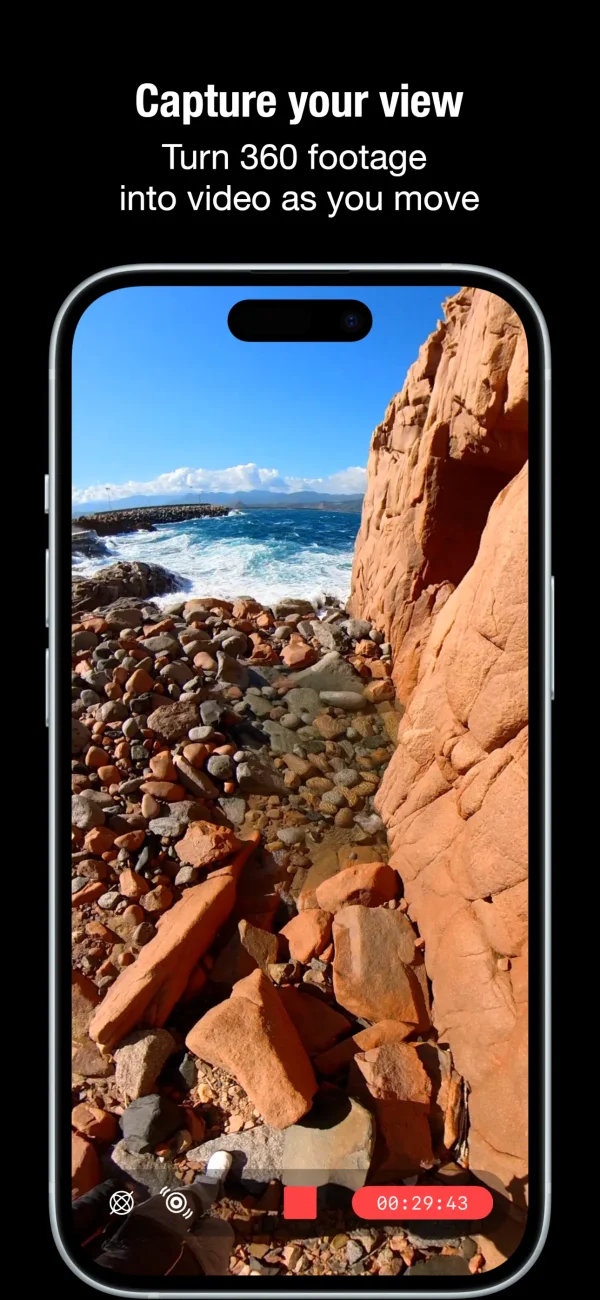
VIDEO RECORDING TOOLS
- Press and hold the shutter button to enter recording mode from the spherical viewer
- Pick your favourite mode:
- Infinite — record for as long as you like; the video loops, so you can film the same moment from different angles in one take
- Timed — choose 5, 10, 15, 30, 45, or 60 seconds
- You can also select a segment of the video to record
- Gyro stabiliser — three levels to balance smoothness and responsiveness while you move
ORGANISE YOUR LIBRARY
- Photos live in the Gallery and can be organised into albums
- Videos stay on a separate tab
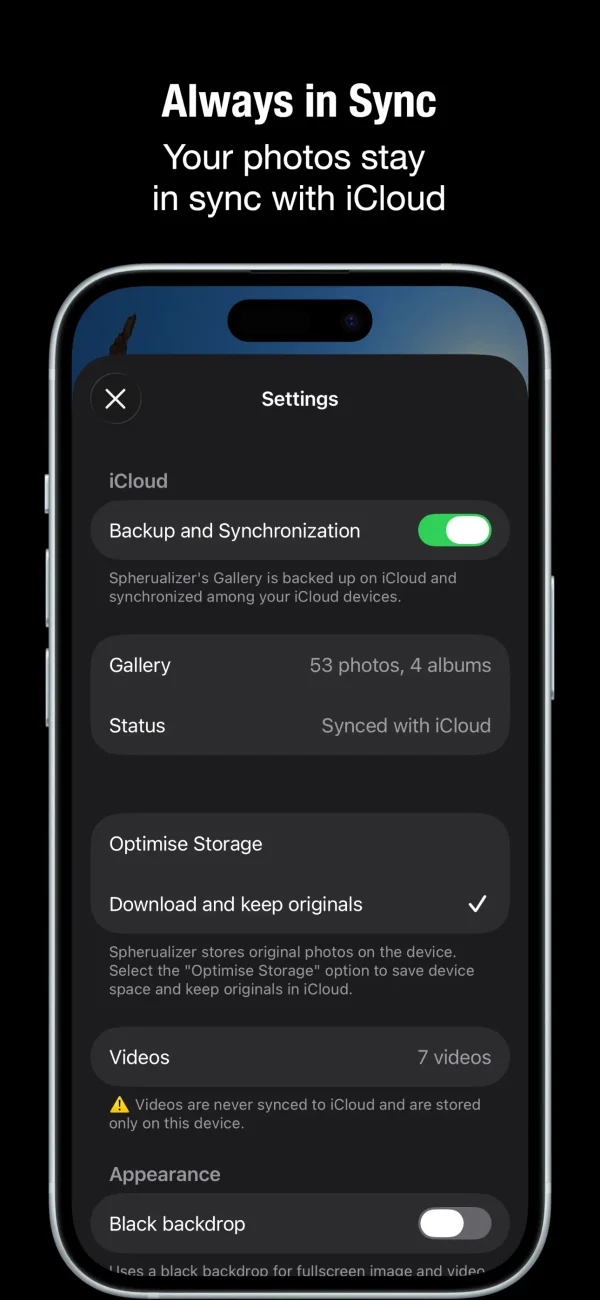
SMART ICLOUD SYNC
- Optimise storage by keeping originals only in iCloud, or download photos at full resolution and keep them on‑device at all times
- Videos are always on‑device and are never synced — saving your iCloud space
SIMPLE IMPORT
- Open media without adding it to the Library
- Import to the Library from the Photos or Files apps, even from a NAS or external drives
- Drag and drop files into the Library to import, or drop a file into the spherical viewer to open it
SPHERUALIZE ACTION
- Thanks to the Spherualize action in the Activity View — often called the share sheet — you can preview 360 media from apps like Photos and Files
REVIEW AND SHARE YOUR CREATIONS
- Every snapshot, clip, or animation opens in a preview screen where you can share it or saved it to Photos
ADVANCED SPHERICAL EDITOR
- Start editing from the spherical viewer or the last saved draft
- Precision sliders — rotate, zoom, move, and tilt for perfect framing, Tiny Planet, rabbit‑hole, or any perspective
- One‑tap animations — transform 360 photos into video animations
ACROSS YOUR APPLE DEVICES
- Native everywhere — optimised for iPhone, iPad (compatible with Split View), Mac (Apple Silicon), and Apple TV
- Big‑screen immersion — play photos and videos on Apple TV by sending them from the iPhone app
LIVE IN VR
- Ready for Meta Quest — a free companion app syncs your Spherualizer Gallery photos with Quest for head‑tracked viewing
- Search for "Spherualizer" in the Meta Store
TRANSFORM YOUR 360 MOMENTS.
Download Spherualizer today and start telling 360‑degree stories.
Có gì mới
Phiên bản 10.2.2 · 09/11/2026
- Bug fixes and performance enhancements.
- Resolved an issue that prevented animations from being generated and exported correctly in certain configurations.
Quyền riêng tư của ứng dụng
Những gì Giovanni Murru khai báo trên App Store về cách ứng dụng này xử lý dữ liệu.
-
Dữ liệu không được thu thập
Nhà phát triển không thu thập bất kỳ dữ liệu nào từ ứng dụng này.
Phương thức đảm bảo quyền riêng tư có thể khác nhau, chẳng hạn như tuỳ theo các tính năng bạn sử dụng hoặc độ tuổi của bạn.
Thông tin
- Người bán
- Giovanni Murru
- Danh mục
- Ảnh & Video
- Phiên bản
- 10.2.2
- Cập nhật
- 09/11/2026
- Phát hành
- 12/03/2014
- Kích thước
- 10,0 MB
- Yêu cầu
- iOS 15.6 trở lên
- Độ tuổi
- 12+
- Giá
- 299.000đ
- Ngôn ngữ
- Tiếng Anh, Tiếng Ả Rập, Tiếng Pháp, Tiếng Đức, Tiếng Ý, Tiếng Nhật, Tiếng Hàn, Tiếng Bồ Đào Nha, Tiếng Nga, Tiếng Trung Giản thể, Tiếng Tây Ban Nha, Tiếng Thổ Nhĩ Kỳ
- Bản quyền
- © Giovanni Murru