
Split The Ticket & Bill
Shared accounts & expenses
Được thiết kế cho iPhone, iPad, iPod touch
Miễn phí · Mua hàng trong ứng dụng
- Độ tuổi4+
- Danh mụcTài Chính
- Nhà phát triểnJuan Carlos Delgado
- Ngôn ngữTiếng Anh
- Kích thước16,0 MB
Liên kết đến trang App Store chính thức
Download.org không lưu trữ tệp nào của Split The Ticket & Bill. Nút này mở trang ứng dụng trên App Store, nơi Juan Carlos Delgado phát hành ứng dụng. Trang được kiểm tra lần cuối: 15/11/2026.
Ảnh chụp màn hình

Giới thiệu
Nhà phát triển chưa cung cấp nội dung này bằng ngôn ngữ của bạn.
Free and smart expense manager to make accounts between friends and family.
Split The Ticket is the best application to keep accounts on trips, vacations, family gatherings, when you go out to party, when sharing a house (renting a house, etc.). It is also very useful to keep track of the debts that other people have with you.
Completely free!
Available online (on the web) or on your mobile phone or tablet.
*** HIGHLIGHTS FEATURES
** No registration
To use our application you do not have to register. Simply go to the store, install the App and start using it. If you use the web version, you just have to type www.splittheticket.com in your preferred browser.
** Free
Split The Ticket is completely free. You will have all the functions enabled from the beginning, without having to pay for a higher version to have access to the most special features.
**Unlimited
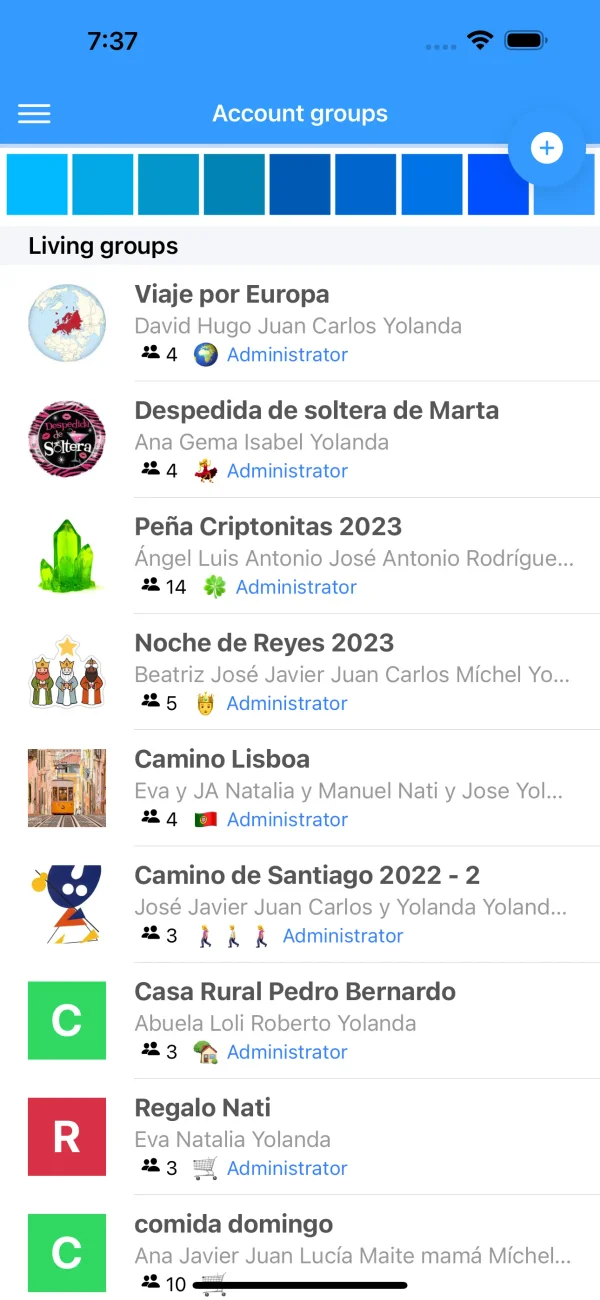
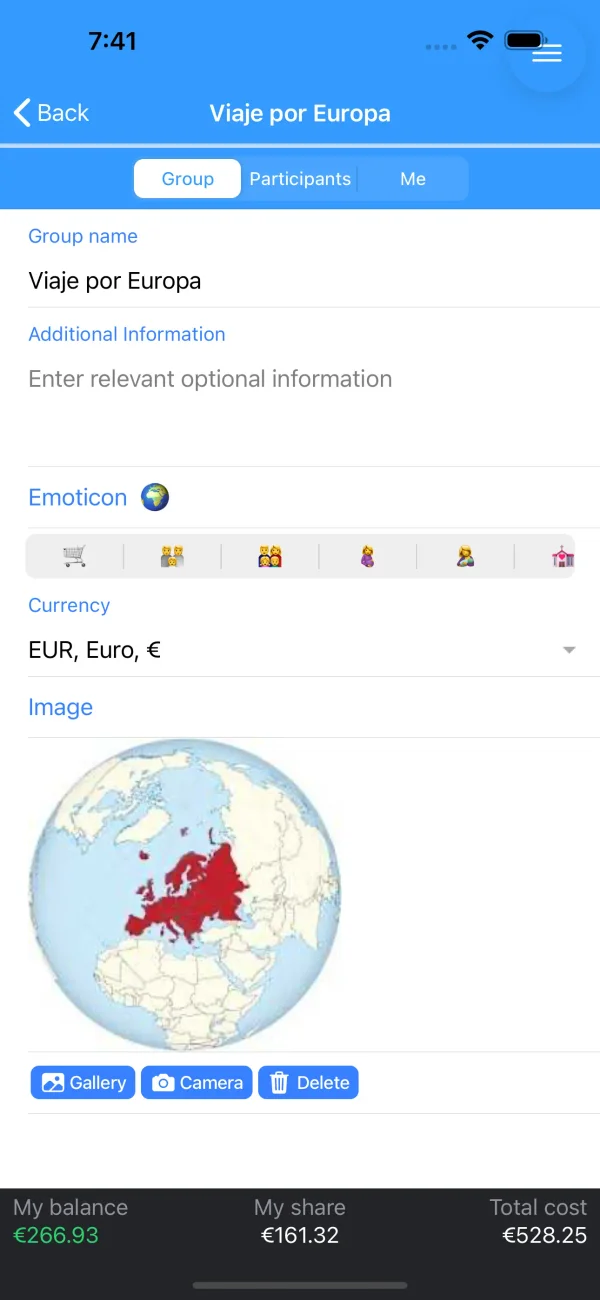
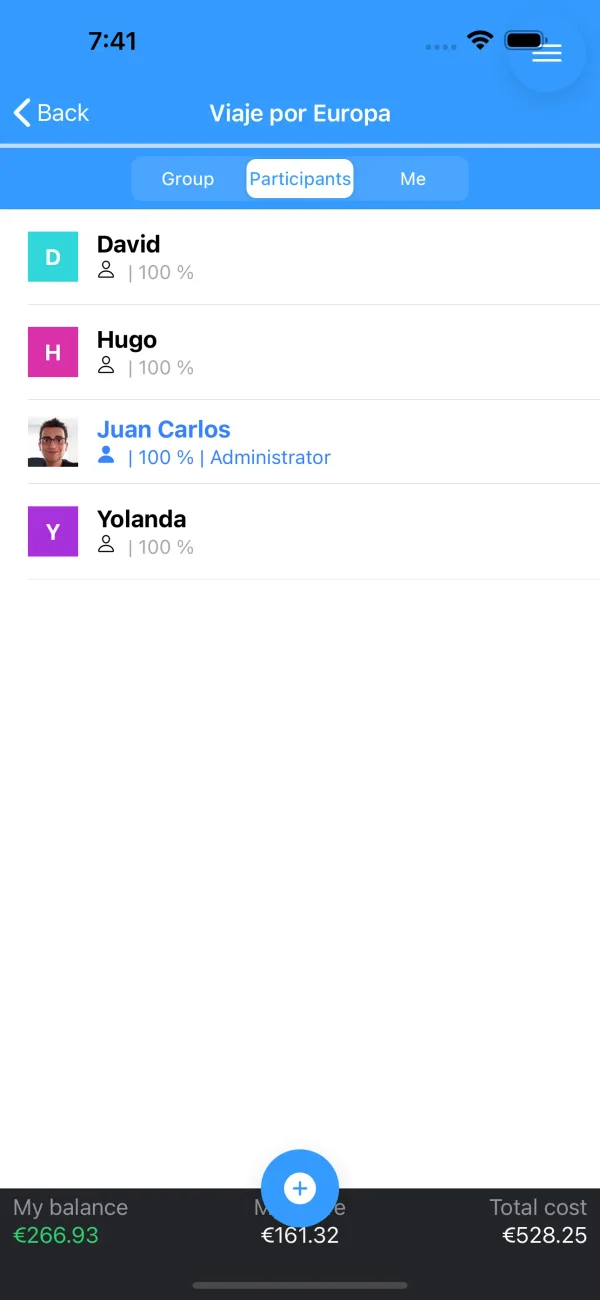
You can create as many groups as you want and in each group you can add as many participants as you need. At Split The Ticket we don't leave anyone out.
** Very visual, with images and emoticons
To facilitate the use of the application and make it easier to handle, you will be able to associate images in different areas of the application: user profile, group of expenses and notes.
** Differentiated participation percentages
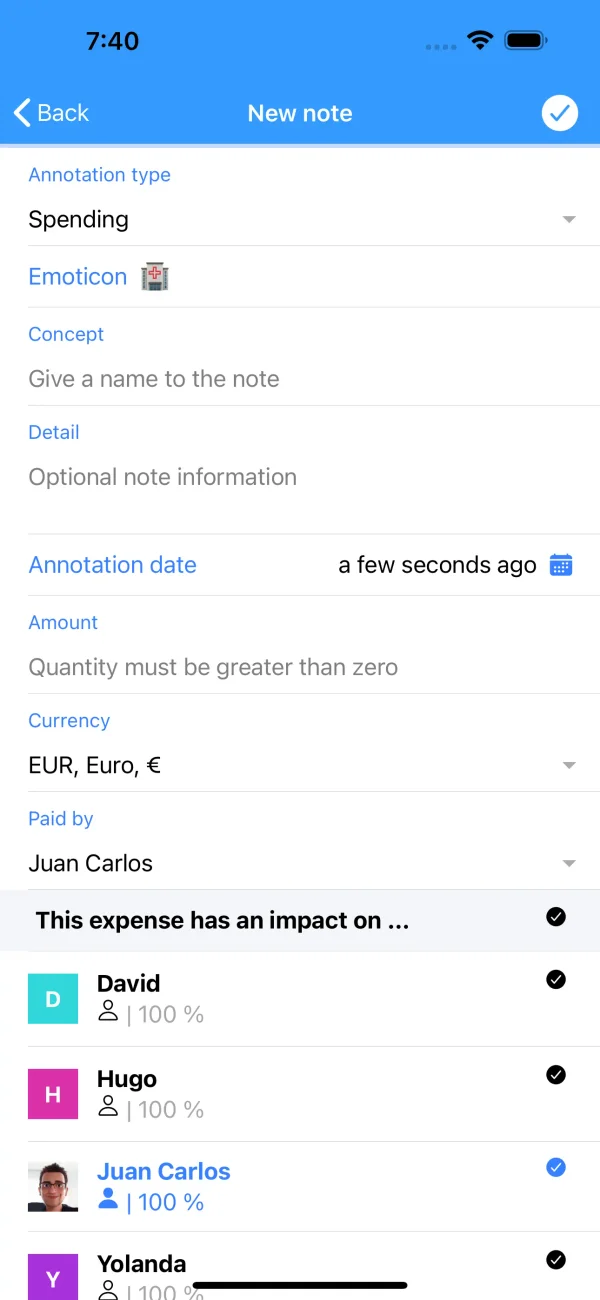
Not all people have the same weight in different expenses. For example, in trips, we could decide that the children are only going to be passed on 50% of the expenses; however, to adults, 100%. We can assign a percentage to each participant and, by default, in the notes in which they take part, this percentage will initially be assigned to them (although this can also be changed later).
Also in the notes we can include fixed amounts (instead of percentages) for certain people.
** Multiple currencies
Groups must have a default currency. This currency is the one with which the balances will be squared. By default, the currency of your country will be assigned, although this can be changed later.
The notes that we make can be expressed in a different currency (let's imagine a trip to the South American continent, where in each country we can have expenses in different currencies). If the currency of the entry is different from that of the group, countervalues will also be shown in the currency of the group, to facilitate and better understand the amounts of the expenses. You can also change the exchange rate.
** Different types of notes
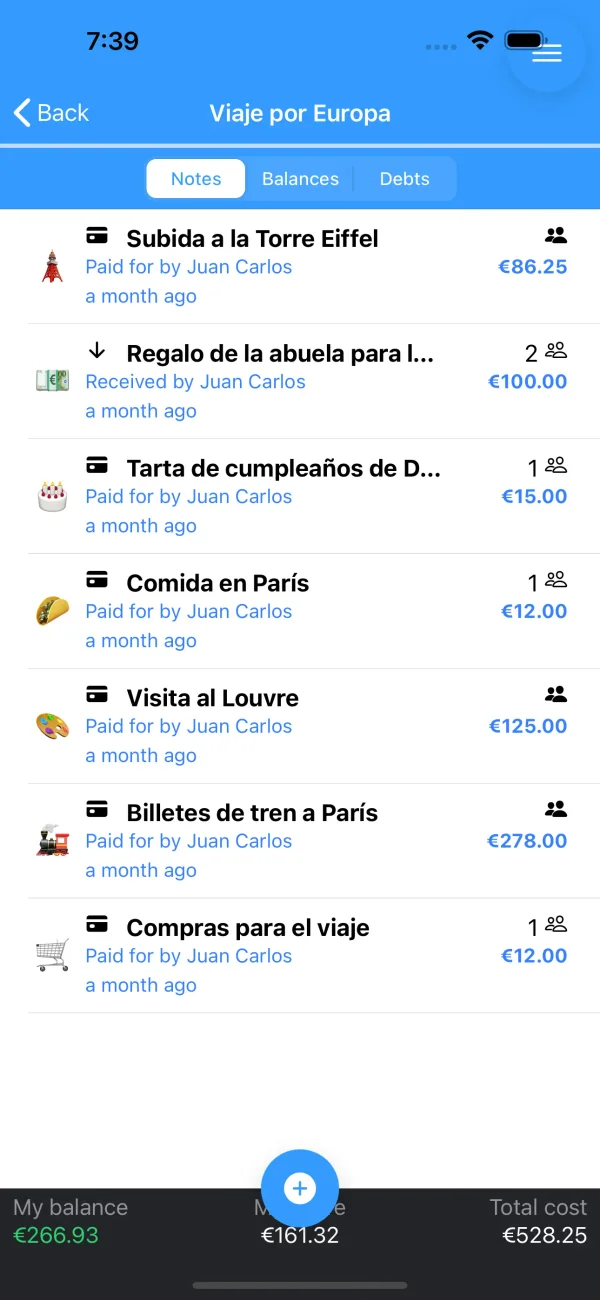
Expenses are the different purchases or payments that we make throughout the life of the group.
Contributions to the fund, in the case of setting up a fund prior to starting to make expenses.
Refunds, with which we will settle the accounts with the rest of the group participants.
Income, are amounts that reach the group and that can be distributed among the different participants of the group.
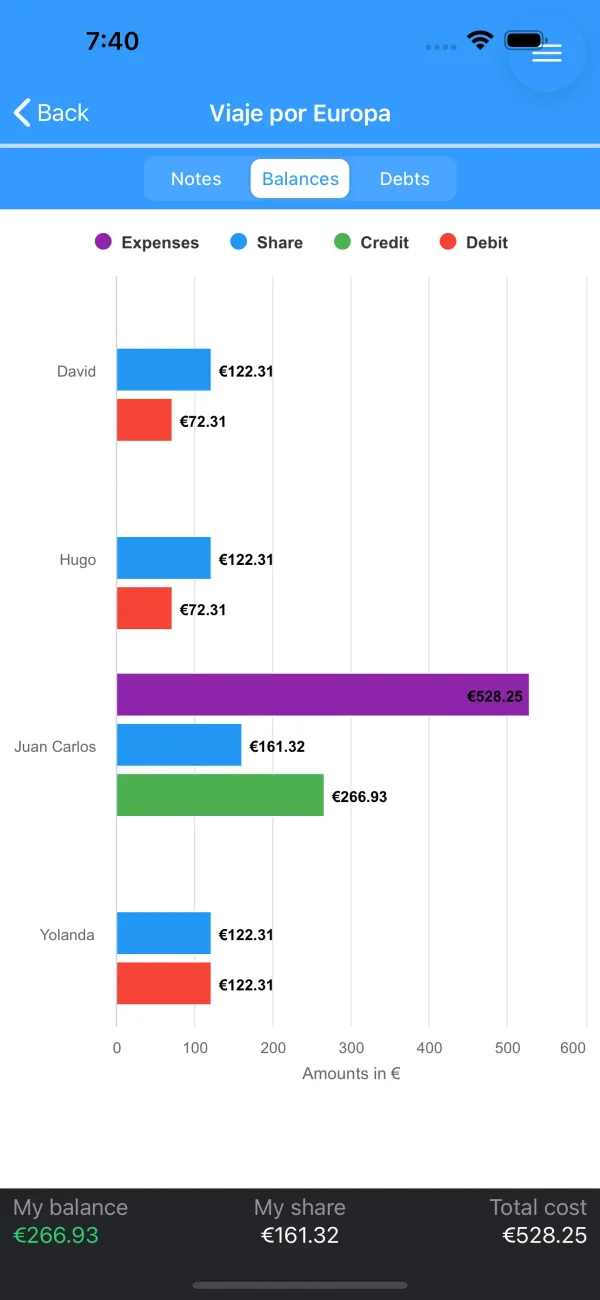
** Graphs of balances and fees
There are graphs where you can see, by participant, the relationship between the fees that we have to contribute to the expenses incurred, according to our participation percentage, and the balances of each participant.
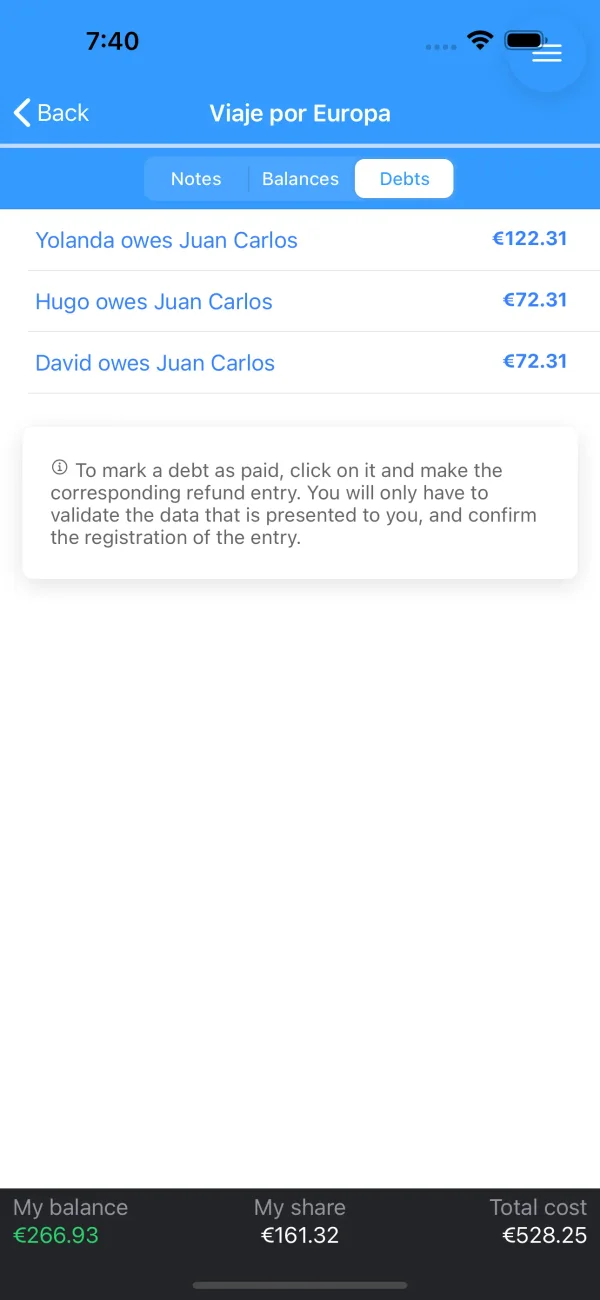
We can also see how much we owe each person, based on the current status of the group. If the group is square, the application will notify us of this situation.
** Share the groups
Share the groups with the participants, so that they have access to it, can identify themselves and make their own annotations of expenses. Don't carry all the work yourself!
Share by WhatsApp, mail, or social networks.
**It works without internet connection.
Add expenses, income, etc. even if you are currently offline. As soon as the App is opened with internet connection, all your entries will be automatically synchronized and balances and debts will be generated according to all the entries of all the participants of the group.
Có gì mới
Phiên bản 1.7.1 · 01/07/2026
It is now possible to generate notes without an internet connection. Add expenses, income, etc. even if you are currently offline. As soon as the app is opened with an internet connection, all your notes will be automatically synchronized and balances and debts will be generated according to all the notes of all the participants of the group.
Quyền riêng tư của ứng dụng
Những gì Juan Carlos Delgado khai báo trên App Store về cách ứng dụng này xử lý dữ liệu.
-
Dữ liệu được sử dụng để theo dõi bạn
Có thể được sử dụng để theo dõi bạn trên các ứng dụng và trang web do công ty khác sở hữu.
- Mã định danh
-
Dữ liệu không liên kết với bạn
Có thể được thu thập nhưng không liên kết với danh tính của bạn.
- Mã định danh
Phương thức đảm bảo quyền riêng tư có thể khác nhau, chẳng hạn như tuỳ theo các tính năng bạn sử dụng hoặc độ tuổi của bạn.
Thông tin
- Người bán
- Juan Carlos Delgado
- Danh mục
- Tài Chính
- Phiên bản
- 1.7.1
- Cập nhật
- 01/07/2026
- Phát hành
- 22/12/2021
- Kích thước
- 16,0 MB
- Yêu cầu
- iOS 15.0 trở lên
- Độ tuổi
- 4+
- Giá
- Miễn phí
- Mua hàng trong ứng dụng
- Có
- Ngôn ngữ
- Tiếng Anh
- Bản quyền
- © Juan Carlos Delgado
Có thể bạn cũng thích
-
 SplitEasy: Gastos compartidosDivide cuentas y salda deudas
-
 Trip Splitter & Travel BudgetOn Vacation, Holiday & Fare
-
 Split expenses: Bill ShareTài Chính
-
 WeXpense - Split BillsTài Chính
-
 Splital: Chia Hóa Đơn NhómChi Phí Du Lịch Cùng Bạn Bè
-
 Expenses: Mine & SharedTài Chính
-
 CoupleProTài Chính
-
 GoDutch: split group expensesTài Chính
-
 Couple Count - couple expensesTài Chính
-
 HazCuentasTài Chính