
Spokel
Task & Project Manager
Được thiết kế cho iPhone, iPad
Miễn phí · Mua hàng trong ứng dụng
- Độ tuổi4+
- Danh mụcHiệu Suất
- Nhà phát triểnBinariver LTD
- Ngôn ngữTiếng Anh
- Kích thước2,5 MB
Liên kết đến trang App Store chính thức
Download.org không lưu trữ tệp nào của Spokel. Nút này mở trang ứng dụng trên App Store, nơi Binariver LTD phát hành ứng dụng. Trang được kiểm tra lần cuối: 06/11/2026.
Ảnh chụp màn hình



Giới thiệu
Nhà phát triển chưa cung cấp nội dung này bằng ngôn ngữ của bạn.
The purpose of the application is to organize, plan, and manage a user’s electronic and physical items and tasks in a centralized location. The application features a user-friendly interface with two primary entities: items and projects (hierarchical item sets).
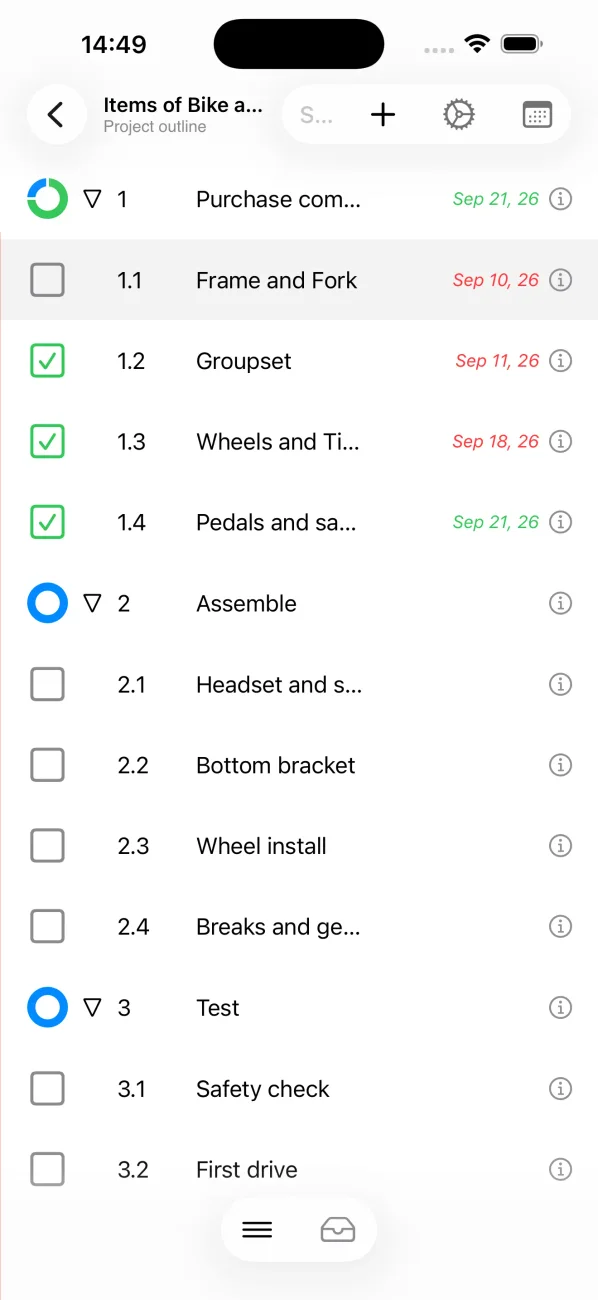
Within a project, items are organized into hierarchical lists that reflect user-specific logic. This structure allows for parent items containing subitems, which can in turn contain their own subitems in branches of any depth. It enables the decomposition of complex item sets into simple items, tracking their status and time, and summarizing the status and time of higher-level items and the entire project.
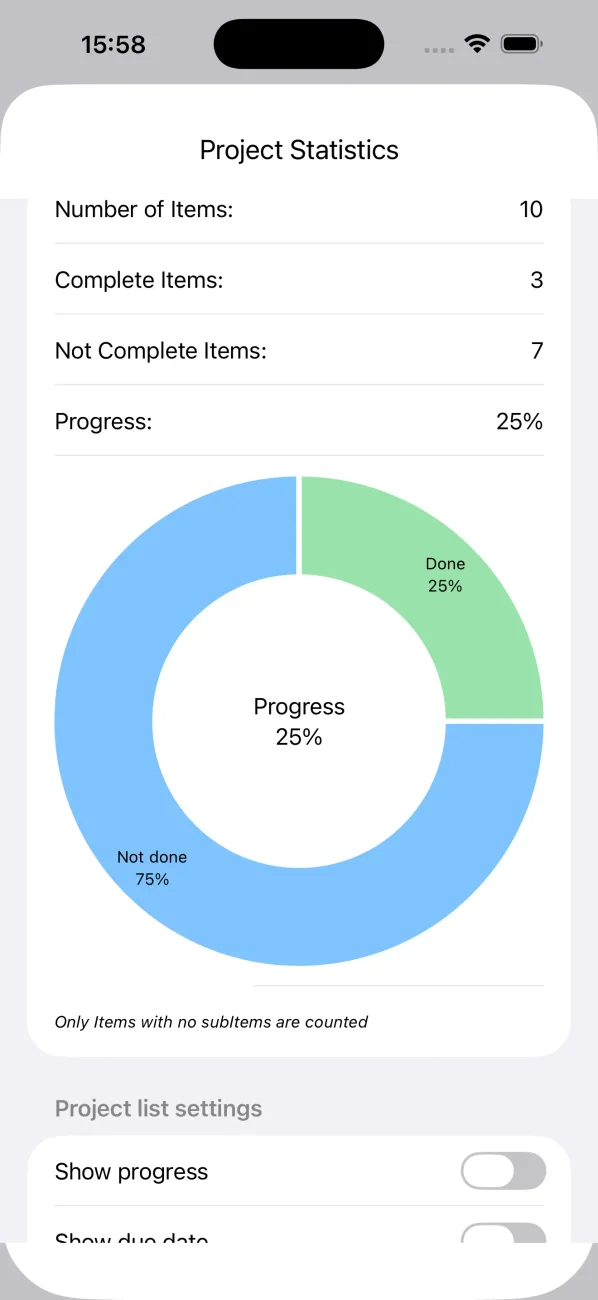
At the project level, a statistical report is generated and presented as data and charts that summarize the total time and completion status of the items. Items may have multiple attached files in various formats, such as images, office documents, and PDF files. These attached documents are securely stored within the application folder.
Projects can be exported as standalone files and shared with other users. Users who import a project can use it as a template, provide their own status and traceability details, or make any necessary changes as if they were creating an entirely new project.
Items and projects can be renamed within the application to match the user’s preferred naming conventions. For instance, tasks and projects can be renamed to “Tasks” and “Projects,” and items and folders to “Items.”
THE PROBLEMS THE APP SOLVES
- Save users’ items quickly in a flat list without classification.
- Group items into project sets; the same item can belong to multiple projects with project-specific attributes.
- Organize items within a project into a hierarchy to represent internal complexity at any level.
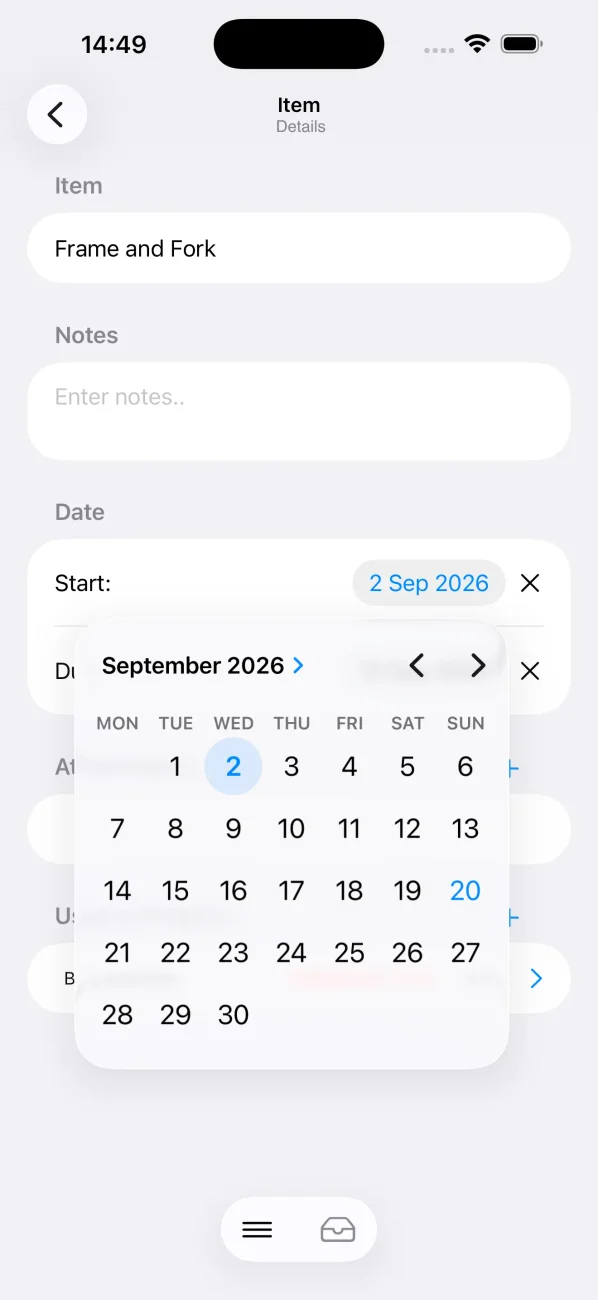
- Move items within projects, change status, start and due time, and position in the hierarchy.
- Adjust visible fields and data to hide unused information and optimize what is shown.
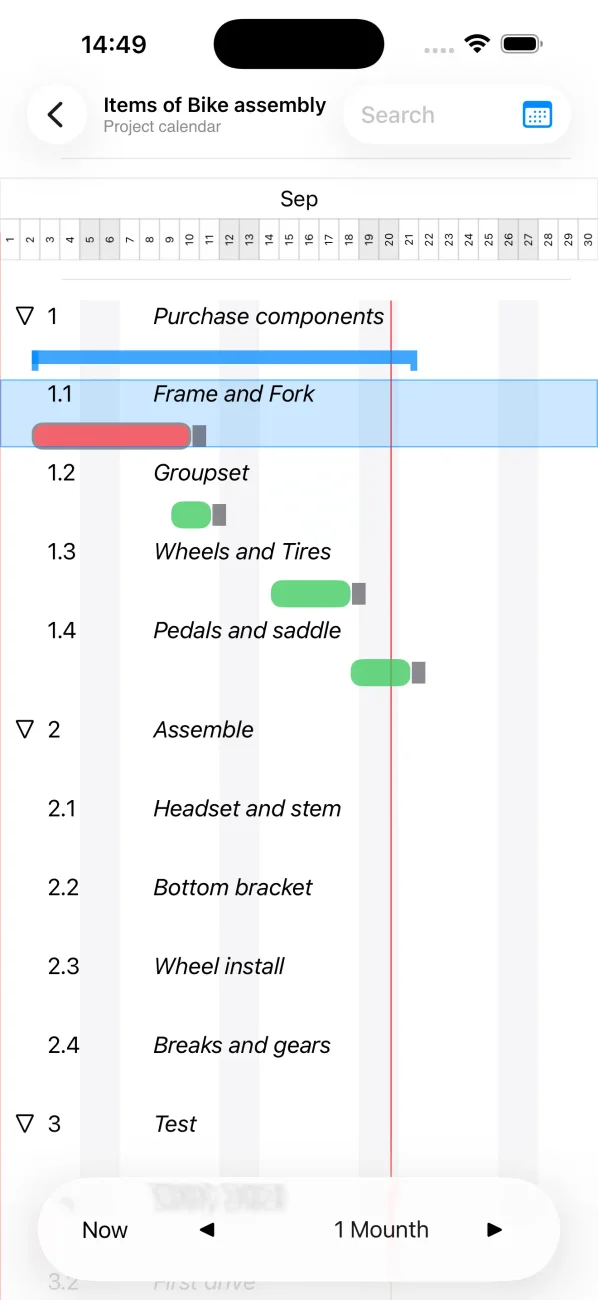
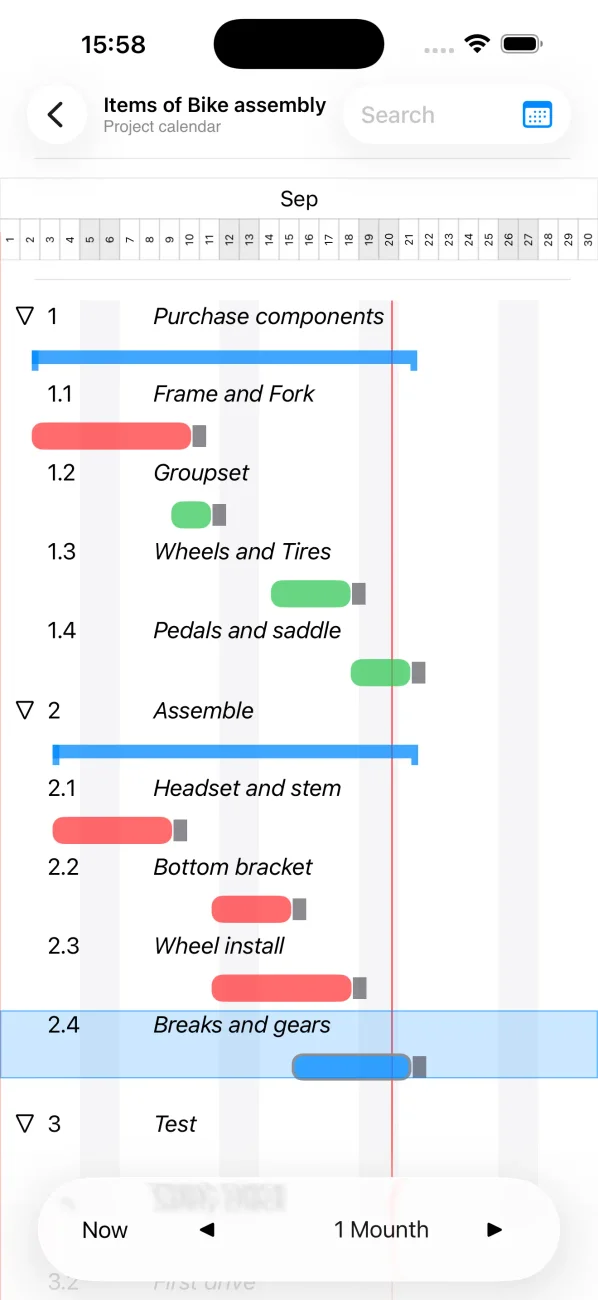
- Provide a calendar view that shows all project tasks in a classic Gantt-style representation, where each item has its own colored bar on an infinite calendar. Task bars are draggable to change item start and end times and duration. The calendar view supports multiple zoom levels from one day to one year.
- Roll up item statuses and view summary status across the entire project.
- Keep any documents attached to items directly inside the app.
- Export and import all application data or a particular project.
- Back up and restore the entire database for archiving.
POSSIBLE USECASES
1. Task management, where an atomic task is a core entity that may have its own attributes and belong to different projects or tag sets. Create a task, define its name, description, and due date. Collect tasks in projects to isolate specific task flows. Mark tasks as complete and see the rolled-up summary status of the parent task. Visually display tasks on a Gantt-like calendar view and manage their schedule.
2. Project management, a more generic approach where the core of the user’s activity is a project as a sequence of steps or phases. A single task’s status influences the whole project status. Managing tasks, hierarchical position, duration, and sequence helps optimize overall project productivity.
3. Assets catalog: Register assets such as goods or books as items. Provide registration and expiration dates. Attach documents like drawings, drafts, transport documents, bills, and payment records to maintain a single source of truth for the item data. Organize assets into warehouses and spaces. The same asset may belong to many spaces, reflecting its lifecycle. For example, when an asset is transferred from one place to another, it may be added to that place’s scope.
USER INTERFACE CONTROL
To edit text fields, double-tap them.
To delete an item, swipe left.
To change an item's position in a project tree, use the swipe-right gesture.
To assign a project to a category, drop the project onto the category.
Có gì mới
Phiên bản 3.5 · 21/10/2026
In the latest update to the application, the edit mode in all interfaces has been enhanced. Additionally, other minor changes have been made to the interfaces.
Quyền riêng tư của ứng dụng
Những gì Binariver LTD khai báo trên App Store về cách ứng dụng này xử lý dữ liệu.
-
Dữ liệu không được thu thập
Nhà phát triển không thu thập bất kỳ dữ liệu nào từ ứng dụng này.
Phương thức đảm bảo quyền riêng tư có thể khác nhau, chẳng hạn như tuỳ theo các tính năng bạn sử dụng hoặc độ tuổi của bạn.
Thông tin
- Người bán
- Binariver LTD
- Danh mục
- Hiệu Suất
- Phiên bản
- 3.5
- Cập nhật
- 21/10/2026
- Phát hành
- 17/10/2026
- Kích thước
- 2,5 MB
- Yêu cầu
- iOS 26.5 trở lên
- Độ tuổi
- 4+
- Giá
- Miễn phí
- Mua hàng trong ứng dụng
- Có
- Ngôn ngữ
- Tiếng Anh
- Bản quyền
- © Binariver ltd