
SSH Client - Secure ShellFish
Terminal, Files & Finder
Được thiết kế cho iPhone, iPad, Mac
Miễn phí · Mua hàng trong ứng dụng
- Độ tuổi4+
- Danh mụcCông Cụ Nhà Phát Triển
- Nhà phát triểnAnders Borum
- Ngôn ngữTiếng Anh+ 1 ngôn ngữ khác
- Kích thước137,5 MB
Liên kết đến trang App Store chính thức
Download.org không lưu trữ tệp nào của SSH Client - Secure ShellFish. Nút này mở trang ứng dụng trên App Store, nơi Anders Borum phát hành ứng dụng. Trang được kiểm tra lần cuối: 22/11/2026.
Ảnh chụp màn hình
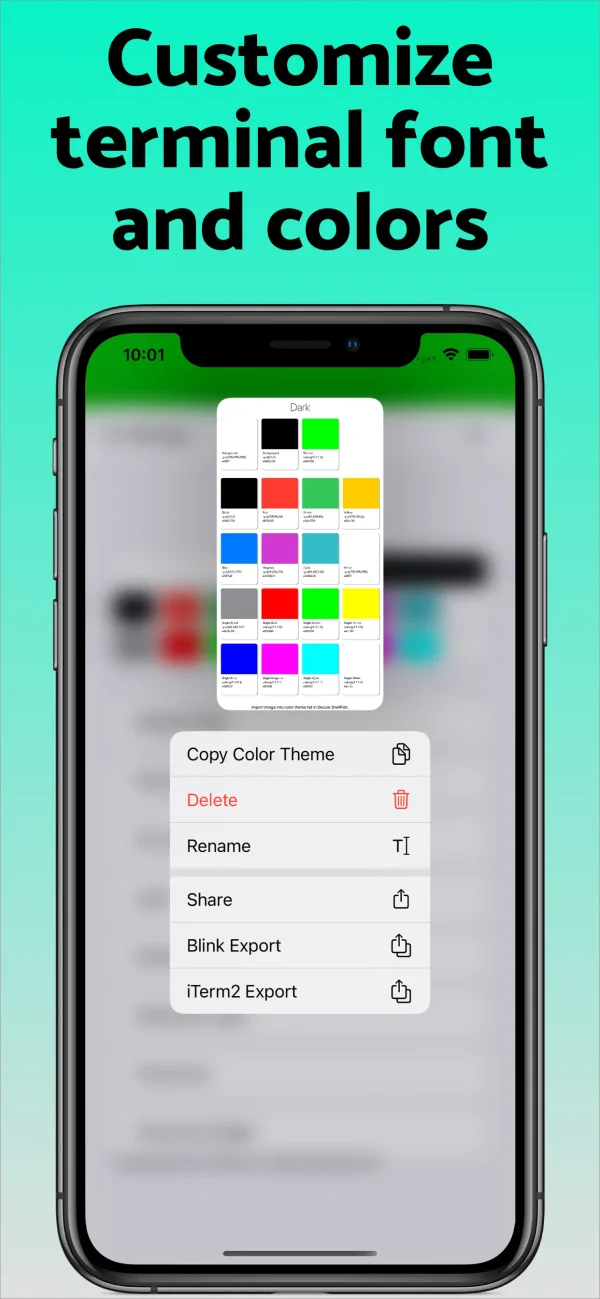
Giới thiệu
Nhà phát triển chưa cung cấp nội dung này bằng ngôn ngữ của bạn.
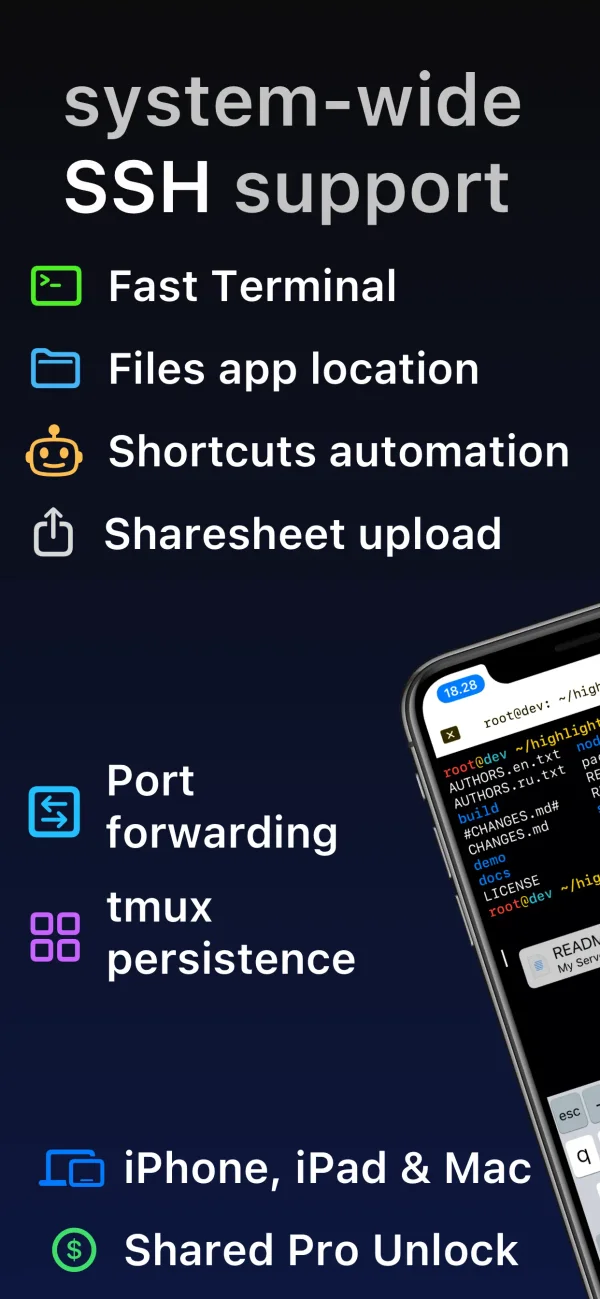
Lightning fast SSH terminal with remote file access. No other app fuses your SSH servers and iOS devices as well as Secure ShellFish. Tap Get and see for yourself.
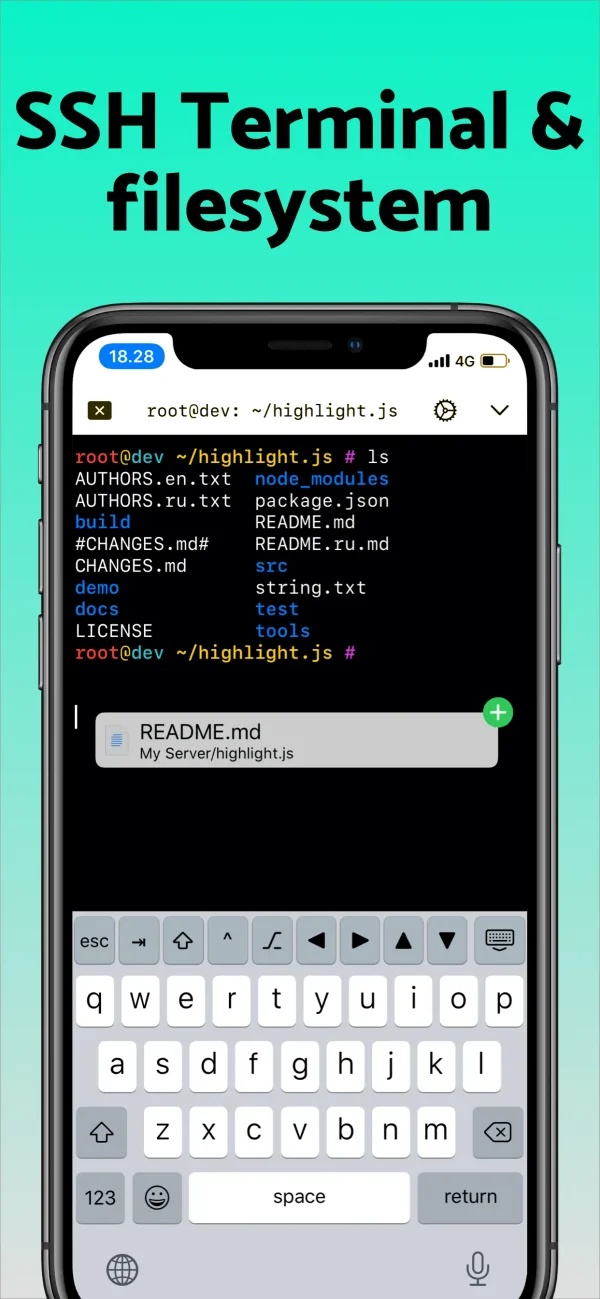
Terminal supports standard text editing gestures for selection, scrolling and copy/paste as well as custom gestures to send arrow keys and tabulator making shell entry and full screen editing with vim or emacs delightful. Bar above the keyboard makes it easy to type special keys and insert snippets.
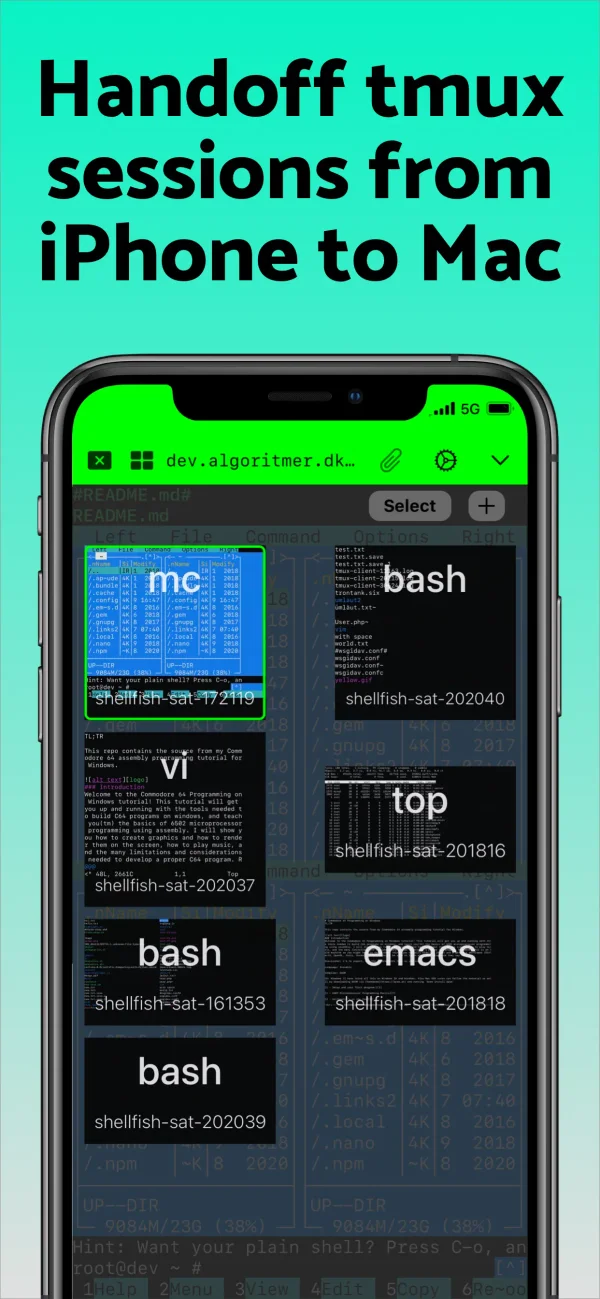
Select and drag filenames out of the terminal as actual files and drag files from other apps into the terminal to upload. Use built-in tmux support to persist terminal sessions if you lose Internet access, pick existing sessions with thumbnails and Handoff sessions between devices.
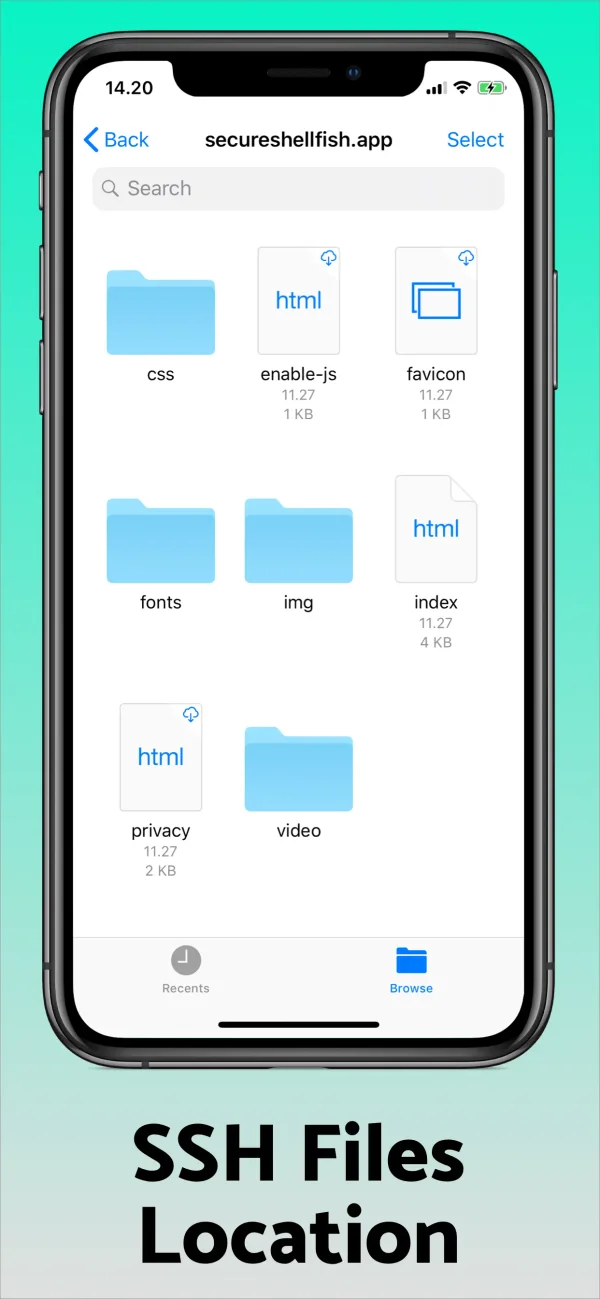
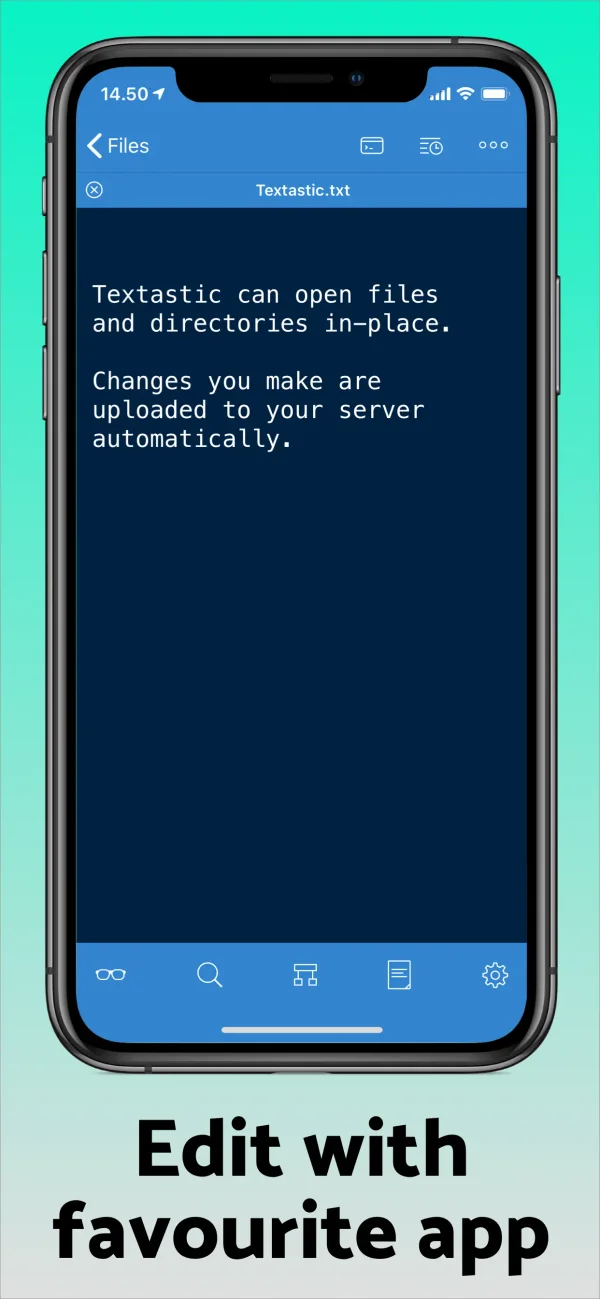
Server file system is available in the Files app and recently accessed files and directories are cached to make them available when offline. Use apps like Textastic and iA Writer for a native editing experience working on your remote server files.
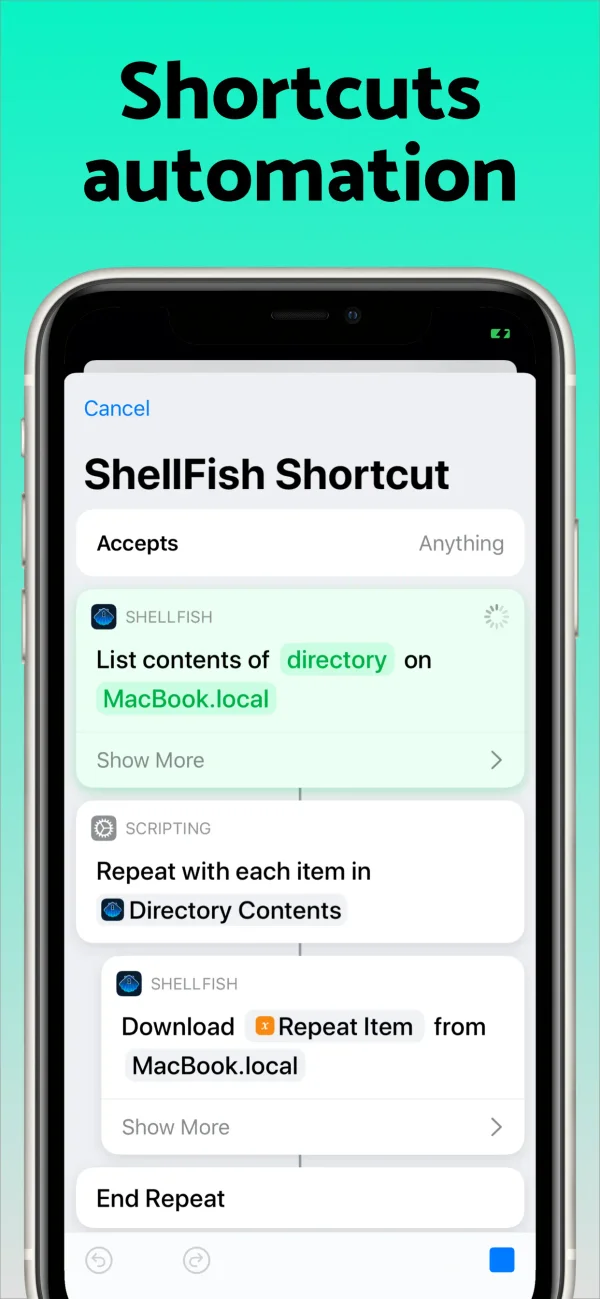
Upload files or entire directories from the share sheet with minimal friction as the last destination directory for each kind of file is remembered or automate file transfers in the Shortcuts app.
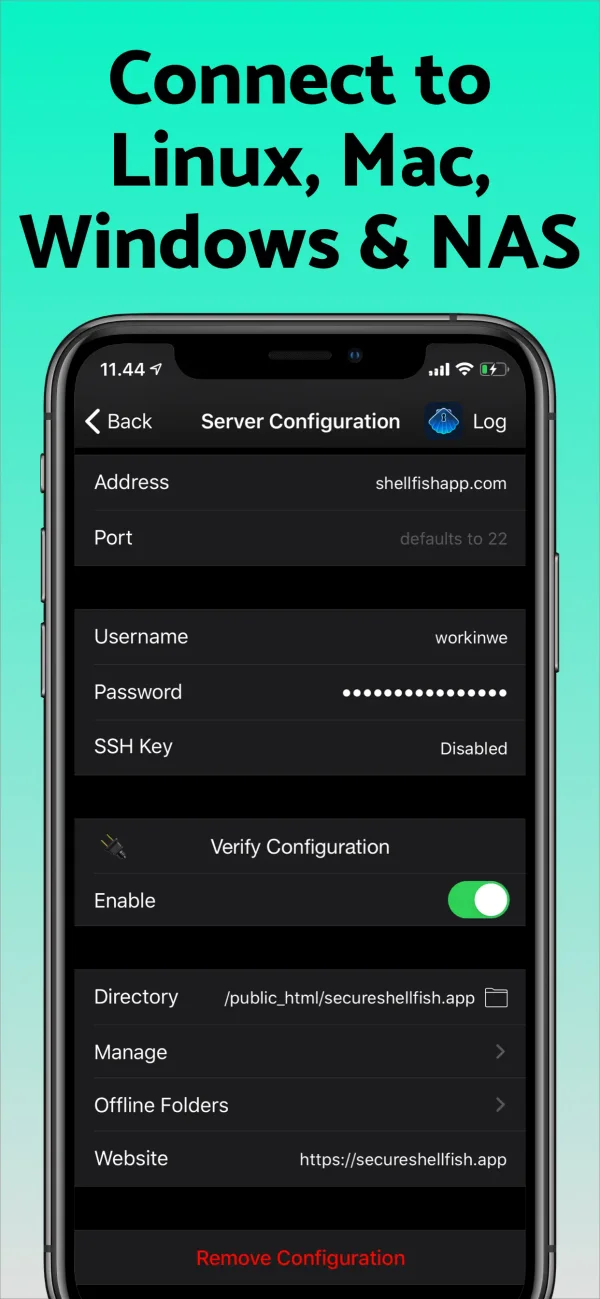
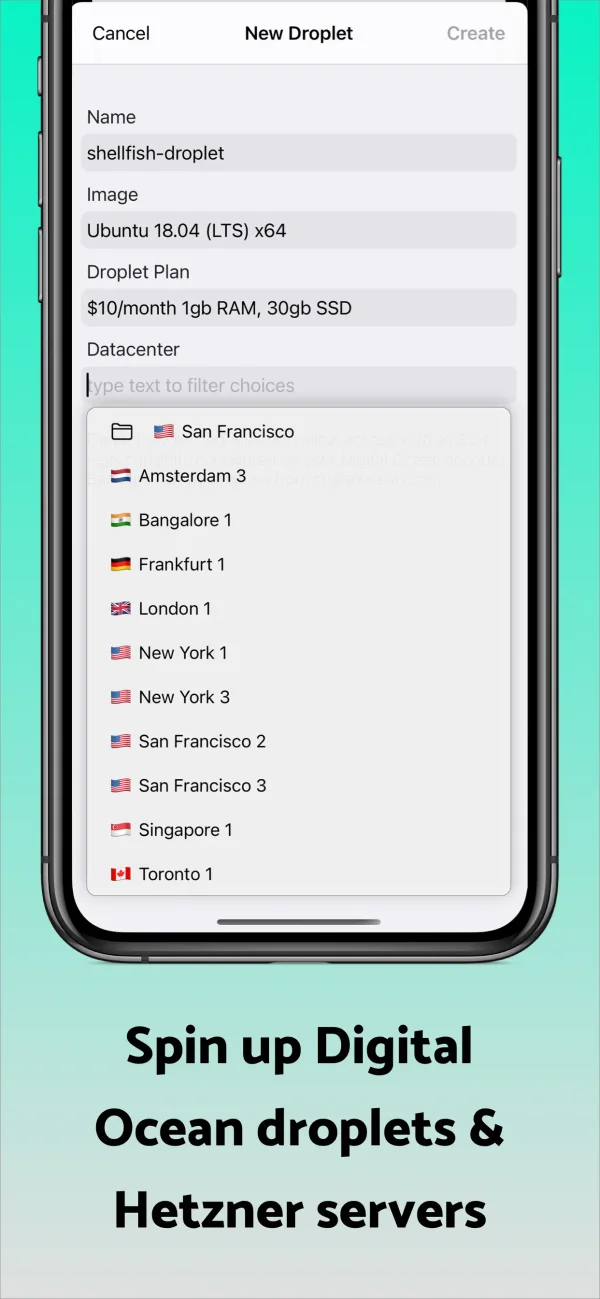
Connect to your Mac, Synology NAS and any other SSH server or create new Digital Ocean droplets right from the app.
Secure ShellFish is useful as a free app and paying pro users can disable ads in the terminal, upload through the Files app and configure unlimited number of servers.
Có gì mới
Phiên bản 2026.35 · 13/11/2026
Taps and clicks in programs that read the mouse, like tmux, vim and Midnight Commander, now move the cursor and select text the way they do everywhere else in the terminal. Turn on ⌥ in the keyboard bar, or hold Option on a hardware keyboard, to send them to the program instead, including right-clicks and drags. Long-press ⌥ and turn on Send Clicks to Server to make that the default.
Mosh now works for servers reached through a tunnel set to Always, switching to SSH if no reply arrives, and Mosh through a VPN such as Tailscale now works on cellular networks.
An imported font family now draws bold and italic text with its own bold and italic faces. Import all the files of a family at once.
Link detection leaves out trailing punctuation and markdown brackets, follows links across wrapped lines, opens mailto links in Mail and opens OSC 8 links with a single tap when their text is the address.
Fixes the top rows of the terminal ending up under the status bar after switching terminals with ⌘ and a number while the tab bar is hidden.
Includes improvements from last version:
This version introduces Mosh as an experimental feature. Choose Mosh under Persistence when editing a server to try it. Mosh is designed to keep the terminal connected as you move between Wi-Fi and cellular, through network dropouts and while your iPhone or iPad sleeps, and to show what you type right away on a slow connection. The server needs mosh-server and must accept UDP on ports 60000 to 61000, and ShellFish shows how to install mosh-server if it is missing. If Mosh gives you trouble, switch Persistence back to None or tmux, and feedback on what went wrong is very welcome.
Images sent with the kitty graphics protocol now show in the terminal, from tools like kitten icat and yazi and from Claude Code mods that draw images. Run Install from Shell Integration on the server so Claude Code knows it can draw them. Images do not come through tmux or Mosh.
Quyền riêng tư của ứng dụng
Những gì Anders Borum khai báo trên App Store về cách ứng dụng này xử lý dữ liệu.
-
Dữ liệu không liên kết với bạn
Có thể được thu thập nhưng không liên kết với danh tính của bạn.
- Dữ liệu sử dụng
Phương thức đảm bảo quyền riêng tư có thể khác nhau, chẳng hạn như tuỳ theo các tính năng bạn sử dụng hoặc độ tuổi của bạn.
Thông tin
- Người bán
- Anders Borum
- Danh mục
- Công Cụ Nhà Phát Triển
- Phiên bản
- 2026.35
- Cập nhật
- 13/11/2026
- Phát hành
- 28/06/2019
- Kích thước
- 137,5 MB
- Yêu cầu
- iOS 17.4 trở lên
- Độ tuổi
- 4+
- Giá
- Miễn phí
- Mua hàng trong ứng dụng
- Có
- Ngôn ngữ
- Tiếng Anh, Tiếng Đan Mạch
- Bản quyền
- © 2019-2026 Anders Borum
Có thể bạn cũng thích
-
 Prompt 3Công Cụ Nhà Phát Triển
-
 NeoServer SSH Client|TerminalMosh|SFTP|Docker|Server|PuTTY
-
 ServerCat - SSH TerminalGiám sát, shell & tự động hóa
-
 Blink Shell, Build & CodeCông Cụ Nhà Phát Triển
-
 WebSSH - Sysadmin ToolboxCông Cụ Nhà Phát Triển
-
 Source Files: Git StorageCông Cụ Nhà Phát Triển
-
 Shelly - SSH ClientCông Cụ Nhà Phát Triển
-
 PortX - SSH (Deprecated)Công Cụ Nhà Phát Triển
-
 Moshi: herdr/tmux on SSH/MOSHCông Cụ Nhà Phát Triển
-
 Termix: SSH Client & TerminalCông Cụ Nhà Phát Triển