
Superimpose X
Rich Photo Editor With Layers
Được thiết kế cho iPhone, iPad, iPod touch
149.000đ · Mua hàng trong ứng dụng
- Độ tuổi4+
- Danh mụcẢnh & Video
- Nhà phát triểnPankaj Goswami
- Ngôn ngữTiếng Anh+ 8 ngôn ngữ khác
- Kích thước383,8 MB
Liên kết đến trang App Store chính thức
Download.org không lưu trữ tệp nào của Superimpose X. Nút này mở trang ứng dụng trên App Store, nơi Pankaj Goswami phát hành ứng dụng. Trang được kiểm tra lần cuối: 22/11/2026.
Ảnh chụp màn hình
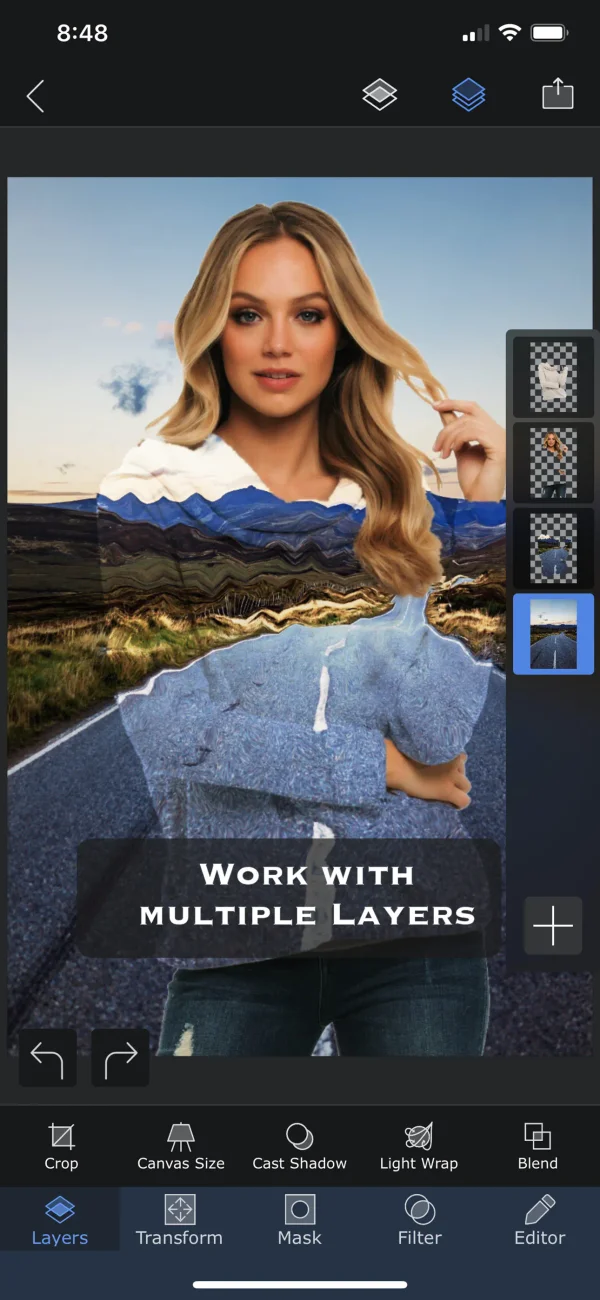
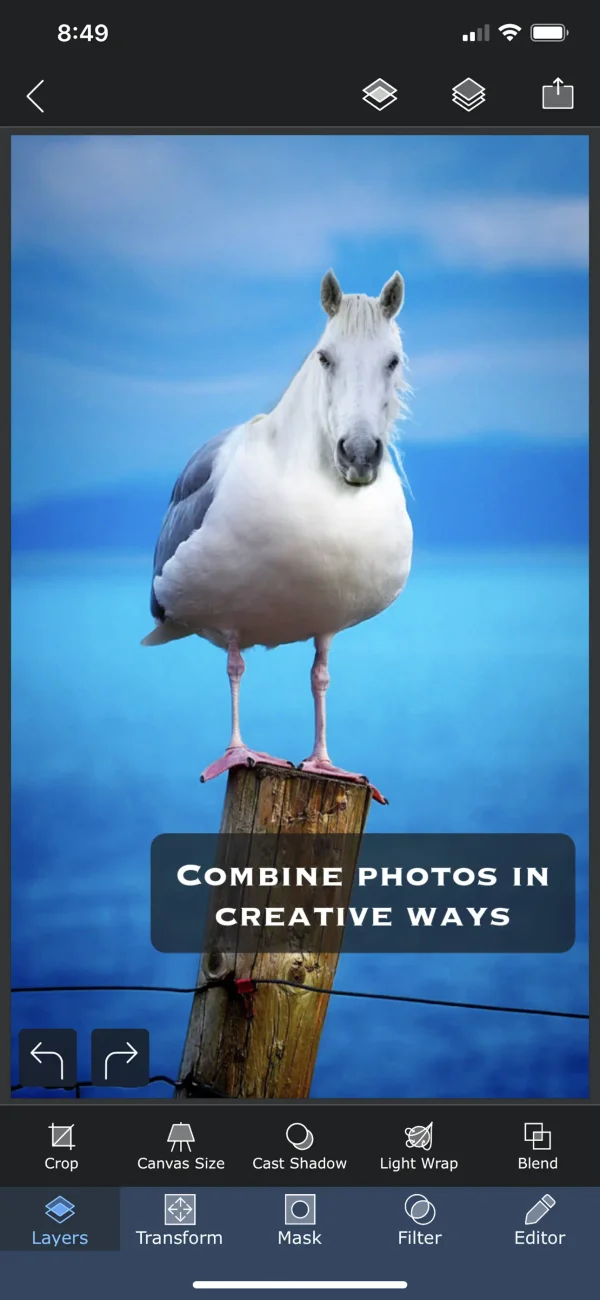
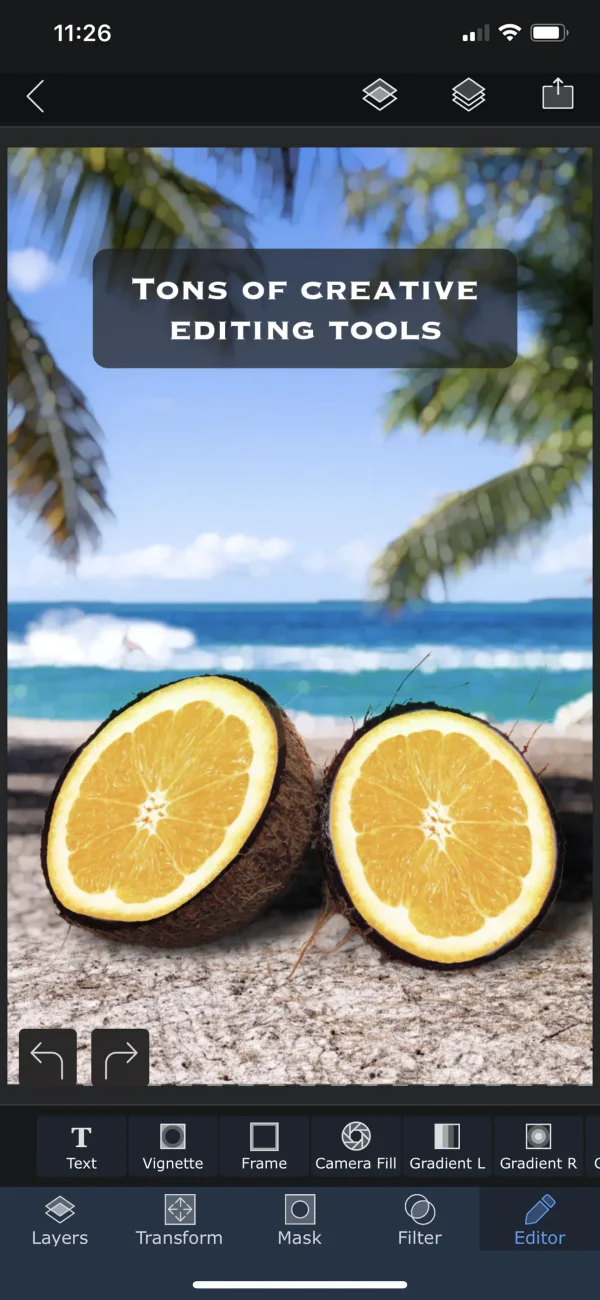

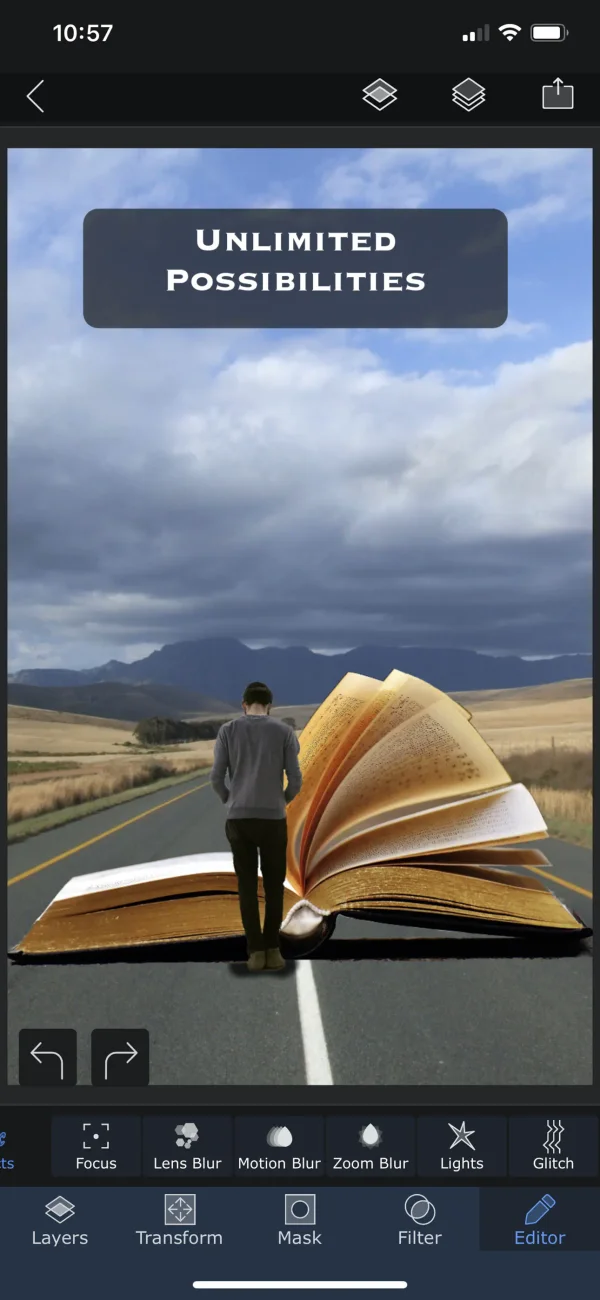
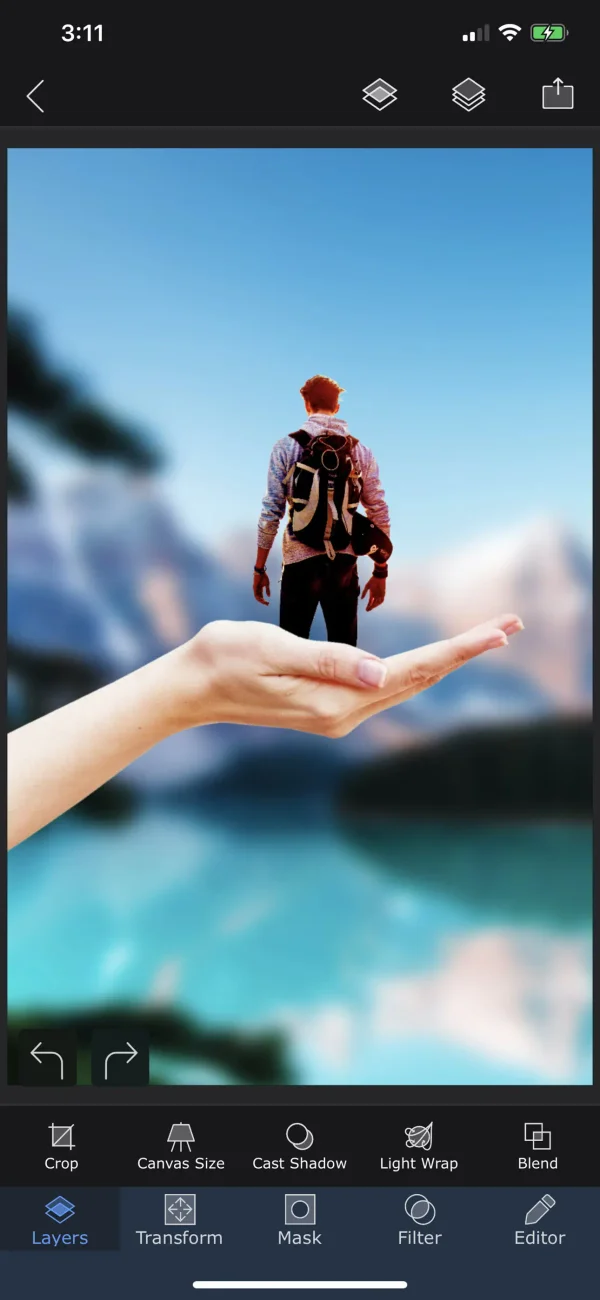
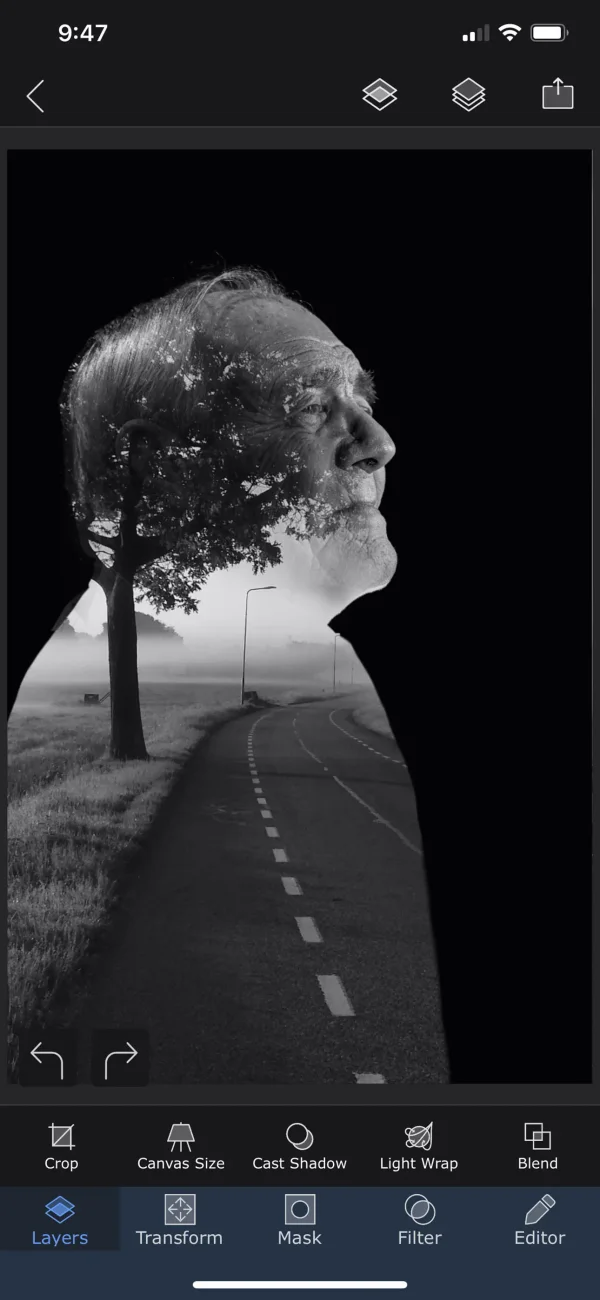
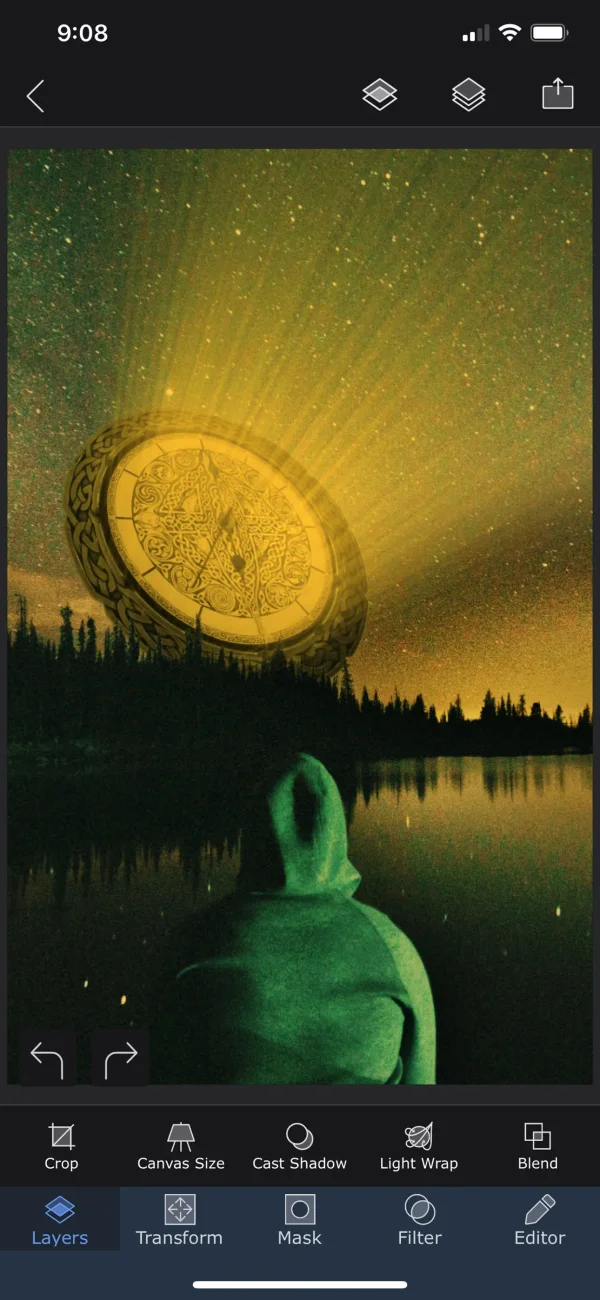


Giới thiệu
Nhà phát triển chưa cung cấp nội dung này bằng ngôn ngữ của bạn.
Superimpose X is a serious photo editor, and the editor is yours with the app — layers,
masks, blend modes, brushes, effects, shadows, text and precision tools, with no
subscription to use any of it.
When you want more, two studios are built right in and unlock with a subscription: an AI
Editor that generates and transforms images, and a true multi-track Video Editor.
THE PHOTO EDITOR
Build complex edits by hand with the control of a desktop app and none of the complexity.
Cut out people and objects, combine images, paint masks, adjust colour, add depth and
shadow, then refine every detail.
• Layer-based editing with up to 24 layers
• Magic Wand, Magic Lasso, brush and shape masks
• 18 blend modes and 16 adjustment layers
• Non-destructive layer blur and adjustments
• 63 photo effects, plus clarity, colour, tone and detail controls
• Text and curved text
• Motion, Zoom, Spin, Lens and Selective Blur, and gradients
• Warp, perspective transform and distortion
• Paint, smudge, clone stamp and effect brushes
• Shadow and Light Wrap tools
• Camera fill with real-time masks and blend modes
• Masking Library for reusable cutouts and stickers
• Session Library that saves your projects automatically
• PSD export with layers
• Over a million royalty-free stock photos
AI EDITOR
Start from a photo, a sketch or a sentence and let AI do the heavy lifting, then take the
result back into the layer editor to finish it properly.
• Image generation from text
• AI editing and inpainting
• Background creation and replacement
• Outpainting and image expansion
• Enhance, relight and repair
• Sketch to image
• Headshot generation
• Face swap
• Image to image transformation
• Image to video
• AI people masking
VIDEO EDITOR
A real multi-track editor, not a template filler.
• Edit video, images, audio and text on multiple tracks
• Stack effects and animations for results that are yours
• Masks for precise work, including green screen
• Track objects through a shot and ramp clip speed
• Animate text with elegant presets
• Split, trim, rotate and freeze clips
• Colour effects, blurs and distortions
• Audio EQ, filters and transitions
• Royalty-free photos, videos, music and GIFs
• Export in a range of formats, including GIF
ONE APP, ONE PROJECT
The three studios share the same project. Composite a frame in the photo editor and drop
it on the timeline. Generate a background with AI and mask it by hand. Pull a still out of
a video and edit it as layers. Nothing is exported and re-imported just to move between
them.
Terms of use: https://www.superimposeapp.com/superimposex_terms_of_use.html
Privacy Policy: https://www.superimposeapp.com/privacy2.html
Có gì mới
Phiên bản 7.4.0 · 18/11/2026
50+ new effects in the photo editor: Outline & Glow, Kaleidoscope, Halftone, Neon Glow, RGB Split, Stained Glass, Tiles, Light Bloom, Waves, Chroma Zoom and many more blurs, patterns and distortions. Find them at the end of Adjust, Tools, Distort and Effects. Where an effect has a centre, size or direction, set it right on the picture: drag the dot, pinch the circle or turn the arrow.
Quyền riêng tư của ứng dụng
Những gì Pankaj Goswami khai báo trên App Store về cách ứng dụng này xử lý dữ liệu.
-
Dữ liệu không liên kết với bạn
Có thể được thu thập nhưng không liên kết với danh tính của bạn.
- Chẩn đoán
Phương thức đảm bảo quyền riêng tư có thể khác nhau, chẳng hạn như tuỳ theo các tính năng bạn sử dụng hoặc độ tuổi của bạn.
Thông tin
- Người bán
- Pankaj Goswami
- Danh mục
- Ảnh & Video
- Phiên bản
- 7.4.0
- Cập nhật
- 18/11/2026
- Phát hành
- 16/12/2017
- Kích thước
- 383,8 MB
- Yêu cầu
- iOS 15.0 trở lên
- Độ tuổi
- 4+
- Giá
- 149.000đ
- Mua hàng trong ứng dụng
- Có
- Ngôn ngữ
- Tiếng Anh, Tiếng Pháp, Tiếng Đức, Tiếng Ý, Tiếng Nhật, Tiếng Bồ Đào Nha, Tiếng Trung Giản thể, Tiếng Tây Ban Nha, Tiếng Trung Phồn thể
- Bản quyền
- © 2018 Pankaj Goswami
Có thể bạn cũng thích
-
 Image BlenderẢnh & Video
-
 Distressed FX : PlusẢnh & Video
-
 iColorama SẢnh & Video
-
 Slow Shutter CamẢnh & Video
-
 Superimpose+:Background EraserẢnh & Video
-
 Dramatic Black & WhiteẢnh & Video
-
 TinType - Wet Plate CameraẢnh & Video
-
 Distressed FX : Photo EditorẢnh & Video
-
 LensFlare Optical EffectsẢnh & Video
-
 Diptic: Photo Collage MakerẢnh & Video