TabForge: Code Keyboard
Programming and terminal keys
Được thiết kế cho iPhone, iPad
Miễn phí · Mua hàng trong ứng dụng
- Độ tuổi4+
- Danh mụcCông Cụ Nhà Phát Triển
- Nhà phát triểnJeremy Collins
- Ngôn ngữTiếng Anh
- Kích thước9,2 MB
Liên kết đến trang App Store chính thức
Download.org không lưu trữ tệp nào của TabForge: Code Keyboard. Nút này mở trang ứng dụng trên App Store, nơi Jeremy Collins phát hành ứng dụng. Trang được kiểm tra lần cuối: 15/11/2026.
Ảnh chụp màn hình
Giới thiệu
Nhà phát triển chưa cung cấp nội dung này bằng ngôn ngữ của bạn.
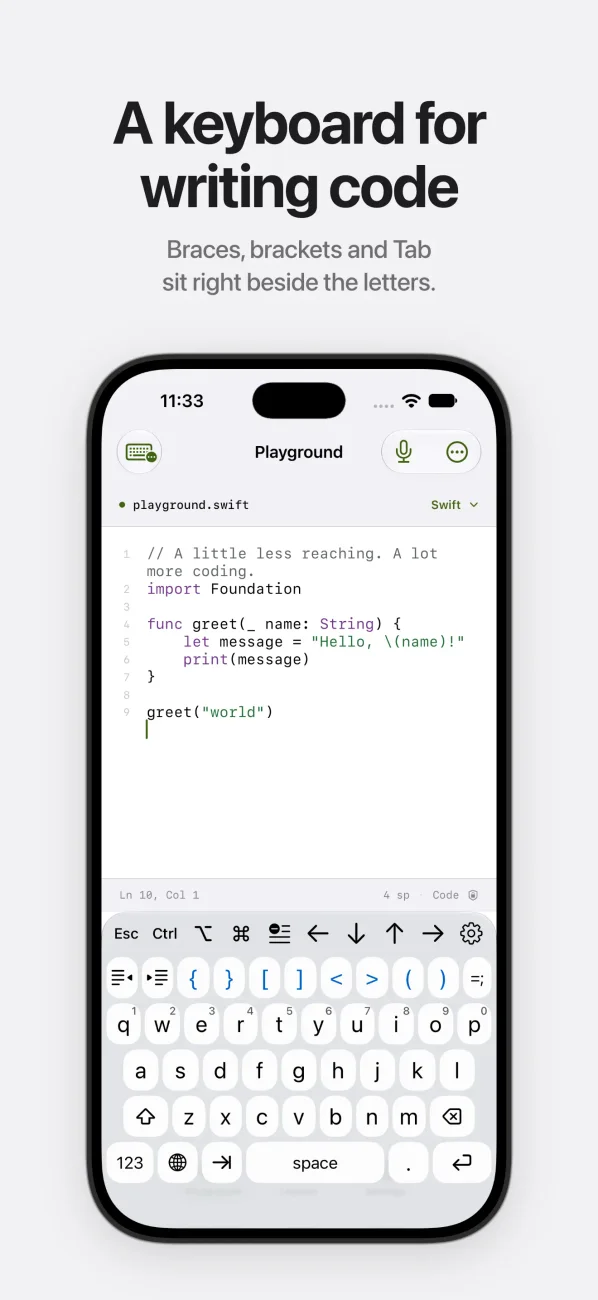
TabForge is an open-source programming keyboard for iPhone and iPad. Write code, scripts and terminal commands with punctuation and editing controls beside the letter keys.
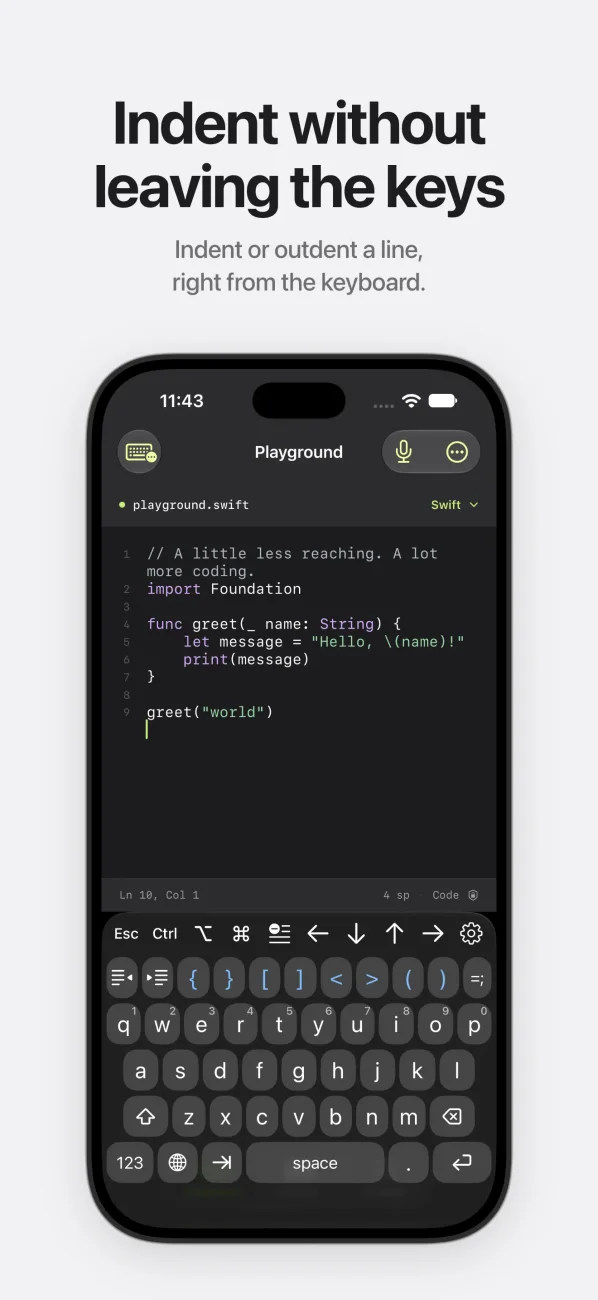
Indent a line, move the cursor or insert a saved snippet. The keyboard's gear menu gives you access to settings and code tools in the app you're typing in.
Programming keys
- Type braces, square brackets, angle brackets, parentheses and full ASCII punctuation.
- Choose Tab, two spaces or four spaces, with indent, outdent and automatic newline indentation.
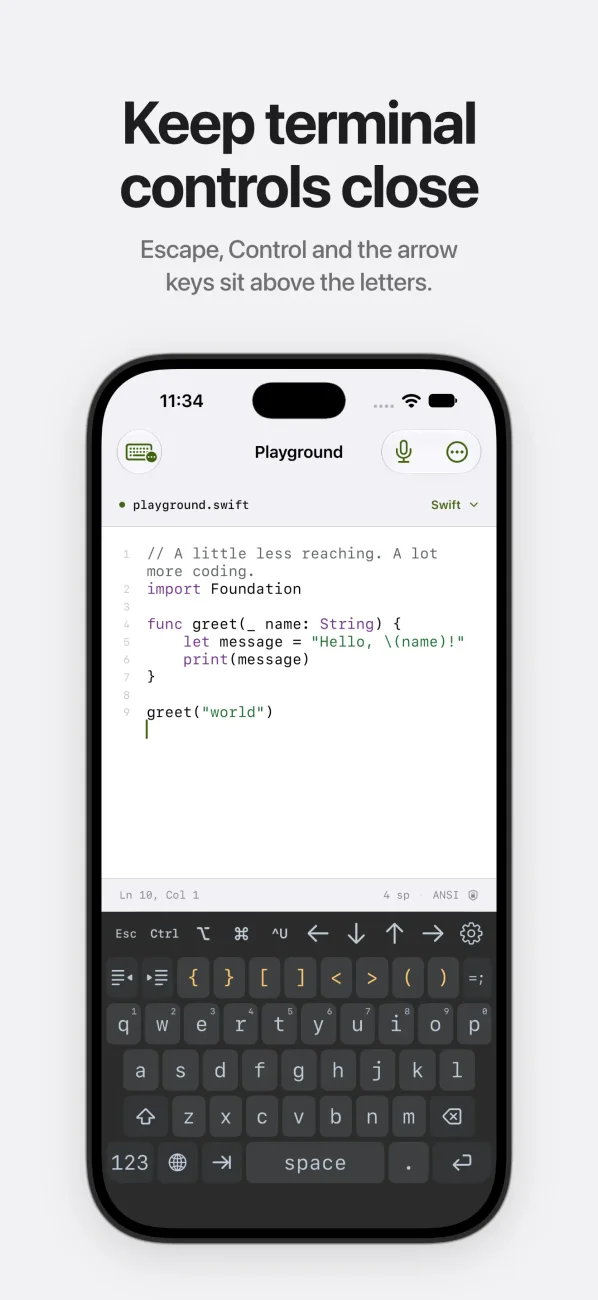
- Use arrows, Escape and Control, Option and Command keys. Their behavior depends on the input profile and host app.
- Hold a key for its digit or related operators, and choose which keys the toolbar shows.
- Save snippets for commands, operators and repeated text.
- Get language suggestions for Swift, Python, JavaScript, TypeScript, Shell and JSON.
Layouts for your screen
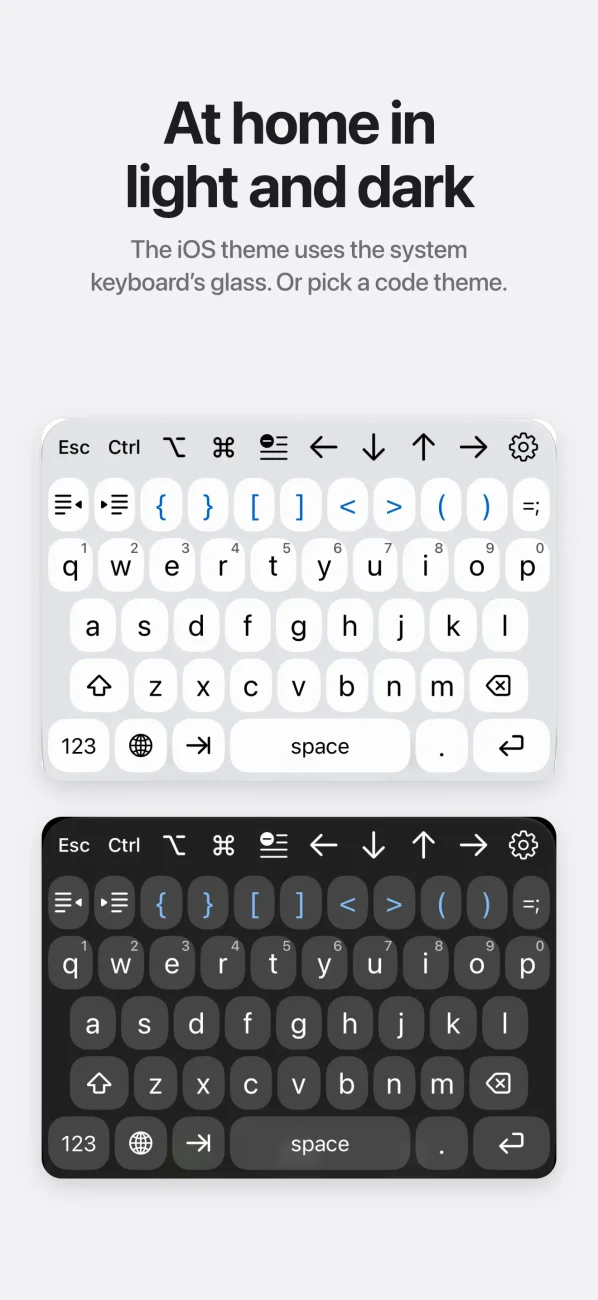
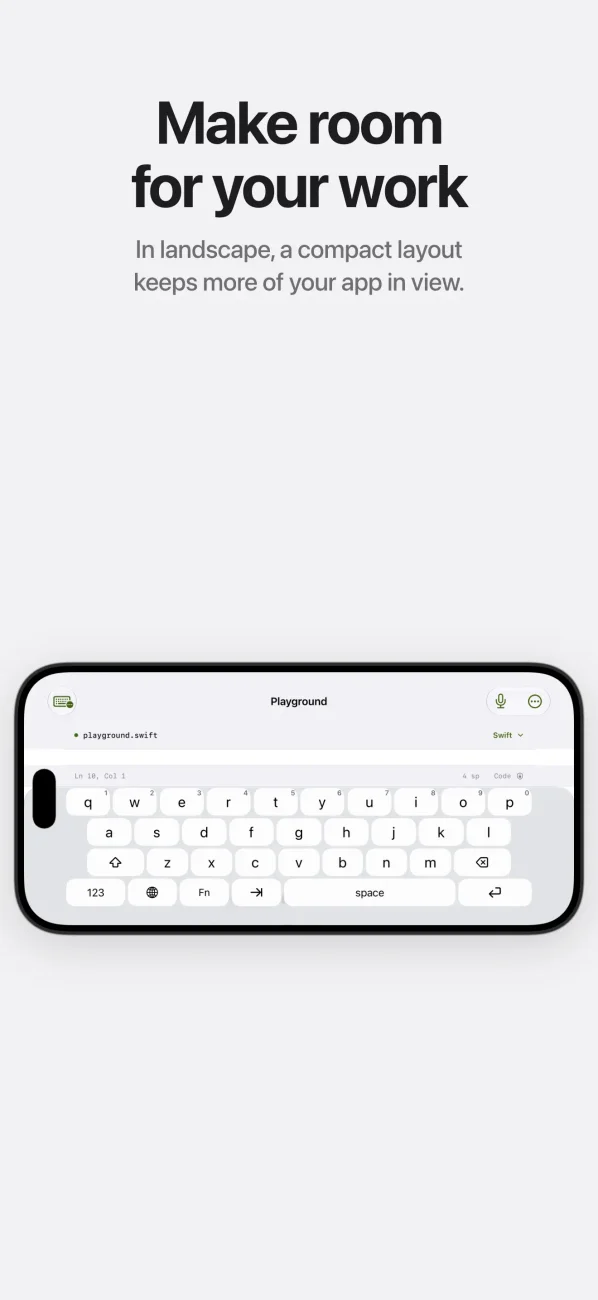
Phone layouts keep familiar letter keys with coding controls close by. Compact landscape layouts leave more room for the app above the keyboard. Larger iPad and supported Duo layouts show more controls. Choose your key size and keyboard height, follow iOS light and dark appearance, or select a code palette.
Editing and input profiles
Use Code editor for pairing and indentation, Terminal · ANSI for supported control text, or Remote desktop for literal input. Terminal and remote behavior depends on the client: a keyboard extension inserts text and cannot send arbitrary hardware-key events. Line edits need enough context from the host app to verify the change.
Optional English prose autocorrect runs on the device in eligible text fields. Apple's spelling service finds misspellings, and TabForge picks the replacement from a bundled word list and the words around the cursor, weighing where you tapped. It is off by default, skips code-like input and stays inactive in Terminal, Remote desktop and the code playground. Space applies a correction; immediate Delete restores your spelling. An optional Learn my tap positions setting keeps average tap offsets for each key on this device to sharpen corrections. Turning it off erases them.
The companion playground
Edit text with syntax highlighting, line numbers, undo and a share action. The playground does not run code. Its keyboard, layout and theme screens change the installed keyboard's settings and snippets.
Voice to code lets you dictate, review spoken punctuation and insert the result. It requires microphone and Speech permission plus available on-device English recognition. Voice input runs in the companion app; iOS controls system Dictation availability.
Optional swipe typing uses a bundled English word list with word frequencies, programming words and names from the text around the cursor, with alternatives in the gear menu. It works offline, is off by default and remains experimental. Tap typing works better for some identifiers.
Optional support
TabForge is free. If you would like to support its development, the companion app's Tip Jar offers optional one-time purchases through Apple. Tips unlock no features and are not subscriptions.
Open source and privacy
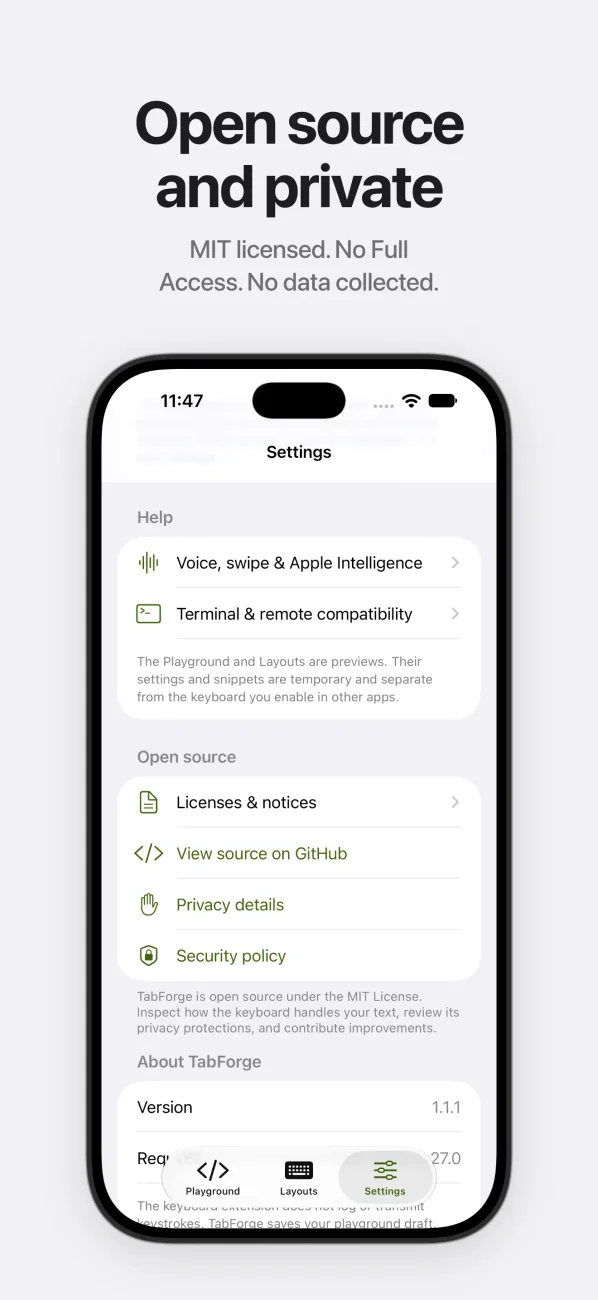
TabForge is MIT licensed, with source and privacy details linked in the companion app. The keyboard does not log or transmit keystrokes. There are no ads, analytics or accounts.
Keyboard preferences and custom snippets can be set from the keyboard's gear menu or in the companion app. The app's changes go in a container the keyboard can only read; changes made in the keyboard and optional tap learning stay in its own container. Full Access is not requested. The companion playground saves its draft separately. Apps you type into, Apple system services, device backups and destinations you choose when sharing have their own data practices.
Requires iOS or iPadOS 27.0 or later. Duo-specific layouts require 27.1. iOS uses its system keyboard in secure and phone fields, and some apps decline third-party keyboards.
Có gì mới
Phiên bản 1.2.0 · 10/11/2026
The TabForge app now sets up your keyboard. Settings, themes and snippets you change in the app's Playground, Layouts and Themes reach the keyboard the next time it opens in another app. Changes you make from the keyboard's gear menu stay in the keyboard, and for each setting the newer change wins. Everything stays on your device, and TabForge still doesn't ask for Full Access.
Haptic feedback now shows that it needs Full Access, which iOS requires before a keyboard can vibrate. Key click sounds work as before.
Quyền riêng tư của ứng dụng
Những gì Jeremy Collins khai báo trên App Store về cách ứng dụng này xử lý dữ liệu.
-
Dữ liệu không được thu thập
Nhà phát triển không thu thập bất kỳ dữ liệu nào từ ứng dụng này.
Phương thức đảm bảo quyền riêng tư có thể khác nhau, chẳng hạn như tuỳ theo các tính năng bạn sử dụng hoặc độ tuổi của bạn.
Thông tin
- Người bán
- Jeremy Collins
- Danh mục
- Công Cụ Nhà Phát Triển
- Phiên bản
- 1.2.0
- Cập nhật
- 10/11/2026
- Phát hành
- 19/10/2026
- Kích thước
- 9,2 MB
- Yêu cầu
- iOS 27.0 trở lên
- Độ tuổi
- 4+
- Giá
- Miễn phí
- Mua hàng trong ứng dụng
- Có
- Ngôn ngữ
- Tiếng Anh
- Bản quyền
- © 2026 Jeremy Collins
Có thể bạn cũng thích
-
 TypeTab: Coding KeyboardCông Cụ Nhà Phát Triển
-
 Dev Keyboard: Code & SymbolsCông Cụ Nhà Phát Triển
-
 App Indexer: ASO Rank TrackingCông Cụ Nhà Phát Triển
-
 pocket/grammerCông Cụ Nhà Phát Triển
-
 NomadFlowCodeCông Cụ Nhà Phát Triển
-
 Shell KeyboardCông Cụ Nhà Phát Triển
-
 SnipspaceCông Cụ Nhà Phát Triển
-
 Vercat: Dashboard for VercelCông Cụ Nhà Phát Triển
-
 ViSH - AI Coding TerminalCông Cụ Nhà Phát Triển
-
 Love2D Launcher: Lua Game IDECông Cụ Nhà Phát Triển