Think2Unlock: Screen Time Math
Times tables & app limits
Được thiết kế cho iPhone
Miễn phí · Mua hàng trong ứng dụng
- Độ tuổi4+
- Danh mụcGiáo Dục
- Nhà phát triểnEli Purian
- Ngôn ngữTiếng Anh+ 1 ngôn ngữ khác
- Kích thước3,5 MB
Liên kết đến trang App Store chính thức
Download.org không lưu trữ tệp nào của Think2Unlock: Screen Time Math. Nút này mở trang ứng dụng trên App Store, nơi Eli Purian phát hành ứng dụng. Trang được kiểm tra lần cuối: 26/11/2026.
Ảnh chụp màn hình
Giới thiệu
Nhà phát triển chưa cung cấp nội dung này bằng ngôn ngữ của bạn.
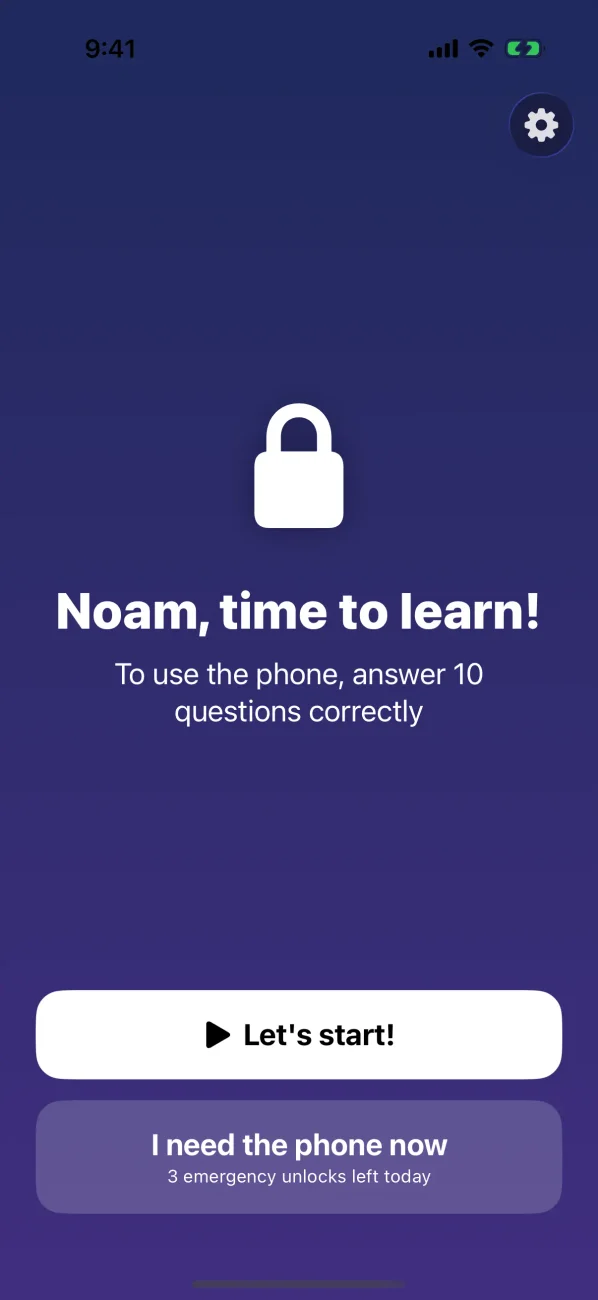
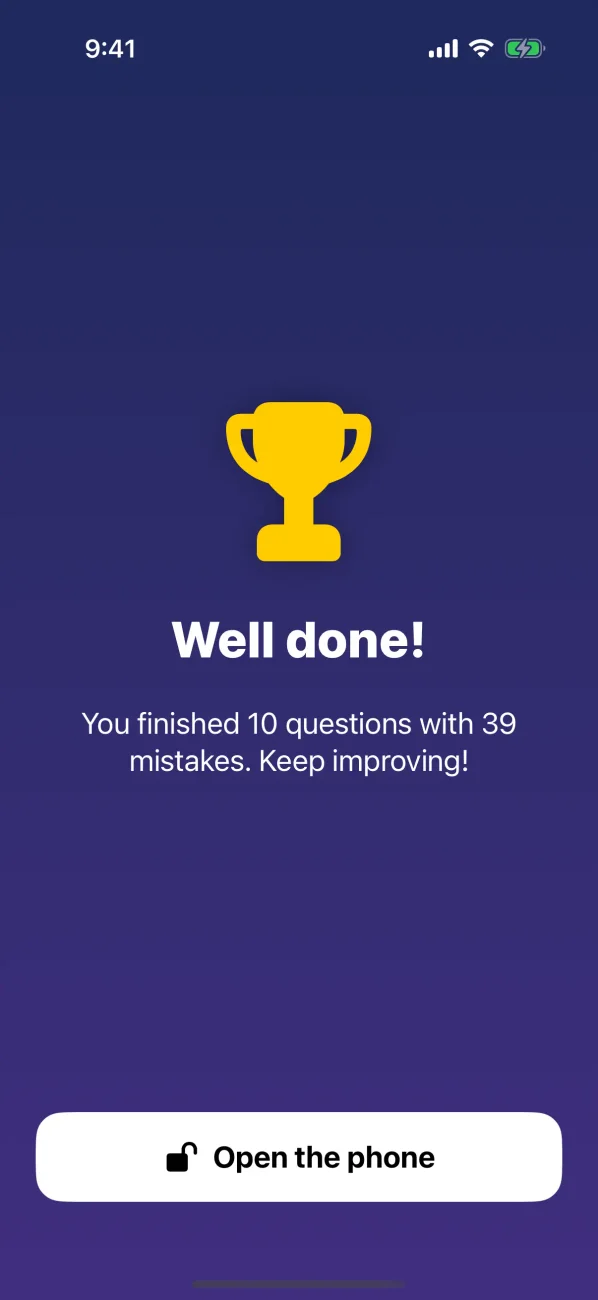
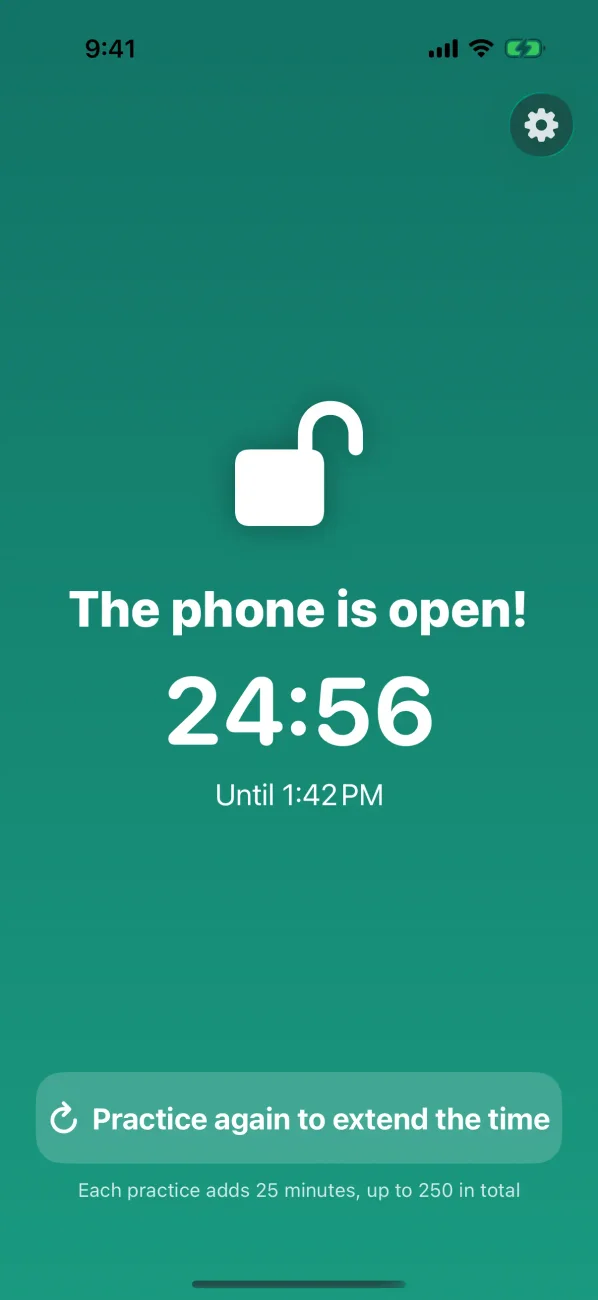
Think2Unlock puts 10 quick math facts between your child and their apps. Every 25 minutes the phone locks again, and it opens after your child answers the questions correctly. Screen time is earned, not given. Free, with no ads and no account.
WHAT THEY PRACTICE
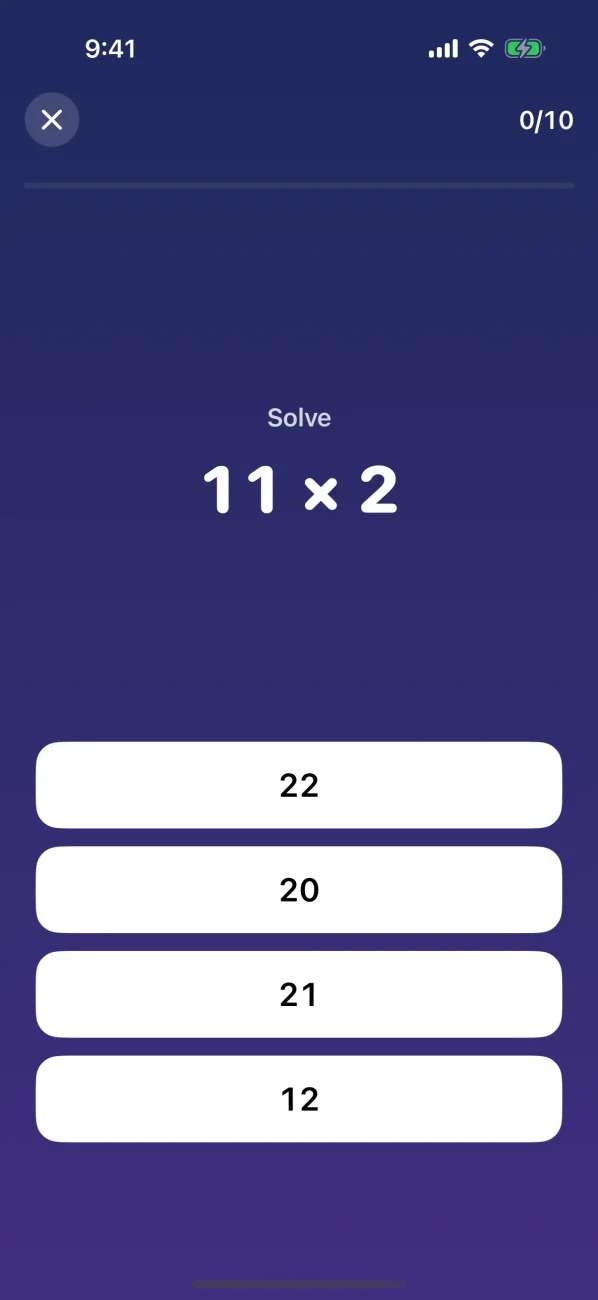
• Times tables, 2 × 2 up to 12 × 12.
• Division facts like 56 ÷ 8.
• English vocabulary for Hebrew speakers.
• Present simple grammar: fill the missing word in a short English sentence (She ___ to school → goes).
Pick one or mix them. Missed facts come back more often; mastered ones make room for the rest.
HOW IT WORKS
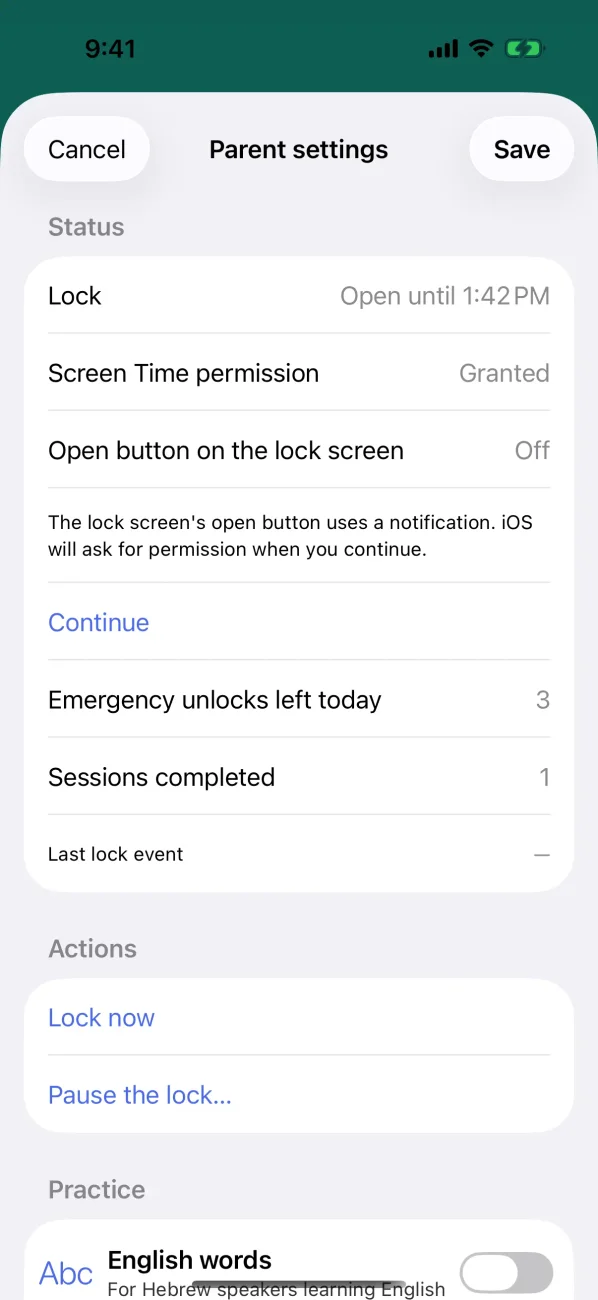
• A parent sets it up once on the child's iPhone: language (English or Hebrew), child's name, what to practice, a parent PIN, Apple's Screen Time permission, and the apps that should always stay open (Phone, FaceTime, WhatsApp…, so calls can be answered while locked).
• All other apps are shielded behind a friendly lock screen. Its "Open Think2Unlock" button takes the child straight to the questions.
• The child answers 10 multiple-choice questions. A wrong answer comes back until it is learned.
• The phone opens for 25 minutes, then locks again automatically, even if the app is closed.
BUILT FOR PARENTS
• 3 emergency bypasses a day, no quiz needed. You decide how many.
• Allowlist: Phone, Messages and any app you choose always work. A lock never interrupts a call: if the time runs out mid-call, the phone stays open until the call ends.
• PIN-protected parent area: what to practice, unlock minutes (15–240), questions per round (1–30), bypasses per day, pause for a few hours, lock now.
PARENT DASHBOARD (OPTIONAL)
Link the phone to your free parent account at app.think2unlock.com and, from any phone or computer:
• Open the phone for 15–60 minutes, lock it, or pause the lock for a few hours.
• Change the rules: open minutes, questions, emergency unlocks, language.
• Choose English word packs by grade (3–4, 5–6, 7–8) and topic: 12 packs, 462 words.
• Follow progress: quizzes per day, correct-answer rate, and the facts or words to practice.
Installed it on your own phone? Pick "On my own iPhone (parent)" on the first screen and the dashboard opens right in the app, with a button to send Think2Unlock to your child's iPhone.
PRIVACY
• No ads, no tracking, no third-party SDKs.
• Without the dashboard, your child's data stays on the phone. The app sends only anonymous usage counts with a random install number (no name, no account), and a parent can turn them off.
• When a parent links the phone, only what the dashboard needs is sent (lock state, rules, lock events, quiz results). It is stored on our own server in Europe and can be deleted at any time.
• The Screen Time permission is used only to show and remove the lock screen. Think2Unlock never sees which apps your child uses.
REQUIREMENTS
• iPhone with iOS 17 or later.
• Setup is done directly on the child's phone; no Family Sharing group is required.
• We recommend turning on Apple's Screen Time passcode on the child's phone so the permission cannot be revoked.
Questions? support@think2unlock.com
Có gì mới
Phiên bản 1.10.0 · 26/11/2026
New: "For me". Lock your own iPhone and answer a few questions to open it, so you learn something yourself: English, the driving theory test and more. Choose "For me" on the first screen, or in the parent dashboard tap ⋯ › "Lock this iPhone for me too". You choose your own PIN, your daily emergency unlocks stay, and the dashboard is one tap away even while the phone is locked. Also new: while setting up, see more topics, like the driving theory test and the US civics test, and get them right there.
Quyền riêng tư của ứng dụng
Những gì Eli Purian khai báo trên App Store về cách ứng dụng này xử lý dữ liệu.
-
Dữ liệu liên kết với bạn
Có thể được thu thập và liên kết với danh tính của bạn.
- Thông tin liên hệ
- Mã định danh
- Dữ liệu sử dụng
-
Dữ liệu không liên kết với bạn
Có thể được thu thập nhưng không liên kết với danh tính của bạn.
- Mã định danh
- Dữ liệu sử dụng
Phương thức đảm bảo quyền riêng tư có thể khác nhau, chẳng hạn như tuỳ theo các tính năng bạn sử dụng hoặc độ tuổi của bạn.
Thông tin
- Người bán
- Eliyau Purian
- Danh mục
- Giáo Dục
- Phiên bản
- 1.10.0
- Cập nhật
- 26/11/2026
- Phát hành
- 06/11/2026
- Kích thước
- 3,5 MB
- Yêu cầu
- iOS 17.0 trở lên
- Độ tuổi
- 4+
- Giá
- Miễn phí
- Mua hàng trong ứng dụng
- Có
- Ngôn ngữ
- Tiếng Anh, Tiếng Do Thái
- Bản quyền
- © 2026 Eliyau Purian
Có thể bạn cũng thích
-
 קסם המוסיקהGiáo Dục
-
 TawjihiGPTGiáo Dục
-
 Booma: Kids Learn LanguagesGiáo Dục
-
 TCGSnap: Card Value ScannerTham Khảo
-
 Tawjihi Mobile: AI Exam PrepGiáo Dục
-
 Coin Identifier - CoinWiseTham Khảo
-
 אגודת הסטודנטים אונוGiáo Dục
-
 MathinsGiáo Dục
-
 Học Tiếng Nhật cơ Bản dễ DàngTừ cho người mới bắt đầu A1
-
 Theory 10Giáo Dục