- Độ tuổi4+
- Danh mụcHiệu Suất
- Nhà phát triểnryo sasaki
- Ngôn ngữTiếng Anh+ 2 ngôn ngữ khác
- Kích thước7,5 MB
Liên kết đến trang App Store chính thức
Download.org không lưu trữ tệp nào của Triangle3. Nút này mở trang ứng dụng trên App Store, nơi ryo sasaki phát hành ứng dụng. Trang được kiểm tra lần cuối: 12/11/2026.
Ảnh chụp màn hình


Giới thiệu
Nhà phát triển chưa cung cấp nội dung này bằng ngôn ngữ của bạn.
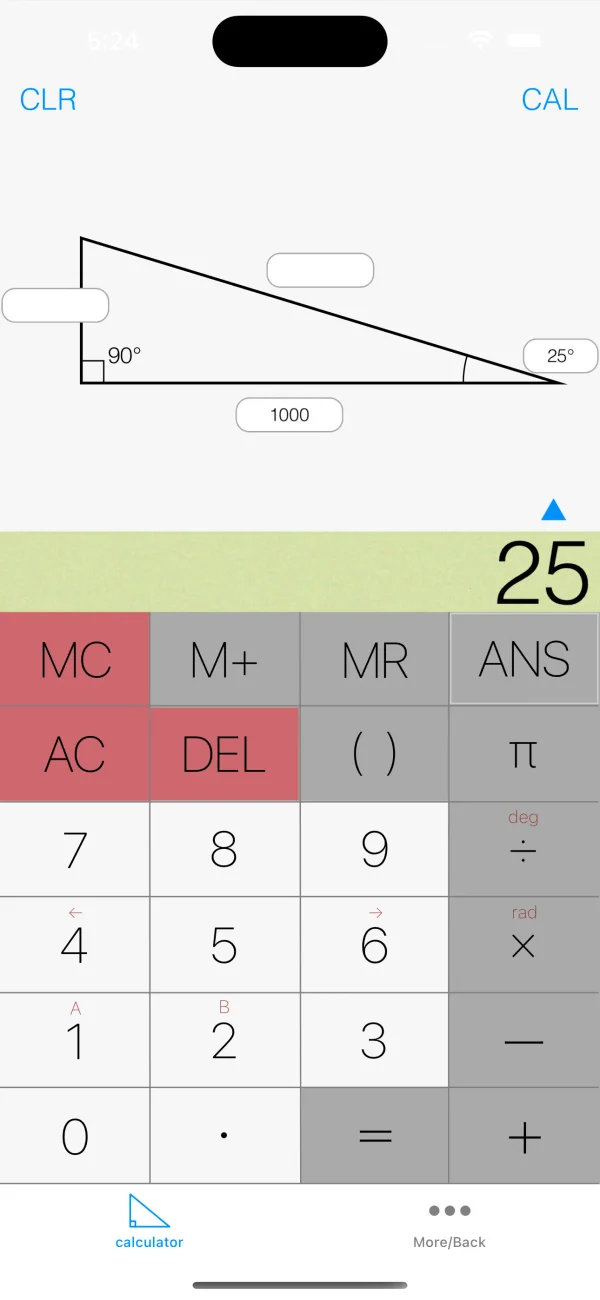
This is a calculator application created by me, a canner, focusing on the functions of a calculator necessary for field work.
Even if you don't understand trigonometric functions, you can easily calculate with this calculator.
It can calculate right triangles and unequal triangles.
It can calculate memory, answer memory, pi, repetition, parentheses, trigonometric functions, and cosine theorem.
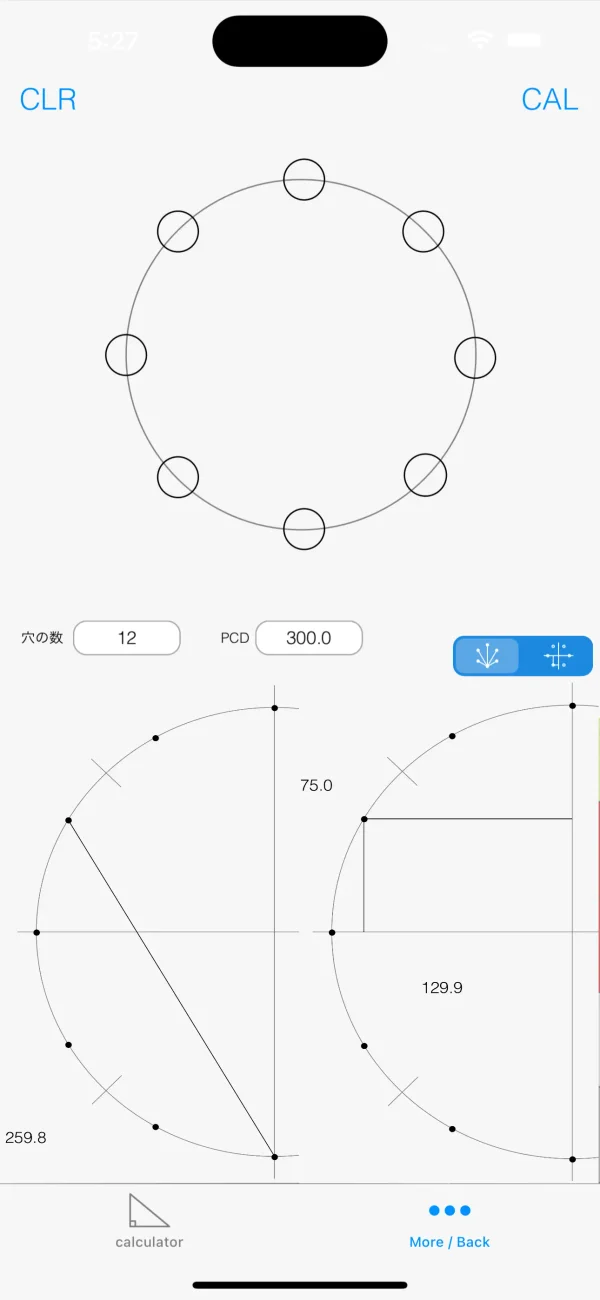
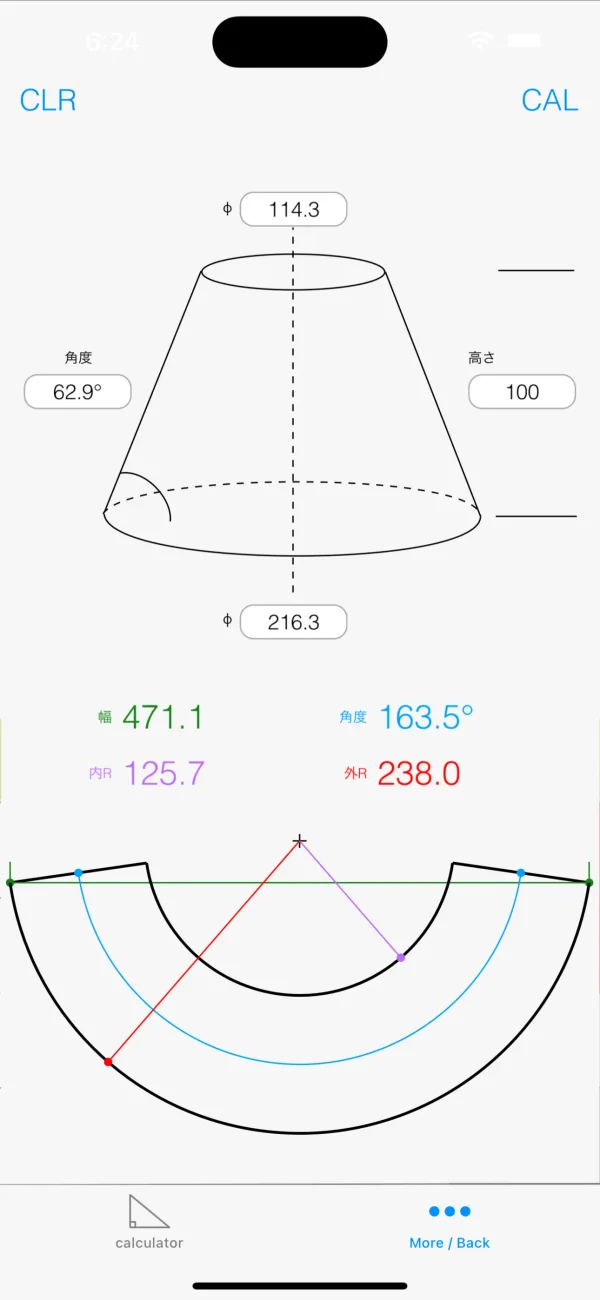
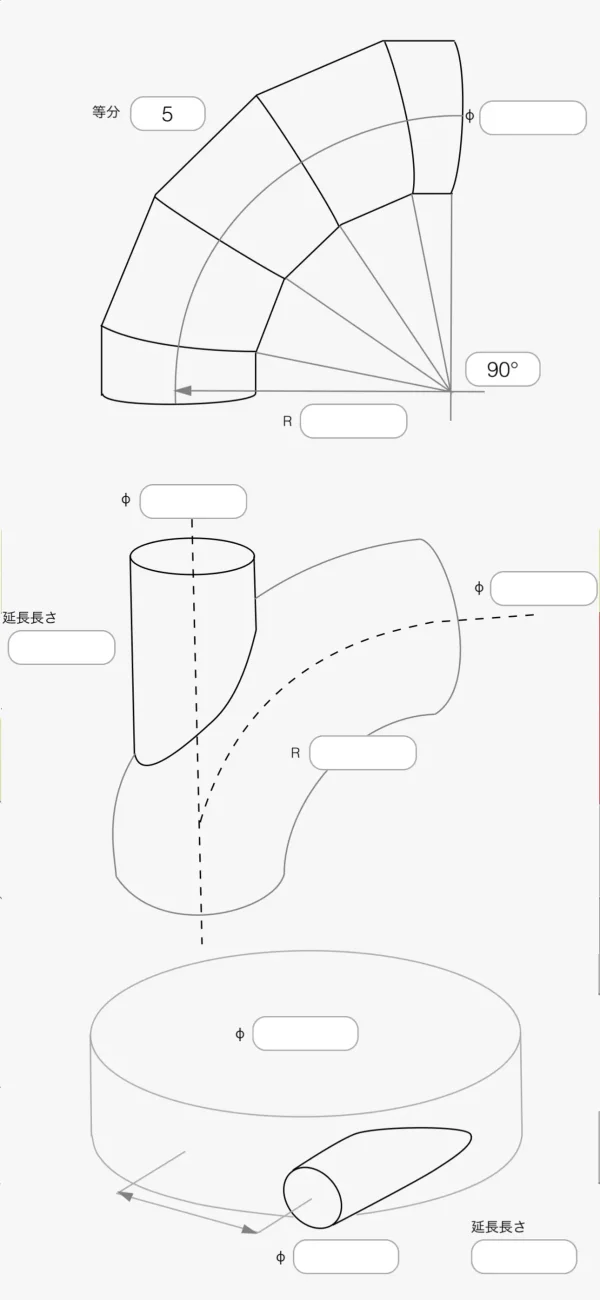
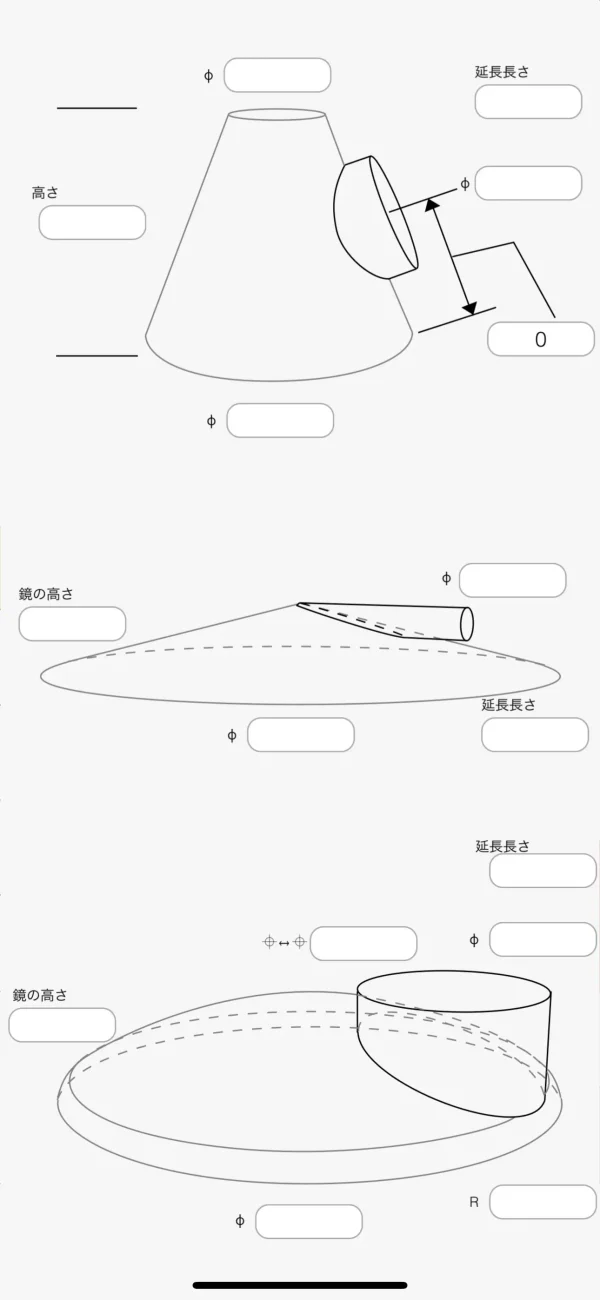
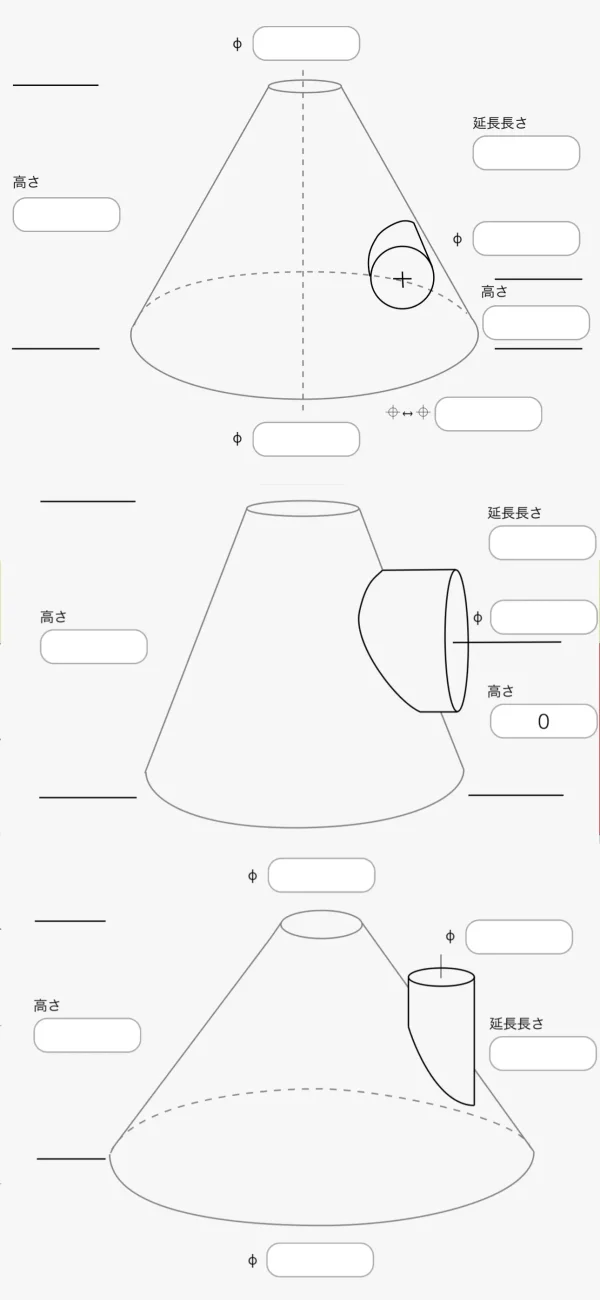
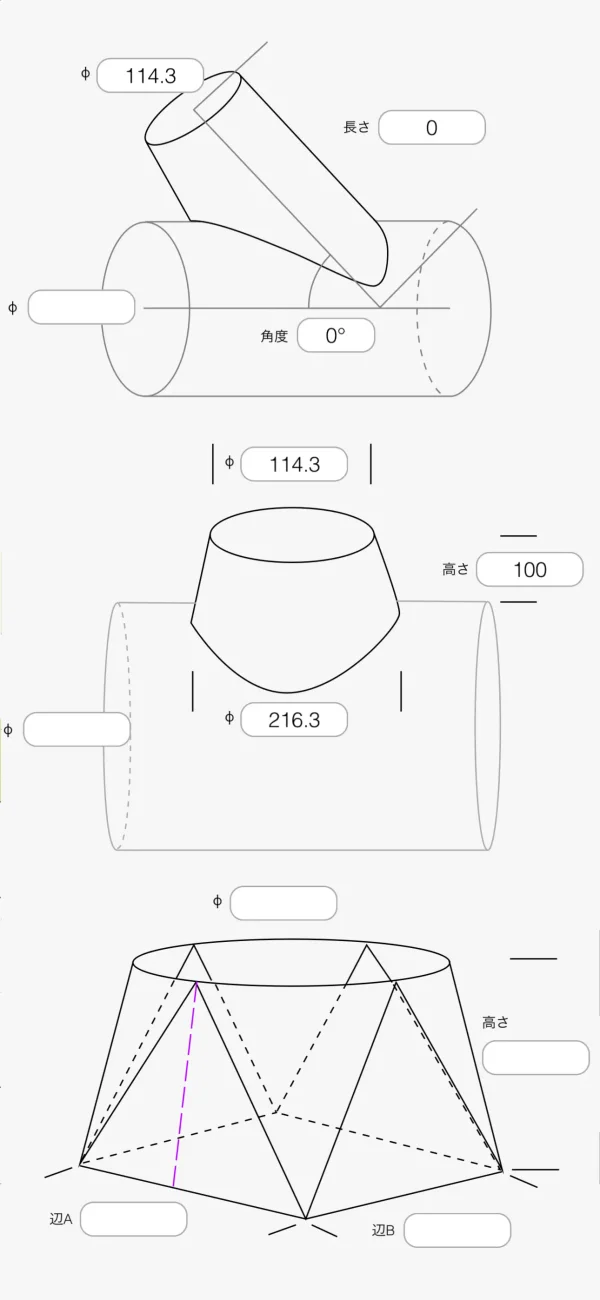
Develop cones (including misalignment), diagonal cuts, R-cuts, T-pipes, shrimp tubes, rounded corners, rounded corners (eccentricity), hopper eccentricity, pipes from mirror plates, connecting pipes to tapered pipes, screw wings, and calculate PCD.
It is possible to display the development on the floor in full size with AR for a specific development.
User's Manual ############################
Calculator section
Press and hold the "ANS" button to display past calculation results.
Tap the label of the calculation result (right after pressing =) to mark the value in the ANS list.
Tap the white button to enter the value displayed on the label.
Swipe the screen to the left or right to rotate the right triangle.
Swipe the screen up and down to flip the right triangle.
Enter two right triangles and three unequal triangles.
Tap the "Cal" button to display the calculation result.
Tap "Cl" button to clear the displayed value.
You can also use the "0" label to erase only the specified locations.
If you touch the button and slide it down, the numerical value of the calculation result will be displayed on the label, and can be used for the next calculation.
Trigonometric calculations can be done with
By sliding the [4] and [6] buttons, you can go back and forward.
Pressing the CLR button once will erase the number.
Press twice to reset the rotation.
Press and hold to erase numbers, reset rotation, and erase memory.
Press and hold to erase numbers, reset rotation, and clear memory.
Automatic input of pipe outline
Example 50A -> Input "5", "0", "1 slide".
1¼B -> Input "1", "4", "1" and "2 slides".
Each slide twice in succession will reduce the value by half.
Expansion section
The input method is the same as in the calculator section.
To expand a pipe, PCD, or mirror, slide the screen to the left or right to select the expansion diagram.
Basically, all buttons need to be entered, but in some places "0" can be used.
For round corners (eccentricity), double-tap the screen after entering the numerical value for round corners to switch to the input screen.
Please enter the division of the circumference in multiples of 4.
The calculation result is an image, so it may differ from the actual shape.
Disclaimer
Although every effort has been made to ensure the accuracy of the calculation results in this application, the accuracy is not guaranteed.
Please note that we are not responsible for any damage, loss, or disadvantage caused by the use of this application.
Có gì mới
Phiên bản 3.10.5 · 02/11/2026
Added support for iPhone Duo
Quyền riêng tư của ứng dụng
Những gì ryo sasaki khai báo trên App Store về cách ứng dụng này xử lý dữ liệu.
-
Dữ liệu không được thu thập
Nhà phát triển không thu thập bất kỳ dữ liệu nào từ ứng dụng này.
Phương thức đảm bảo quyền riêng tư có thể khác nhau, chẳng hạn như tuỳ theo các tính năng bạn sử dụng hoặc độ tuổi của bạn.
Thông tin
- Người bán
- sasaki ryo
- Danh mục
- Hiệu Suất
- Phiên bản
- 3.10.5
- Cập nhật
- 02/11/2026
- Phát hành
- 04/09/2023
- Kích thước
- 7,5 MB
- Yêu cầu
- iOS 15.0 trở lên
- Độ tuổi
- 4+
- Giá
- 119.000đ
- Ngôn ngữ
- Tiếng Anh, Tiếng Pháp, Tiếng Nhật
- Bản quyền
- © ryo sasaki