
TVAirScreen
Photos from iPhone to your TV
Được thiết kế cho iPhone, iPad
Miễn phí · Mua hàng trong ứng dụng
- Độ tuổi4+
- Danh mụcHiệu Suất
- Nhà phát triển翔宇 孙
- Ngôn ngữTiếng Anh+ 11 ngôn ngữ khác
- Kích thước4,8 MB
Liên kết đến trang App Store chính thức
Download.org không lưu trữ tệp nào của TVAirScreen. Nút này mở trang ứng dụng trên App Store, nơi 翔宇 孙 phát hành ứng dụng. Trang được kiểm tra lần cuối: 20/11/2026.
Ảnh chụp màn hình


Giới thiệu
Nhà phát triển chưa cung cấp nội dung này bằng ngôn ngữ của bạn.
Pass the remote, not the phone.
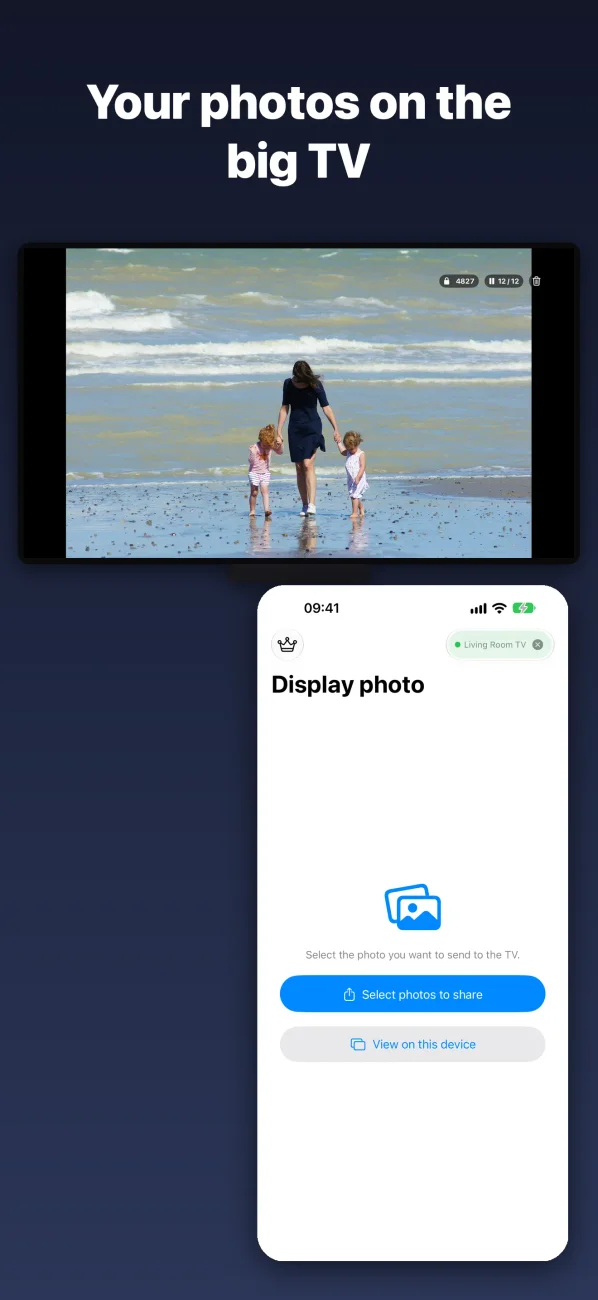
Stop crowding around one tiny screen. TVAirScreen puts your photos on your Apple TV in seconds, so the whole room can enjoy them together — big, bright and easy to browse with the Siri Remote.
NO SETUP. NO ACCOUNTS. NO APPLE ID.
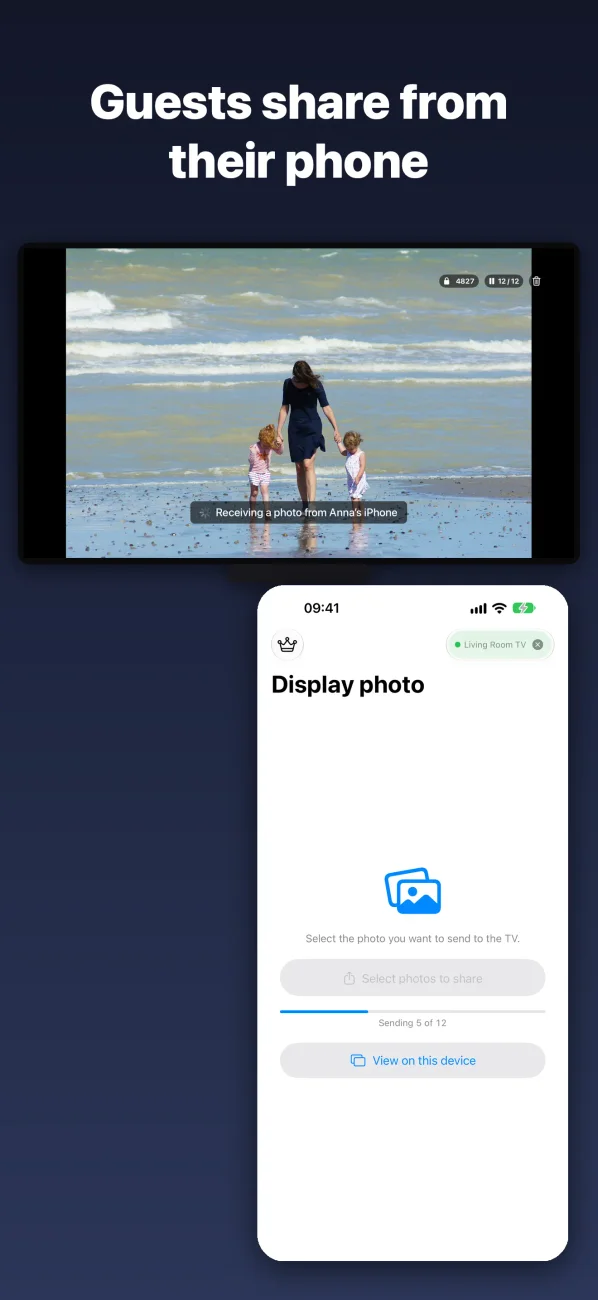
Your iPhone and Apple TV connect directly. There's no AirPlay to configure, no Apple ID to share and nothing to sign up for. Guests can put their own photos on your TV without touching your settings.
A CODE FOR NEW PHONES
Your TV shows a 4-digit code. A new phone enters it once and is remembered from then on. Phones that already use your TV keep working.
WHY YOU'LL LOVE IT
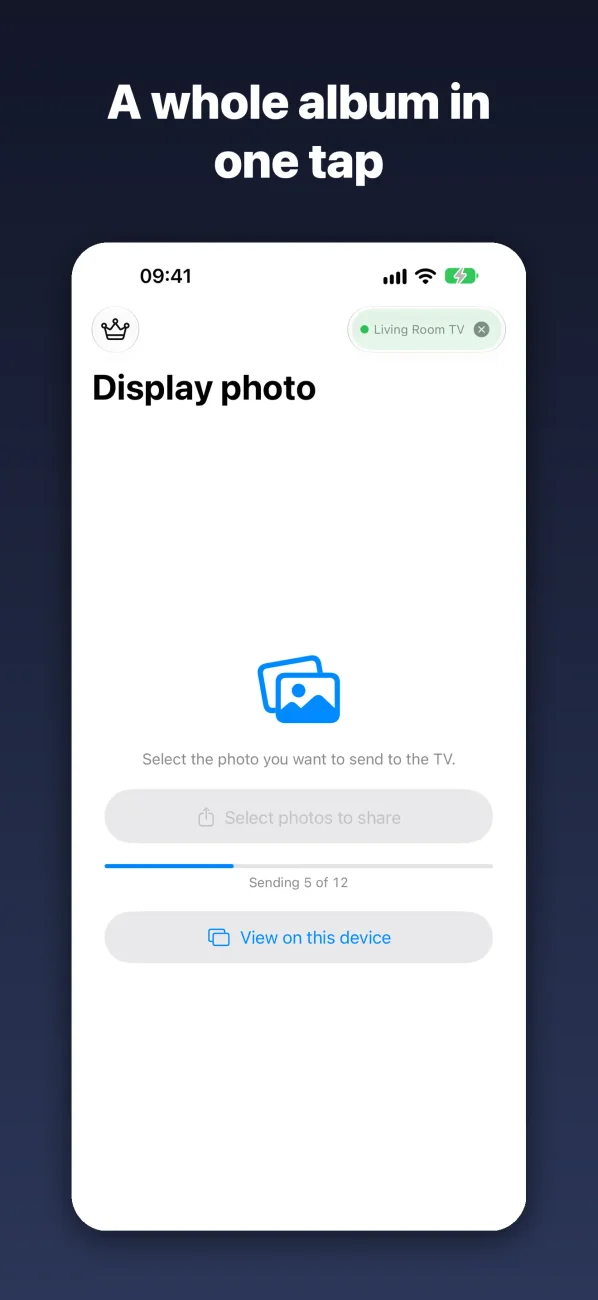
• Send a whole album in one go — photos arrive in the order you picked them
• Press Play/Pause on the Siri Remote for an instant, looping slideshow
• Swipe left and right to browse on the big screen
• Share straight from Photos, Files or Safari with the TVAirScreen share button
• Send PDFs — every page becomes a slide. Perfect for sheet music, lessons and presentations
• Send videos too — they play full screen on the TV, and Play/Pause on the Siri Remote pauses them
• Pick from Photos or Files, or take a new photo with the camera
• Your iPhone stays awake while connected, so the show keeps going
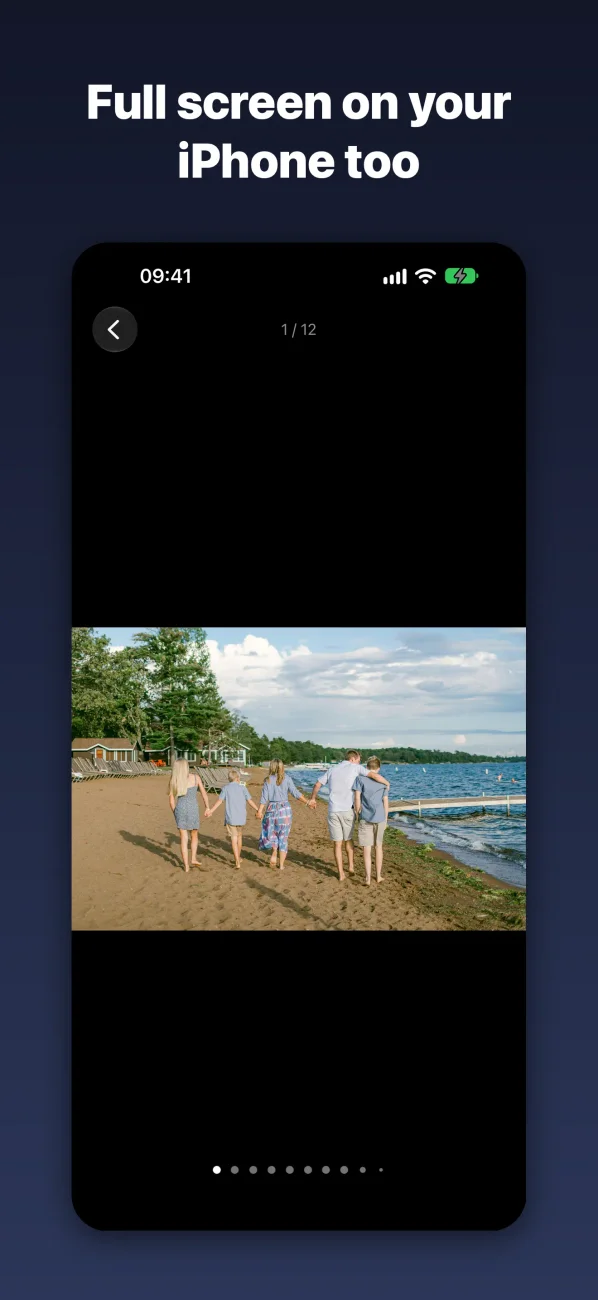
• View photos and PDFs full screen on your iPhone, with pinch-to-zoom
MADE FOR MOMENTS LIKE
• Holiday photos with the grandparents on the couch
• Parties, weddings and reunions — every guest can add their shots
• Travel slideshows the evening you get home
• Classrooms, meetings and presentations
• Choir, band and church rehearsals with the music on the big screen
• Holiday rentals — let your guests share to the TV
FREE TO START. PRO IS YOURS FOREVER.
Send up to 5 photos at a time for free, with no account. Unlock Pro once — no subscription — for unlimited batches, PDFs and videos. Bought TVAirScreen before it became free? Pro is already yours.
GET STARTED
1. Install TVAirScreen on your Apple TV, or scan the QR code it shows.
2. Open TVAirScreen on your iPhone and tap “Connect to Apple TV”.
3. Enter the code from the TV the first time, choose your photos, and watch them appear.
Requires the TVAirScreen app on your Apple TV.
Có gì mới
Phiên bản 2.10.0 · 06/11/2026
Send videos to your TV, and use your iPhone as its remote.
• Videos: pick them with your photos and they play full screen on the Apple TV. Videos are a Pro feature, and free users get 3 free Pro sends to try it
• Remote: after the first send, your iPhone becomes a remote for the TV. Swipe through photos and videos, play and pause, see everything, and send more from the same screen
• Cancel: stop a send at any time. What already reached the TV stays, and a cancelled send doesn't use up a free Pro send
• More reliable: sends no longer get stuck when the TV or phone drops off the network
• Share button: send videos to the TV from Photos and Files too. The progress bar now moves while each file sends
• A fresh Liquid Glass look on iOS 26
• Update TVAirScreen on your Apple TV to receive videos and use the remote. Photos and PDFs work with any version
Quyền riêng tư của ứng dụng
Những gì 翔宇 孙 khai báo trên App Store về cách ứng dụng này xử lý dữ liệu.
-
Dữ liệu không liên kết với bạn
Có thể được thu thập nhưng không liên kết với danh tính của bạn.
- Mã định danh
Phương thức đảm bảo quyền riêng tư có thể khác nhau, chẳng hạn như tuỳ theo các tính năng bạn sử dụng hoặc độ tuổi của bạn.
Thông tin
- Người bán
- 翔宇 孙
- Danh mục
- Hiệu Suất
- Phiên bản
- 2.10.0
- Cập nhật
- 06/11/2026
- Phát hành
- 07/08/2018
- Kích thước
- 4,8 MB
- Yêu cầu
- iOS 16.0 trở lên
- Độ tuổi
- 4+
- Giá
- Miễn phí
- Mua hàng trong ứng dụng
- Có
- Ngôn ngữ
- Tiếng Anh, Tiếng Ả Rập, Bengali, Tiếng Pháp, Tiếng Đức, Hindi, Tiếng Nhật, Tiếng Bồ Đào Nha, Tiếng Nga, Tiếng Trung Giản thể, Tiếng Tây Ban Nha, Tiếng Trung Phồn thể
- Bản quyền
- © 2026 Uriphium
Có thể bạn cũng thích
-
 RenamerĐổi tên tập tin hàng loạt
-
 Due Pal: Đếm Ngược & Hẹn GiờNgày thi, Tết, giờ tan làm
-
 Subnet CIDR ProHiệu Suất
-
 Referat: AI Meeting NotesHiệu Suất
-
 Countdown Widget - Till ThenHiệu Suất
-
 Table Scan LabHiệu Suất
-
 Ghi Tăng Ca - Nhật Ký OT LươngCa Đêm Mục Tiêu Nhắc Offline
-
 InfusionLogHiệu Suất
-
 WelljotViệc đơn giản. Dễ hoàn tất.
-
 REDREC - Offline TranscriptionHiệu Suất