TypeSnip - Text Expander
Keyboard Extension
Được thiết kế cho iPhone, iPad, iPod touch
Miễn phí · Mua hàng trong ứng dụng
- Độ tuổi4+
- Danh mụcTiện Ích
- Nhà phát triểnASAPP STUDIO
- Ngôn ngữTiếng Anh+ 7 ngôn ngữ khác
- Kích thước23,4 MB
Liên kết đến trang App Store chính thức
Download.org không lưu trữ tệp nào của TypeSnip - Text Expander. Nút này mở trang ứng dụng trên App Store, nơi ASAPP STUDIO phát hành ứng dụng. Trang được kiểm tra lần cuối: 14/11/2026.
Ảnh chụp màn hình
Giới thiệu
Nhà phát triển chưa cung cấp nội dung này bằng ngôn ngữ của bạn.
TypeSnip – Smart Keyboard Expander
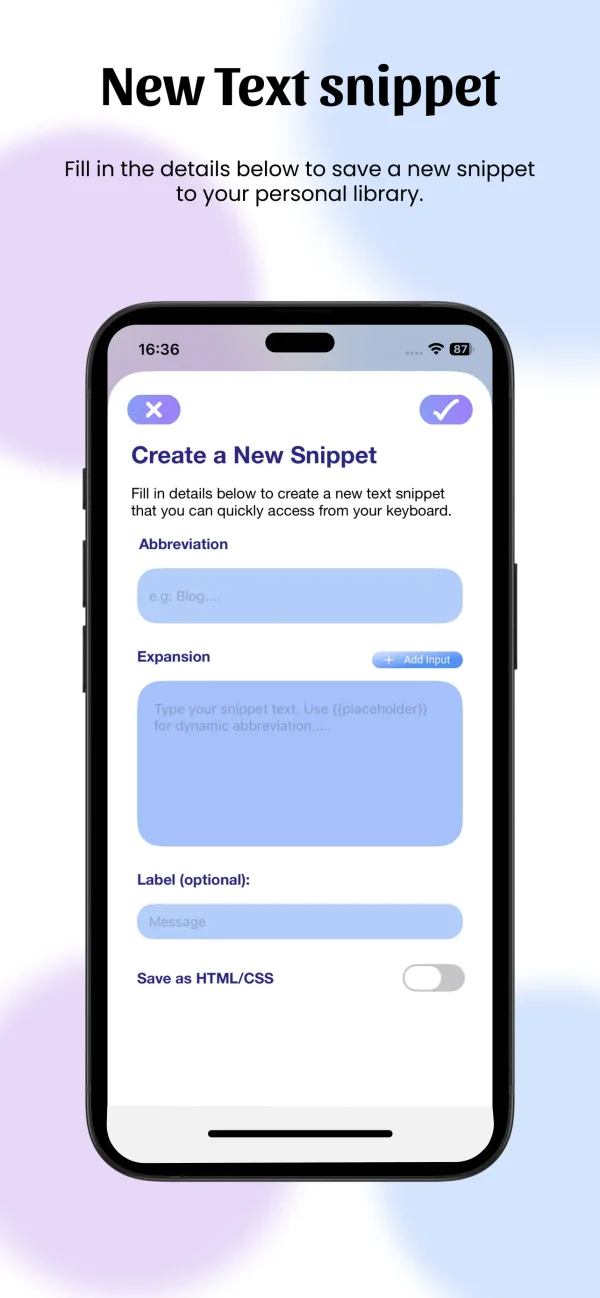
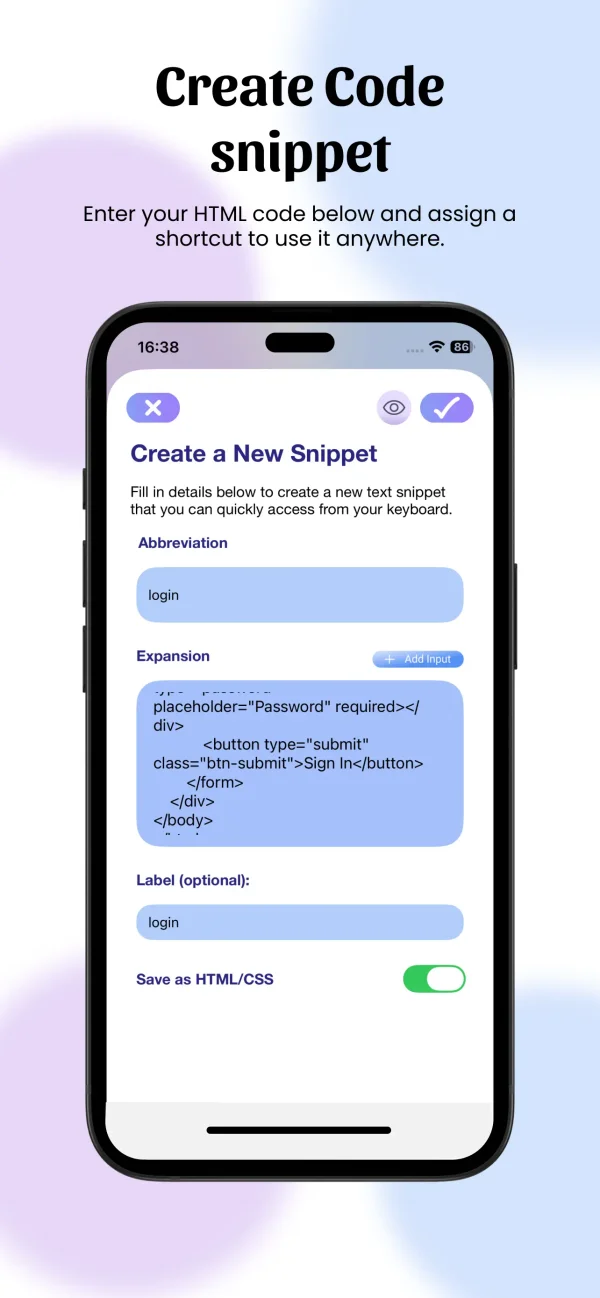
TypeSnip makes typing faster and smarter by letting you create and manage your own text snippets. Assign a keyword or abbreviation to any snippet, and whenever you type it, TypeSnip instantly suggests the full expansion. Perfect for emails, templates, code, or phrases you use every day.
Key Features
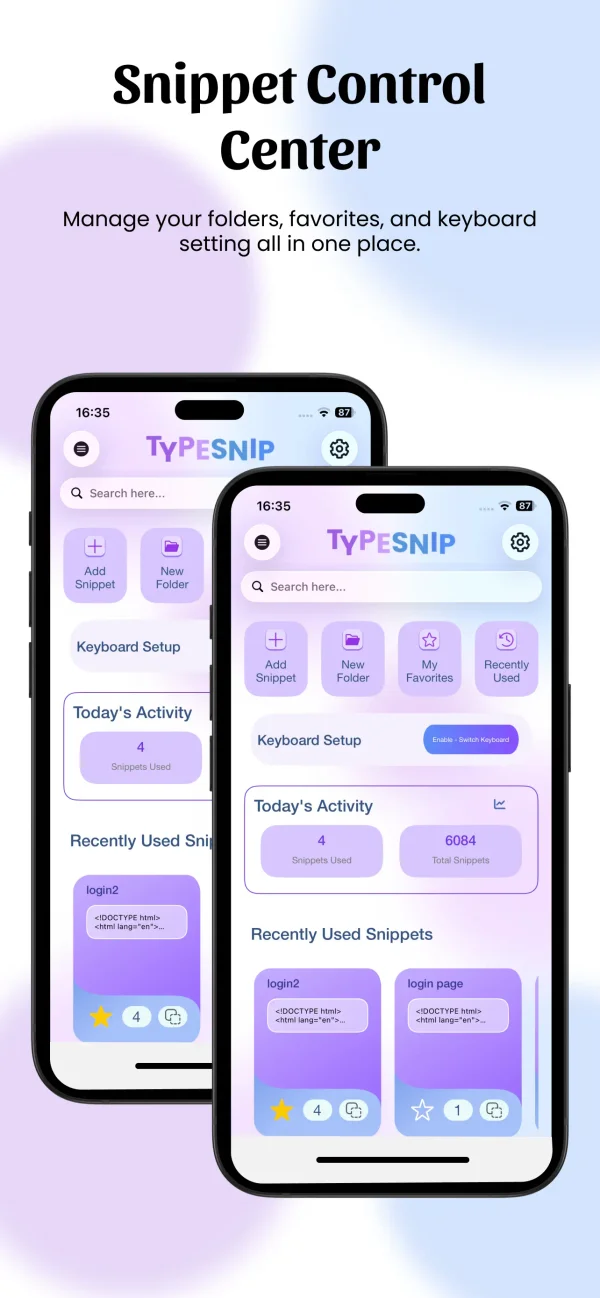
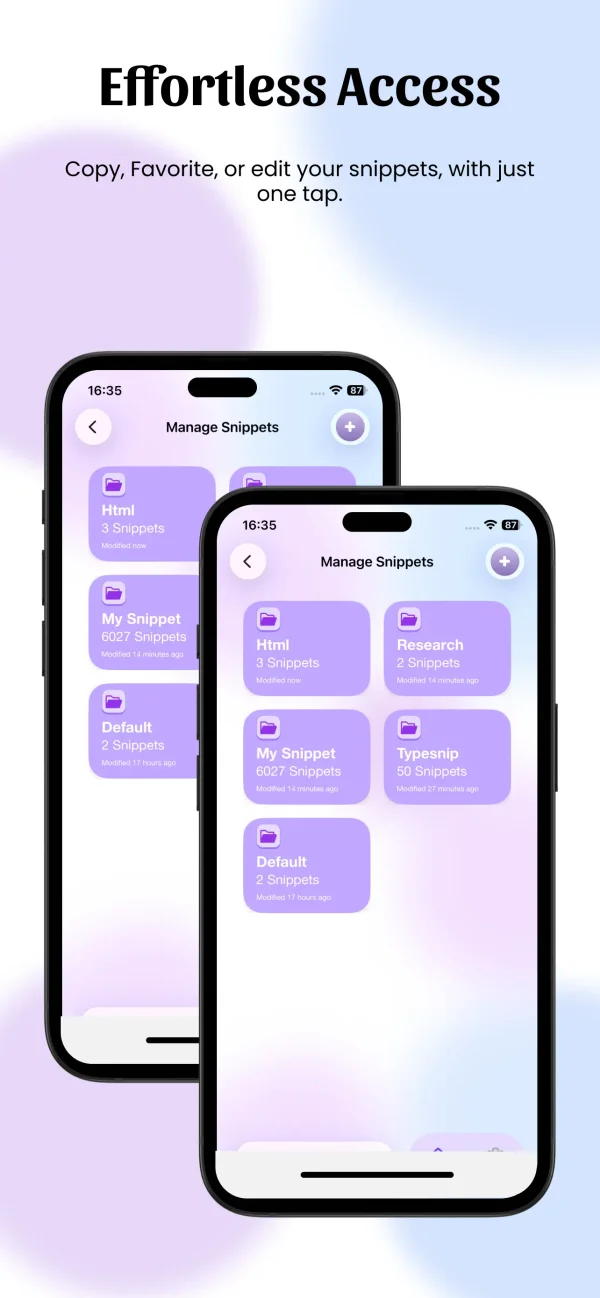
Folder Organization – Group your snippets into folders for easy access and management.
Smart Keyword Expansion – Type a keyword/abbreviation and instantly expand it into your saved snippet.
Works Everywhere – Use the TypeSnip keyboard across all your favorite apps.
Search & Suggest – Quickly find the right snippet when you need it.
Customizable Snippets – Save text, templates, or reusable code.
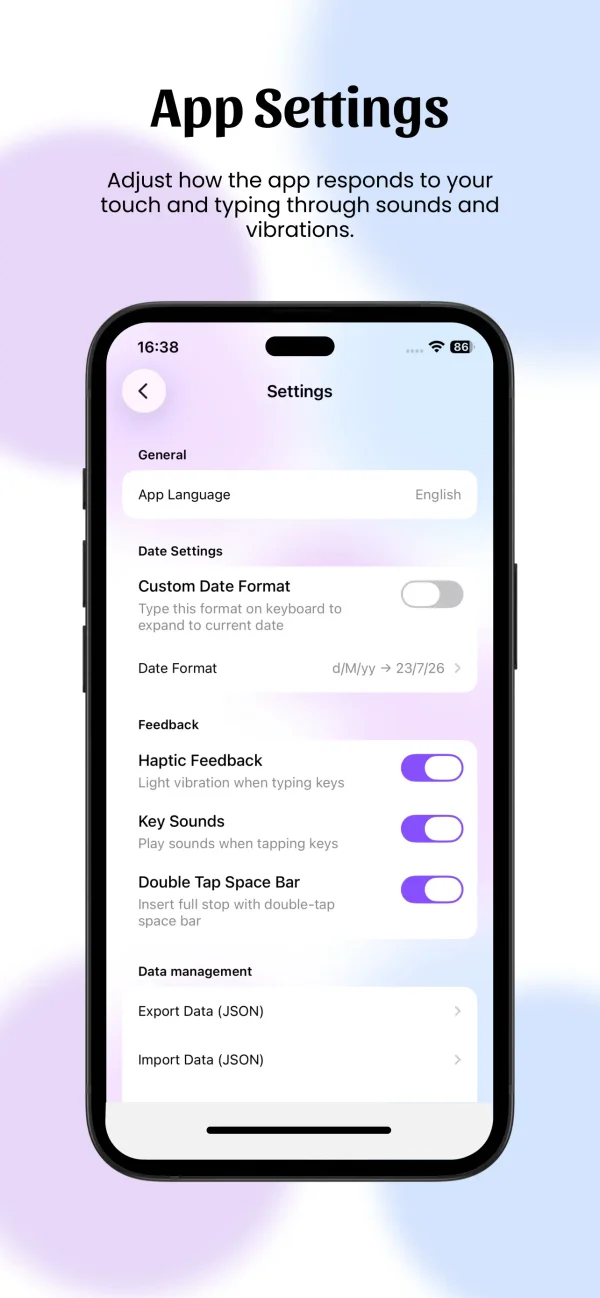
Enable & Disable Control – Long-press a folder to edit, delete, or disable it.
Swipe left on snippets:
Full swipe → delete instantly.
Half swipe → access menu options to disable, enable, edit, or copy expansion.
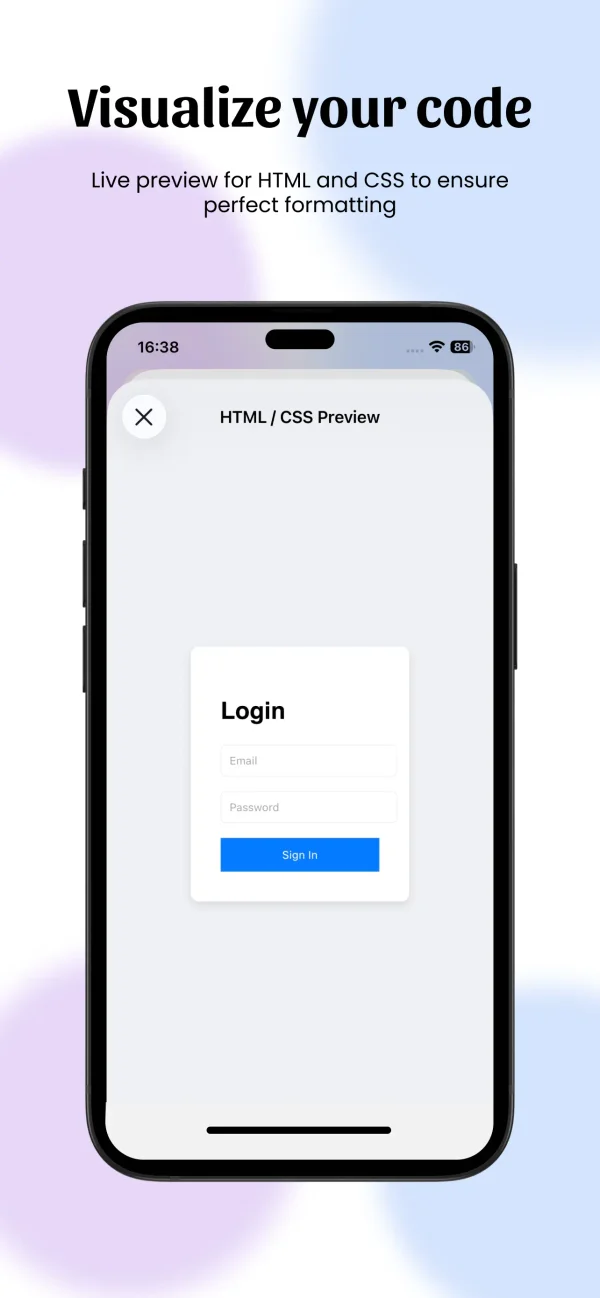
HTML Rendering Mode – Save HTML/CSS snippets and view them as fully rendered content inside the app.
Paste as Rich Text – Copy rendered snippets as rich text and paste into supported apps like Gmail, Teams, and more.
Private & Secure – Snippets are stored locally on your device unless you choose to export them.
Free vs. Pro
Start free with:
1 folder
5 snippets
HTML rendering & rich text paste
Upgrade to TypeSnip Pro for:
Unlimited folders & snippets
Import & export (JSON & CSV)
Advanced organization with search & suggestions
Priority updates and access to future features
TypeSnip gives you the freedom to create, organize, and reuse snippets anywhere — saving you time and boosting productivity every day.
Có gì mới
Phiên bản 1.1.12 · 06/11/2026
UI polish and minor bug fixes.
Quyền riêng tư của ứng dụng
Những gì ASAPP STUDIO khai báo trên App Store về cách ứng dụng này xử lý dữ liệu.
-
Dữ liệu được sử dụng để theo dõi bạn
Có thể được sử dụng để theo dõi bạn trên các ứng dụng và trang web do công ty khác sở hữu.
- Mã định danh
- Dữ liệu sử dụng
-
Dữ liệu liên kết với bạn
Có thể được thu thập và liên kết với danh tính của bạn.
- Mã định danh
- Dữ liệu sử dụng
Phương thức đảm bảo quyền riêng tư có thể khác nhau, chẳng hạn như tuỳ theo các tính năng bạn sử dụng hoặc độ tuổi của bạn.
Thông tin
- Người bán
- ASAPP STUDIO
- Danh mục
- Tiện Ích
- Phiên bản
- 1.1.12
- Cập nhật
- 06/11/2026
- Phát hành
- 10/09/2025
- Kích thước
- 23,4 MB
- Yêu cầu
- iOS 15.0 trở lên
- Độ tuổi
- 4+
- Giá
- Miễn phí
- Mua hàng trong ứng dụng
- Có
- Ngôn ngữ
- Tiếng Anh, Tiếng Ả Rập, Tiếng Pháp, Tiếng Đức, Hindi, Tiếng Bồ Đào Nha, Tiếng Tây Ban Nha, Urdu
- Bản quyền
- © 2026 Asapp All rights reserved.
Có thể bạn cũng thích
-
 Kids Monitor: Parental ControlTiện Ích
-
 Swift PasteTiện Ích
-
 App Ideas: Project InspirationTiện Ích
-
 Location BuddyTiện Ích
-
 SnippetSave – Copy Paste NotesTiện Ích
-
 AnyNotes+Tiện Ích
-
 Snippad: Smart AI KeyboardTiện Ích
-
 FlexBoardTiện Ích
-
 Recent Contacts - LinkUpTiện Ích
-
 Device Analyzer Scanner - SpxCTiện Ích