Use Your Ear
Ear Training for Engineers
Được thiết kế cho iPhone, iPad, iPod touch
Miễn phí
- Độ tuổi4+
- Danh mụcNhạc
- Nhà phát triểnJuerg Andres
- Ngôn ngữTiếng Anh
- Kích thước3,5 MB
Liên kết đến trang App Store chính thức
Download.org không lưu trữ tệp nào của Use Your Ear. Nút này mở trang ứng dụng trên App Store, nơi Juerg Andres phát hành ứng dụng. Trang được kiểm tra lần cuối: 16/11/2026.
Ảnh chụp màn hình


Giới thiệu
Nhà phát triển chưa cung cấp nội dung này bằng ngôn ngữ của bạn.
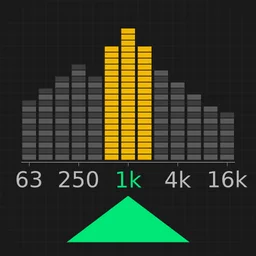
The 9 pivot points:
· **50 Hz** — Depth & Weight
· **100 Hz** — Warmth & Punch
· **200 Hz** — Thickness & Mud
· **500 Hz** — Boxy & Gargle
· **1 kHz** — Nasal & Knock
· **2 kHz** — Edge & Clarity
· **5 kHz** — Presence & Bite
· **10 kHz** — Sizzle & Snap
· **20 kHz** — Air & Plastic
Each pivot mapped to perceptual adjectives — so you don't just memorize numbers, you learn what they SOUND like.
Four training modes:
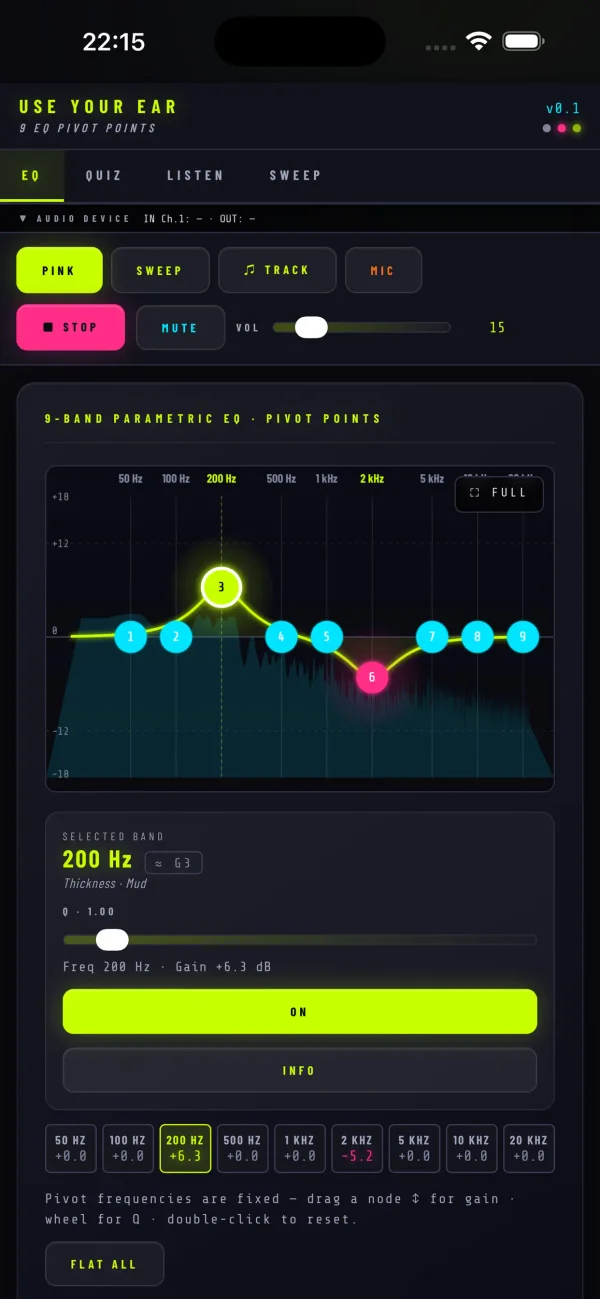
EQ Workbench — Interactive 9-band parametric. Drag nodes vertically for gain, scroll wheel for Q, double-click to reset. Frequencies are locked to the pivot points (that's the whole point).
Quiz — Blind pivot trainer. The app boosts or cuts a random pivot on pink noise at Easy / Medium / Hard difficulty. A/B between processed and bypass, then pick the frequency + direction. Scoring tracks your accuracy over time.
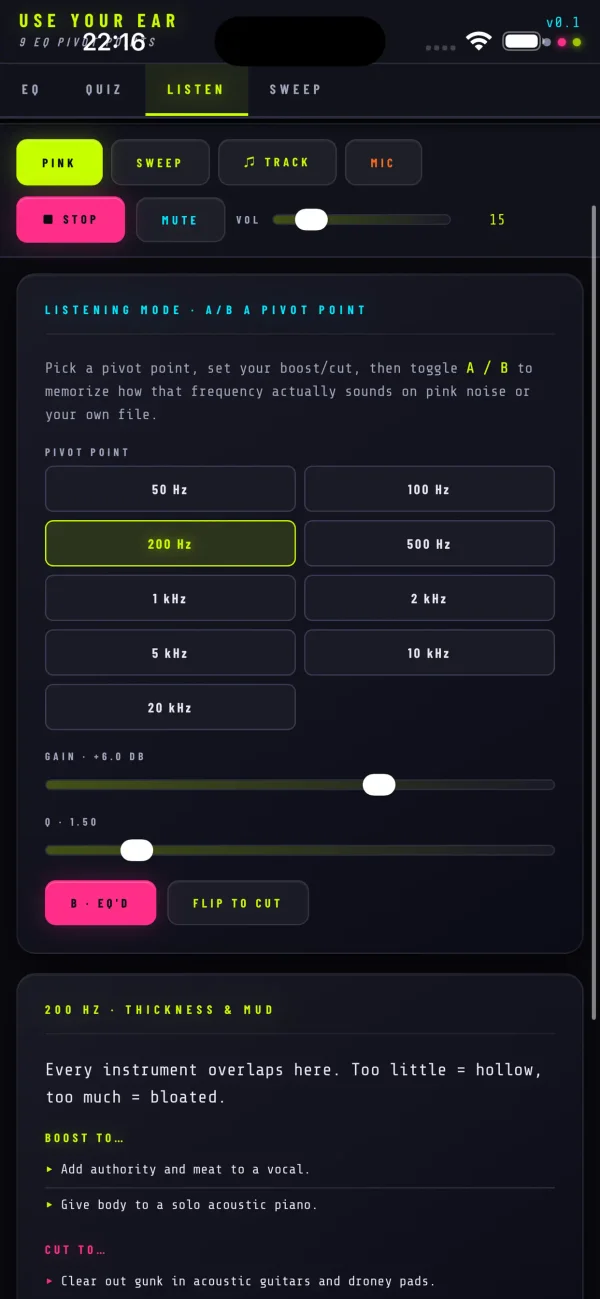
Listen — A/B reference mode. Set gain and Q on a single pivot, toggle A/B against bypass, and read the "Boost to..." / "Cut to..." cheat sheet. Train your ear by hearing the same EQ move at multiple frequencies.
Sweep — Manual sine tone across the spectrum, plus an automatic logarithmic sweep from 20 Hz to 20 kHz with the nearest-pivot readout. Hear the spectrum, build the mental map.
Sources:
· Pink noise (Paul Kellet generator, 4-second loopable buffer)
· Sine tone
· Log sweep
· Your own audio file
· Live microphone (with feedback warning)
Hearing safety built in:
Three independent ways to instantly stop audio:
1. Mute button — instant silence, playback can resume
2. Stop button — tears down the audio source completely
3. Always: keep your master volume LOW, use headphones at safe levels
Sine tones and sweeps are internally attenuated to 15% of full scale.
Why is it free?
Tomorrow's working sound engineers are today's audio students. We want you to learn properly — not paywalled, not gated, not crippled. No ads. No data harvesting. Just a real tool.
Where next?
· Surviving Audio — Plan and design PA systems before the show
· Soundtools Pro — Real-time tools during the show
Three apps, one story: train, plan, execute.
Quyền riêng tư của ứng dụng
Những gì Juerg Andres khai báo trên App Store về cách ứng dụng này xử lý dữ liệu.
-
Dữ liệu không được thu thập
Nhà phát triển không thu thập bất kỳ dữ liệu nào từ ứng dụng này.
Phương thức đảm bảo quyền riêng tư có thể khác nhau, chẳng hạn như tuỳ theo các tính năng bạn sử dụng hoặc độ tuổi của bạn.
Thông tin
- Người bán
- Juerg Andres
- Danh mục
- Nhạc
- Phiên bản
- 1.0
- Cập nhật
- 06/05/2026
- Phát hành
- 06/05/2026
- Kích thước
- 3,5 MB
- Yêu cầu
- iOS 15.0 trở lên
- Độ tuổi
- 4+
- Giá
- Miễn phí
- Ngôn ngữ
- Tiếng Anh
- Bản quyền
- © Res