
Valence 3D
Polygon & Subdivision Modeling
Được thiết kế cho iPhone, iPad
599.000đ
- Độ tuổi4+
- Danh mụcĐồ Họa & Thiết Kế
- Nhà phát triểnHi-Rez, LLC
- Ngôn ngữTiếng Anh+ 12 ngôn ngữ khác
- Kích thước196,1 MB
Liên kết đến trang App Store chính thức
Download.org không lưu trữ tệp nào của Valence 3D. Nút này mở trang ứng dụng trên App Store, nơi Hi-Rez, LLC phát hành ứng dụng. Trang được kiểm tra lần cuối: 27/11/2026.
Ảnh chụp màn hình


Giới thiệu
Nhà phát triển chưa cung cấp nội dung này bằng ngôn ngữ của bạn.
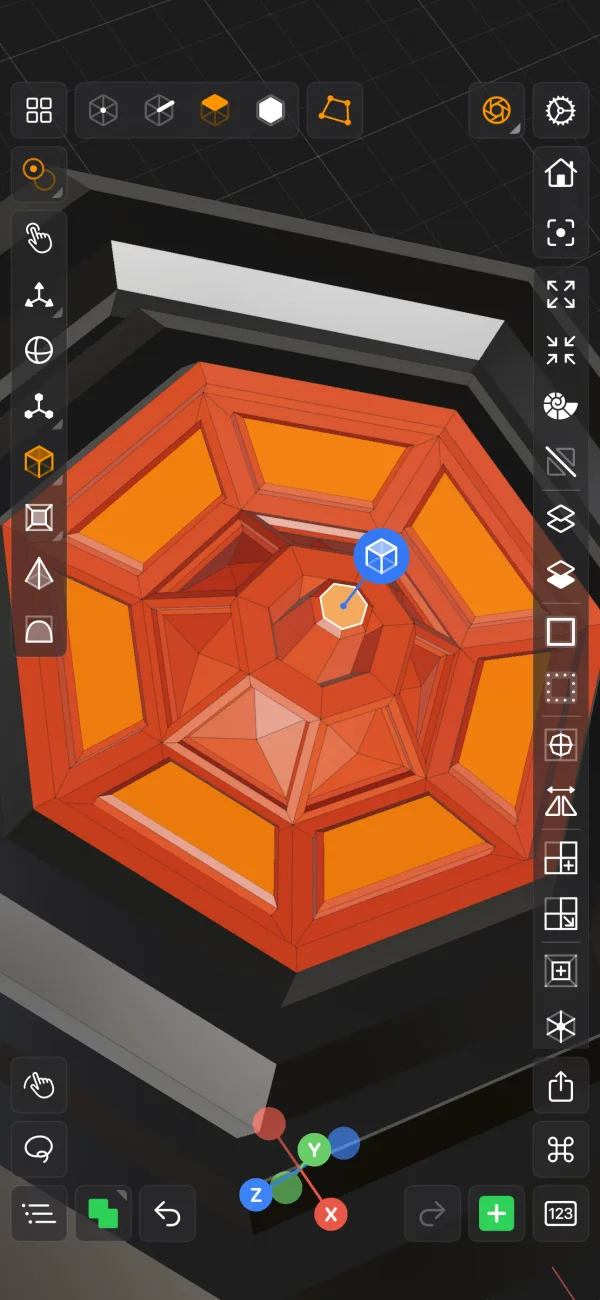
Valence 3D is a powerful, beautiful, minimal, and easy-to-use 3D Polygon & SubD modeling app for iPad & iPhone. No matter whether you're learning 3D modeling for the first time or a professional working in design, construction, gaming, web dev, digital fabrication, architecture, or spatial computing, Valence 3D has what you need to get started!
CREATE, IMPORT, EDIT & EXPORT 3D MODELS
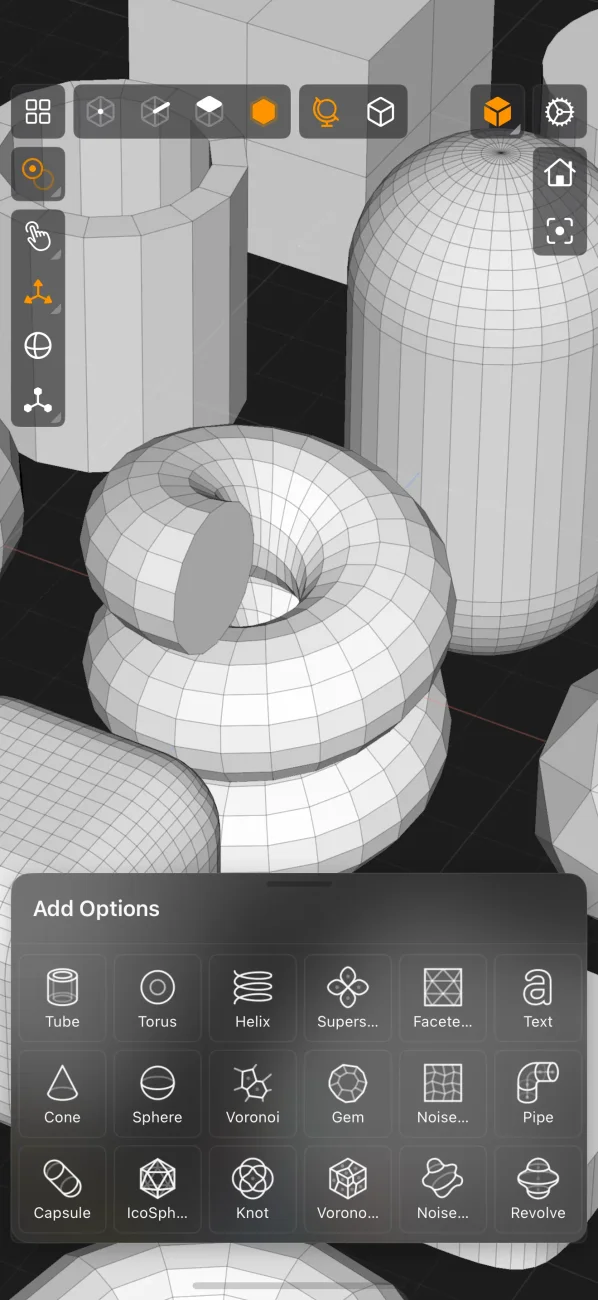
• 25 primitive shapes are built-in & ready to help you start modeling: plane, box, sphere, squircle, rounded box, arc, circle, cylinder, tube, cone, capsule, torus, icosphere, pipe, revolve, helix, voronoi, text, super shape, noise surfaces, torus knot, faceted gem & tube.
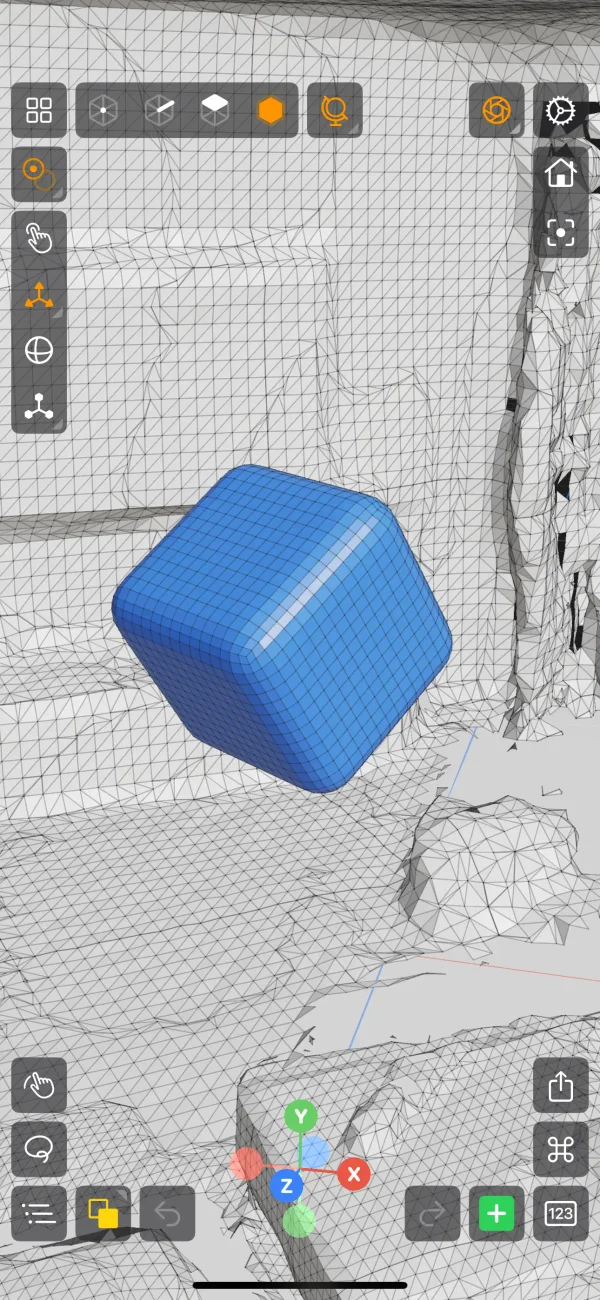
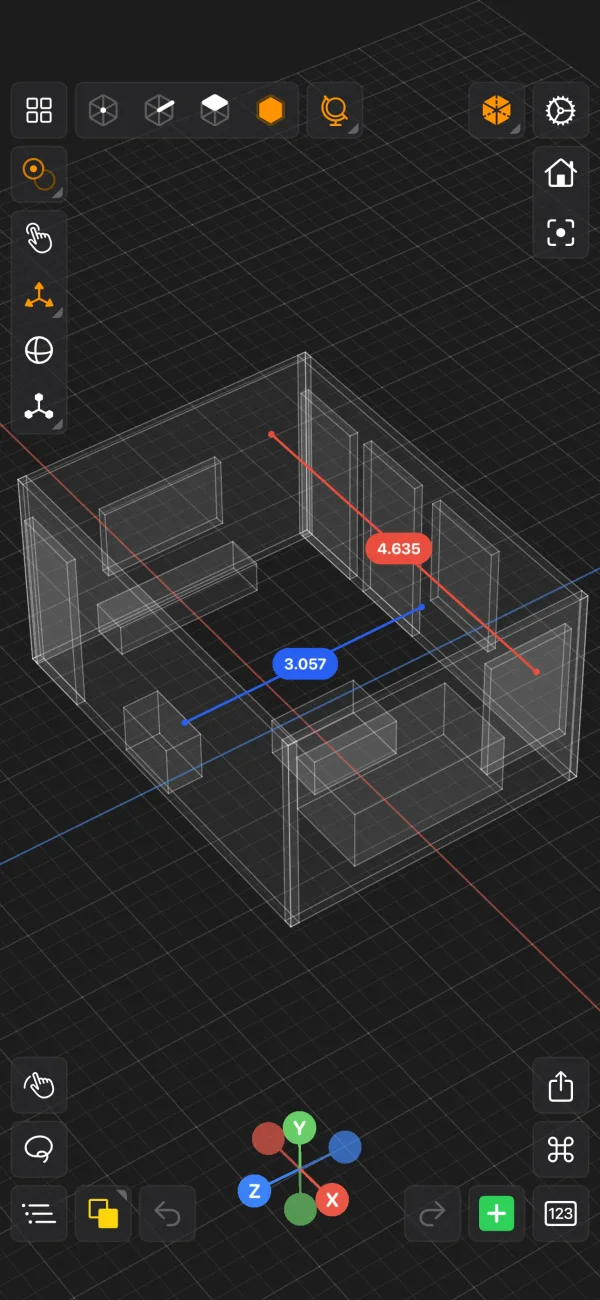
• Import existing models, reference images, lidar scans and room plans
• Imports: OBJ, STL, USD, USDZ
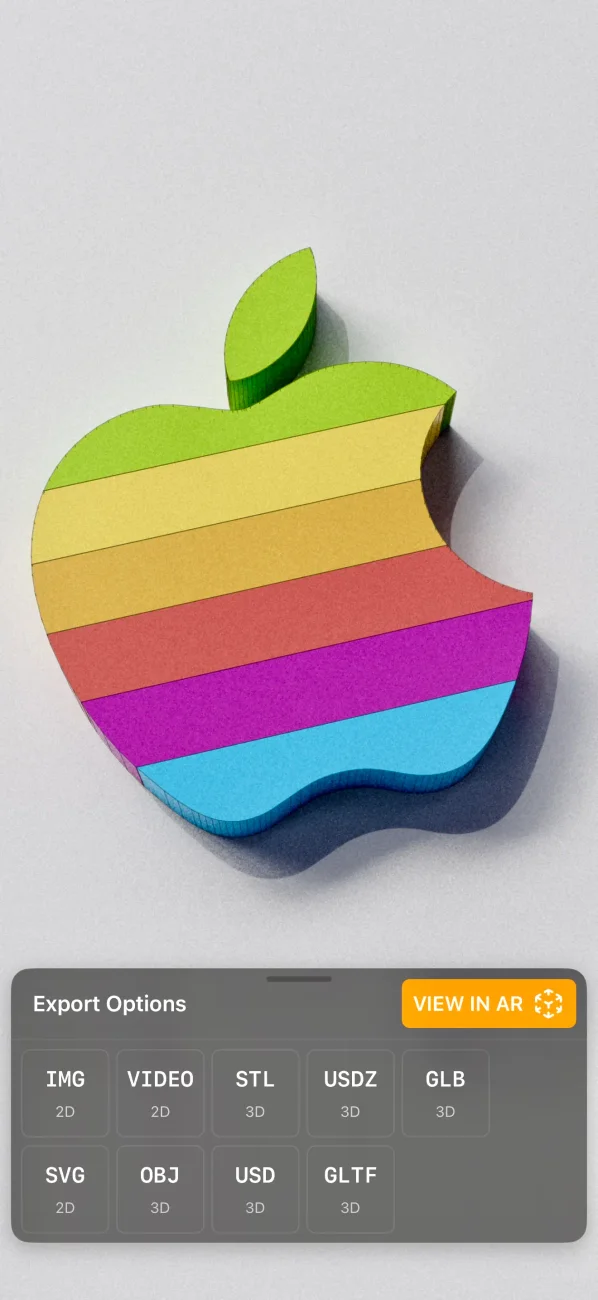
• Exports: PNG, SVG, OBJ, STL, USD, USDZ, GLTF, GLB
• Knife tool to create complex and detailed geometry
• Move, Rotate, & Scale gizmos make it easy to transform nodes, faces, edges & vertices
• Powerful modeling gizmos for extruding, insetting, beveling, poking, creasing & cutting
• Multiple selection & automatic loop selection help accelerate your modeling
• Tap on one of the gizmo handles to bring up an input field for precise transformations & mesh operations
• Robust snapping & alignment commands
• Selection operations: grow, shrink, select shell & deselect
• Mesh operations: duplicate, instance, set / center pivot, trim by plane, boolean, apply transform & subdivide
• Face operations: separate, combine, bridge, extract, poke, collapse, delete, dissolve, harden & soften
• Edge operations: extrude, insert vertex, collapse, dissolve, bridge, harden & soften
• Vertex operations: insert edge, dissolve, delete & merge
• Non-destructive & configurable mesh modifiers: mirror & subdivision
• Apply complex transformations using different gizmo pivot points & orientations
EASILY NAVIGATE & STAY IN FLOW WHILE DESIGNING
• Carefully crafted & fully optimized for iPhone & iPad
• Designed to minimize cognitive overload by only showing tools & commands that are contextually relevant
• Easily navigate to any part of your model by dragging and pinching: two finger pinch to zoom and roll, and one finger drag to rotate
• Pop into the standard orthographic views by tapping one of the handles of the orientation gizmo
• Use two & three finger tap gestures to undo & redo
• Select components by dragging or using the rectangular selection mode
• Your work is saved automatically every two minutes and every time you go back to the gallery
• Get an overview of your scene’s structure from the Outliner
• Long press on a node in the Outliner to easily rename, duplicate, instance, delete, parent & reorder any object in your scene
• Precisely adjust any node’s position, rotation & scale with the Inspector
• Adjust material properties, display & modifier options with the Inspector
STAY ORGANIZED ACROSS ALL YOUR DEVICES
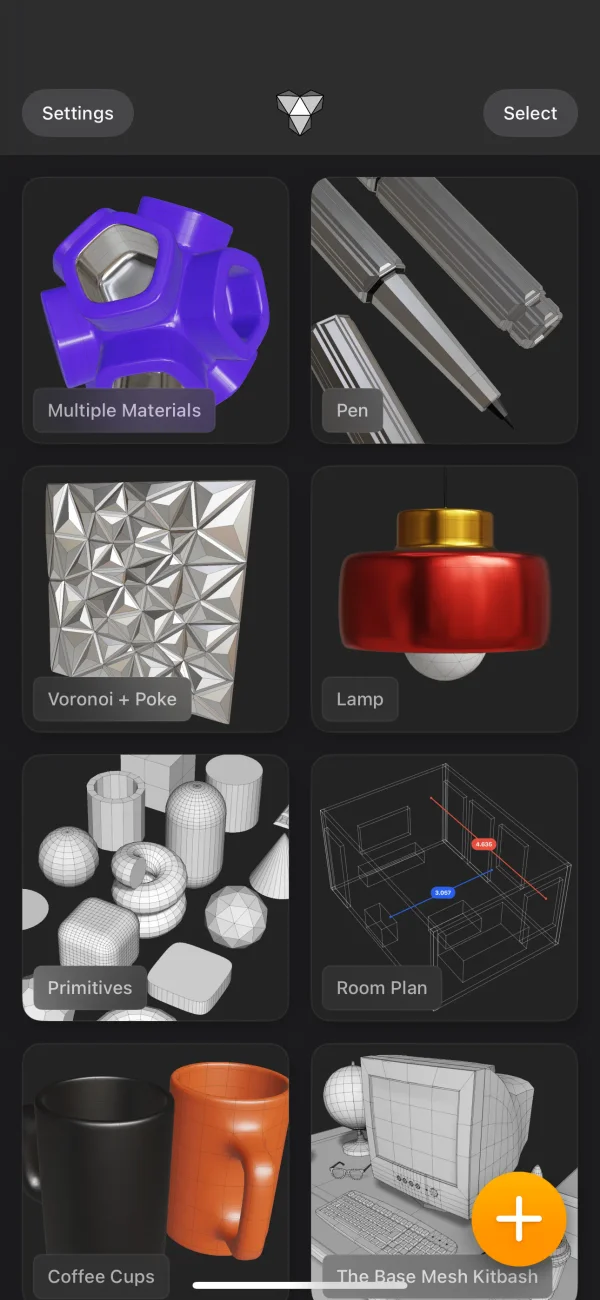
• Preview, share, duplicate, delete & rename your models from the gallery
• iCloud syncing keeps all your models up to date, private & accessible across all your devices
PREVIEW, MEASURE, & RENDER YOUR CREATIONS
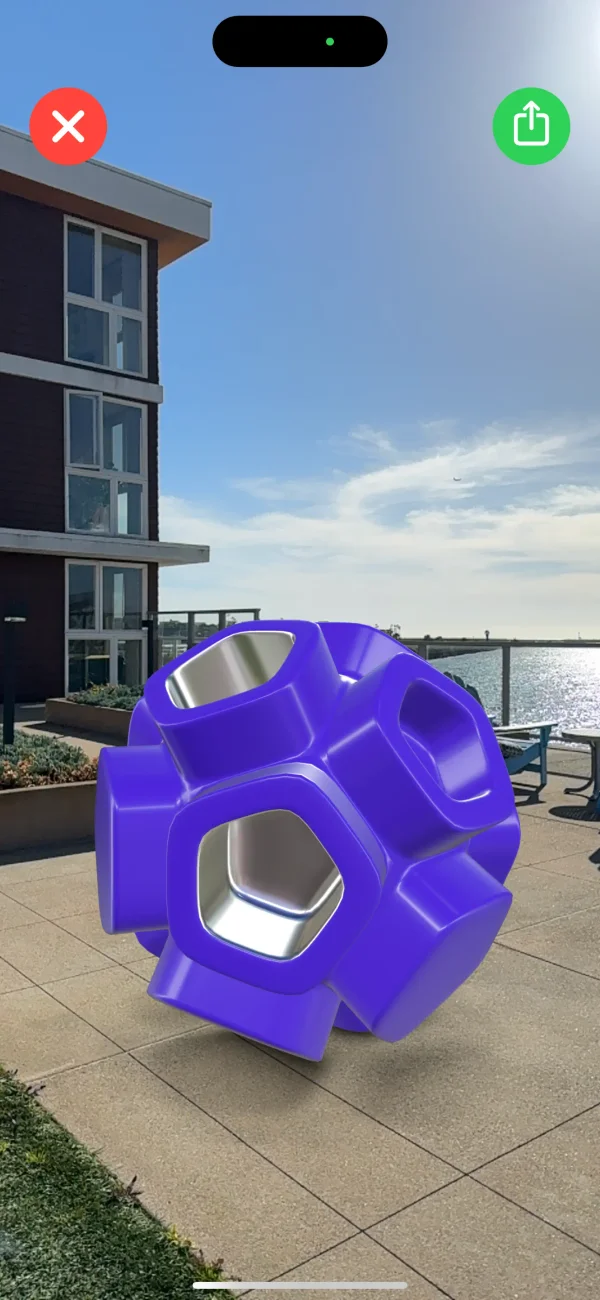
• 6 powerful rendering modes: Matcap, Modeling, Wireframe, Physically Based, X-Ray & Path Traced
• Export renders in any aspect ratio & scale
• Preview your model in AR in two taps
• Export your scene as a USDZ & be confident it’ll look consistent on all Apple devices
• Tweak your model’s material & see changes in real-time
• Tweak-able scene settings: camera field of view, background type, blurriness, intensity & rotation
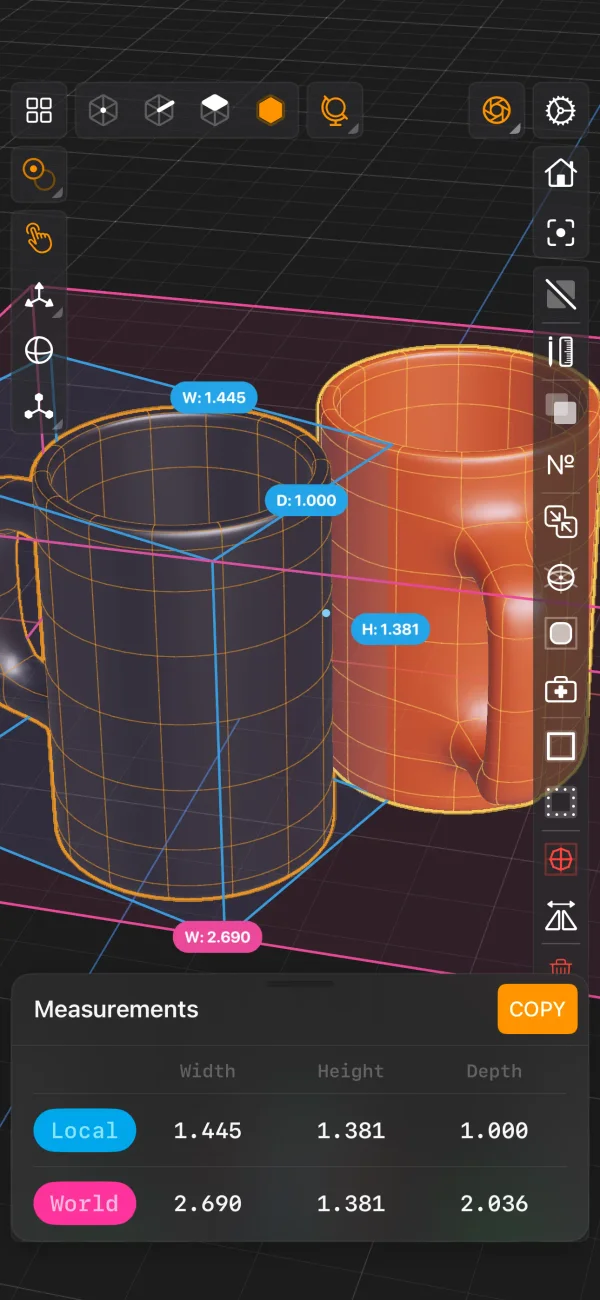
• Get model measurements in one click
• Add persistent dimensions between any two surfaces in your scene
PURCHASE & COMPATIBILITY
• One time purchase unlocks both iPhone & iPad versions
• Apple Pencil supported on select iPads
• 120 FPS supported on devices with ProMotion displays
• Path Tracing is supported on iPads with M series chips & iPhones with A15 Bionic & later
• Lidar Scan & Room Plan is supported on devices with a lidar sensor
Có gì mới
Phiên bản 1.4.7 · 04/10/2026
Minor bug fixes.
Quyền riêng tư của ứng dụng
Những gì Hi-Rez, LLC khai báo trên App Store về cách ứng dụng này xử lý dữ liệu.
-
Dữ liệu không được thu thập
Nhà phát triển không thu thập bất kỳ dữ liệu nào từ ứng dụng này.
Phương thức đảm bảo quyền riêng tư có thể khác nhau, chẳng hạn như tuỳ theo các tính năng bạn sử dụng hoặc độ tuổi của bạn.
Thông tin
- Người bán
- Hi-Rez, LLC
- Danh mục
- Đồ Họa & Thiết Kế
- Phiên bản
- 1.4.7
- Cập nhật
- 04/10/2026
- Phát hành
- 14/03/2024
- Kích thước
- 196,1 MB
- Yêu cầu
- iOS 18.0 trở lên
- Độ tuổi
- 4+
- Giá
- 599.000đ
- Ngôn ngữ
- Tiếng Anh, Tiếng Đan Mạch, Tiếng Pháp, Tiếng Đức, Tiếng Ý, Tiếng Nhật, Tiếng Hàn, Tiếng Bồ Đào Nha, Tiếng Nga, Tiếng Trung Giản thể, Tiếng Tây Ban Nha, Tiếng Thụy Điển + 1 ngôn ngữ khác
- Bản quyền
- © 2026. Hi-Rez LLC. All rights reserved.
Có thể bạn cũng thích
-
 Uniform - 3D EditorĐồ Họa & Thiết Kế
-
 Wafer - 3D Texture PaintĐồ Họa & Thiết Kế
-
 Voxel Max: 3D ModelingĐồ Họa & Thiết Kế
-
 MorphinĐồ Họa & Thiết Kế
-
 ArmorPaintĐồ Họa & Thiết Kế
-
 DGArtĐồ Họa & Thiết Kế
-
 Octane XĐồ Họa & Thiết Kế
-
 CozyBlanket ProĐồ Họa & Thiết Kế
-
 ArtiMesh: 3D ModelingĐồ Họa & Thiết Kế
-
 Feather: Draw in 3DĐồ Họa & Thiết Kế